1:39
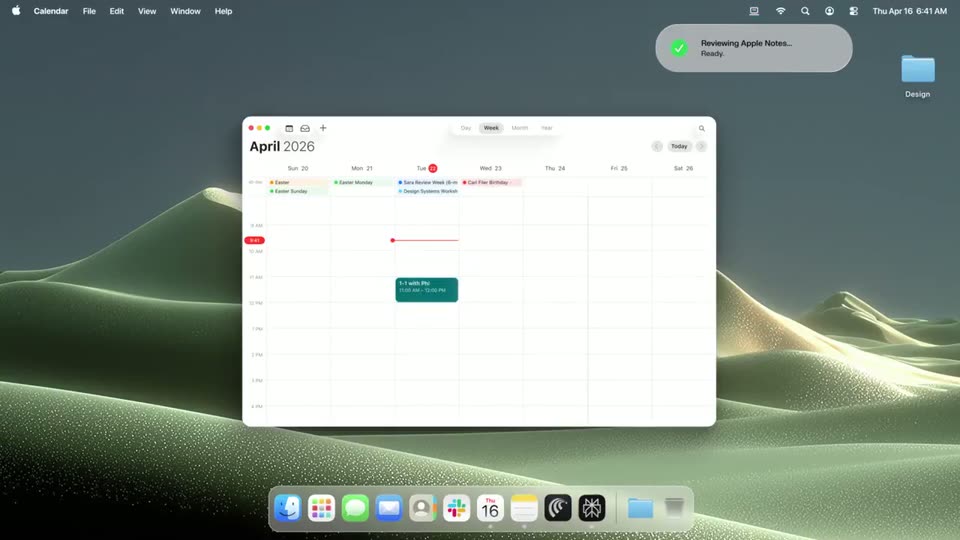

Perplexity - Today we're releasing Personal Computer. Personal Computer integrate
Perplexity · AI · Apr 2026
Neueface · Nov 2026 · 0:40 · Full motion · AI-annotated
Neueface’s 0:40 launch film runs 17 scenes, about 2.4 s each. The product shows up at 0:08 and 3 features are revealed. There is no explicit call to action. The video is built as a chain of prompt and result beats: a centered command bar types a request letter by letter, then the camera pulls back to reveal the generated screens filling the canvas. Signature moves are the slow zoom outs that expose grids of browser windows, the typed prompts with a blue caret, and the locked off logo card that closes the piece.
Is this your launch? to your site or press kit.
Perplexity · AI · Apr 2026
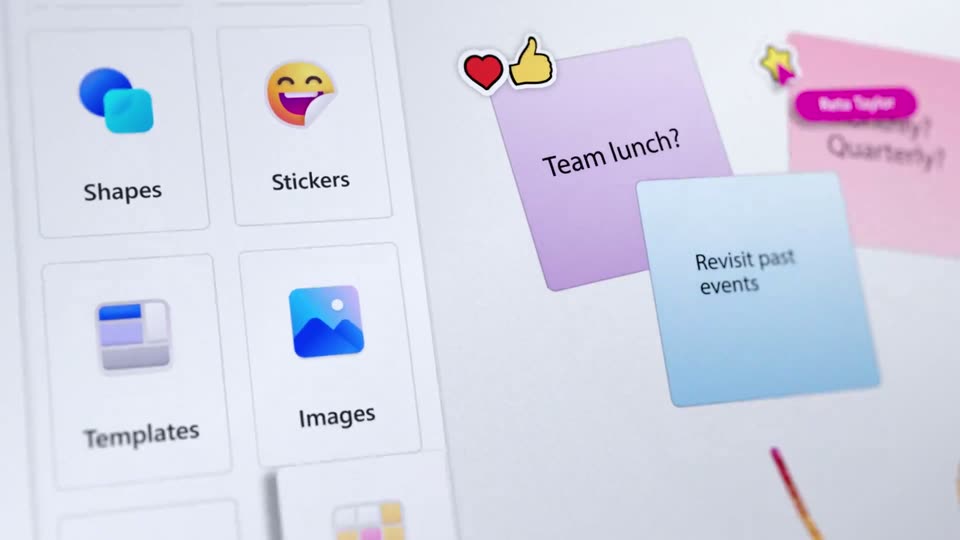
Microsoft · AI · Jun 2021
Wix Harmony · Jan 2026
A flat browser mockup of a streaming homepage sits on a light gray field, its hero panel reading 'Watch movies, shows, and more on Ochre +' over a grid of film posters. The camera zooms in on the main window, pushing the right-hand films list off the edge.
Techniques: UI zoom
Camera: Pan
Three flat browser windows of a streaming app sit side by side; the middle explore page scrolls its film-poster grid down and back to the top, then the view zooms into the address bar as a cursor clicks /explore and a gray Copied tooltip pops up above it.
Techniques: Split screen, Cursor demo, UI zoom
Camera: Push in
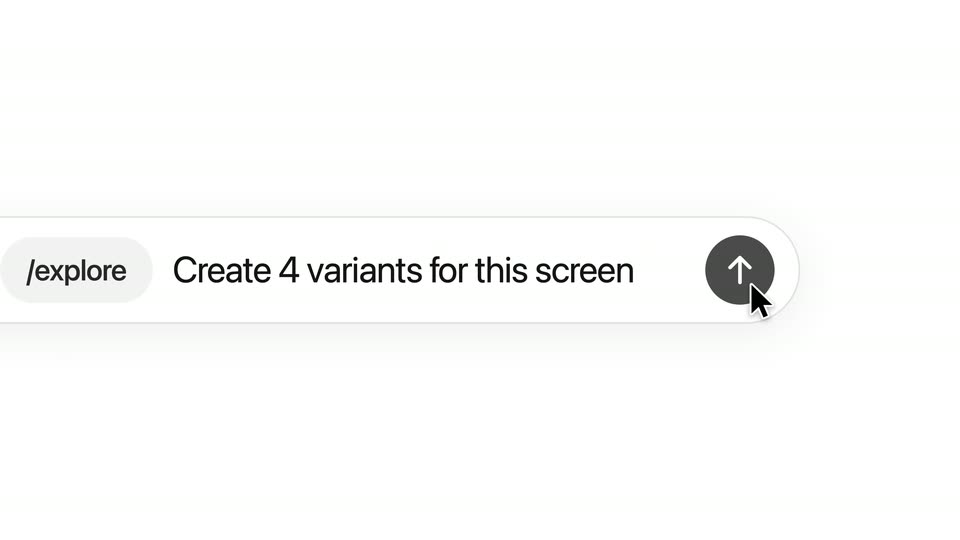
A white command bar with an /explore chip sits centered; the prompt Create 4 variants for this screen types out letter by letter behind a blue caret. The bar slides left as a black up-arrow button appears at its right end, then a mouse cursor glides in and clicks it.
Techniques: Cursor demo
Camera: Static
Four tilted browser windows of a streaming app float in 3D perspective on a light backdrop. The view zooms out so the windows shrink and rise, while an empty fifth window drops in below and fills with a films data table. A cursor hovers over the center window.
Techniques: 3D mockup
Camera: Pull out
A light gray canvas holds a grid of flat browser windows, each displaying a screen of a streaming app. The camera pulls back from a tight crop to reveal the full layout: a top row of four windows above a vertical column of four more.
Camera: Pull out
A browser window with a dark streaming site sits on the right of a light frame. A cursor moves from the center toward the Start Free Trial button as the window dims.
Techniques: Cursor demo
Camera: Push in
A black cursor arrow sits at the center of a light gray field with a blue crosshair at its tip; a dark rounded tooltip reading “Copied position” hovers above it, the frame held still.
Techniques: Cursor demo
Camera: Static
A white command bar sits centered on a plain background. A gray chip reads 712, -8524 while the query Show all button variants types out behind a blue caret. The black round button on the right swaps its microphone icon for an up arrow, then a mouse cursor hovers over it.
Techniques: Kinetic type, Morph, Cursor demo
Camera: Static
A 3x3 grid of blue and gray pill buttons fills a light canvas, then the view zooms out to reveal a design file with several artboards, including a dark card with a striped circle and a logo card. A zoom percentage sits in the corner.
Techniques: UI zoom
Camera: Static
A 3D-tilted brand folder screen scrolls up through logo tiles and a browser mockup captioned “Watch something worth watching.”, the central canvas moving faster than the right button column for a layered depth effect.
Techniques: 3D mockup, Parallax
Camera: Pan
A design canvas holds a grid of black and white ochre cards with striped-circle marks. The view scrolls down, bringing the logo card and the “More stories. More to see.” card into frame.
Camera: Push in
A design tool canvas shows an iPhone home screen mockup with a row of app icons and a color palette. The view zooms in on the dock as the cursor clicks the black Ochre icon, revealing a 77 × 77 size label.
Techniques: UI zoom, Cursor demo
Camera: Push in
A macOS dock with app icons sits on a dark background. A white cursor hovers over a striped dark icon, a blue size tooltip floats above it, and a white inspector panel fades in below listing CSS properties. Color labels Ochre and Graphite mark the swatches.
Techniques: Cursor demo
Camera: Push in
A white command bar with a plus button and a black app icon sits on a plain white background. The prompt text types out letter by letter while the frame pans right to follow it, then a black cursor clicks the dark circular up-arrow button.
On-screen text: “01”
Techniques: Cursor demo
Camera: Static
A macOS dock mockup with a striped icon and an Ochre tooltip rests above a row of color swatches. The frame zooms out across the design canvas, exposing scattered UI components and a film sidebar.
Techniques: UI zoom
Camera: Pull out
A white canvas is packed with a dense grid of tiny dark cards. A central cluster of larger interface panels holds the eye. The view zooms in slowly on that cluster while a bottom toolbar with cursor, pan and reload icons stays fixed.
Techniques: UI zoom
Camera: Pull out
The Neuface logo, a small black bar-chart mark beside the wordmark, holds centered on a plain off-white background. The frame stays locked-off and static across the clip, with no motion or reveal.
Camera: Static