0:24
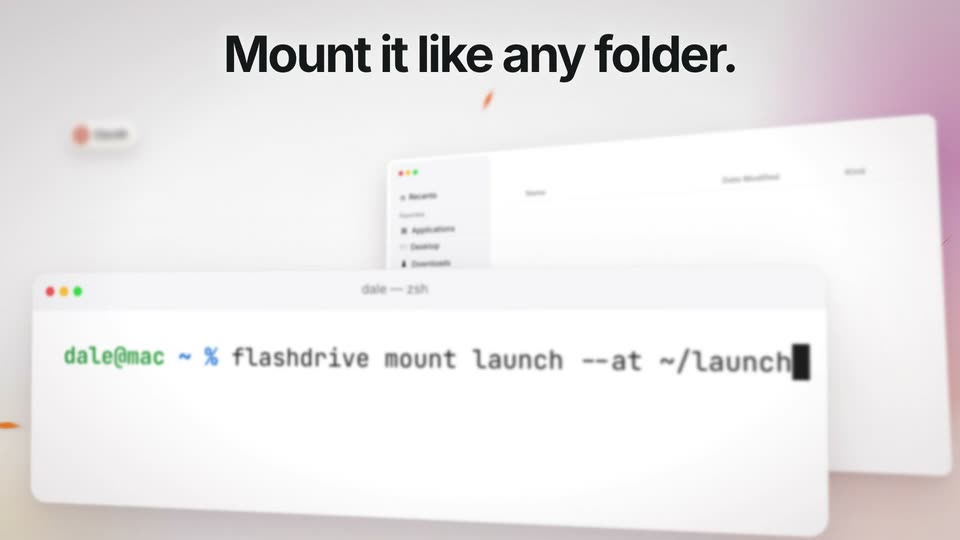
dale - Today we’re launching FlashDrive (YC F26): one shared cloud drive for
FlashDrive · Nov 2026
Google’s 1:02 launch film runs 19 scenes, about 3.3 s each. The product shows up at 0:04 and 4 features are revealed. There is no explicit call to action; a voiceover carries the film. The video is staged as one continuous 3D scene on a white field: a row of thin Nexus phones resolves into a single phone whose screen carries the entire demo, so the story advances with camera moves (slow orbit, push-in from device to screen, zooms) instead of hard cuts, at about one cut per minute. Signature moves are the touch-driven UI transitions: tap ripples, sliding filter panels, a scrubbing price bar chart, and horizontal card carousels, all set in a clean sans-serif on white.
Is this your launch? to your site or press kit.
FlashDrive · Nov 2026
Kimi AI · Oct 2026
Films whose music sounds like this one, voice left out
Duolingo · Upbeat pop and electronic
Arcus Power · Electronic
Rippling · Modern Electronic
Silver Nexus phones fade in in a receding row on white, backs to camera, beside an orange box with a coffee icon and a phone showing a café app. The camera orbits to the side and slides along the thin edges of the row.
Techniques: 3D mockup, Parallax
Camera: Push in
A row of smartphones stands upright in 3D on a white background, the center unit facing forward with the Google search screen. The camera pushes in until that screen fills the frame, then holds still.
Techniques: 3D mockup, UI zoom
Camera: Static
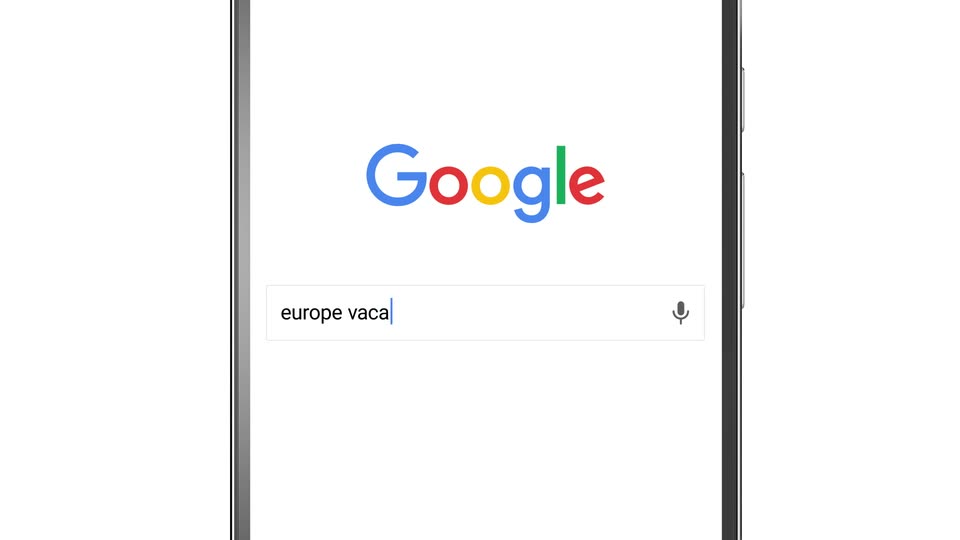
A 3D smartphone mockup on a plain light background shows the Google search home screen. The camera holds on the screen as the query europe vacation types into the search box letter by letter, then pulls back to reveal the full device frame with status and navigation bars.
Techniques: 3D mockup
Camera: Pull out
A 3D-angled Android phone on a white background shows Google search results for europe vacation; destination cards for London and Paris fade in, then the view shifts to a full destinations grid that scrolls down through Rome, Barcelona, Prague and Madrid.
Techniques: 3D mockup
Camera: Push in
A phone screen shows a travel app's Europe destinations grid. The view opens cropped on the Prague and Madrid cards, emphasizing dates and prices, then zooms out to reveal the full screen and filter bar. A tap ripple pulses over the filter row.
Techniques: UI zoom, Cursor demo
Camera: Pan
A phone mockup on a white background shows a travel app. The list scrolls vertically, the header switches from a destinations bar to a filter bar, and cards for London and Paris slide into view above Prague and Madrid.
Camera: Static
A phone in 3D perspective shows a travel filter screen. A white touch dot taps the timeline, sliding the blue range to June, then taps PRICE as the panel crossfades to a slider. The dot drags the handle to $6,200, selects 2 travelers, and taps DONE.
Techniques: 3D mockup, Cursor demo
Camera: Static
A close-up of a travel app's Europe destinations grid zooms out to reveal the full phone frame, showing London, Paris, Barcelona and Madrid cards with photos, dates and prices. A white fade then washes over the top of the screen.
Techniques: UI zoom
Camera: Pull out
A phone mockup in 3D perspective shows a travel app. The Europe destinations search screen transitions to a Barcelona detail page, then scrolls down to reveal the destination description and the Suggested Itineraries section.
Camera: Static
A smartphone mockup in 3D perspective on a white background shows a travel app page for Barcelona. The page scrolls upward, the purple header slides off the top, and the Sagrada Basilica hero image expands to fill the center of the screen.
Techniques: 3D mockup
Camera: Push in
A tablet mockup holds a photo that dissolves from a ground-level view of the Sagrada Familia to an aerial city shot, while a circular dial graphic stays fixed in the center.
Techniques: 3D mockup
Camera: Pan
A smartphone floats in 3D perspective on a pale gray backdrop. Its screen holds a photo of a narrow stone alley, then a white card with gray body copy about Barcelona slides up from the bottom edge.
Techniques: 3D mockup
Camera: Pull out
A front-facing Android phone shows a travel app on the Barcelona page. The screen scrolls down past the hero photo and description, then the Suggested itineraries cards slide horizontally left, revealing the Gothic Quarter, 3 Days and Modernista tiles.
Camera: Push in
A phone in 3D perspective on a white background shows a travel app with a Barcelona map and a numbered route list. The list scrolls down through the destinations, then scrolls back to the top. A tap highlight appears on the back arrow.
Techniques: 3D mockup
Camera: Static
A phone screen shows a Barcelona trip page, then zooms into the Estimated trip price card. A translucent ring scrubs left across the bar chart, updating the price and date range, and the view scrolls down to a list of popular flights.
Techniques: UI zoom
Camera: Push in
A phone screen scrolls upward through a travel interface, moving past a list of popular flights with round-trip prices to reveal a Staying in Barcelona section with hotel cards and average nightly rates.
Camera: Pan
A phone screen displays a Barcelona hotel list with a facade photo and a second card entering from the right. The list scrolls up, then the whole view scales down into a smaller card topped by a purple header with two tabs.
Techniques: Morph
Camera: Pull out
A front-facing smartphone on a light gray field shows a travel app. A hotel list with photos cross-dissolves into an Estimated trip price panel showing a bar chart and two flight rows, then the screen holds static.
Camera: Static
The Google logo is centered on a plain white background, remaining static for the entire clip.
Camera: Static