1:58

Introducing Marker Manager
Marker · B2B · Nov 2026
Google · Apr 2011 · 1:35 · Full motion · AI-annotated
Google’s 1:35 launch film runs 26 scenes, about 3.7 s each. The product is on screen from the first frame and 5 features are revealed. The call to action lands at 1:30 (95% in), over a voiceover. The video is a screen-capture product tour built on a white background with the multicolor Google logo as the only recurring motif. It opens on a logo title card, then moves through a series of short feature demos (instant search, Toolbar Instant, on-page highlighting, translate, the More menu) using tight zooms and pans across the browser toolbar, and closes on a logo end card with the product URL. Pacing is steady at about 102 bpm with frequent cuts, and the signature move is the camera gluing
Is this your launch? to your site or press kit.
Marker · B2B · Nov 2026
Cursor · Developer tools · Feb 2026
Films whose music sounds like this one, voice left out
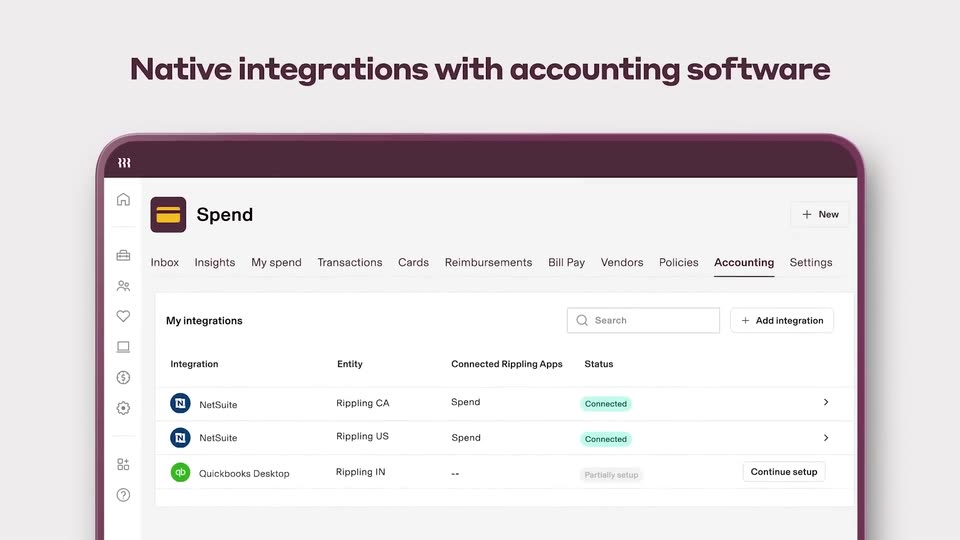
Rippling · Modern Electronic
Arcus Power · Electronic
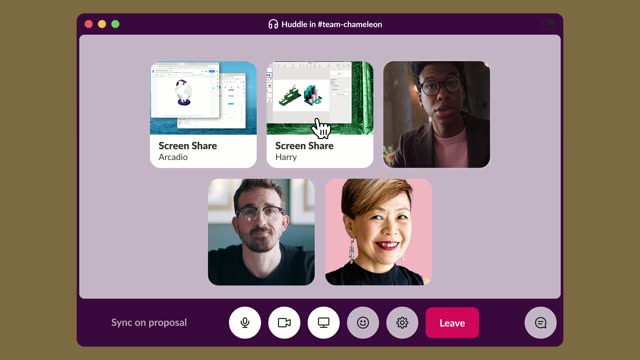
Slack · Upbeat electronic
The multicolor Google logo sits centered on a plain white background. The caption Google Toolbar 7 fades in below it, shifting from gray to black, then the whole frame fades to white.
On-screen text: “Google Toolbar 7”
Camera: Static
A browser window shows the Google homepage. The view zooms into the top bar and pans right across the address bar, tabs, and the Google Toolbar's Search and More buttons, while the upper edge of the multicolor Google logo slides along the bottom.
Techniques: UI zoom
Camera: Push in
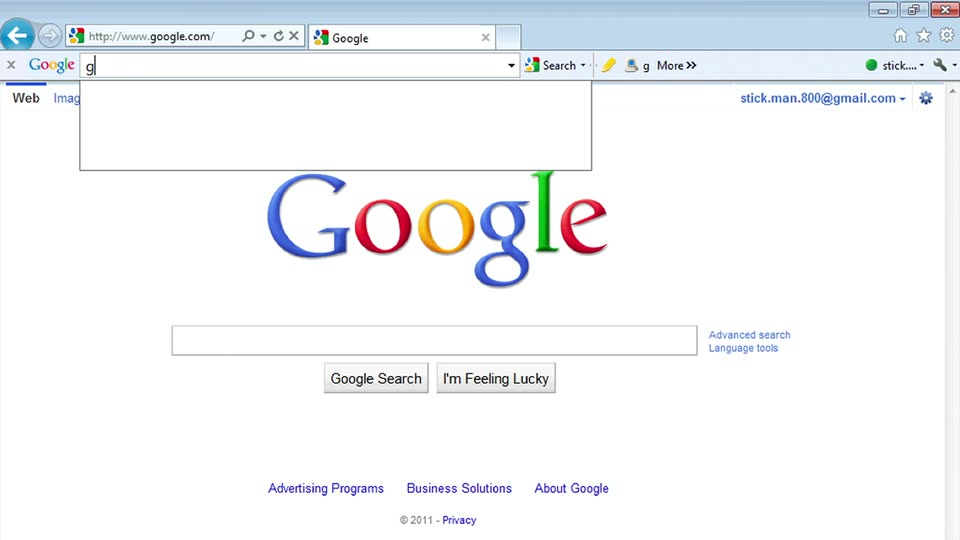
A tight close-up of a browser toolbar pulls back to reveal the full Google homepage. A letter g is typed into the search box, opening an autocomplete dropdown of suggestions.
Techniques: UI zoom
Camera: Pull out
A browser window shows the Google search page. The user types 'google blog' into the search box, and the autocomplete dropdown plus the results list refresh with each keystroke. A mouse cursor hovers the suggestion list and a highlight lands on one entry.
Techniques: Cursor demo
Camera: Static
A browser window holds the Official Google Blog page, showing the article titled Pagination comes to Google Docs, static for most of the clip. It then cuts to the search bar where shi is typed and a dropdown of word suggestions drops down.
Camera: Static
A browser window frames the Google search page. Letters are typed into the search box, and a dropdown of autocomplete suggestions refreshes with each keystroke. When the query completes, a row of dog photos appears in the results. The view stays static on the screen capture.
Camera: Static
Full-screen capture of a Google search results page. The search box holds the query “shiba inu” and an autocomplete dropdown fades in with four suggestions, then holds static over the dog image results.
Camera: Static
A flat screen capture of a Chrome browser on the Google Blog page. The search bar at the top fills with the text shiba inu as it is typed, and a dropdown of autocomplete suggestions drops down beneath it. A white arrow cursor rests at the left margin.
Camera: Static
A Google search results page fills the browser window, with a dropdown of four Shiba Inu autocomplete suggestions hanging below the search box. The mouse cursor glides from the left side of the page to the far right edge.
Techniques: Cursor demo
Camera: Static
A browser window shows Google search results for shiba inu with an open autocomplete dropdown. The page scrolls down past blue link titles to a row of video thumbnails under a Videos for shiba inu heading.
Camera: Pan
A browser window shows Google search results for 'shiba inu' with the cursor idle at the bottom right. The view zooms into the top-left corner, scaling up the Google logo, search box and left sidebar of time filters.
Techniques: UI zoom
Camera: Push in
A browser window crossfades through overlapping toolbar layers into the Official Google Blog page as a large Google logo scales down at bottom right. The view settles on the Pagination comes to Google Docs post while the cursor moves from the back button to the page edge.
Techniques: Cursor demo
Camera: Pull out
Close-up of a browser toolbar. A white arrow cursor clicks the wrench dropdown, a menu of options drops down, and the cursor slides to highlight the top item, Options. The screen stays static while the cursor moves.
Techniques: Cursor demo
Camera: Static
A browser dropdown menu opens with the cursor on Options, then the view zooms into the settings list and back out to the full Toolbar Options dialog. The cursor checks the Enable Instant box and clicks Save at the bottom.
Techniques: UI zoom, Cursor demo
Camera: Pull out
A desktop browser window holds a Google search results page for the query shiba inu, the search box carrying the term while blue result titles and green URLs stack down the page. A mouse cursor rests near the related searches at the lower right. The frame stays static.
Camera: Static
A browser window shows a Google search page. The search box text switches from 'shiba in' to 'black swan' while a dropdown of suggestions updates beneath it, with a cursor resting at the field's left edge.
Techniques: Cursor demo
Camera: Static
A full browser window shows a Google search page. The query field is typed from black hole to black hole white as the suggestion dropdown and the results below update live, switching from Black Swan to Black Hole Sun entries.
Techniques: Cursor demo
Camera: Static
A browser window shows a Google search page. A text cursor types into the search bar as an autocomplete dropdown expands with matching suggestions. The page layout stays fixed while the typed text and dropdown update.
Techniques: Cursor demo
Camera: Static
A desktop browser shows a Google results page for 'black hole white dwarf' with an autocomplete dropdown open. The Google logo finishes revealing, the dropdown closes, and the cursor hovers over the 'A Black Hole Is Born' link as the address bar switches to illinois.edu.
Techniques: Cursor demo
Camera: Static
The cursor clicks the highlighter icon in the search toolbar, and Black and Hole in the page heading get colored highlights. The view zooms into the toolbar, the cursor clicks the chips black, hole, white, then Jump to text in the popup, and the page scrolls to the match.
Techniques: Cursor demo, UI zoom
Camera: Static
A full browser window shows a Japanese blog page. The cursor clicks the Translate button in the toolbar banner, the page switches to English, then reverts to Japanese. The view zooms into the article, and the cursor hovers over a word, popping up a small English tooltip.
Techniques: Cursor demo, UI zoom
Camera: Push in
The view pulls back from a tight crop of a Japanese blog to reveal the top toolbar; the cursor glides right along the icons and stops on the More label.
Techniques: UI zoom, Cursor demo
Camera: Pan
A mouse cursor hovers over the More button in a browser toolbar, then clicks it to open a vertical dropdown menu of small tool icons. A tooltip reading Show 7 hidden buttons floats above the Translate button below.
Techniques: Cursor demo
Camera: Static
A browser window shows the Google homepage with its colorful logo and search box. The view zooms in on the top toolbar, tracking the Search and More buttons and the row of nav links, then zooms back out to the full page.
Techniques: UI zoom
Camera: Push in
A white browser window showing the Google search page cuts to the centered multicolor Google logo on a plain white background.
Camera: Static
The multicolor Google wordmark sits centered on a plain off-white background. A URL fades in below it, starting light gray and settling into dark gray, while the logo remains static.
On-screen text: “Google”, “www.google.com/toolbar”
Camera: Static