UI zoom
A zoom or reframe onto one part of the interface.
9,964 scenes · page 126 of 167
 0:30–0:32Zapier · Introducing Zapier Agents: The Future of Automation is Here!A screen recording of the Zapier Agents panel: a cursor clicks Outreach Agent and the panel blurs into a chat-history list that scrolls down to an empty chat and a New input field, while a webpage with a photo of three people scrolls on the left.
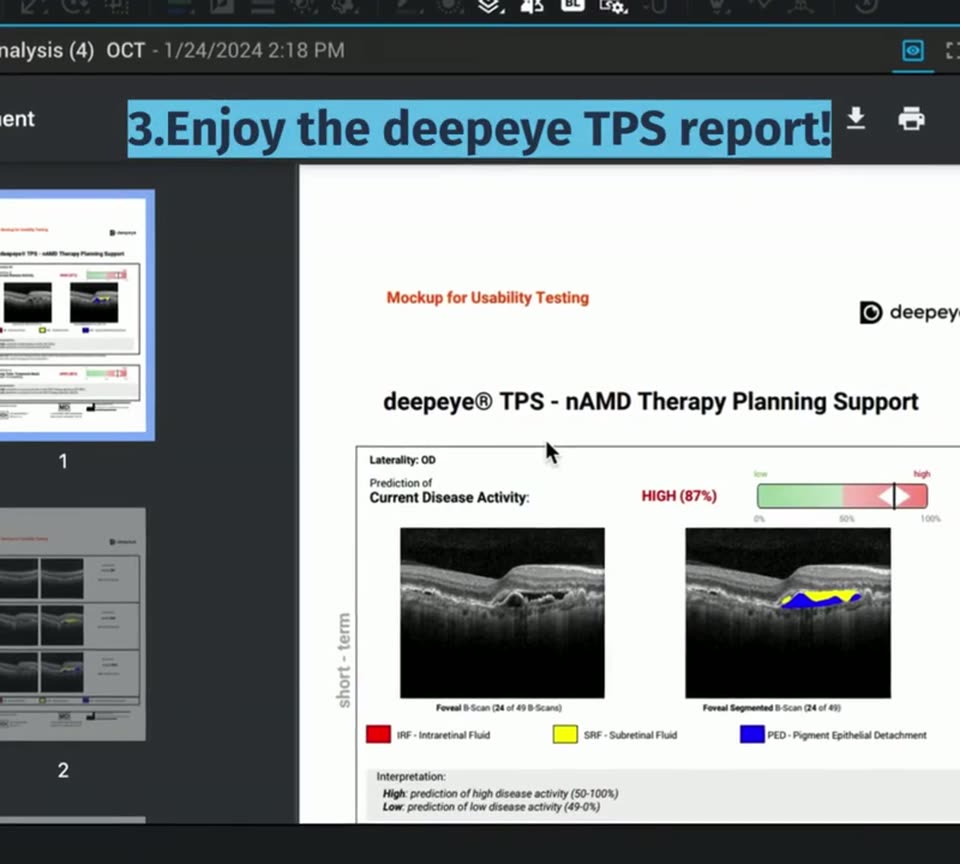 0:17–0:21Deepeye Medical · deepeye TPS, easy to use AI assistant for optimizing IVI therapy planning.A PDF viewer shows the deepeye TPS report with two OCT scans; a blue caption bar reads the step title across the top. The view slowly zooms and pans down the document while a cursor drifts across the page.
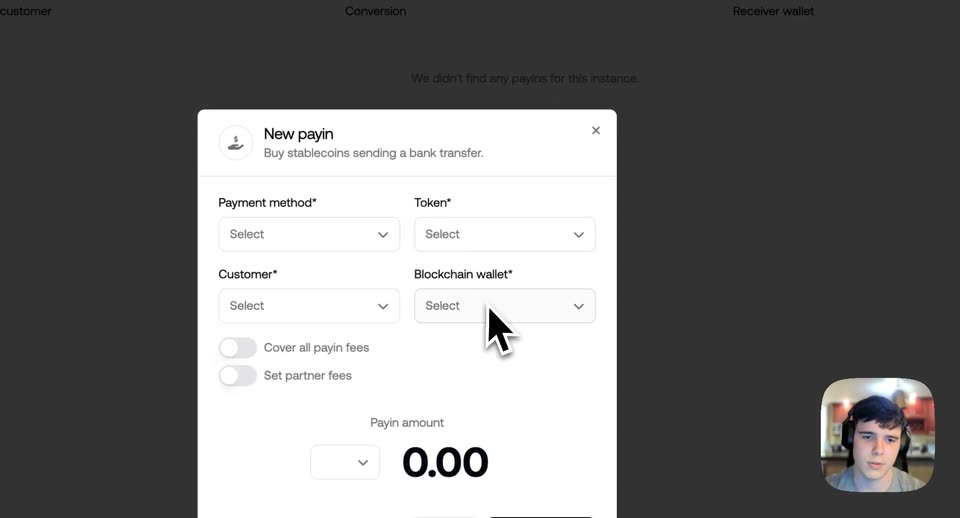 1:05–1:13BlindPay · BlindPay - DemoA screen recording zooms into a New payin modal on a dimmed dashboard. A hand cursor opens the Payment method dropdown, hovers ACH, Domestic Wire, Pix and SPEI, then opens the Token dropdown with USDC and USDT. A man with headphones appears in a webcam window at the bottom right.
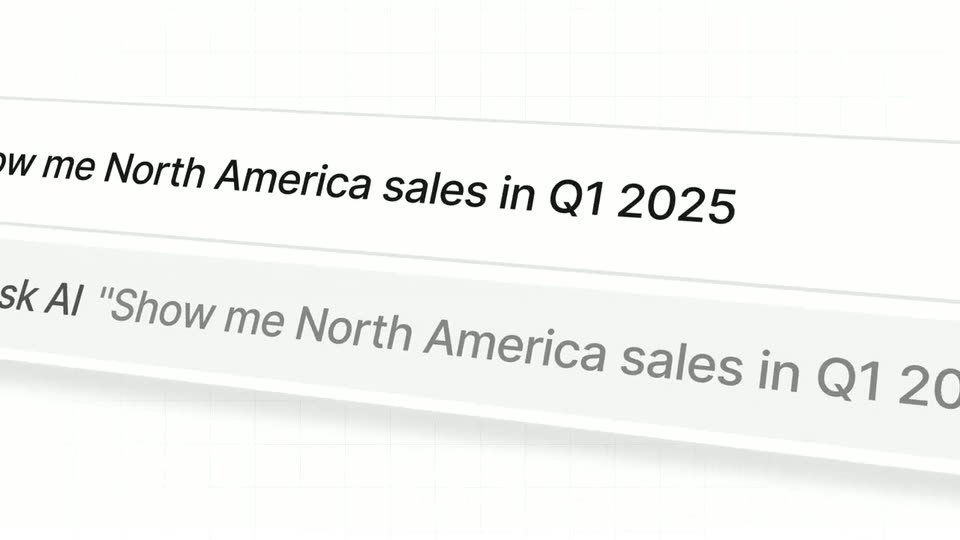 0:22–0:25Dub · Dub.co - Introducing Dub Conversions 📈 Track how your clicks convert to signuA white input card floats on a light grid in 3D perspective. A prompt types out, “Show me North America sales in Q1 2025,” mirrored in an “Ask AI” pill below, as the camera zooms in on the text.
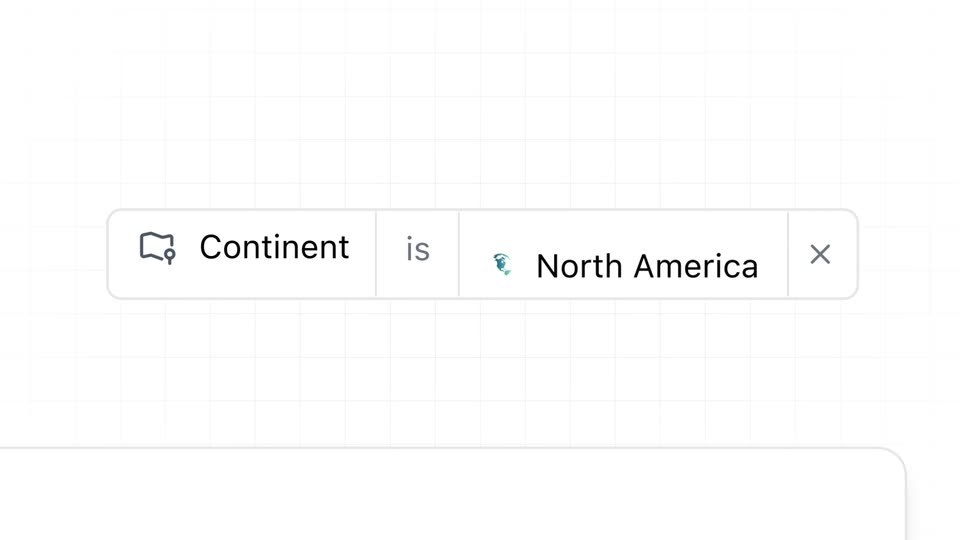 0:25 · 0.8sDub · Dub: conversionsA tilted 3D view of a white query bar with a typed prompt and a filter chip straightens and zooms to a flat frame. The chip expands from “Continent” to “Continent is North America” with a globe icon, while the prompt line fades behind it.
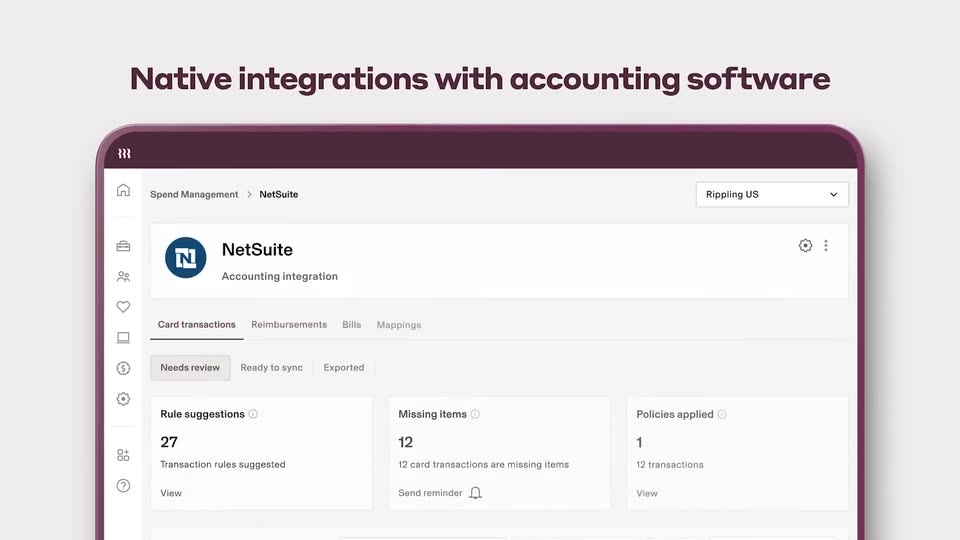 2:06–2:07Rippling · Meet Rippling Spend. Everything you need to run your company spend in one place.A maroon headline sits above a 3D laptop mockup. The NetSuite interface on its screen scrolls down, moving from integration tabs and stat cards to a card transactions table with a search bar.
 0:40–0:41Superhuman · New Year, New InboxClose-up of a dark blue email screen. A rounded input field with a pink-to-blue gradient border holds “You too!” beside a large “Looking fo...” label, mirrored in a soft reflection. The frame then pans to a green “Draft” label reading “to Maria” over a faded body line.
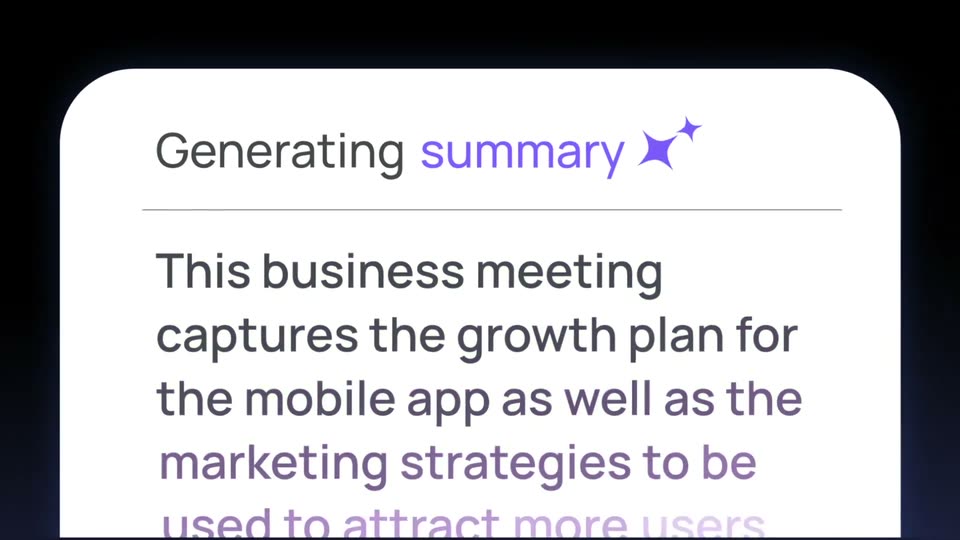 0:25–0:26Pocket · akshay - Introducing Pocket: The Future of AI in your HandsA white summary card fills the frame, its text scaling up, then the view pulls back and tilts into 3D to reveal the card as one of several floating document cards in perspective.
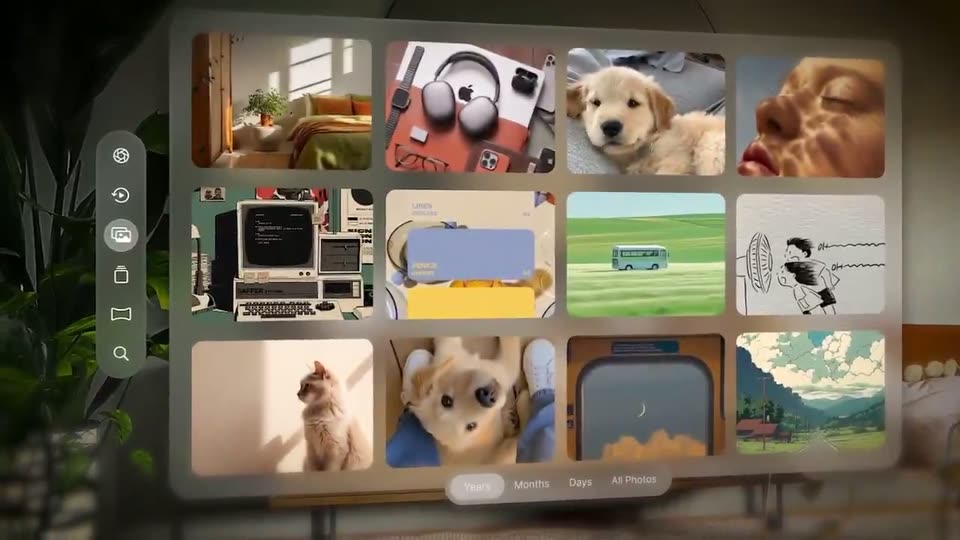 0:49–0:51Lottielab · Lottielab - After months in public beta, we’re thrilled to announce that LottielaA tablet in 3D perspective floats over a blurred room with plants, showing a photo app. The single large portrait dissolves into a 4x3 grid of photos while the bottom filter pill switches from Months to All Photos.
 2:26–2:27Google · Introducing Gemini 2.0 | Our most capable AI model yetA dark 3D desk with blue wireframe cubes holding a brain and a plant is shown in perspective. The view zooms in as an interface panel with a sidebar, a large golden circle, a small robot and a robotic hand appears over the scene.
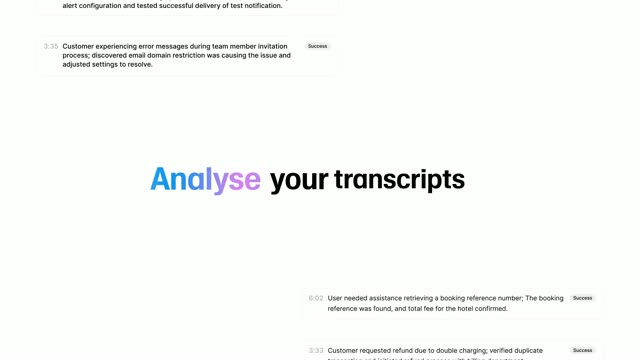 1:04–1:05ElevenLabs · Introducing ElevenLabs Conversational AgentsA close-up of two chat bubbles on a light background zooms out to reveal a transcript list with timestamped rows and a Success label. The headline Analyze your transcripts sits center, Analyze in a blue-purple gradient. Loading spinners pulse at the bubble corners.
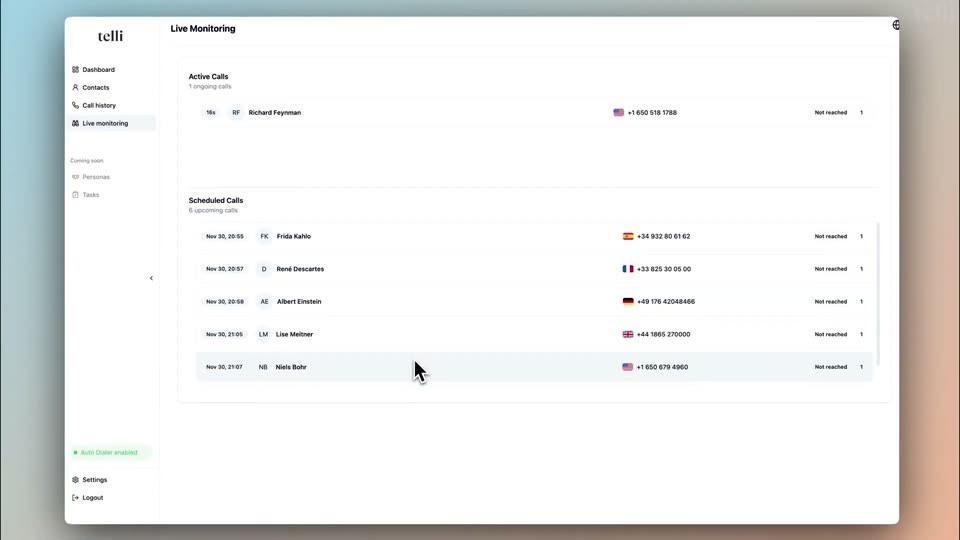 0:49–0:54telli · Launch YC - telli - outbound call automation for B2C companiesA tilted 3D dashboard blurs into a flat close-up of the calls list, the cursor gliding down the rows. The view then eases back out to the full angled interface card floating on a soft gradient.
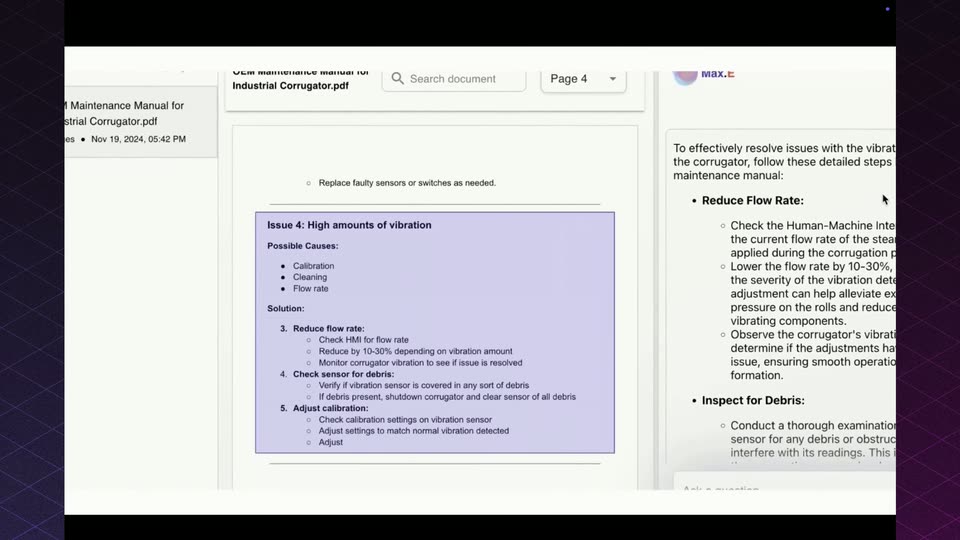 1:08–1:10Vortexify · Praxis AI LaunchA document viewer sits beside an answer panel in a product UI. A file tooltip fades out as the view zooms out to reveal the full page with a highlighted troubleshooting box, while a cursor drifts across the panel.
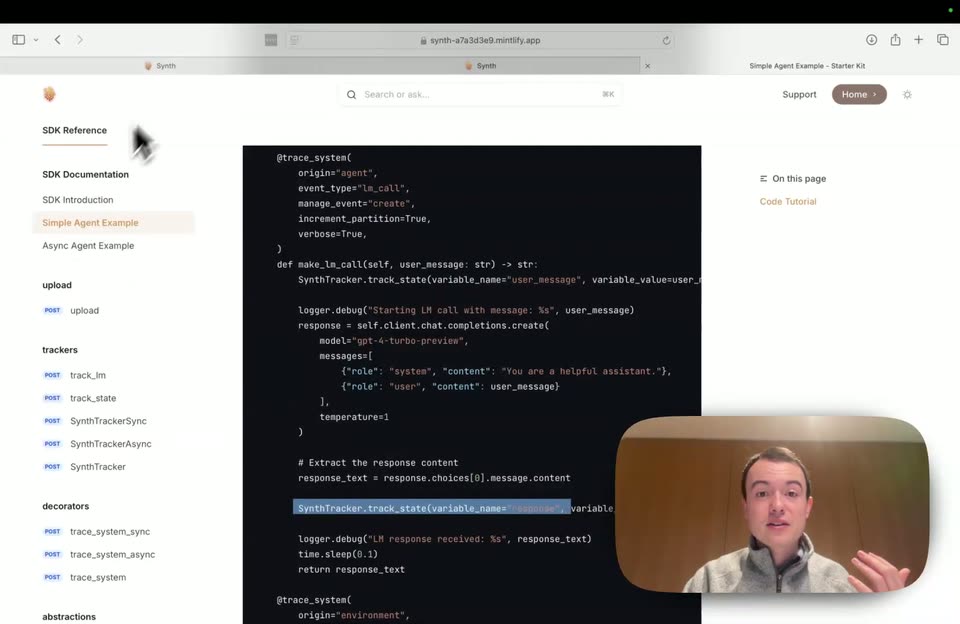 0:59–1:03Synth · Synth AI YC LaunchA documentation page with a dark code block fills the screen, a presenter's video call window sits in the bottom right corner. The presenter gestures while talking, then a cursor moves to the top left tab and the view zooms in on it.
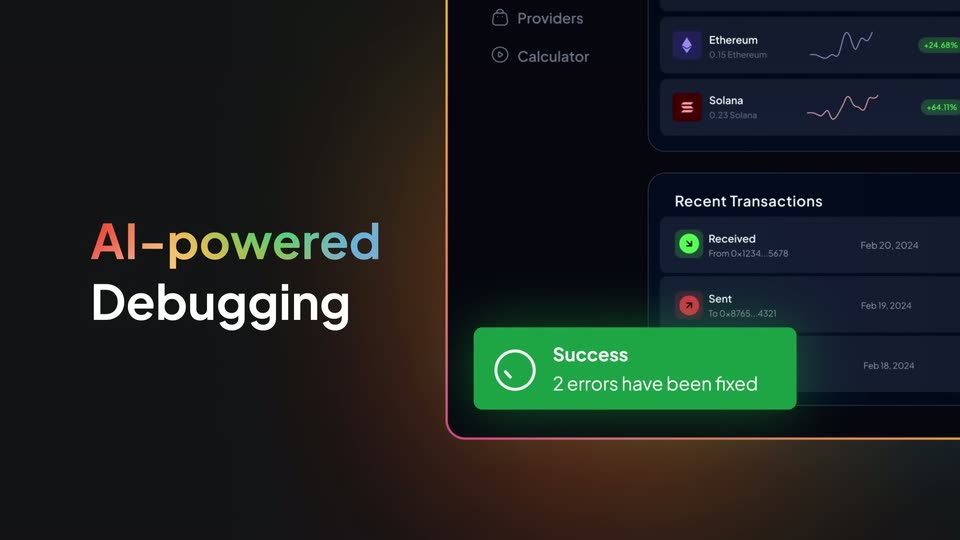 1:08–1:11Lovable · Lovable – An AI Full-Stack EngineerA dark crypto wallet dashboard fills the right side as the camera slowly pushes in. A hand cursor clicks the Fix it button on an error toast, which swaps to a green success toast, while the gradient headline AI-powered Debugging holds on the left.
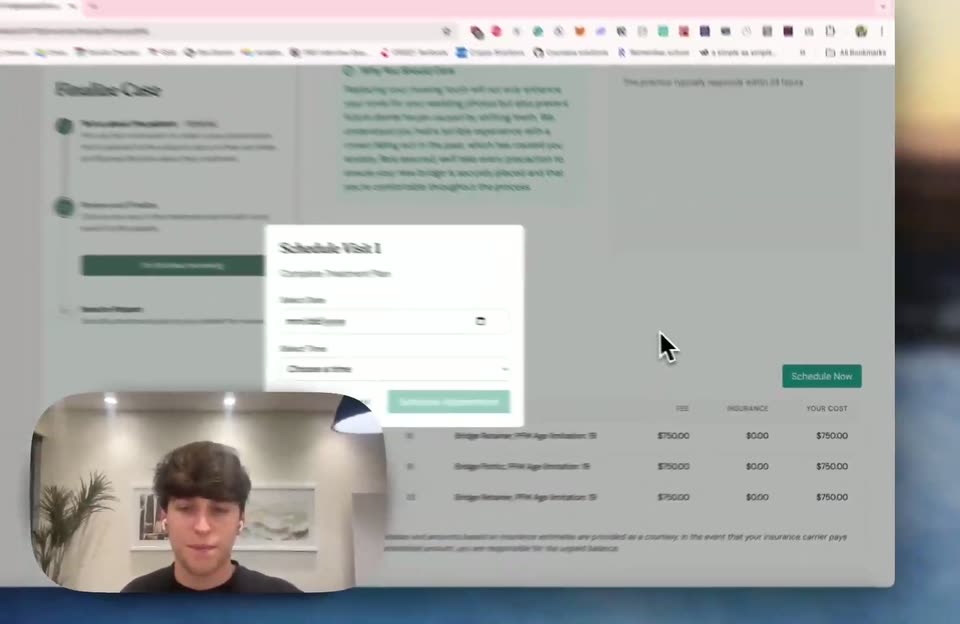 0:45–0:46Avora · ShowAndTell: AI agents for dental patient operationsA dental software screen shows a treatment plan table and a Schedule Visit modal. A white cursor and a hand pointer hover the green Schedule Now button, then the frame zooms out to the full browser window with a small talking-head video in the lower-left corner.
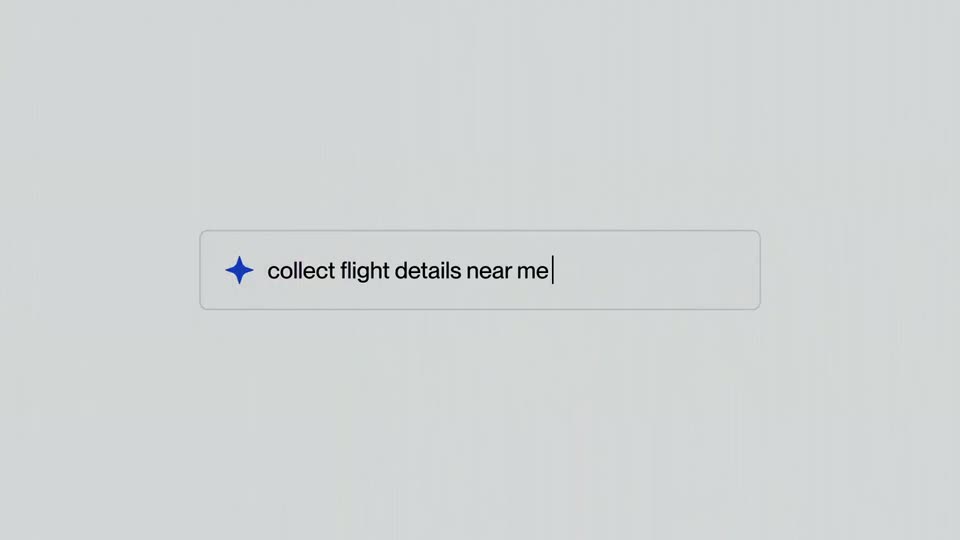 0:45–0:46Browserbase · Browserbase - What will you 🅱️uild?A tight close-up of a dark blue button reading “Try AI Codegen” with a black hand cursor below it. The frame zooms out and reframes onto a light command bar where a blue star icon sits beside the typed query “collect flight details near me” with a blinking caret.
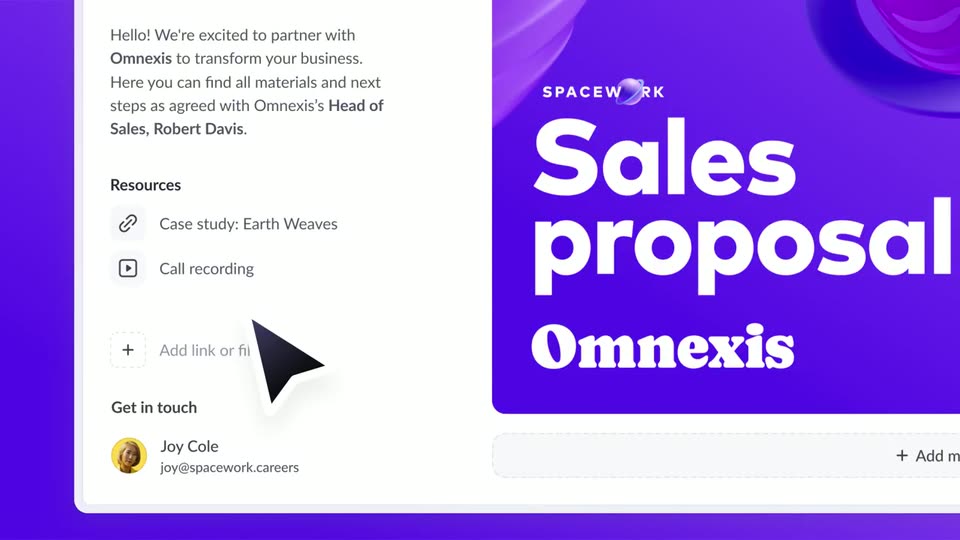 0:25–0:47Pitch · Pitch - Pitch is now more than just presentation software — it’s a complete pA purple browser window shows a SpaceWork pitch room. A cursor renames the room, types a welcome message, adds resource links, then drops in rocket and company-overview presentation cards, with the view zooming into each section as it fills.
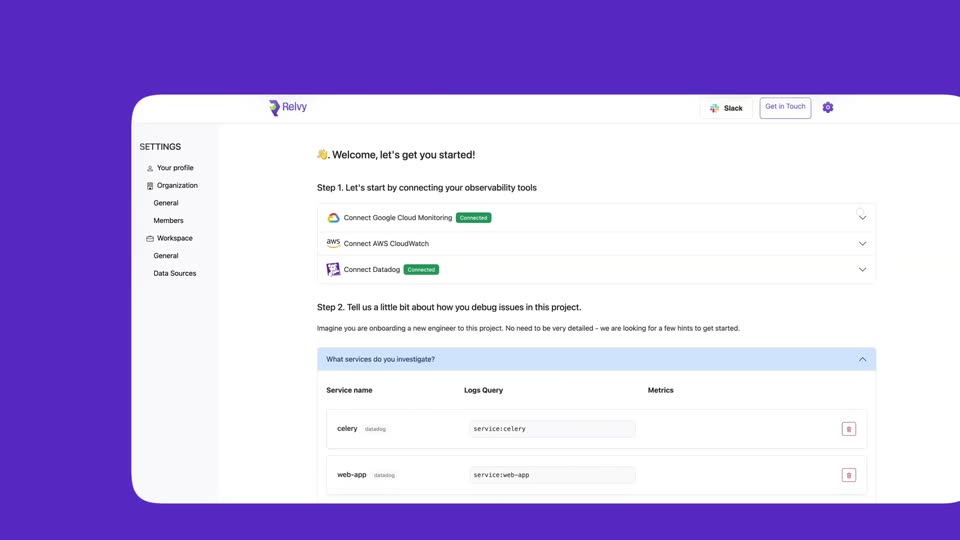 1:03 · 0.8sRelvy AI · Relvy AI - Automate Troubleshooting - Launch VideoThree white app cards sit tilted in 3D on a purple field. The camera pushes in until the center onboarding screen fills the frame flat, showing the Relay welcome page, connection steps, and a service table.
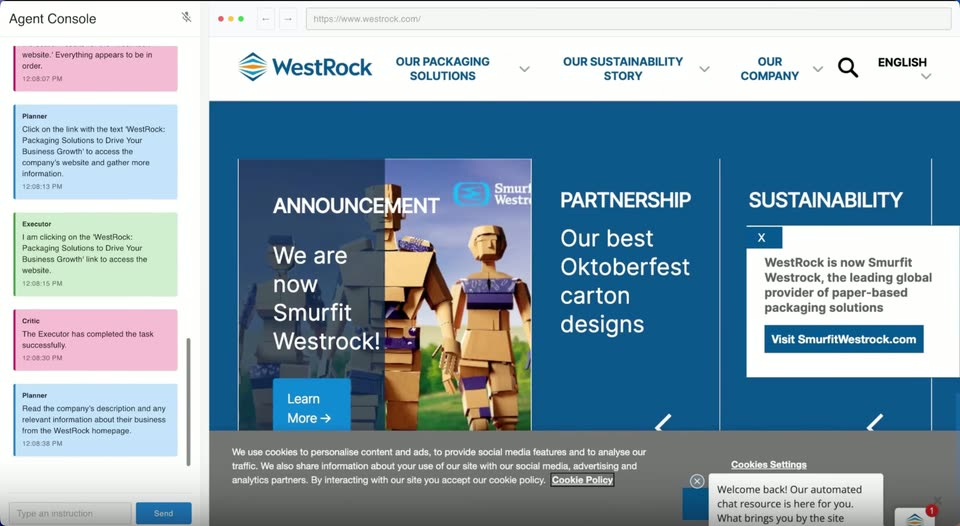 1:02–1:25Kura AI · Kura CRM demoA split view shows the Agent Console chat on the left and a browser with the WestRock homepage on the right. Colored task cards scroll down the console as new agent messages arrive, then the camera zooms into the page's partnership and sustainability panels.
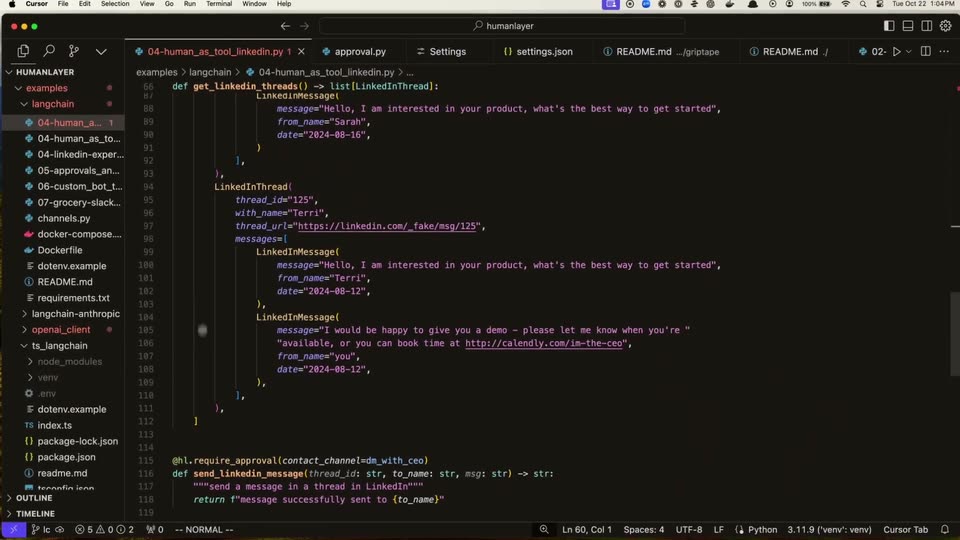 1:26–1:32HumanLayer · HumanLayer Deep DiveA dark code editor shows a Python file listing inbound LinkedIn messages. The code scrolls down, zooms in on the message text, then returns to the full file. A small blue close button appears in the bottom-left corner.
 0:22–0:24Mintlify · Mintlify - Introducing our new Web Editor! You can now create, edit, and publisA 3D-tilted documentation interface fills the frame, then the view zooms and rotates into a close-up of the green Publish button in the top-right toolbar.
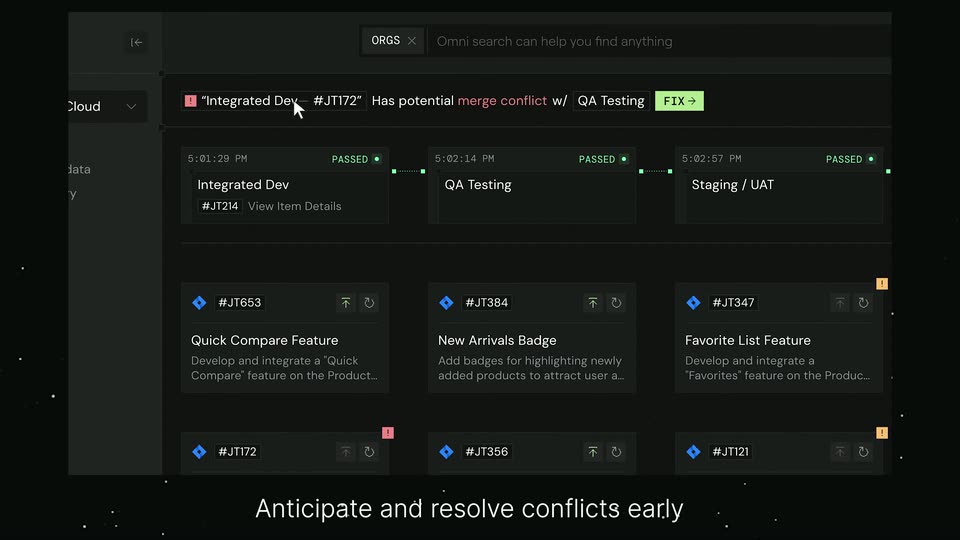 1:02–1:06Laminar · SRE.ai - AI Agents for Salesforce DevOpsA dark dashboard with ticket cards and a pipeline row fills the frame, then the view zooms onto the red merge conflict banner with its green FIX button, and finally reframes to the ticket detail panel showing stages and commit history. A white caption sits at the bottom.
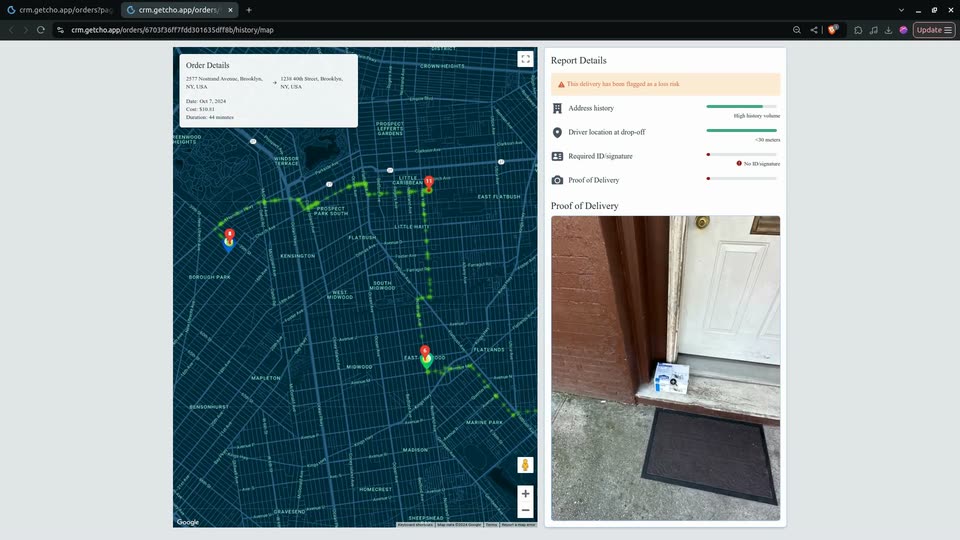 0:47–1:06Getcho · Getcho Launch YCA split CRM screen: a dark delivery map with a green route and pins on the left, a white report panel with a risk banner and a proof-of-delivery photo on the right. The cursor drags the map and zooms the photo in and out.
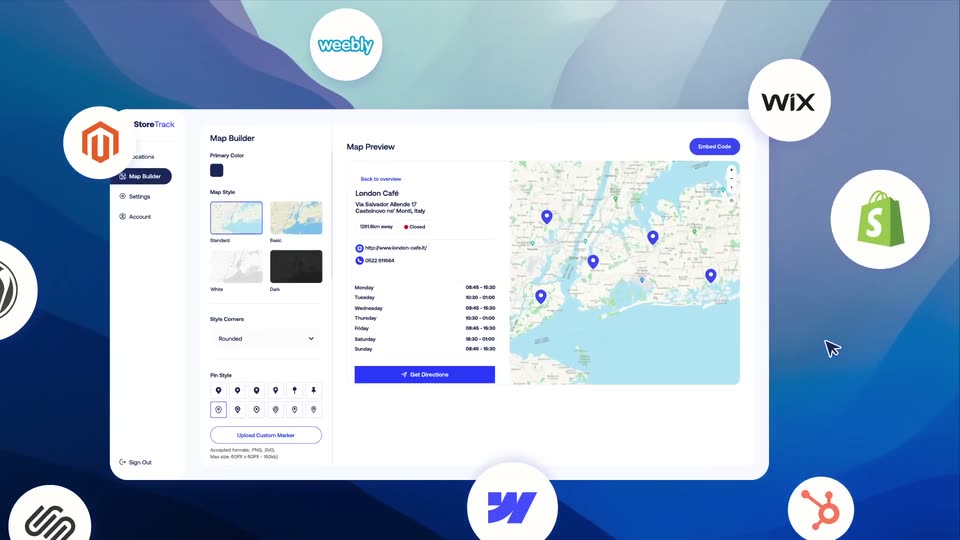 0:43–0:46StoreTrack · Product Explainer Video for SaaS | StoreTrack | ZeliosA browser window showing a map builder sits on a macOS desktop, ringed by floating circular platform logos for Wix, WordPress, Shopify and weebly. The view zooms into the map preview panel, ending on the Embed Code button as a cursor hovers it.
 0:50–0:52Ryvn · Ryvn | On-prem deployments, without the stressA dark deployment dashboard fills the frame with a small webcam of a man in a cap at the lower left. The view zooms in toward the right-hand Environment Setup panel while a cursor rests in the center.
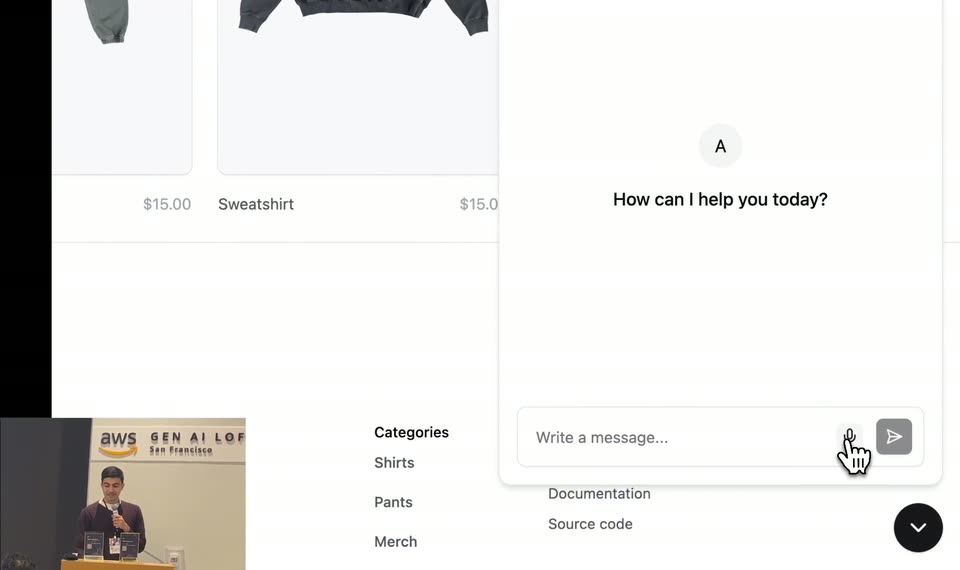 3:10–3:15assistant-ui · assistant-ui | AWS GenAI Loft DemoA product grid and chat panel fill the screen as a hand cursor taps the microphone icon in the message bar, triggering a Voice Mode tooltip. The frame then pulls back to reveal the full store header. A small live-action inset shows the presenter at bottom left.
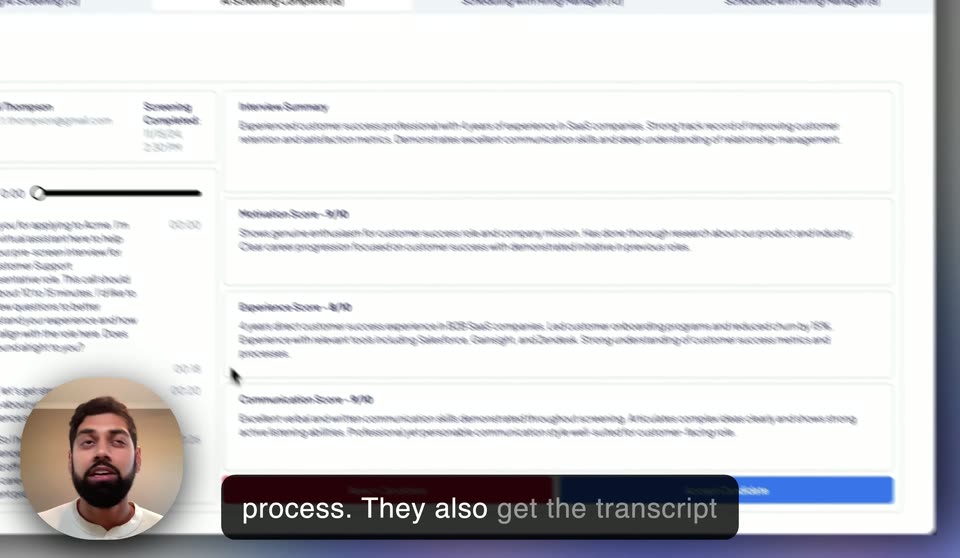 2:08–2:23Symphony · Symphony - Conversational AI-Recruiter for customer-facing roles.A browser screen of the Symphony candidate page with a circular presenter video in the lower left and a caption bar along the bottom. The view zooms into the AI score cards, then back out to the transcript and candidate list.
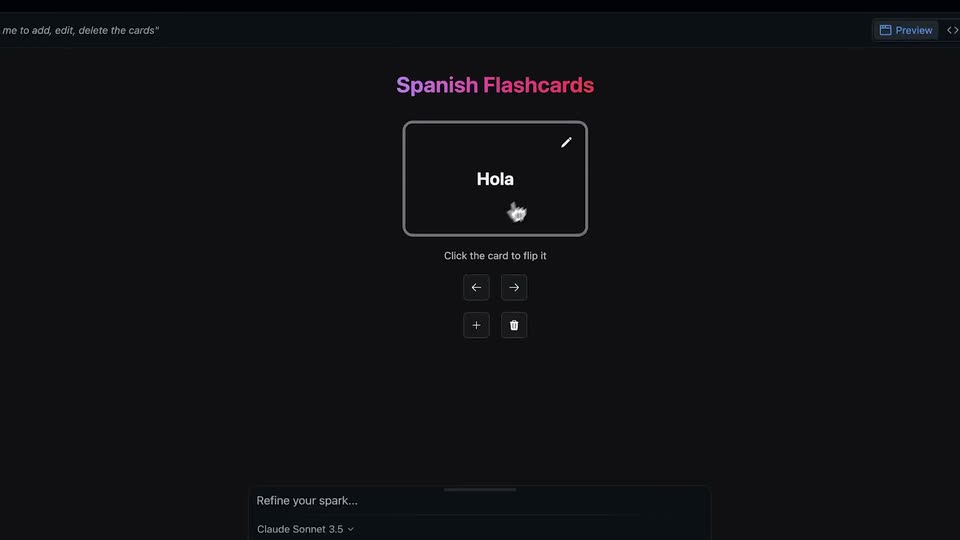 0:40–0:41GitHub · What is GitHub Spark? Introducing a brand new way to build powerful, AI assisted applicationsThe GitHub Spark preview zooms in on a dark flashcard app, centering a single card that reads “Hola” with an edit pencil icon. A cursor hovers at the card's top-right corner as the framing tightens on the card and its control buttons.
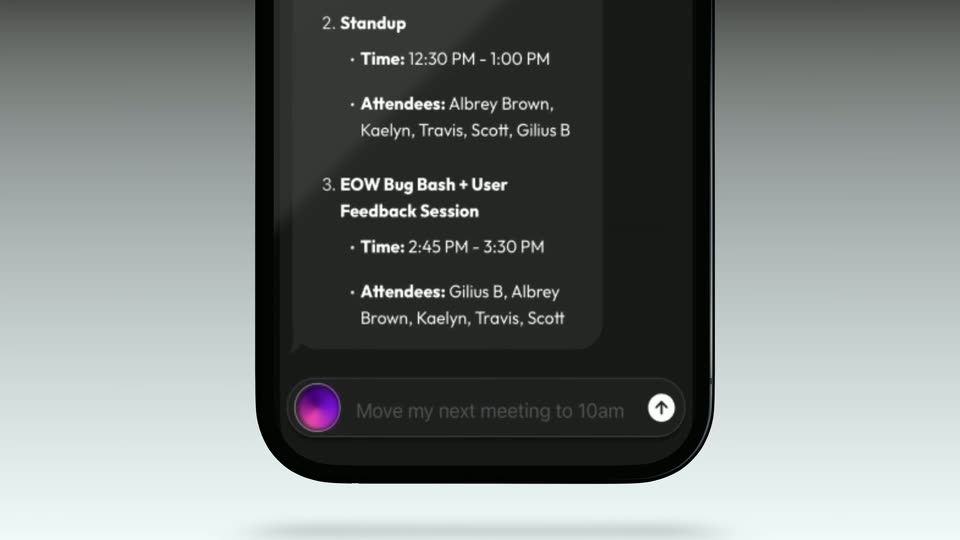 0:24–0:25Doublezero · Introducing Ceejay, your personal assistant for work.A dark phone screen lists scheduled meetings with times and attendees. The list scrolls up and the camera reframes down to reveal a bottom input bar with a purple orb icon and the typed text “Move my next meeting to 10am”.
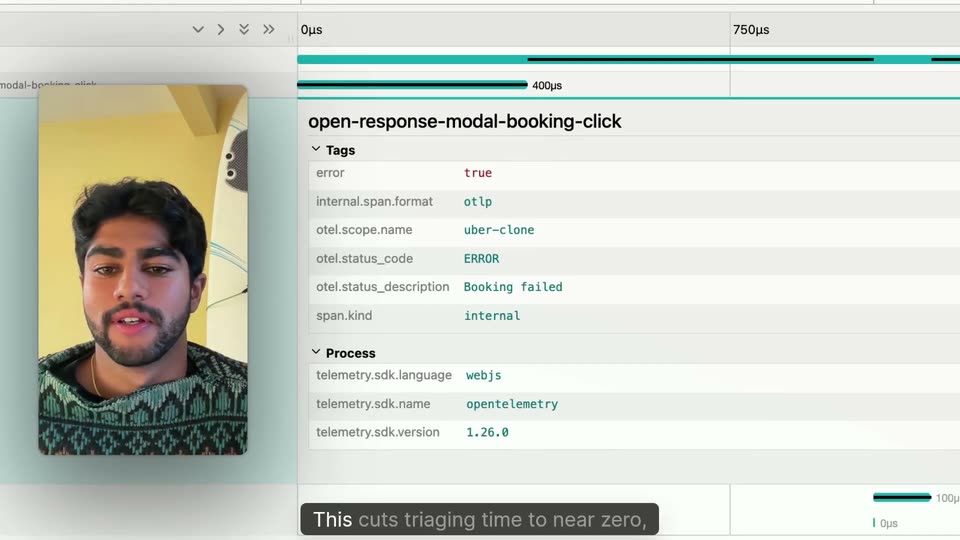 0:58–1:05Revyl · Launch YC: Revyl (F24)A presenter in a video-call inset sits left of a trace-detail screen on a purple-to-teal gradient. The interface zooms into the span tags, a cursor expands the Process row, and captions run along the bottom.
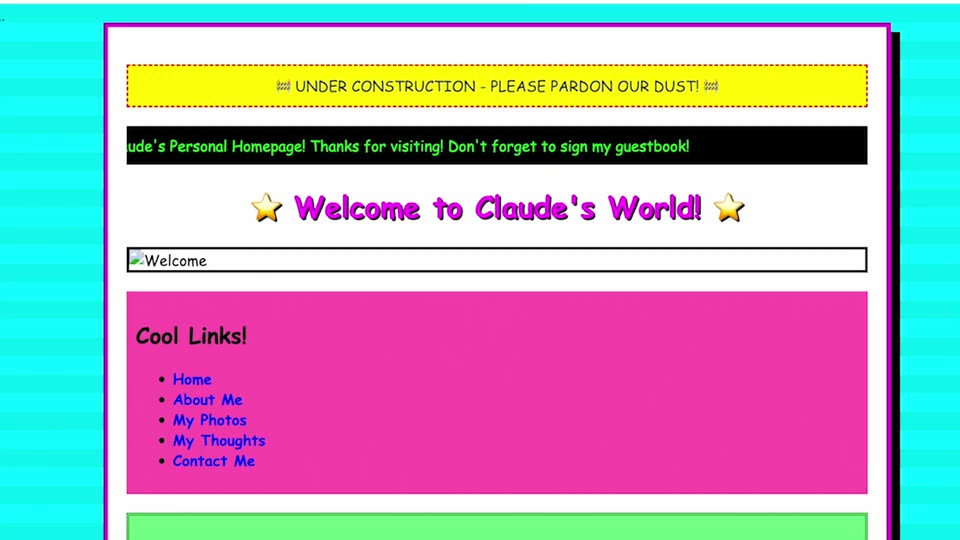 2:45–2:46Anthropic · Claude | Computer use for codingA browser window framed in glowing cyan sits on a dark desktop, captioned at the top. The view zooms into the page, dropping the browser chrome so the retro homepage's pink and cyan blocks fill the frame.
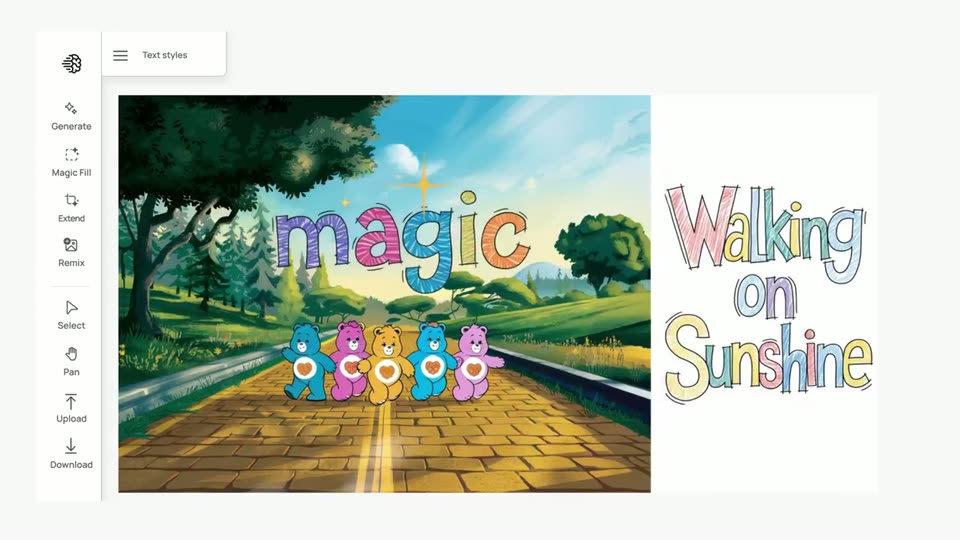 0:35–0:37Ideogram · Ideogram - Today, we’re introducing Ideogram Canvas, an infinite creative boardA white image-editing UI reframes from a tight crop to the full layout, with the caption “Even match text styles.”; a left icon rail, a canvas of Care Bears on a brick road, and a “Walking on Sunshine” wordmark on the right, “magic” letters in the sky.
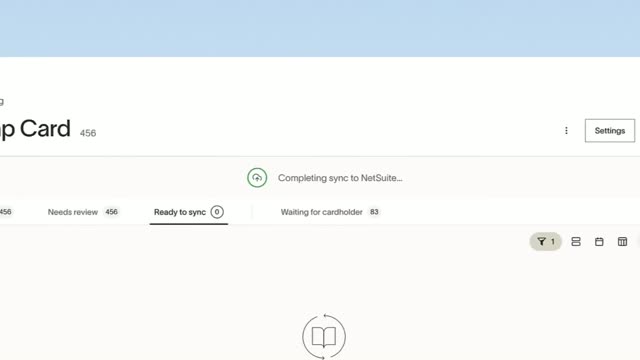 0:56–0:57Ramp · Meet Ramp: A smart finance operations platform that saves you time and moneyA light accounting interface shows a Review & sync panel over the Ramp Card screen, then reframes to the main dashboard where a sync status appears. A cursor hovers the sync button.
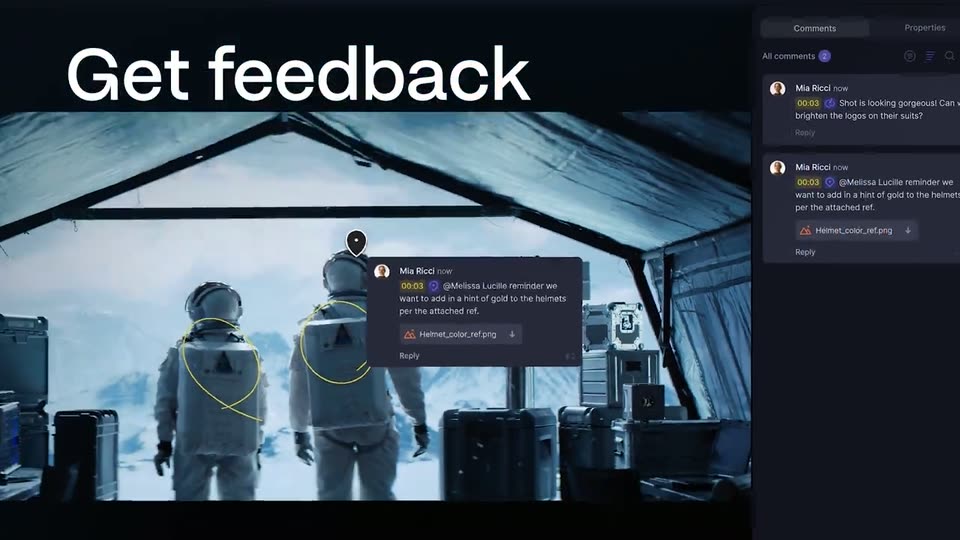 0:16–0:17Frame.io · Frame.io - Move creative projects forward faster with Version 4.A dark image of two astronauts in white suits, seen from behind inside a tent, carries a yellow circle annotation and a floating comment card. The view reframes outward to reveal the full review interface, with a comments panel on the right and a toolbar framing the picture.
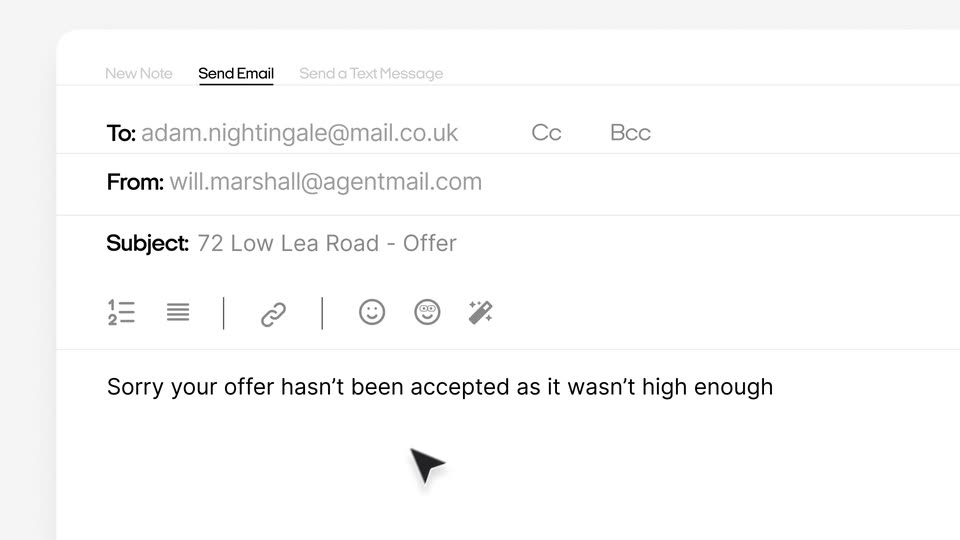 0:15–0:29Street · Street.co.uk - Street AIA blurred dashboard sharpens onto a Reminder card, then reframes to an email composer where the subject and body type in. The cursor hovers the wand icon, a tooltip appears, and the body swaps to a longer drafted email.
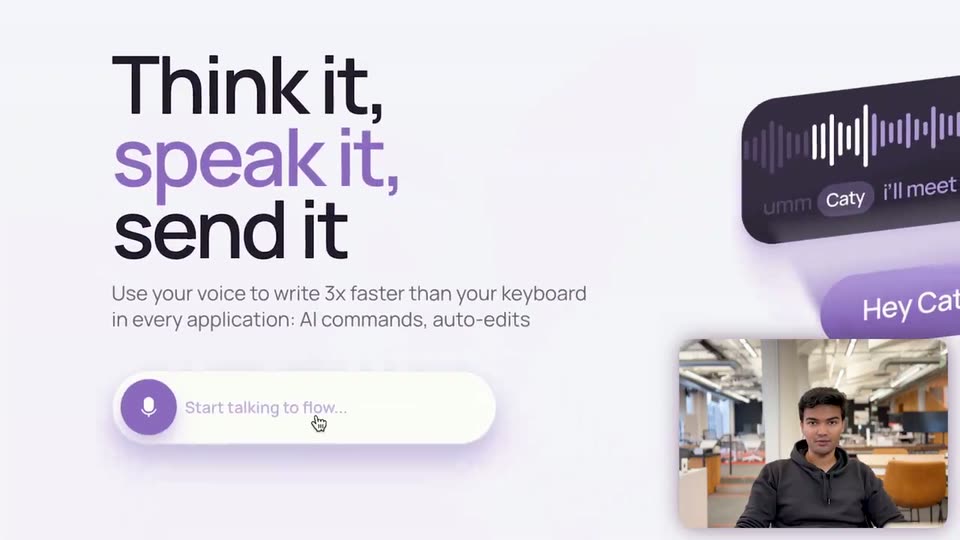 1:05–1:08Wispr Flow · Wispr Flow - Today, we’re excited to announce Wispr Flow 🚀 Just speak, and FlowA purple Chrome window opens flow-voice.ai, the cursor types the address, and the page scrolls past the Think it, speak it, send it headline to a purple waveform card, with a small webcam of a presenter in the corner. The shot then zooms into the waveform card.
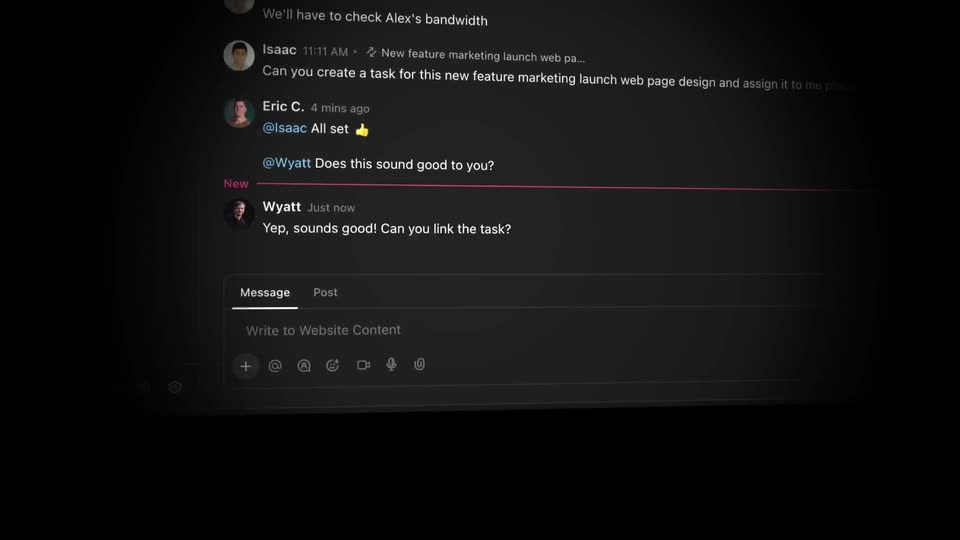 0:53–0:55ClickUp · Introducing ClickUp ChatA dark chat interface sits in 3D perspective against black. The thread scrolls up as a new message from Wyatt drops in with a red divider line, and the view zooms toward the message box.
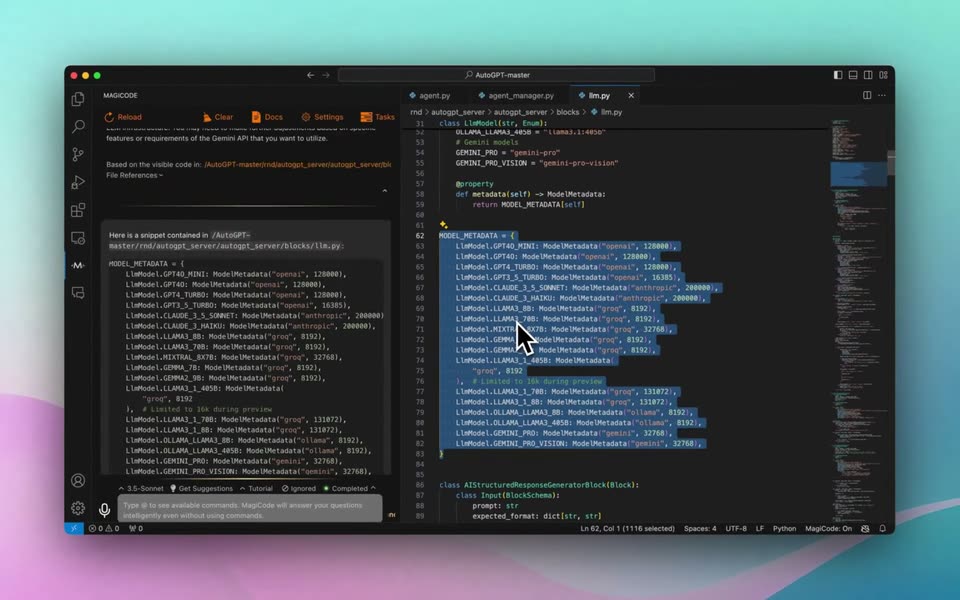 1:10–1:25MagiCode · MagiCode: Your Proactive Pair ProgrammerA dark code editor on a pastel gradient background. An AI assistant panel lists step-by-step code edits as a cursor clicks through the interface. The view zooms into highlighted Python code, a context menu pops up, then a green diff panel opens on the right.
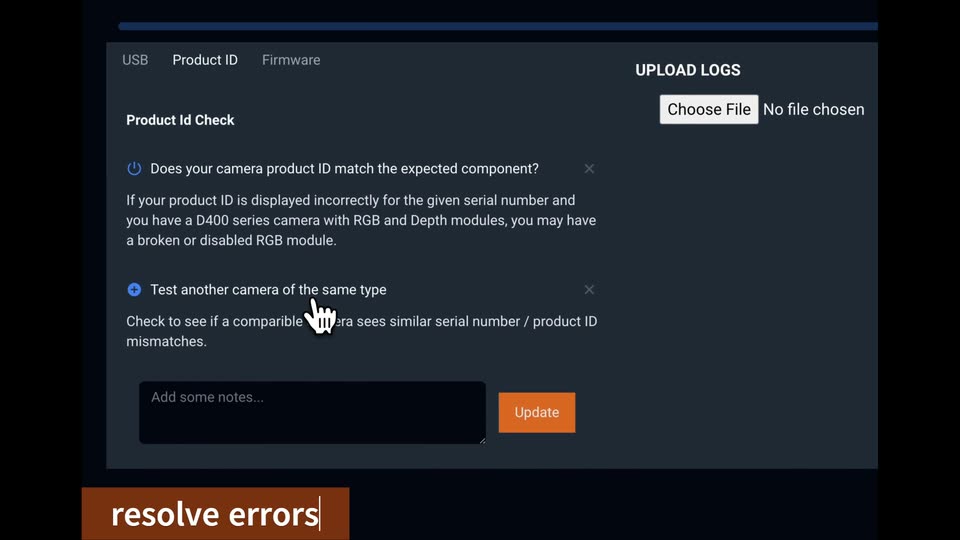 0:14–0:22Ember Robotics · 🔥 Introducing Ember Assistant 🔥- Robotics Camera System Assistant!A dark robotics dashboard shows a debug panel; a hand cursor clicks the Product ID tab and expands two checklist rows, then the view zooms onto the upload-logs area. An orange caption types out 'resolve errors' in the lower left.
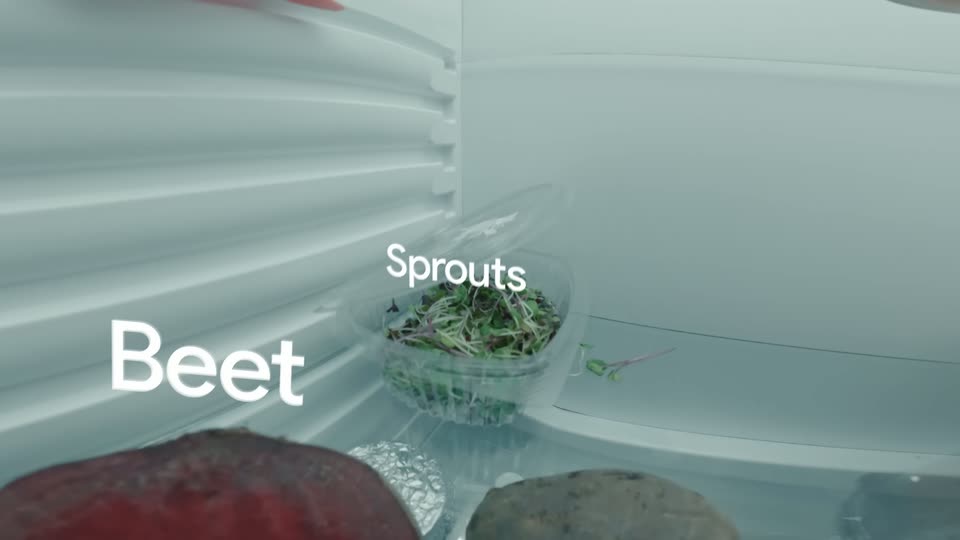 1:01–1:02Google · Meet Google Pixel 9 and Pixel 9 Pro With Gemini | The Best of Google AIA phone held in two hands shows a camera view of a fridge shelf, with white AR labels marking a beet and a container of sprouts. The view zooms into the screen, dropping the phone frame, then widens to reveal more labeled items including an onion and jars.
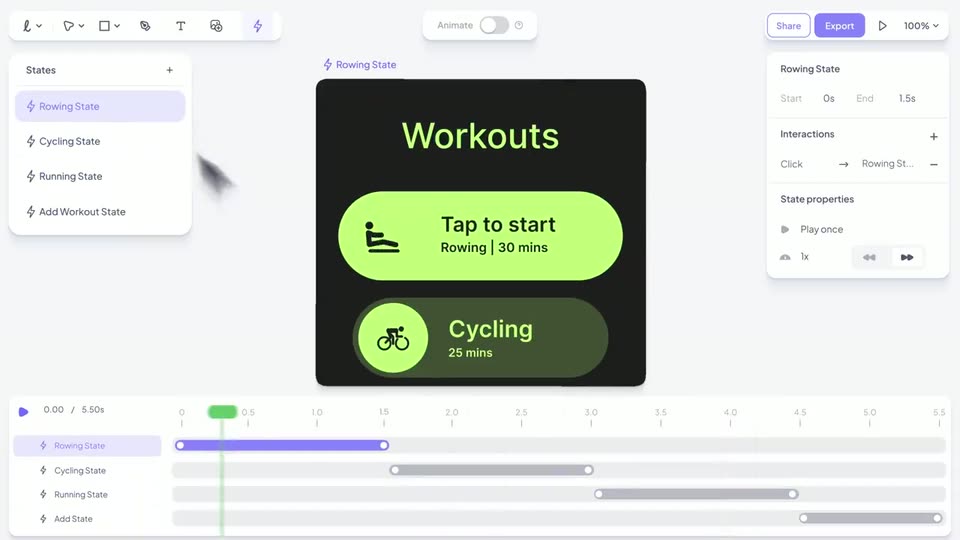 0:33–0:38Lottielab · Lottielab - Interactivity is now live on Lottielab. 📣A cursor selects states in the left panel of a design tool while the dark phone preview in the center scrolls a workouts list between rowing, cycling and running. The cursor then moves to the play button and the view zooms into the preview.
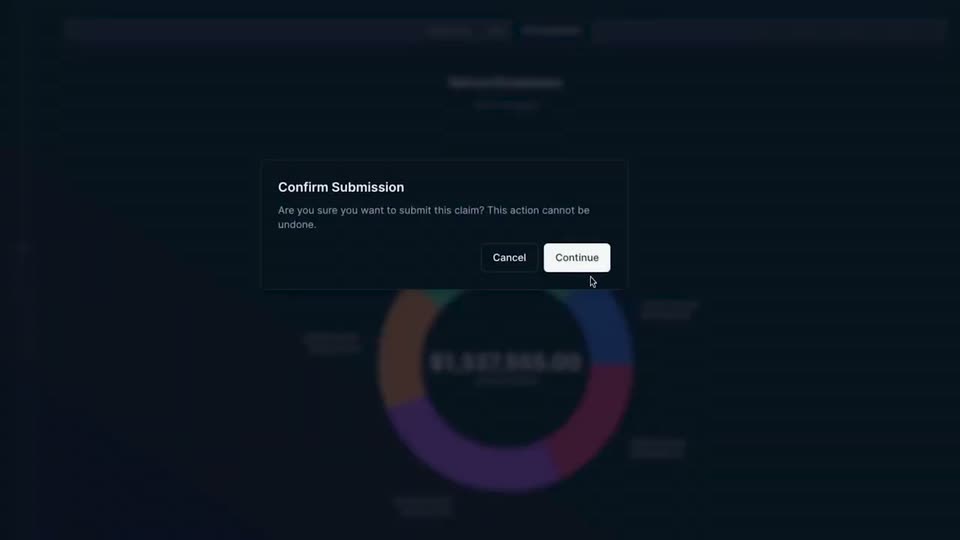 0:27–0:28Pax · Pax AI (YC s24) LaunchA dark refund dashboard with a blurred donut chart sits behind a centered modal dialog. The modal scales gently while a focus pull blurs it, and a cursor drifts near the Continue button.
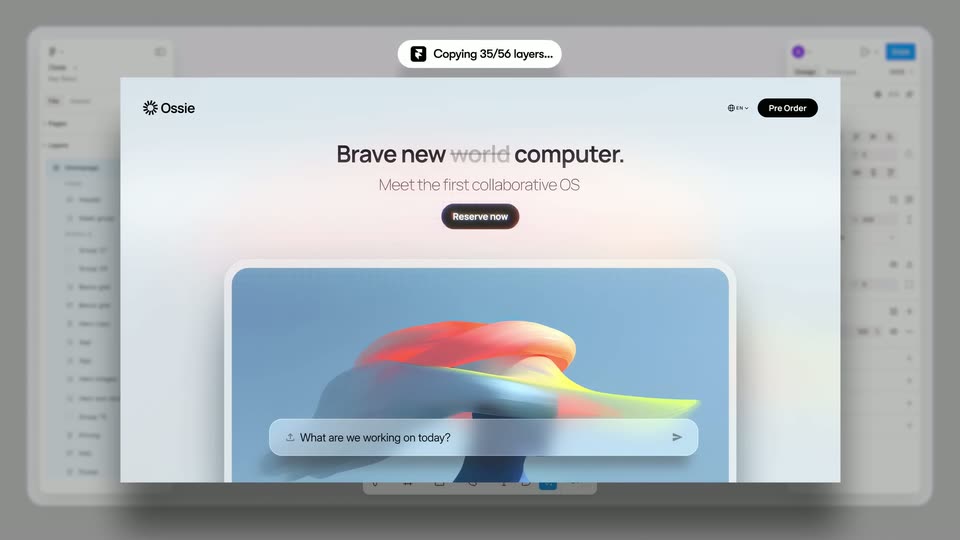 0:29–0:35Framer · Framer Design: Design on an intuitive CanvasA Figma workspace zooms onto a centered webpage mockup for Ossie while the side panels blur. A progress tooltip counts copied layers at the top, then the mockup flips to a gray wireframe layout.
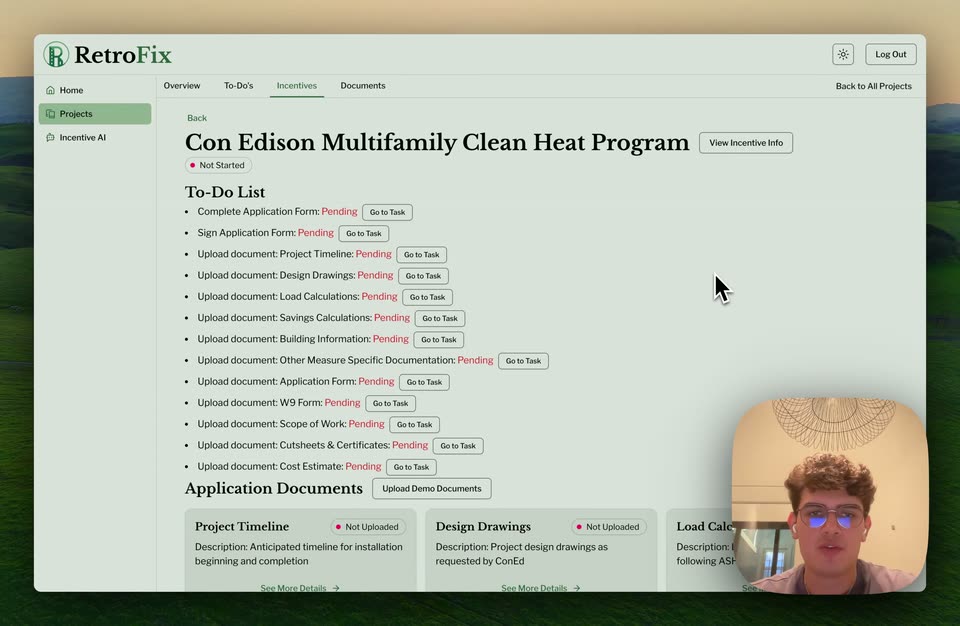 0:41–1:00RetroFix · RetroFix Product DemoA tight crop of a to-do list zooms out to reveal the full RetroFix dashboard for the Con Edison program. A mouse cursor hovers over Go to Task buttons while a man with glasses talks in a rounded webcam inset at the bottom right.
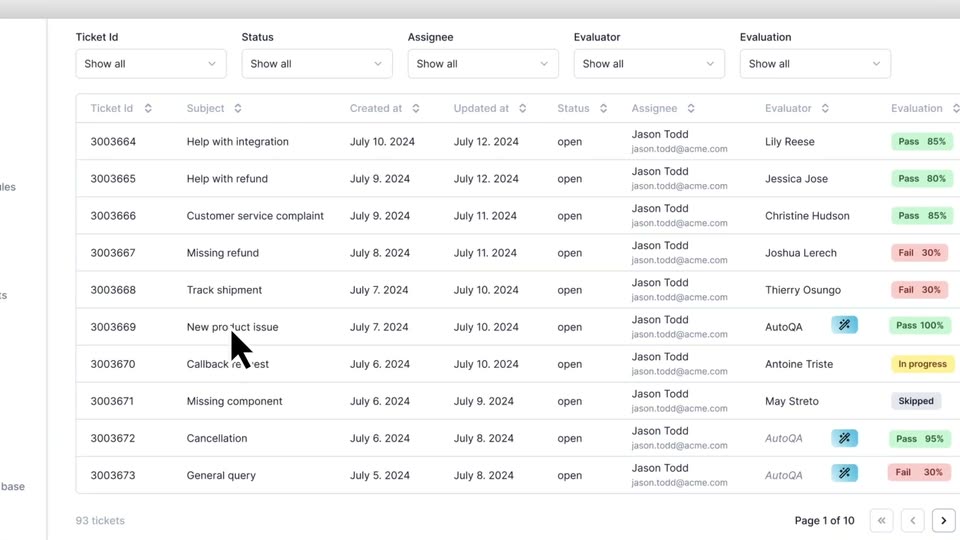 0:47–0:53Intryc · Intryc YC Launch videoA product UI shows a ticket table behind a fading pass-rate modal; the view zooms into the table, then cuts to a gray card where the title Extensive reporting fades in word by word.
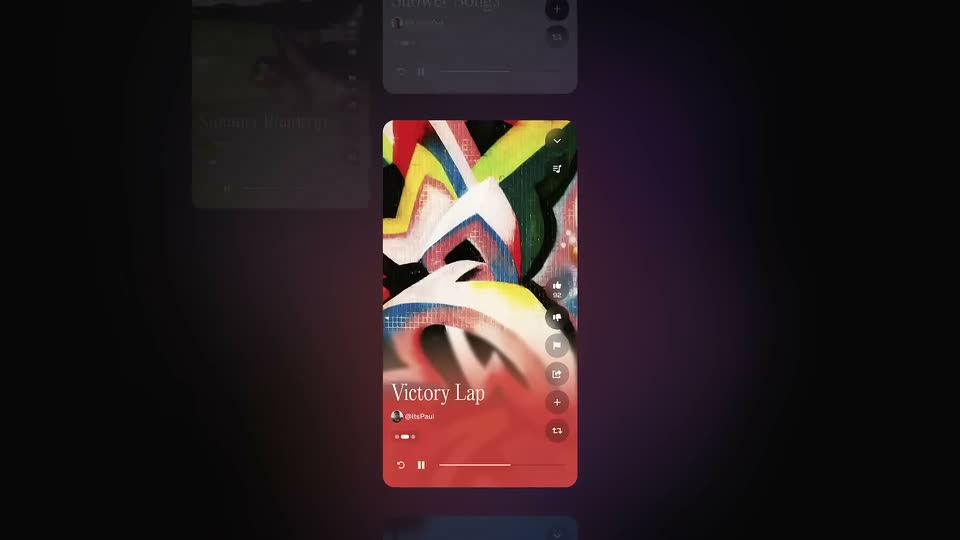 0:17–0:18Suno · Suno iOS App is Here! Make any song you can imagineA phone mockup of a music app zooms into its screen, unfolding into a 3D grid of playlist cards on a dark purple background. The colorful Victory Lap card stays centered and enlarged as the view pushes in.
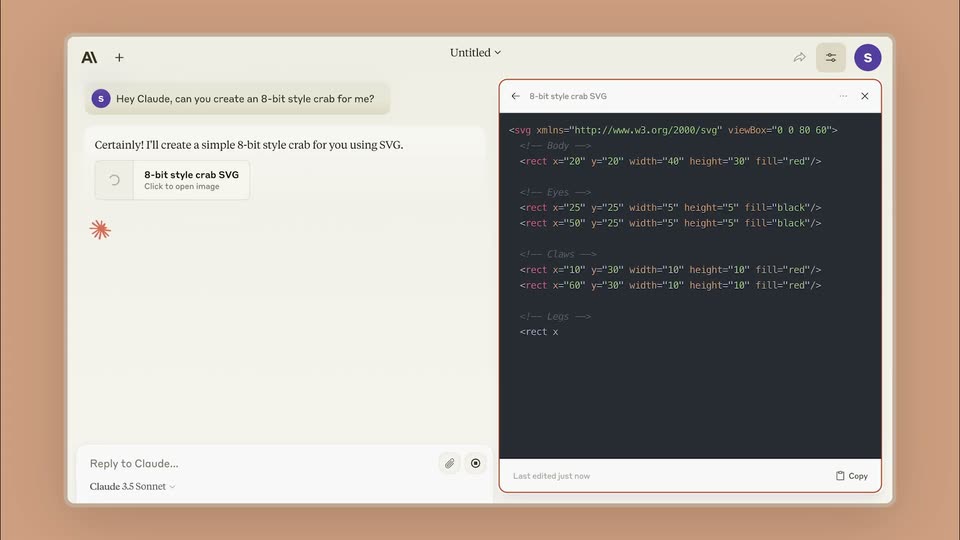 0:10–0:13Anthropic · Claude 3.5 Sonnet for sparking creativityA flat two-panel app window on a peach background. The left chat shows a prompt and reply, with a loading card resolving into a small orange asterisk. The right dark panel types SVG code line by line. The shot opens zoomed in and pulls back to the full window.
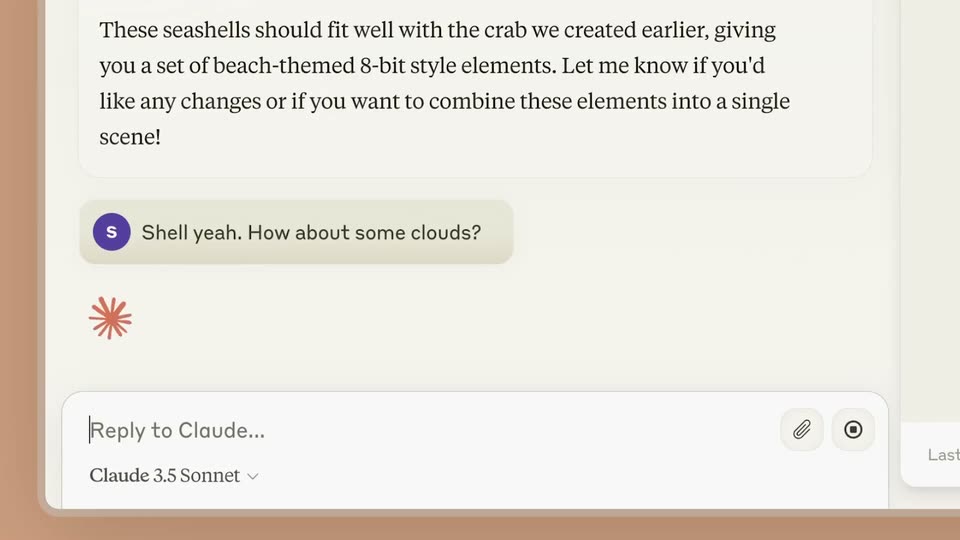 0:29–0:31Anthropic · Anthropic - We're also launching a preview of Artifacts on You can ask Claude toA chat thread shows a user message asking for clouds and a red loading sparkle spinning below it. The view then reframes upward to reveal a file preview panel titled 8-bit style clouds SVG opening on the right.
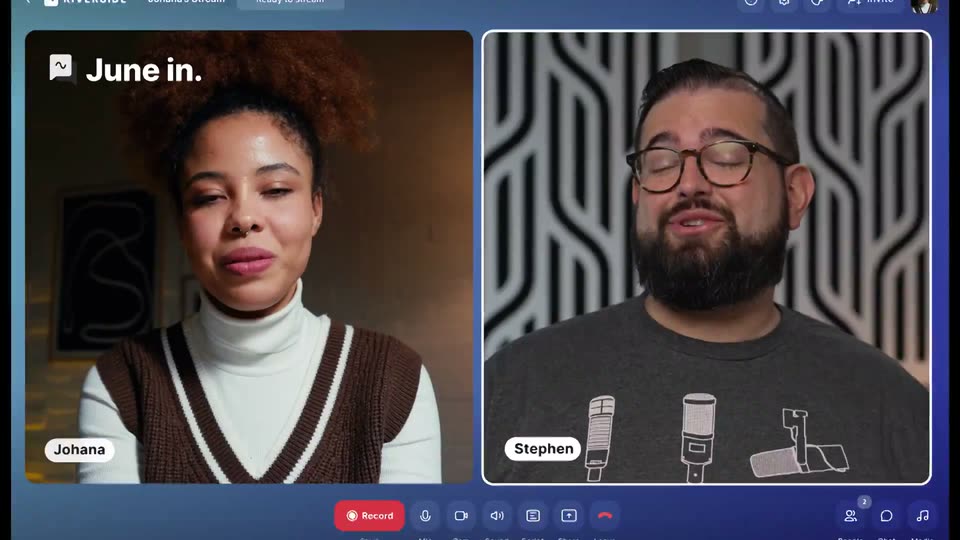 0:43–0:45Riverside · Riverside - Introducing the new Conversation Studio. With full HD live streamingA close-up of a bearded man with tortoiseshell glasses talking, then the frame pulls back to reveal him as one of two video tiles in a tilted 3D interface, with a purple notification card and a captions panel floating around it.
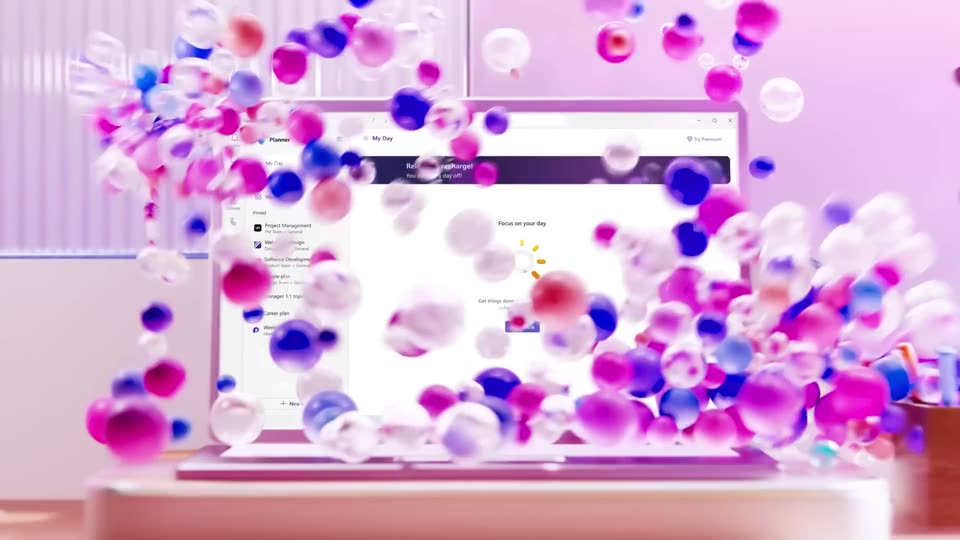 0:59–1:00Microsoft · The new Microsoft Planner is here! Streamline the planning, management, and execution of workA close-up of a pastel planner app zooms out to reveal the full My Day view, with a purple banner reading Relax and recharge and a task field below.
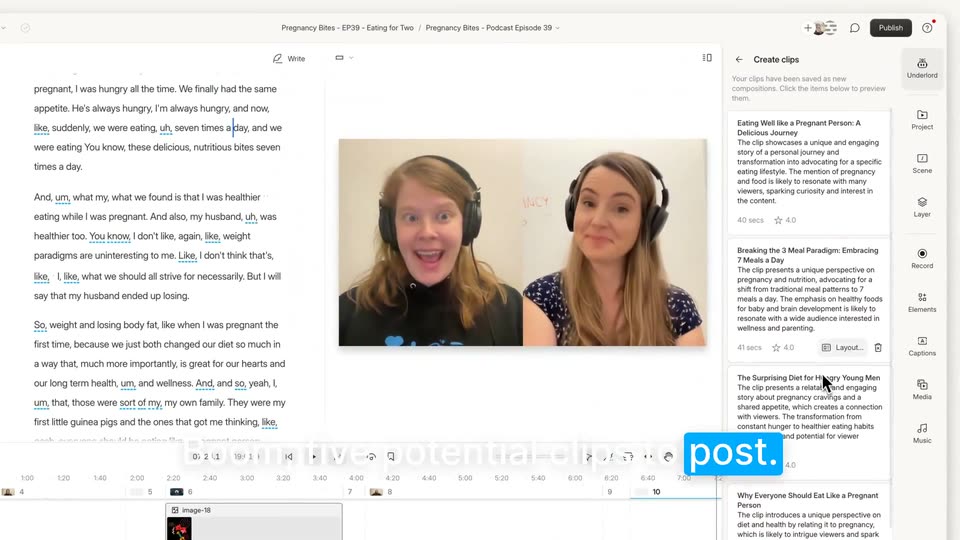 2:28–2:30Descript · Descript - Today, we're launching Descript's new AI assistant editor, Underlord.A podcast clipping interface zooms out from a blurred close-up to show a transcript, a preview of two women in headphones, and a list of generated clips. Blue chips with the words 'Boom, potential clips post.' pop in over the timeline while a cursor hovers the list.
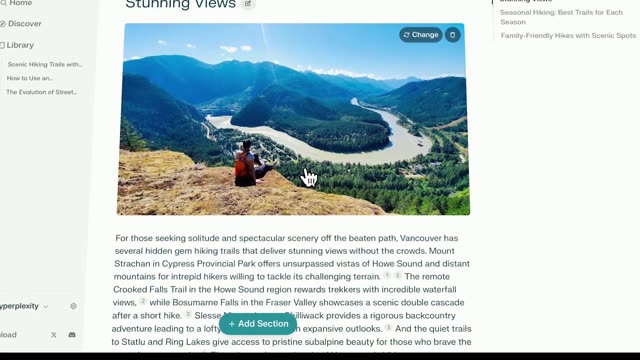 0:22–0:24Perplexity · Introducing Perplexity PagesClose-up on a document section: a headline, a mountain river photo with two hikers, and a teal Add Section pill. The view zooms out to the full editor with sidebars as a cursor hovers the Change button on the photo.
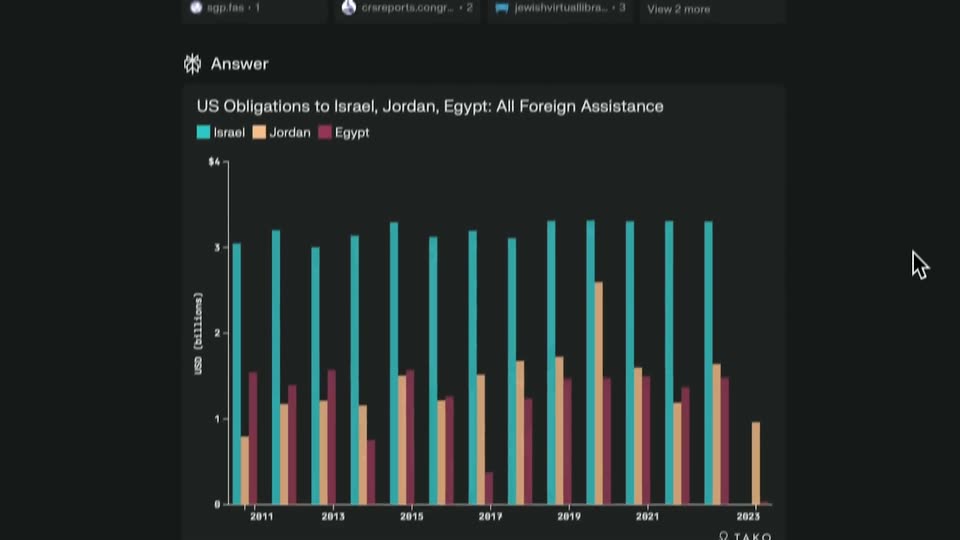 0:18–0:21Perplexity · Introducing Interactive Knowledge CardsA dark Perplexity answer screen fades in from black. The view zooms in and pans down past the question heading and a row of source cards, settling on a grouped bar chart for Israel, Jordan, and Egypt. A cursor hovers at the right edge.
 0:31–0:32Framer · Framer: All Design, No Code, Real WebsitesThe Framer editor fills the frame with a dark site mockup titled “Meet your new AI assistant” and a row of circular portraits. The view zooms to the right as a large blue Publish button scales in over the phone preview.
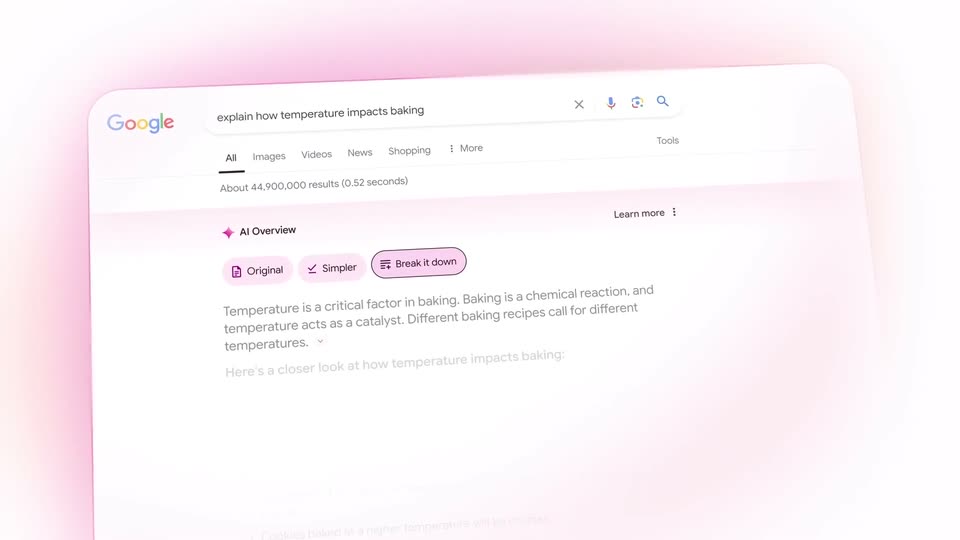 0:18–0:23Google · Search in the Gemini era | Google I/O 2024A tilted 3D mockup of a Google results page with an AI Overview block. The camera starts tight on three pill toggles, Original, Simpler, Break it down, then pulls back to the full browser window as the selected toggle cycles and the answer text swaps.
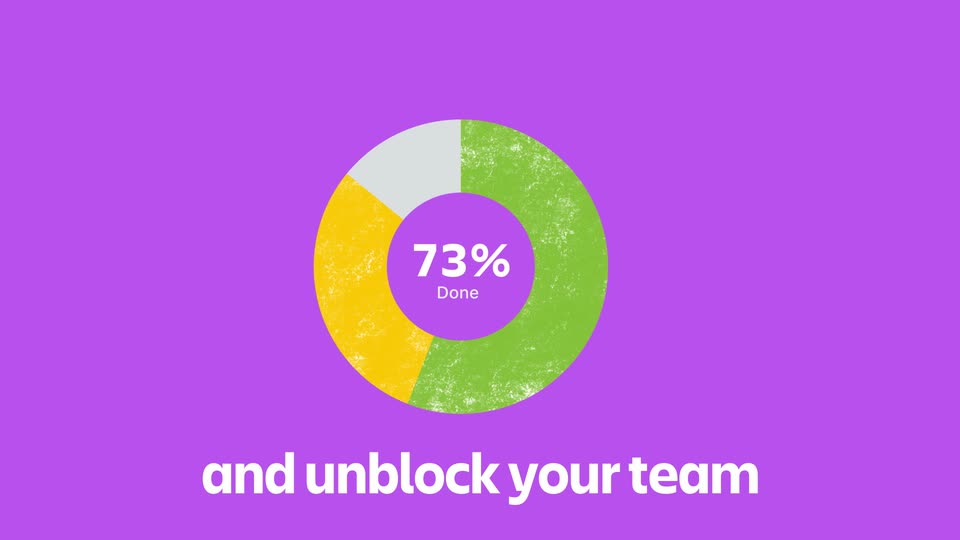 0:50–0:51Atlassian · Welcome to the next era of Jira - Inside AtlassianA white status-overview card on a purple background fades out while its donut chart detaches and scales to center, the green Done segment growing as the count climbs from 41% to 83%. The white caption and unblock your team holds at the bottom.
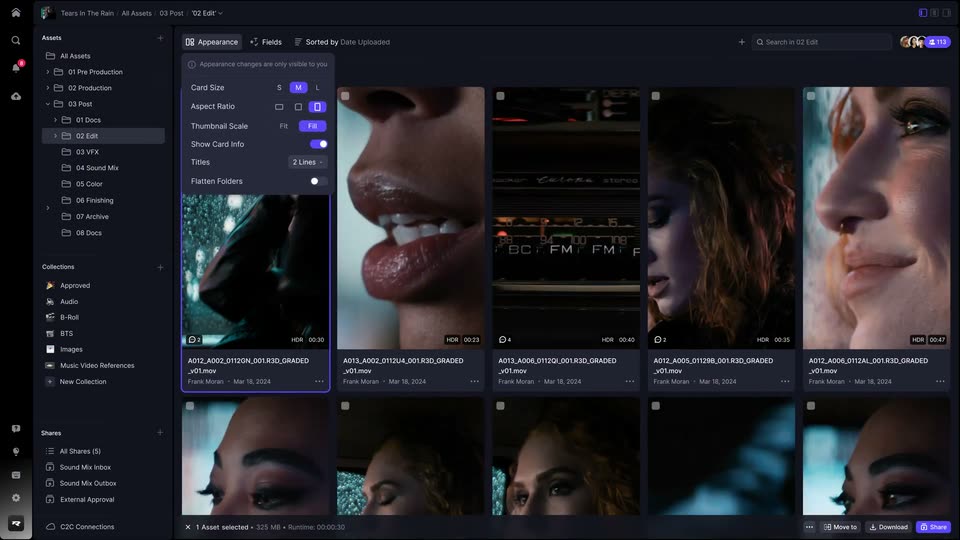 0:23–0:26Frame.io · Frame.io - It's here. The all-new Version 4. Now in beta.A dark asset-management interface opens zoomed on an Appearance settings popover, then pulls back to the full grid of film-still thumbnails. A cursor clicks the portrait aspect-ratio option and the cards reflow from landscape to vertical.
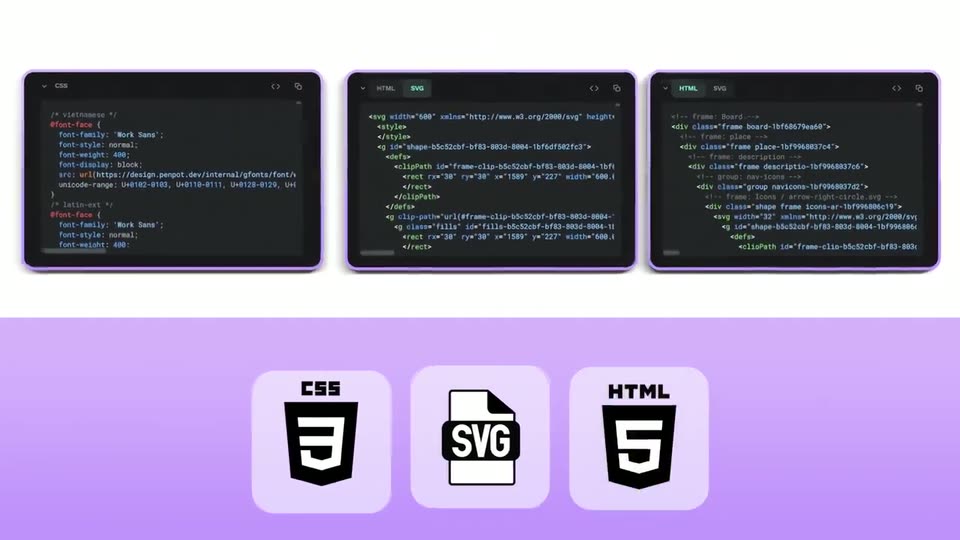 0:59–1:03Penpot · Penpot - 💥 Penpot 2.0 is now available! Explore & enjoy the unique featurOn a white-and-lavender split background, three dark code editor cards for CSS, SVG and HTML pop in one by one across the top, each dropping a matching logo tile onto the purple band below, then the whole composition zooms in to fill the frame.
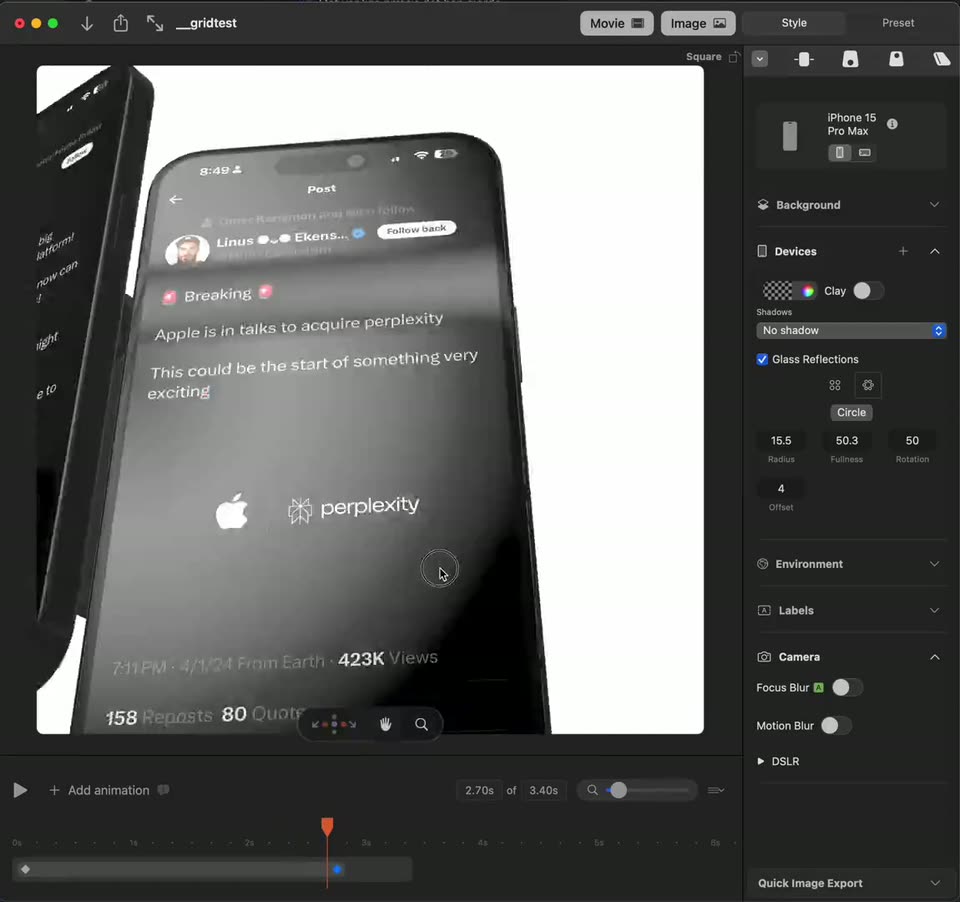 0:25–0:27Rotato · Morten from Rotato - Circles, half circles and grids rolling out to beta users soon:A dark design-app interface fills the frame, its canvas holding tilted iPhone mockups with social posts. The view zooms in on one phone showing a Breaking post about Apple acquiring Perplexity, while a cursor moves across the canvas.