0:20
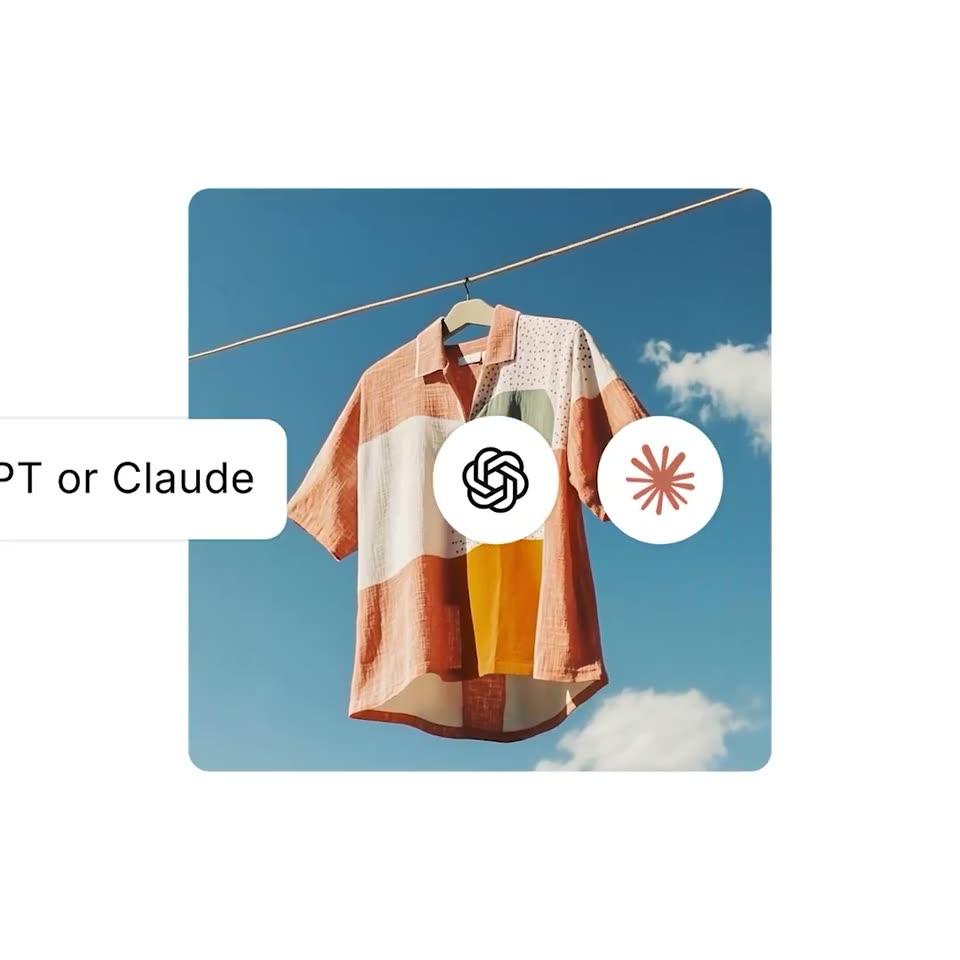

Shopify - manage your store inside ChatGPT or Claude get insights, add product
Shopify · Business software · May 2026
Claude · Jun 2024 · 1:16 · AI-annotated
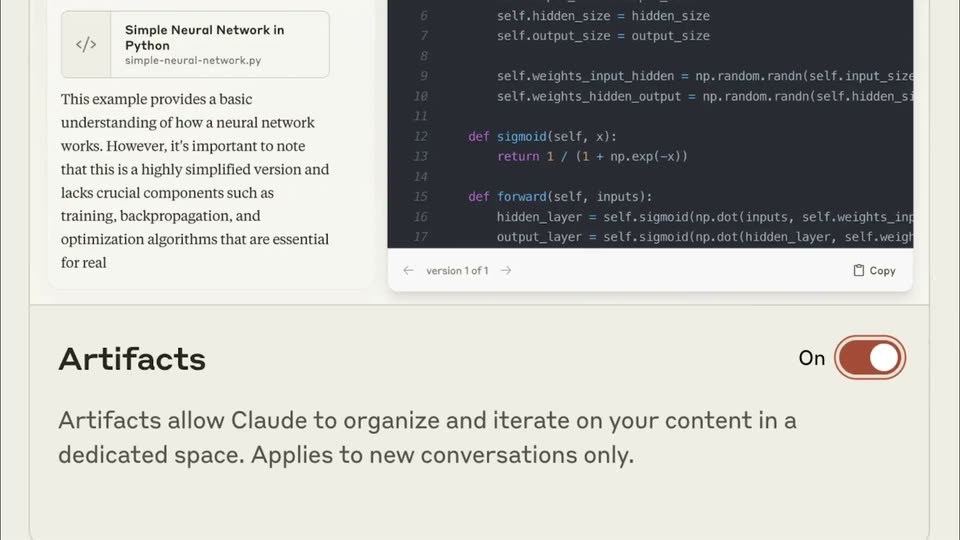
Claude’s 1:16 launch film runs 18 scenes, about 4.3 s each. The product is on screen from the first frame and 1 feature is revealed. There is no explicit call to action. A single screen-recording demo of Claude's Artifacts feature, paced at roughly nine cuts per minute with quick zooms, whip-pan reframes and a white mask wipe between chat states. Signature moves are the pull-back to a tilted phone mockup, the line-by-line code typing, and the final crossfade from the pixel game to the home screen that loops the video.
Is this your launch? to your site or press kit.
Shopify · Business software · May 2026
Spotify · Consumer · Mar 2021
A Claude account dropdown sits open on a cream interface; a hand cursor glides down to Feature Preview, which highlights. The menu then slides away as a Feature Preview panel slides in from the left.
Techniques: Cursor demo
Camera: Static
A white mask wipes open onto a close-up of the Artifacts panel. A hand cursor taps the toggle, flipping it from Off to On. The view then pulls back to a tilted phone mockup showing a Claude chat that asks for an 8-bit crab.
Techniques: Masking, Cursor demo, UI zoom, 3D mockup
Camera: Pull out
A cream Claude interface scales up from a small window card to fill the frame. The serif greeting Good evening, Sam sits above a rounded input box where a prompt types out letter by letter, the orange send button switching to a stop icon.
Camera: Push in
A flat chat screen with a terracotta top bar and an Untitled title. A user bubble sits at the top; an assistant reply bubble appears below it, then a file card and a faint code block load in. A small red starburst spins at the lower left.
Camera: Static
A split product view: a chat panel left shows a prompt and reply with a file card, while a dark code editor right types SVG code line by line; the frame opens zoomed in then settles to the full window.
Techniques: UI zoom
Camera: Pull out
A cream chat window on a tan backdrop shows a Claude thread on the left and a red pixel crab on the right. The view zooms into the reply box as the prompt Crustaceous. Can you make some seashells in the same style? types out.
Techniques: UI zoom
Camera: Push in
A cream chat interface fills the frame; the conversation scrolls up as an assistant reply types out word by word, then a loading card with a spinner appears beneath it. A red pixel crab rests in the right panel.
Camera: Static
A two-pane chat interface on a peach background. The left pane shows the user asking for 8-bit seashells and the assistant replying with a file card. The right pane types SVG code line by line; a small red crab icon sits at the bottom left.
Techniques: Split screen
Camera: Pull out
A flat Claude chat window rests on a tan background. The left pane streams and scrolls a response about 8-bit seashells while the right pane holds three static pixel shells: an orange stepped conch, a tan clam with one black line, a salmon scallop with two.
Camera: Static
A chat thread shows a user message asking for clouds and a red loading sparkle spinning below it. The view then reframes upward to reveal a file preview panel titled 8-bit style clouds SVG opening on the right.
Techniques: UI zoom
Camera: Static
A chat screen on a warm beige background scrolls downward. A panel of blocky pixel clouds sits at the top, then the view reveals a paragraph of message text and an input field holding typed words with a cursor.
Camera: Static
Close-up of the Claude chat interface on a cream background. A prompt types out in the input field, then the field clears and the line reappears as a sent user bubble near the top. An assistant reply block appears below it, and a small Generating box shows at the bottom.
Camera: Pan
A dark code editor panel scrolls upward through syntax-highlighted HTML and CSS for an 8-bit beach scene, while a cream article column and a peach sidebar stay fixed at the left and right edges.
Camera: Pull out
A chat interface splits the screen with an 8-bit beach game preview. The conversation scrolls while a prompt is typed into the reply box; pixel clouds and a red crab drift across the game. The view zooms into the chat as the message sends and a reply begins.
Techniques: Split screen, UI zoom, Kinetic type
Camera: Push in
A chat panel with a conversation about making a crab game sits on the left, sliding leftward to widen a split canvas on the right. The canvas holds stacked light-blue, blue and orange bands, where a small orange square pops into the blue band.
Techniques: Split screen
Camera: Pan
Close-up of a two-pane interface. A light chat column with message bubbles holds still at the left edge while the dark code editor on the right scrolls upward through JavaScript game logic, revealing functions for collision, game over, and reset.
Camera: Pan
A retro pixel game screen settles into a centered card on a tan background: a red crab hops over scrolling sandcastles as the score ticks up, then GAME OVER and a red RETRY button appear, and the card crossfades into the Claude chat greeting Good evening, Sam.
Camera: Pull out
A cream Claude home screen on a tan backdrop shows the Good evening, Sam greeting and an input bar. A cursor moves to the profile avatar top right and clicks it, opening a dropdown menu as the frame zooms in.
Techniques: Cursor demo, UI zoom
Camera: Push in