3:03
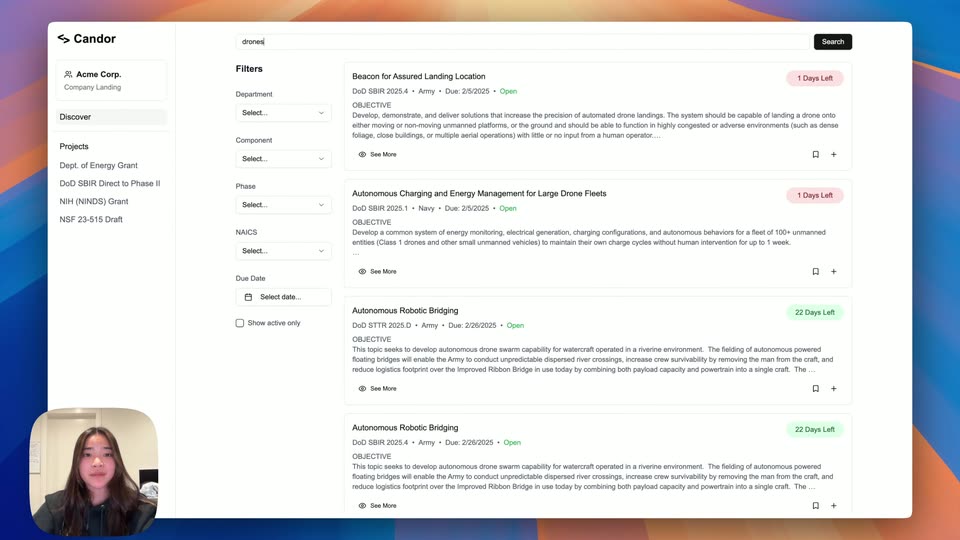
Candor (YC W25) Demo || Win Government Funding With AI
Candor · Government · Feb 2025
MagiCode · Sep 2024 · 1:58 · Full motion · AI-annotated
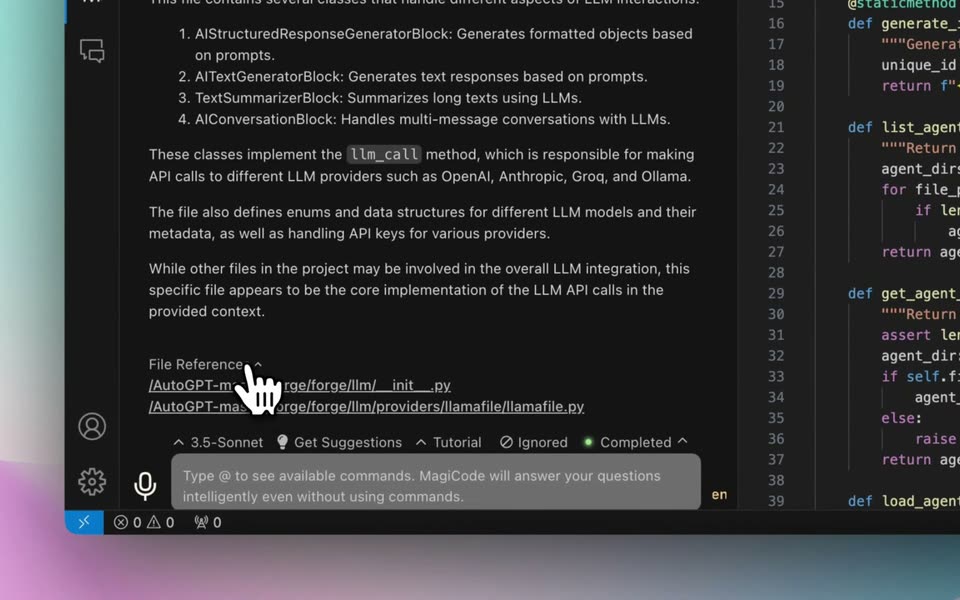
MagiCode’s 1:58 launch film runs 15 scenes, about 7.9 s each. The product is on screen from the first frame. There is no explicit call to action. The video is one continuous screen-recording tour of the editor, opening on the codebase scan and flowing through chat, code generation, settings and suggestions with no feature title cards, then closing on a brand tagline card. Its signature moves are the 3D pull-back that frames the dark editor over a pastel gradient, the quick zooms into the chat panel and the green diffs, and the flat-to-3D reframes that separate each task.
Is this your launch? to your site or press kit.
Candor · Government · Feb 2025
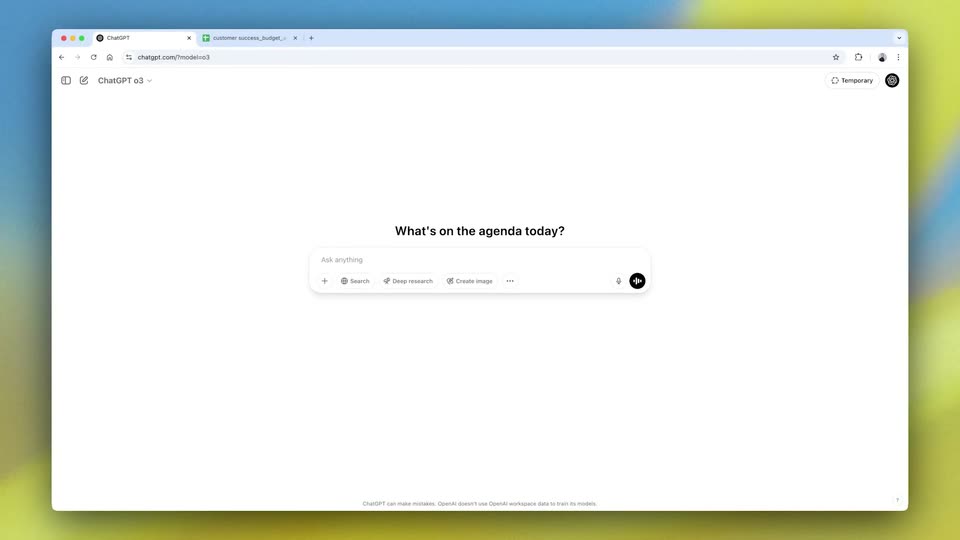
OpenAI · AI · May 2025
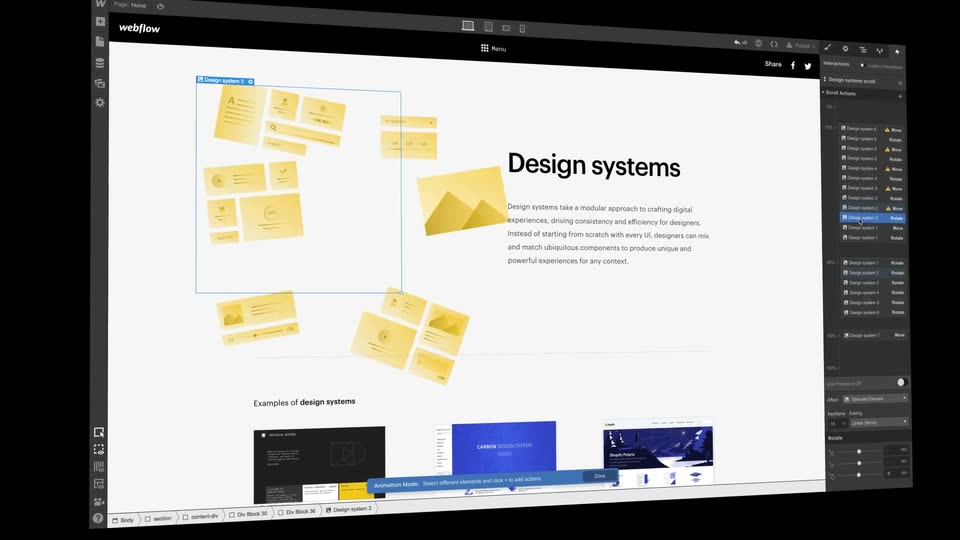
Webflow · Design · Oct 2018
A close-up of a dark code editor follows the MagiCode panel as its status text updates and a green progress bar fills, then the camera pulls back to frame the whole editor window in 3D over a pastel gradient.
Techniques: UI zoom, 3D mockup
Camera: Pull out
A dark code editor zooms between a full window and a close-up of a chat panel. A query is typed, an AI answer streams in with file paths, then a hand cursor expands the references and opens a file showing Python code.
Techniques: UI zoom, Cursor demo
Camera: Pull out
A dark IDE chat panel shows a prompt typed about integrating the Google Gemini API, then a numbered answer with code blocks. The cursor clicks Code Wizard; a side panel reports progress as a new file fills with scrolling code, ending in a diff view of highlighted lines.
Techniques: Cursor demo, UI zoom, 3D mockup
Camera: Pull out
A dark code editor window fades in and settles at center over a soft blue-to-pink gradient. Its left pane holds a Code Wizard dialog with an orange Close button; the right pane shows a green diff of Python code. A white cursor sits at the bottom right.
Camera: Pull out
A dark code editor on a pastel gradient background. An AI assistant panel lists step-by-step code edits as a cursor clicks through the interface. The view zooms into highlighted Python code, a context menu pops up, then a green diff panel opens on the right.
Techniques: Cursor demo, UI zoom
Camera: Static
A flat code editor window sits on a soft teal-to-pink gradient. The left file panel and the right Python code panel scroll upward a few lines while a thin text caret hovers in the center of the editor.
Camera: Static
A flat screen view of a code editor with an AI chat panel on the left and Python code on the right. A hand cursor hovers over the Settings button, popping open a dropdown of model options, then slides across the top toolbar.
Techniques: Cursor demo
Camera: Static
A dark code editor pairs a settings panel on the left with Python code on the right. A white hand cursor moves down the panel past a dropdown and two toggles as the view reframes from a tight crop to the full window over a blurred backdrop.
Techniques: Cursor demo, UI zoom
Camera: Pull out
A laptop in 3D perspective on a blue and pink gradient zooms into its screen, revealing a Suggestions panel with four cards. A cursor moves down and hovers the last card, then the view pulls back to the laptop.
Techniques: 3D mockup, UI zoom, Cursor demo
Camera: Pull out
A dark IDE window sits on a pastel gradient. The left chat panel cycles status lines with a progress bar, then streams an AI response with Python code blocks, scrolling down. At 2 seconds the view zooms in on the panel.
Techniques: UI zoom
Camera: Push in
A cursor glides down to the Execute Task button in a dark code editor, dimming the surrounding panels. A Code Wizard tooltip fades in beside it, reading Observing relevant files, then a Cancel button appears.
Techniques: Cursor demo
Camera: Static
A dark code editor shows a Code Wizard panel with a spinner, then a green checkmark, while the view zooms into the Python file as a red-and-green diff fills the screen and a hand cursor moves across it.
Techniques: Cursor demo, UI zoom
Camera: Pull out
A flat code editor window sits on a teal-to-pink gradient, a dark Code Wizard dialog with an orange Close button overlays the left pane while Python code scrolls on the right and a hand cursor glides in to hover the button.
Techniques: Cursor demo
Camera: Static
A code editor window with a left chat panel and a Python file sits on a soft pink and blue gradient. A large orange serif tagline fades in centered over the interface while a cursor hovers near the bottom.
On-screen text: “Let's build in magic.”
Camera: Static
A cream field holds a static orange circle logo with a white M and angle brackets, centered above the orange line 'Let's build with magic.' The frame is locked off and nothing moves.
On-screen text: “Let's build with magic.”
Camera: Static