0:38

Introducing OpenHack v2
OpenHack · B2B · Nov 2026
telli’s 2:03 launch film runs 15 scenes, about 8.2 s each. The product is on screen from the first frame and 5 features are revealed. The call to action lands at 1:50 (89% in), over a voiceover. A founder-led intro hands off to a feature-by-feature walkthrough that alternates live-action framing with 3D-tilted dashboard cards and a stylized pulsing waveform, then closes on a defocused logo card. The signature moves are the rack focus on the trio, the slow zoom in and out on floating UI cards, and the multilingual captioned waveform, all held on soft gradients at a relaxed pace.
Is this your launch? to your site or press kit.
Films whose music sounds like this one, voice left out
Apple · Modern electronic, upbeat
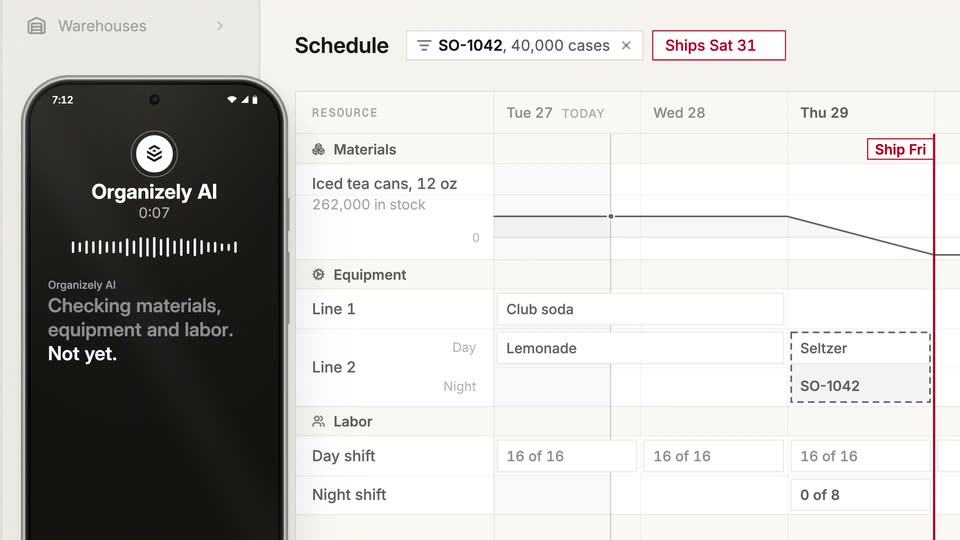
Organizely · Upbeat corporate electronic
Astra · Electronic, Post-Rock
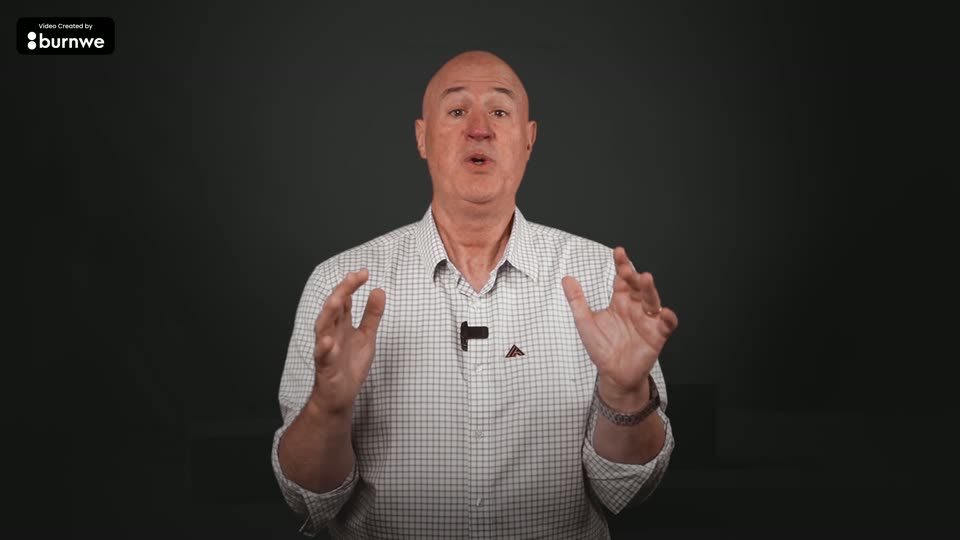
Three men sit in a row in a loft office, initially out of focus with a white telli wordmark centered. The frame racks into focus, the wordmark fades, and lower-thirds label them Seb CTO, Finn CEO, Philipp COO as they speak to camera.
On-screen text: “telli”, “Seb”, “CTO”, “Finn”, “CEO”, “Philipp”, “COO”
Camera: Push in
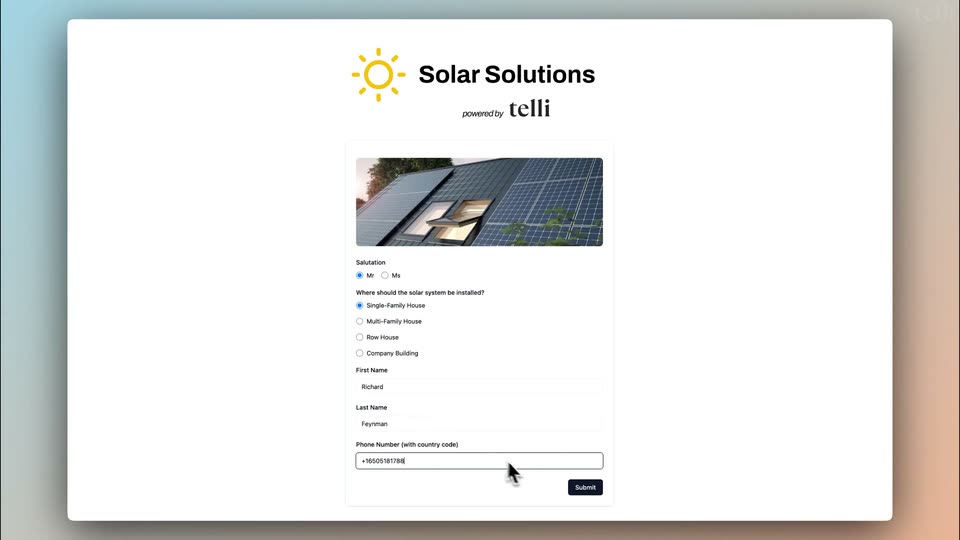
A white Solar Solutions lead form on a soft gradient background. The shot zooms into the form while a cursor types digits into the phone number field, then drifts down toward the Submit button.
Techniques: UI zoom, Cursor demo
Camera: Push in
A lead form with a house photo, filled fields and a Submit button; the cursor clicks Submit and the form fades out as a green checkmark and a thank-you message scale in at the center.
On-screen text: “Thank you!”, “One of our agents will call you soon, make sure to check your phone.”
Techniques: Cursor demo, Masking
Camera: Pull out
A close-up of a Solar Solutions thank-you card zooms out to reveal the full telli dashboard, with a sidebar on the left and an empty contacts panel on the right. The card holds a solar panel photo and a green checkmark. A cursor sits at the bottom.
Techniques: UI zoom
Camera: Pull out
The full telli contacts screen is shown, then the camera zooms into the list as the cursor hovers a contact row. It pulls back out and the right panel fills with the selected contact's details, before a closing card scales in the sign-off text.
On-screen text: “Thank you!”, “Solar Solutions”, “powered by telli”
Techniques: UI zoom, Cursor demo, Kinetic type
Camera: Push in
A light dashboard UI. The cursor clicks Live monitoring in the left sidebar, and the main panel switches from a contacts list to a live monitoring view showing empty Active and Scheduled Calls sections, while the right detail panel loads.
Techniques: Cursor demo
Camera: Static
A tilted 3D dashboard blurs into a flat close-up of the calls list, the cursor gliding down the rows. The view then eases back out to the full angled interface card floating on a soft gradient.
Techniques: 3D mockup, UI zoom, Cursor demo
Camera: Pull out
The Live Monitoring screen with sidebar, active call and scheduled call list fills the frame, then the interface fades out, leaving the grey audio waveform animating alone on a plain light background.
Camera: Static
On a light gray background, caption lines fade in on the left in sync with a voiceover, while an animated gray sound wave pulses on the right beside a small flag that switches from US to German to Spanish. The text cycles through English, German and Spanish sales lines.
On-screen text: “Hi, this is Mark from Solar Solutions.”, “I've seen you just requested a quote from us.”, “Is now a good time to talk?”, “Ich wollte mal nachfragen ob Sie ein Flachdach oder Satteldach besitzen?”, “Das würde die Planung Ihrer Solaranlage enorm vereinfachen!”, “Estaré encantada de concertarle una cita.”, “Mañana a las cinco de la tarde, por ejemplo, seña una buena hora con nuestros expertos.”
Techniques: Kinetic type
Camera: Static
On a plain gray background, a transcript appears on the left in sync with the voiceover, key words in purple, while a gray audio waveform with a small Union Jack flag pulses on the right. The scene cuts to the telli call history screen at the end.
On-screen text: “………”, “Perfect.”, “I just booked your appointment,”, “and I'll send you a confirmation in a second.”, “Looking forward to our next chat.”
Techniques: Kinetic type
Camera: Static
The telli dashboard shows a call history list with phone numbers, country flags and status badges. A cursor hovers over the first row while the list scrolls up slightly. A two-line caption, “Looking forward to our next chat,” holds still on the frame.
On-screen text: “Looking forward to our next”, “chat.”
Techniques: Cursor demo
Camera: Pull out
A call history dashboard fills the frame, then the view zooms into the right-hand detail panel. A cursor scrolls down the panel, pausing on the appointment date and the call transfer line, before zooming back out to the full layout.
Techniques: UI zoom, Cursor demo
Camera: Pull out
A light dashboard interface resolves from a brief overlapping transition into a clean static view. A cursor hovers over the central bar chart while stat cards and side panels settle into place.
Camera: Static
The telli dashboard sits tilted in 3D against a soft gradient. The view zooms into the bar chart, the lead conversion chart and the trending questions chart in turn, a cursor hovers over each to pop a data tooltip, then the frame pulls back to the full screen.
Techniques: 3D mockup, UI zoom, Cursor demo
Camera: Pan
Three men sit in a row in a loft office; the left one points and talks, then all face the camera and smile. The frame defocuses as a white telli wordmark fades in centered, with a URL below, while the men move behind the blur.
On-screen text: “telli”, “telli”, “get started at telli.com”
Camera: Static