UI zoom
A zoom or reframe onto one part of the interface.
9,973 scenes · page 124 of 167
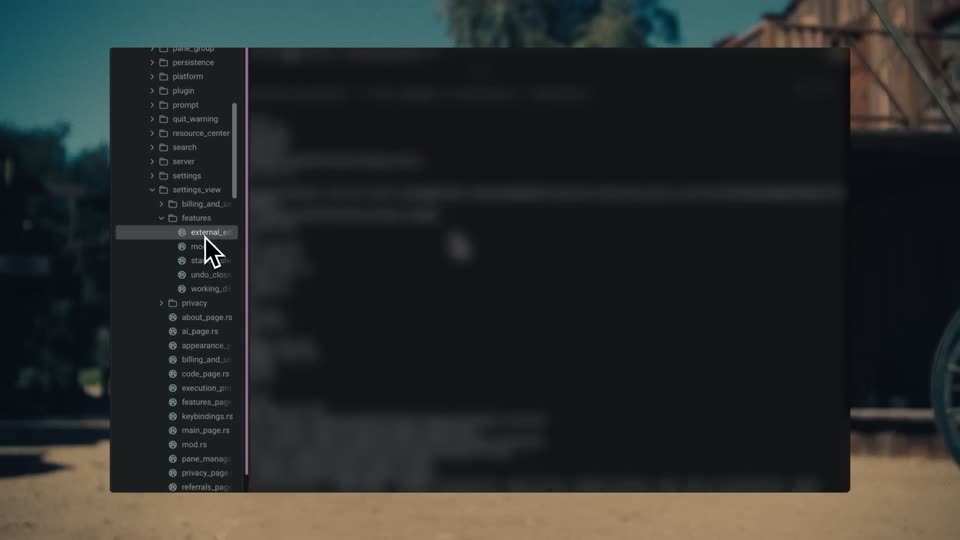 1:57–2:02Warp · Introducing Warp Code | The fastest way from prompt to productionA dark code editor window with a file-tree sidebar floats over a blurred outdoor backdrop. A cursor scrolls the tree and hovers over folders, then the window zooms out to reveal more code lines in the main panel.
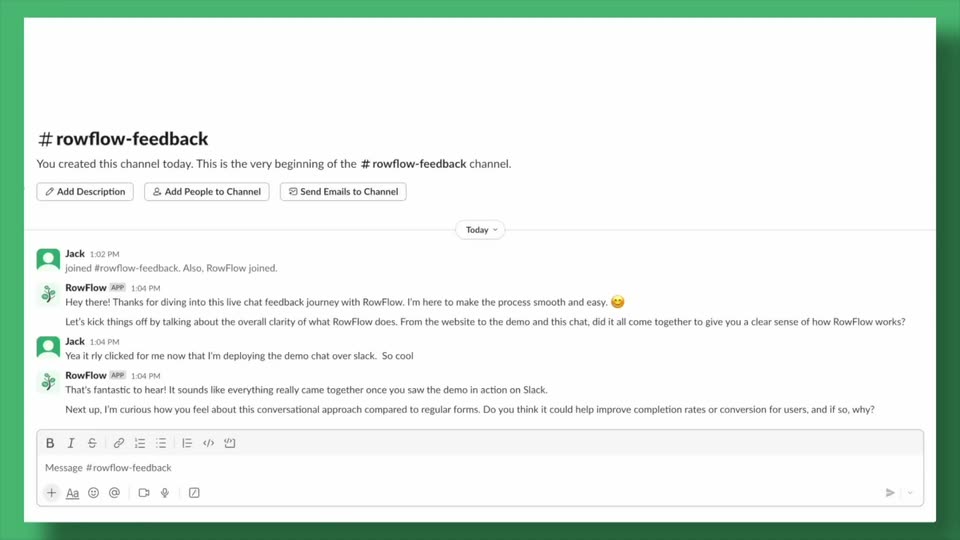 0:46–0:48RowFlow · RowFlow - Break up with your form.A Slack channel view fills the frame while a cursor types a reply in the input box, then the camera zooms out to reveal two side panels flanking the chat window.
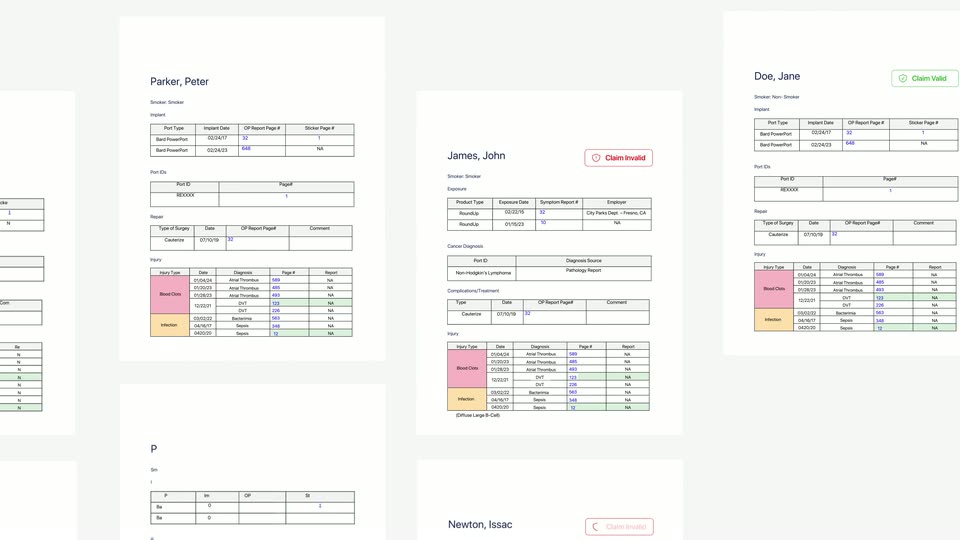 0:55–0:59Kalinda · Kalinda Launch VideoThe shot opens tight on a claim document card for James, John, then pulls back to reveal a wide grid of claim cards, each stamped with a red Claim Invalid or green Claim Valid badge.
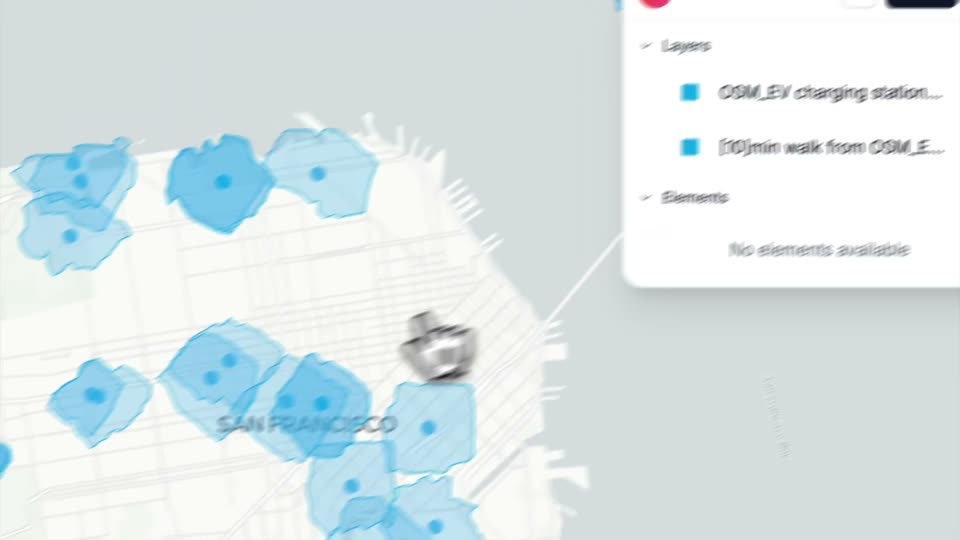 0:32–0:37Monarcha · Monarcha - The AI GIS PlatformA San Francisco map fills with translucent blue 10-minute walking isochrones around EV charging dots. A hand cursor taps the Style tab as the frame pulls back from the layer panel to the full workspace, then zooms into the map. A toast confirms the new layer.
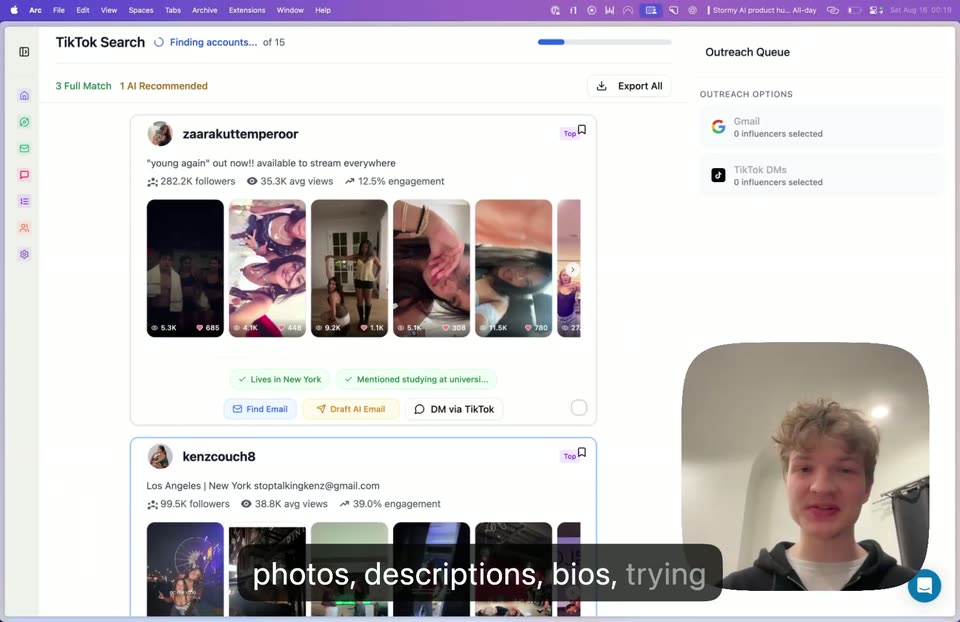 1:34–1:46Stormy · Stormy AI launch videoA screen recording of the TikTok Search interface lists influencer profiles with photo grids and stat rows. The frame starts zoomed into the cards, then pulls back to the full browser window. A face-cam of a young man gestures at lower right while white subtitles roll along the bottom.
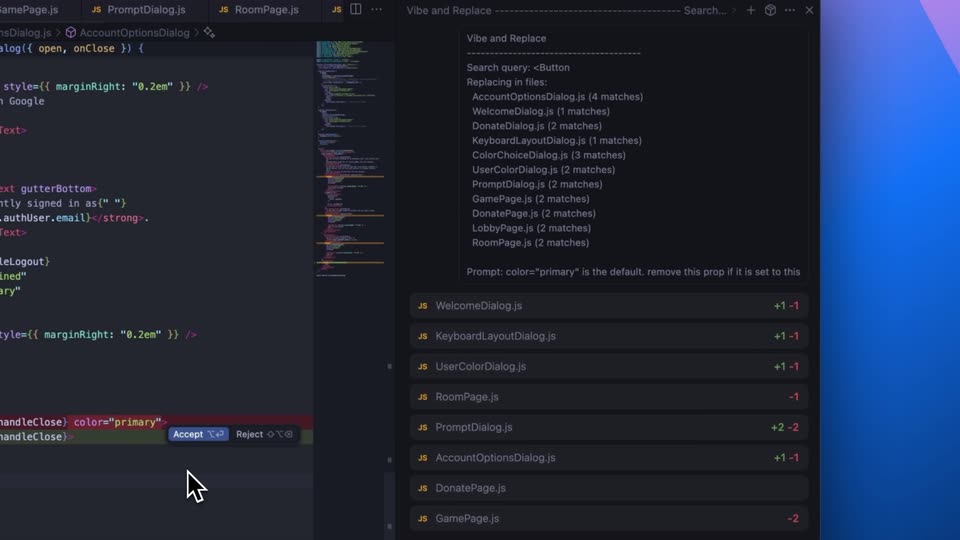 0:59–1:06Windsurf · Windsurf Wave 12: Devin features in Windsurf!A dark code editor shows a modal with a W logo offering to replace 23 occurrences across 11 files via AI prompt. A cursor clicks Replace, the view reframes onto a right-hand panel listing matched files, and diff rows with plus and minus counts slide into the panel.
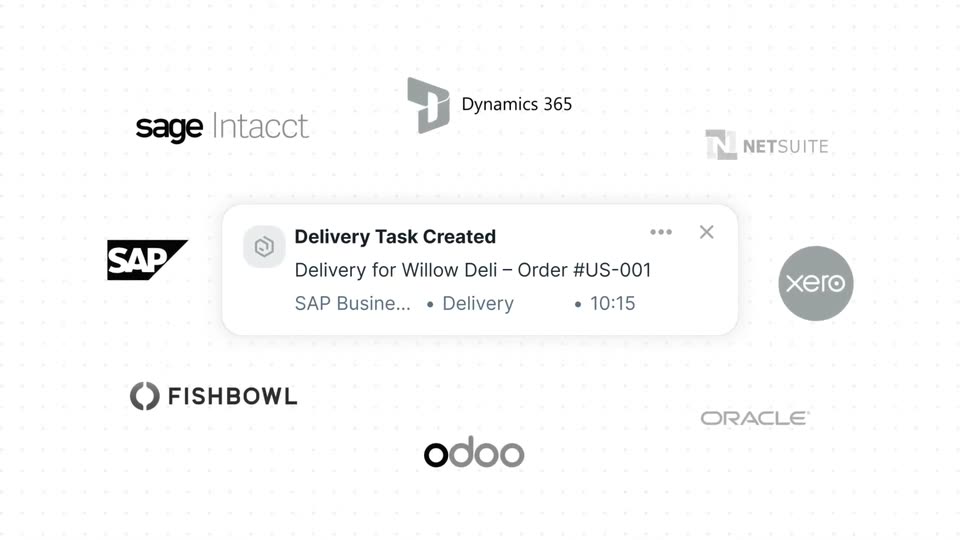 0:26–0:29burnt · Burnt - Order Management made easyOn a dotted white background, a delivery notification card opens zoomed in, then scales down as eight ERP logos fade in around it. The cluster fades out and the phrase 'No typing' types itself in the center.
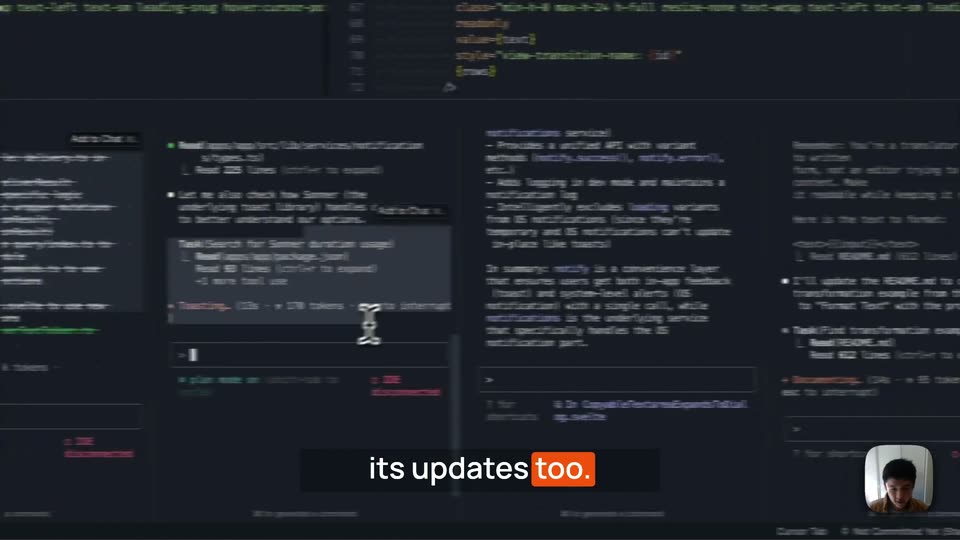 1:10–1:29Epicenter · How I Use Whispering (Open-Source, Local-First Transcription) with Claude CodeA full-screen IDE view: code editor on the left, a Start recording dialog top right, and four terminal panels with agent sessions below. A small webcam feed of the speaker sits bottom right. The view zooms into the terminals, then back out, while word-highlighted captions roll along the bottom.
 0:41–0:44cocreate · Cocreate demo videoA dark workspace UI shows a cursor clicking the blue Import Media tab, then the view zooms into the upload section. The cursor moves to the browse link in a dashed drop zone that lists supported file types.
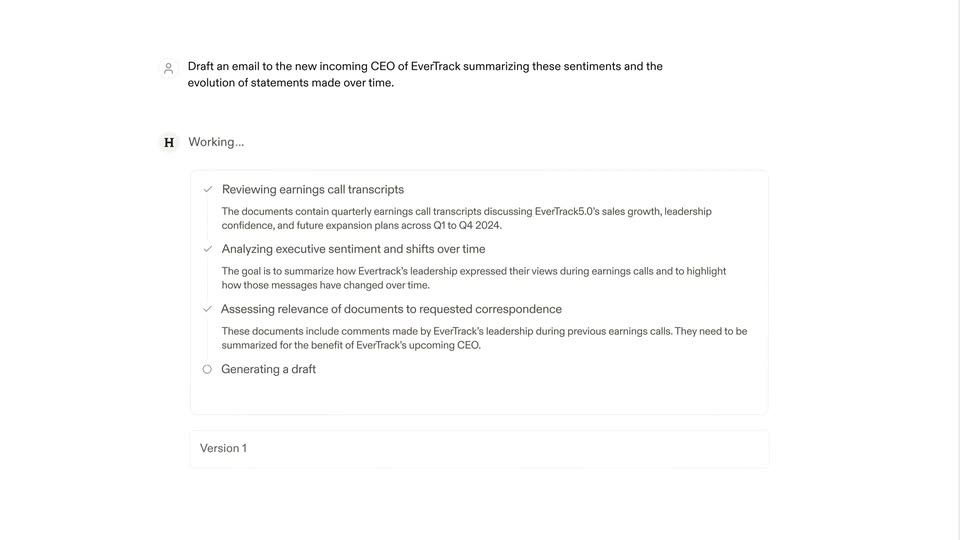 0:41–0:46Harvey · iManage IntegrationA light chat interface shows a user prompt at top and an assistant row with an animated Working indicator. A bordered panel lists task steps that fade in one by one with checkmarks, then the whole view scales down.
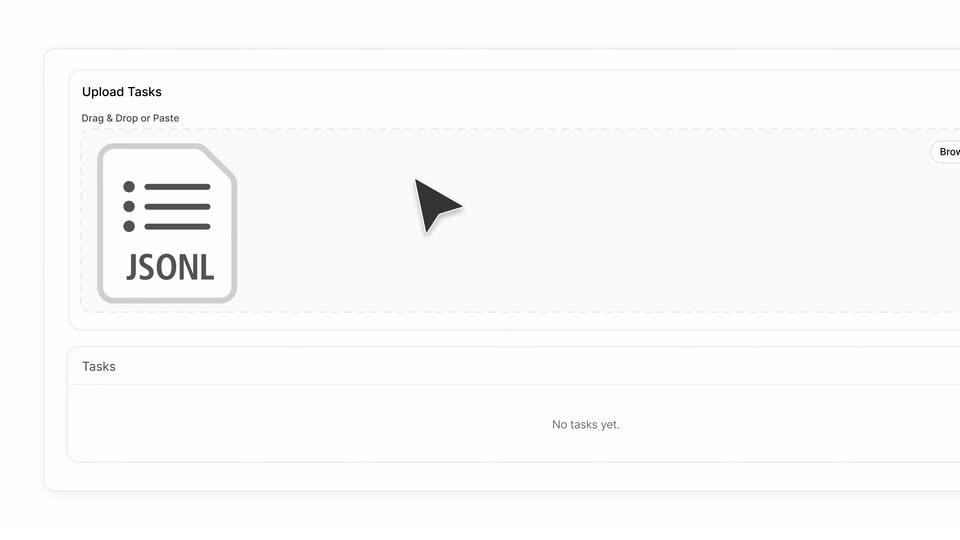 0:29–0:32MangoDesk · MangoDesk DemoA cursor drags a JSONL file card into the dashed drop zone of the Upload Tasks panel, then the frame zooms in on the Browse and Upload buttons as the cursor rests on the teal Upload button.
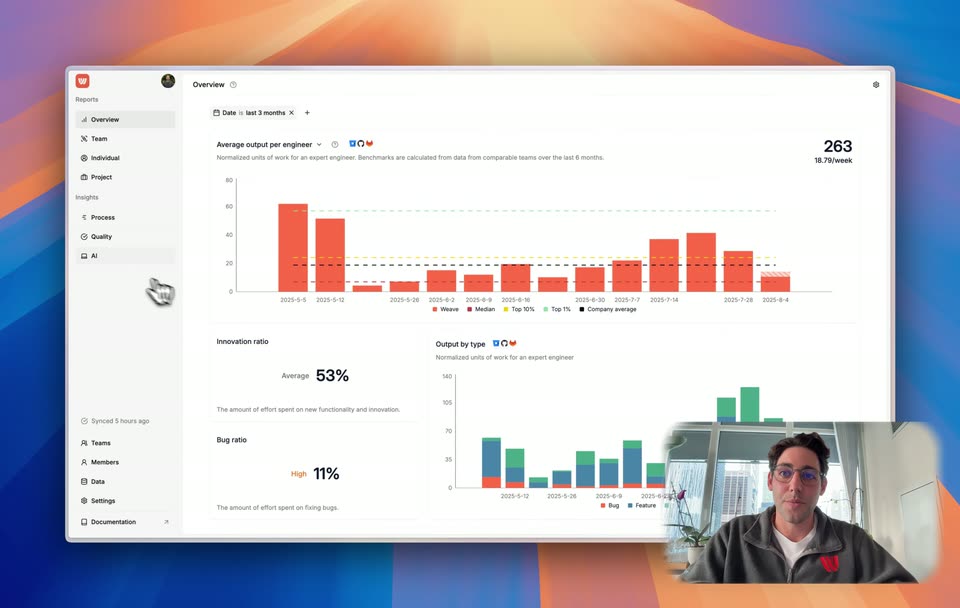 0:47–0:49Weave · Product Hunt Launch VideoA close-up of two orange and stacked bar charts zooms out to reveal a full analytics dashboard with a left sidebar, set against an orange and blue gradient. A cursor moves across the screen while a presenter appears in a video-call inset at the bottom right.
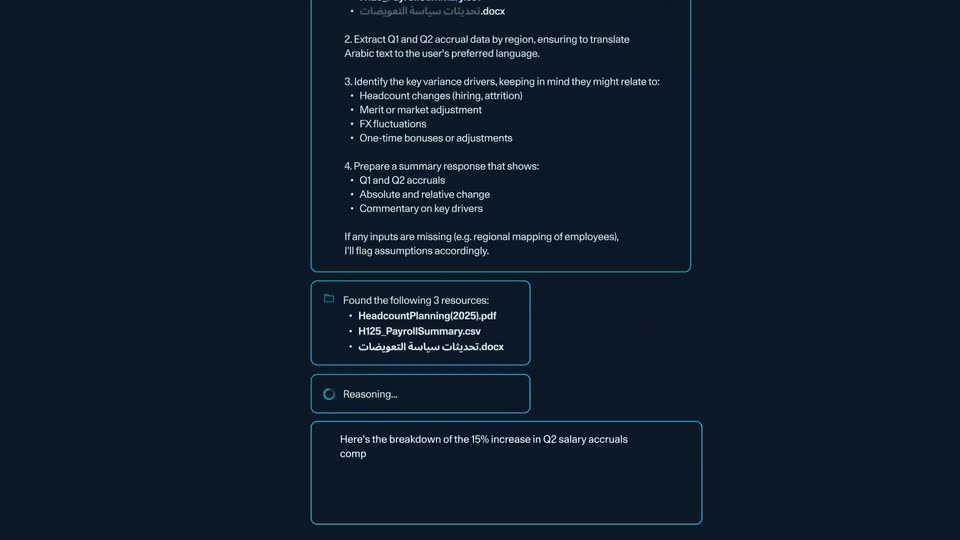 0:37–0:38Cohere · Cohere - Our secure agentic AI platform, North, is now widely available.A dark chat window scrolls down and zooms in, pushing the earlier analysis message off the top while a new response box types out at the bottom. A small blue F logo sits in the upper-left corner.
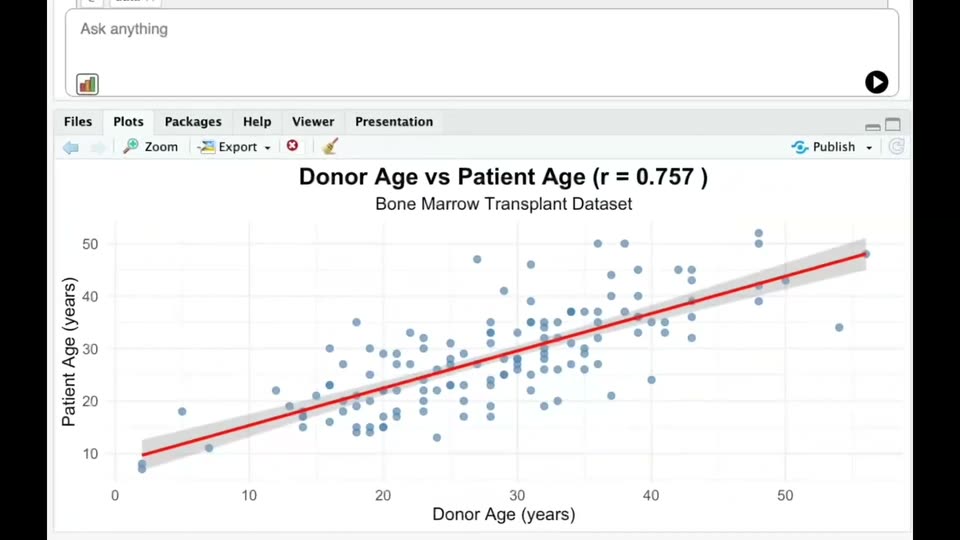 0:27–0:29Lotas · Rao — Cursor for RStudioA screen recording of the RStudio workspace: an R script and an AI chat panel fill the top, a console runs below. The view zooms into the plot panel, framing a scatterplot of donor versus patient age with a red regression line and gray confidence band.
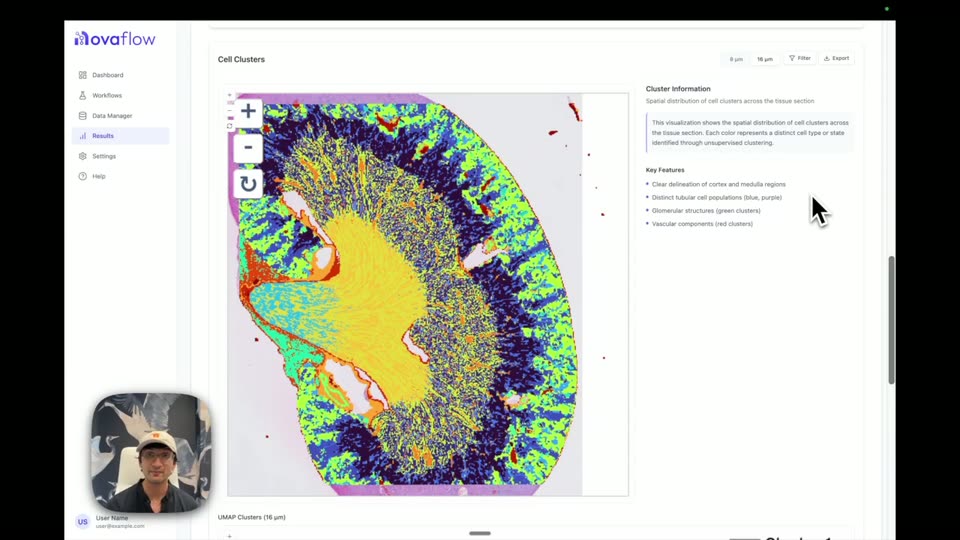 1:52–2:11Novaflow · Novaflow Launch VideoA Novaflow results screen shows a multicolored kidney tissue cluster map beside an info panel, with a small webcam of the presenter in the corner. The cursor moves to the top-right controls and clicks the 16 um toggle, the map re-renders finer.
 1:28–1:41Autumn · Autumn: Stripe for AI StartupsA screen recording of the AutumnGPT app shows a chat panel beside a Free/Pro pricing panel. The view zooms in as three dark message bubbles appear and the credit badge hits zero, then a no-messages toast pops in bottom right. Subtitles with blue highlights run along the bottom.
 0:49–0:51Lindy · Lindy - Lindy 3.0 is live. You can now create agents with a simple prompt anA cream gradient background with a dotted grid holds a white chat input under the prompt “How can I help?”. The cursor types “Give them a phone call”, then the view zooms into the right edge of the field as the cursor presses the blue up-arrow button, which scales up.
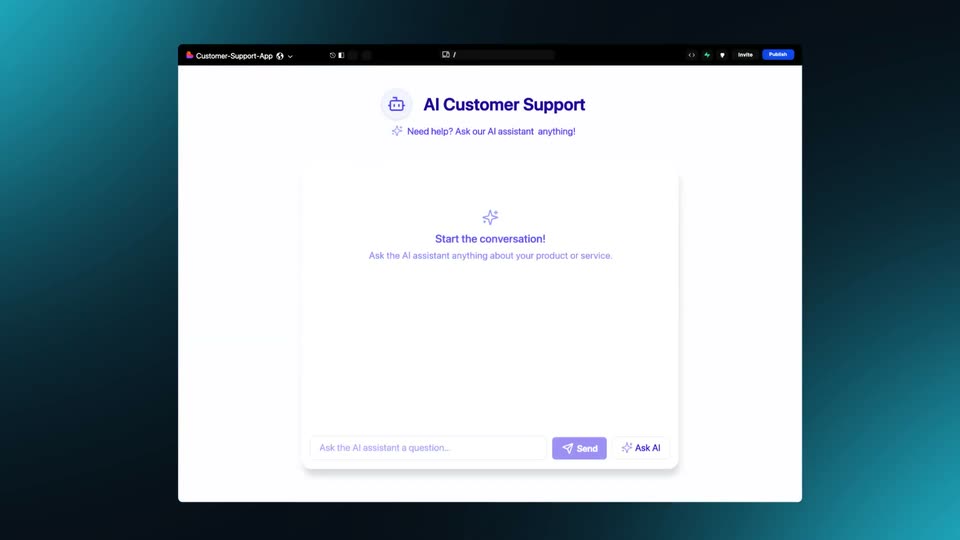 1:12–1:16VibeFlow · YC Launch Video: VibeFlowA dark editor frame surrounds a white page titled AI Customer Support. The chat card and question input bar fade in, then the camera zooms in on the card and the Ask AI button.
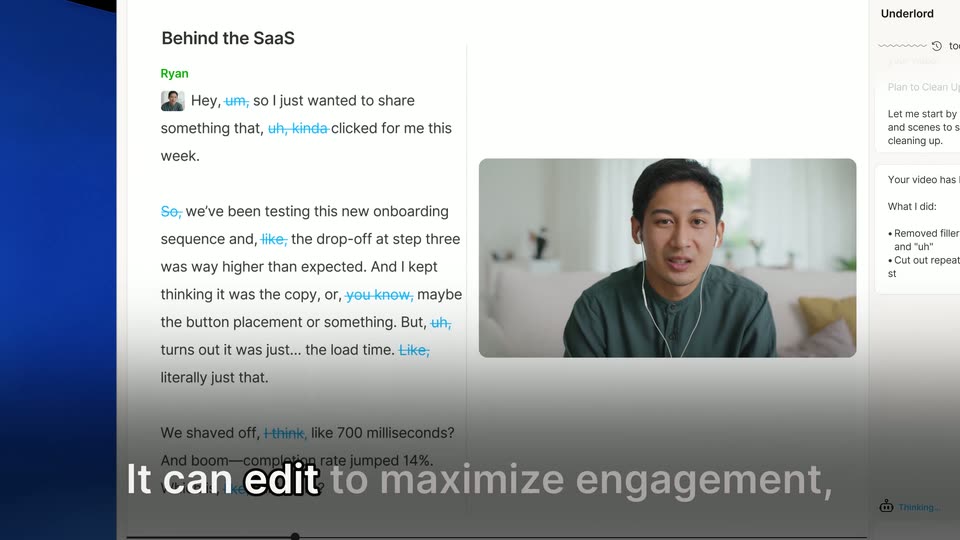 0:37–0:39Descript · Descript - Never edit alone again. Underlord is now available in beta. UnderlorA close-up of a document post with an embedded talking-head video zooms out to reveal the full editor and its right-hand tools sidebar. A large white caption at the bottom swaps from one line to the next.
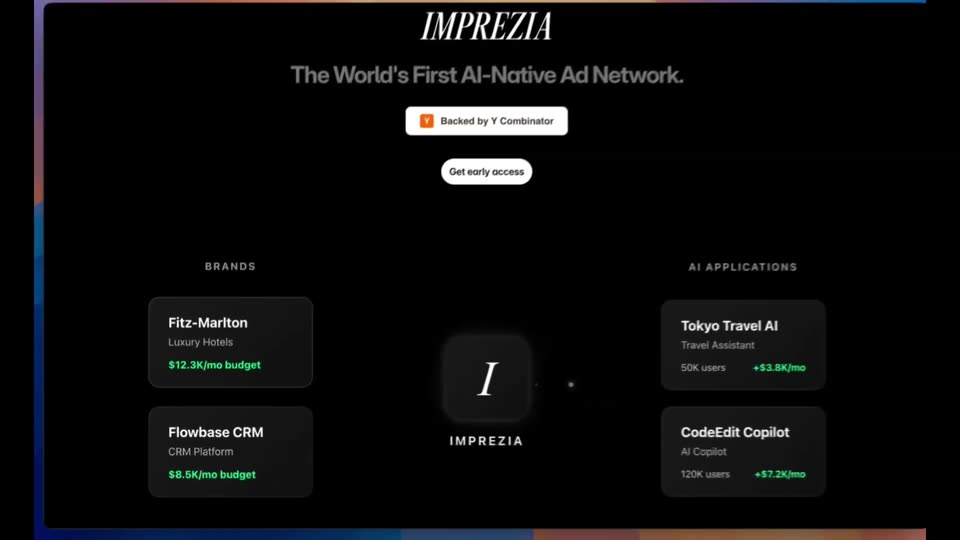 0:37–0:38Imprezia · Imprezia Launch VideoA dark landing-page diagram zooms out from a close-up of the central Imprezia icon and the left brand cards to reveal the full layout. The header with logo, tagline and badges fades in at top while the right column of AI application cards appears, connected by a horizontal line through the center icon.
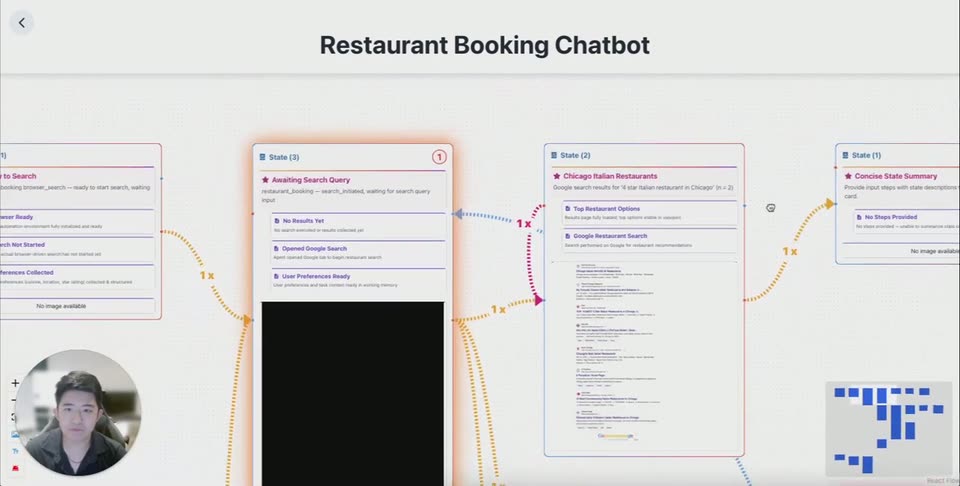 3:13–3:14Lucidic AI · Lucidic HN DemoA whiteboard state diagram titled Restaurant Booking Chatbot shows four state cards linked by colored arrows. The view zooms in slightly; a hand cursor hovers at the right edge.
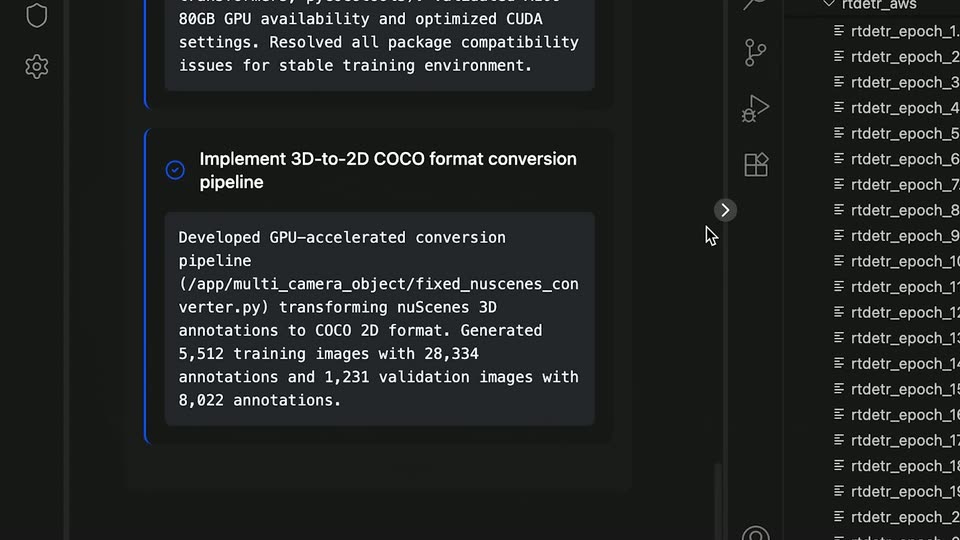 1:23–1:36Neo AI · Neo AI - Introducing NEO: The first Agentic Machine Learning Engineer. It worThe dark IDE splits into an agent chat panel left and a code editor right. The chat scrolls through execution logs and task cards for an ML pipeline while the Python file and file tree hold still. The view then zooms into the left panel's task cards.
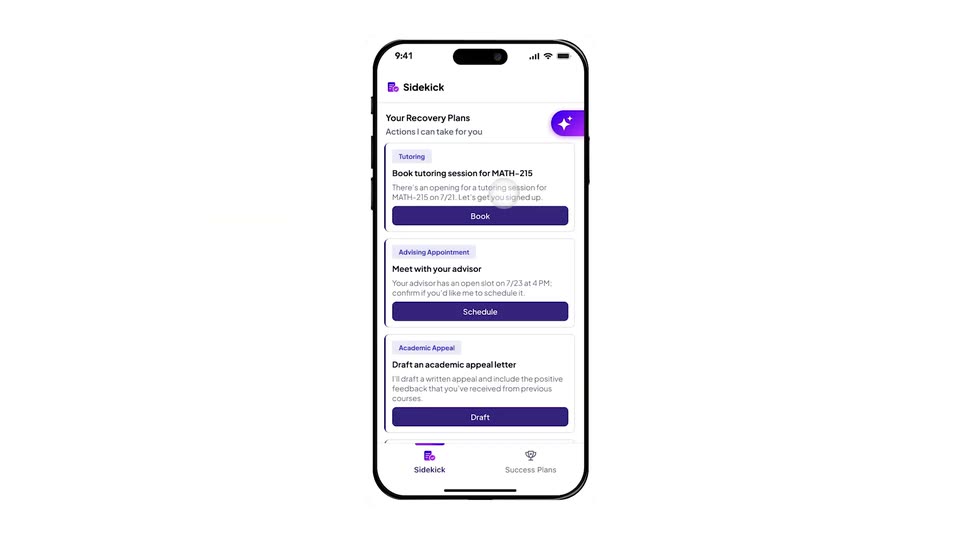 1:00–1:01Risely AI · Introducing Risely: AI agents that automate administrative tasks for universitiesA tilted 3D phone mockup displays the Sidekick app's Recovery Plans list as the large headline 'and this is just the beginning' slides across the frame. The camera then zooms into the screen, filling the frame with the task cards.
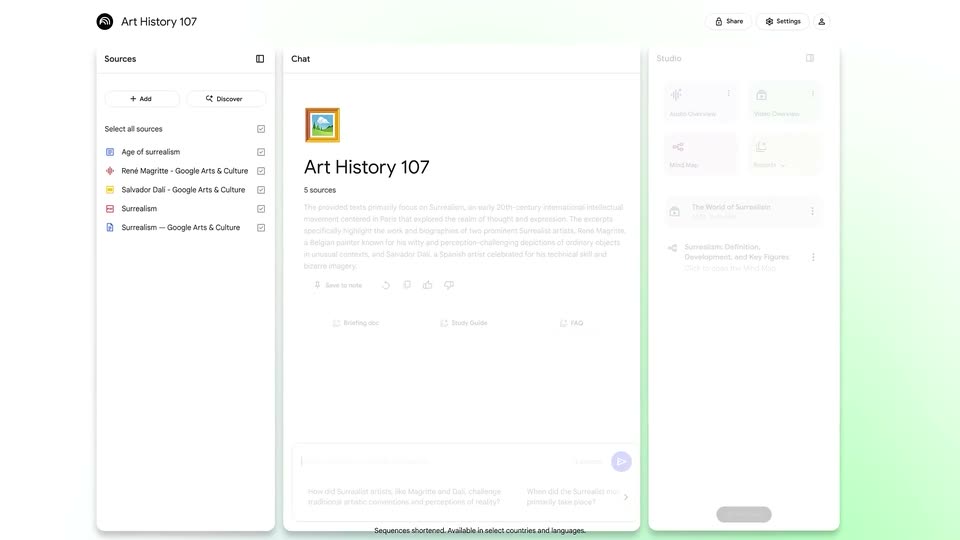 0:08–0:09Google · Introducing NotebookLM Video OverviewsA three-panel app view, Sources, Chat and Studio, holds a cursor over the Studio cards. The frame pulls back to reveal the whole window on a white canvas with a soft green glow at the right edge. A disclaimer caption sits at the bottom.
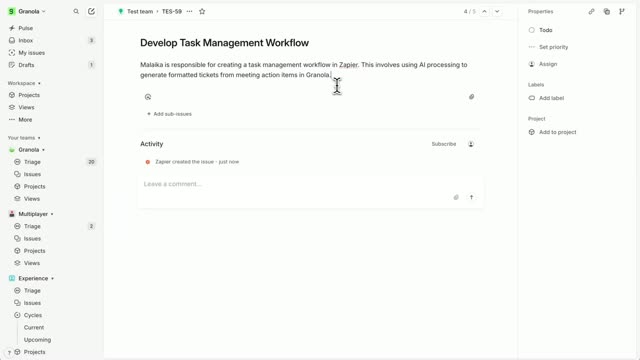 1:28–1:33Granola · Introducing Granola + Zapier | Your meeting notes, now connected with over 8,000 appsA project issue view displays the title and a multi-line description. The frame zooms in on the description, a text cursor resting at its end, then returns to the full three-panel layout.
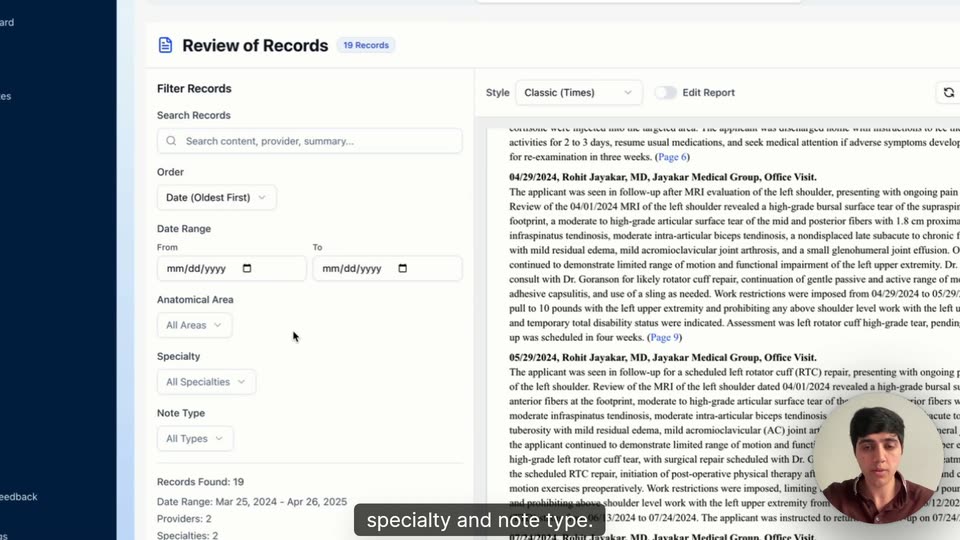 0:43–0:54Docura Health · Docura Health DemoA browser window shows the Docura Health Review of Records page, a medical report on the right and a filter panel on the left, with a presenter's headshot in a circle at bottom right. The view zooms into the filter panel, holds, then zooms back out as the report scrolls.
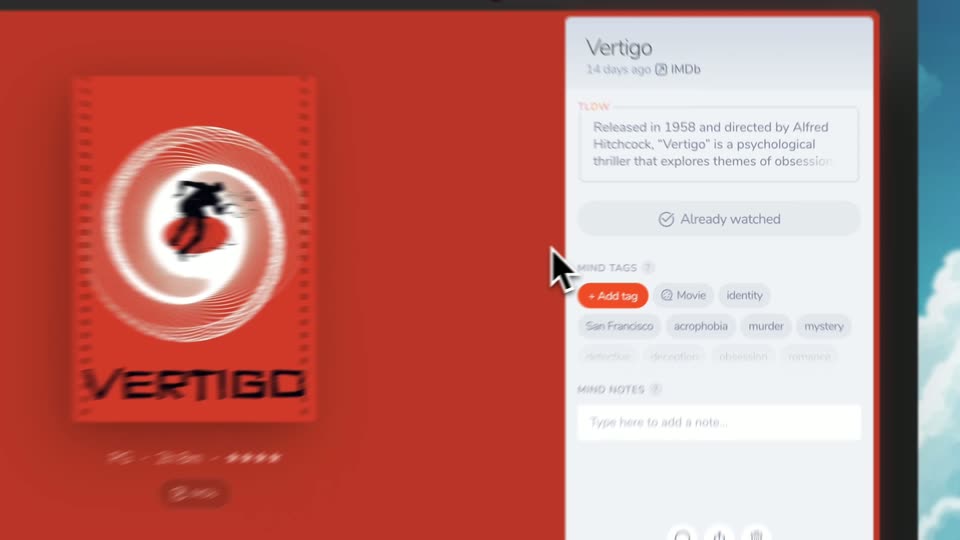 0:19–0:22mymind · mymind - You asked for it, we shipped it 🧡 We hope you enjoy this new feature!A close-up of a light note panel beside a red Vertigo poster, with a black cursor over the tag row. The shot pulls back to reveal the full interface on a 3D laptop mockup against a cloudy sky.
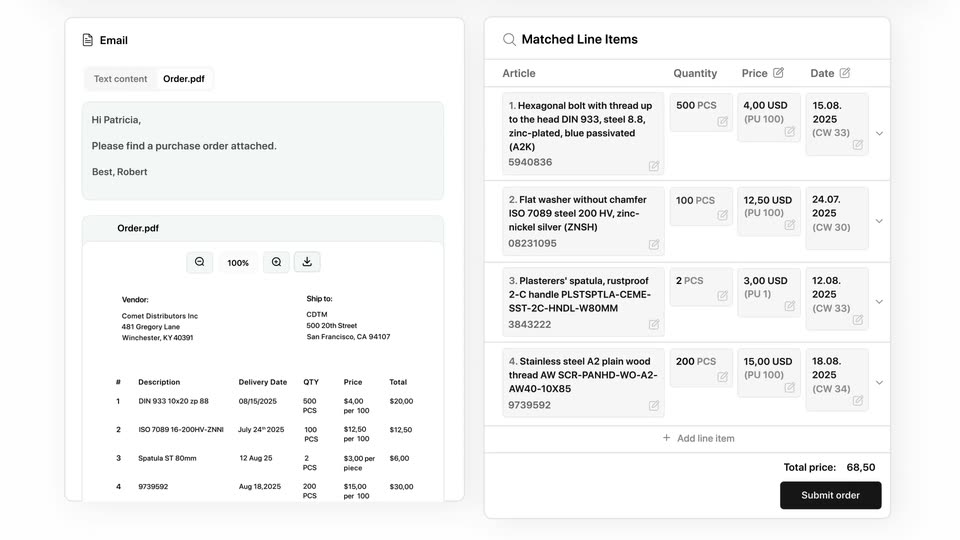 0:37–0:57Comena · Comena Launch Demo - Automated PO ProcessingA product order screen fills the frame. The view zooms into the top fields, then reframes to the email and PDF panel beside the matched line items table. Blue lines draw from each PDF row to its matching item, ending on a cursor.
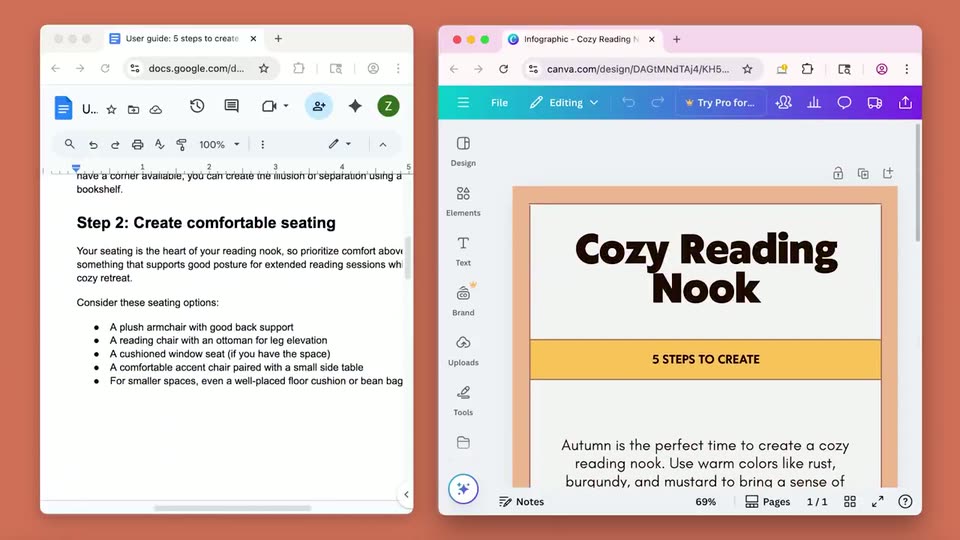 0:38–0:42Anthropic · Anthropic - Turn written content into professional designs with Claude + @canvaTwo browser windows sit side by side on a terracotta background. The Google Doc on the left auto-scrolls up through a five-step guide, while the Canva canvas on the right zooms in on the Cozy Reading Nook infographic title as its color shifts from black to rust.
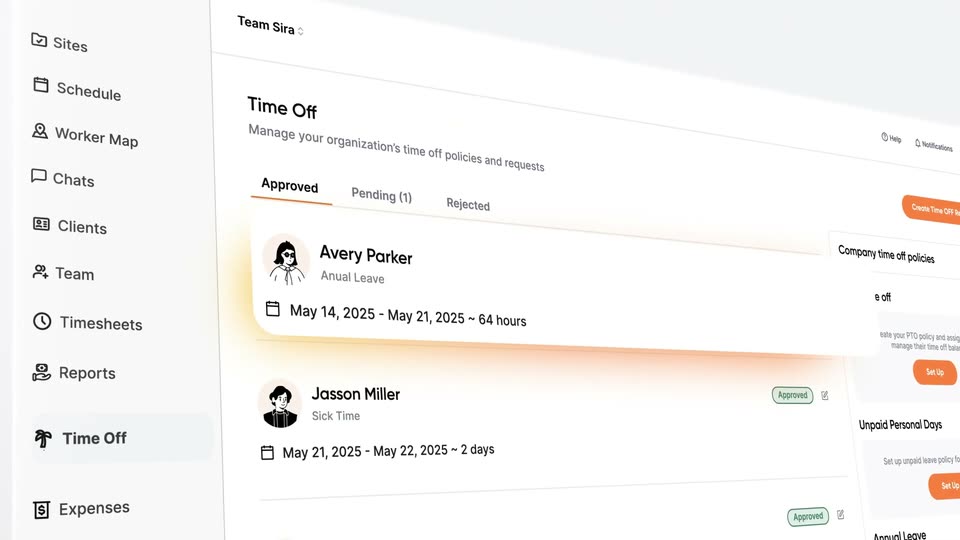 0:38–0:40Sira · HR, Payroll & Time Tracking… Automated in Minutes with AI 🤯The Time Off interface floats in 3D perspective, tilted to the right, as the camera pushes in on the left column of approved requests. Large kinetic words flash over the view.
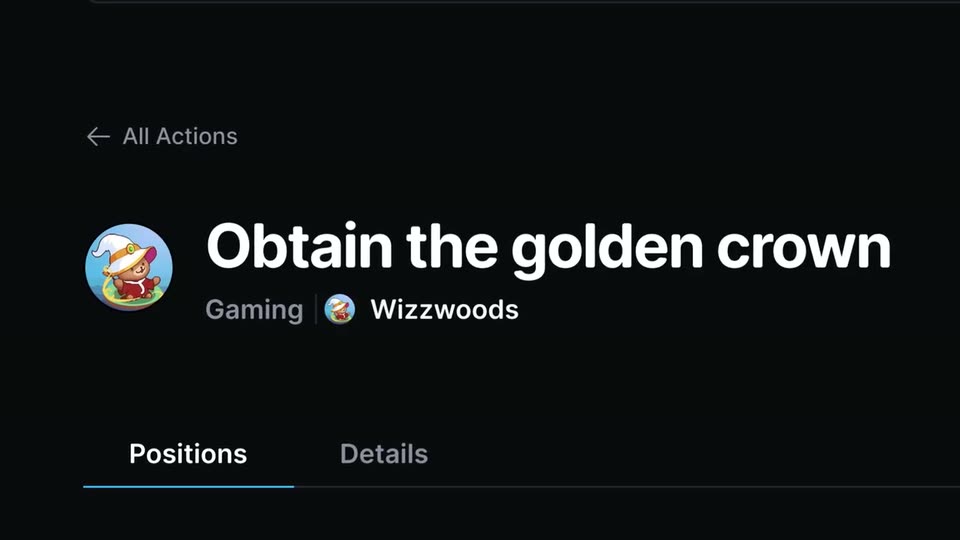 0:32–0:33Berachain · Berachain Foundation 🐻⛓ - Welcome to the New Hub.A dark portfolio screen scrolls up, the title header sliding out of frame as a blue performance line chart and a floating data tooltip fill the view. A white headline and a small brand tag slide in over the locked-off frame.
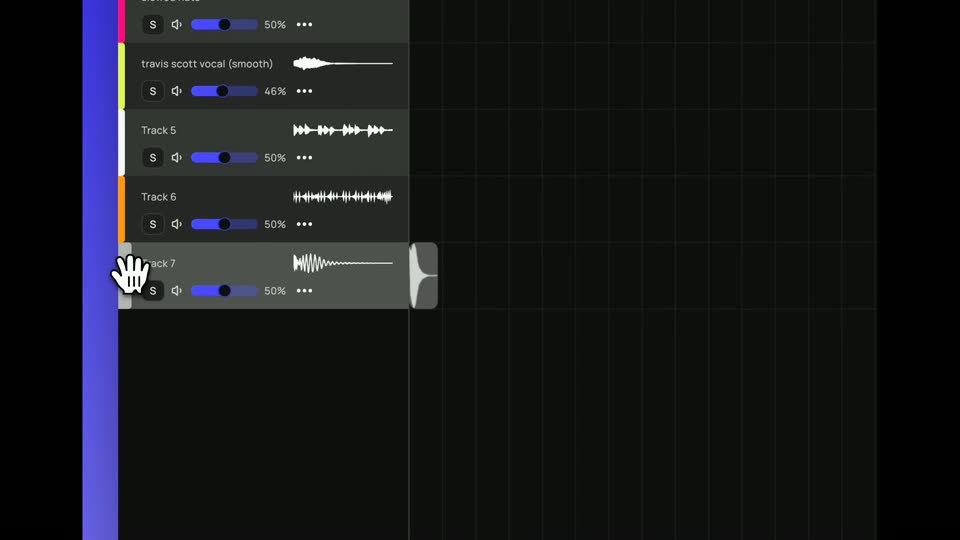 1:33–1:34Physical Turing · Welcome to RiffA dark DAW track list with volume sliders and waveforms fills the left of the screen. A white hand cursor glides to the Track 7 row and hovers, highlighting it, as the view reframes onto the list.
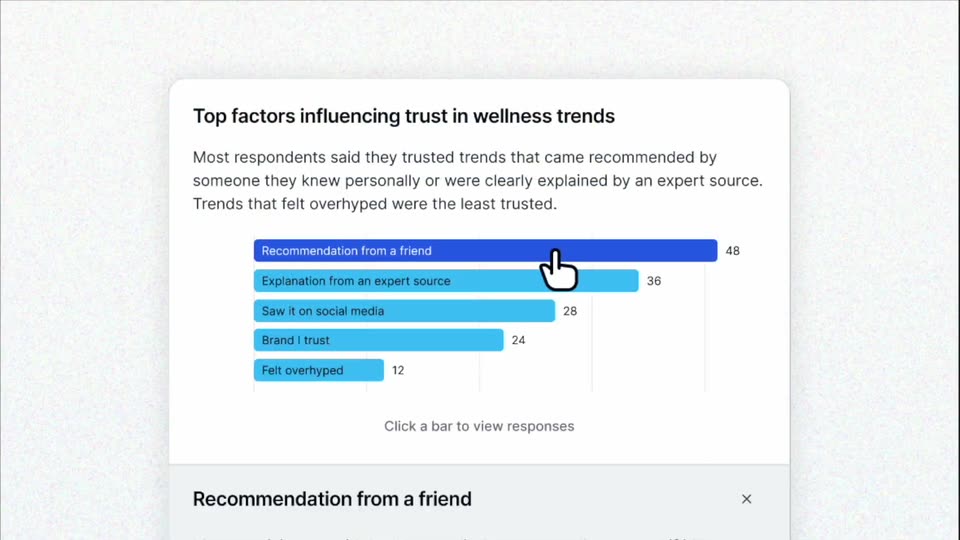 0:54–0:56Motives · Motives AIA white report card shows a horizontal bar chart on wellness trust. A hand cursor hovers over the top bar, Recommendation from a friend, then the card scrolls down to reveal a follow-up answer panel with the same label and an X close button.
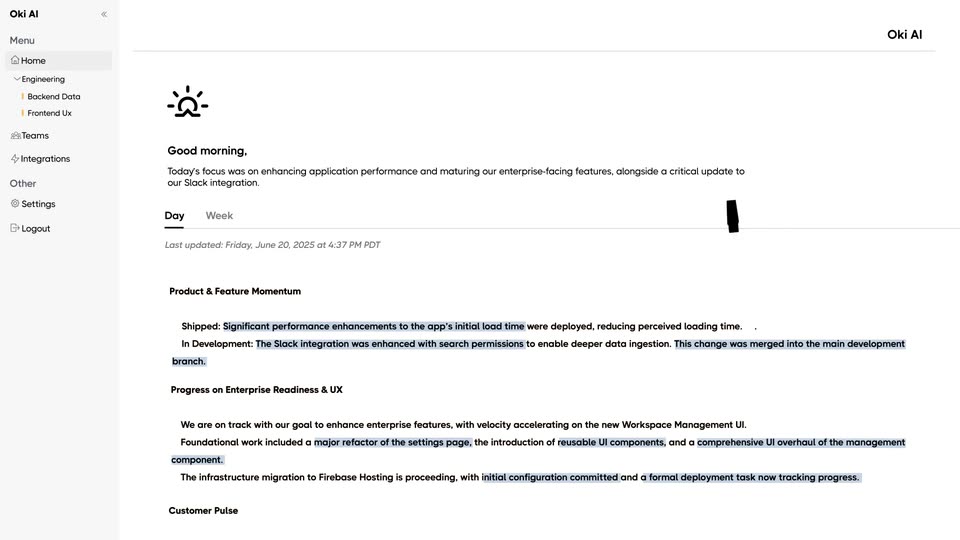 0:39–0:41Oki Home · Oki AI - Personalized Updates on Company ProgressA light dashboard screen with a left sidebar and a daily report body. The view sharpens, then zooms into the report text as a cursor hovers over a highlighted line.
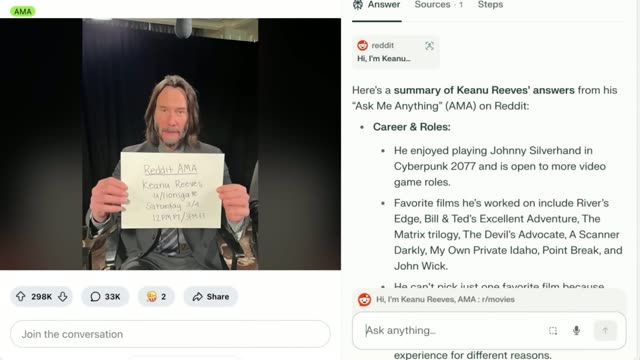 0:30–0:37Perplexity · Introducing Comet: Browse at the Speed of ThoughtA split screen pairs a Reddit post, a man holding a handwritten AMA sign, with the app's chat panel. A query types itself into the input box, then a bulleted summary of the AMA streams in. The frame zooms into the answer column.
 0:23–0:24Scade · scade.xyz - Meet Scade. The first full-cycle marketing system Forget the 30-persThe frame opens zoomed into the left chat log, then pulls back to reveal the full two-panel editor. The left shows a Copilot chat with a list of generated clips; the right shows a video preview of a white bicycle on a wet beach at sunset.
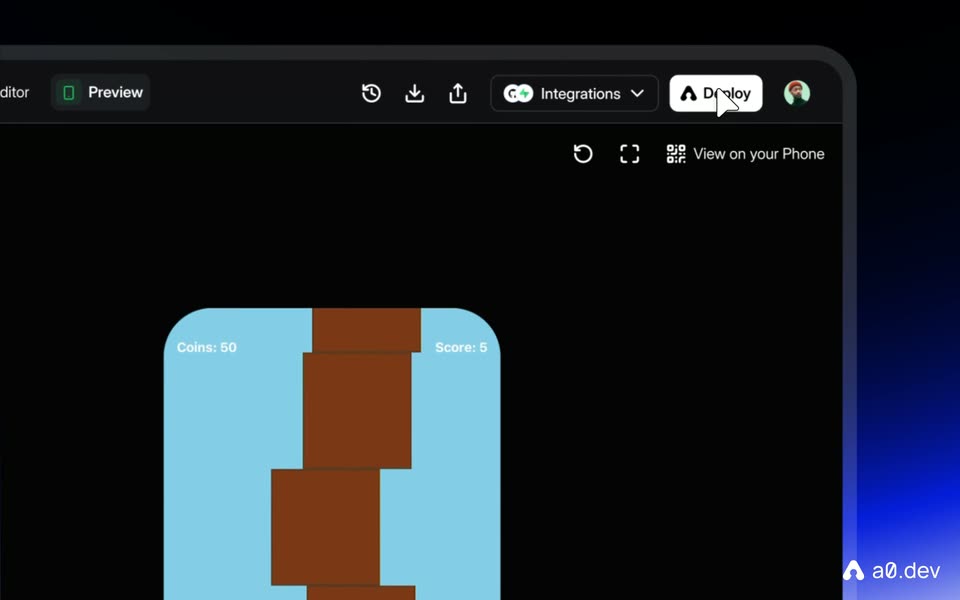 0:51–0:54a0.dev · a0.dev - Phase 1 (WAGMA)A white and blue headline sits above a dark app interface showing a chat panel and a phone preview. The view zooms into the top toolbar as a cursor hovers over the Deploy button while the phone plays a block game.
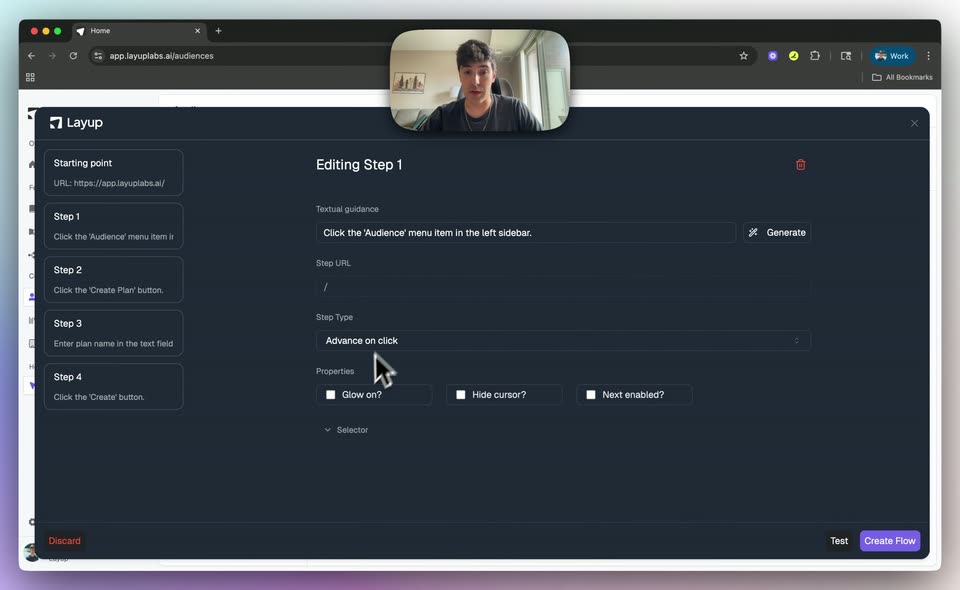 1:02–1:36Andco · Layup 2.0 July LaunchA dark 'Layup' app fills a browser window, with a small webcam inset of the presenter at the top. A white hand cursor completes the Overview form, opens the Permissions dropdown, then clicks sidebar steps to load step-editing panels. The frame zooms between states.
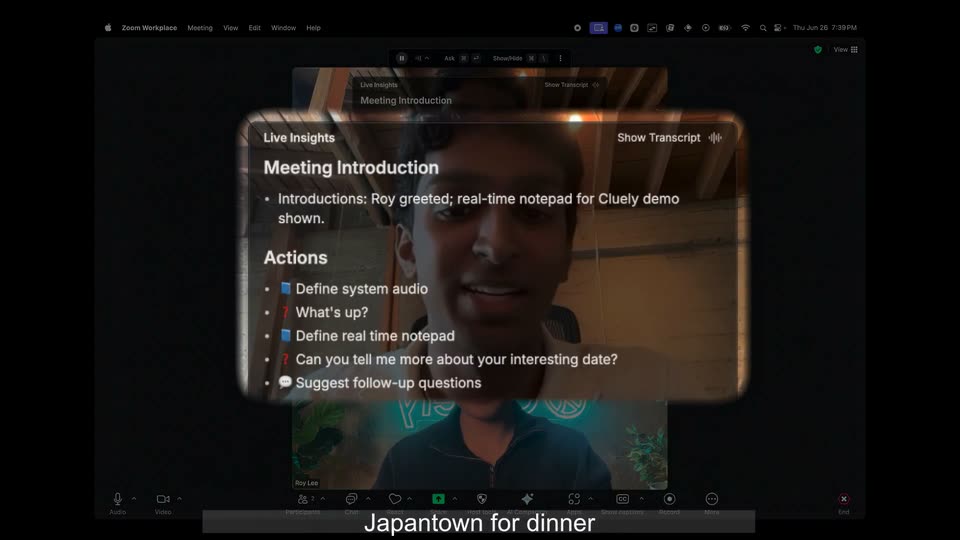 0:32–0:43Cluely · Roy - introducing @cluely. today is the start of a world where you never hA Zoom call screen shows two participants; an AI Live Insights notepad over the top tile zooms in to reveal live meeting notes and action items, then reframes into a left sidebar with a definition card. Subtitles caption the conversation along the bottom.
 0:32–0:36AgentMail · AgentMail Integration DemoA Gmail screen shows a compose panel on the right. The view zooms into the panel, a cursor points at the recipient address, then the frame scrolls down past the message body to a blank white area. White outlined captions run along the bottom.
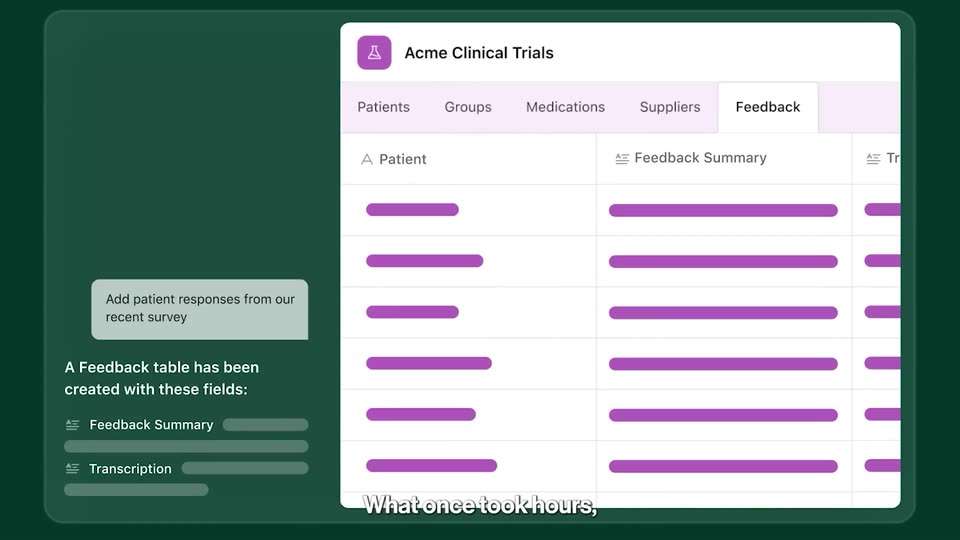 0:34–0:39Airtable · Introducing a new generation of Airtable - built for the AI eraA white table UI, Acme Clinical Trials, fills the right of a dark green screen. A Feedback tab slides into the header, rows fill with purple bars, and a left card lists the created fields as a spinner reads Creating records. The shot ends in a blurred zoom-out.
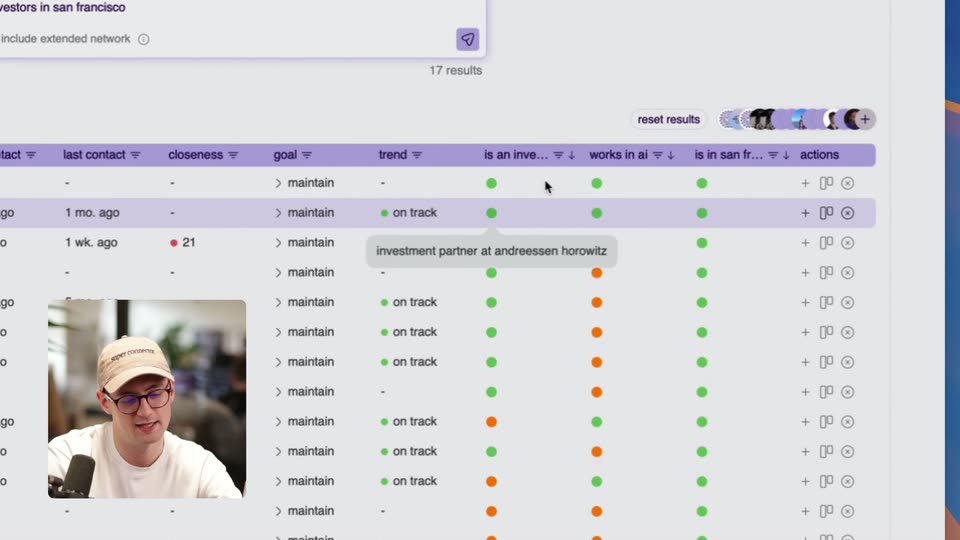 2:07–2:08Pally · Pally Launch VideoA light CRM table fills the frame and zooms into the right-hand columns. A cursor hovers over a row, raising a tooltip that reads investment partner at andreessen horowitz. A small inset video shows a man in a cap and glasses speaking into a microphone at lower left.
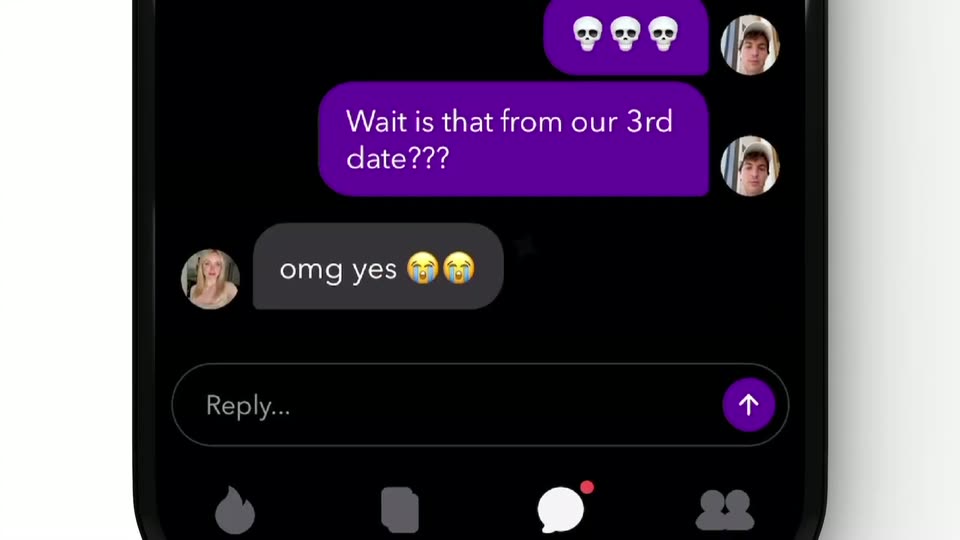 0:16–0:18Candle · Couple Games & Photos - Launch!A tilted phone mockup on a white background shows a dark chat screen. The camera pulls back as the thread scrolls up past a shared photo, and purple and gray bubbles with emojis pop in, settling on the reply field.
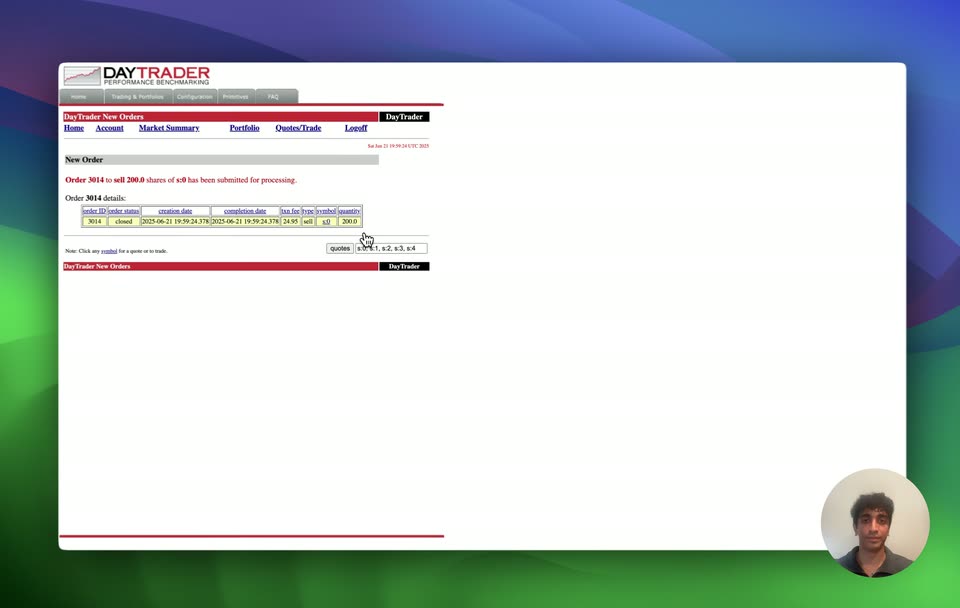 0:45–0:51Axal · Extract Functional Requirements from Legacy CodeA browser window shows the DayTrader app. A cursor selects the Portfolio tab, hovers a sell link in the holdings table, and zooms into the row, then jumps to the Market Summary tab and a new-order page. A circular webcam of a presenter sits bottom right.
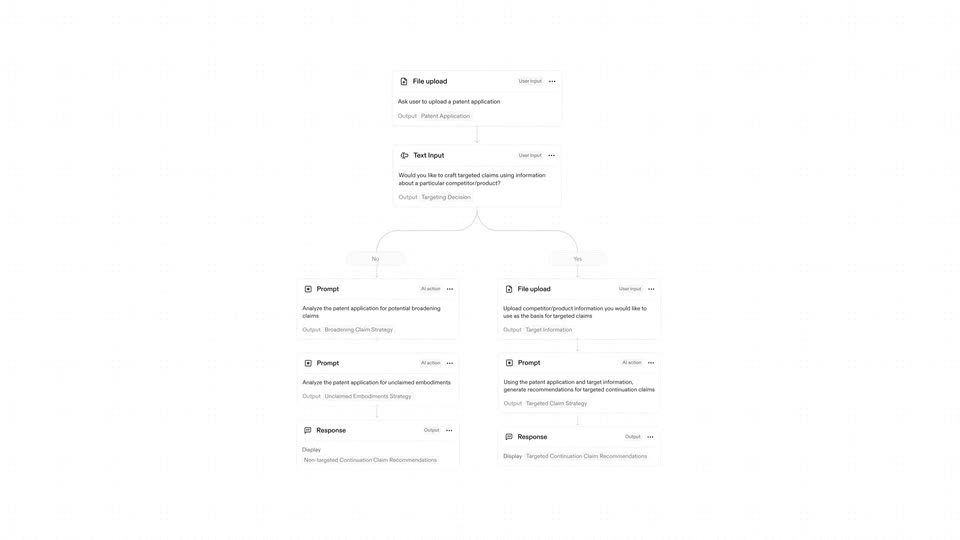 0:17–0:19Harvey · Workflow BuilderA flowchart of connected node cards (File upload, Text Input, Prompt, Response) zooms out to reveal its full branching layout, then fades out as a large light-gray word 'Every' fades in on the left.
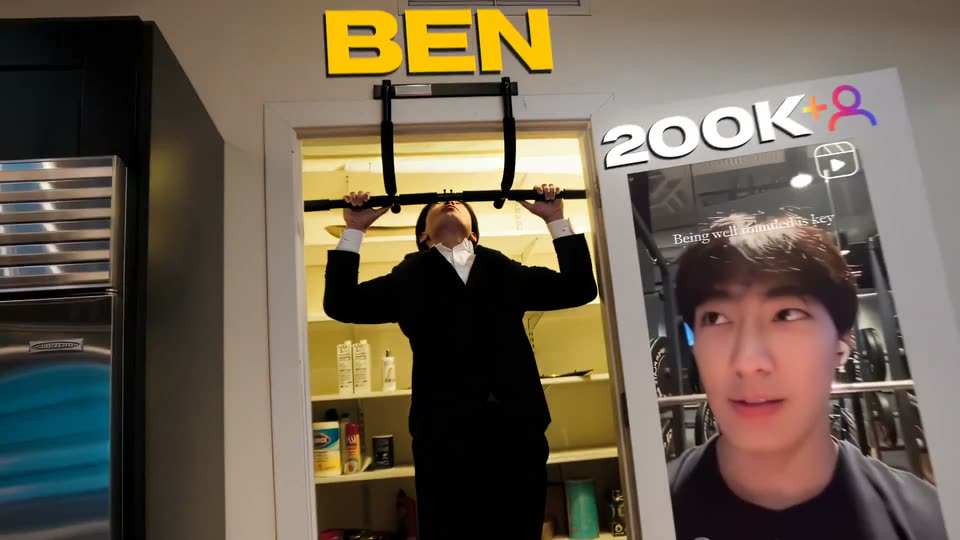 0:10–0:11Cluely · Roy - introducing the @cluely marketing teamThe shot opens zoomed into a giant white name label, then pulls back to reveal a man in a black suit hanging from a pull-up bar in a kitchen. A yellow BEN tag slides in above him while a 200K+ video call window on the right shows Daniel's face.
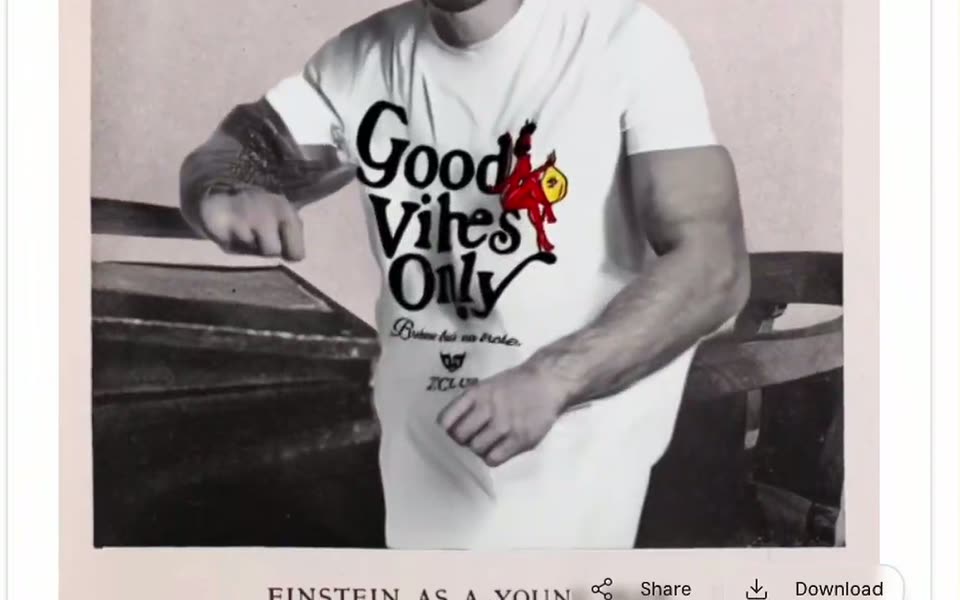 0:20–0:21Sharpe · Introducing Solar by LumenaryA framed black-and-white photo of a young man zooms from his face down to his torso, revealing a white T-shirt printed with a script slogan and a red figure. A caption line with Share and Download buttons sits below the photo.
 0:57–1:07Windsurf · Windsurf Wave 10 – Day 2: Windsurf BrowserA browser window on a gradient desktop shows the Windsurf page scrolling past log, chart, and code sections as a send bar captures elements with green toasts. A blurred zoom reframes on the code block, then the view cuts to the IDE with a file tree and Cascade chat panel.
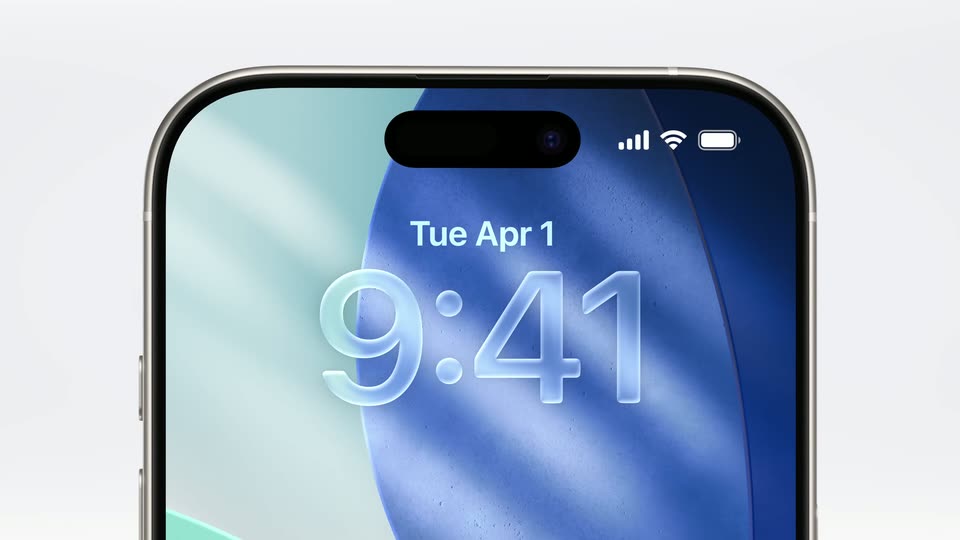 2:05–2:11Apple · iOS 26: Introducing Liquid GlassA macro view of the lock screen clock, its glassy 9:41 numerals refracting light, then the camera pulls back to reveal the phone's titanium frame, Dynamic Island and status bar. Specular highlights shift across the numerals as the frame widens.
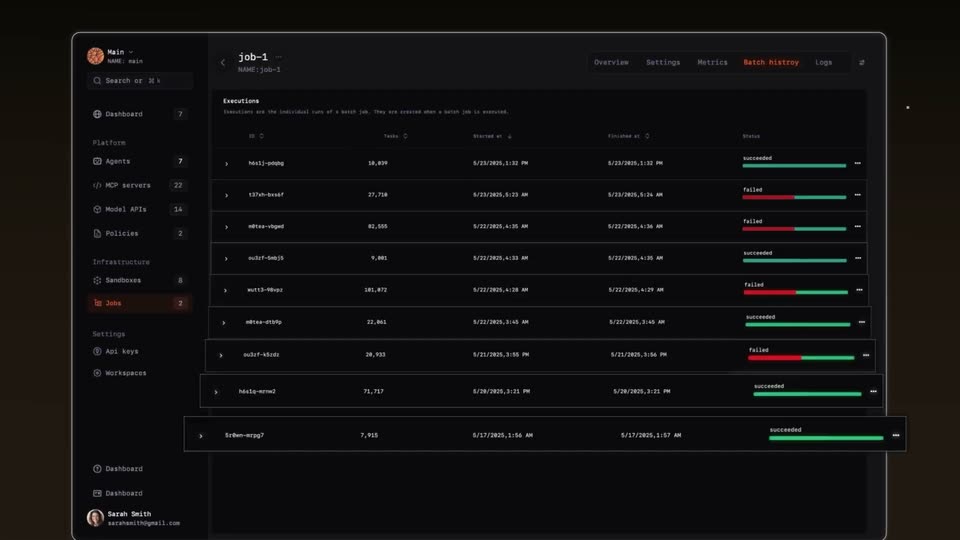 0:37–0:40Blaxel · Introducing Blaxel - The cloud for your AI agentsA dark job-dashboard panel opens cropped at the lower edge beside a large orange robot-head icon, then zooms out to reveal the full rounded interface with a left sidebar and an executions table while the orange base gradient fades.
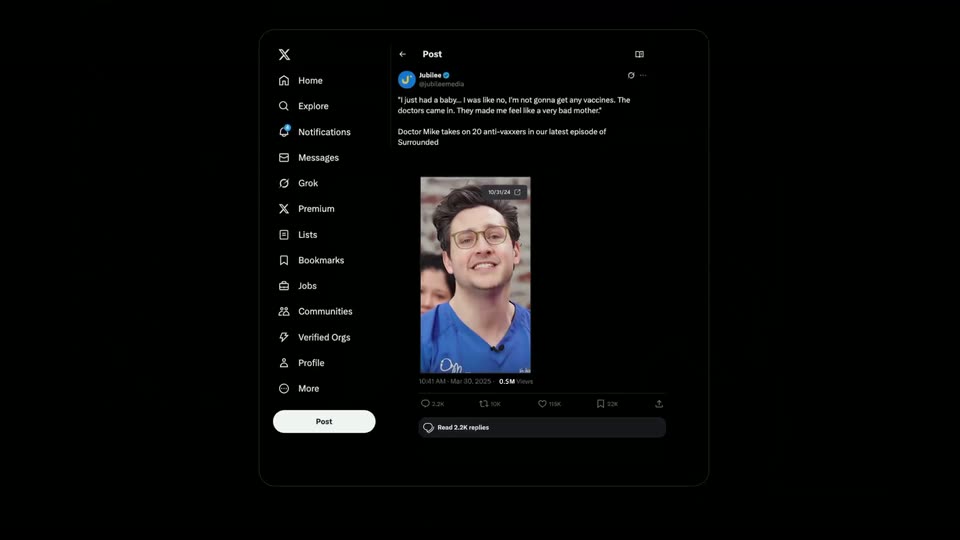 0:27–0:28OpusClip · OpusClip - Welcome OpusSearch, the first AI growth agent that can automaticallyA dark content dashboard with a search bar and three trending story cards blurs, then the view zooms into one card, revealing an X post with a video thumbnail of a man in a blue shirt and 12.3M views.
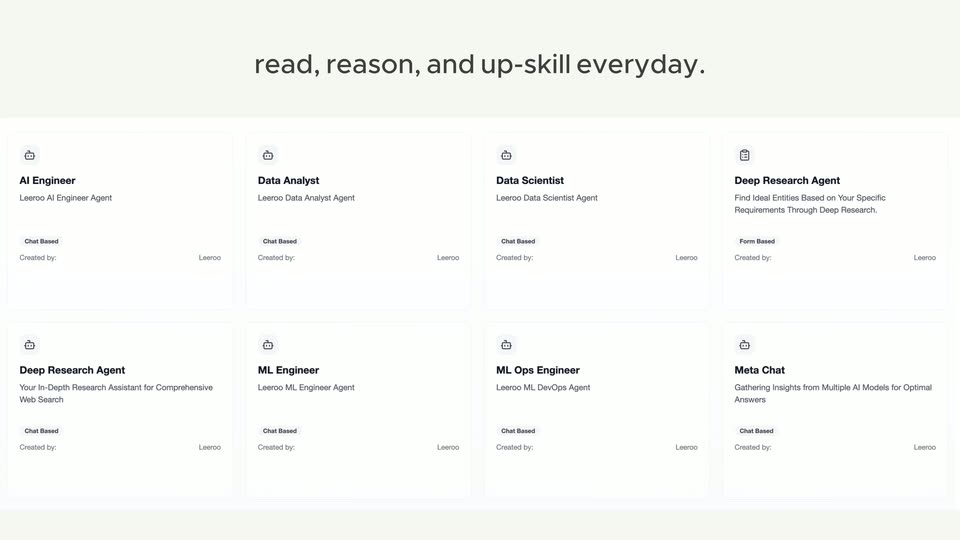 2:01–2:04Leeroo · Leeroo Continuous Learning AgentsThe product interface sits beneath the headline “read, reason, and up-skill everyday.” A grid of white agent cards scrolls upward to reveal more rows, then the frame zooms out to a wider multi-column view of the grid.
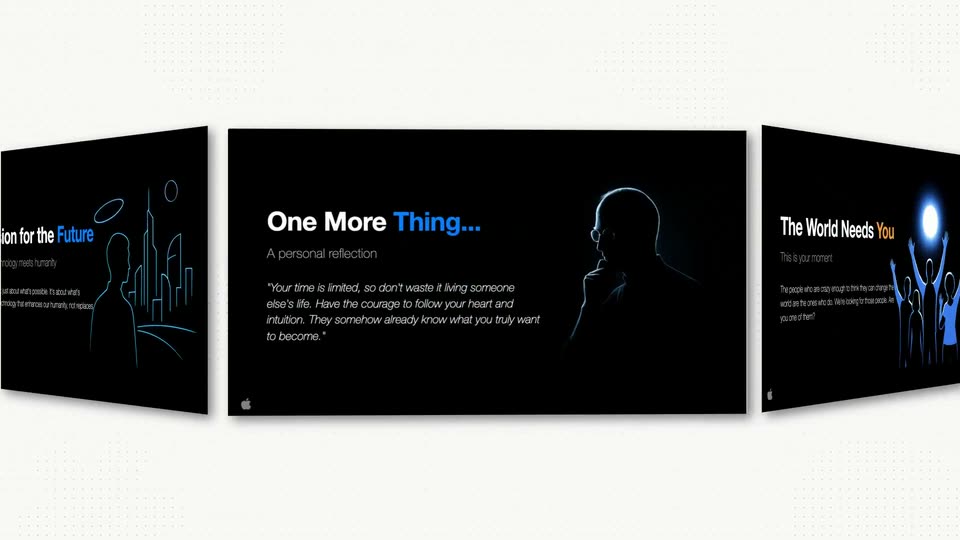 0:26–0:27Manus · Manus - Today, we are introducing Manus slides! Manus creates stunning, struA curved wall of dark presentation slides stands on a dotted gray backdrop, each panel holding a headline and a line-art illustration. The camera glides along the wall and pushes into one slide, which expands to full screen over a live-action bungee-jump clip.
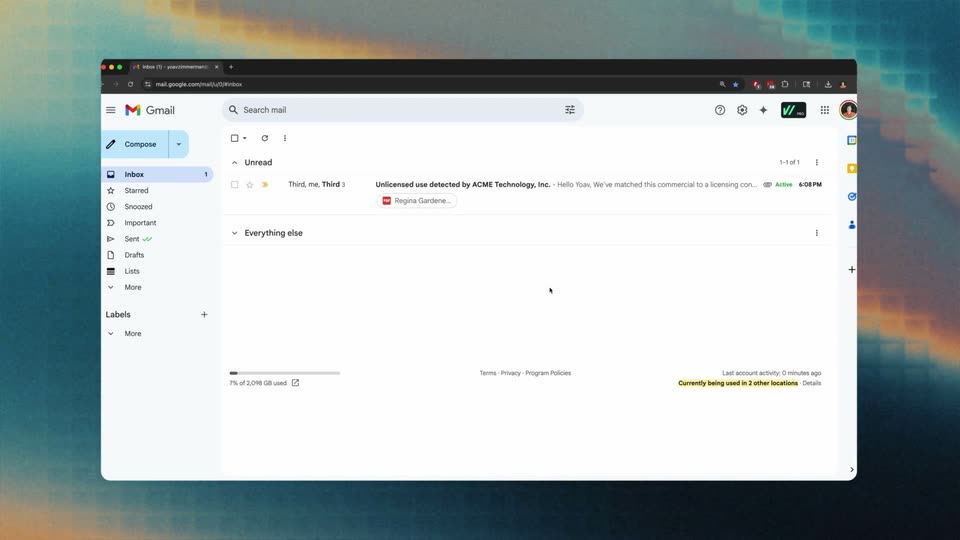 0:48–0:53Third Chair · Third Chair Product DemoA Gmail inbox in a browser window over a blurred gradient background. An email row with a PDF attachment loads into the Unread section, then the view zooms in on that row as a cursor hovers over it.
 0:16–0:19Freesolo · Introducing Clado (YC X25): Deep Research for PeopleA light gray product panel titled Researching & Analysing sits at the top of a white screen. The frame zooms in as the search criteria line updates from a loading state to specific tags, and a SQL query field appears below.
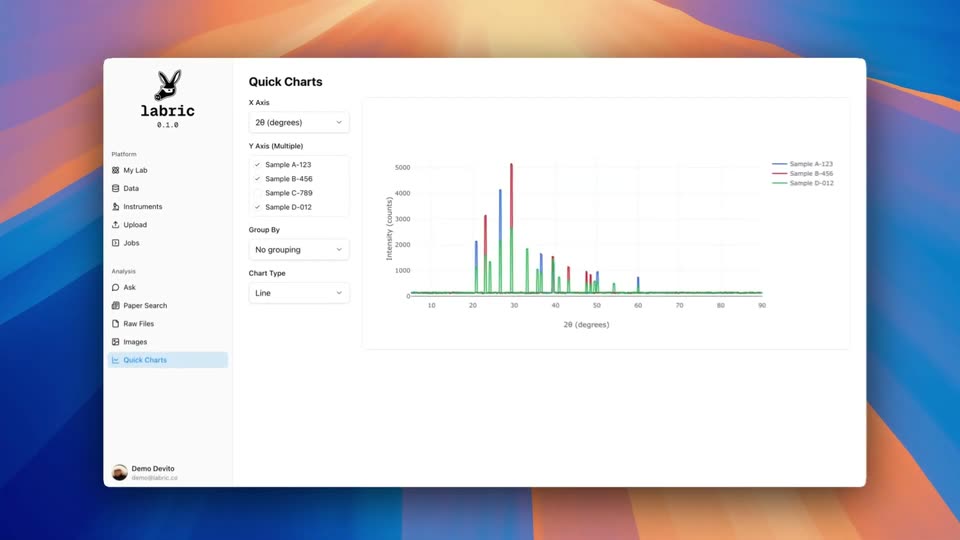 0:38–0:44Labric · Labric (YC X25) Launch VideoA labric interface card rests on a multicolor gradient. The view zooms into the Quick Charts panel as a cursor ticks three sample checkboxes, then pulls back to reveal the line chart filling with blue, red and green peaks.
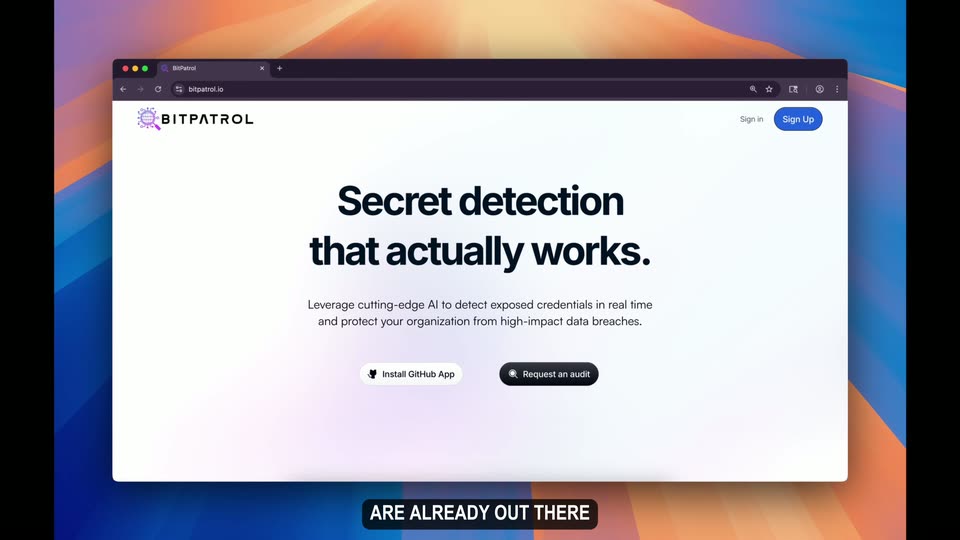 1:02–1:13BitPatrol · BitPatrol - Secret Detection That Actually Works (YC X25 Launch Video)A flat browser window on a gradient desktop shows the BitPatrol landing page building up: headline, subtext, then two buttons fade in. A cursor glides to the Install GitHub App button as the frame zooms in on the buttons.
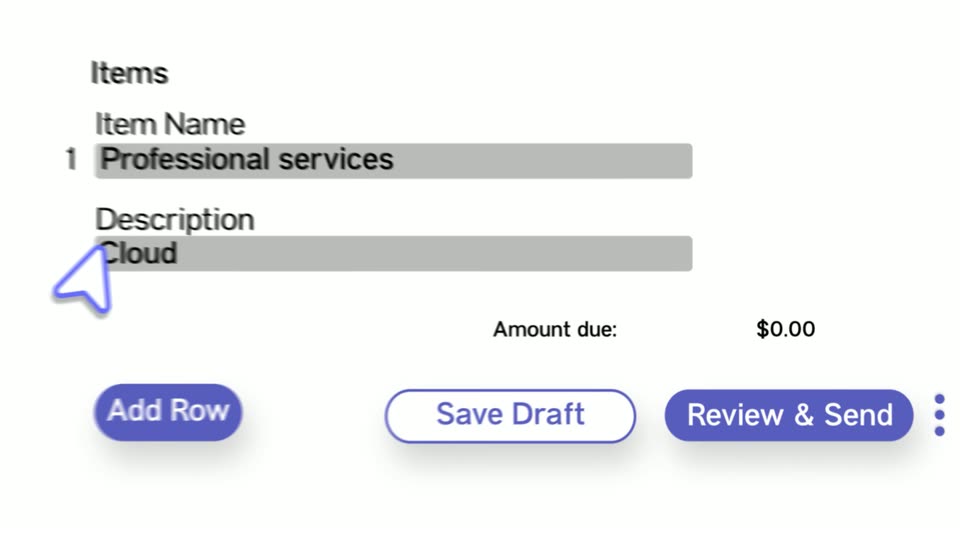 0:37–0:38Simplex · Simplex Launch VideoA purple cursor moves to the Description field of a white item form and types 'Cloud services'. The shot then zooms in, reframing on the filled field and cropping the buttons at the bottom.
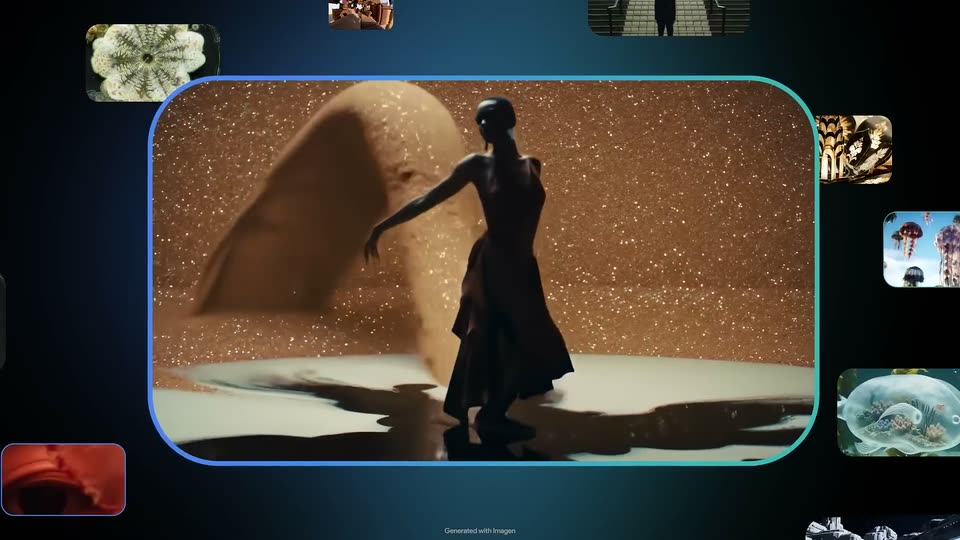 0:43–0:44Google · Introducing Google AI Ultra: The best of Google AI in one subscriptionA dark field of small rounded thumbnails frames a large central preview with a blue-to-teal border, showing a robed figure on a white floor before a brown rock. The preview slowly zooms in.
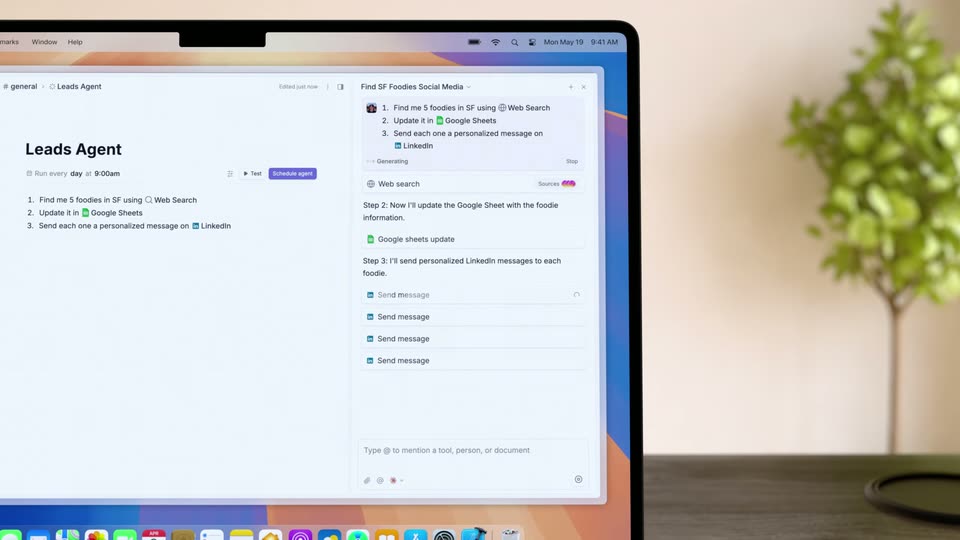 0:43–0:45Den · Introducing Den (2025)A tablet rests on a wooden desk in 3D perspective, a blurred plant behind it. The frame opens tight on the interface and pulls back to show the full device as the task list fills with stacked 'Send message' rows.