2:35
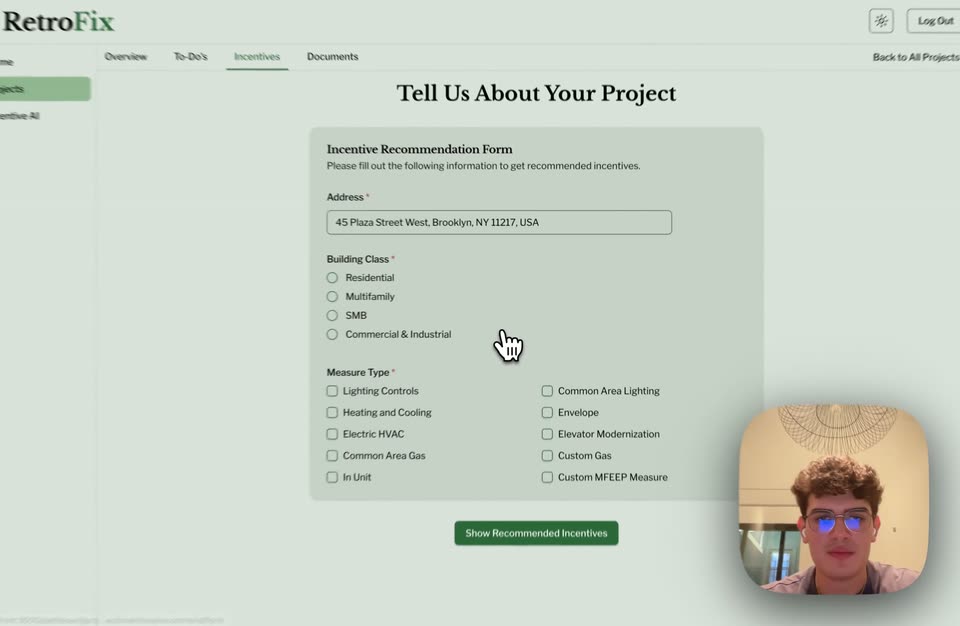

RetroFix Product Demo
RetroFix · B2B · Jul 2024
Andco · Jul 2025 · 2:11 · Full motion · AI-annotated
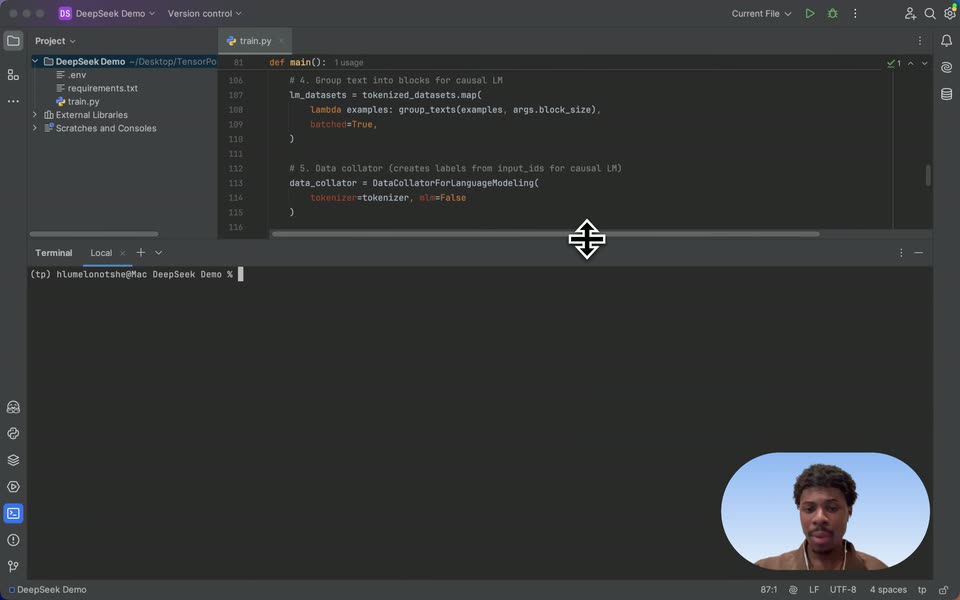
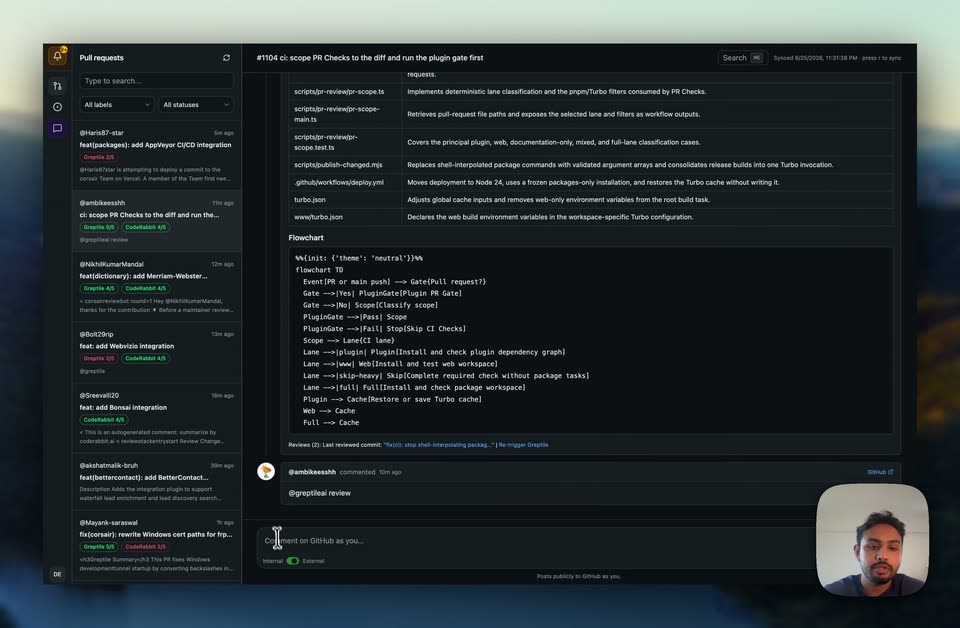
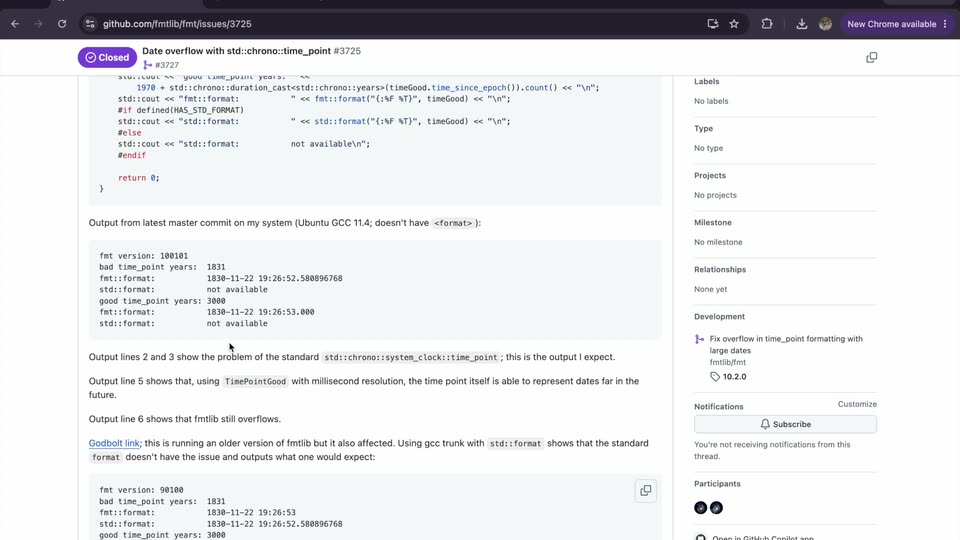
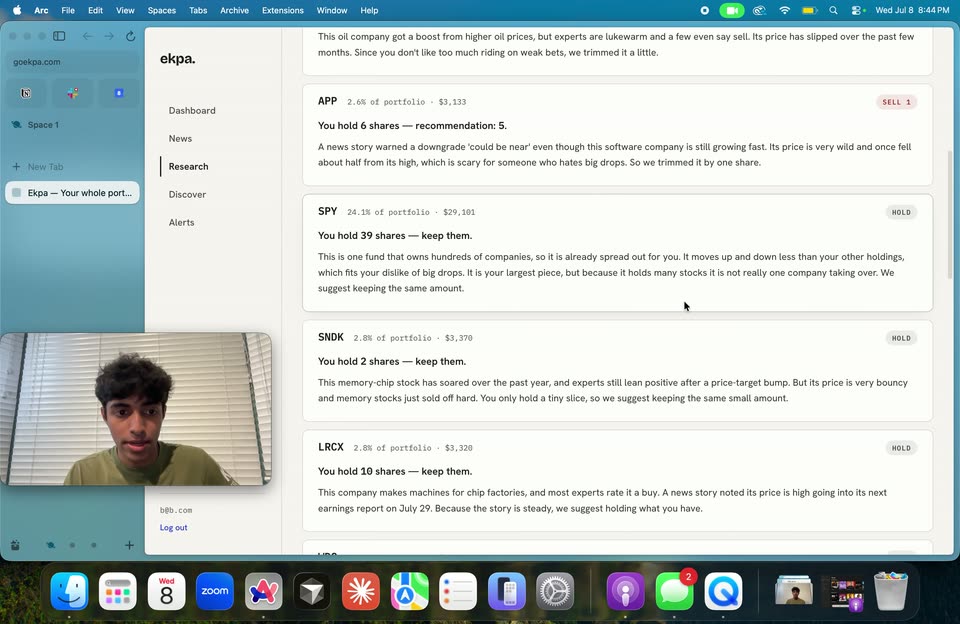
Andco’s 2:11 launch film runs 17 scenes, about 7.8 s each. The product is on screen from the first frame and 3 features are revealed. There is no explicit call to action; a voiceover carries the film. The video is built as one continuous presenter-led screen capture that moves from dashboard to guide creation, editing, and preview. Its pacing is steady and task-focused, with quick zooms, cursor-driven transitions, and a small webcam bubble anchoring the explanation.
Is this your launch? to your site or press kit.
RetroFix · B2B · Jul 2024
TensorPool · B2B · Feb 2025
Corsair · B2B · Aug 2026
Films whose music sounds like this one, voice left out
ByteAsk
Ekpa · Spoken word / Tech tutorial
Replicas
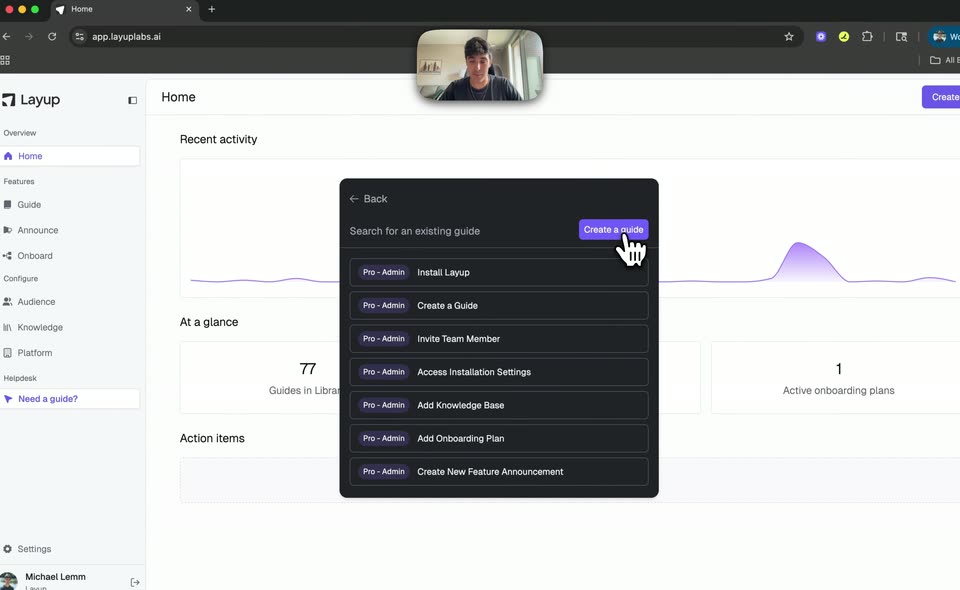
A screen recording of the Layup dashboard, with its activity chart and stat cards, fills the frame beside a small webcam video of the presenter. The view zooms in as a cursor clicks the sidebar, opening a dark task panel the cursor then hovers.
Techniques: UI zoom, Cursor demo
Camera: Push in
A screen capture of the Layup dashboard shows a dark guide-selection panel over the home view, with a small webcam feed of a presenter at the top. A hand cursor glides to the purple Create a guide button.
Techniques: Cursor demo
Camera: Static
A browser window shows the Layup home dashboard with a webcam picture-in-picture of the presenter at the top. A cursor hovers over the recent activity line chart as a dark recording panel with a dropdown and Cancel button rests at the bottom center.
Techniques: Cursor demo
Camera: Static
The Layup dashboard shows a Recent activity chart and stat cards. A cursor hovers over the At a glance row as a dark recording popup with a dropdown and Cancel button sits at the bottom. A webcam feed of a man in a cap is pinned top center.
Techniques: Cursor demo
Camera: Static
The Layup home dashboard fills a browser window, with a purple line chart and three stat cards. A facecam of a man in a cap sits top center and a dark recording popup sits at the bottom. The cursor drifts as the view zooms in.
Techniques: Cursor demo, UI zoom
Camera: Static
A browser screen recording of the Layup dashboard with a small webcam overlay of the presenter at top center. The interface settles from an overlapping transition, then the cursor moves down the left sidebar, highlighting Home and the Features group, while a dark recording toast stays at the bottom.
Techniques: Cursor demo
Camera: Pull out
A browser window shows the Layup dashboard with a small webcam bubble of a man at the top. A cursor slides down the left menu from Onboard to Audience and clicks it, while a dark recording dialog sits at the bottom center.
Techniques: Cursor demo
Camera: Push in
Screen recording of the Layup Audience page with a webcam inset of the presenter at top. A dark recording panel updates as the cursor clicks it, then the view zooms out to the full browser window and back in toward the Create Plan button.
Techniques: Cursor demo, UI zoom
Camera: Static
A dimmed dashboard sits behind a Create Plan dialog that slides in from the right, with a webcam feed of a presenter at the top. A recording panel on the left updates its step list as a white cursor moves over its buttons.
Techniques: Cursor demo
Camera: Static
A browser window shows the Layup app with a Create Plan dialog open. A hand cursor fills the name fields, opens a roles dropdown, then moves to the recording panel on the left. A small webcam feed of a presenter sits at the top.
Techniques: Cursor demo
Camera: Static
A full-screen browser view of a darkened app shows a white Create Plan dialog centered, with a small webcam feed of a presenter at the top and a step-recording panel at left. The mouse cursor hovers over the Roles field of the form.
Techniques: Cursor demo
Camera: Static
A dimmed screen recording of the Layup dashboard brightens to reveal the Audience page after a cursor clicks the Create button in a modal, popping a green success toast. The cursor then moves to the recorded-steps panel and clicks Finish, switching the view to an Overview form.
Techniques: Cursor demo
Camera: Static
A dark 'Layup' app fills a browser window, with a small webcam inset of the presenter at the top. A white hand cursor completes the Overview form, opens the Permissions dropdown, then clicks sidebar steps to load step-editing panels. The frame zooms between states.
Techniques: UI zoom, Cursor demo
Camera: Static
A screen capture of the Layup dashboard with a webcam overlay of the presenter at top. The view widens to reveal the browser window and sidebar; a dark tooltip points at the Audience item, and the hand cursor clicks it, loading the Audience page.
Techniques: Cursor demo
Camera: Static
A browser window with a small webcam feed at the top shows an audience dashboard. The view starts blurred and sharpens as it zooms in, then a dark instruction tooltip pops up beside the Create Plan button under a hovering hand cursor.
On-screen text: “3 steps left. Click the 'Create Plan' button. End”
Techniques: UI zoom
Camera: Static
A web app screen with a small video-call inset of a man at top. A cursor fills a Create Plan modal, types a name, then clicks Create. The view switches to a plans list and a green success toast appears bottom right. A dark onboarding tooltip follows the cursor.
Techniques: Cursor demo
Camera: Static
A screen capture of the Layup app's dark Overview form fills the frame, with a small webcam self-view of the presenter at the top. The view zooms out to show the full browser window over a purple gradient as a cursor drifts toward the Test button.
Techniques: UI zoom, Cursor demo
Camera: Pull out