2:11
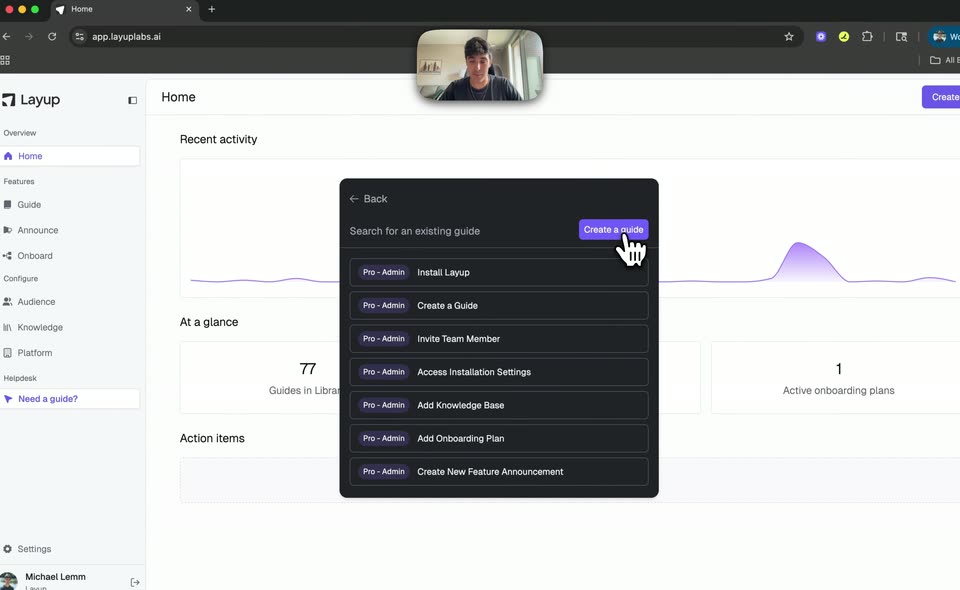

Layup 2.0 July Launch
Andco · B2B · Jul 2025
RetroFix · Jul 2024 · 2:35 · Full motion · AI-annotated
RetroFix’s 2:35 launch film runs 18 scenes, about 8.6 s each. The product is on screen from the first frame and 5 features are revealed. There is no explicit call to action; a voiceover carries the film. A continuous screen-recording tutorial in which a presenter in a corner webcam walks through one full incentive application on the RetroFix dashboard, zooming into each panel as he clicks. The style is calm and instructional: a single blurred landscape desktop, a green-and-cream UI, serif headings, and slow push-in/pull-out camera moves that follow the cursor from feature to feature.
Is this your launch? to your site or press kit.
Andco · B2B · Jul 2025
Conductor Quantum · Industrials · Jan 2026
TensorPool · B2B · Feb 2025
Films whose music sounds like this one, voice left out
Constellation Space · Voiceover
Loom · Product Tutorial
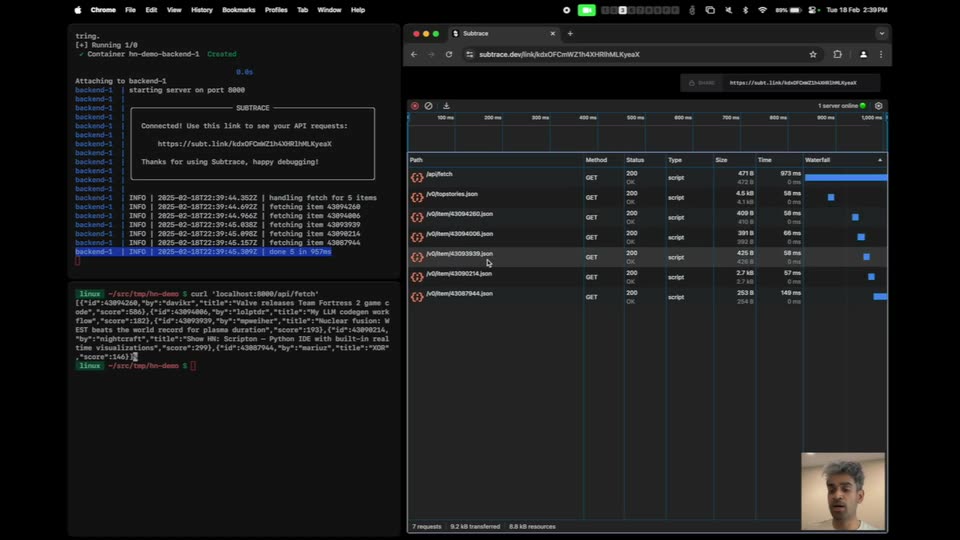
Subtrace · Technical tutorial / Screencast
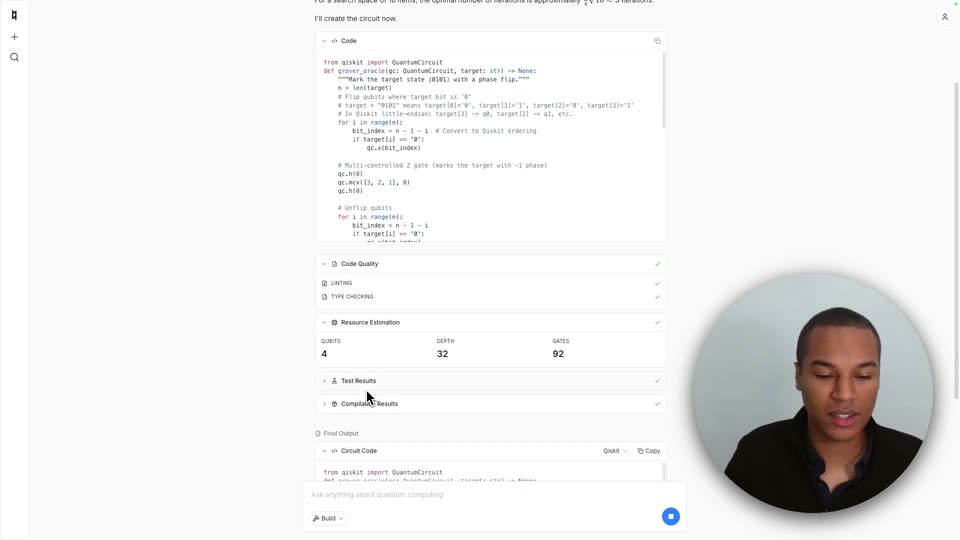
A RetroFix project overview page fills the frame over a blurred landscape, with a small rounded video of a presenter in the bottom right. The view zooms into the empty To-Do's and Incentive panels, then the cursor clicks Add Incentive, opening a recommendation dialog.
Techniques: UI zoom, Cursor demo
Camera: Push in
A close-up of the Incentive Recommendation Form with two pointing-hand cursors pulls back to reveal the full RetroFix dashboard, top nav and left sidebar, while a small video-call window of a man in blue glasses stays in the bottom-right corner.
Techniques: UI zoom
Camera: Pull out
A light web form for an incentive recommendation fills the frame. A hand cursor clicks the Multifamily radio, a Housing Type field appears, and the cursor picks Market-rate. A rounded webcam tile in the corner shows a bespectacled man talking.
Techniques: Cursor demo
Camera: Static
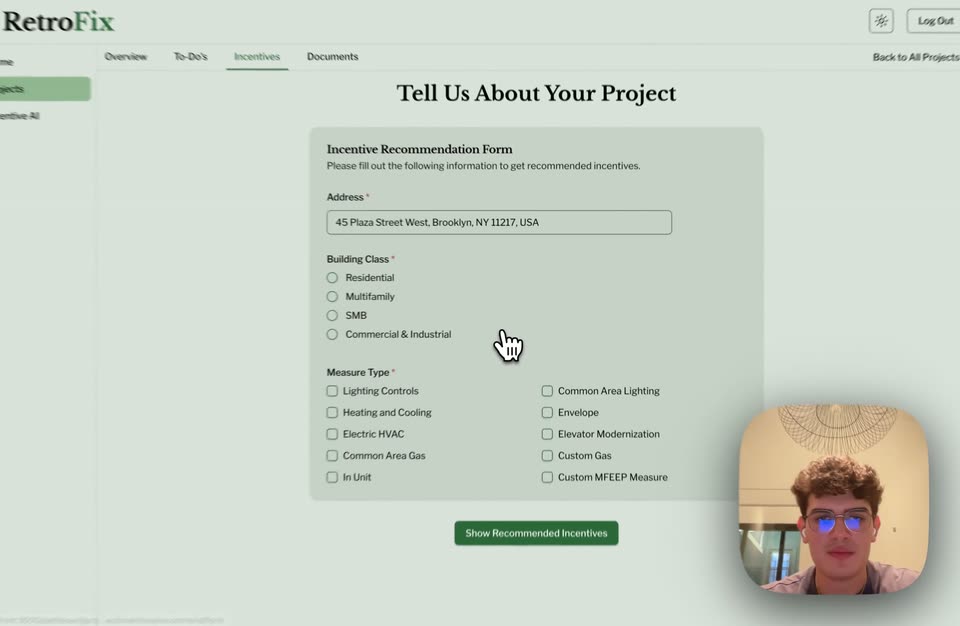
A product form titled Tell Us About Your Project fills the screen. A cursor clicks the Heating and Cooling checkbox, then moves down to the Show Recommended Incentives button. A small webcam of a man sits in the bottom-right corner.
Techniques: Cursor demo
Camera: Static
A light-green app window shows 'Recommended Incentives' with a spinner, then two incentive cards appear. The view zooms onto the Con Edison card as a hand cursor clicks 'Add to Project', and a small webcam feed of a man in glasses sits in the bottom-right corner.
Techniques: UI zoom, Cursor demo
Camera: Push in
A tight crop of a to-do list zooms out to reveal the full RetroFix dashboard for the Con Edison program. A mouse cursor hovers over Go to Task buttons while a man with glasses talks in a rounded webcam inset at the bottom right.
Techniques: UI zoom, Cursor demo
Camera: Pull out
A RetroFix form fills in step by step: the view zooms onto the “Fill with AI” button, then a cursor types values and selects options across screens. A small webcam of the presenter sits bottom right over a blurred landscape.
Techniques: UI zoom, Cursor demo
Camera: Pan
A web form shows the final step with filled fields. The cursor clicks the green Submit button, which becomes a Please Wait spinner. The screen then cuts to a new page with a sidebar and Loading text, while a webcam of the presenter holds in the bottom right corner.
Techniques: Cursor demo
Camera: Static
A white application screen lists program tasks and document cards; the view scrolls down to the Application Form card as a cursor rests on its green View button. A small video call window with the presenter stays in the bottom-right corner.
Techniques: Cursor demo
Camera: Pan
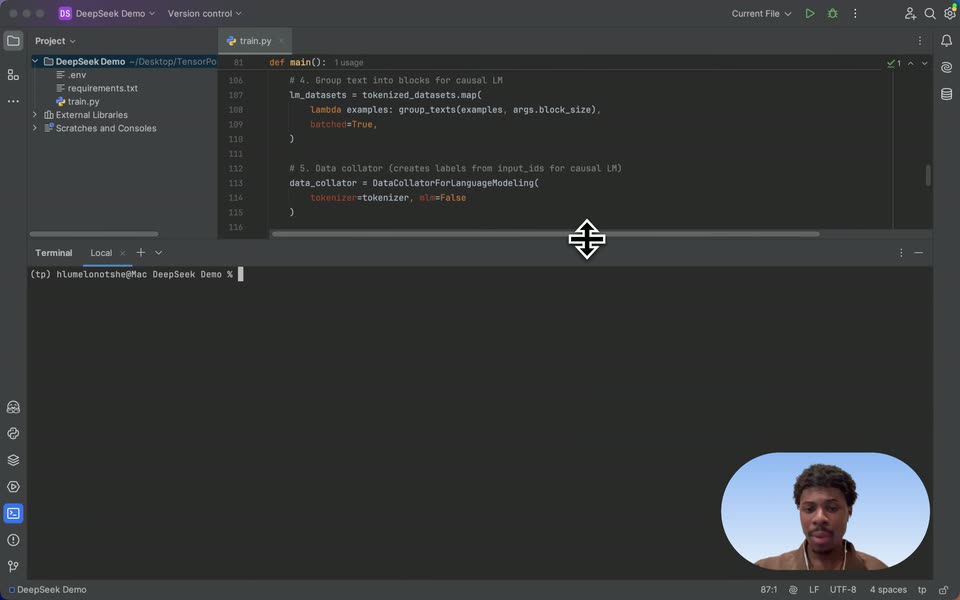
A dark app window with a top bar showing a long ID string sits over a grassy landscape, a white cursor glides across the empty gray panel while a small rounded webcam feed of a man with glasses talks in the bottom right corner.
Techniques: Cursor demo
Camera: Static
A ConEdison application form opens in a dark PDF viewer with a numbered page sidebar; the view flips from page one to four as a hand cursor hovers over the text. A rounded webcam feed of a man with glasses sits in the bottom-right corner over a green-hill desktop.
Techniques: Cursor demo
Camera: Pan
A screen recording of the RetroFix dashboard plays with a presenter's video call inset bottom right. The view starts zoomed into a grid of document cards, then pulls back to the full project page and to-do list, where a hand cursor hovers over a Go to Task button.
Techniques: UI zoom, Cursor demo
Camera: Pan
The cursor navigates the RetroFix app: from the signed application PDF to a file browser, then a To-Do list and a grid of document cards, ending on the W9 Form card. A webcam feed of the presenter sits bottom-right.
Techniques: Cursor demo, UI zoom
Camera: Push in
A dashboard Document Details page fills the frame over a blurred green landscape. A cursor drifts up from below the W9 Form card, hovers the Upload button, which lights green, then moves to the description text. A small facecam of a man with glasses sits in the bottom-right corner.
Techniques: Cursor demo
Camera: Static
A screen recording of the RetroFix app shows a macOS file dialog over the Document Details page. The cursor picks demo-w9.pdf and clicks Open, the dialog fades out, and a success toast slides in at the bottom right. A presenter facecam sits in the corner.
Techniques: Cursor demo
Camera: Static
A project page shows a to-do list and document cards. A cursor clicks Upload Demo Documents, flipping Pending statuses to Completed, then scrolls down and clicks Submit Application, opening a confirmation dialog with a Submitting state. A small webcam video of the presenter sits in the corner.
Techniques: Cursor demo, UI zoom
Camera: Push in
A grid of document cards, each marked Uploaded with Re-upload and View Document buttons, fills the screen. A cursor rests on the Application Form card, then shifts down. A small webcam inset of a bespectacled man sits in the lower right corner.
Techniques: Cursor demo
Camera: Pull out
A RetroFix project page fills the frame over a blurred desktop, showing a completed to-do list and document cards. A rounded webcam feed of a man in glasses sits bottom right, talking. A cursor hovers mid-page, then drifts down to the first card.
Techniques: Cursor demo
Camera: Pan