0:49

Introducing Vespper DOCX MCP - Let your AI agents edit Word docs
Vespper · B2B · Sep 2026
Subtrace · Feb 2025 · 3:08 · Full motion · AI-annotated
Subtrace’s 3:08 launch film runs 8 scenes, about 24 s each. The product is on screen from the first frame. The call to action lands at 3:00 (95% in), over a voiceover. The video is one continuous screen recording that moves from the landing page to a terminal setup to a split-screen request log, with the presenter's webcam pinned in the corner throughout. Pacing is slow and live, built on typing and cursor actions instead of cuts, and the terminal-plus-browser split screen is the signature layout.
Is this your launch? to your site or press kit.
Vespper · B2B · Sep 2026
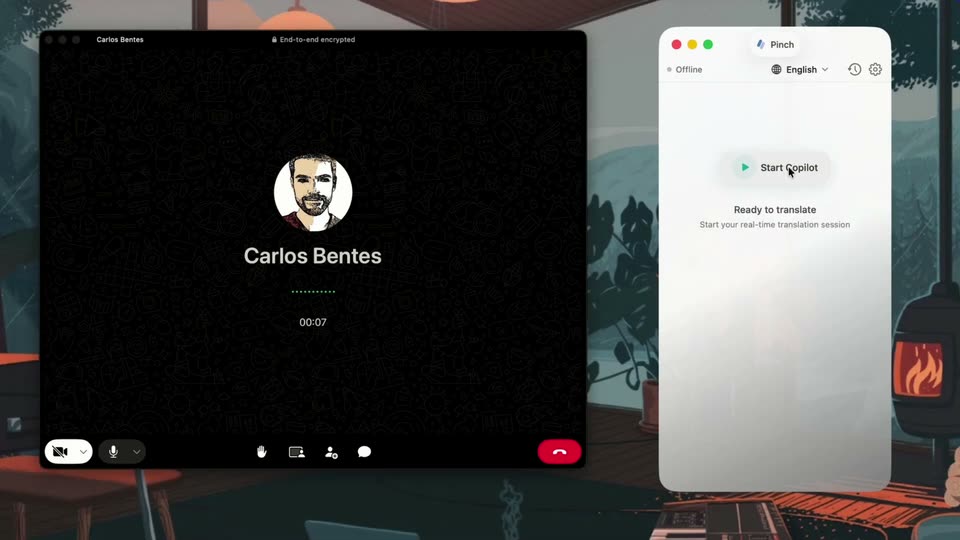
Pinch · B2B · Aug 2025
Theorem · B2B · May 2025
Films whose music sounds like this one, voice left out
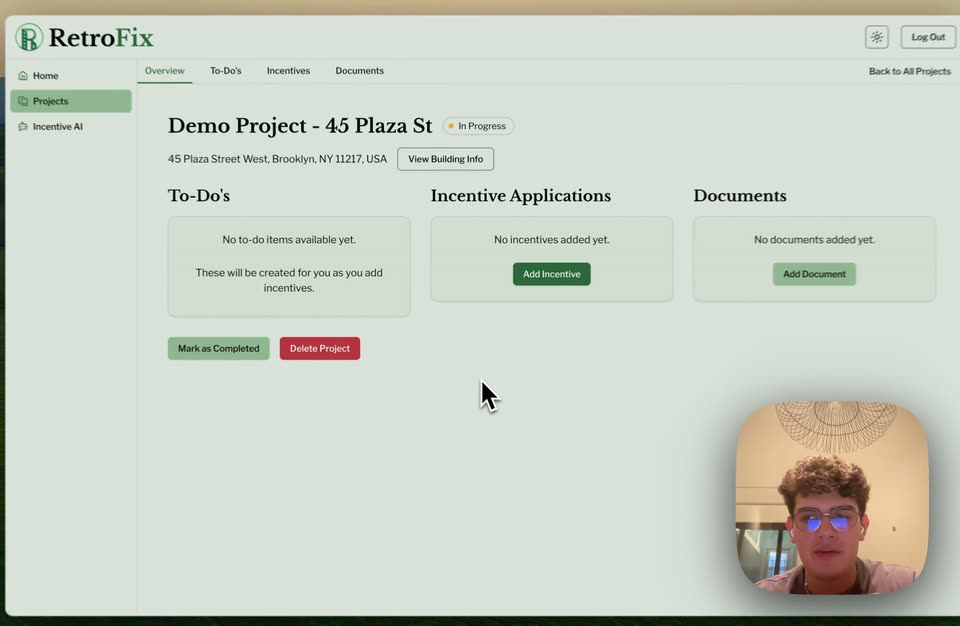
RetroFix · Voiceover
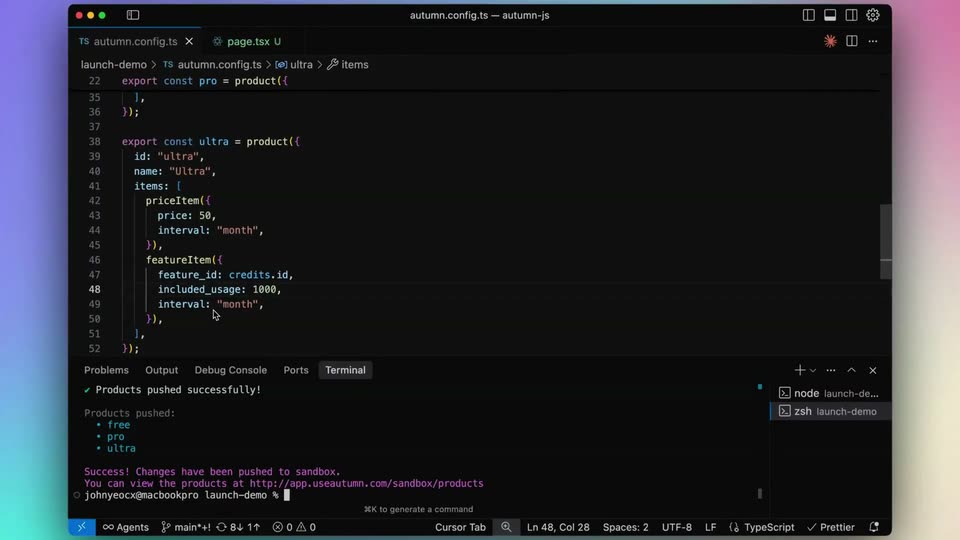
Autumn · Speech
InstaBox
A static screen capture of a dark Safari window showing the Subtrace landing page: the headline “Wireshark for Docker containers”, a white call-to-action button, and a request table below. A small webcam feed of the presenter sits in the bottom-right corner; the mouse cursor drifts slightly.
Camera: Pan
A dark macOS terminal window fills the frame, a small webcam feed of a man pinned to the bottom-right corner. The prompt line types a command, then a numbered JavaScript file appears with syntax highlighting; blue selection bars sweep across individual lines as the cursor moves.
Camera: Static
A dark macOS terminal fills the frame, showing a Dockerfile opened with less, its lines color-coded. An I-beam cursor drifts down the file, selecting the Subtrace install line and the run command, while a small webcam inset of the presenter sits in the bottom-right corner.
Techniques: Cursor demo
Camera: Static
A dark terminal fills the frame as docker compose up is typed and output prints, ending in a boxed Subtrace message with a link. The cursor selects the link, then a Spotlight Search bar opens at right and types ch for Chrome. A webcam self-view sits bottom right.
Techniques: Cursor demo
Camera: Static
A screen recording shows a terminal on the left and a Chrome window on the right with the Subtrace page, plus a small face cam in the corner. The cursor moves into the browser as the page loads and the terminal prints a connection link.
Techniques: Cursor demo
Camera: Static
A desktop shows a terminal on the left and a Chrome window on the right. The terminal prints a Subtrace connection link; the browser holds an empty dark page. A cursor drifts down the page, and a small webcam feed sits in the corner.
Techniques: Cursor demo
Camera: Static
A split screen shows two terminal windows on the left and a browser with the Subtrace request log on the right. A cursor clicks through request rows, opening headers, preview and timing panels, while a small webcam feed of the presenter sits in the corner.
Techniques: Split screen, Cursor demo
Camera: Static
A dark Safari window holds the Subtrace landing page, its headline and white button static, while a small webcam feed of the presenter runs in the bottom right corner and the mouse cursor drifts up toward the menu bar.
Techniques: Cursor demo
Camera: Static