0:43
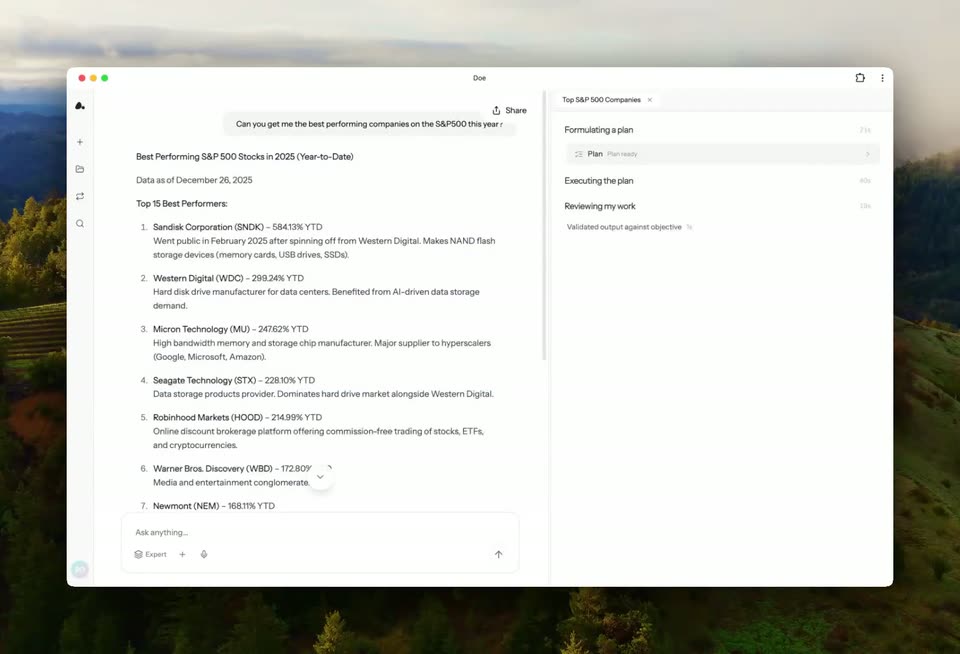

doe - Introducing the trace panel. You now have unprecedented observabilit
Doe · B2B · Jan 2026
InstaBox · May 2026 · 2:08 · Full motion · AI-annotated
InstaBox’s 2:08 launch film runs 47 scenes, about 2.7 s each. The product is on screen from the first frame. There is no explicit call to action; a voiceover carries the film. The video is built as a single continuous walkthrough: a short product pitch over a floating dashboard, then a coding agent building a full-stack app from one prompt, the app exercised in a playground, and the created backend resources toured in the dashboard. Pacing is steady and screen-capture driven, with 3D-tilt transitions between app views, a persistent presenter webcam in the lower-right corner, and a dark UI accented by purple buttons.
Is this your launch? to your site or press kit.
Doe · B2B · Jan 2026
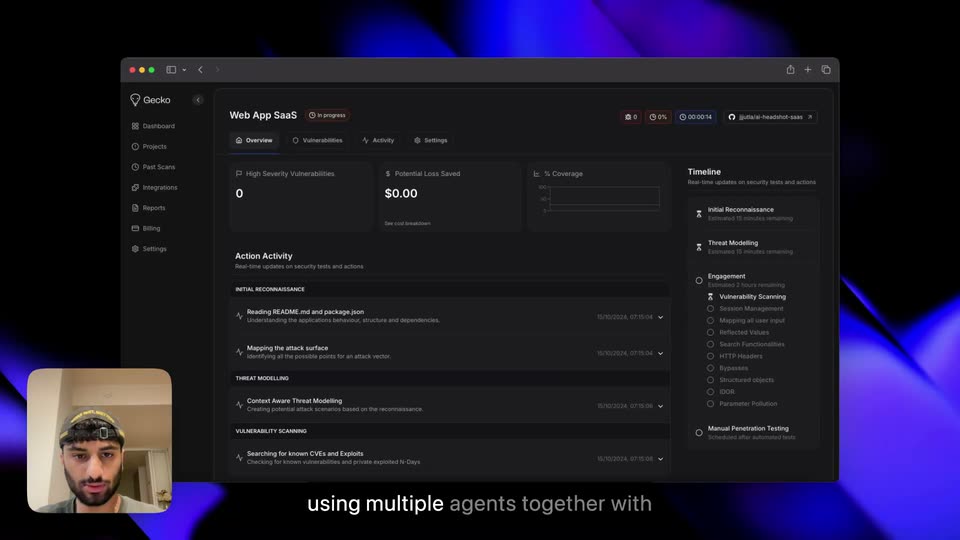
Gecko Security · B2B · Oct 2024
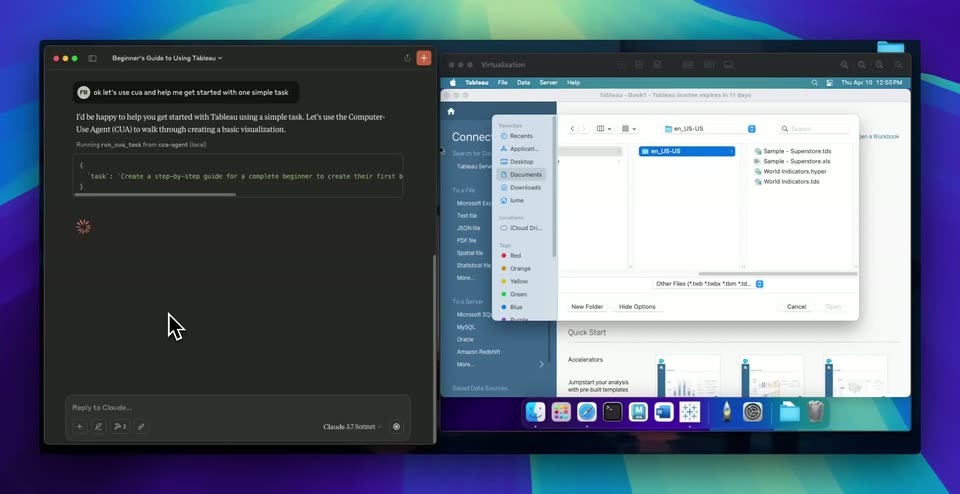
Cua · B2B · Apr 2025
Films whose music sounds like this one, voice left out
Autumn · Speech
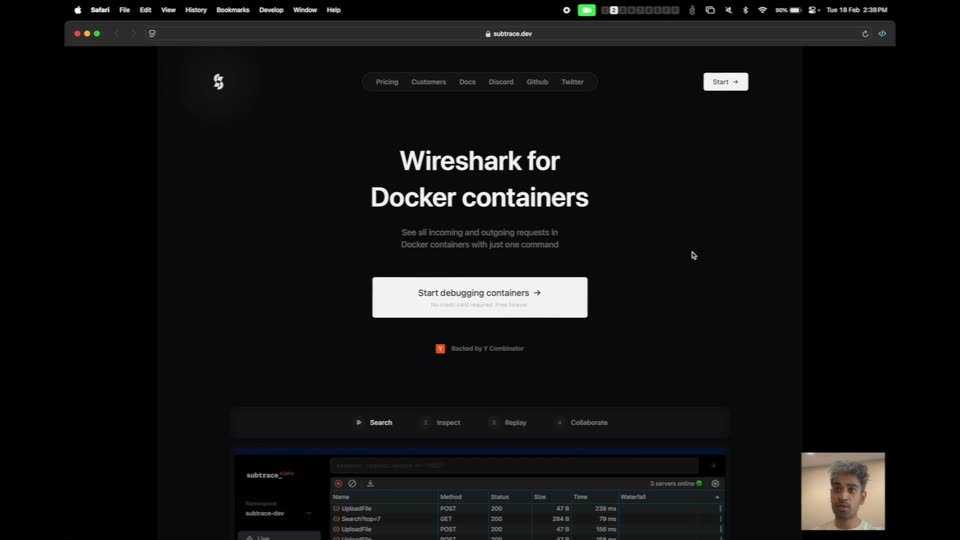
Subtrace · Technical tutorial / Screencast
Freestyle · Tech product demonstration and promotional pitch
A dark dashboard interface fills the frame over a blurred gray backdrop, showing project stats and observability charts. A mouse cursor hovers over the memory chart while a small webcam feed of a man sits in the bottom-right corner.
Techniques: Cursor demo
Camera: Static
A dark dashboard floats at a slight angle over a blurred gray backdrop, a white cursor rests on the observability charts, and a small rounded video of a man occupies the lower right corner. The interface holds still for the full clip.
Techniques: 3D mockup
Camera: Static
A dark dashboard screen with a left menu and metric cards fills the frame over a soft gray blur. A white cursor glides from the center to the top-right Install button, and the view zooms in on that corner. A rounded webcam clip of a man sits bottom-right.
Techniques: Cursor demo, UI zoom
Camera: Push in
A dark dashboard with project cards and usage graphs. A modal titled Install InsForge fades in over it, showing a CLI command and a grid of agent install buttons. A hand cursor clicks the copy icon beside the command. A small webcam self-view sits in the bottom right corner.
Techniques: Cursor demo
Camera: Static
A dark product screen shows an Install InsForge panel with a CLI command box and a grid of agent install buttons. A hand cursor taps the heading, then drags across the command line to highlight it. A small face-cam video of a man sits in the bottom right corner.
Techniques: Cursor demo
Camera: Static
A dark product dashboard shows an Install InsForge panel with a highlighted CLI command and a grid of agent install cards. A white cursor glides from the command box toward the copy icon while a small webcam feed of a presenter sits in the bottom right corner.
Techniques: Cursor demo
Camera: Static
A dark install page shows a highlighted CLI command and agent install cards, then cuts to a live dashboard with user, database and storage counts and CPU and memory charts.
Camera: Static
A dark dashboard UI for a project named hacker-news, showing status badges, four stat cards and two usage charts. The view zooms out and pans left to reveal a vertical navigation sidebar. A small face-cam of the presenter sits in the bottom right corner.
Techniques: UI zoom
Camera: Pan
A dark dashboard window pulls back from a tight view of the left menu to reveal the full observability panel with CPU and memory charts. A white cursor slides down the sidebar list. A small rounded webcam feed of a man sits in the bottom right corner.
Techniques: UI zoom, Cursor demo
Camera: Pull out
A dark gradient background with a faint dot grid holds the centered title Example Walkthrough in white sans-serif type. The frame stays locked and still for the full duration.
On-screen text: “Example Walkthrough”
Camera: Static
A dark title card with a faint dot grid holds the centered title 'Example Walkthrough' in light gray sans-serif. The frame is locked off and the text stays static for the full shot.
On-screen text: “Example Walkthrough”
Camera: Static
A dark InsForge dashboard fills the frame with an Install panel and a grid of agent tiles. The cursor clicks the Claude Code Install button, and the panel swaps to a Claude Code view with a command and prompt block. A small face-cam sits bottom right.
Techniques: Cursor demo
Camera: Static
A dark developer dashboard fills the frame, centered on a Claude Code card showing a setup-prompt code block. A hand cursor glides from the prompt text to the copy icon at the block's corner. A small rounded face-cam of a man sits in the bottom-right corner.
Techniques: Cursor demo
Camera: Static
A dark dashboard screen shows the Claude Code page with a setup prompt card and code block. A white hand cursor hovers over the copy icon while a small webcam video of the presenter sits in the bottom-right corner.
Techniques: Cursor demo
Camera: Static
Two overlapping VS Code windows tilt in 3D perspective. The left window slides left and fades out as the right window settles forward, a white hand cursor hovering in its terminal. A small webcam self-view of a man stays in the bottom right corner.
Techniques: 3D mockup, Parallax
Camera: Pan
A dark VS Code terminal window fills the frame over a gray diagonal-striped backdrop, with a small rounded webcam feed of the presenter in the lower right corner. Terminal lines type out a login prompt and a pasted-text line, then print setup commands. The frame stays locked.
Camera: Static
A dark VS Code terminal fills the frame, showing a Claude Code session with InsForge login commands and a status line that shifts from Puzzling to Running. A rounded webcam feed of a man in a cap sits in the lower right corner. The camera stays locked off.
Camera: Static
A dark code editor fills the frame, its terminal panel printing CLI login and install lines while a small rounded webcam feed of a person sits in the bottom right. The view then zooms in on the terminal as a new prompt about building a service called Snap appears.
Techniques: UI zoom
Camera: Push in
A dark terminal fills the frame with monospace CLI output describing a screenshot API build. A small spinner rotates in the center of the text, and a circular webcam feed of a man sits in the bottom right corner.
Camera: Static
A dark terminal window fills the frame, its monospace log lines scrolling upward. A white I-beam cursor glides left across the middle of the text. A small rounded video tile of a bespectacled man sits in the lower right corner.
Camera: Static
A dark terminal window fills the frame, monospace text scrolling upward as an agent runs commands, a large beam cursor hovers mid-screen, and a small rounded webcam video of a man sits in the lower right corner.
Camera: Static
A dark terminal window fills the frame, showing CLI output that installs and links the InsForge tool, with a small rounded video feed of a man in the lower right. The text scrolls up slightly with a brief motion blur.
Camera: Pull out
A dark code editor fills the frame, its terminal tab showing white monospace CLI log lines. A small rounded webcam tile in the bottom right shows a man in a cap. The log lines update in place as token counts tick up.
Camera: Static
A dark code editor with an open terminal fills the frame against a dark abstract backdrop, showing a setup log and build status. A rounded webcam inset at the bottom right shows a man talking. The terminal status line updates with a spinner and token count.
Camera: Static
A dark Snap sign-in card floats in 3D perspective over a light abstract backdrop. A white cursor clicks the Sign up tab, swapping the form to a sign-up layout with a purple Create account button. A small rounded webcam feed of a man sits bottom right.
Techniques: 3D mockup, Cursor demo
Camera: Static
A dark dashboard interface switches from an Overview page to an API keys page as a cursor moves through the sidebar. A small webcam self-view of a man sits in the bottom right corner.
Techniques: Cursor demo
Camera: Static
A dark Snap dashboard on the API keys page fills the frame. A cursor clicks the key name field, types a name, and a green token banner with a Copy button slides in above a new Active row. A small webcam of the presenter sits in the bottom-right corner.
Techniques: Cursor demo
Camera: Static
A dark dashboard UI fills the frame. A hand cursor copies an API key, clicks the Playground tab, pastes the key into the request field, then presses Take snapshot, swapping the empty preview for a loading spinner. A small webcam of the presenter sits in the bottom right corner.
Techniques: Cursor demo
Camera: Static
A dark web app interface shows a Playground panel with a request form and an empty preview pane. A hand cursor hovers over the URL field as the purple button reads Snapping, then Take snapshot. A small webcam feed of a man sits in the bottom right.
Techniques: Cursor demo
Camera: Static
A dark product interface fills the frame: a request form left, a rendered Hacker News preview right, and a rounded webcam of a man in a cap in the corner. A white cursor drifts from the URL field toward the top right. Locked-off camera.
Techniques: Cursor demo
Camera: Static
A 3D-tilted browser window sits on a soft gray background. A tab-switcher dropdown lists several InsForge tabs, then closes as the cursor moves to the top-right, revealing the sepia Google new-tab page with a row of shortcut icons. A small corner webcam bubble of the presenter is present at first, then disappears.
Techniques: 3D mockup, Cursor demo
Camera: Static
A blank white screen panel fills the frame against a dark gray background, with a mouse cursor hovering at the top edge and a small rounded webcam inset of a man in the lower right corner. The scene holds still.
Camera: Static
A dark Snap Playground interface fills the frame, a presenter's webcam pinned bottom-right. A cursor moves from the URL field, reading insforge.dev, to the purple Take snapshot button, with a rendered Hacker News list in the right preview pane. A ghosted landing page fades out at the open.
Techniques: Cursor demo
Camera: Static
A dark web app screen shows a request panel with a purple Snapping button beside a preview panel. A white hand cursor glides from the button to the lower right. A small rounded video of the presenter sits in the bottom right corner over a light diagonal background.
Techniques: Cursor demo
Camera: Static
A dark web-app interface fills the frame in a locked-off shot. A request panel shows a Snapping button with a spinner, and a preview panel reads Rendering page in headless Chromium. A white hand cursor hovers below, and a small facecam of a presenter sits in the bottom-right corner.
Camera: Static
Locked-off capture of a dark API playground: a request form with a purple Take snapshot button on the left, a rendered webpage preview on the right. A white hand cursor hovers below the form, and a small circular webcam feed of a presenter sits in the bottom right corner.
Techniques: Cursor demo
Camera: Static
A dark dashboard screen: the cursor leaves the Users table, clicks Database in the left sidebar, then opens the api_keys table showing one record. A small video-call bubble with a person stays in the bottom-right corner.
Techniques: Cursor demo
Camera: Push in
A dark database dashboard fills the frame as a white cursor glides from the api_keys table to the snapshots row in the left sidebar and clicks it. The main panel swaps to two snapshot records, and a small webcam bubble of a man stays in the bottom right corner.
Techniques: Cursor demo
Camera: Static
A dark dashboard interface displays a Database panel with a two-row snapshots table. A white cursor slides from the table down the left menu and rests on Storage, while a small rounded webcam inset of a presenter sits in the lower right corner.
Techniques: Cursor demo
Camera: Static
A dark dashboard shows a left menu, a buckets column, and a file table. A white cursor glides from the highlighted Storage item down to the snap-thumbs row. A small webcam feed of a presenter sits in the bottom right corner.
Techniques: Cursor demo
Camera: Static
A dark storage dashboard fills the frame. A cursor clicks the snap-thumbs bucket, and the right panel refreshes from empty to two image rows. A small webcam bubble of a man sits in the lower right corner.
Techniques: Cursor demo
Camera: Static
A dark dashboard screen shows the Storage page with a buckets list and a file table. A cursor glides from the buckets panel down the left sidebar and rests on the Deployments item, while a small face-cam window stays in the bottom-right corner.
Techniques: Cursor demo
Camera: Static
A dark dashboard fills the frame. A white hand cursor rests on the Deployments menu item, then slides down and clicks Compute, swapping the main panel from a deployment overview to a services list. A small webcam thumbnail of a man stays in the bottom-right corner.
Techniques: Cursor demo
Camera: Static
A dark dashboard fills the frame, its left sidebar listing menu items with Compute highlighted. A white cursor drifts from the sidebar toward the main panel, which holds a running Services card and a Jobs placeholder. A small webcam feed sits in the bottom-right corner.
Techniques: Cursor demo
Camera: Static
A dark dashboard interface is shown in close-up, then the frame pulls back to reveal the full window, a top bar, and a small webcam feed of a man in the corner. A mouse cursor hovers over a service card labeled snap with a green running dot.
Techniques: UI zoom, Cursor demo
Camera: Pull out
A dark dashboard UI fills the frame, a left sidebar lists features and the main panel shows a Services card marked running. A cursor hovers over the card. A small rounded webcam of a man in a cap sits in the bottom right corner over a gray diagonal backdrop.
Techniques: Cursor demo
Camera: Static
A dark dashboard view with a left navigation sidebar and a Services panel listing a running service card. A white cursor hovers over the card while a small rounded webcam feed of a person stays in the bottom right corner.
Techniques: Cursor demo
Camera: Static