1:26

Notion - Allow us to reintroduce ourselves.
Notion · Productivity · Mar 2026
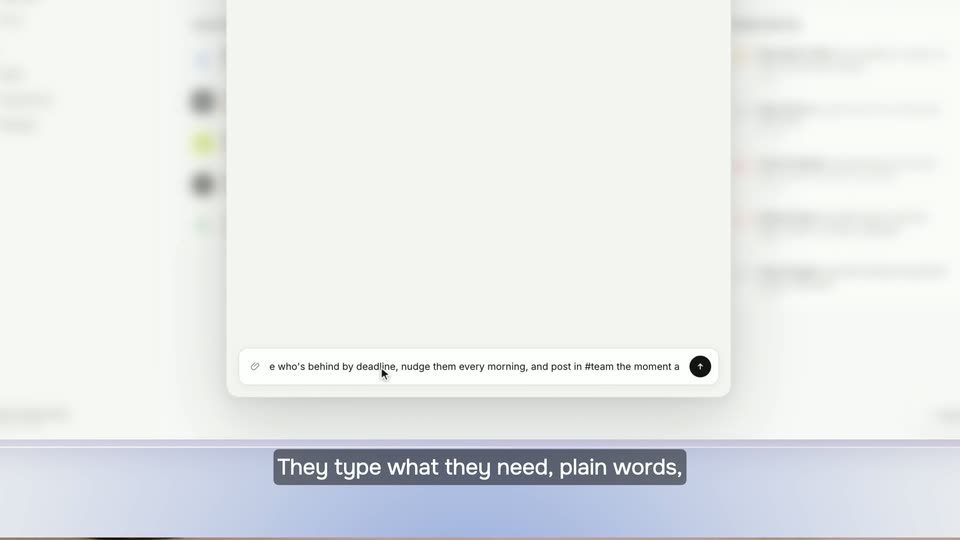
Autumn’s 2:31 launch film runs 21 scenes, about 7.2 s each. The product is on screen from the first frame, with social proof. There is no explicit call to action; a voiceover carries the film. A single host explains Autumn in front of a whiteboard, then the video cuts to a continuous screen-recording walkthrough of a chat app and its TypeScript config. The style is defined by word-by-word captions with a blue highlight box, pastel gradient backdrops, and zoom-in/zoom-out moves on code and UI.
Is this your launch? to your site or press kit.
Notion · Productivity · Mar 2026
Samsung · Nov 2026
Vendo · Oct 2026
Films whose music sounds like this one, voice left out
InstaBox
Subtrace · Technical tutorial / Screencast
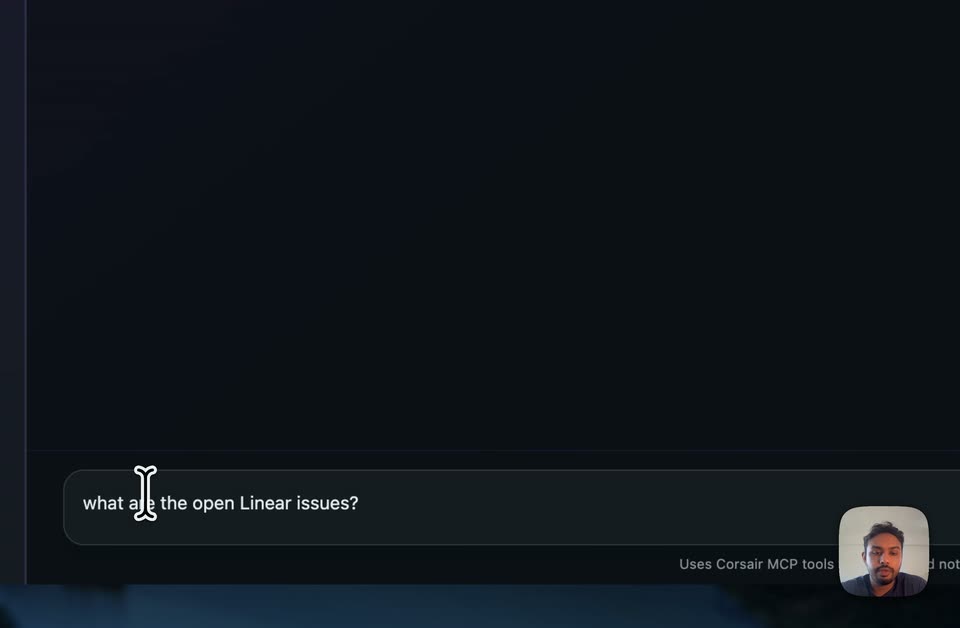
Corsair · Technical tutorial / Product demonstration
A man in a white sweater holds a phone with a dark app screen before a whiteboard marked YOUR APP and STRIPE, then draws arrows between the boxes. Bottom captions highlight key words in blue as a purple stripe label and code panels appear.
On-screen text: “Autumn”, “Autumn is the easiest way to set up stripe for AI startups.”, “stripe”, “Managing stripe manually is no longer suitable for growing companies.”, “A typical Stripe integration involves at least five different functions to handle billing, five different web hooks to synchronize”
Camera: Pan
A man in a white sweater, seen from behind, draws black arrows and a small box on a whiteboard beside a red STRIPE box. Two dark TypeScript code panels sit at the top right and bottom left. A caption bar at the bottom highlights words in blue as he speaks.
On-screen text: “that state, and then storing all of that billing”
Camera: Static
A man in a white sweater stands at a whiteboard, draws a diagram, then turns to the camera holding a smartphone. The board shows a blue box labeled YOUR APP and a red box labeled STRIPE joined by arrows. Subtitles roll along the bottom.
On-screen text: “that state, and then storing all of that billing data in five or six different customer tables.”
Camera: Pull out
A man in a cream sweater holds a phone and talks before a whiteboard diagram linking YOUR APP, AUTUMN, and STRIPE boxes. He draws arrows with a marker as three dark code cards appear top right, while captions with a blue word highlight run along the bottom.
On-screen text: “data in five or six different customer tables.”, “We designed Autumn to handle”, “all of this in three functions.”, “The first is checkout whenever a customer”, “autumn.tsx checkout({productId: ”
Camera: Pull out
A man in a white sweater stands before a whiteboard with hand-drawn diagrams, holding a phone that shows a dark app screen. He gestures with a marker while bottom captions build word by word, key terms flashing in blue boxes.
On-screen text: “Autumn is open source.”, “It's used in production by hundreds of developers”, “and by startups processing millions in revenue.”
Techniques: Kinetic type
Camera: Push in
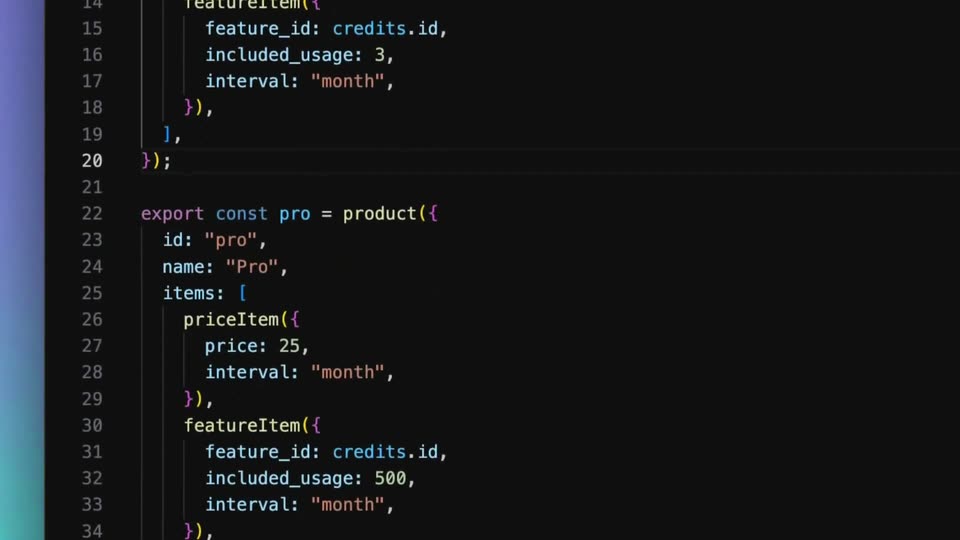
A dark code editor shows a TypeScript file; the camera zooms in and scrolls down while a blue selection highlight moves across the credits, free and pro plan blocks. A white caption fades in at the bottom.
On-screen text: “So in my chat application, I have three”
Techniques: UI zoom
Camera: Pan
A flat web app in a gray browser frame over a pastel gradient. Left panel is an empty chat with a message box; right shows Free and Pro plan cards. White captions run along the bottom, the spoken word boxed in blue.
On-screen text: “So in my chat application, I have three credits left because I'm on the free plan and whenever my user sends a message, I basically have to do two things.”
Camera: Static
A dark code editor window sits centered on a pink-to-blue gradient. The TypeScript snippet cross-fades from one file to another while a lower caption updates, boxing key words in blue as the voiceover speaks.
On-screen text: “message, basically have to do two things”, “First, I click whether the user has enough credits,”
Camera: Static
A dark code editor shows TypeScript code rewriting line by line. The view zooms into a highlighted line as a bottom caption highlights the words whether and enough in blue boxes.
On-screen text: “First, I check whether the user has enough credits,”
Techniques: UI zoom
Camera: Push in
A dark code editor shows a syntax-highlighted React function with a blue selection bar and a small 'Add to Chat' tooltip. White subtitles run along the bottom, a blue highlight sweeping across key words. The view then zooms out to the full editor window with open tabs.
On-screen text: “First, I check whether the user has enough credits,”, “and secondly, I track the usage for that message.”, “If so.”
Techniques: Cursor demo, UI zoom
Camera: Pull out
A screen recording of the AutumnGPT app shows a chat panel beside a Free/Pro pricing panel. The view zooms in as three dark message bubbles appear and the credit badge hits zero, then a no-messages toast pops in bottom right. Subtitles with blue highlights run along the bottom.
On-screen text: “All right, now that I'm blocked because I”, “have no messages left, I wanna upgrade.”, “And so in order to do that, all I need”, “to do is call one Function Checkout.”
Techniques: UI zoom
Camera: Pull out
A dark code editor zooms in on a highlighted line of code. A text overlay with a moving blue highlight box appears at the bottom. The scene cuts to a white pricing page with a table on the right.
On-screen text: “to do is call one Function Checkout.”
Techniques: UI zoom
Camera: Push in
A product interface sharpens from a soft blur. A hand cursor glides to the Pro plan card and clicks the Upgrade button, a small loading spinner spinning inside it. The Free and Pro cards sit side by side under the heading Choose Your Plan.
Techniques: Cursor demo
Camera: Pull out
A tilted interface mockup floats against a soft pink and blue gradient. The frame pulls back from a tight crop of a gray placeholder list to the full screen, while a cursor glides across the rows.
Techniques: Cursor demo, 3D mockup
Camera: Static
A split checkout screen in a browser frame on a purple-cyan gradient. Left column lists the Pro plan at US$25.00 per month; right shows a payment form with a green Pay with link button. A cursor clicks the blue Subscribe button, which flips to a Processing state with a spinner.
Techniques: Cursor demo
Camera: Static
The AutumnGPT app shows a chat pane beside a plan page; a cursor drifts while white subtitles type out word by word with a blue highlight. The view zooms into the chat, a black hello bubble pops in and the credits badge ticks from 500 to 499.
On-screen text: “Now I'm back in my application.”, “We can see that we have 500 credits and we're under pro plan, and I can send more messages.”
Techniques: Cursor demo, Kinetic type, UI zoom
Camera: Pull out
The AutumnGPT window on a gradient background shows a 'Choose Your Plan' panel with Free and Pro cards on the right. White subtitles on a translucent gray bar run along the bottom, boxing spoken words in blue. The frame eases out from a tight crop in the first second.
On-screen text: “So TUM makes its rating on your pricing plans.”, “Really simple.”, “And let's say now I want to add another plan,”, “which lets users get even more credits.”
Camera: Static
A dark code editor fills the frame, the open file switching from page.tsx to autumn.config.ts. A subtitle along the bottom reads the line, the current word boxed in blue as the voiceover progresses.
On-screen text: “So I'm gonna come over to my config”
Camera: Static
A dark code editor displays a TypeScript config file. The view zooms in as new ultra-plan code is typed, then a terminal panel opens at the bottom and a push command runs, printing success output. White subtitle captions with a blue word highlight run along the bottom.
On-screen text: “So I'm gonna come over to my”, “and simply create an ultra plan, which”, “comes with a thousand credits per month.”, “And this will cost $50.”, “And so now what I'm gonna”, “do is simply run a TMN push.”
Techniques: UI zoom, Cursor demo
Camera: Pull out
A dark code editor displays a TypeScript config file listing product plans, with a terminal panel below confirming the push. A soft blue-to-pink gradient fills the background. A white caption fades in along the bottom edge.
On-screen text: “And just like that, our ultra plan has showed up.”
Camera: Static
The AutumnGPT app window on a blue-to-pink gradient pushes in on the pricing panel, where the Free, Pro and Ultra cards settle into a row. A bottom caption reveals word by word with a blue highlight, then the word Okay. pops in at center.
On-screen text: “And just like that, our ultra planner showed up.”, “Okay.”
Techniques: UI zoom, Kinetic type
Camera: Push in