0:11

StoreTrack: header
StoreTrack · Nov 2024
Corsair · Aug 2026 · 4:04 · Full motion · AI-annotated
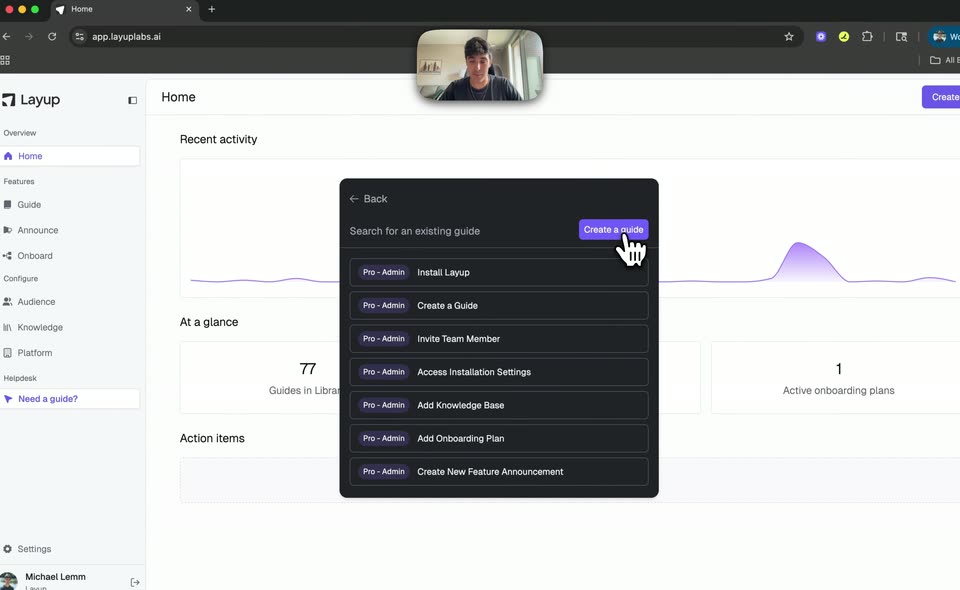
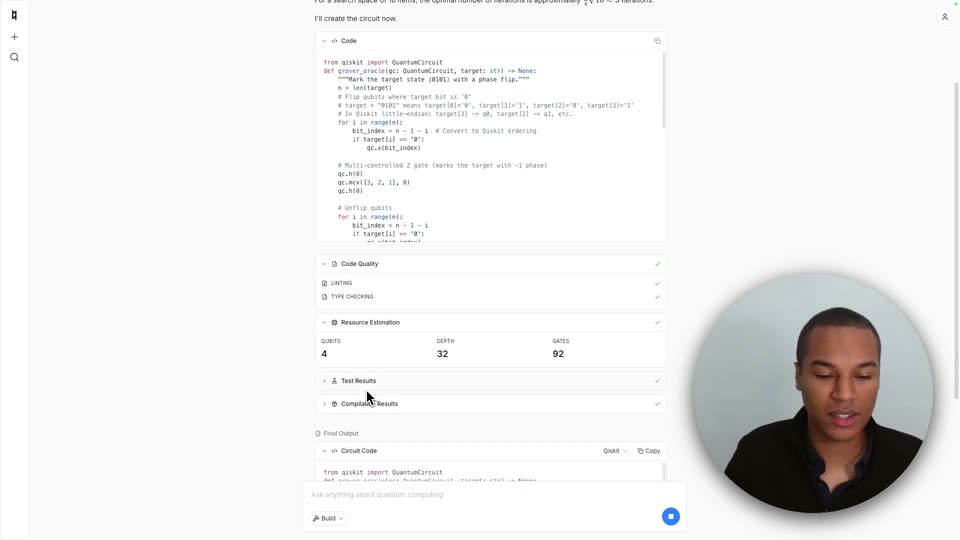
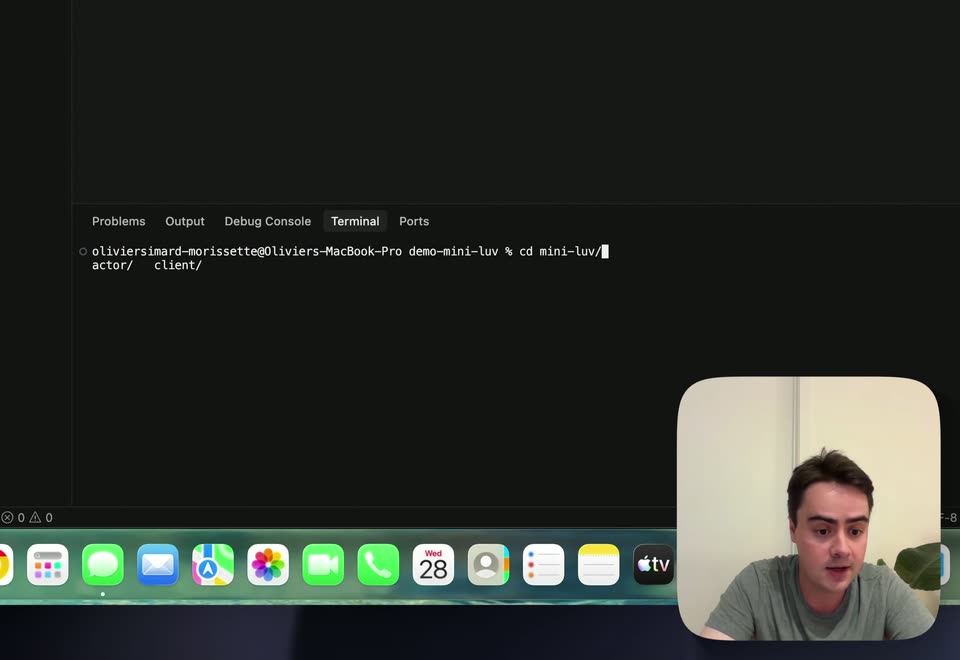
Corsair’s 4:04 launch film runs 20 scenes, about 12 s each. The product is on screen from the first frame and 6 features are revealed. There is no explicit call to action; a voiceover carries the film. The video is a presenter-led screen walkthrough that moves feature by feature, using push-ins to inputs, popovers, and 3D window tilts to keep the interface readable. A persistent rounded facecam anchors the bottom right while dark UI panels and light auth cards alternate over a blurred desktop.
Is this your launch? to your site or press kit.
StoreTrack · Nov 2024
Andco · B2B · Jul 2025
Conductor Quantum · Industrials · Jan 2026
Films whose music sounds like this one, voice left out
Autumn · Speech
Freestyle · Tech product demonstration and promotional pitch
A dark pull-request dashboard sits on a blurred desktop, with a rounded webcam inset of a talking man in the bottom right. A cursor drifts across the empty panel, then the view zooms in on the left-hand PR list before pulling back out.
Techniques: Cursor demo, UI zoom
Camera: Pull out
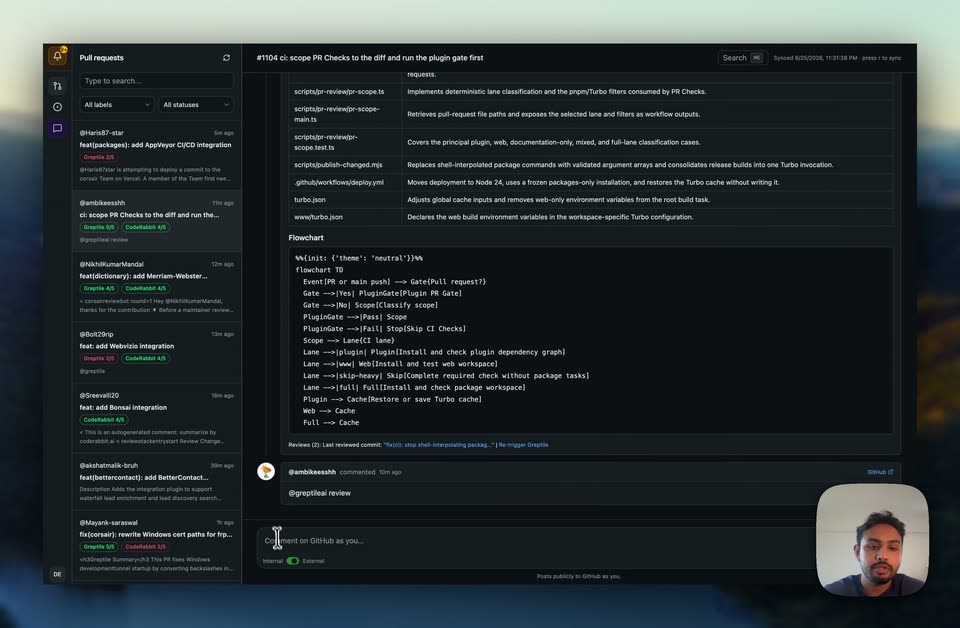
A GitHub-style pull request page scrolls down through the description, a changed-files table and a flowchart code block. The cursor moves to the comment field and types a review command, which posts as a new comment. A small presenter video tile sits in the bottom right corner.
Techniques: Cursor demo
Camera: Static
A dark pull request dashboard scrolls past a file table and bot review comments, with the presenter's webcam video in the bottom corner. The view then zooms into the top-left as a hand cursor taps the notification bell.
Techniques: Cursor demo, UI zoom
Camera: Push in
A cursor taps the bell icon and a dark notifications list slides open. The frame zooms out to a full application window with a small webcam feed in the corner, then the cursor selects the first pull request entry and the detail pane loads.
Techniques: UI zoom, Cursor demo
Camera: Pull out
A dark GitHub pull request view opens blurred and zoomed in, then sharpens into a locked-off frame showing the notifications list and review comments. A cursor hovers over a file chip, and a small video call window of a man stays pinned in the bottom right corner.
Techniques: UI zoom, Cursor demo
Camera: Pull out
A dark Slack window fills the frame, its feed stacked with Corsair bot notifications about GitHub comments. The view zooms into the message list as a cursor types LGTM! in the reply box, then the feed scrolls down with motion blur. A small webcam self-view stays pinned in the corner.
Techniques: UI zoom, Cursor demo
Camera: Pull out
A dark pull-request review screen with a notifications list on the left and a small facecam in the corner. A cursor clicks the search field, a centered modal opens over a blurred background, and typing yuv returns a list of matching pull requests.
Techniques: Cursor demo
Camera: Static
A locked-off capture of a dark pull request page: a sidebar of merged PRs, PR #963's title and description in the main panel, a small webcam video of a man bottom right. The cursor moves over the text, then clicks the chat icon, switching to an empty Chats screen.
Techniques: Cursor demo
Camera: Pull out
A dark chat app window in slight 3D perspective. A cursor clicks plus to start a new chat, the frame zooms into the input field while a question is typed, then pulls back as the agent lists ten pull requests. A webcam bubble sits bottom right.
Techniques: 3D mockup, Cursor demo, UI zoom
Camera: Pull out
A dark chat app interface floats at a 3D angle over a blurred desk background, listing GitHub pull requests beneath tool-call rows. A code editor panel sits to the right, and a small webcam feed of the presenter sits in the bottom-right corner.
Camera: Pan
A dark code editor fills the frame, showing a TypeScript file with colored syntax highlighting. A mouse cursor glides across the code lines while a small rounded webcam tile of a presenter sits in the bottom right corner over a blurred desk backdrop.
Techniques: Cursor demo
Camera: Pan
A code editor screen with a small webcam face in the corner. The cursor types an import line, an autocomplete menu pops up, then the view jumps to the plugins block where another line is added, and finally zooms out to show the whole file.
Techniques: Cursor demo, UI zoom
Camera: Pull out
A dark chat app window fills the frame. A cursor moves to the plus icon in the Chats sidebar and clicks it, and the main panel switches from a PR list to an empty state with a sparkle icon. A small webcam tile of the presenter stays bottom right.
Techniques: Cursor demo
Camera: Pan
A dark chat interface with a purple sidebar; a hand cursor moves to the bottom input field and clicks it, then the frame zooms into the field as the query is typed word by word. A small rounded webcam inset of the presenter stays in the bottom right corner.
Techniques: Cursor demo, UI zoom, Kinetic type
Camera: Static
A dark chat app fills a locked frame, with a small presenter video in the bottom-right corner. A thinking spinner gives way to three tool rows, list_operations, get_schema, run_script, appearing with status badges, then a reply with a blue link types out as the cursor hovers over it.
Techniques: Cursor demo
Camera: Static
A dark gray screen fills the frame with a white cursor held at the center, set over a blurred landscape background. A small rounded facecam of a man in a dark shirt sits in the bottom right corner.
Techniques: Cursor demo
Camera: Static
A white connection card is centered on a blurred desktop with faint wavy dashed lines. A cursor glides onto the dark sign-in button, while a small webcam of a presenter stays in the bottom-right corner.
Techniques: Cursor demo
Camera: Static
A dark authorization dialog sits centered on a dim screen. A white cursor glides down from the permission list and clicks the purple Authorize button. A small rounded webcam tile of a man rests in the bottom right corner against a blurred blue desktop.
Techniques: Cursor demo
Camera: Static
A white card centered on a pale background with faint dashed waves shows a loading spinner, then switches to a Manage Linear panel with the Linear integration connected. A cursor moves left toward the reauthenticate button. A small rounded webcam feed of a man stays bottom-right.
Techniques: Cursor demo
Camera: Static
A dark chat app in 3D perspective on a blurred desk, with a rounded webcam feed of a man in the corner. A cursor types in the input, a blue bubble appears, a tool row flips from Pending to Completed, then issue lines scroll up to fill the panel.
Techniques: 3D mockup, Cursor demo
Camera: Static