1:55
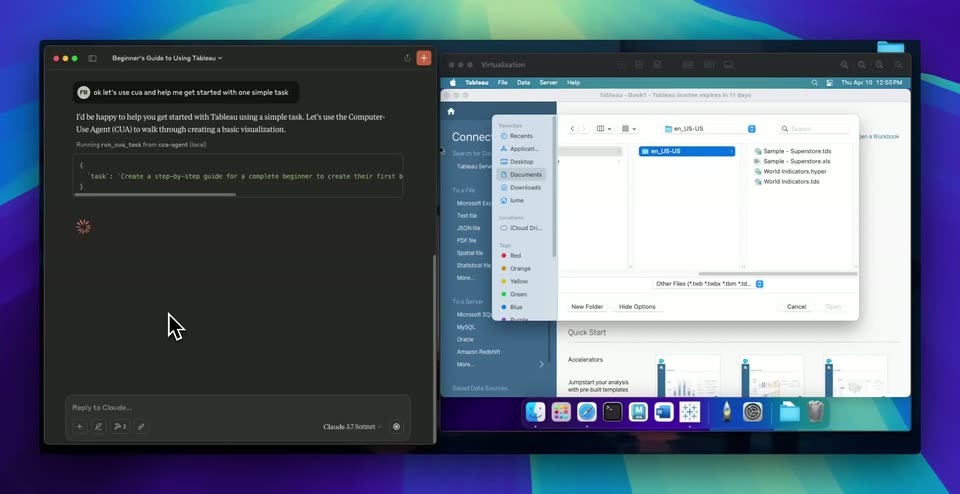
c/ua ❤️ MCP
Cua · B2B · Apr 2025
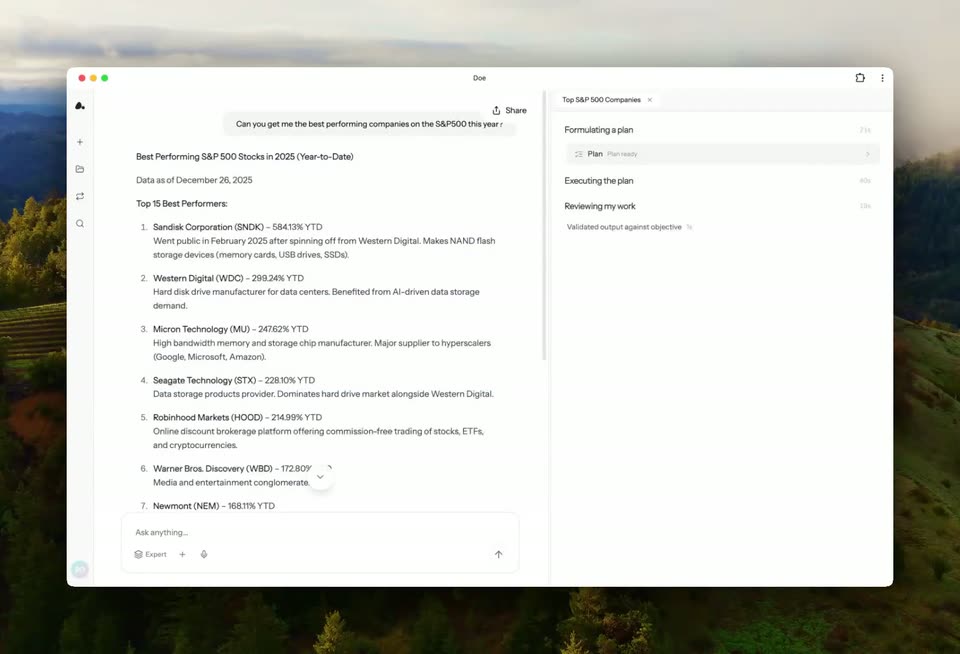
Doe’s 0:43 launch film runs 3 scenes, about 14 s each. The product is on screen from the first frame. There is no explicit call to action. One continuous product demo cut into three beats, each driven by a slow push-in or pull-out that follows the cursor's focus from prompt to results to sources. The signature look is a flat white app window floating over a blurred nature backdrop, with a hand cursor and self-building lists carrying the eye at an unhurried 88 bpm pace.
Is this your launch? to your site or press kit.
Cua · B2B · Apr 2025
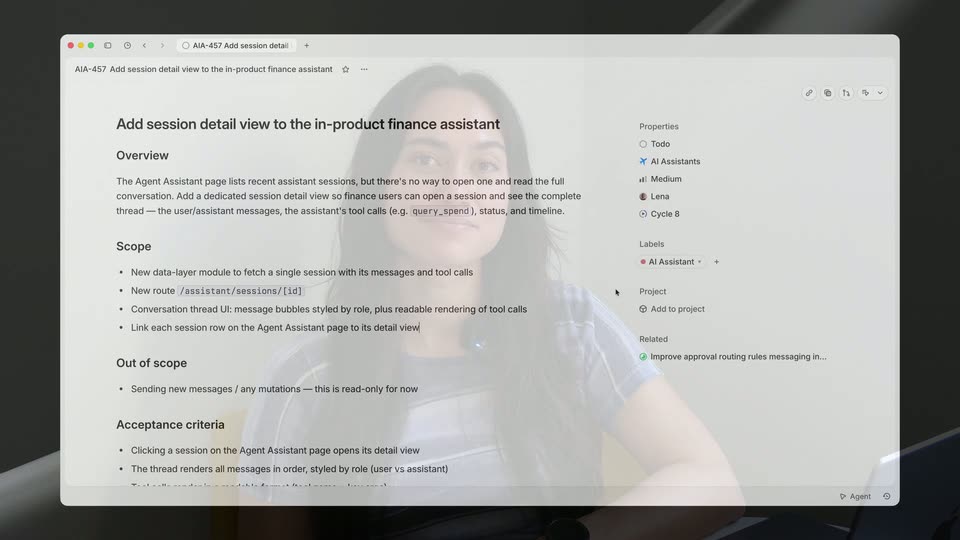
Linear · Productivity · Nov 2026
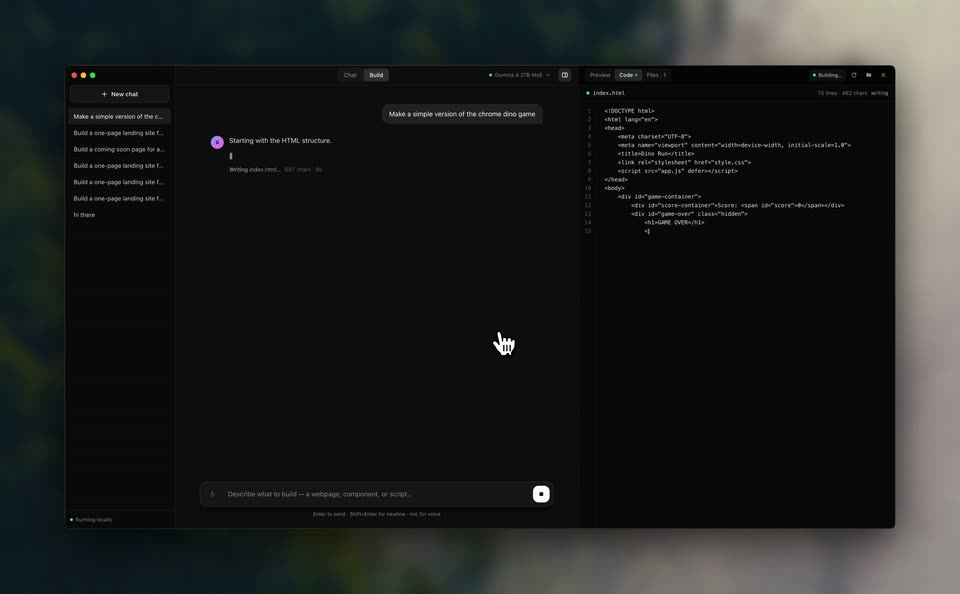
Google Gemma · Apr 2026
A flat app window titled Doe floats over a blurred mountain landscape. The camera zooms into the prompt field as a cursor types a question about S&P500 companies, then pulls back to show the sent prompt with a Thinking status, and finally tightens on the Planning line.
Techniques: UI zoom, Cursor demo
Camera: Push in
A Doe app window floats over a blurred hillside, opening tight on the user's prompt before pulling back to the full two-pane interface. A cartoon hand cursor points as activity steps fill the right panel and a ranked stock list builds in the left, scrolling to the sources.
Techniques: UI zoom, Cursor demo
Camera: Pull out
A flat close-up of an AI task panel scrolls as a cartoon hand cursor clicks the sources list, then the view pulls back to reveal the full app window floating in 3D over a blurred hillside.
Techniques: Cursor demo, 3D mockup
Camera: Pull out