1:55
c/ua ❤️ MCP
Cua · B2B · Apr 2025
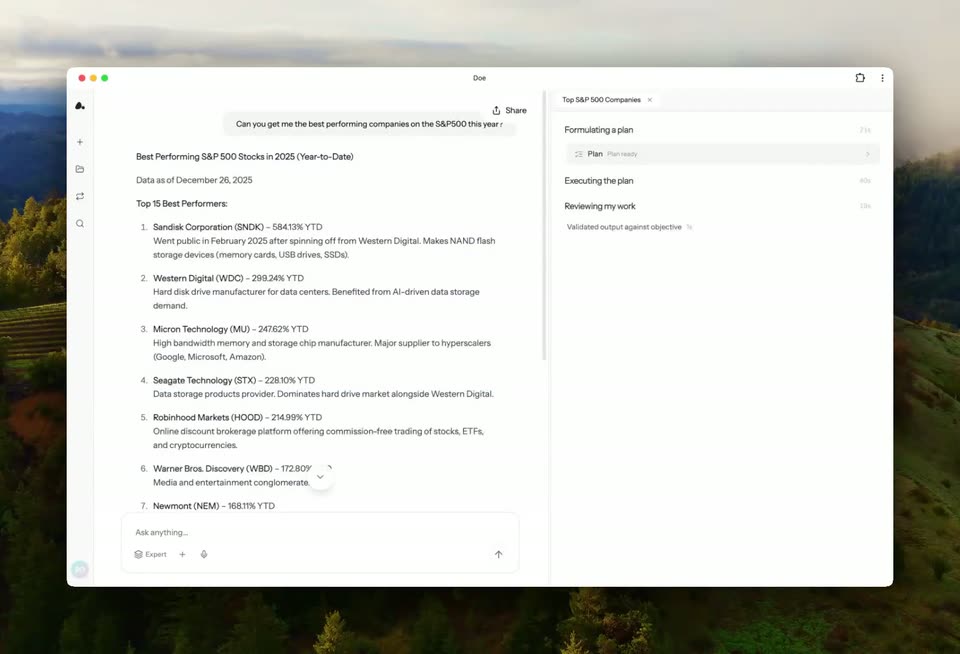
Doe’s 0:29 launch film runs 13 scenes, about 2.3 s each. The product is on screen from the first frame. There is no explicit call to action. The video is built as one continuous task run, opening on the product's empty state and then following a single prompt through planning, execution, and Slack delivery at a steady 112 BPM pace with locked-off holds between moves. Its signature moves are the slow push-in from the full window to a single field, the flat-to-3D perspective tilt on the chat card, the line-by-line population of the plan panel, and the crossfade that resolves overlapping report lines into a clean list.
Is this your launch? to your site or press kit.
Cua · B2B · Apr 2025
Doe · B2B · Jan 2026
Terse · B2B · Oct 2026
A browser window on a desktop wallpaper zooms into the app's empty state, where the heading Ready when you are. sits above an input bar. A cursor clicks the field and types a prompt, ending with a PlanetScale chip.
Techniques: UI zoom, Cursor demo
Camera: Push in
A centered black headline sits above a rounded prompt field on a white background. The field types out a monthly report instruction, a Slack chip appears, then a tool-selection dropdown opens under a moving cursor while a suggestions list sits below.
On-screen text: “Ready when you are.”
Techniques: Cursor demo
Camera: Pull out
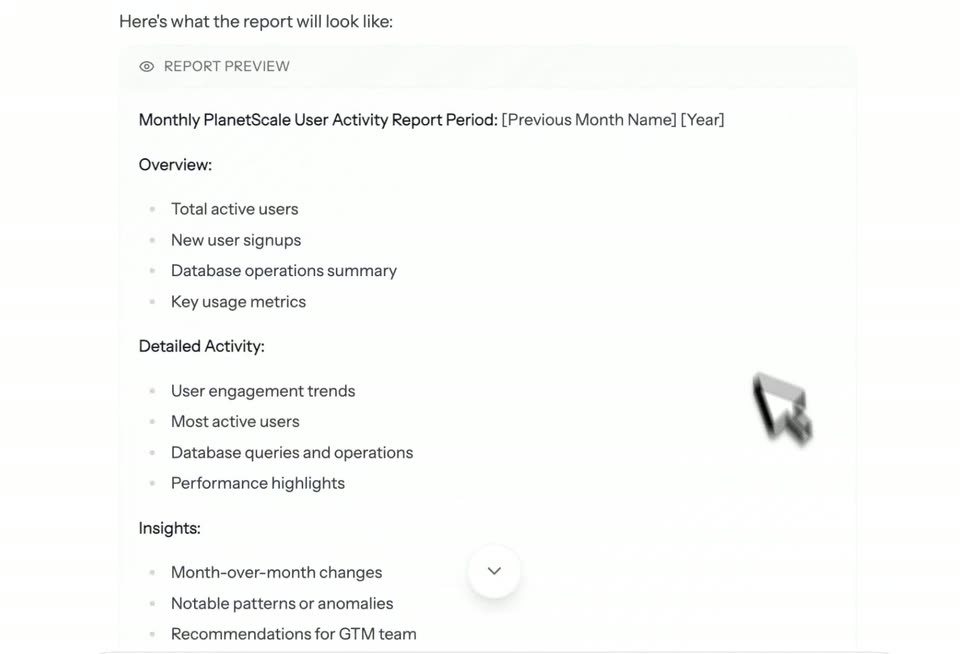
A chat window titled Doe sits over a blurred green landscape. The agent replies with a structured report preview, the view zooms into the report and scrolls to the schedule line, then a cursor types a follow-up into the input field at the bottom.
Techniques: UI zoom, Cursor demo
Camera: Push in
A flat white chat window fades from transparent to fully opaque over a green hillside desktop, then holds in a locked-off frame. Inside, a right-aligned message bubble and a small walking figure with a 'Discovering' label sit above an empty input bar.
Camera: Pull out
A white chat window titled Doe floats in 3D perspective over a green hillside backdrop. The interface shows a right-aligned message bubble, a Considering status line, and a bottom input field. The frame stays locked off throughout.
Techniques: 3D mockup
Camera: Static
A flat product window rests on a green field background. Inside a chat titled Doe, a user bubble reads Do it at 9am PT, and yes, while a Reasoning line types out a task title with a 1.2s timer. The frame stays locked off.
Camera: Static
A macOS chat window sits on a green field wallpaper. The view zooms into a right-hand task panel where an agent's plan steps populate line by line, then pulls back to a split layout pairing the finished report on the left with the plan on the right.
Techniques: UI zoom, Split screen
Camera: Pull out
A desktop app window floats over a blurred grassy landscape. The left pane shows a chat thread with a completed monthly report and an input box; the right pane lists plan and execution steps. The view holds steady with no motion.
Camera: Static
A product window sits on a green-hill desktop. The left chat panel scrolls up as new task lines appear at the bottom, while a cursor arrow drifts near the divider; the right task-list panel stays fixed.
Techniques: Cursor demo
Camera: Static
A flat, front-on view of the Doe app window on a landscape desktop background, with a report panel on the left and an agent task list on the right. A mouse cursor appears between the panels, then disappears as the frame holds still.
Camera: Static
A flat white window of the Doe app sits centered over a blurred green-and-tan landscape. The left pane shows a monthly report with headings and bullet lists; the right pane lists plan and execution steps. A white cursor hovers near the center divider.
Techniques: Cursor demo
Camera: Static
A product chat window shows a monthly activity report message. A side task panel on the right closes, expanding the chat to full width. A cursor rests at the bottom. The window floats over a blurred outdoor background.
Camera: Static
A Slack-style chat window for the #gtm channel floats over a blurred green field. A long report message updates in place: overlapping lines crossfade into a clean list of gaming activity, revenue, top users, and insights. A large cursor arrow rests at the center.
Techniques: Morph
Camera: Pan