1:58

Introducing Plan Mode
Cursor · Developer tools · Oct 2025
OpenAI · Feb 2026 · 1:19 · AI-annotated
OpenAI’s 1:19 launch film runs 11 scenes, about 7.2 s each. The product shows up at 0:03 and 2 features are revealed. There is no explicit call to action. The video alternates locked-off title cards with 3D-tilted interface demos floating on a soft blue-pink gradient, cut at a slow, deliberate pace. Signature moves are staggered text fades, slow zooms into input controls, and a quick glitch shake on the second headline.
Is this your launch? to your site or press kit.
Cursor · Developer tools · Oct 2025
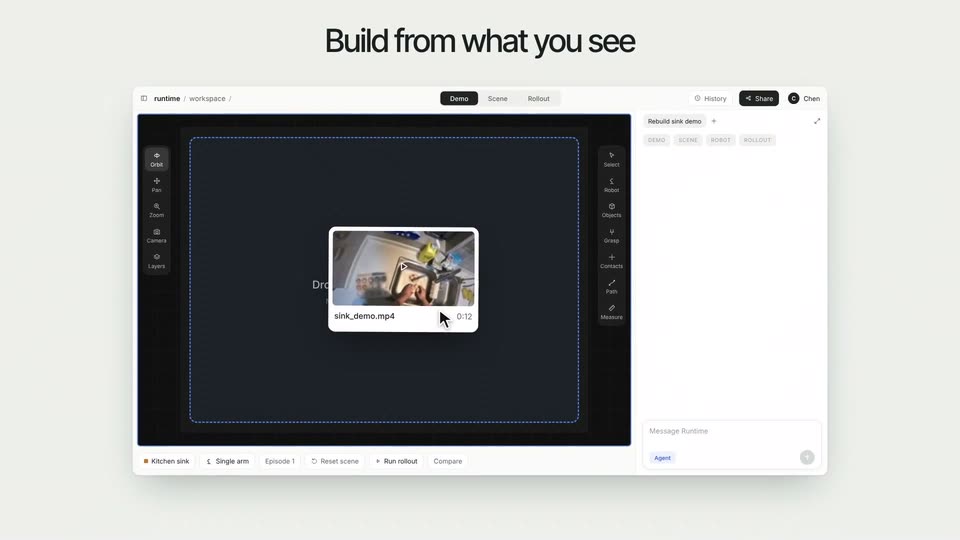
Runtime · B2B · Nov 2026
Perplexity · AI · Jul 2025
A plain off-white field holds a centered two-line headline. The words fade in from light gray to solid black in a staggered sequence, then hold still on a locked-off frame.
On-screen text: “Research with more control and expert-level results”
Techniques: Kinetic type
Camera: Static
A static two-line headline frames a ChatGPT window on a soft blue-pink gradient. The cursor collapses the sidebar, the shot zooms to the input field, a research prompt is typed, then the Apps and Sites menus open to toggle a source.
On-screen text: “Research with more control”, “and expert-level results”
Techniques: UI zoom, Cursor demo
Camera: Push in
A white 'Search specific sites' modal floats over a dimmed home screen. A black cursor types into the input field, a suggestion list drops down and is clicked, adding a favicon row each time, until three sites are listed and the cursor presses Done.
Techniques: Cursor demo
Camera: Static
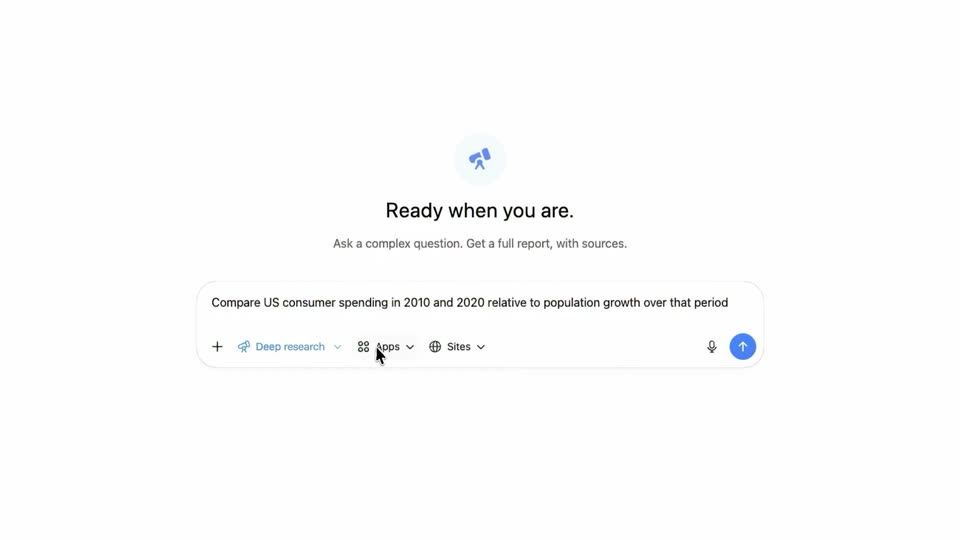
A white product screen shows the heading “Ready when you are.” above a prompt box pre-filled with a question about US consumer spending. The cursor glides from the lower right to the blue send button and clicks it.
Techniques: Cursor demo
Camera: Pull out
A ChatGPT deep research window sits tilted in 3D over a blue-pink gradient; a task card builds a checklist with spinning steps and a progress bar, then the view zooms into the card and the input field as a cursor types a follow-up prompt and clicks send.
Techniques: 3D mockup, UI zoom, Cursor demo
Camera: Push in
On a plain white background, a two-line black headline appears at the center of the frame and holds. The frame stays locked off with no other elements or motion.
On-screen text: “View comprehensive reports”, “right in ChatGPT”
Camera: Static
A two-line black headline sits centered on a plain white background, holding still until a quick horizontal glitch shakes the letters near the end.
On-screen text: “View comprehensive reports right in ChatGPT”
Camera: Static
A 3D-tilted ChatGPT window floats on a soft pink-to-blue gradient, showing a research report on U.S. consumer spending and population growth. A mouse cursor hovers over the body copy. A two-line headline holds still in the frame.
On-screen text: “View comprehensive reports”, “right in ChatGPT”
Techniques: 3D mockup, Cursor demo
Camera: Static
A research-document app floats in 3D perspective on a blue gradient, then flattens into a full interface view. The page scrolls through the report, reframes onto the citations panel, and a cursor hovers a source link then opens an export menu.
Techniques: 3D mockup, UI zoom, Cursor demo
Camera: Push in
The word ChatGPT holds centered in black on a flat off-white field. The frame is locked off with no motion, no entrance, and no other elements for the full duration.
On-screen text: “ChatGPT”
Camera: Static
A black line logo, a hexagonal G inside a scalloped cloud outline, draws itself in the center of a plain off-white background, then holds still.
On-screen text: “ChatGPT”
Techniques: Masking
Camera: Static