0:50
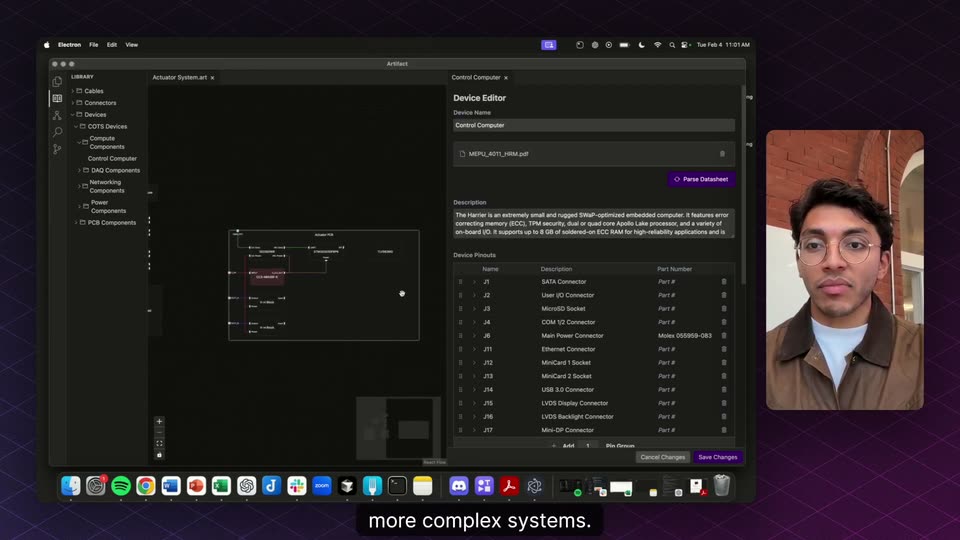

Artifact - A Modern Workspace for Electrical Design
Artifact · B2B · Feb 2025
Theorem · May 2025 · 1:46 · Full motion · AI-annotated
Theorem’s 1:46 launch film runs 6 scenes, about 18 s each. The product is on screen from the first frame. The call to action lands at 1:27 (83% in), over a voiceover. A single unbroken screen-recording demo with a fixed talking-head webcam in the top-right corner and no motion graphics, title cards, or music. Pacing is slow and steady, driven by cursor movement and hard cuts between the PDF, GitHub, the code editor, and the Compiler Explorer, closing on a verbal call to action.
Is this your launch? to your site or press kit.
Artifact · B2B · Feb 2025
Subtrace · B2B · Feb 2025
Vespper · B2B · Sep 2026
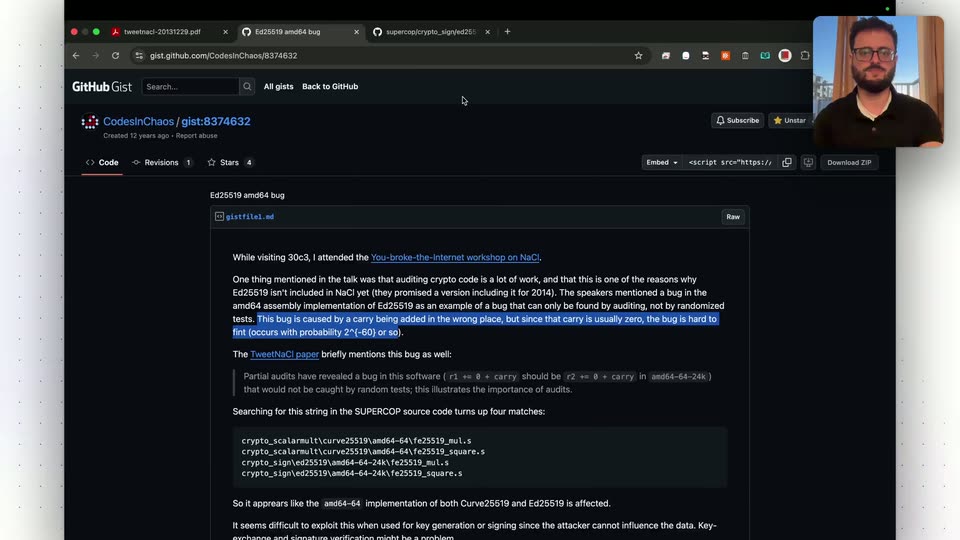
A browser window shows a static PDF page of a cryptography paper, with a small webcam feed of a bearded man in the top right corner who talks and shifts his head slightly. The page text stays fixed throughout the clip.
Camera: Static
A screen recording shows a GitHub Gist page with a paragraph highlighted in blue. A white cursor drifts across the page, then the view switches to an assembly code file with a file list on the left. A small webcam video of a man stays in the top right corner.
Techniques: Cursor demo
Camera: Static
A GitHub page displays assembly code with a file tree on the left and a highlighted line in the middle. A webcam of the presenter occupies the top-right corner. A cursor drifts over the code, then the screen cuts to a code editor terminal.
Techniques: Cursor demo
Camera: Pan
A locked-off screen capture of a dark code editor shows Python files and a terminal as a cursor moves and commands are typed, code scrolling into view, while a man speaks from a small webcam overlay in the top-right corner.
Techniques: Cursor demo
Camera: Static
A code editor shows Python test code above a terminal printing a failing equivalence test with hex values, a small webcam of the presenter sits top right, then the view dissolves to the Godbolt compiler explorer with C source and an assembly pane.
Camera: Pan
A screen capture of the Compiler Explorer web app fills the frame, with a small webcam feed of a bearded man in the top-right corner. The cursor selects four lines in the C editor; the values change and the right-hand output panel refreshes, showing Result and Expect rows that disagree.
Techniques: Cursor demo
Camera: Static