2:11
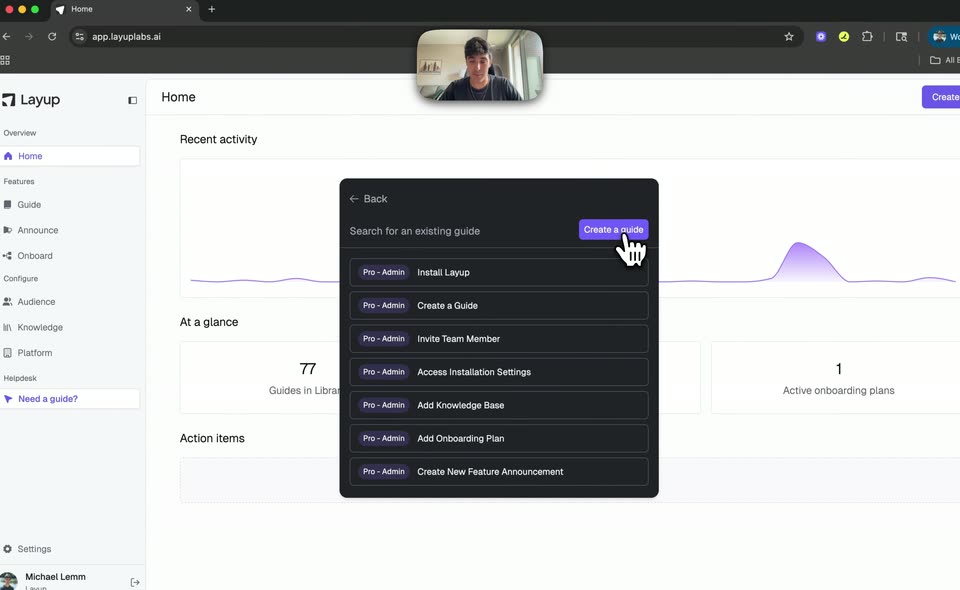

Layup 2.0 July Launch
Andco · B2B · Jul 2025
TensorPool · Feb 2025 · 3:10 · Full motion · AI-annotated
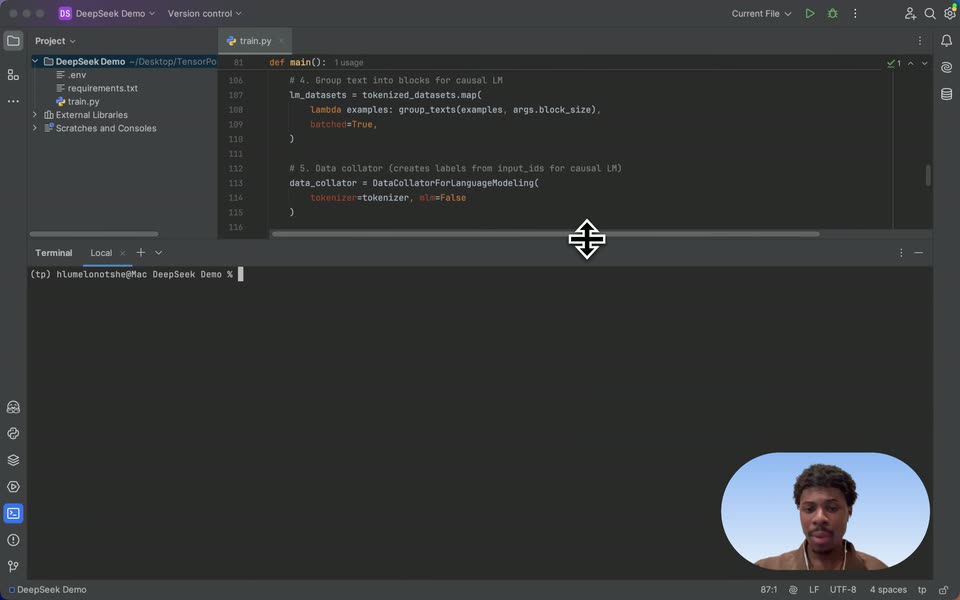
TensorPool’s 3:10 launch film runs 25 scenes, about 7.6 s each. The product is on screen from the first frame and 4 features are revealed. There is no explicit call to action; a voiceover carries the film. A single continuous VS Code screen recording in which the co-founder narrates a machine-learning workflow, typing TensorPool CLI commands into the integrated terminal while a circular webcam bubble of the presenter stays fixed in the bottom-right corner. The structure is a linear command-by-command walkthrough (tp config new, tp run, tp dashboard, tp listen) with no title cards, so each feature is announced only by voiceover and demonstrated by live terminal output, giving the piece a steady, un
Is this your launch? to your site or press kit.
Andco · B2B · Jul 2025
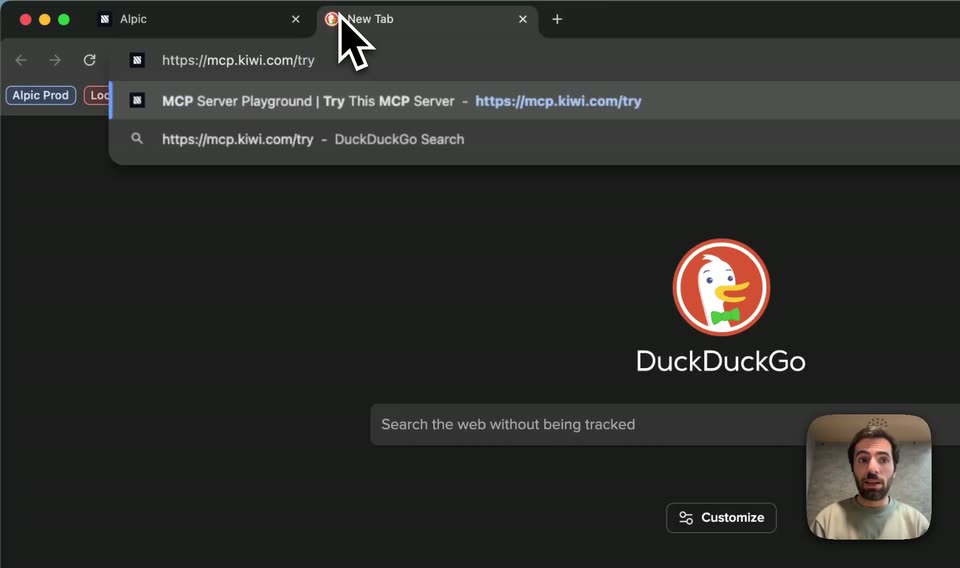
Alpic · Dec 2025
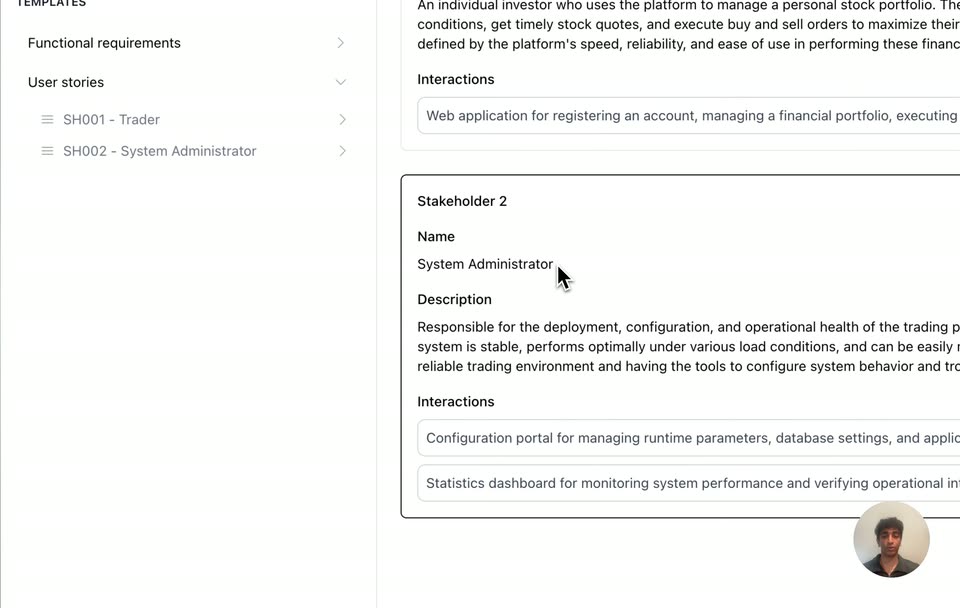
Axal · Industrials · Jun 2025
A dark code editor shows a Python file and an empty terminal with a white arrow cursor. A small oval webcam feed of a man waving against a blue sky sits in the bottom-right corner.
Camera: Static
A dark code editor fills the frame with Python source and a terminal panel below, a white cursor resting in the terminal. A circular webcam overlay in the lower right shows a man in a brown shirt speaking, his head moving slightly. The code stays static.
Camera: Static
A dark IDE screen shows a Python file in the upper pane and an empty terminal below. A large white cursor arrow sits in the terminal, and a circular webcam of a man speaking is pinned to the bottom-right corner. The view stays static.
Camera: Static
A dark IDE shows a Python training script with line numbers and a terminal panel below. A circular webcam feed of the presenter occupies the bottom right corner. A mouse cursor glides across the code, hovering over a model-loading line.
Techniques: Cursor demo
Camera: Static
A dark code editor scrolls upward through a Python training script, line numbers shifting from the 80s to the 130s. A circular webcam overlay of the presenter stays in the bottom right corner while the terminal panel below the code collapses to a thin bar and then expands again.
Camera: Static
Dark IDE screen with Python code above a terminal, a small white diamond icon centered in the terminal. A circular webcam feed of a man talking overlays the bottom right. At the end, tp config new is typed into the prompt.
Techniques: Cursor demo
Camera: Static
A dark IDE shows a Python file above a terminal panel. A command types itself into the terminal while a small white spinner icon holds the center. A circular webcam avatar of a man with headphones sits in the lower right corner.
Camera: Static
A dark code editor shows a Python file above a terminal where a long command is typed and a diamond spinner pulses. A small oval webcam of a man talking sits in the bottom right corner.
Camera: Static
A dark IDE window fills the frame: Python code in the upper pane, a terminal below with a long typed command. A four-arrow icon sits at the terminal's center, and a circular video of a man gesturing appears in the bottom right.
Camera: Static
A dark code editor fills the frame: a Python file at the top, a terminal below holding a long typed command. A four-arrow cursor glides rightward across the terminal line while a man speaks in a small oval webcam bubble at the bottom right.
Techniques: Cursor demo
Camera: Static
A dark IDE screen shows a Python file above a terminal, where a command line is typed out word by word. A small circular video of a man speaking sits in the lower right corner of the terminal.
Techniques: Cursor demo
Camera: Static
A dark code editor shows a Python file above a terminal where a long command is typed out, then an Authenticating progress bar loads. A small oval face-cam of a man sits in the bottom right corner.
Camera: Static
A dark code editor displays a Python file above a terminal that types a natural-language command and prints a generated config line. A mouse cursor hovers in the terminal, and a small oval webcam of the presenter sits in the corner.
Techniques: Cursor demo
Camera: Static
A swirl transition resolves into a dark code editor. A cursor clicks the new tp.config.toml file in the left tree, and the view zooms into it, showing a short config with a highlighted gpu line. A circular webcam of the speaker sits in the corner.
Techniques: Cursor demo, UI zoom
Camera: Static
A dark IDE screen shows a TOML file listing install and train commands above a terminal printing a config success line. A circular webcam of a man talking sits in the lower right. The shot holds still.
Camera: Static
A dark code editor displays a config file with one line highlighted in blue, above a terminal showing a typed command and its output. A small circular webcam of a presenter sits in the bottom right corner. The text caret blinks in the editor.
Camera: Static
A dark code editor shows a TOML config file with a terminal panel below, and a small circular webcam of a man gesturing sits in the lower right. The editor and file tree dissolve into a shifted view.
Camera: Push in
A dark code editor shows a TOML config file with one command line highlighted in blue. A large white I-beam cursor drifts across the code, then a fast horizontal pan slides the view right to reveal the rest of the long line.
Techniques: Cursor demo, UI zoom
Camera: Push in
A dark code editor shows a TOML config; a large I-beam cursor glides over lines, highlighting them, then the view zooms out and reframes onto the terminal panel. A large arrow cursor hovers over the prompt as the generated config message prints, with a small circular webcam inset in the corner.
Techniques: Cursor demo, UI zoom
Camera: Pull out
A dark code editor with a file tree on the left and a terminal panel below. The terminal displays a long typed command and the output 'Successfully generated tp-config', with a large white cursor at the prompt. A rounded webcam of the presenter overlays the lower right corner.
Camera: Pull out
A dark code editor displays a config file above a terminal where the command tp run is typed; a spinner prints Authenticating, then Initializing job. A circular webcam of the presenter sits in the lower right corner.
Camera: Static
A dark VS Code window fills the frame: a TOML config file sits in the editor above a terminal where commands stream in, a progress bar fills, and job lines appear. A man talks in a circular webcam bubble at the bottom right, while the cursor drifts across the terminal.
Techniques: Cursor demo
Camera: Static
A dark code editor fills the screen, its terminal panel at the bottom. A mouse cursor types tp dashboard, and a table of job IDs and statuses prints out. A small circular webcam of the presenter sits in the lower right corner.
Techniques: Cursor demo
Camera: Static
A code editor with a terminal panel listing running jobs in a table. The view zooms into the terminal as a cursor moves down and types a command at the prompt. A small webcam feed of a presenter sits in the bottom corner.
Techniques: UI zoom, Cursor demo
Camera: Push in
A dark code editor fills the frame with a terminal panel below. The terminal streams live training progress lines climbing from 43% to 68%, then a typed pull command fills it with file download bars. A circular face cam of a speaking man sits in the lower right corner.
Techniques: Cursor demo
Camera: Pull out