3:10

TensorPool (W25) - The Easiest Way to Access GPUs
TensorPool · B2B · Feb 2025
Alpic · Dec 2025 · 1:02 · Full motion · AI-annotated
Alpic’s 1:02 launch film runs 9 scenes, about 6.9 s each. The product is on screen from the first frame and 1 feature is revealed. There is no explicit call to action; a voiceover carries the film. The video is one continuous screen recording that moves from the dark Alpic dashboard to the white Playground chat and finally to the Kiwi.com booking page, with the presenter pinned in a rounded face-cam box at the bottom right. Pacing is steady and conversational, and the signature moves are the slow zoom-ins on the domains row and the JSON-to-table toggle that land the feature's payoff.
Is this your launch? to your site or press kit.
TensorPool · B2B · Feb 2025
Thirdlayer · B2B · Feb 2025
Magnitude · B2B · Sep 2026
Films whose music sounds like this one, voice left out
Novaflow
Conifer
Dawn Industries · Corporate tech presentation
A dark ALPIC dashboard shows the Overview page with a Production Environment card listing domains and branch. A man in a beige shirt speaks in a small webcam box at bottom right. A cursor drifts over the page, then the view zooms into the domains row before pulling back.
Techniques: Cursor demo, UI zoom
Camera: Push in
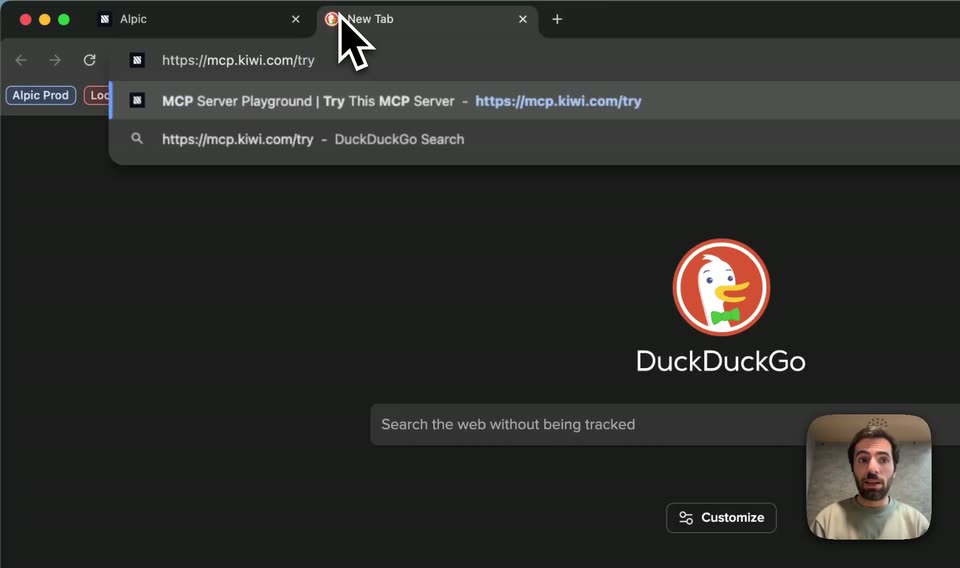
A dark browser window shows a large white cursor typing a URL into the address bar and appending /try, which opens an autocomplete dropdown. A small webcam feed of a man sits in the bottom right corner.
Techniques: Cursor demo
Camera: Pull out
A browser shows the Alpic playground, a white chat page with a bold greeting and gray subline above a message bar. A rounded webcam feed of a talking man sits bottom right. The cursor glides across, then the frame zooms in.
Techniques: Cursor demo, UI zoom
Camera: Static
A browser window shows the Kiwi MCP playground. A left sidebar with two tool cards slides out, revealing a centered greeting and a message input bar at the bottom. A small live-action clip of a presenter stays pinned in the bottom-right corner while a cursor moves across the page.
Techniques: Cursor demo
Camera: Pan
The view zooms out from a close-up of a chat greeting to the full browser window, with a bearded man in a corner webcam typing a flight request into the input field. He clicks the tool-call expander, and a JSON block with flight data unfolds.
Techniques: UI zoom, Cursor demo
Camera: Pull out
A cursor clicks a toggle on a result card, converting a raw JSON dump into a formatted flight table with route, time and price columns; a presenter's webcam sits in the lower right corner.
Techniques: Cursor demo
Camera: Static
A browser window shows an AI chat listing Paris to London flights in tables grouped by price and duration. The view scrolls down the rows, then zooms onto the Book now column as a cursor points at it. A small webcam inset of the presenter sits in the corner.
Techniques: Cursor demo, UI zoom
Camera: Push in
A dark screen shows a white hand cursor that switches to an arrow as a gray envelope icon fades in at center-right, with the presenter's face cam in the bottom-right corner.
Techniques: Cursor demo
Camera: Static
A browser window shows the Kiwi.com booking page. The view scrolls from a 'Trusted by millions' block up to the Paris to London trip summary, with a price panel on the right. A cursor moves across the form while a presenter's video avatar stays pinned bottom right.
Techniques: Cursor demo
Camera: Pull out