
1:35
Explore
00:00:00 / 00:25:00
- Length
- 0:24
- Scenes
- 3 · 8.3 s avg
- Product on screen
- 0:00
- Features shown
- 2
- Voiceover
- No
- Views
- 184 on YouTube
as of November 23, 2026
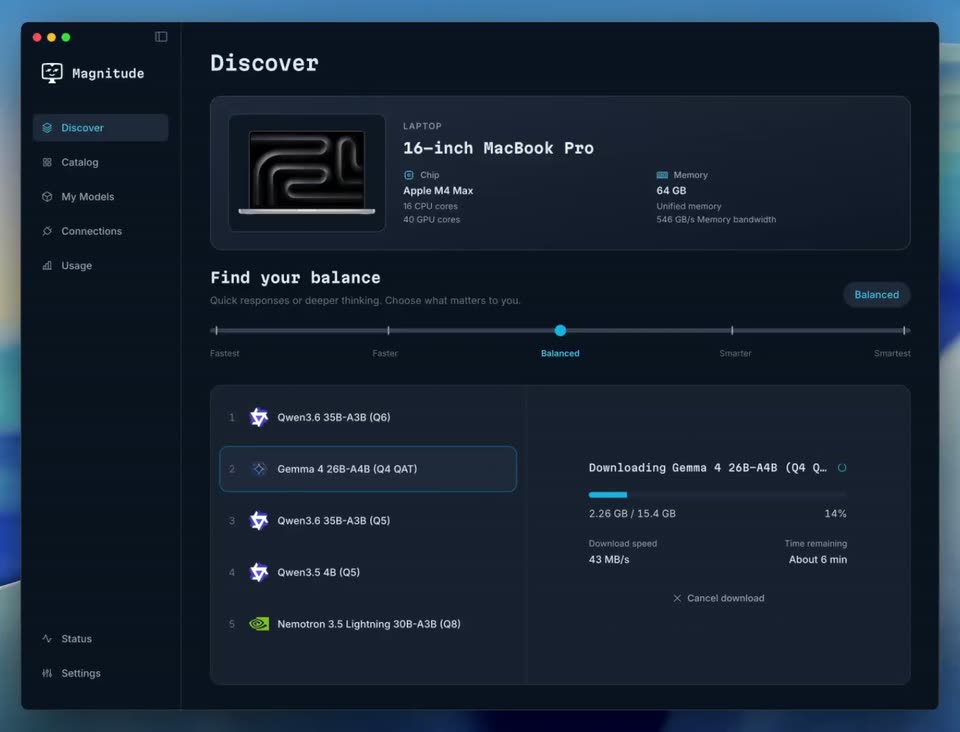
Magnitude’s 0:24 launch film runs 3 scenes, about 8.3 s each. The product is on screen from the first frame and 2 features are revealed. There is no explicit call to action. One continuous screen recording of the Magnitude app, cut into three beats: a balance slider that re-ranks models, an agent connection panel, and a terminal run that ends on a slow zoom-in. Pacing is slow and cursor-driven, with live data updates (radar chart, download bar, typed reply) carrying the motion instead of hard cuts.
No filming indicatedEstimated needs: 2 capture groups — your screens or recordings
Is this your launch? to your site or press kit.
More like this
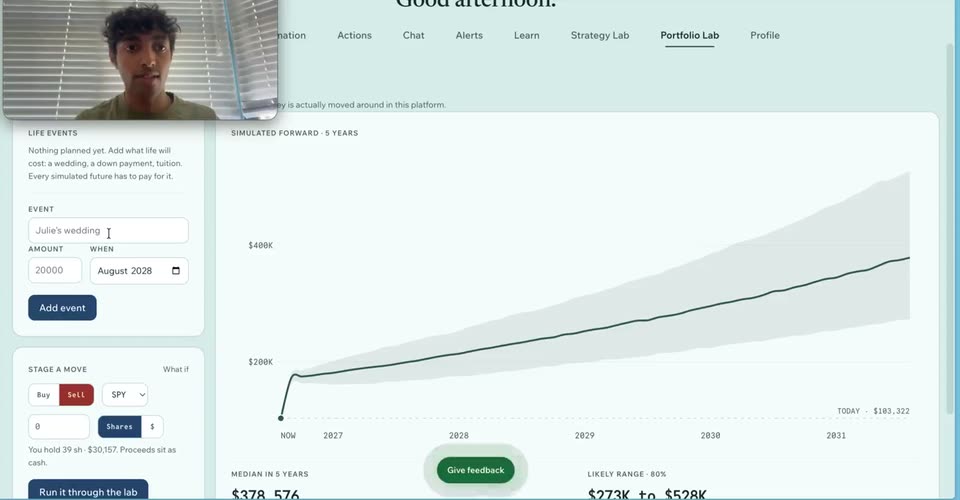

1:02
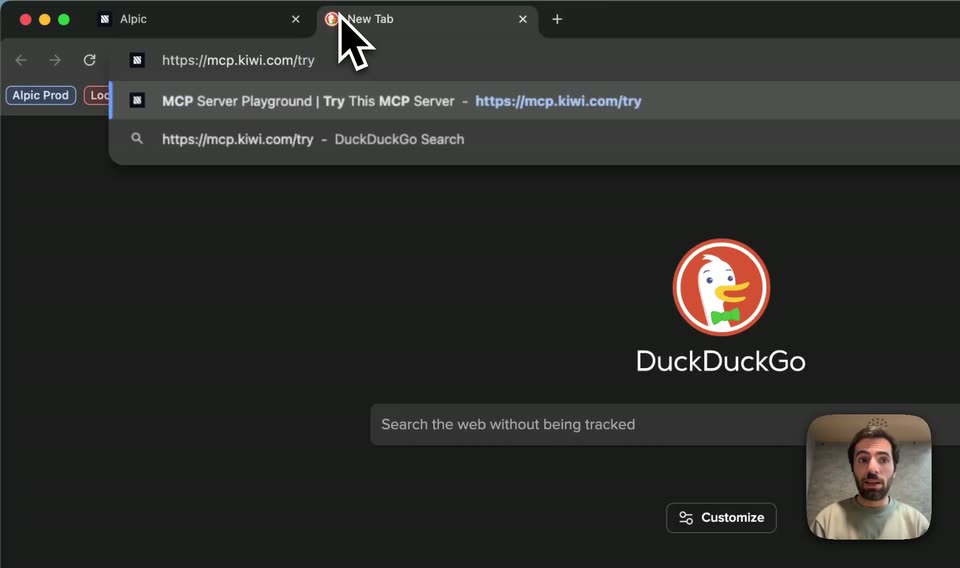

Alpic launch week 2: Playground
Alpic · Dec 2025
1:26

Alex - Xcode AI Coding Assistant
Alex · B2B · May 2025
Magnitude HN Demo, scene by scene
· 3 scenes as text
01 · Feature reveal · 0:00–0:11
A dark Discover screen shows a laptop spec card and a balance slider. A cursor drags the slider across the scale, the model list and radar chart update live, then it selects a row and a download bar fills before the button becomes Connect Agent.
Techniques: Cursor demo
Camera: Static
02 · Feature reveal · 0:11–0:15
A dark app window over a blurred desktop. A white cursor clicks Connect on the Pi row; it expands to a green Connected state with a model dropdown and a command field. The cursor clicks the copy icon and a checkmark appears.
Techniques: Cursor demo
Camera: Static
03 · Feature reveal · 0:15–0:24
A macOS terminal floats over the Magnitude Connections view. A pi command runs, the CLI banner prints, 'Hello world' is typed at the prompt, and the model's reply types out below as the camera zooms in on the terminal.
Techniques: UI zoom
Camera: Push in