0:16


Vanta: VantaAI
Vanta · Apr 2024
Conifer · Jul 2026 · 1:44 · Full motion · AI-annotated
Conifer’s 1:44 launch film runs 5 scenes, about 21 s each. The product is on screen from the first frame and 2 features are revealed. There is no explicit call to action; a voiceover carries the film. The video is one continuous screen recording with a corner webcam inset, opening on a serif wordmark over three feature cards before walking through the chat surface and then the router. Its style is a near-black canvas with warm amber particle accents, monospace interface text, and a slow single-take pace that lets the generated text scroll at its own speed.
Is this your launch? to your site or press kit.
Vanta · Apr 2024
Mercury · Finance · Aug 2023
Films whose music sounds like this one, voice left out
Novaflow
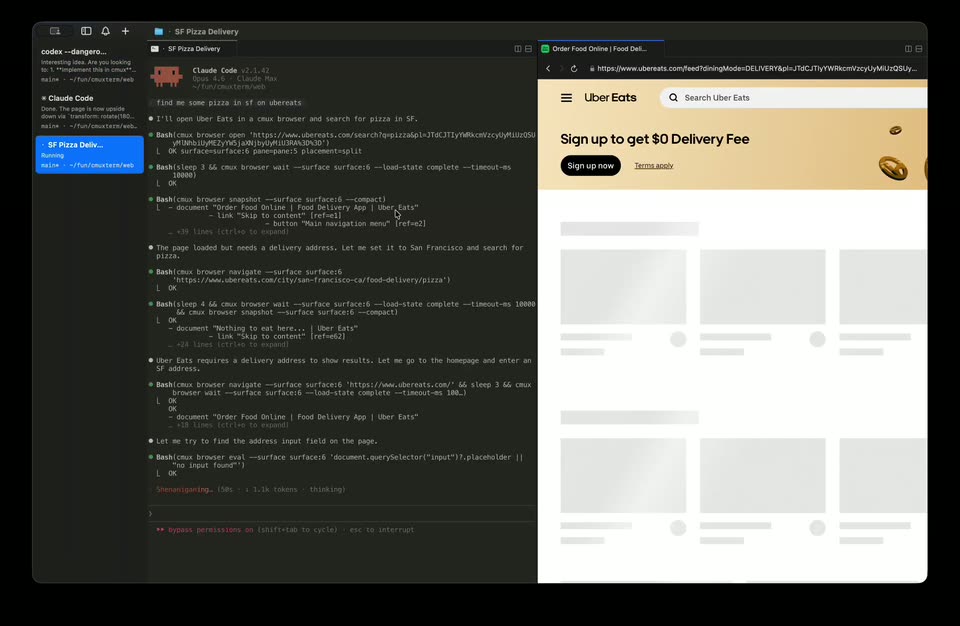
cmux · Technical voiceover
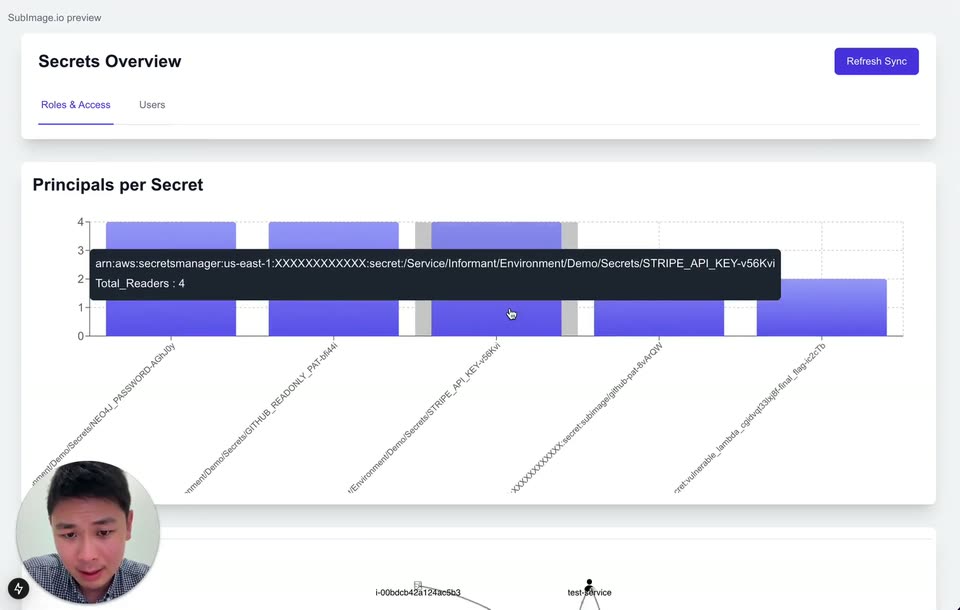
SubImage · Technical tutorial voiceover
A dark home screen holds the title Juniper over three feature cards, with a glowing particle tree and drifting leaves on the right. A presenter's webcam anchors the bottom corner as a cursor glides to the chat card.
Techniques: Particles, Cursor demo
Camera: Static
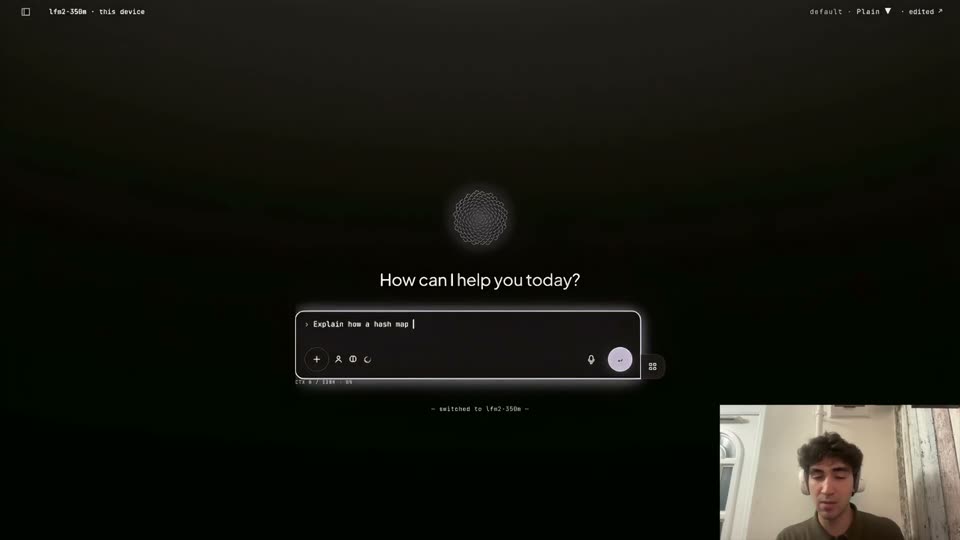
A dark chat interface fills the frame, a presenter's webcam in the corner. A cursor opens the model menu, picks an on-device model, then types a prompt into the input box while the send button turns lavender.
Techniques: Cursor demo
Camera: Static
A locked-off dark terminal streams white monospace text on hash maps, then a Python code block, scrolling up as it generates. A presenter with headphones talks in a small webcam inset at bottom right, and types a prompt into the bottom input bar.
Techniques: Kinetic type
Camera: Static
A dark code terminal fills the frame, a model list panel on the left and a Python snippet with an explanation below it on the right. A small webcam window in the corner shows a man with headphones talking.
Camera: Static
A dark terminal chat fills the frame with a small webcam inset of a presenter bottom right. A model panel closes, a quicksort prompt is typed into the input bar, then the view scrolls as thinking text streams in fast and a formatted answer types out.
Techniques: Cursor demo, Kinetic type
Camera: Pan