
0:50
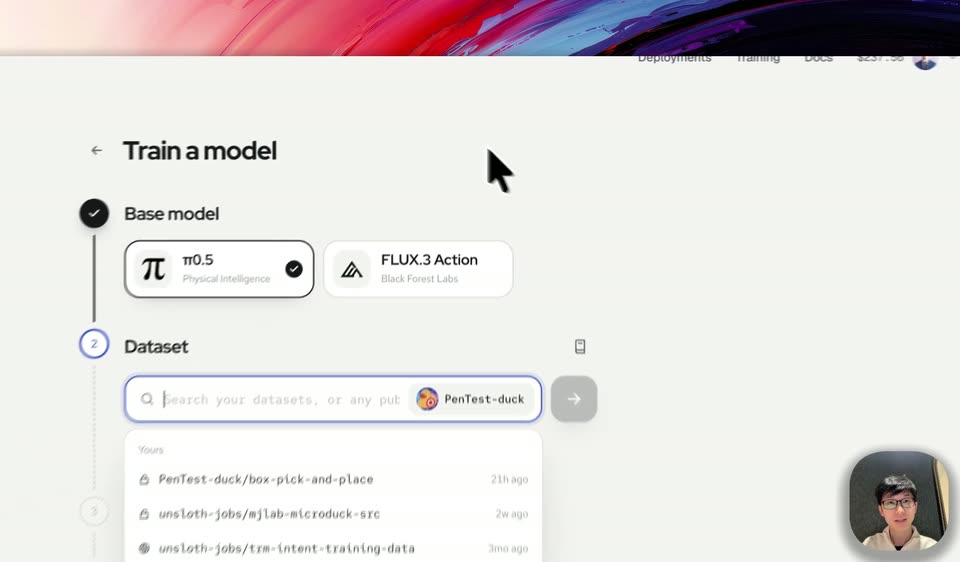

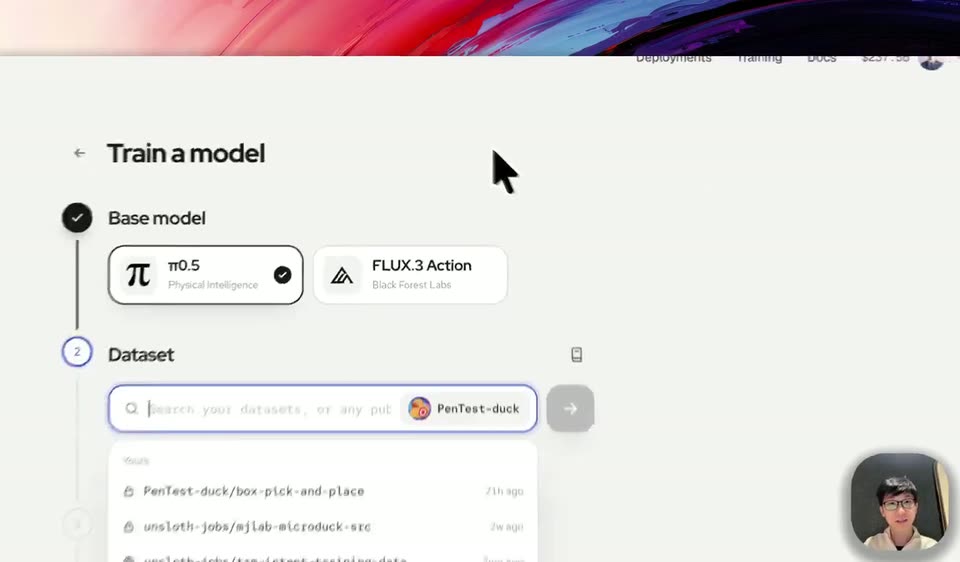
Chris Yoo ⚡ CoRL - Fine-tuning VLAs just got so much easier. Today, we're releasing Tra
Dreamscale Labs · Industrials · Oct 2026
Vanta’s 0:16 launch film runs 3 scenes, about 5.4 s each. The product is on screen from the first frame and 1 feature is revealed. There is no explicit call to action. The video is built as a single continuous demo: a centered headline card names Vanta AI on a purple gradient, then a flat Trust Center mockup slides in and a cursor walks the Ask a question flow from typed prompt to cited answer. Signature moves are the slow-drifting pill dashes on the gradient, soft fade and slide transitions between text and UI, and purple sparkle accents that punctuate the AI reply.
Is this your launch? to your site or press kit.
Dreamscale Labs · Industrials · Oct 2026
Dreamscale Labs · Industrials
A dark purple gradient holds a centered three-line headline that fades in, with 'Vanta AI' set in purple serif. Thin pill-shaped dashes in lighter purple drift slowly across the lower third at varying speeds.
On-screen text: “Give prospects the answers they're looking for with Vanta AI”
Techniques: Particles
Camera: Static
On a purple gradient, the headline about Vanta AI fades out at the top while the new line about Trust Center visitors fades in, and a flat Trust Center page mockup slides up from the bottom to fill the lower half.
On-screen text: “Give prospects the”, “answers they're looking for”, “with Vanta AI”, “Visitors to your Trust Center”, “can ask questions about”, “your security and compliance”
Camera: Pan
A flat Trust Center page sits on a purple gradient under a white headline. The view zooms to the top-right as a cursor clicks Ask a question, types and sends a query; a Vanta AI reply with reference pills and sparkles fills the panel, then the UI slides off left.
On-screen text: “Visitors to your Trust Center”, “can ask questions about”, “your security and compliance”, “Vanta AI responds drawing from resources in your Trust Center”
Techniques: UI zoom, Cursor demo, Particles
Camera: Push in