
0:27
Explore
00:00:00 / 02:26:21
- Length
- 2:26
- Scenes
- 11 · 13.3 s avg
- Product on screen
- 0:00
- Features shown
- 1
- Voiceover
- Yes
- Views
- 906 on YouTube
as of November 23, 2026
Novaflow’s 2:26 launch film runs 11 scenes, about 13 s each. The product is on screen from the first frame and 1 feature is revealed. There is no explicit call to action; a voiceover carries the film. The video alternates a static two-shot of the hosts with a continuous screen recording of the Novaflow app, keeping the host's webcam pinned in the corner of the interface. Pacing is slow and continuous, built on long takes, gentle push-ins from the full dashboard to a single control, and the tissue slide morphing through colored data overlays.
Footage neededEstimated needs: 2 capture groups — your screens or recordings · 1 official logo — reused across the film · 2 filmed passages — shoot, supply or replace
Is this your launch? to your site or press kit.
More like this
0:51
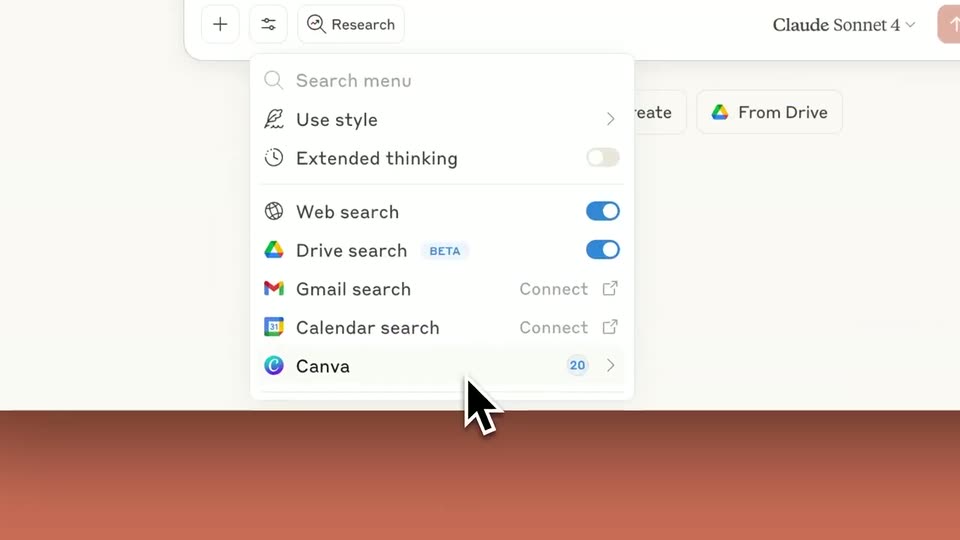

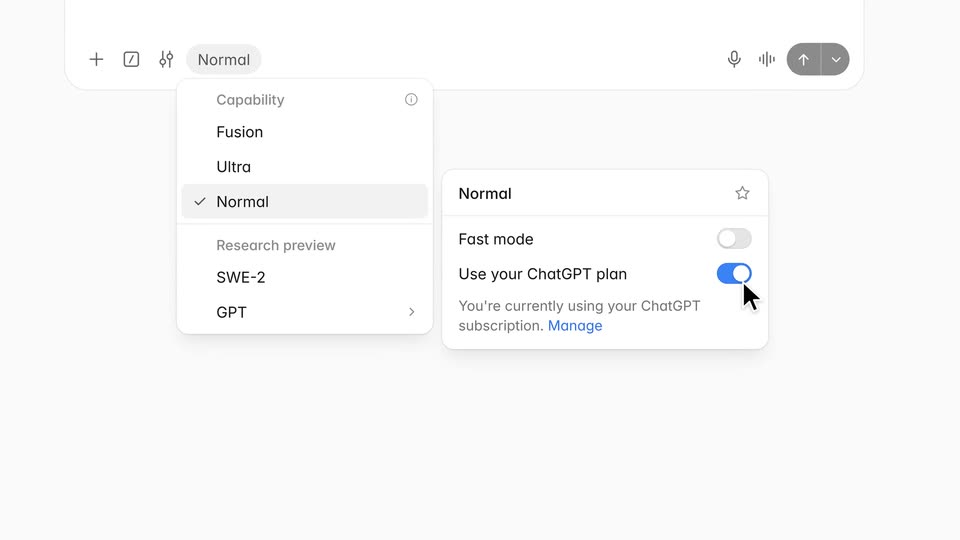
Anthropic - Turn written content into professional designs with Claude + @canva
Anthropic · AI · Jul 2025
2:59
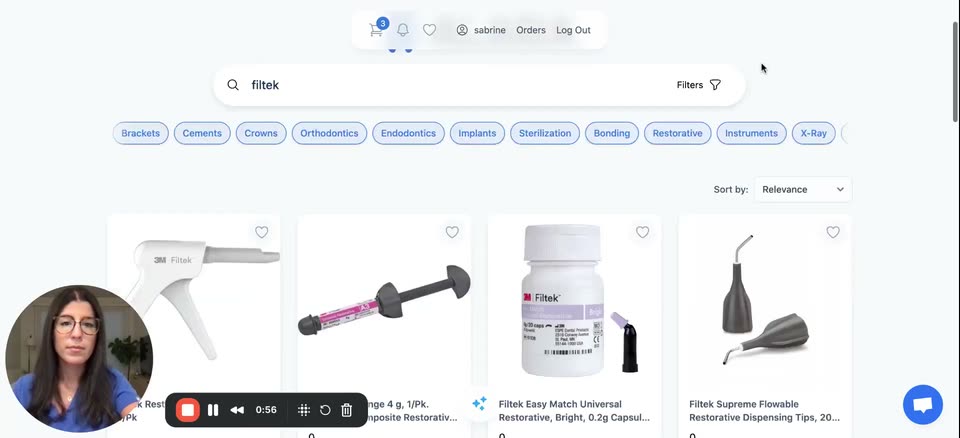

Alara Dental - Transforming Dental Supply Purchasing
Alara · B2B · Aug 2025
Similar soundtrack
Films whose music sounds like this one, voice left out
1:44
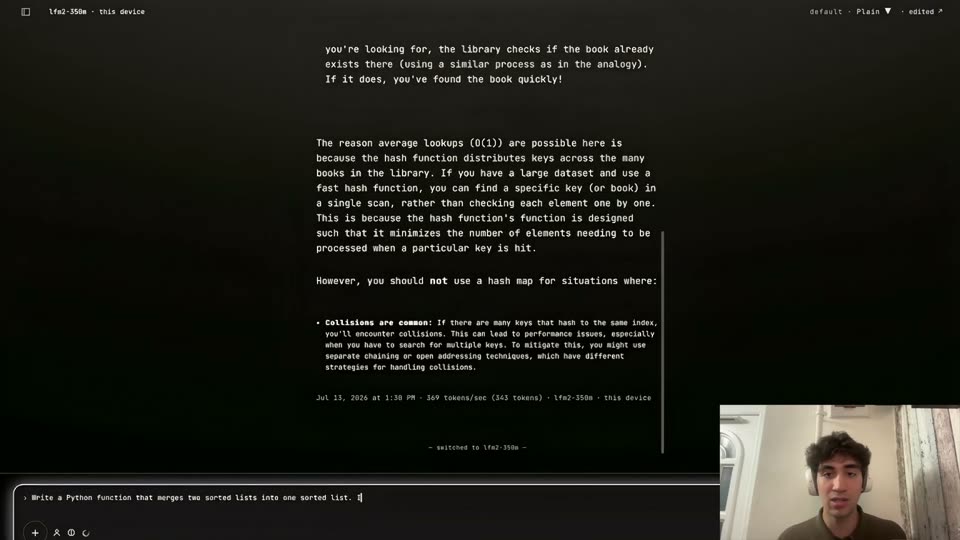
Conifer Demo Video
Conifer
1:51
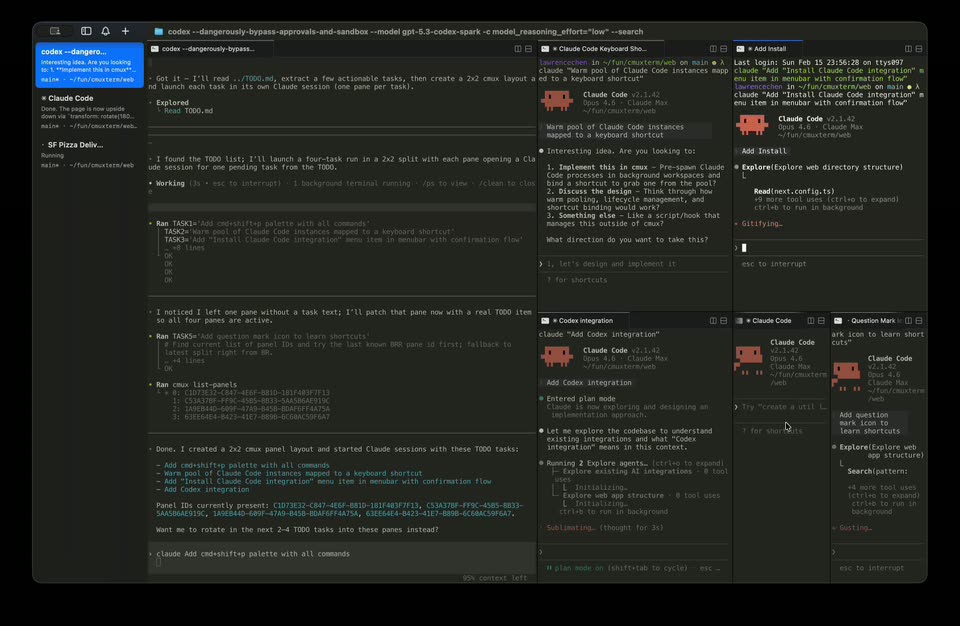

cmux - the terminal built for multitasking
cmux · Technical voiceover
1:43
My Stripe API key was leaked
SubImage · Technical tutorial voiceover
Novaflow Launch Video, scene by scene
· 11 scenes as text
01 · Product intro · 0:00–0:34
Two presenters sit side by side in white chairs, wearing cream caps with an orange logo patch, against a dark wall with a bird mural. The woman waves at the camera as they speak, laptops resting at the bottom edge of the static medium shot.
Camera: Static
02 · Demo · 0:34–0:46
A Novaflow dashboard fills the frame with a presenter's video call tile pinned to the lower left. The layout stays static until the view zooms into the top-right corner, where a hand cursor points at the purple New Workflow button.
Techniques: UI zoom, Cursor demo
Camera: Push in
03 · Demo · 0:46–0:46
A light dashboard fills the frame as a hand cursor taps the New Workflow button at top right. A white dropdown panel slides up from the bottom left, listing experiment types, while the background stats and activity feed blur and shift upward.
Techniques: Cursor demo
Camera: Pan
04 · Demo · 0:46–0:59
A white “Create New Workflow” modal is centered over a dimmed dashboard. The view pulls back to reveal the full Novaflow layout as a text cursor types the workflow name and description, then a hand cursor hovers the folder button.
Techniques: Cursor demo, UI zoom
Camera: Pull out
05 · Demo · 0:59–1:12
A file picker dialog sits over a blurred dashboard; a hand cursor selects a data file and clicks Open. A centered modal then shows a spinner and a filling progress bar while its status text steps from Initializing to Finalizing, and the background dims.
Techniques: Cursor demo
Camera: Pull out
06 · Feature reveal · 1:12–1:38
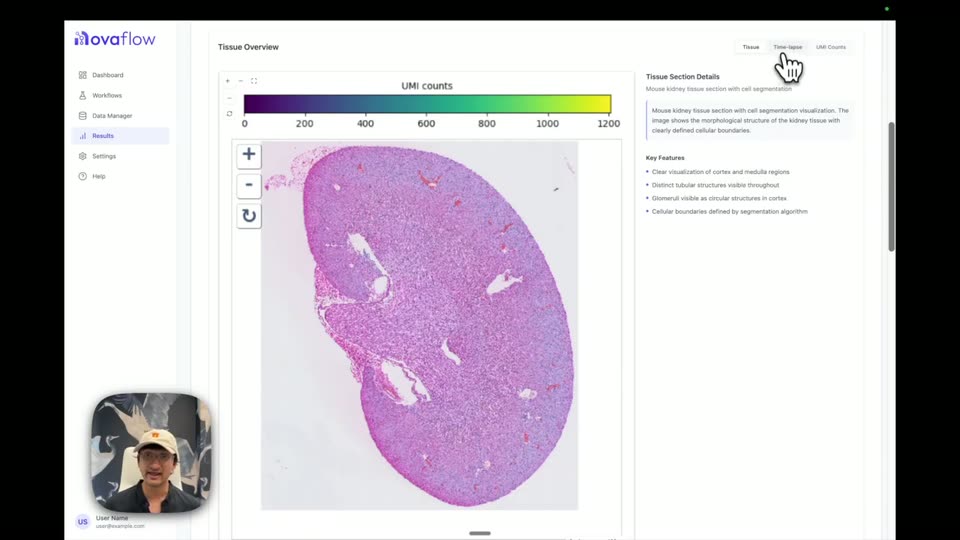
A dashboard with metric cards scrolls down to reveal a pink tissue section image under a UMI counts color bar. A hand cursor clicks the Time-lapse tab, and the tissue image morphs through green and teal data overlays; a presenter's webcam sits in the lower-left corner.
Techniques: Cursor demo, Morph
Camera: Pan
07 · Feature reveal · 1:38–1:39
A light UI screen shows a pink tissue section under a UMI counts color bar, with a sidebar on the left and an info panel on the right. The view zooms into the right panel as a hand cursor icon hovers over the top tabs.
Techniques: UI zoom
Camera: Push in
08 · Feature reveal · 1:39–1:46
A screen recording of a tissue analysis dashboard. A hand cursor clicks the Tissue tab in the top right, updating the right panel text and removing the purple background from the central tissue image. A small webcam feed of a presenter sits in the bottom left corner.
Techniques: Cursor demo
Camera: Pull out
09 · Feature reveal · 1:46–1:52
A white dashboard scrolls downward, revealing a colorful UMAP point-cloud plot beside a vertical legend of twelve color-coded clusters. A cursor drifts down the legend list, and a small webcam feed of a man in a cap sits in the lower-left corner.
Techniques: Cursor demo
Camera: Pan
10 · Feature reveal · 1:52–2:11
A Novaflow results screen shows a multicolored kidney tissue cluster map beside an info panel, with a small webcam of the presenter in the corner. The cursor moves to the top-right controls and clicks the 16 um toggle, the map re-renders finer.
Techniques: Cursor demo, UI zoom
Camera: Pan
11 · Outro · 2:11–2:26
A man and a woman in beige caps sit in white chairs before a dark crane mural, speaking in turn to camera. A white ovaflow wordmark with a node icon appears at top center near the end.
On-screen text: “ovaflow”
Camera: Static