0:57
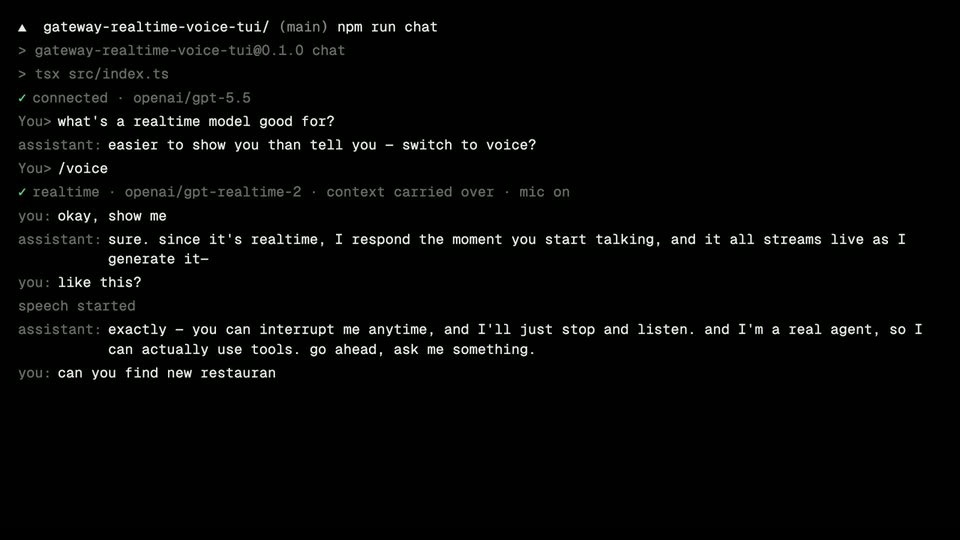

Vercel - Voice agents, now on Vercel. Realtime, speech and transcription are
Vercel · Developer tools · Jun 2026
Mercury · Aug 2023 · 0:22 · AI-annotated
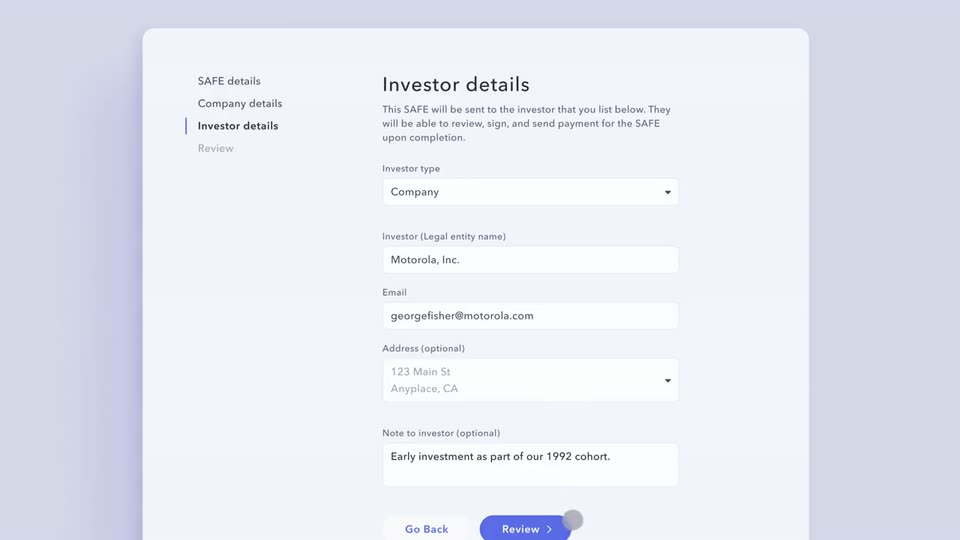
Mercury’s 0:22 launch film runs 5 scenes, about 4.4 s each. The product is on screen from the first frame and 1 feature is revealed. There is no explicit call to action. The video opens with a typed promise line and the Mercury knot logo, holds that headline over the live Capital dashboard, then follows one continuous scroll through the SAFE creation wizard as a gray cursor dot taps each step. Transitions are soft crossfades and vertical slides on a flat lavender field, keeping the pace calm and the interface the sole protagonist.
Is this your launch? to your site or press kit.
Vercel · Developer tools · Jun 2026
Doe · B2B · Oct 2026
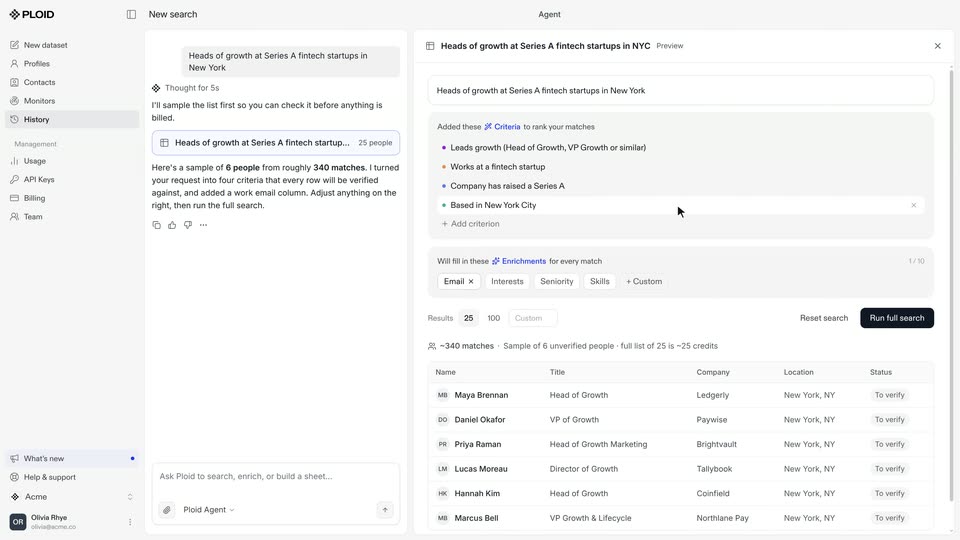
Ploid · B2B · Oct 2026
On a flat lavender field, a dark slate sans-serif line types out from the left, growing from “Fund your startups” to the full phrase, then a circular knot logo pops in at the end. The frame stays locked off.
On-screen text: “Fund your startups with SAFEs on”
Techniques: Kinetic type
Camera: Static
The Mercury Capital dashboard is shown flat and scrolls downward; the investor table slides up while a Create a new SAFE panel rises into view at the bottom. A static headline holds in place over the locked-off frame.
On-screen text: “Fund your startups with SAFEs on”
Camera: Pan
A SAFE creation form scrolls down, then crossfades through the Company, Investor, and Review steps while a gray cursor dot taps the Next and Send SAFE buttons. The left sidebar highlights each step in turn as fields fill with sample data.
Techniques: Cursor demo
Camera: Pan
A dark rounded toast with a green check badge and white text 'SAFE sent to Motorola, Inc.' holds center on a pale lavender field. A white details card below it exits and the Mercury app header with the Capital page slides up from the bottom edge.
Camera: Static
The Mercury Capital dashboard fills the frame flat, showing a summary row and a three-row investor table with green check marks. A dark “SAFE sent to Motorola, Inc.” toast and a faint offset copy of the page linger at the bottom, then clear to leave the static view.
Camera: Pan