0:11
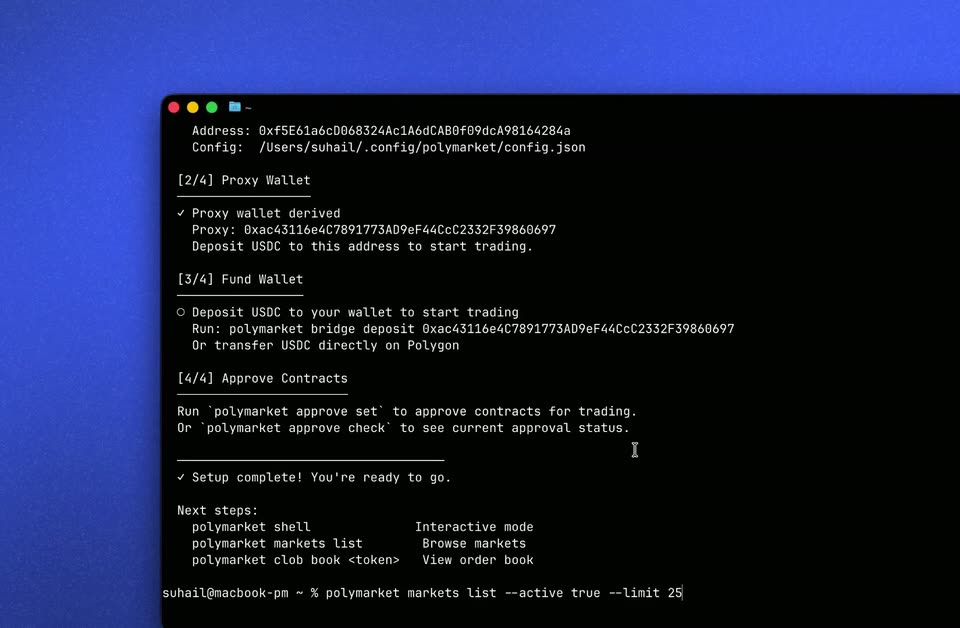

Suhail Kakar - introducing polymarket cli - the fastest way for ai agents to access
Polymarket · Feb 2026
Thirdlayer · Feb 2025 · 1:42 · Code only · AI-annotated
Thirdlayer’s 1:42 launch film runs 8 scenes, about 13 s each. The product is on screen from the first frame and 4 features are revealed. There is no explicit call to action; a voiceover carries the film. One continuous tour: the video names DEX, then follows a floating 3D browser mockup through GitHub pages, zooming into the command bar for each interaction and pulling back to the full window. Pacing is even and unhurried, with the signature push-in to the DEX input field and the 3D tilt of the browser card as the recurring moves.
Is this your launch? to your site or press kit.
Polymarket · Feb 2026
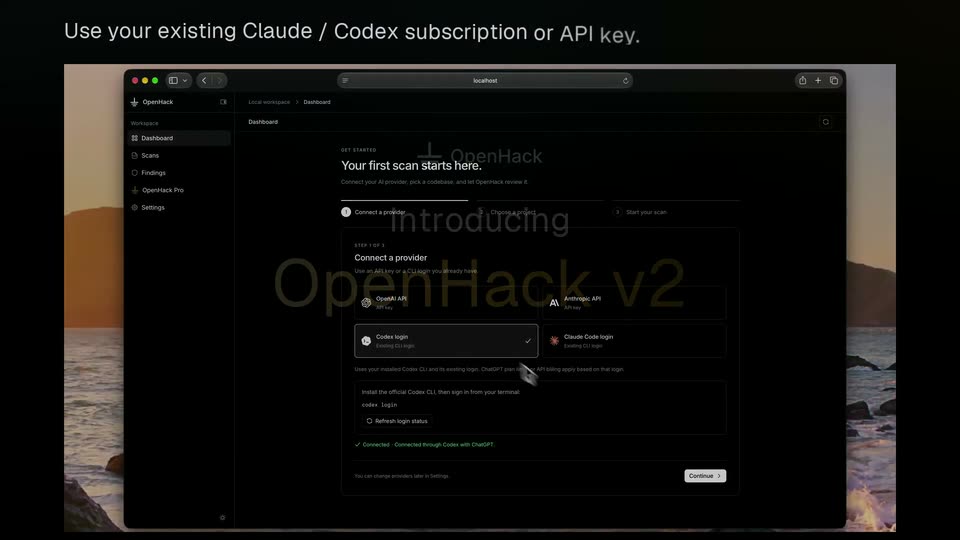
OpenHack · B2B · Nov 2026
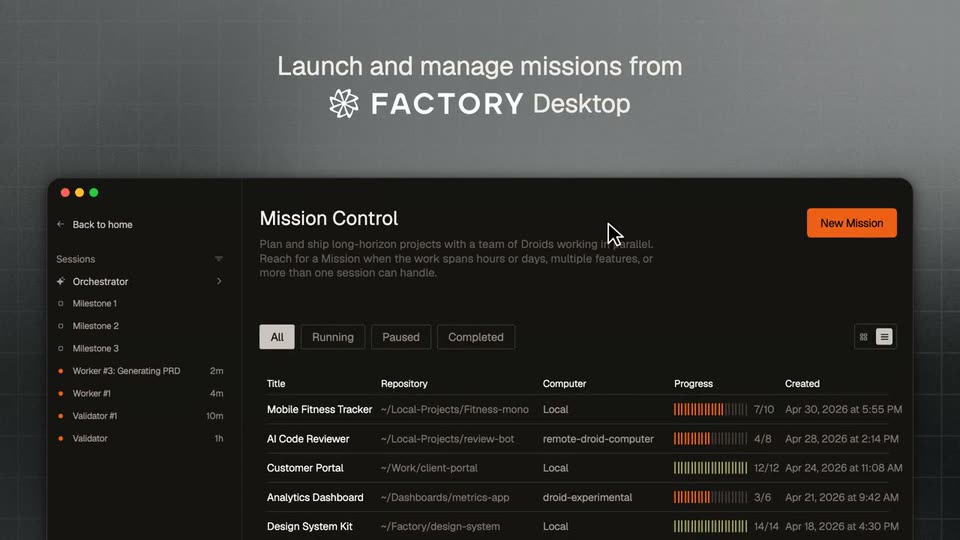
Factory · Jun 2026
Films whose music sounds like this one, voice left out
Astor · Upbeat, modern electronic and rock instrumental
Blify · Modern electronic
Userlens · Corporate electronic
A browser window on a dark blue gradient zooms into a SE-EDU article about reviewing pull requests. A command palette opens in the center, the query my open prs is typed, and three GitHub pull request results appear in a list.
Techniques: UI zoom
Camera: Push in
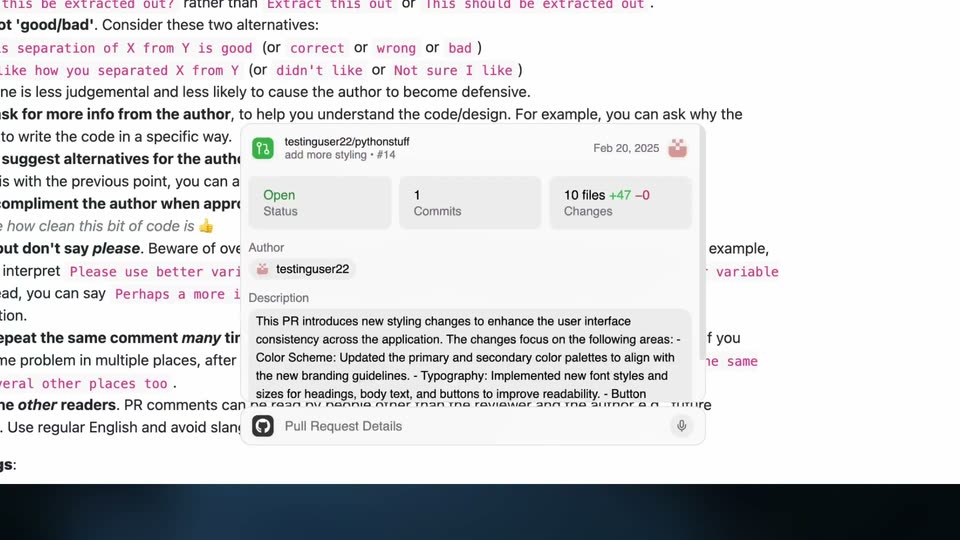
A white assistant card floats over a static page of red and black document text. It first lists three pull requests with green icons and dates, then expands downward to reveal one PR's status, author and description. A bottom bar shows a GitHub icon and a microphone.
Camera: Static
A white pull request card scales in at center over a blurred page of documentation. The card lists the repo name, open status, one commit, ten files changed, the author and a description paragraph of the styling update, held static for the duration of the clip.
Camera: Static
A close-up of a floating AI chat card over a code-review guide page. The input is typed, highlighted, then retyped with a repo path as autocomplete options and a spinner appear; the result list updates. The view zooms out to the full browser window.
Techniques: Cursor demo, UI zoom
Camera: Pull out
A browser window on a dark blue gradient shows a SE-EDU documentation page titled Best practices for reviewers, with a dropdown of user search results on the right. A second tab opens and the address bar fills with a filtered URL.
Camera: Static
A 3D browser mockup of a GitHub pull request list sits on a gradient background. The view zooms into the bottom command bar, where a suggestion panel pops up with command chips. A command is typed into the field, then the camera pulls back to the full window.
Techniques: 3D mockup, UI zoom
Camera: Static
A tilted 3D browser mockup floats on a soft gradient, showing a GitHub pull request list. A command is typed in the chat bar, an assignee dropdown opens, then the view zooms into the chat panel to read the bot's reply before pulling back out.
Techniques: 3D mockup, UI zoom
Camera: Static
A floating browser mockup on a blurred background loads a GitHub pull request page; a cursor clicks an AI suggestion and a summary types out, then the view zooms to the comment box as a drafted review fills in.
Techniques: 3D mockup, UI zoom, Cursor demo, Kinetic type
Camera: Pull out