3:11

A computer for every agent
Cursor · Developer tools · Feb 2026
Replicas · Mar 2026 · 3:45 · Full motion · AI-annotated
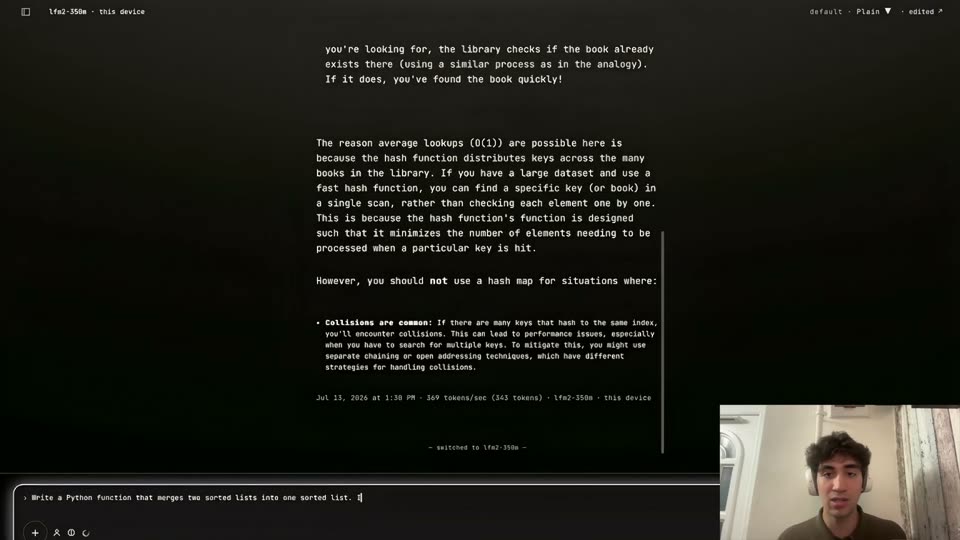
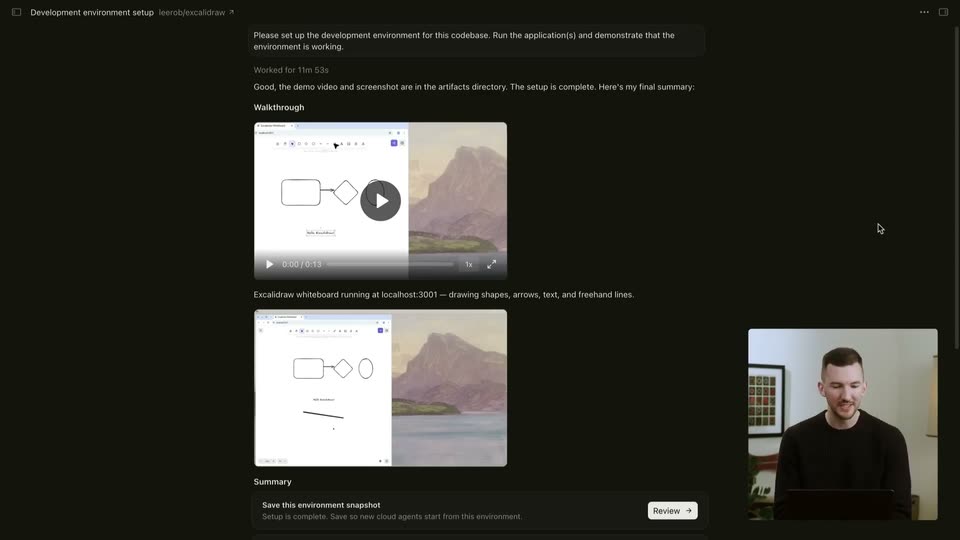
Replicas’s 3:45 launch film runs 24 scenes, about 9.4 s each. The product is on screen from the first frame and 2 features are revealed. The call to action lands at 3:34 (95% in), over a voiceover. The video is a single presenter-led screen recording of the Replicas dashboard, Slack and GitHub, with a rounded face-cam inset fixed in the top-left corner throughout. It is built as one continuous demo: crossfades and slow zooms move between UI panels while the cursor types and clicks, the pace is deliberate with long takes, and it closes on a spoken URL with no end card.
Is this your launch? to your site or press kit.
Cursor · Developer tools · Feb 2026
Coasts · B2B · Nov 2025
SimBlox · Business software
Films whose music sounds like this one, voice left out
cmux · Technical voiceover
Conifer
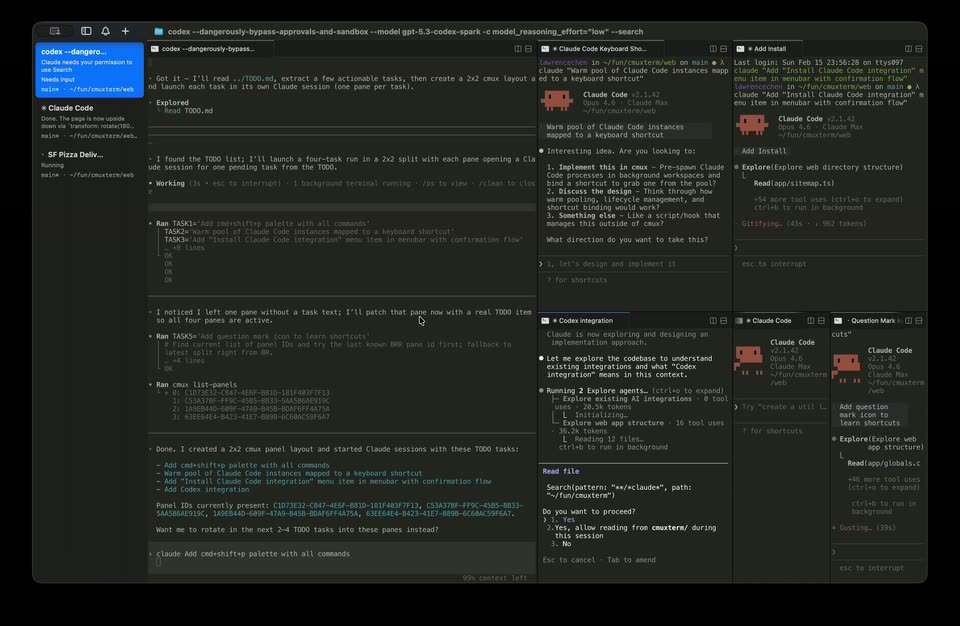
A dark web dashboard fills the screen, showing a sidebar and a chat panel of Claude Code debugging messages. A small rounded video of a bespectacled man talking sits in the top-left corner. A white cursor rests over the left panel. The interface stays static as the man speaks.
Camera: Static
A dark web dashboard fills the frame, its left sidebar and a Claude chat panel with command lines static. A small video-call window of a man with glasses sits in the top-left corner, and a white cursor drifts over the chat area.
Techniques: Cursor demo
Camera: Static
A dark dashboard screen with a small video-call inset of a presenter in the top-left corner. The view reframes and zooms onto the left sidebar and workspaces list while a white cursor drifts across the panel. A Claude chat log sits along the right edge.
Techniques: UI zoom, Cursor demo
Camera: Push in
A dark chat workspace reframes from a conversation thread to the channel sidebar as a white cursor glides toward a highlighted direct message. The left panel lists channels and apps above a message input box.
Techniques: Cursor demo, UI zoom
Camera: Pan
A dark chat window fills the frame. A cursor types in the message box, opens an @mention dropdown, selects Replicas, then keeps typing before moving to the bold button.
Techniques: Cursor demo
Camera: Static
A crossfade settles on a dark chat app with a channel list on the left and a video call tile top left. A cursor types a line in the composer, sends it, and the message appears in the thread; the cursor then rests mid-screen.
Techniques: Cursor demo
Camera: Pull out
A dark web-app screen fills the frame with a small face-cam of a presenter in the top-left corner. A white hand cursor drifts down the chat panel as the thinking timer counts up. The view then dissolves into a side-by-side of a Slack thread and the app.
Techniques: Cursor demo, Split screen
Camera: Pan
A dark Slack-style chat view with a small video call tile of a bespectacled man in the top-left corner. The interface crossfades from a doubled, slightly offset duplicate into a clean layout, a hand cursor resting mid-screen.
Camera: Static
A dark messaging interface fills the frame, with a video call of a man in the top-left corner. A cursor clicks a reply, sliding a thread panel open on the right while the man gives a thumbs up.
Techniques: Cursor demo
Camera: Pan
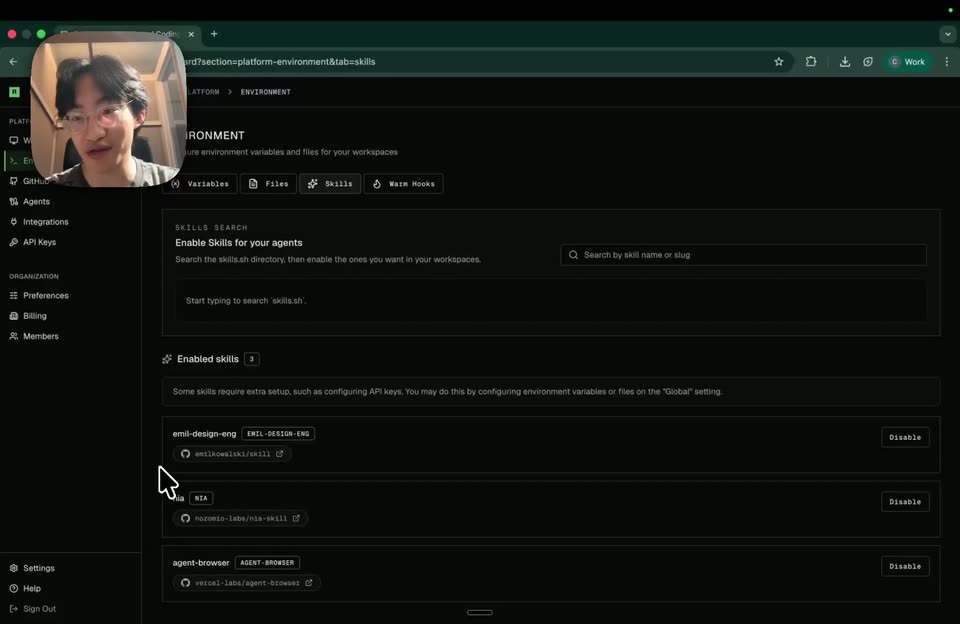
A dark dashboard fills the frame with a small rounded video of the presenter in the top-left corner. A cursor clicks the Files, Skills and Variables tabs of the Environment page, and the view zooms into each section as it loads.
Techniques: Split screen, UI zoom, Cursor demo
Camera: Push in
A dark web dashboard fills the screen with a small webcam of a talking man in the top-left corner. A white cursor clicks the Environment button, opening a side panel, then the view zooms in and pans down through its agents, integrations and skills rows.
Techniques: Cursor demo, UI zoom
Camera: Pull out
A dark coding-agent interface fills the screen, a small rounded video-call window of a person in the top left. A cursor hovers over the right environment panel, then the view zooms into the chat input where a bone-shaped text cursor blinks before zooming back out as a prompt is typed.
Techniques: Cursor demo, UI zoom
Camera: Static
A dark developer dashboard with a small webcam inset of a man with glasses in the top-left corner. A chat message is typed and sent, then agent replies and command lines stack up, scrolling the thread upward as a bone-shaped cursor moves near the top buttons.
Techniques: Cursor demo
Camera: Static
A dark Slack channel and thread panel fill the frame, with a small video-call inset of a bespectacled man in the top-left corner. A cursor slides up to a GitHub link in the thread, then the screen switches to that pull-request page.
Techniques: Cursor demo
Camera: Pan
A dark GitHub pull request page fills the frame with a small rounded webcam inset of the presenter in the top left. The cursor drifts to the tab bar, hovers over the tabs, and the view zooms into the Summary section.
Techniques: Cursor demo, UI zoom
Camera: Push in
A dark GitHub pull request diff scrolls down through red and green code lines. A small webcam feed of the presenter sits in the top left corner, and a hand cursor points at the text.
Techniques: Cursor demo
Camera: Pan
A dark code diff shows a comment box open on line R440. A hand cursor hovers at the gutter while '@tryreplicas' is typed into the field, raising a mention suggestion; the screen then blurs into a chat view. A small video call of a man sits top left.
Techniques: Cursor demo
Camera: Pull out
A dark developer workspace fills the screen, a small webcam of a bespectacled man pinned to the top-left. The opening frame stutters with horizontal glitch streaks before settling into a clean view of a sidebar and a chat panel, a white cursor arrow resting in the empty left column.
Camera: Pull out
A dark developer interface fills the frame with a small webcam inset of a presenter in the top-left corner. The chat log scrolls upward as the cursor glides across it, then clicks the Environment button, opening a dropdown panel that lists preview URLs.
Techniques: Cursor demo
Camera: Static
A dark teal browser page fills the frame, with a small webcam video of a man in the top-left corner. A white cursor glides across the empty page, rising toward the tab bar and drifting back to the center as the speaker says he is clicking his web app.
Techniques: Cursor demo
Camera: Static
A screen recording of the Replicas website with a small webcam feed of a talking person in the top-left corner. A cursor hovers the top navigation, then moves to the green Dashboard button and clicks it, cutting to a black loading screen.
Techniques: Cursor demo
Camera: Static
A dark dashboard screen with a small webcam of a man in the top-left corner. A cursor clicks the GitHub item in the left sidebar, swapping the main panel from an empty workspace view to a GitHub settings page with repository tables.
Techniques: Cursor demo
Camera: Static
A dark dashboard of the Replicas platform fills the frame, listing repositories, a Claude Code chat log, and a right-hand overview panel. A small rounded webcam window in the top-left corner shows a man with glasses talking to camera.
Camera: Static
A dark GitHub pull request page fills the frame, with a small video of a bespectacled man in the top-left corner. A white cursor glides from the browser tab down to the left edge of the summary box while the man speaks. The page content stays static.
Techniques: Cursor demo
Camera: Static