UI zoom
A zoom or reframe onto one part of the interface.
9,973 scenes · page 123 of 167
 1:35–1:37Adam · adam - Introducing Adam, the first AI mechanical engineerA dark landing page tilts in 3D perspective over a white browser window. The camera pushes in on a magenta Book a Demo button with a play icon as a white hand cursor slides in to hover over it.
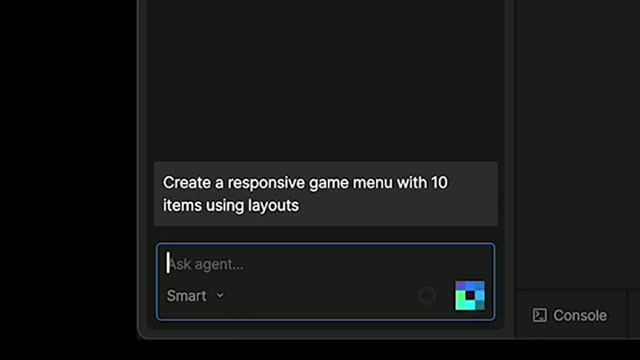 1:03–1:06Rive · Scripting is Live in Rive ✨A dark interface zooms out from a typed prompt in the input box; the send button becomes a multicolor icon, the agent's reply and a success tag appear above, and a black canvas and tab bar fill the rest of the frame.
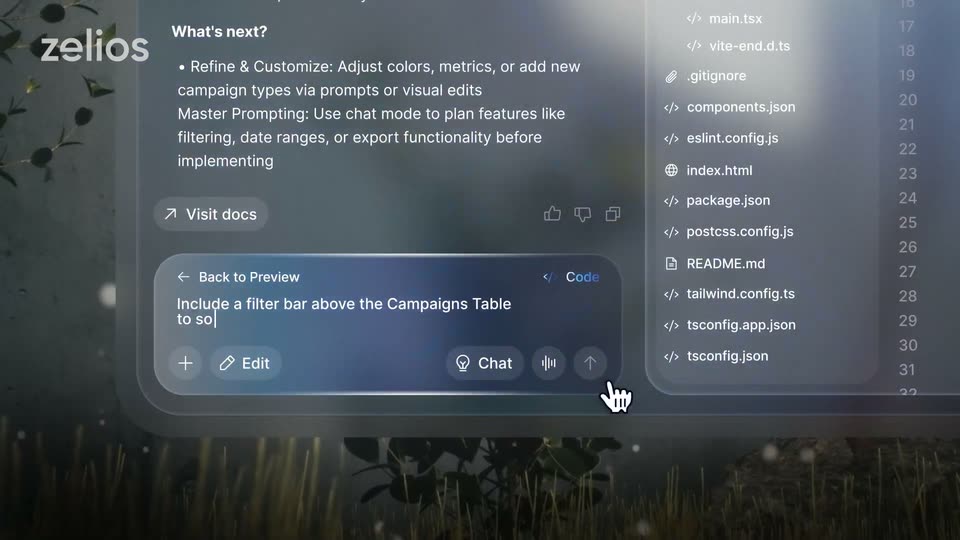 0:30–0:33Lovio · Best AI Product Video for SaaS | LovioA frosted code-editor panel floats over a blurred garden backdrop. The view crossfades from import lines to a chat panel where a filter-bar prompt is typed and sent, then reframes onto the resulting MetricCard code.
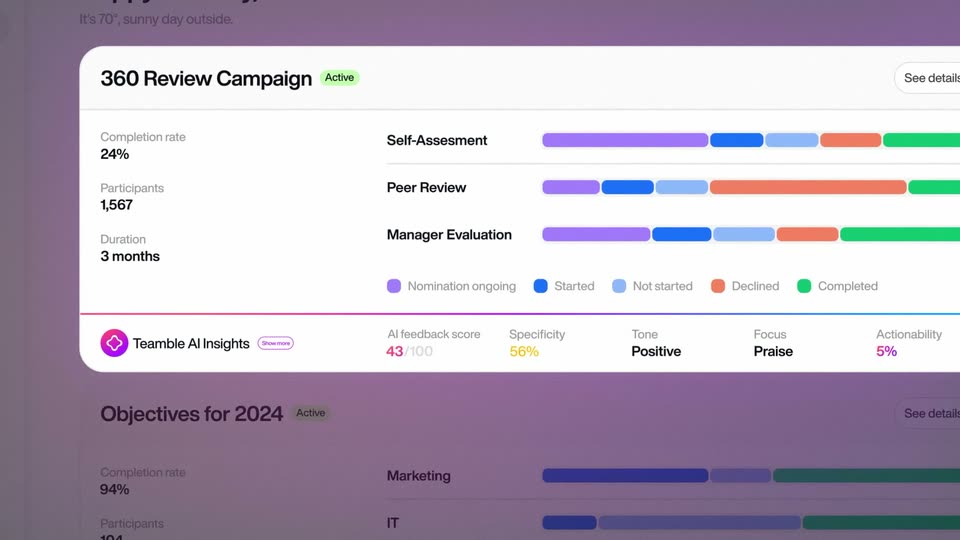 1:11–1:17Teamble · Teamble launch filmA tilted 3D dashboard rotates to face the camera as the 360 Review Campaign card lifts into a floating panel. The view zooms to its bottom row, where a glowing hand cursor taps the Show more pill on the Teamble AI Insights bar.
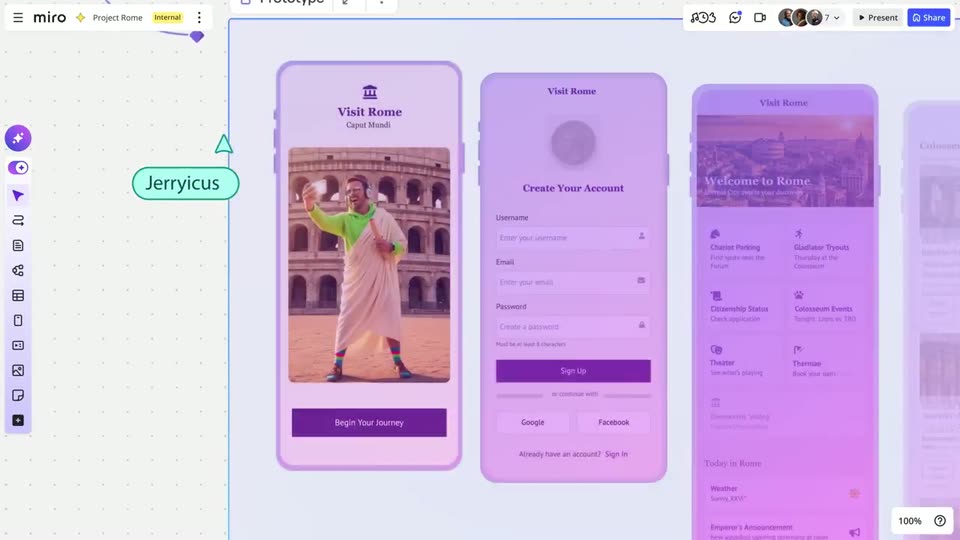 0:28–0:29Miro · Miro - With the Miro AI Innovation Workspace, teams can get practically anytInside the Miro whiteboard, the view zooms in on a canvas of phone mockups for a Visit Rome app: a gladiator home screen, a sign-up form, and a welcome screen, linked by blue flow lines. Named cursors Jerrycus and Aileenia hover on the canvas.
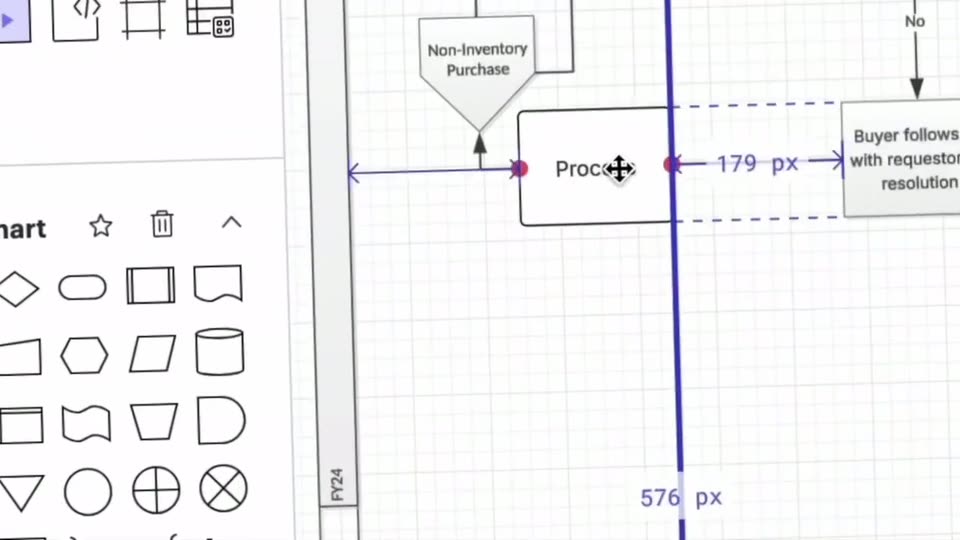 0:18–0:19Oxus · Oxus: Modern intelligence for better auditsA flowchart editor canvas on a light grid. A crosshair cursor grabs a corner handle of a Process box and drags it, resizing the shape while blue pixel-dimension labels update, and the view reframes onto the box.
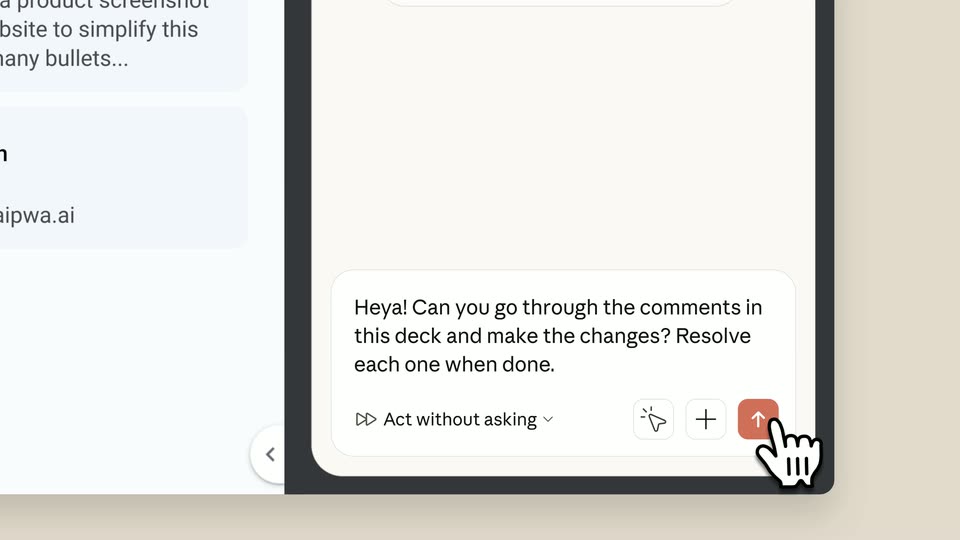 0:40–0:45Anthropic · Let Claude handle work in your browserA slide editor with comment cards sits beside an AI chat panel. The view reframes onto the input field as a white hand cursor rests on the orange send button while a prompt to resolve the deck comments is typed. The camera then pans to the comment cards.
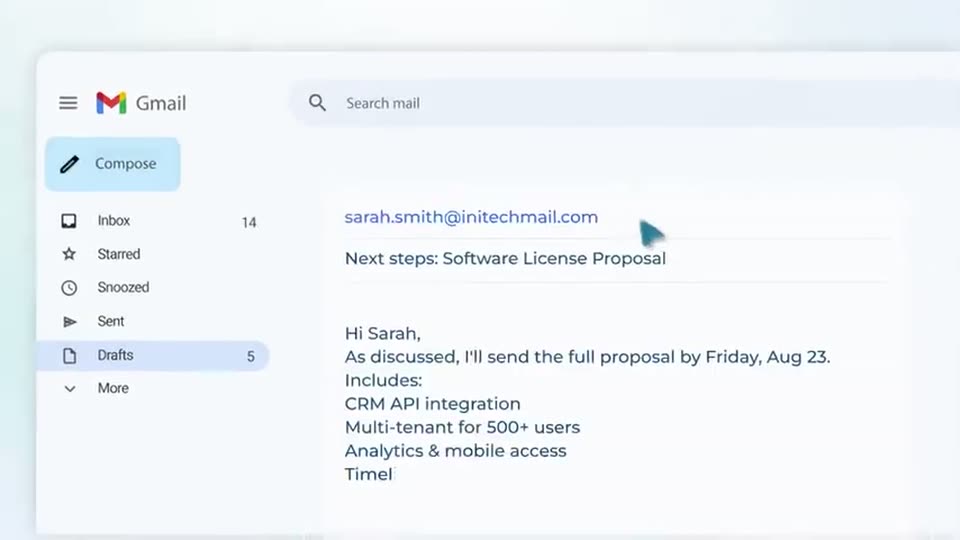 0:36–0:39Ergo · Ergo (joinergo.com) Launch VideoA Gmail inbox list with a left sidebar fills the frame as a cursor glides to the top email row. The view then zooms into the open draft, revealing the body text, an Ergo signature and a blue send button at the right.
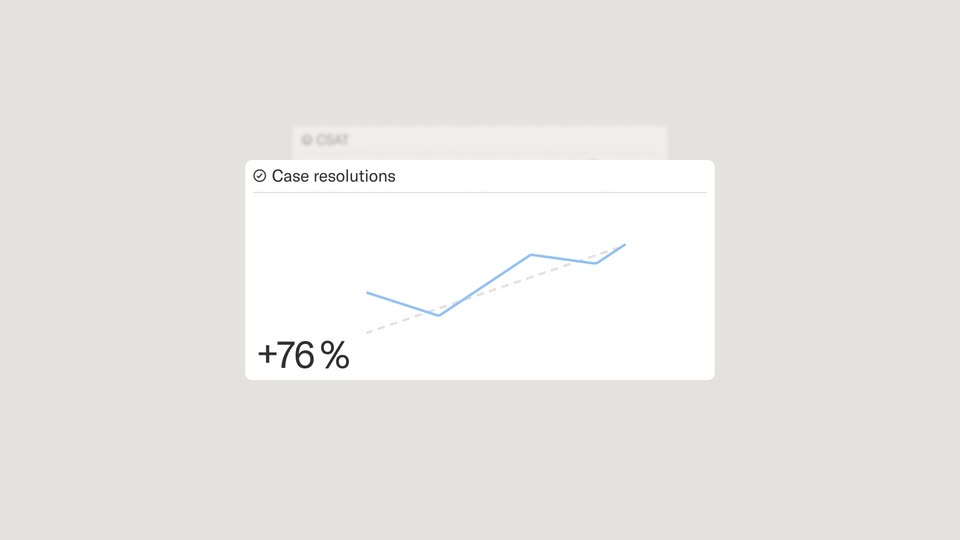 1:55–2:05Sierra · Sierra: introduction to videoTwo stacked dashboard cards on a beige field: a CSAT card with gray and green bars and a score counting to 4.8, then a Case resolutions card rises in front with a blue line graph drawing itself and a percentage counter ticking, ending in a zoom into the line.
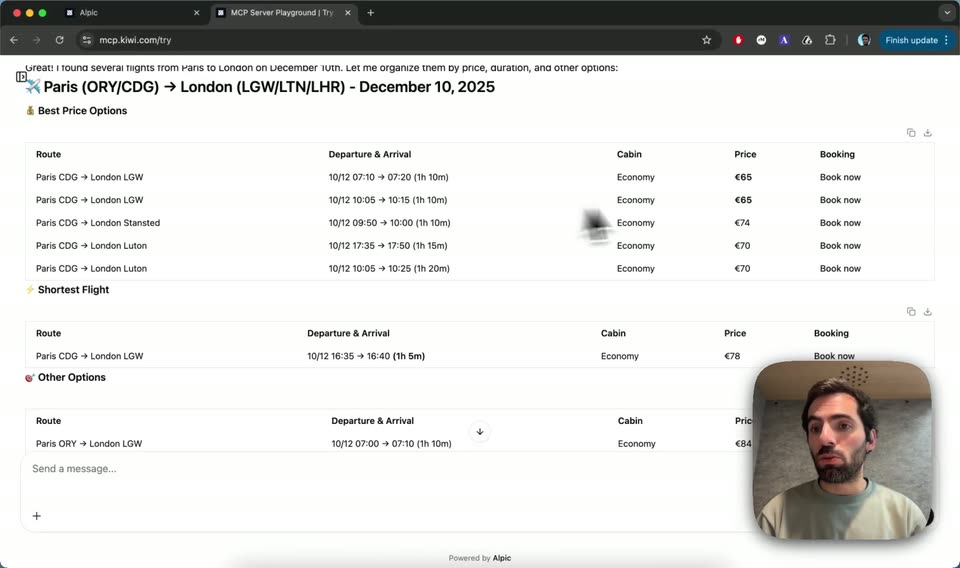 0:52–0:57Alpic · Alpic launch week 2: PlaygroundA browser window shows an AI chat listing Paris to London flights in tables grouped by price and duration. The view scrolls down the rows, then zooms onto the Book now column as a cursor points at it. A small webcam inset of the presenter sits in the corner.
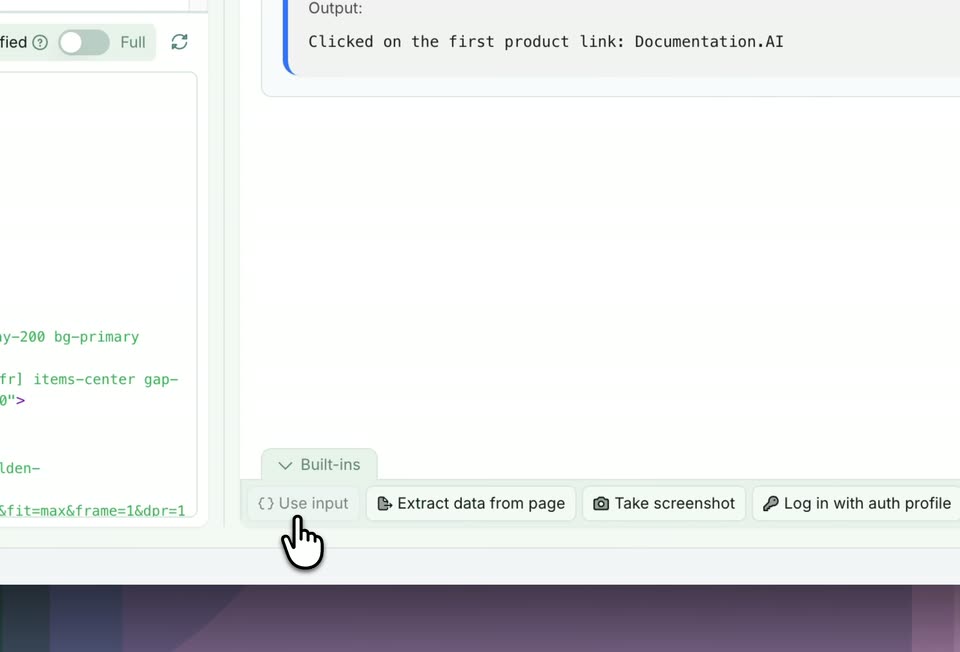 1:17–1:25Kilvin · BrowserBook YC DemoA flat interface window on a purple background shows a browser pane and a code panel. The view zooms to the bottom of the code panel, where a hand cursor taps the Built-ins button, expanding a row of action buttons, then an arrow cursor slides across them.
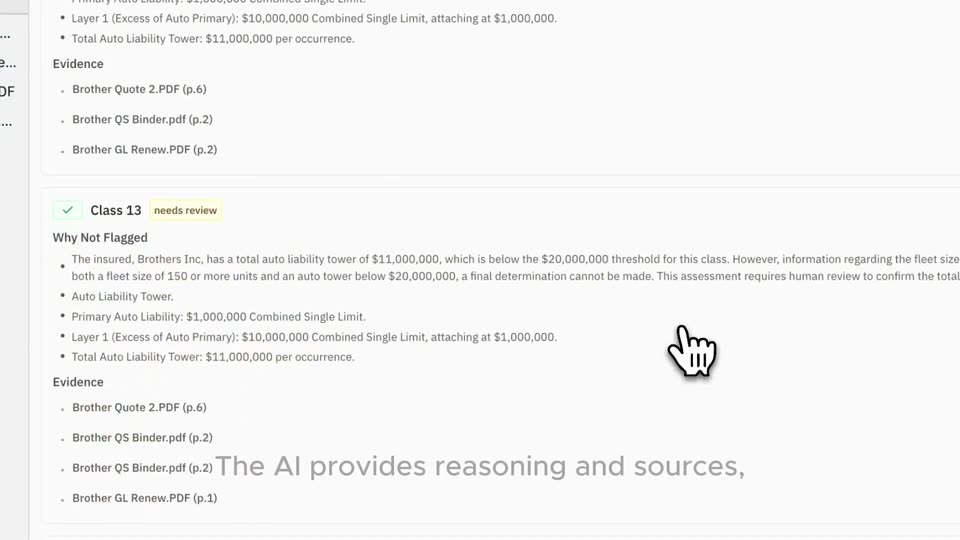 1:09–1:16Adaptional · Adaptional IntroA product interface titled Test: Brothers Inc scrolls down through a list of flagged insurance classes, a hand cursor hovering over the content. The view then zooms into the Class 13 entry, where a needs review tag is highlighted in yellow.
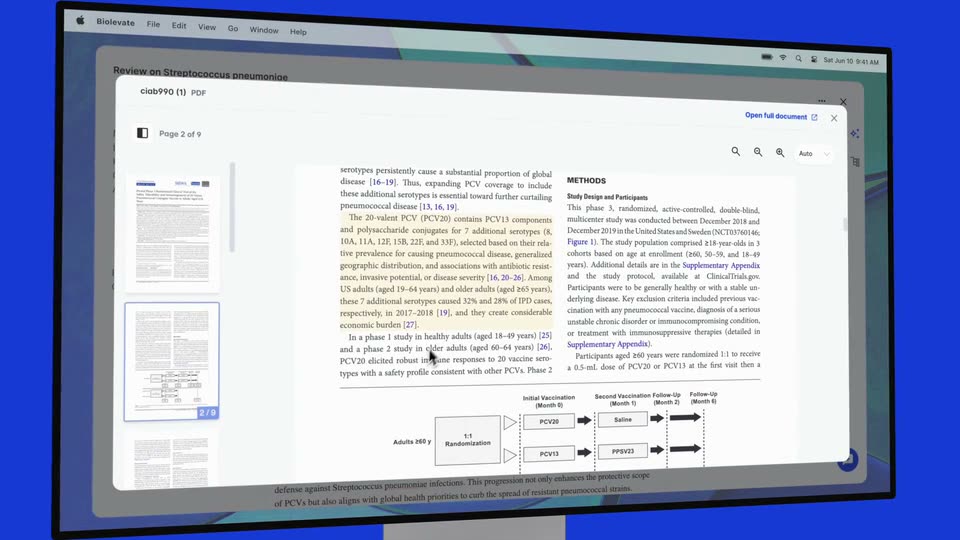 0:46–0:49Biolevate · Biolevate launch filmA tilted 3D monitor shows a PDF reader against a blue backdrop. A spinner pulses in the empty page, then the article body fades in. The shot pushes in and rotates the monitor toward a frontal view of the loaded text.
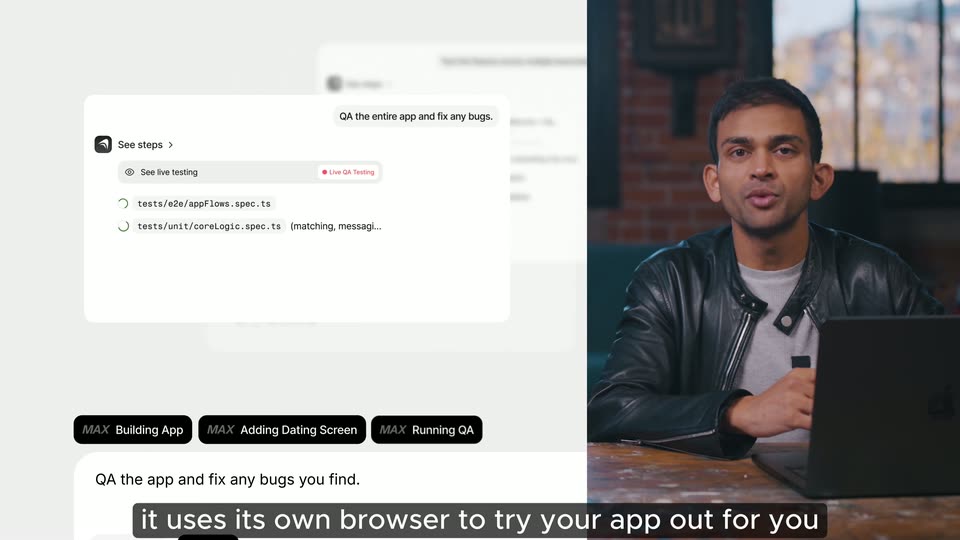 0:47–0:50Anything · Anything - Introducing Anything Max: Vibe Coding that's leaps above Lovable andSplit screen pairs a product chat UI on the left, where a QA task expands to reveal live testing and spec files, with a man in a black leather jacket gesturing at a laptop on the right.
 0:33–0:35Bloom · Ray - World's first on-brand AI. Introducing Bloom.A blurred field of flowers fills the background behind a serif question and a white pill-shaped input bar. The frame zooms into the bar as the typed phrase “A hiring poster” slides in over the placeholder.
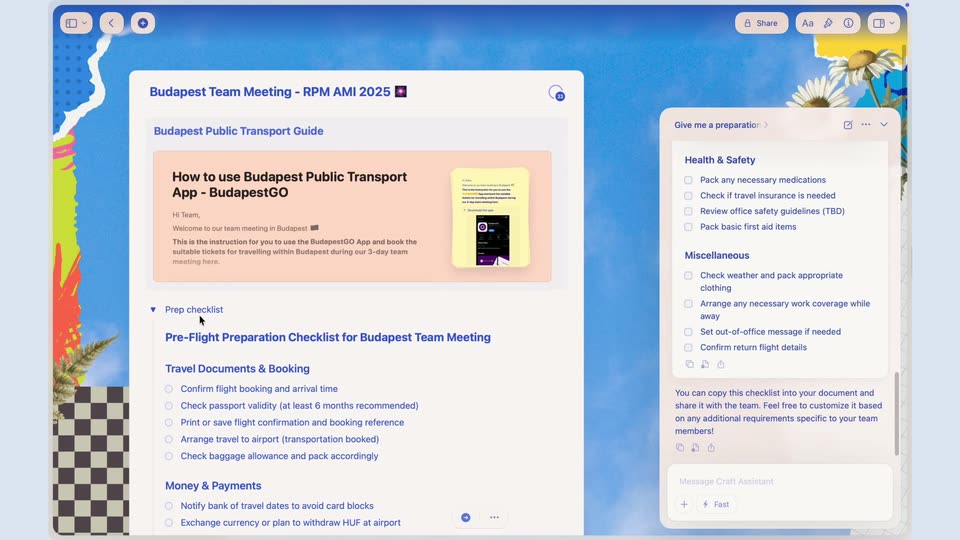 0:29–0:39Craft · Introducing the new Craft Assistant, MCP & API and more!A document editor fills the frame over a colorful abstract wallpaper. A cursor types in the page, a slash menu opens and filters, the line becomes a toggle that expands into a generated travel checklist, then the view zooms in on the collapsed toggle.
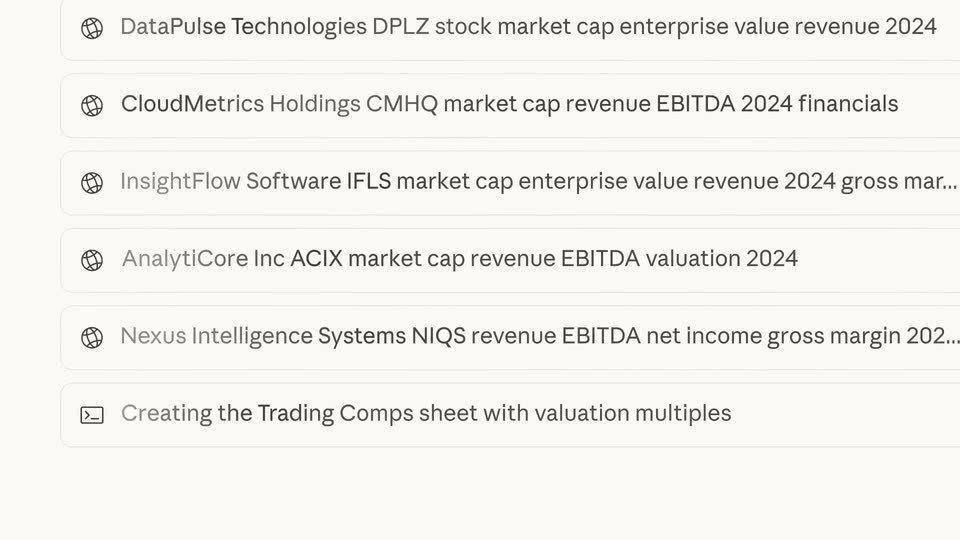 0:45–0:49Anthropic · Claude works with you on slides, spreadsheets, and contract redlinesA task list on a cream background. The frame opens zoomed into the first row, then pulls back to reveal the list, which scrolls down through rows of actions and company names, each prefixed by a thin line icon.
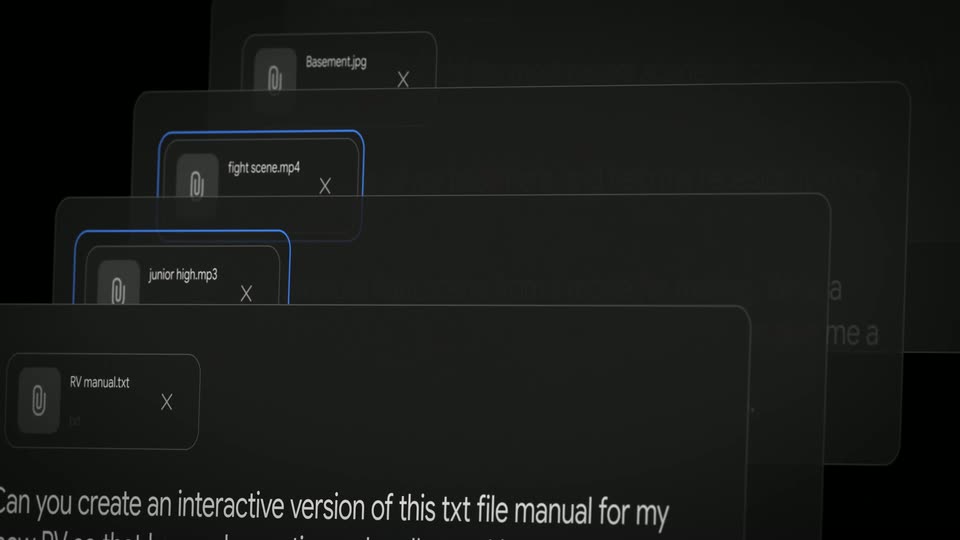 0:21–0:22Google · Vibe Coding with Gemini 3 in Google AI StudioA dark chat input is shown as a fanned stack of overlapping cards receding in 3D perspective, each holding a paperclip icon and a filename. The front card carries a blue outline and the typed prompt, which scales while the frame stays locked.
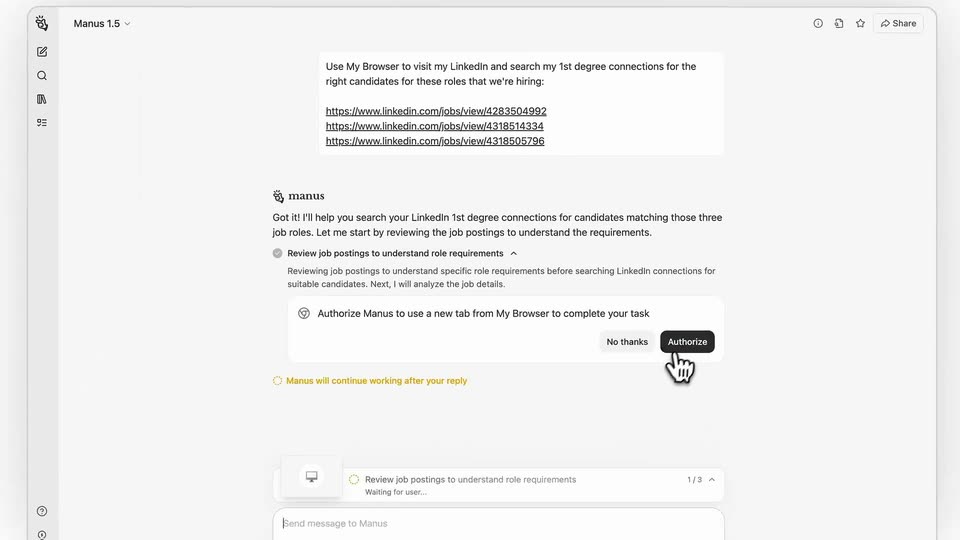 0:15–0:18Manus · Manus - Today we're launching Manus Browser Operator. Any browser can now beA chat window crossfades in and types out a response confirming a LinkedIn search task. The frame then pulls back to the full app window with a left sidebar, and a hand cursor hovers the Authorize button before tapping the task bar at the bottom.
 0:50 · 0.7sWorld Labs · Welcome to Marble!A dark product window on a light gradient background zooms in toward a card titled Industrial-Bohemian Living Space, where a cursor rests on the View button and a small tooltip reads Keep creating.
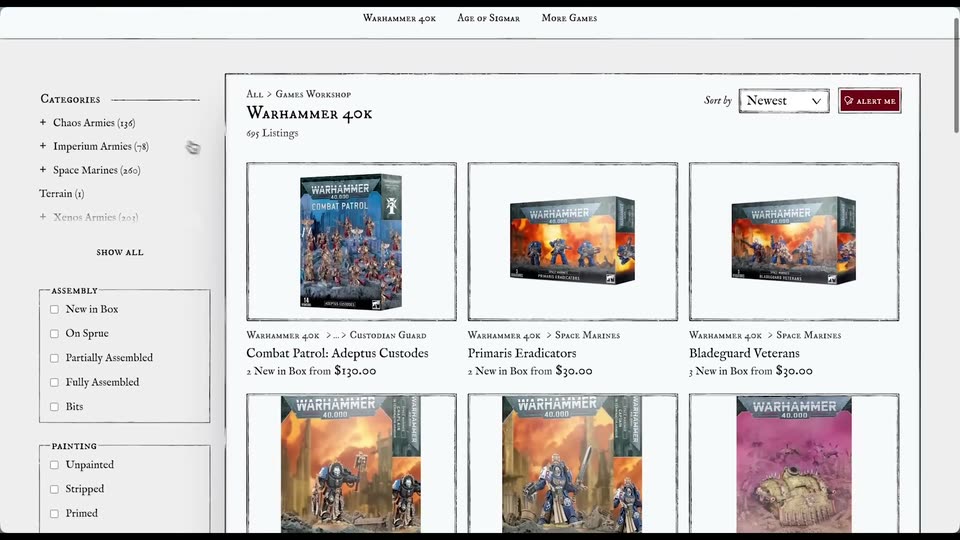 1:33–1:35Miniswap · Introducing Miniswap — The Marketplace For Tabletop GamesA web store page shows a category sidebar beside a grid of miniature boxes. A cursor moves down the list, the page scrolls, then the view zooms into the Chaos Armies heading with its product cards.
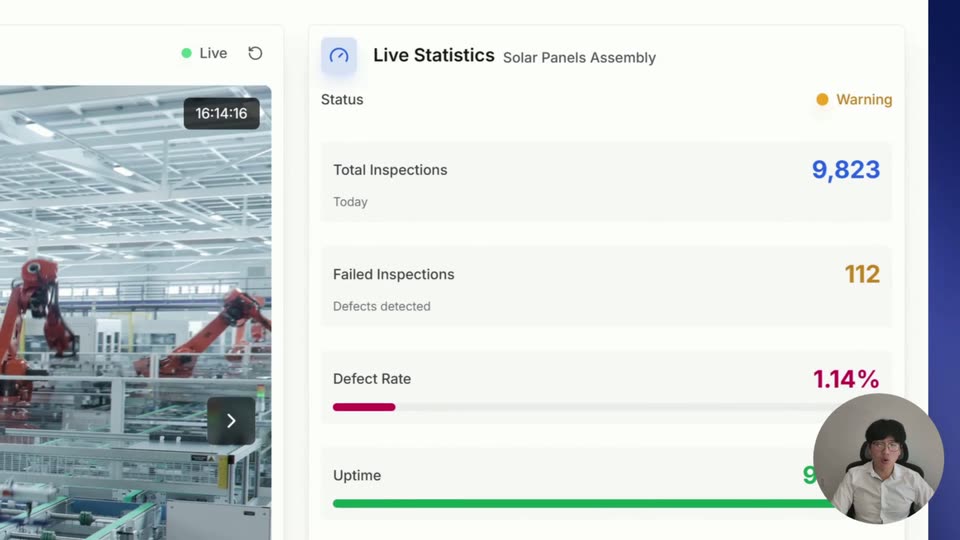 1:43–1:51Allus AI · Allus AI: Transforming Manufacturing with Next-Gen Vision Foundation ModelA white dashboard on a blue gradient shows a live factory camera feed with robotic arms beside a statistics panel. A spec card fades in over the feed, the counter ticks up, and the view zooms into the panel before pulling back. A circular presenter webcam sits bottom-right.
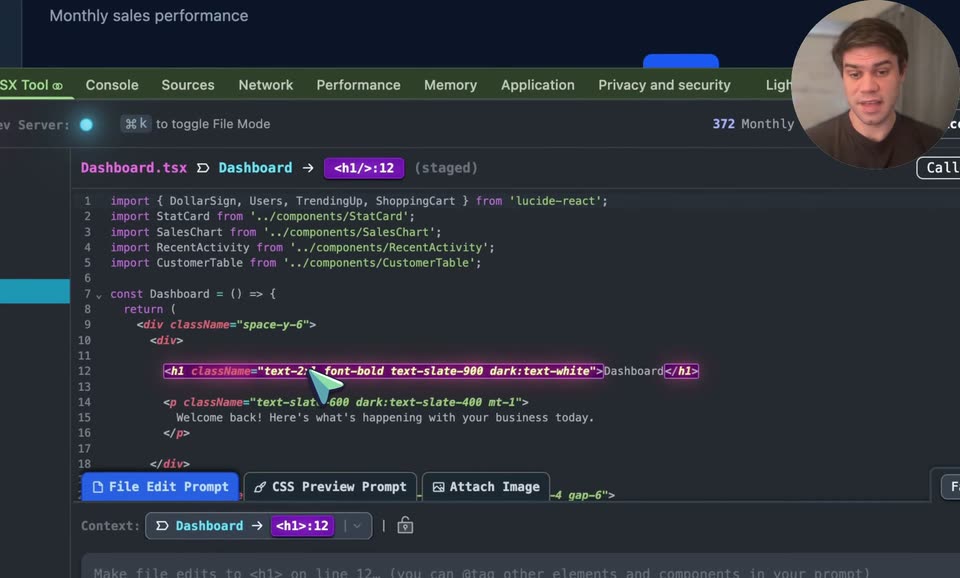 1:11–1:19Coasts · JSX Tool DemoA dark CRM dashboard sits in a browser above an open code inspector, with a face cam circle top right. A cursor hovers the heading, a tooltip pops up, then the view zooms into the editor where the matching JSX line glows pink before zooming back out.
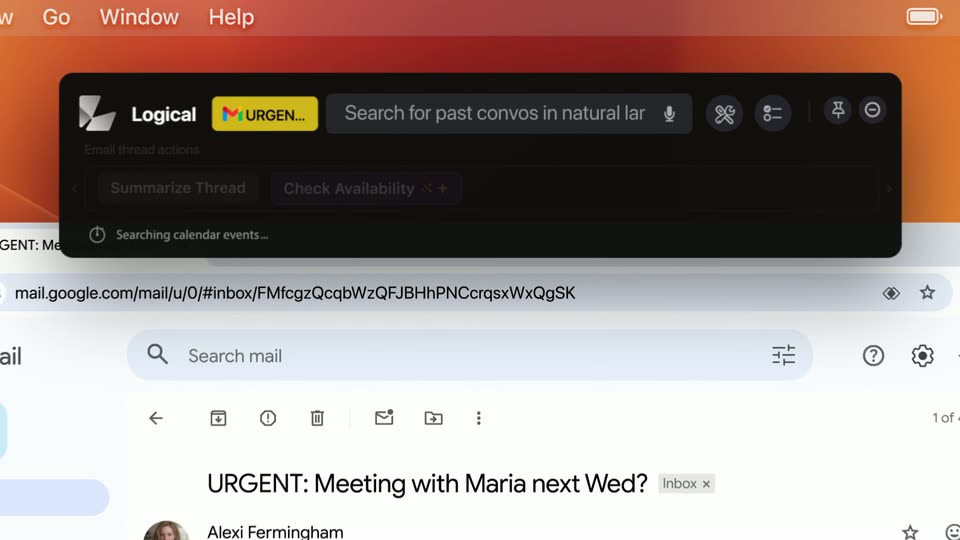 0:37–0:41Logical · Logical | The Proactive Desktop CopilotA Gmail thread sits beneath a dark Logical bar that slides in from the top. A cursor clicks the Check Availability button, then the view zooms into the bar as it shows a Searching calendar events status with a clock icon.
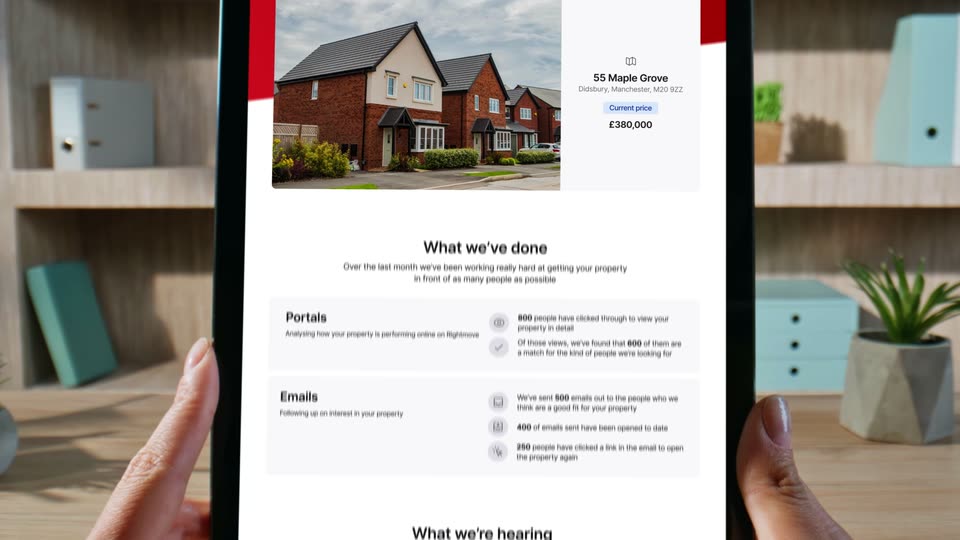 0:27–0:33Street · Street.co.uk AI CommercialTwo hands hold a tablet showing a red-headed property report. The shot opens close on the Price card and donut chart, then the camera pulls back and rises to reveal the whole report, from the Birchstone logo and house photo at the top to the Viewings tags below.
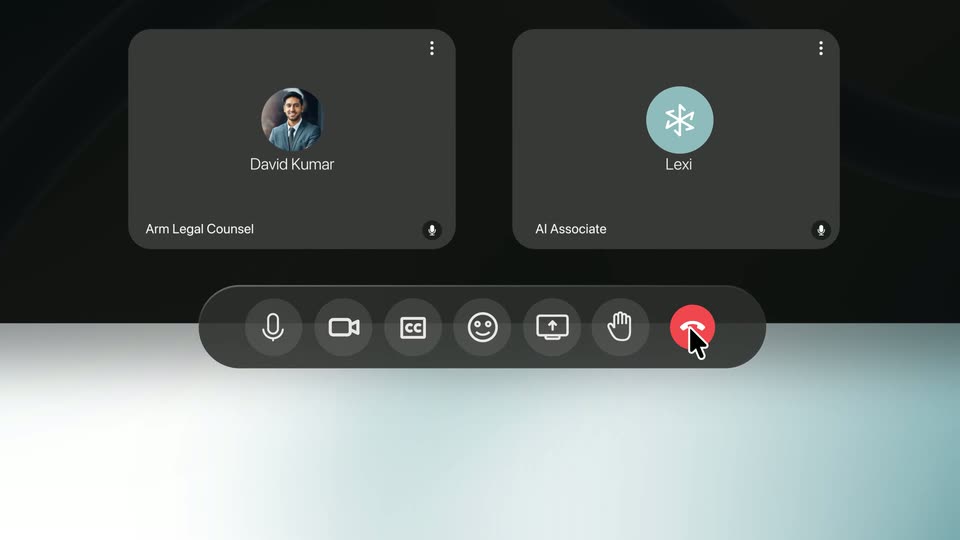 0:29–0:32Lexi · Lexi | Launch VideoA dark video-call panel slides in on a pale gradient, then the camera zooms into the grid until two tiles remain: a man as Arm Legal Counsel and the blue Lexi AI Associate tile. A hand cursor hovers the red end-call button.
 1:49–1:59Item · item YC Launch!A close-up of a workflow's instruction list with colored action chips pulls back to reveal a full Outbound Campaign panel, then keeps zooming out into a grid of many workflow cards.
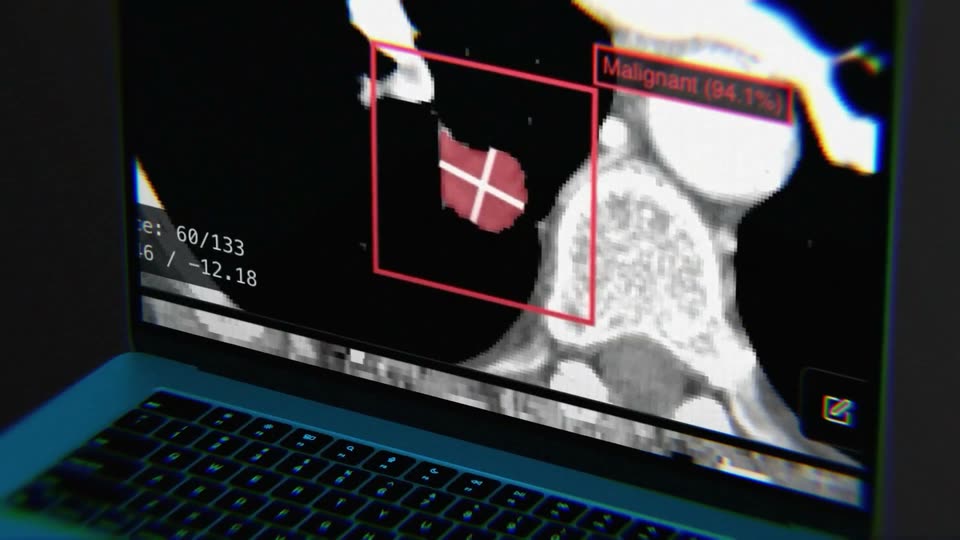 1:02–1:03Nucleo · Nucleo - Automated cancer diagnosticsAn angled laptop screen shows a chest CT scan with a red bounding box around a cross-hatched lesion and a red Malignant tag. A color-fringe glitch overlays the image as the camera zooms in, the box and label grow larger, the teal keyboard stays in the lower frame.
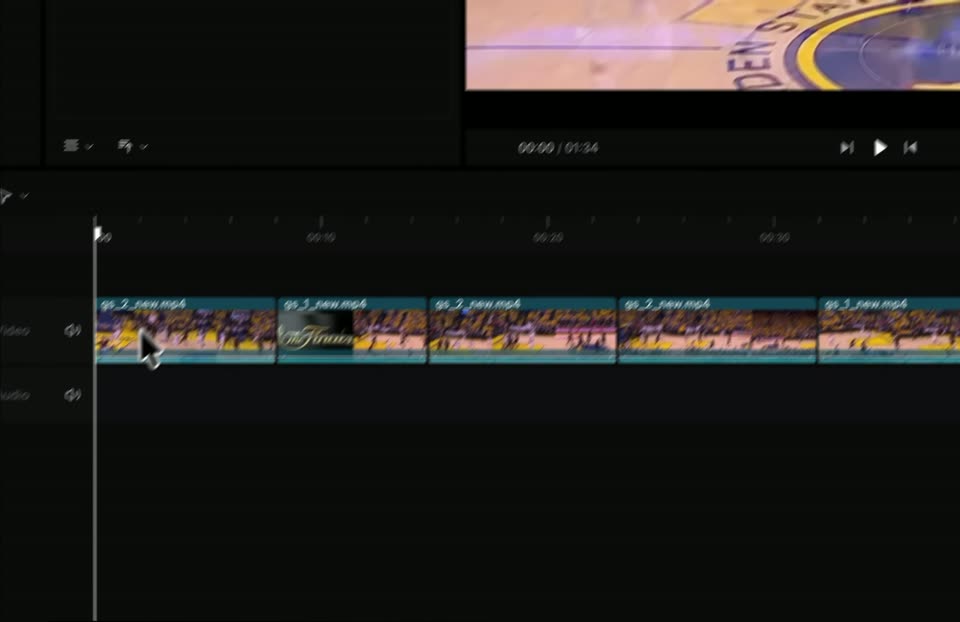 0:24–0:25Narrative · Narrative: Cursor for Professional Video EditorsA screen recording of a video editor shows a basketball clip in the preview window, then the view scrolls down to the timeline where several clips sit on a track and a cursor hovers over them.
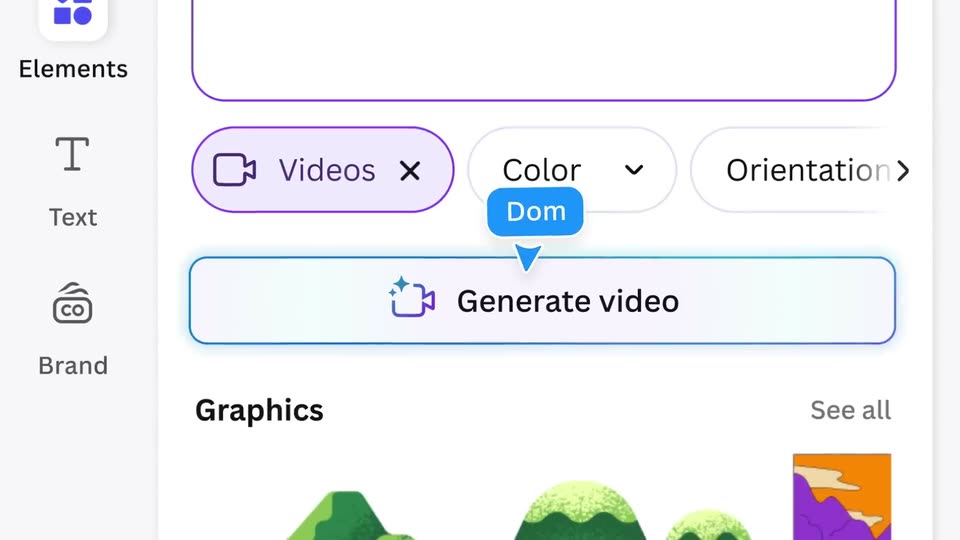 2:42–2:46Canva · Introducing Canva Video 2.0The full Canva editor zooms into the prompt field, where “Unpacking blue beanies from a cardboard box” is typed out. The Dom cursor label drops to the Generate video button, and a generated clip of hands pulling a blue beanie from a cardboard box fills the preview.
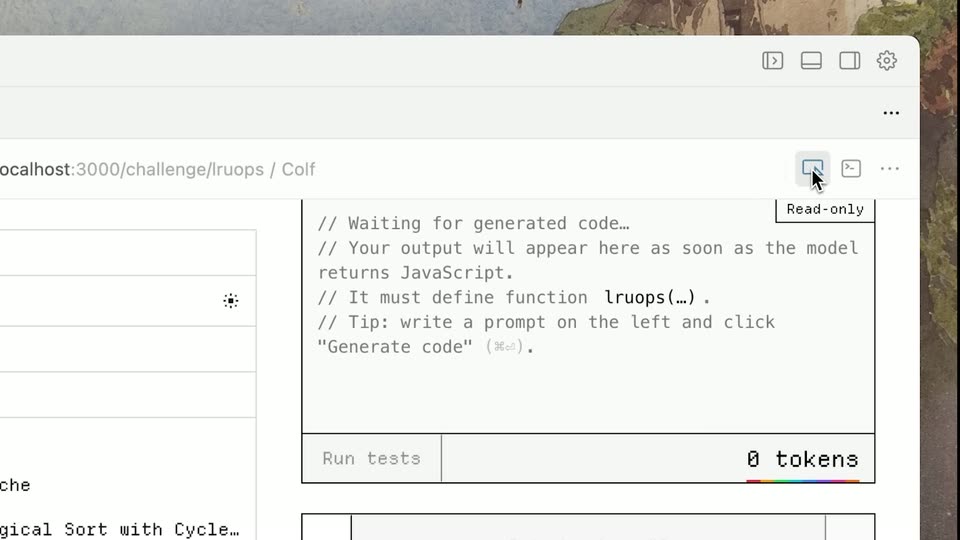 0:44–0:46Cursor · Introducing Cursor 2.0A full IDE window with a sidebar, prompt panel and embedded browser zooms into the code editor on the right, where a cursor hovers over the read-only toggle. A static caption labels the shot.
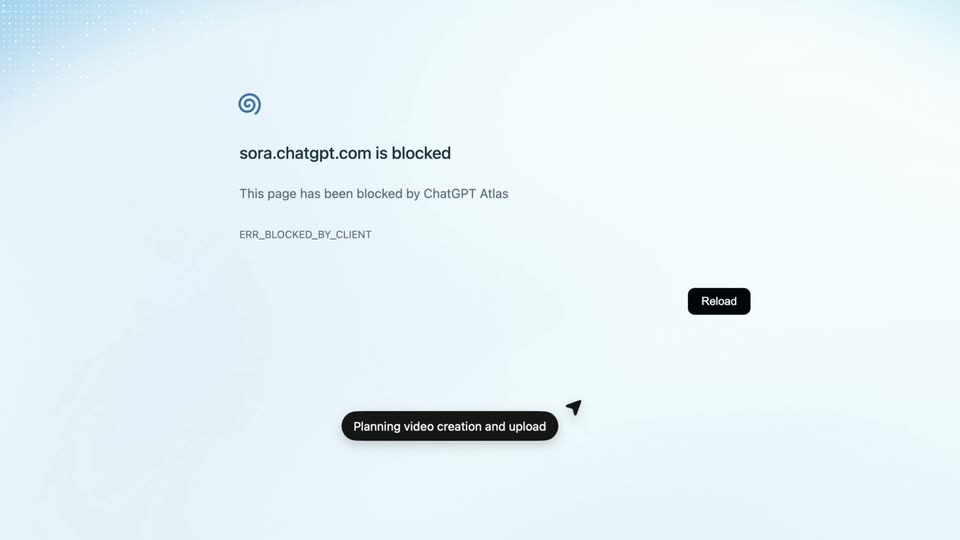 1:44–1:47Flowith · Derek Nee - introducing the OpenAI Atlas killer. might be the last browser you'llA browser window with an AI sidebar zooms into a blocked page, where the OpenAI logo, the message sora.chatgpt.com is blocked and a Planning video creation and upload status pill sit on a pale blue background. A cursor arrow rests beside the pill.
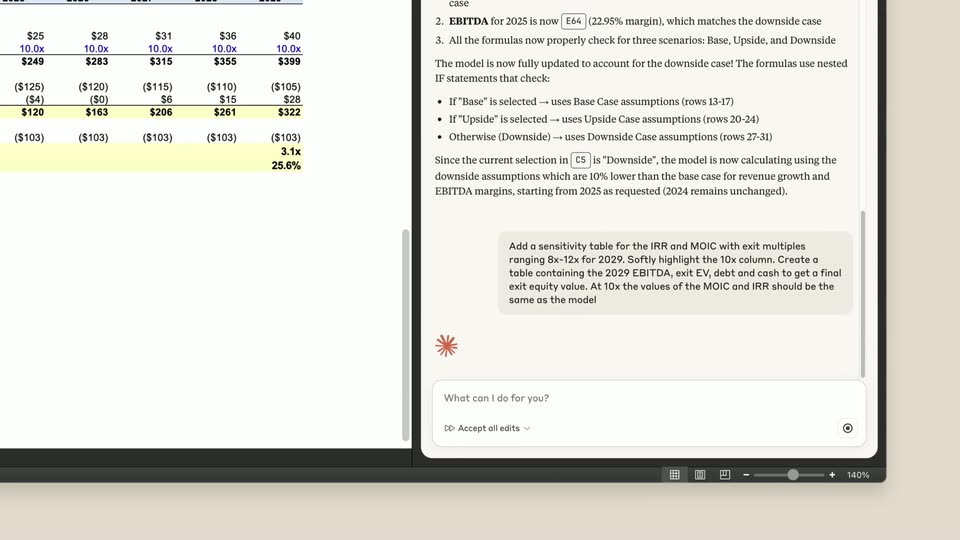 1:08–1:22Anthropic · Anthropic - We’re expanding Claude for Financial Services, with an Excel add-in,A Mac screen shows an Excel LBO model beside a Claude add-in chat panel. The view zooms into the downside case rows, then into the chat box where a sensitivity-table prompt is typed. It zooms out, then back in on the new table framed by red hand-drawn braces.
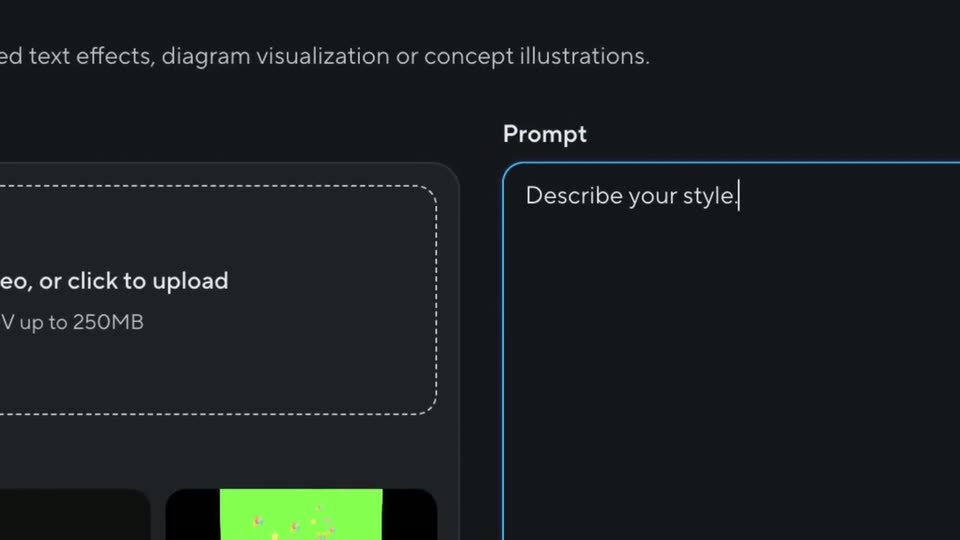 0:54–0:56HeyGen · HeyGen - If you can explain it, you can animate it. Turn your ideas into custA close-up of a dark interface: a Prompt field with the placeholder Describe your style and a blinking caret on the right, a dashed upload box and a green video thumbnail on the left. The shot opens with a brief zoom blur and settles into a locked-off frame.
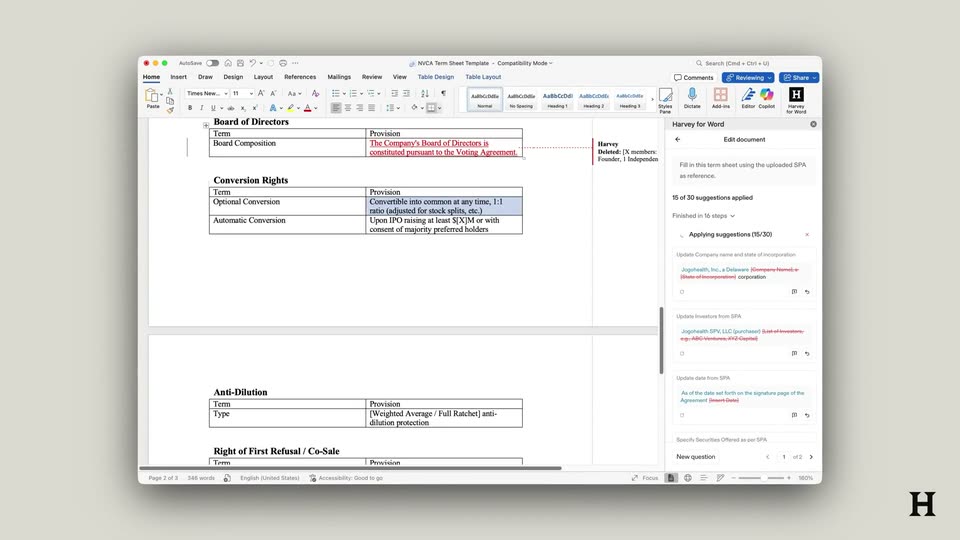 1:26–1:36Harvey · Microsoft IntegrationsA Mac window shows a Word term sheet beside the Harvey sidebar, which zooms in on an apply button as a cursor clicks it. A counter then climbs from 1 to 30 while the document scrolls and redlines fill in.
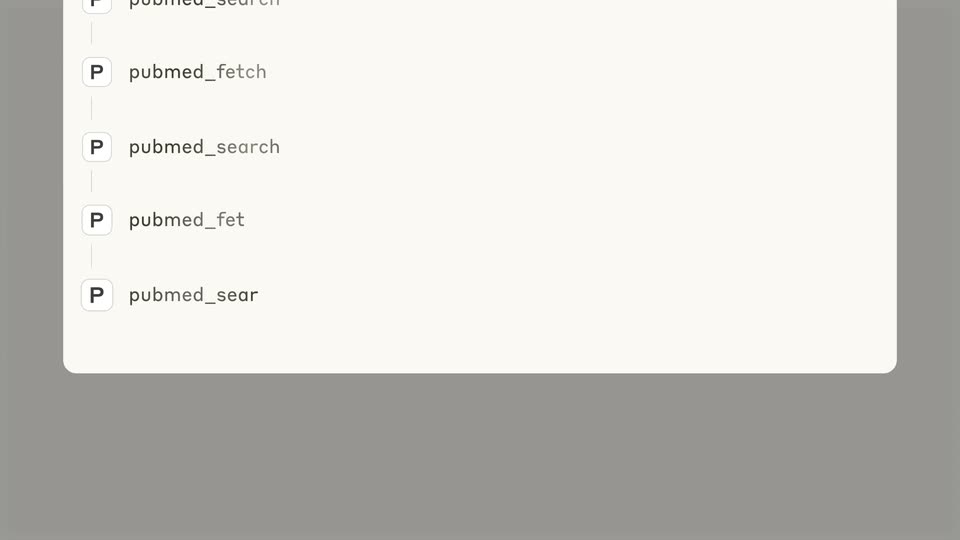 0:44–0:50Anthropic · Anthropic - We’re building tools to support research in the life sciences, from eA cream card types out pubmed_search beside a P icon, then the view reframes to a vertical list of steps that scrolls upward, repeating pubmed_search and pubmed_fetch rows, while a command bar with a terminal icon slides in at the bottom.
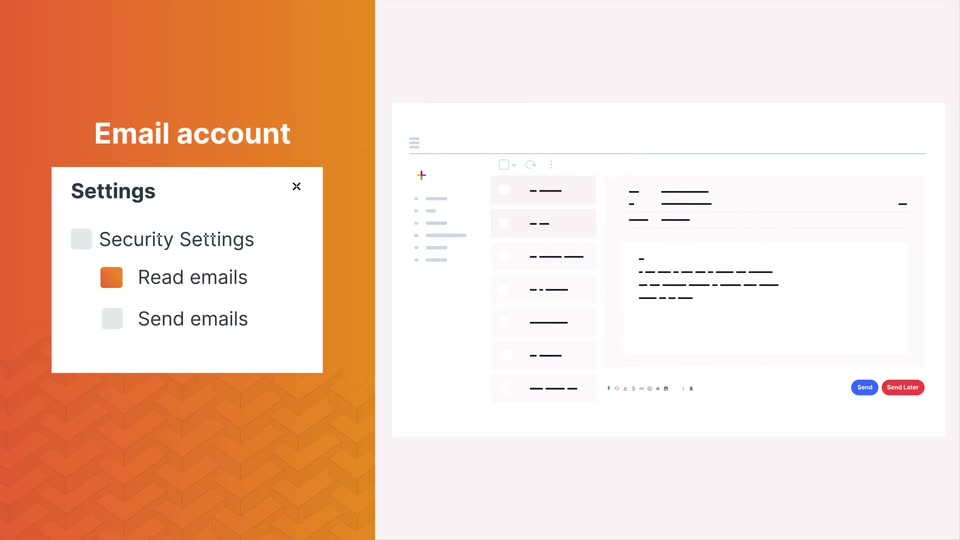 0:24–0:29Multifactor · Multifactor: Share Online Accounts with Humans & AI Agents (0:59)A split screen shows an orange panel with a Settings card on the left and an email interface on the right. The Read emails checkbox ticks on, then the right side zooms to the Send button as a red no-symbol and warning triangle appear over it.
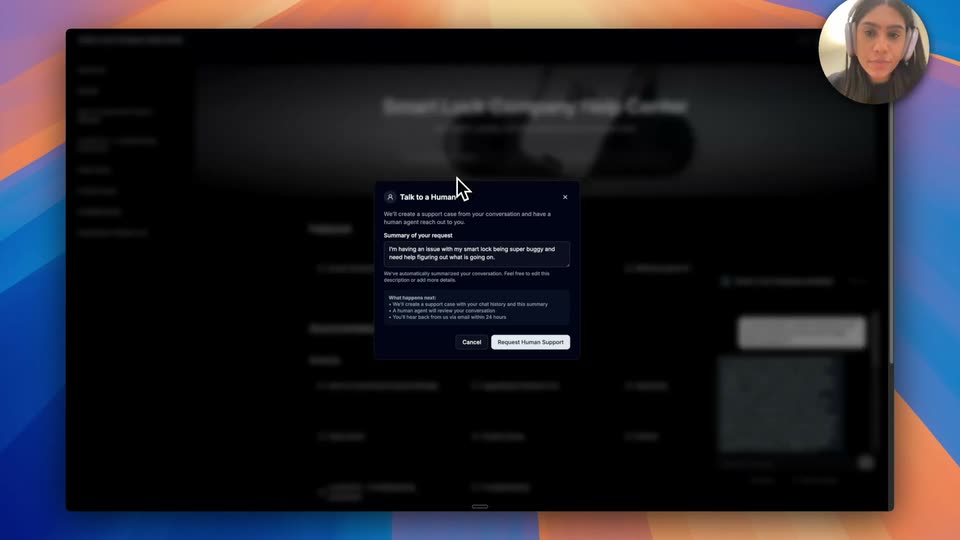 1:24–1:42Layers · Telemetron DemoA close-up of a dark support dialog zooms out to frame the whole help-center window as a cursor rests on the Request Human Support button. A circular webcam of the presenter stays pinned top-right against a colorful gradient backdrop.
 0:33–0:37CapCut · CapCut - Your all-in-one e-comm toolkit is here. Meet the new CapCut Desktop!The CapCut editor shows a Black Friday cosmetics design on a purple canvas, framed by cyan selection handles. A cyan cursor hovers over the Edit Elements button, then the view zooms into the bold headline text. An AI chat panel runs down the right edge.
 0:50–0:51Strawberry · Charles Maddock - We've raised $6M from General Catalyst, EQT Ventures, and founders ofA pale yellow cartoon alien stands left of a tilted 3D browser window showing a Gmail inbox, above a chat box typed with the invoice task. The window rotates flat and zooms to fill the frame as the alien slides out. A gray pill caption sits at the bottom.
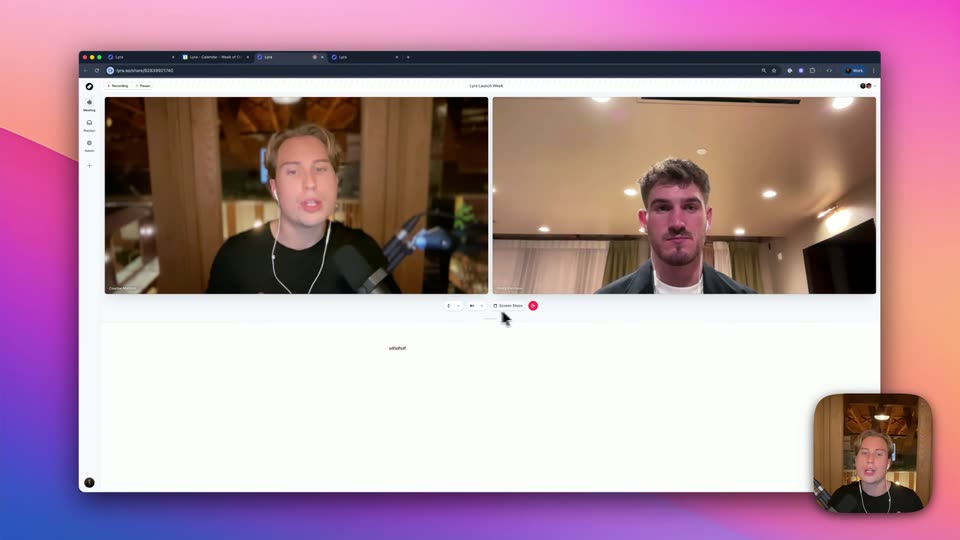 1:14–1:16IRBC · Lyra, The Final Meeting Platform.A browser window holding a two-person video call pulls back from a tight crop, then tilts into 3D on a pink gradient before settling flat and front-facing. The call shows two men speaking, with a small notes panel beneath the tiles.
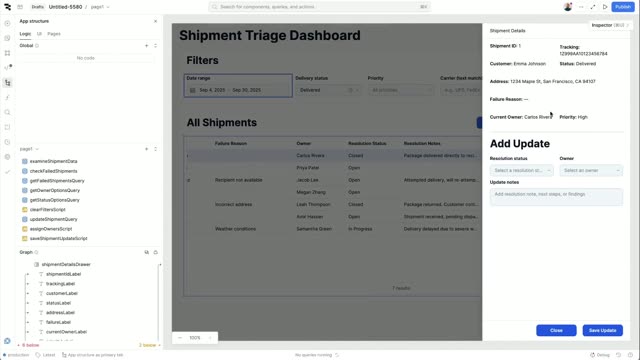 1:16–1:19Retool · Introducing Enterprise AppGen: AI-Assisted Development from RetoolA UI editor displays a shipment dashboard on the canvas as a side panel slides in from the right with shipment details and an update form. The view zooms into the form while a cursor hovers over a dropdown.
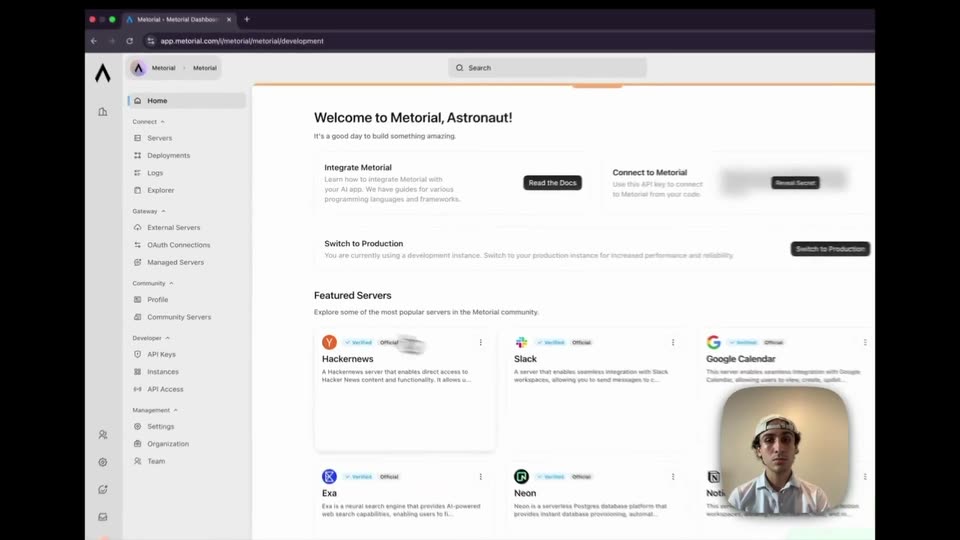 0:36–0:37Metorial · Introducing Metorial - YC F25A browser dashboard zooms in on the welcome panel, the left sidebar fading to a blur. The heading Welcome to Metorial, Astronaut! slides into place above a grid of server cards, while a small video inset of a cap-wearing presenter sits in the lower right corner.
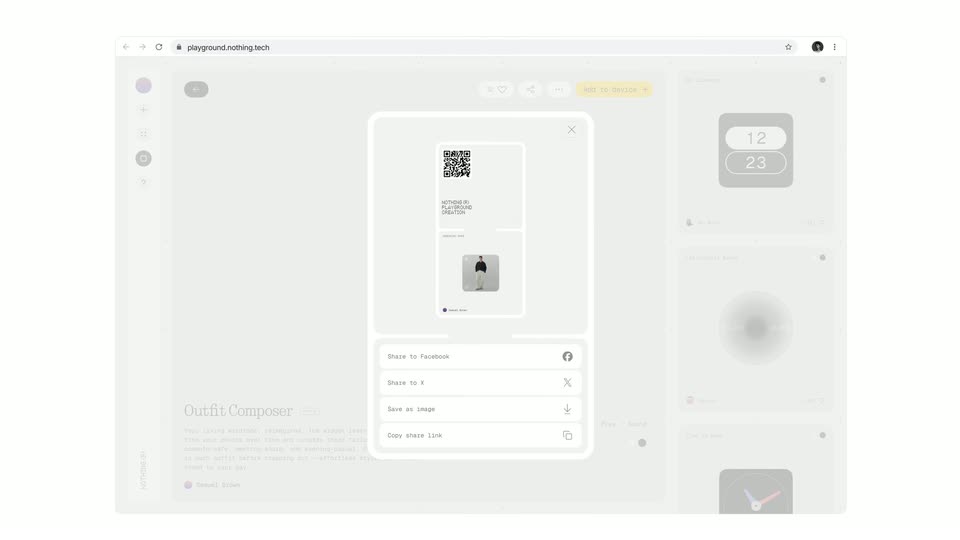 0:23–0:28Nothing · Introducing PlaygroundA browser window for the Nothing playground site zooms out from a full-screen crop to a floating window on white, then a share sheet with a phone mockup and QR code pops up in the center, and the whole frame fades to white.
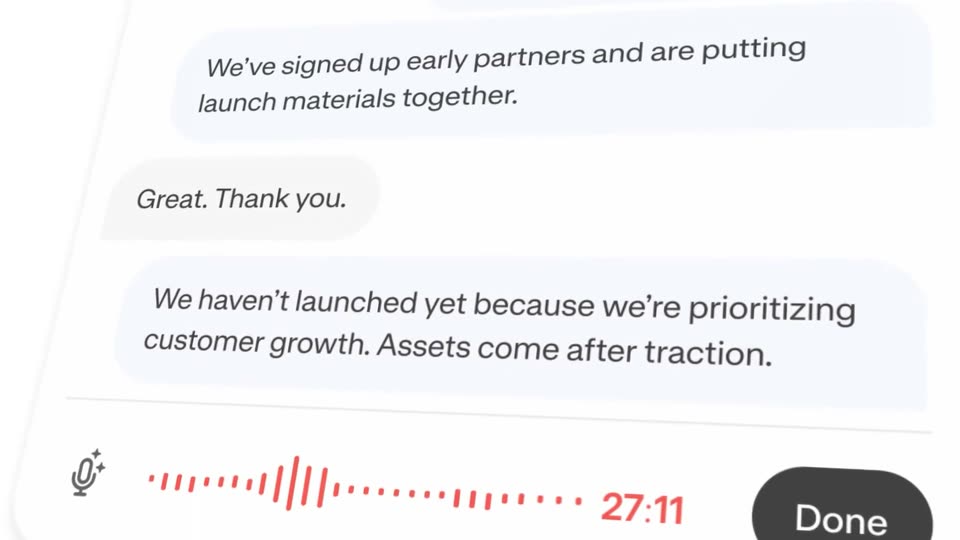 0:29–0:31Mem · Mem - Meet Mem, your AI thought partner.A white chat card floats tilted on a gray backdrop, then straightens as the first message bubble scales in. The view reframes downward, revealing more bubbles and a red voice waveform with a ticking timer and a black Done button.
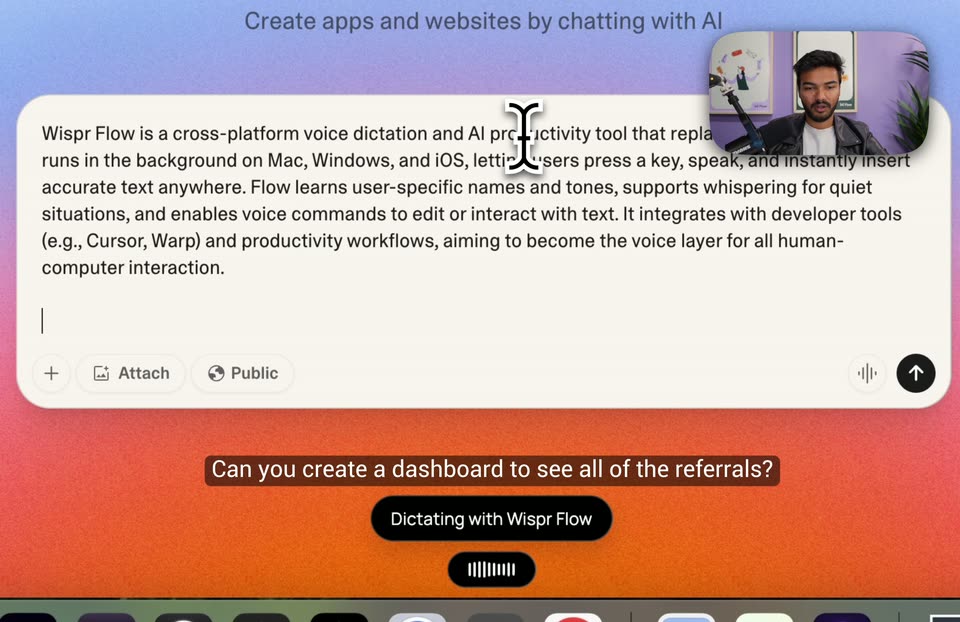 0:51–0:59Wispr Flow · Intro to Wispr Flow: voice-to-text AI that turns speech into clear, polished writing in every app.A screen recording of the Lovable prompt page with a small PiP video of the presenter top right. A dictated paragraph fills the white input box as the view zooms in, then a second line types in. White caption pills at the bottom track the voice dictation.
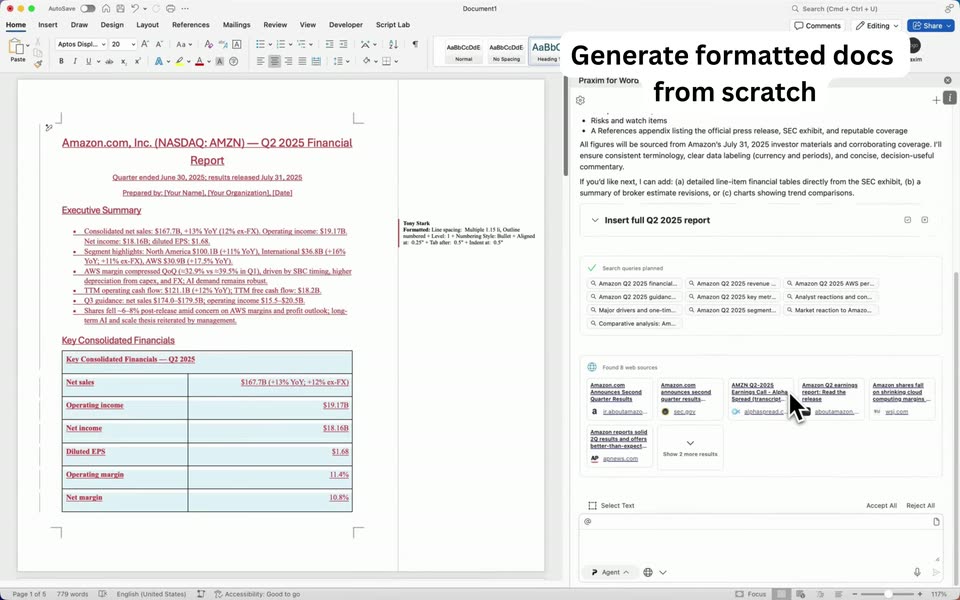 0:43–0:55Praxim · Praxim for Word DemoA Word window splits the frame: empty page left, AI panel right. The view zooms into the prompt box while a cursor types a request. The panel ticks off steps and loads source cards as the page fills with a formatted report and scrolls. A cursor clicks Accept All.
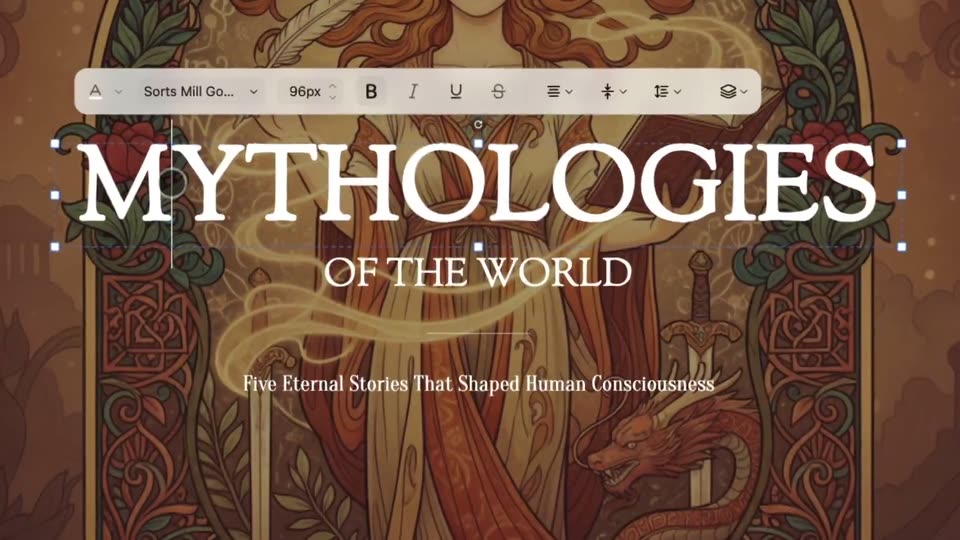 0:46–0:47Moonshot AI · Kimi.ai - Say hi to OK Computer, Kimi's agent mode 🤖🎸 Your AI product & engA dark Art Nouveau illustration of a robed woman with a sword and snake fills the frame. The view zooms in as a text toolbar with font and size controls appears at the top and a selection box with handles frames the white serif title.
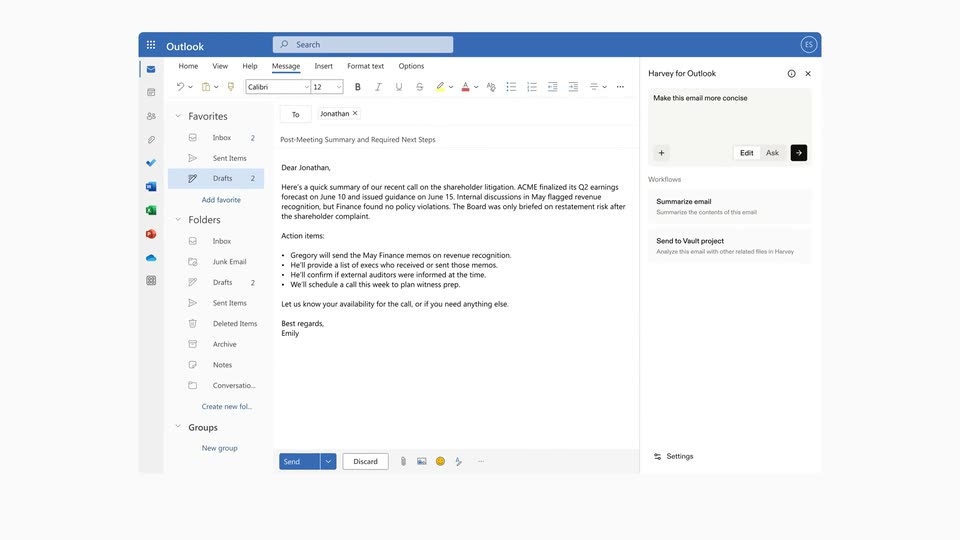 0:26–0:28Harvey · Outlook Add-InAn Outlook compose window with a Harvey for Outlook panel on the right shows the email body rewriting itself, dropping strikethrough and highlighted phrases into a clean concise draft, then the view zooms in on the message.
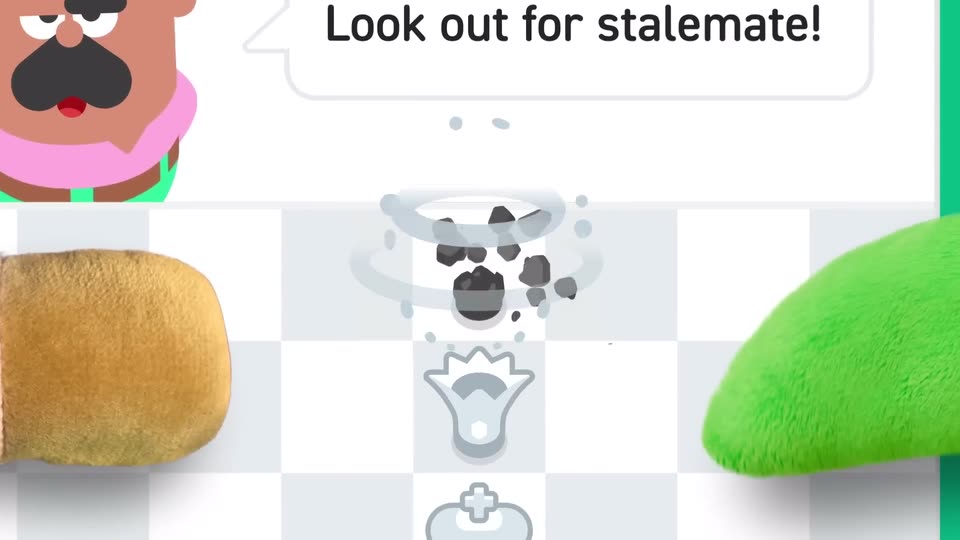 0:58–1:00Duolingo · Introducing...Duolingo Chess!The phone chess board zooms onto a white king and rook below a black rook. A mustached cartoon man tops the frame. A bare finger and a green fuzzy finger press the edges as the black rook bursts into dark fragments, a pale halo ring popping above it.
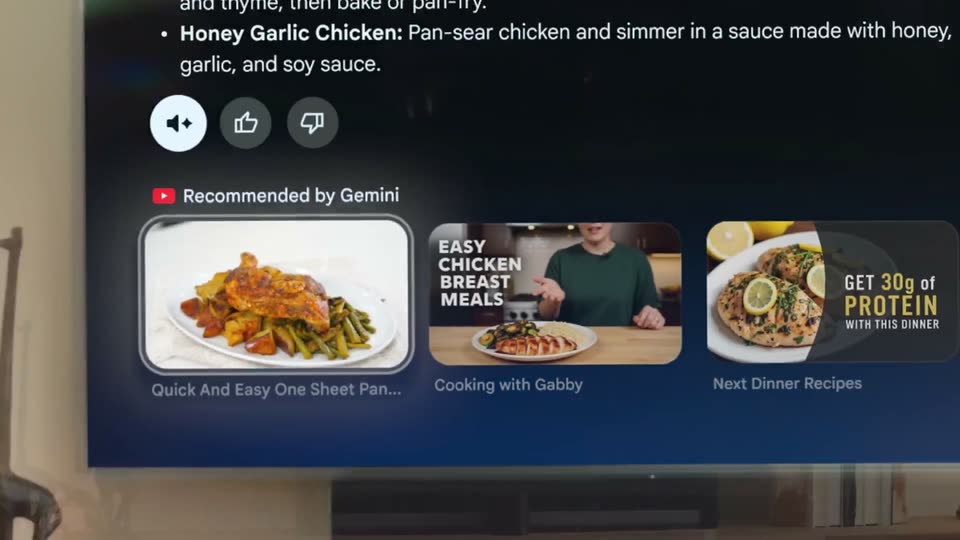 0:39 · 0.8sGoogle · Introducing Gemini for Google TVA tight crop of a recipe app's recommended video row, showing food thumbnails and a recipe list, pulls back to reveal the TV on a stand in a living room. The interface stays static while the frame widens to include the soundbar, wooden table, and a plant.
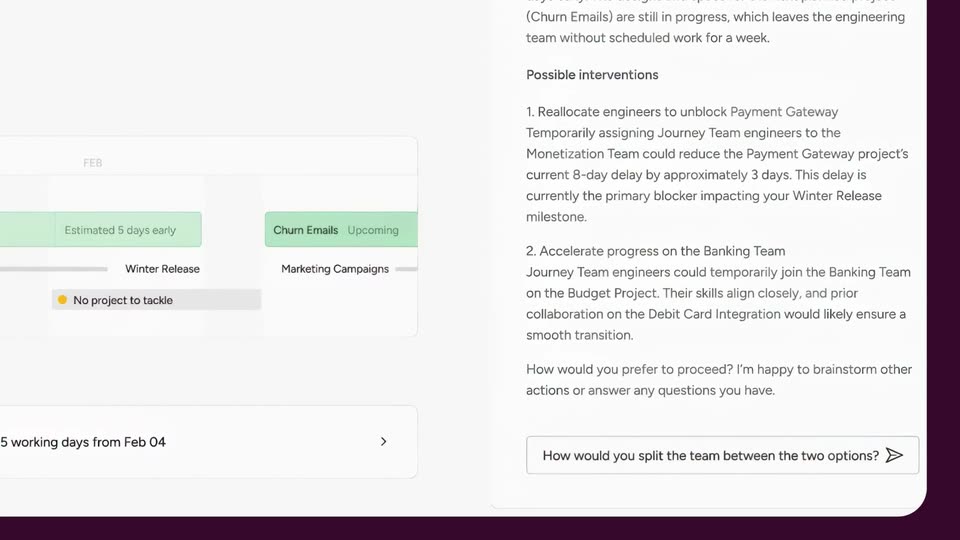 0:58–1:08Mesmer · Mesmer: The AI Operating System for Engineering • Vision VideoA project interface opens as two angled panels in 3D on a dark maroon field, then zooms flat into the Teams view. The Assistant panel streams a long answer with key phrases highlighted in purple, and a follow-up question produces a second highlighted answer.
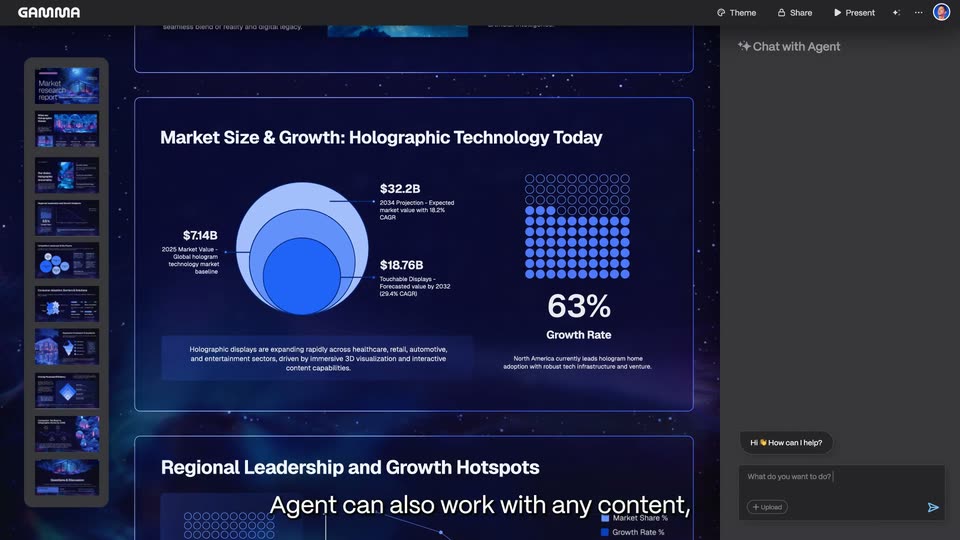 1:03–1:05Gamma · Gamma - Gamma 3.0 is here, so we put our CEO in a spaceship. And it got millA dark space-themed Gamma editor fills the screen, with a slide of charts and a chat panel on the right. The canvas zooms out to reveal the full slide while a caption sits at the bottom and a cursor hovers at the left edge.
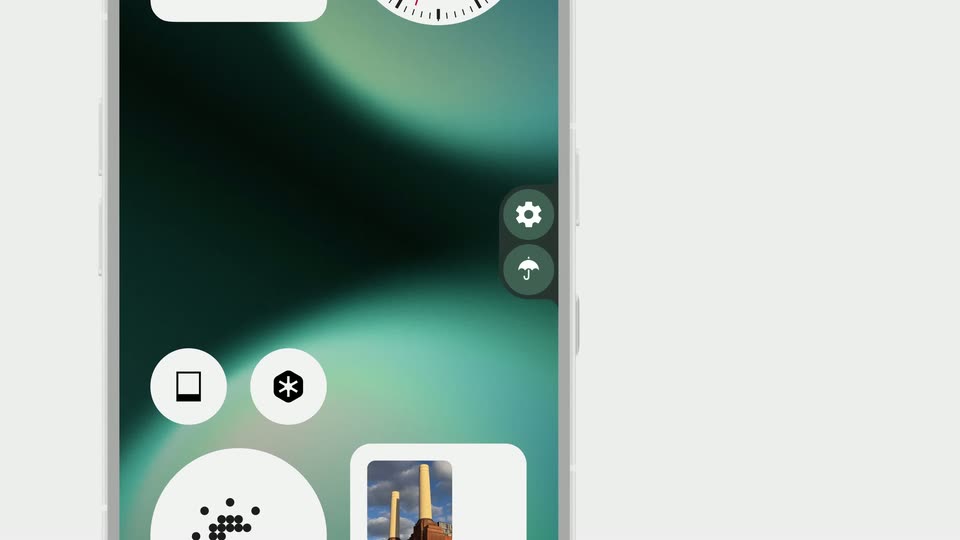 0:40–0:42Nothing · Introducing Nothing OS 4.0A phone home screen fills the frame, showing a clock, earbud battery, photo card and round icons. The view zooms in toward the right edge, ending on two small circular buttons, a gear and an umbrella.
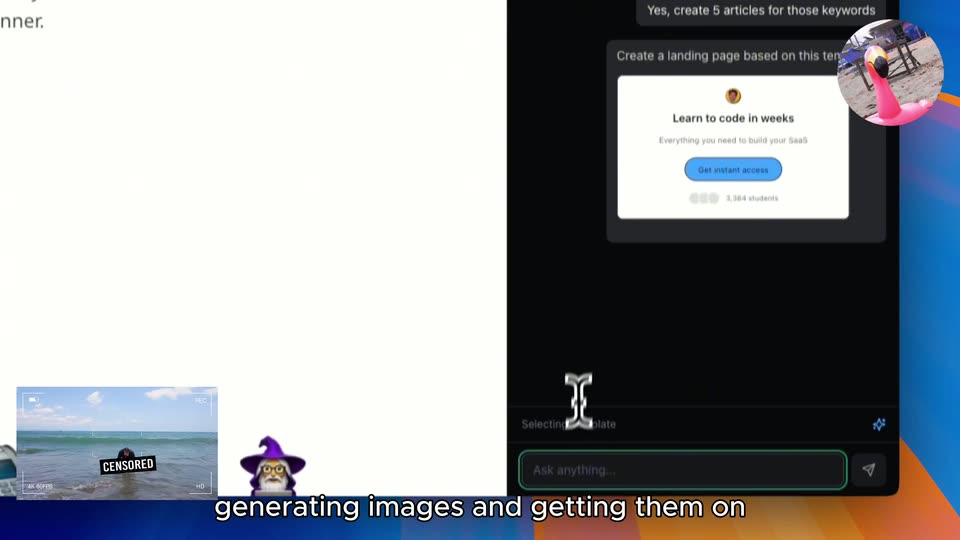 0:35–0:41Ablad · Claudio C - I’m building the first Cursor for WordPress in the world. See how AbA screen recording of a WordPress dashboard fills in a list of SEO article titles while an AI chat panel on the right types messages and a cursor clicks a landing-page template. A colorful gradient fills the background, with a small beach clip and a circular webcam in the corners.
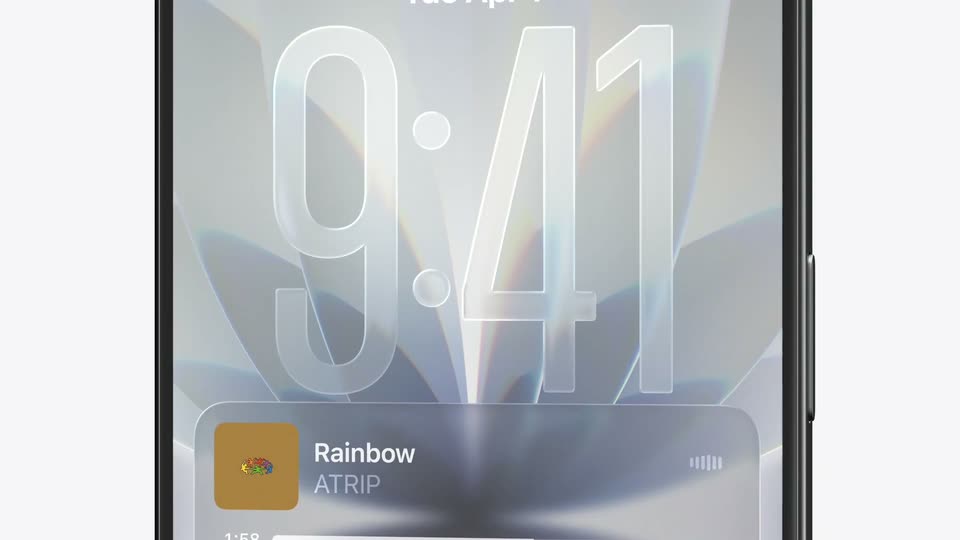 1:25–1:26Apple · Tim Cook - AirPods Pro 3, the new Apple Watch lineup, iPhone 17, iPhone 17 Pro,A close-up of a smartphone lock screen in 3D, with the dark frame and side button visible on the right over a white background. A glassy 9:41 clock sits over a soft iridescent petal wallpaper, with a music card for Rainbow by ATRIP below. The framing tightens and shifts upward, revealing the date and enlarging the time.
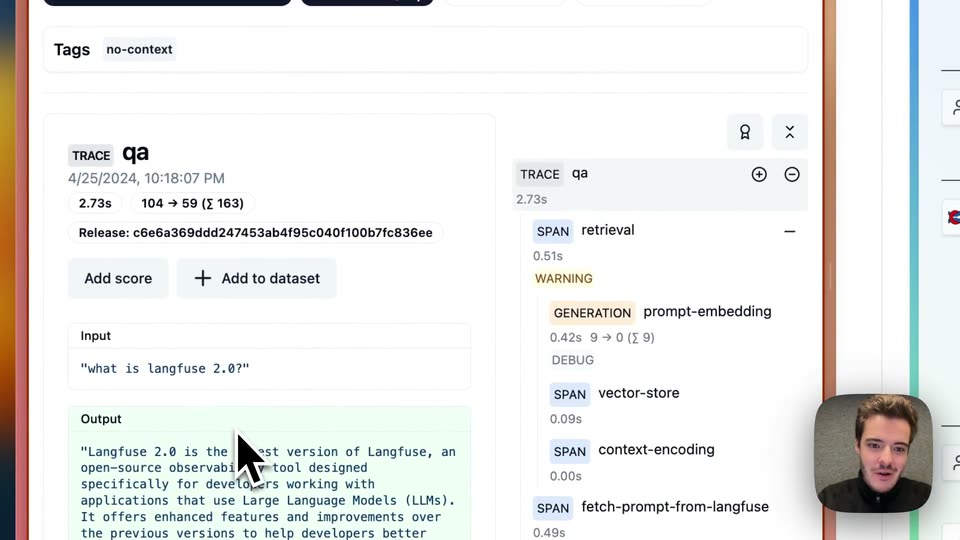 1:13–1:16Langfuse · Introducing Langfuse 2.0A light trace detail interface shows an input and output panel on the left and a column of span and generation labels on the right. A cursor moves down and clicks as the view scrolls, with a small webcam feed of the speaker in the bottom right corner.
 0:25–0:27SupersonikAI · Dani Carmona - The wait is over. Today we’re launching @SupersonikAI, the first AI tA tilted laptop in 3D perspective shows a dark green dashboard with cards, a 75% ring and a video call tile of a woman at right. The camera pushes in on the dashboard cards, ending in a green blur wipe. A black headline reads above the device.
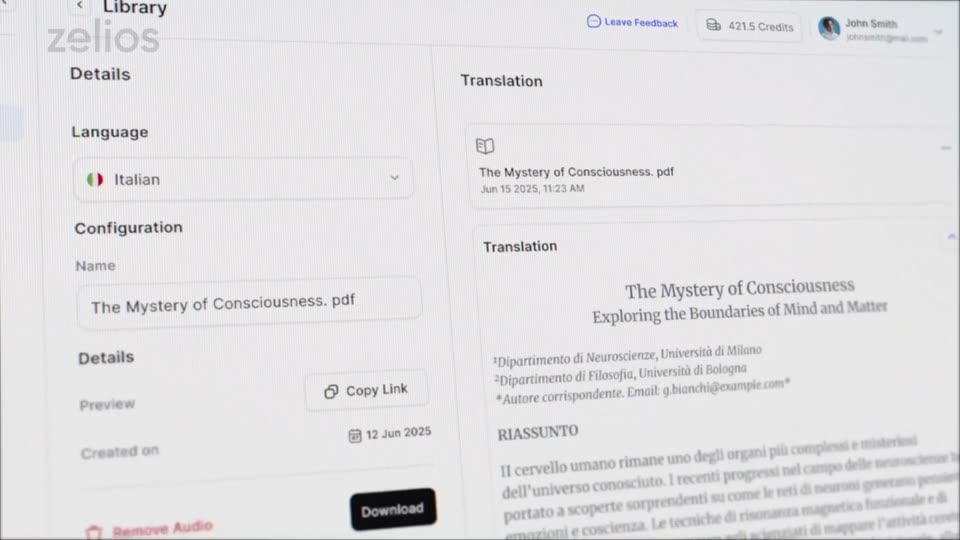 0:36–0:37LangEase · BEST SaaS Brand Video Example | LangEaseA light Library screen pairs a Details panel (Language, Name) with a Translation preview of a PDF. The brand logo scales in at the top left as the view eases into a tight zoom on the interface.
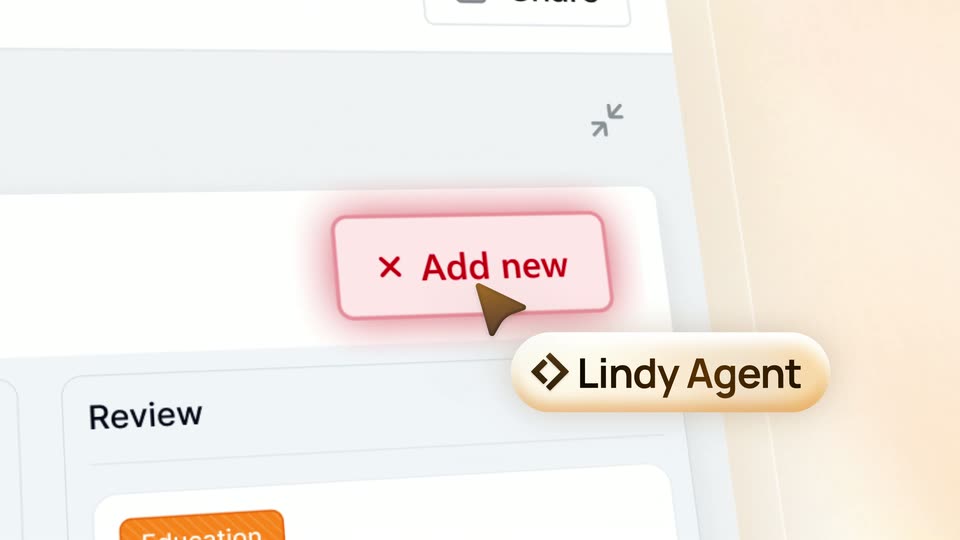 0:22–0:24Lindy · Lindy - We started Lindy Build to make building apps effortless. Side effect:A tilted 3D task-board mockup rests on a desk beside a pencil. The camera zooms into the board, reframing on an Add new button that a 3D cursor points at, with a Lindy Agent chip at the corner. A bold caption labels the Edutech Academy project.