
1:43
Explore
00:00:00 / 01:17:06
- Length
- 1:17
- Scenes
- 25 · 3.1 s avg
- Product on screen
- 0:39
- Call to action
- 1:11 · 92%
- Voiceover
- Yes
- Views
- 4K on YouTube
as of November 23, 2026
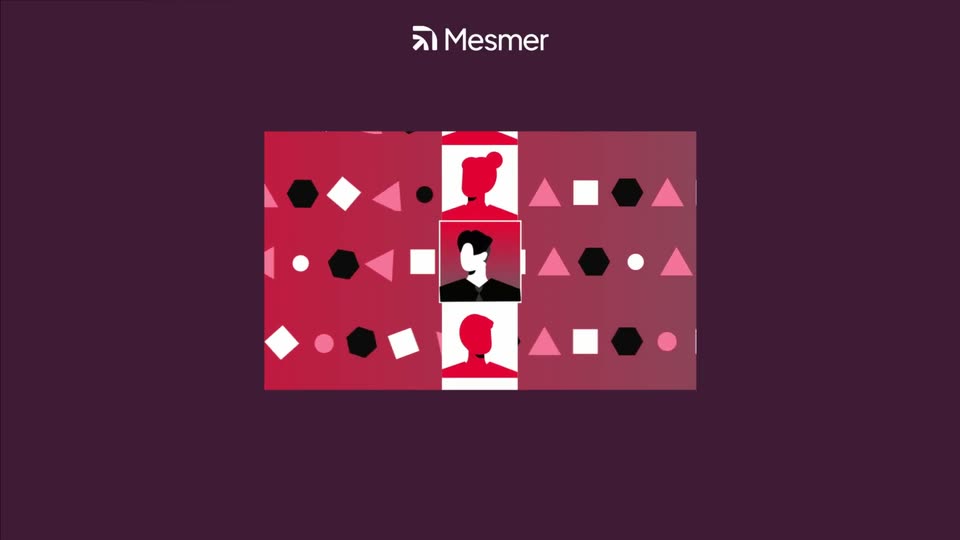
Mesmer’s 1:17 launch film runs 25 scenes, about 3.1 s each. The product shows up at 0:39. The call to action lands at 1:11 (92% in), over a voiceover. A maroon and red flat-motion piece built on a two-act structure: a live-action CTO opens a nostalgic 'day one' montage that flips into a problem of tracking and bottleneck, then a white logo lockup pivots into an abstract ribbon-and-shape demo of the AI team and the dashboard. Pacing is steady at about 97 bpm with slow zooms, sliding panels and 3D-tilted UI cards, anchored by a recurring red ribbon motif and a suited-man avatar that reappear across the problem and intro.
Footage neededEstimated needs: 2 capture groups — your screens or recordings · 1 official logo — reused across the film · 1 filmed passage — shoot, supply or replace · 11 graphic passages — draw or supply · 1 3D passage — build or supply
Is this your launch? to your site or press kit.
More like this


Similar soundtrack
Films whose music sounds like this one, voice left out
1:53
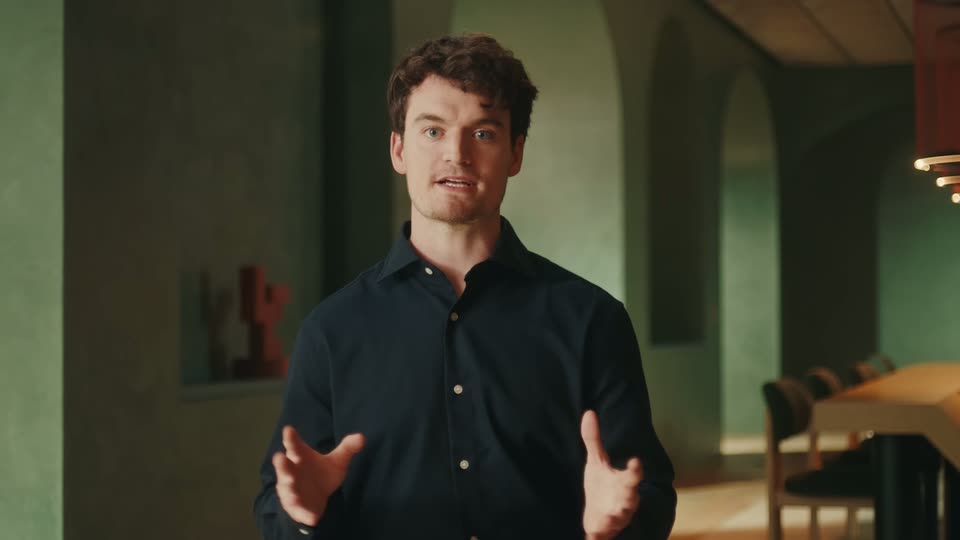

Introducing Claude Fable 5
Anthropic · Modern electronic, corporate tech launch
1:45
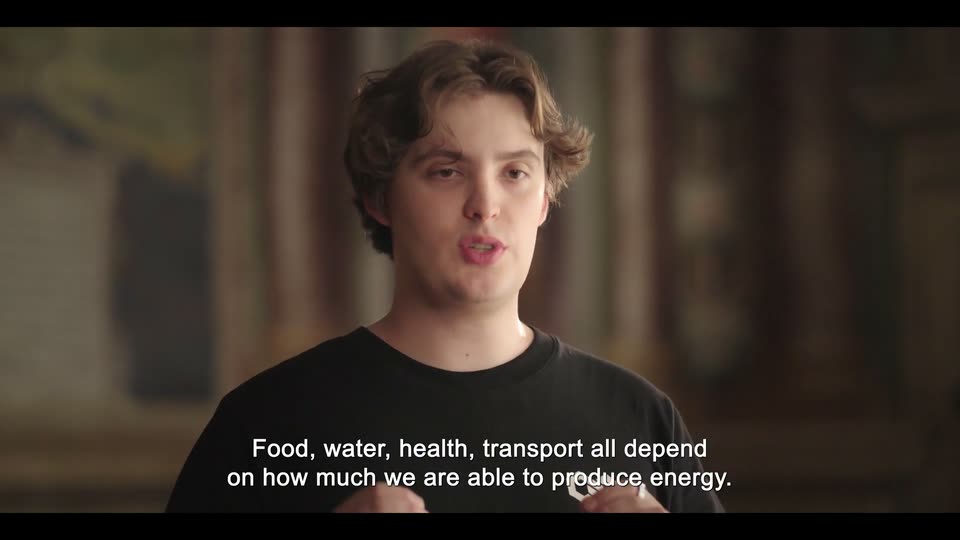

Introducing Invertix
Invertix · Modern electronic, ambient
0:50
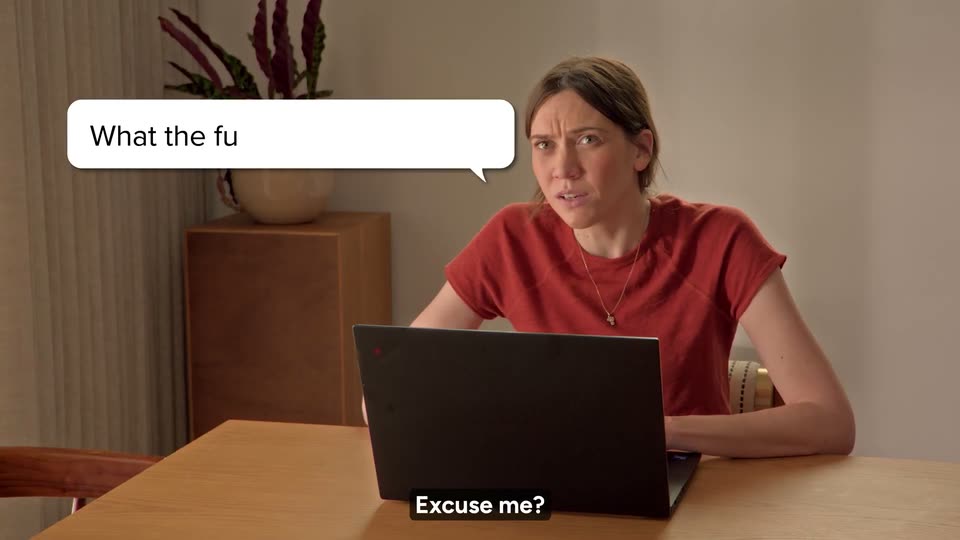

Wispr Flow - Announcing the all new Free Speech mode. Now for everyone 🐵
Wispr Flow · Comedy sketch transitioning into a tech advertisement
Mesmer: The AI Operating System for Engineering • Vision Video, scene by scene
· 25 scenes as text
01 · Hook · 0:00–0:06
A man in a black zip sweater speaks to camera in a sunlit brick loft. A purple lower third with his name and title slides in at lower left, then a maroon caption with a red arrow pointing at him appears at right, and both exit.
On-screen text: “João de Paula”, “CEO, MESMER”, “Former CTO”, “OF A $400M COMPANY”
Camera: Static
02 · Hook · 0:06–0:08
A red rounded-square icon with a white numeral 1 and a folded corner sits centered on a dark maroon field, captioned below. The icon holds steady, then near the end it slides left as a white rounded panel enters from the right edge.
On-screen text: “You remember day one.”
Camera: Static
03 · Hook · 0:08–0:09
Two dark panels sit side by side on a plum background. Left: a red rounded-square icon ticks its number from 1 to 3 over a white paper-plane mark. Right: red and gray code-like dashes grow across the panel. Captions “You remember day one.” and “Writing code.” rest below each.
On-screen text: “You remember day one.”, “Writing code.”
Techniques: Split screen
Camera: Static
04 · Hook · 0:09–0:13
Four dark rounded panels on a maroon background. A red day counter ticks from 3 to 9 with a white card flipping over each digit, abstract red and gray code lines shuffle, chat bubbles pop in and out, and a cursor moves to click a red Launch button.
On-screen text: “You remember day one.”, “Writing code.”, “Talking to users.”, “3”, “4”, “Building something real.”, “5”, “6”, “7”, “8”
Techniques: Cursor demo, Masking
Camera: Static
05 · Problem · 0:13–0:15
Four flat cards in a 2x2 grid on dark maroon: a red calendar ticking 10 to 11, shuffling code lines, chat bubbles, and a Launch button with a cursor, each under a white caption. A gray Tracking card slides in from the bottom left, covering the Talking to users card.
On-screen text: “You remember day one.”, “Writing code.”, “Talking to users.”, “Building something real.”, “Tracking”
Techniques: Split screen
Camera: Static
06 · Problem · 0:15–0:16
On a dark maroon background, two centered lines of white text fade in word by word while a white cursor arrow drifts from the left side to the right beneath them. Locked-off frame.
On-screen text: “Tracking things”, “became your only job.”
Techniques: Kinetic type
Camera: Static
07 · Problem · 0:16–0:17
White two-line text sits centered on a dark maroon field. A faint week calendar grid, with day names across the top and hour marks down the left, fades in behind the words. A small cursor arrow drifts toward the bottom-right corner.
On-screen text: “Tracking things”, “became your only job.”
Camera: Static
08 · Problem · 0:17–0:18
A weekly calendar grid of red and white meeting blocks on a dark purple background zooms in, the day headers and time rows scaling up until the view tightens onto the schedule.
Techniques: UI zoom
Camera: Pull out
09 · Problem · 0:18–0:24
Four flat panels assemble into a 2x2 grid on a dark maroon field: a calendar of red meeting blocks, scattered notification icons, a bell ringed by smaller bells, and a scrolling stack of Slack cards. Captions label each quadrant, then a wide panel slides up to center one notification.
On-screen text: “Back-to-back meetings.”, “Status updates.”, “Reminders.”, “Slack threads.”
Techniques: Split screen
Camera: Static
10 · Problem · 0:24–0:27
A red-to-gray Slack notification card scales up into focus at the center of a dark maroon field. A white cursor slides in from below and rests at the card's lower-left corner.
Techniques: Cursor demo
Camera: Static
11 · Problem · 0:27–0:27
A red Slack notification card with a logo, timestamp and message sits on a dark purple background, then slides left off screen, leaving the frame empty. A white cursor arrow trails at its right edge as it exits.
Camera: Static
12 · Problem · 0:27–0:28
On a deep purple field crossed by a horizontal pink-to-gray gradient band, small angular red and purple shapes swell into large sweeping curved strokes, assembling an abstract mark.
Techniques: Morph
Camera: Pull out
13 · Problem · 0:28–0:35
Three red ribbon paths weave across a dark plum field while dots travel along them, then grow into white squares, black hexagons and pink triangles that keep flowing. Avatar icons labeled Engineers, Designers, PMs appear at left, then slide off.
On-screen text: “Engineers”, “Designers”, “PMs”
Techniques: Morph, Particles
Camera: Pull out
14 · Problem · 0:35–0:39
Two interlocking ribbons, red and gray, drift across a dark purple field, each filled with flowing hexagons, squares, and triangles. The frame settles on a horizontal red path where a square avatar of a person rests, tagged by a 'You' speech bubble.
On-screen text: “You”
Techniques: Particles
Camera: Push in
15 · Product intro · 0:39–0:41
On a black background, a white geometric logo mark sits centered, then shifts left as the wordmark Mesmer slides in from the right and brightens from gray to white, locking into a horizontal logo lockup.
Camera: Static
16 · Product intro · 0:41–0:42
A dark background with a horizontal band of geometric shapes, including dots, triangles, and hexagons, in red and gray. The white Mesmer logo is centered above the band. The red color of the band brightens on the left side.
On-screen text: “Mesmer”
Techniques: Light sweep
Camera: Static
17 · Product intro · 0:42–0:45
On a dark maroon field, a red band of scrolling geometric shapes expands vertically into five rows, and the central white card with a suited man icon multiplies into a column of five avatars, the middle one outlined in red. The white Mesmer wordmark sits at top center.
On-screen text: “Mesmer”
Techniques: Morph
Camera: Pan
18 · Demo · 0:45–0:46
The Mesmer wordmark holds at the top as a red panel of abstract shapes and a column of avatar icons shrinks into a small window mockup. A large red circle slides in from the right, and the caption slides in below.
On-screen text: “Mesmer”, “Reviewing every line of code.”
Techniques: Kinetic type
Camera: Static
19 · Demo · 0:46–0:47
A 2x2 grid of flat illustration cards assembles on a dark plum background: code editor with a magnifying-glass lens, browser window with a video player, documents with reading glasses, and six avatar heads in a grid. The caption slides from the bottom of the frame to sit under the first card as a second caption begins to slide in under the browser card.
On-screen text: “Reviewing every line of code.”, “Checking every design.”
Camera: Static
20 · Demo · 0:47–0:51
A 2x2 grid of flat illustrations on a dark maroon background: a code window under a lens, a webpage scanned by a red magnifier, papers with reading glasses, and an avatar grid gaining speech bubbles. Captions appear below each panel in sequence, the last scaling up.
On-screen text: “Reviewing every line of code.”, “Checking every design.”, “Reading every spec.”, “Listening to every meeting.”
Techniques: Kinetic type
Camera: Static
21 · Demo · 0:51–0:53
A project dashboard fills the frame, then the view zooms into the red urgent card while a dark mask sweeps across to hide its headline. A cursor glides in and rests on the Dive Deeper button.
On-screen text: “Reviewing every line of code.”, “Checking every design.”, “Reading every spec.”, “Listening to every meeting.”
Techniques: UI zoom, Masking, Cursor demo
Camera: Push in
22 · Demo · 0:53–0:58
A tilted 3D dashboard on a maroon background, headed '4 projects blocked by Payment Gateway delay'. The view scrolls down through a diagnosis list and an issue timeline, then zooms out to reveal an Assistant chat panel on the right.
Techniques: 3D mockup, UI zoom
Camera: Pull out
23 · Demo · 0:58–1:08
A project interface opens as two angled panels in 3D on a dark maroon field, then zooms flat into the Teams view. The Assistant panel streams a long answer with key phrases highlighted in purple, and a follow-up question produces a second highlighted answer.
Techniques: 3D mockup, UI zoom
Camera: Push in
24 · Demo · 1:08–1:11
A centered white line of text on a dark maroon background scales and sharpens, then clears away. A small red geometric logo mark appears in the center as the sign-off.
On-screen text: “Mesmer let's you run your org again”
Techniques: Kinetic type
Camera: Static
25 · CTA · 1:11–1:17
On a dark maroon background, a red logo mark scales up in the center, then the wordmark Mesmer appears beside it. A rounded URL field types out the address character by character, and a white cursor moves in to hover at its right edge.
On-screen text: “Mesmer”, “https://www.mesmer.co/”
Techniques: Kinetic type, Cursor demo
Camera: Static