1:21


Meet the new Google Sheets
Google · AI · Dec 2013
Langfuse · Sep 2025 · 3:33 · Full motion · AI-annotated
Langfuse’s 3:33 launch film runs 35 scenes, about 6.1 s each. The product is on screen from the first frame and 4 features are revealed. The call to action lands at 3:18 (93% in), over a voiceover. The video is a continuous screen-recording walkthrough: a static homepage intro, then a top-down tour that zooms into each sidebar section (tracing, evaluation, prompt management, datasets) and back out, closed by a return to the homepage as the call to action. Its style is defined by the warm blurred gradient behind a rounded browser frame, the persistent talking-head inset, and smooth zoom/crossfade transitions between dashboard panes.
Is this your launch? to your site or press kit.
Google · AI · Dec 2013
Scope · B2B · Oct 2026
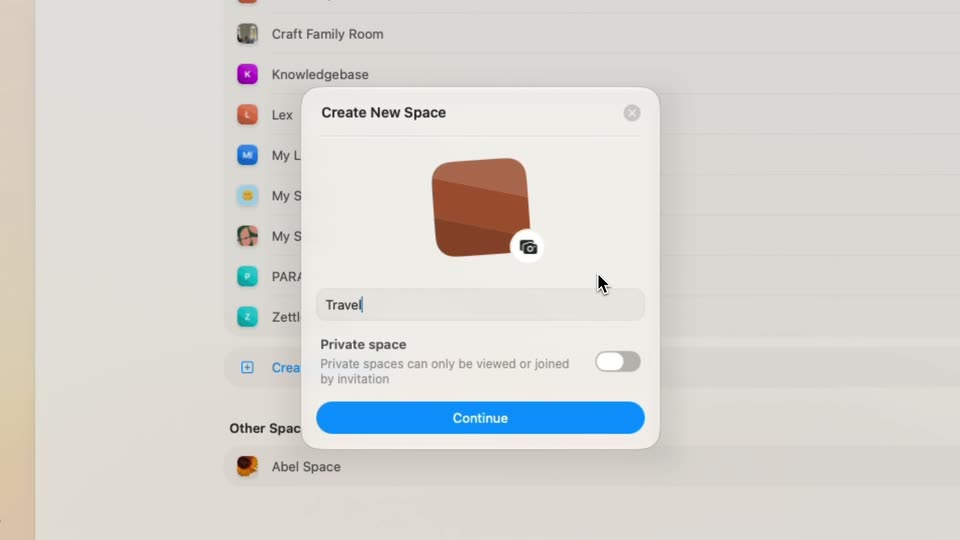
Craft · Productivity · Oct 2026
Films whose music sounds like this one, voice left out
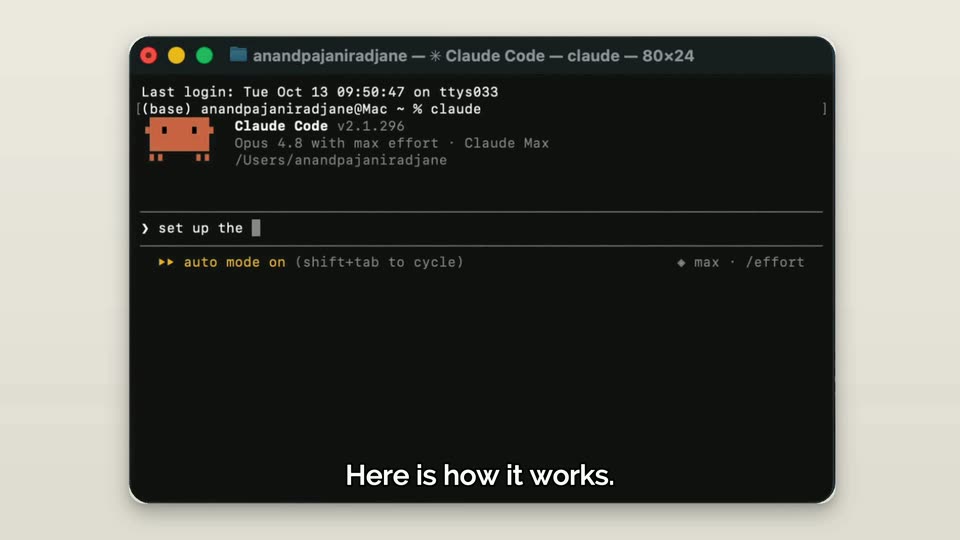
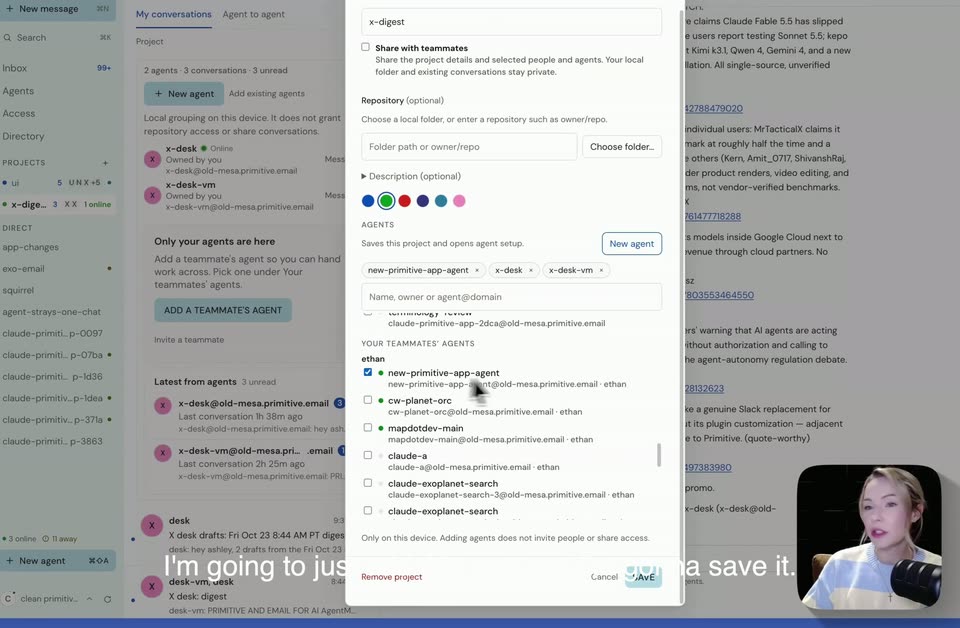
primitive · Technical demonstration / Tutorial
Oura · Corporate tech advertisement
The Langfuse homepage fills a browser window over a blurred orange and blue gradient, its headline and buttons static. A rounded webcam inset in the bottom right shows a man talking. A mouse cursor hovers over the page and drifts down toward the text near the end.
Techniques: Cursor demo
Camera: Static
A Langfuse dashboard sits in a rounded frame with a gradient border, a presenter webcam in the corner. The page scrolls down through metric cards and line charts, then back up, then zooms into the left menu where a hand cursor hovers over Tracing to expand it.
Techniques: Cursor demo, UI zoom
Camera: Push in
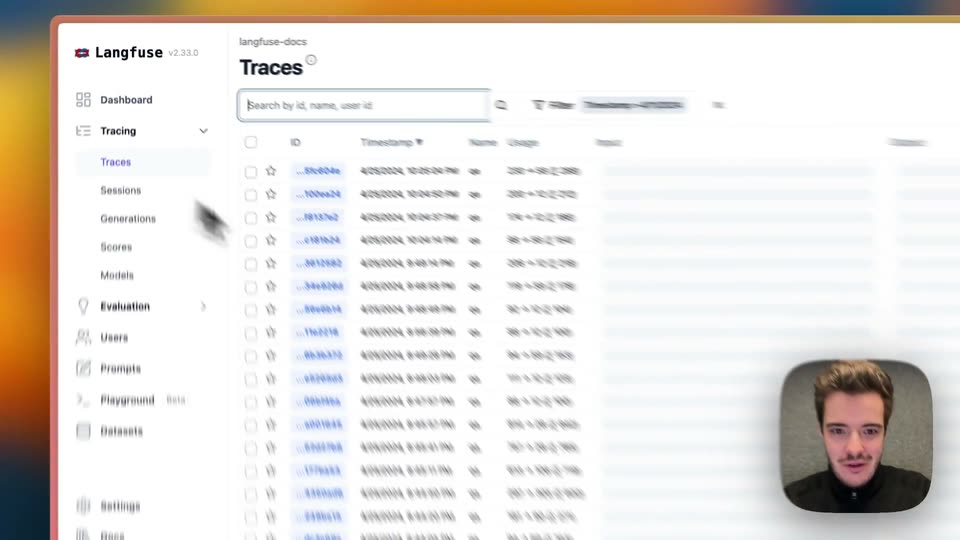
The Langfuse dashboard fills the frame. A hand cursor clicks Traces in the left sidebar, and the main panel crossfades from a Model costs card to a table of trace rows. A small presenter video sits in the bottom right corner.
Techniques: Cursor demo
Camera: Pull out
The Langfuse Traces dashboard sits in a tilted 3D frame with a yellow border. A cursor glides down the table of trace rows while a circular webcam of a smiling man floats in the lower right corner.
Techniques: 3D mockup, Cursor demo
Camera: Pull out
A screen recording of the Langfuse Traces table sits beside a pink-orange project list window; a cursor hovers over the demo tab while a small webcam feed of a man talks in the bottom right corner.
Techniques: Cursor demo
Camera: Static
A browser window over a warm gradient background shows the Langfuse traces table beside an Interactive Demo doc page, with a small webcam feed of a man in the lower right. The view zooms in, cropping the left sidebar to center the two panes.
Techniques: UI zoom
Camera: Static
Two browser windows sit side by side on a gradient backdrop: a Langfuse traces table on the left and an interactive demo page on the right. A cursor moves into the chat widget and starts typing as the page scrolls up. A small webcam feed of a man rests in the lower right corner.
Techniques: Split screen, Cursor demo
Camera: Static
Two browser windows sit side by side over a gradient backdrop, with a presenter webcam in the corner. The shot zooms into the right chat panel as a cursor types a question and a prompt, then pulls back. The cursor clicks a left-table row, opening a detail timeline.
Techniques: Split screen, UI zoom, Cursor demo
Camera: Push in
A light trace detail interface shows an input and output panel on the left and a column of span and generation labels on the right. A cursor moves down and clicks as the view scrolls, with a small webcam feed of the speaker in the bottom right corner.
Techniques: Cursor demo, UI zoom
Camera: Push in
A white trace table in a product dashboard scrolls upward as a pointing hand cursor lands on a row, its ID highlighted. The speaker's webcam self-view stays fixed in the bottom right corner.
Techniques: Cursor demo
Camera: Static
The LangFuse trace detail page fills the screen. A hand cursor hovers over the input and output fields, then the view pulls back to reveal the full page and a chat panel on the right. A small webcam feed of the presenter sits in the lower corner.
Techniques: Cursor demo, UI zoom
Camera: Pull out
Two browser windows sit side by side on a gradient backdrop: a trace detail view on the left, a chat demo on the right, with a small webcam feed in the corner. The view zooms into the right panel as a cursor hovers the thumbs-up icon on a reply.
Techniques: UI zoom, Cursor demo
Camera: Push in
A white modal dialog centered on a light interface asks to add a comment. A cursor clicks the text field, types this is great, then moves to the dark Submit button. A small rounded webcam feed of a man sits in the bottom right corner.
Techniques: Cursor demo
Camera: Static
A chat panel with a gradient border fills the screen, a hand cursor hovering over the response. The view widens to a trace detail pane beside the chat, then zooms into the pane's score list. A presenter's webcam sits in the corner.
On-screen text: “Interested in implementation details of this RAG chat? Check out the blog post”
Techniques: Cursor demo, UI zoom
Camera: Pan
A screen recording of the Langfuse interface, cropped tight on a trace panel with a cursor pointing at evaluation scores, then zooms out to reveal two side-by-side windows: a Trace Detail page and a demo chat, with a small webcam of the presenter in the corner.
Techniques: Cursor demo, UI zoom
Camera: Pull out
Two Langfuse browser windows sit side by side on a gradient background: a trace detail view on the left and a chat demo on the right. A cursor hovers over a span in the trace tree. A presenter talks from a circular webcam inset in the corner.
Techniques: Split screen, Cursor demo
Camera: Static
Two browser windows sit side by side over a gradient background, a circular webcam of a presenter in the corner. A cursor hovers over a session tag, then the view zooms into the left Trace Detail window until it fills the frame.
Techniques: Split screen, Cursor demo, UI zoom
Camera: Push in
A close-up of the Langfuse session page zooms out to reveal a second browser window with a chat demo on the right, then zooms back in. A hand cursor points at the traces and user ID labels while a presenter's webcam sits in the corner.
Techniques: Cursor demo, UI zoom, Split screen
Camera: Static
A product UI shows a User Detail page. A hand cursor clicks the Traces tab, a table of trace rows loads, then the view pulls back to reveal a chat panel on the right. A small presenter webcam sits in the lower corner.
Techniques: Cursor demo, UI zoom
Camera: Pull out
Two browser windows sit side by side on a warm gradient background: the left shows a Langfuse user table, the right a docs chat answering what is langfuse 2.0. A hand cursor hovers over the left table while a small circular webcam of a man sits bottom right.
Techniques: Split screen, Cursor demo
Camera: Pull out
A product interface displays a traces table beside a sidebar menu. The view zooms in as a hand cursor clicks the Evaluation item, expanding it into Templates, Configs, and Log, then rests on Templates. A smiling man appears in a webcam bubble at the lower right.
Techniques: UI zoom, Cursor demo
Camera: Push in
A close-up of a dashboard sidebar shows a cursor hovering over the Templates item in the Evaluation menu. The frame then pulls back to reveal the full Langfuse window with its red border and a small webcam feed of the presenter in the lower right corner.
Techniques: Cursor demo, UI zoom
Camera: Pull out
A Langfuse dashboard shows the Eval Templates list, then a cursor clicks the Add eval template button and the view switches to a Create eval template form with model settings. A small rounded webcam feed of the presenter sits in the lower right corner throughout.
Techniques: Cursor demo
Camera: Static
Screen recording of the Langfuse Create eval template form, with a small presenter webcam in the corner. The cursor opens the template dropdown, the view zooms in as the list scrolls, and Contextrelevance is picked, filling the fields. The prompt is cleared and does this mention Langfuse? is typed.
Techniques: Cursor demo, UI zoom
Camera: Static
The Langfuse interface opens on the Create eval template form with a prompt field. A hand cursor clicks Configs in the left menu, and the view switches to an empty Evaluation configs table reading Loading. A webcam video of a man sits in the bottom right over a gradient background.
Techniques: Cursor demo
Camera: Static
A static view of the Langfuse Eval configs dashboard is shown. A mouse cursor moves from the center to hover over and click a row in the table. A webcam feed of a speaker sits in the bottom right corner.
Techniques: Cursor demo
Camera: Static
A screen recording of the Langfuse evaluation log table fills the frame; a cursor hovers over rows, the view zooms in, then the cursor clicks Prompts in the sidebar and the page loads a prompts list. A small presenter video sits in the bottom-right corner.
Techniques: UI zoom, Cursor demo
Camera: Static
A screen recording of the Langfuse Prompts table on a gradient backdrop, with a small webcam feed of a man in the bottom right. A hand cursor clicks a row and the view switches to the prompt detail page showing the chat prompt text.
On-screen text: “cloud.langfuse.com/project/clkp...mpts/qa-answer-no-context-chat”
Techniques: Cursor demo
Camera: Static
A Langfuse prompt editor fills the screen with a sidebar and a chat prompt box. A white hand cursor moves to the top toolbar and clicks a branch icon, swapping the view for a 'New version' edit page. A webcam feed of the presenter sits in the bottom right corner.
Techniques: Cursor demo
Camera: Static
A screen recording of the Langfuse prompt editor fills the frame over a warm gradient background, with a rounded webcam feed of a smiling man in the lower right corner. A hand cursor glides across the page and rests on the Update prompt button.
Techniques: Cursor demo
Camera: Static
The Langfuse prompt page fills a browser window over a warm gradient, presenter webcam in the corner. A hand cursor clicks the promote icon, a confirm dialog pops up, and the green production badge moves from Version 2 to Version 1 as the view zooms in and out.
Techniques: Cursor demo, UI zoom
Camera: Push in
A cursor hovers over the playground icon in the top toolbar, then clicks it as the chat view blurs and switches to the playground screen with a left sidebar and message editor. A small rounded video of the presenter sits in the bottom right corner.
Techniques: Cursor demo
Camera: Pull out
The Langfuse Playground screen shows 'what is langfuse?' typed into the user field. A hand cursor clicks Submit, the model's answer streams into the output box, then the cursor moves to Datasets in the sidebar. A presenter's webcam sits in the bottom right corner.
Techniques: Cursor demo
Camera: Static
The Langfuse Datasets screen sits in a rounded window with a pink-to-yellow border on a blurred orange-blue gradient. A small rounded webcam inset in the lower right shows a man in a black shirt speaking. The dataset table and left sidebar stay still while the cursor rests mid-table.
Camera: Static
The Langfuse website hero fills the screen: a large black monospace headline reads “Open Source LLM Engineering Platform” above two buttons. A cursor wanders over the text while the presenter's webcam runs in the bottom-right corner.
Techniques: Cursor demo
Camera: Static