1:25
Y Combinator - Local coding agents can't do end-to-end work at your company. @prolif
Proliferate · B2B · Feb 2026
Scope · Oct 2026 · 0:56 · AI-annotated
Scope’s 0:56 launch film runs 12 scenes, about 4.7 s each. The product is on screen from the first frame and 2 features are revealed. The call to action lands at 0:50 (90% in), over a voiceover. The video bookends a presenter in a home office with a run of flat product panels that slide in, tilt into 3D, and tick up counters, each feature introduced by a short headline and proven by an on-screen demo. Pacing is moderate at about four cuts a minute, with bold rounded captions synced to the voiceover and a warm cream and lavender palette carrying the whole piece.
Is this your launch? to your site or press kit.
Proliferate · B2B · Feb 2026
Executor · B2B · Aug 2026
Confetti · Consumer · Oct 2026
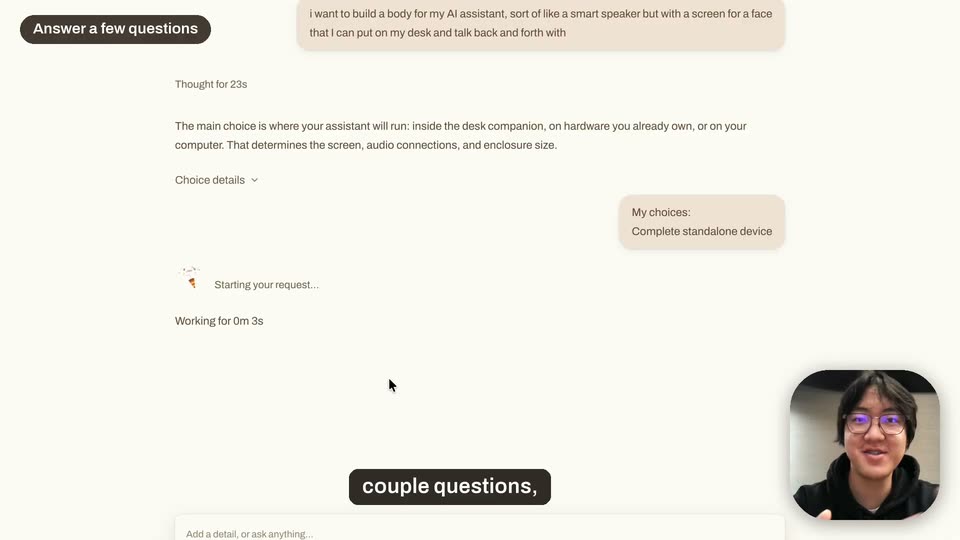
A bearded man in a black T-shirt speaks to camera in a locked-off shot in a sunlit home office, a laptop on the desk. A cream checklist card scales in at the right, its three green-checked items appearing one by one, while white captions roll along the bottom.
On-screen text: “We just solved attribution for AI agents.”, “Journeys shows you how agents are researching your product live”, “what they want to accomplish”, “and how many of those actually end up in a purchase or install.”
Camera: Static
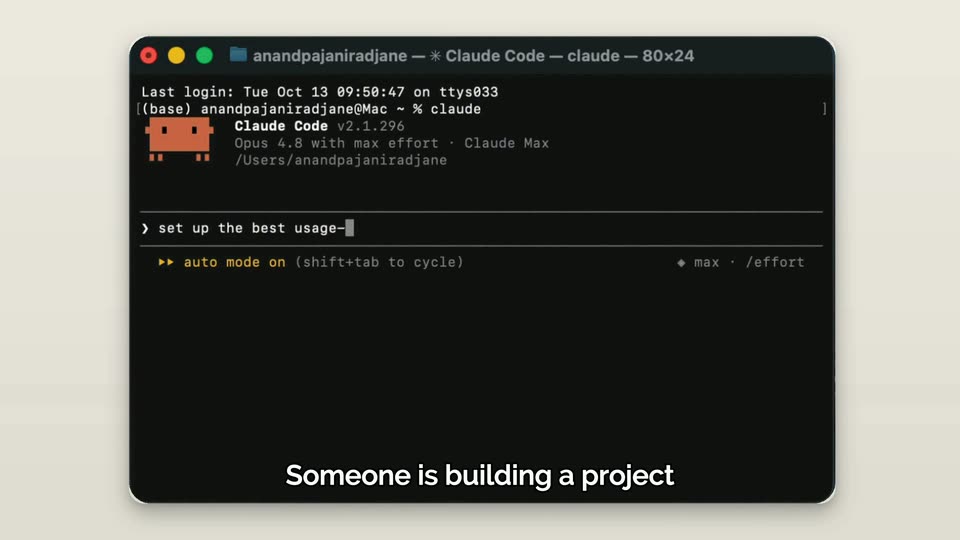
A dark rounded terminal window rests on a cream background. Inside, a command line types the words set up the best usage as a block cursor follows. A centered white caption at the bottom swaps from Here is how it works. to Someone is building a project.
On-screen text: “Here is how it works.”, “Someone is building a project”
Camera: Static
A dark terminal window on a beige backdrop runs a Claude Code session; the prompt types out a billing request with a blinking caret. White captions swap at the bottom, then the window slides down and the frame crops tighter on the top.
On-screen text: “Someone is building a project”, “and needs to set up billing for his company.”, “The moment an agent visits your site, you see it live.”
Techniques: UI zoom
Camera: Pan
A light-themed Sessions dashboard fills the frame as the view slowly zooms in, cropping the window edges. A live list of agent sessions sits above a Recent table, while a caption line swaps at the bottom.
On-screen text: “The moment an agent visits your site, you see it live.”, “Follow the full journey”
Techniques: UI zoom
Camera: Pan
A flat Sessions dashboard tilts into 3D perspective as a dark terminal window slides in from the left, overlapping the angled panel. The white outlined caption Follow the full journey stays fixed at the bottom.
On-screen text: “Follow the full journey”
Techniques: 3D mockup
Camera: Pull out
On a soft lavender gradient, a dark Claude Code terminal and a cream step-tracker panel sit side by side under the headline Every step. Live. The terminal types a billing prompt while the panel logs discovery steps, and a white caption slides in at the bottom.
On-screen text: “Every step. Live.”, “LIVE”, “of how the agent is discovering your product,”
Techniques: Split screen
Camera: Static
Two app windows sit side by side on a pink gradient. A dark terminal on the left types agent commands; a light timeline on the right appends discovery and sign-in steps. A dark headline sits top left, a green LIVE badge top right, white captions cycle at the bottom.
On-screen text: “Every step. Live.”, “LIVE”, “of how the agent is discovering your product,”, “what task it's doing,”, “is it installing and actually using it.”
Techniques: Split screen
Camera: Static
Two flat app windows sit side by side on a pale lavender background: a dark terminal streaming agent output left, a light status panel whose step list grows right. A headline and green LIVE badge frame the top, a white caption sits at the bottom.
On-screen text: “Every step. Live.”, “LIVE”, “is it installing and actually using it.”
Camera: Static
Two product windows sit side by side on a pink gradient: a dark Claude Code terminal left, a light Stripe timeline right, under the headline 'Every step. Live.' The frame tightens onto the windows while the caption 'But that's not all' holds at the bottom.
On-screen text: “Every step. Live.”, “LIVE”, “But that's not all”
Techniques: UI zoom
Camera: Push in
A product dashboard shows traffic metrics and a funnel chart, then a modal opens over the blurred screen with a code diff for an API auth fix. The diff block highlights in green, and a cursor moves to the Confirm button and clicks it.
On-screen text: “We can actually see where agents get stuck and bounce”, “and tell you exactly how to fix it.”, “For example, here”, “the agent is not able to log in due to a DOC problem.”, “We identify the exact fix,”, “implement the changes for you,”, “all you need to do is press confirm and it goes live.”
Techniques: UI zoom, Cursor demo
Camera: Static
A light analytics dashboard fills the frame, its left sidebar and top metric cards updating as traffic and conversion numbers tick up and a stacked funnel chart shifts. A cursor glides across the interface while white outlined captions roll along the bottom.
On-screen text: “Then, watch the results. More agents completing setup,”, “more successful integrations,”, “and more users converting.”
Techniques: Cursor demo
Camera: Static
A bearded man in a black t-shirt sits in a leather chair in a sunlit home office, speaking to the camera and gesturing. A silver laptop sits open on the desk beside him; a window behind shows green trees. Subtitles appear at the bottom.
On-screen text: “For the first time, you can now see what agents want”, “what converts, and what's stopping them.”, “Journeys is live now.”
Camera: Static