
0:28
Explore
Let Claude handle work in your browser
Claude · Dec 2025 · 1:35 · Full motion · AI-annotated
- Length
- 1:35
- Scenes
- 30 · 3.2 s avg
- Product on screen
- 0:02
- Features shown
- 3
- Call to action
- 1:30 · 95%
- Voiceover
- No
- Views
- 755K on YouTube
as of November 20, 2026
00:00:00 / 01:35:07
- Length
- 1:35
- Scenes
- 30 · 3.2 s avg
- Product on screen
- 0:02
- Features shown
- 3
- Call to action
- 1:30 · 95%
- Voiceover
- No
- Views
- 755K on YouTube
as of November 20, 2026
Claude’s 1:35 launch film runs 30 scenes, about 3.2 s each. The product shows up at 0:02 and 3 features are revealed. The call to action lands at 1:30 (95% in). The video is built as three feature chapters, each opened by a single serif line on a flat beige field and followed by locked-off screen recordings of the Claude panel at work. Signature moves are the wobbly hand-drawn sketches, the orange asterisk burst on new tabs, and report text that fills in line by line.
No filming indicatedEstimated needs: 3 capture groups — your screens or recordings · 1 official logo — reused across the film · 4 graphic passages — draw or supply · 2 3D passages — build or supply
Is this your launch? to your site or press kit.
More like this

Similar soundtrack
Films whose music sounds like this one, voice left out
1:43


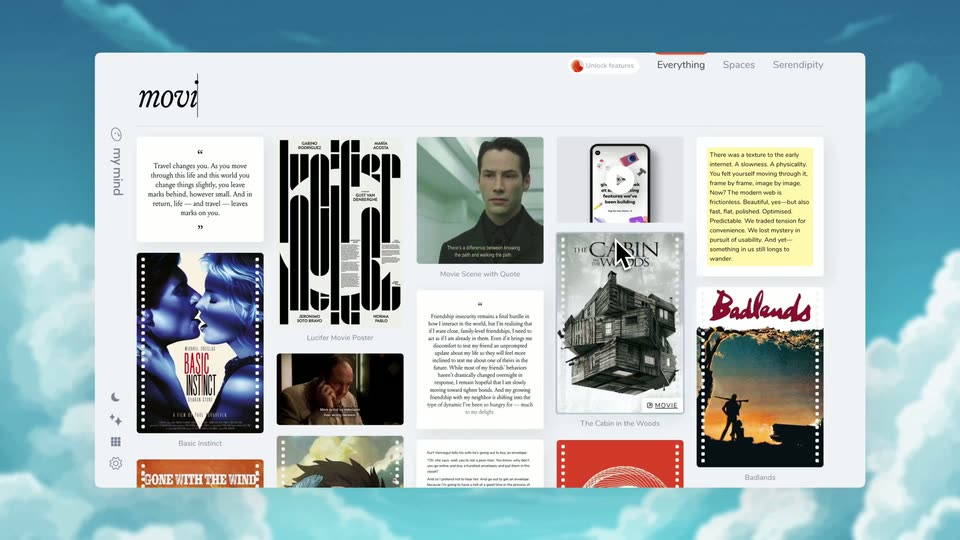
Anthropic - We’re expanding Claude for Financial Services, with an Excel add-in,
Anthropic · Lo-fi hip-hop, chillwave, vaporwave
1:25

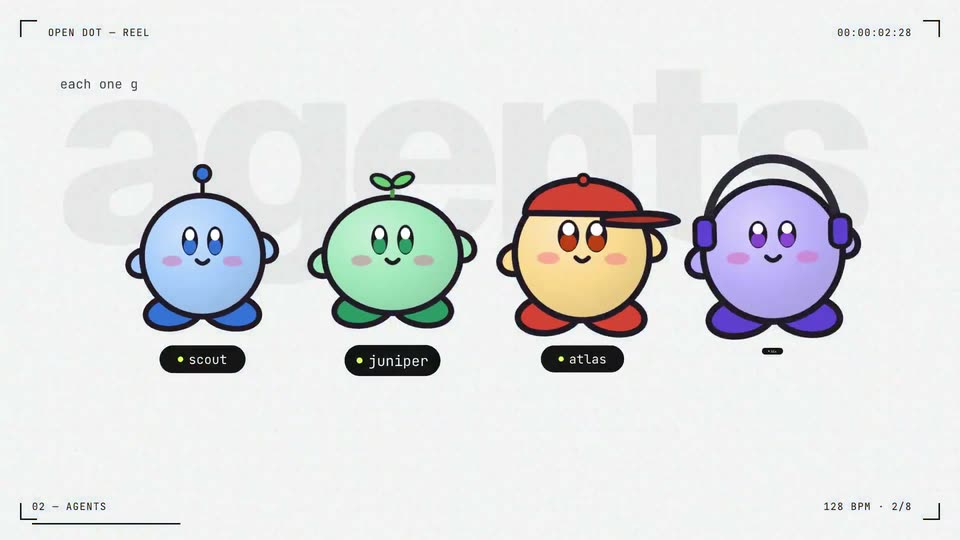
World - Introducing World App 3.0, the super app for humans. Now featuring Mi
World · Modern electronic, upbeat tech promo
1:28

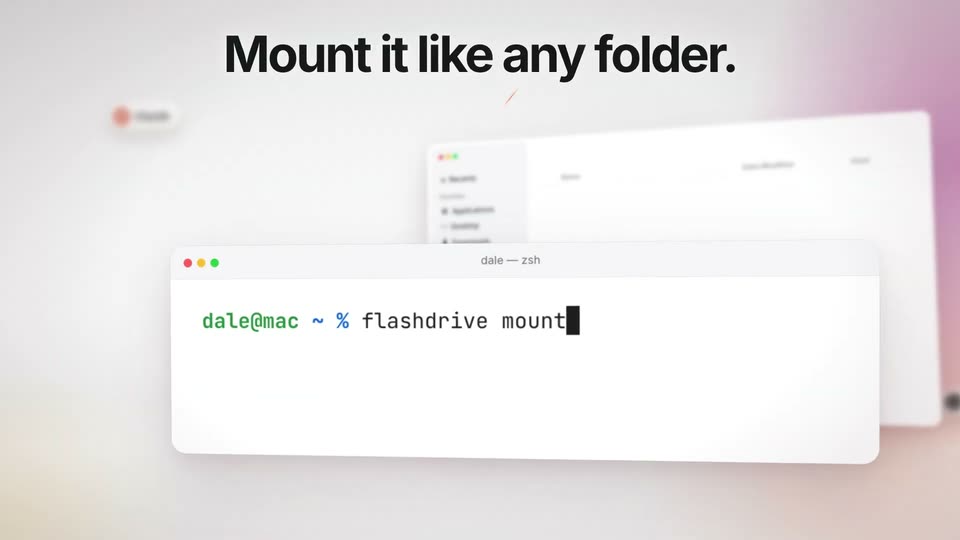
Best AI Product Launch Video | Arist
Arist · Modern electronic
Let Claude handle work in your browser, scene by scene
· 30 scenes as text
01 · Hook · 0:00–0:01
A hand-drawn sketch of a browser window sits on a beige field, backed by an offset white paper shape. The sketched cursor arrow inside the window slides right and rotates as if clicking, while the window and paper drift apart at different speeds.
Techniques: Parallax
Camera: Static
02 · Hook · 0:01–0:01
Two sketch-style browser windows on a beige field slide inward and overlap into a single centered window. A hand-drawn cursor arrow travels from the top right into the merged window, where it rests. The line work jitters with a hand-drawn wobble.
Camera: Static
03 · Hook · 0:01–0:02
A hand-drawn white square holding a black cursor arrow drifts downward over a sketchy black window frame on a beige field. The two doodle layers slide at different speeds, shifting their offset.
Techniques: Parallax
Camera: Static
04 · Feature reveal · 0:02–0:04
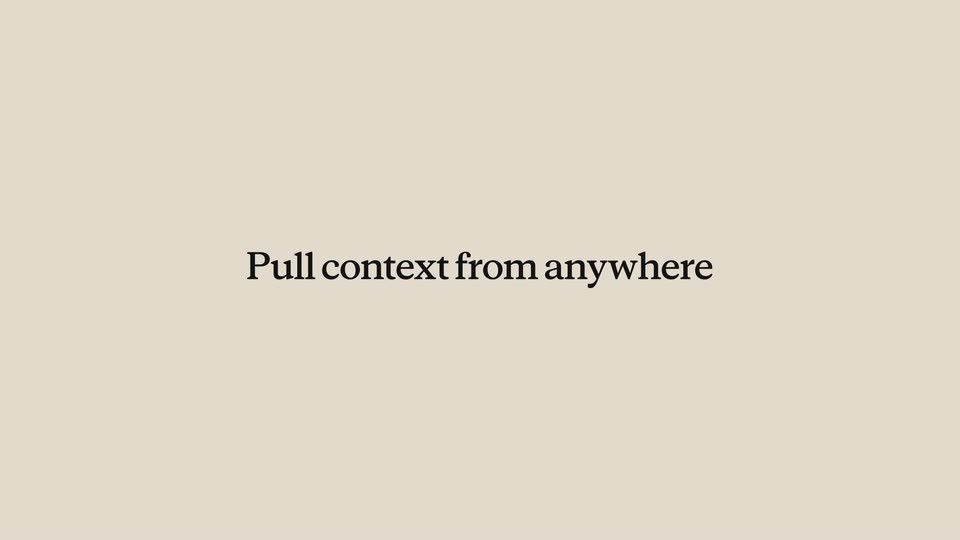
Two sketch-style black rectangles above and below the headline fade out on a beige background as the text fades from light gray to solid black.
On-screen text: “Pull context from anywhere”
Camera: Static
05 · Feature reveal · 0:04–0:06
A close-up of a dark browser toolbar on a cream background, locked off. A star outline, orange burst, puzzle piece, pause control collapsing to one bar, blue circular avatar and three-dot menu sit in a row as the burst and pause icon animate in place.
Camera: Static
06 · Feature reveal · 0:06–0:08
A blank Google Docs window sits centered on a beige background. A white cursor glides from the right edge up to the Share button in the top bar and hovers, tinting it light blue.
Techniques: Cursor demo
Camera: Pull out
07 · Feature reveal · 0:08–0:12
A document editor with a dark toolbar and a right-hand AI panel fills the frame. The view zooms into the panel, then into the chat input, where a hand cursor types a weekly metrics prompt and clicks the orange send button.
Techniques: UI zoom, Cursor demo
Camera: Push in
08 · Feature reveal · 0:12–0:15
A hand cursor taps the orange send button beneath a metrics-summary prompt in the Claude panel; the frame then pulls back to the full browser window, a blank document beside the chat sidebar, as the cursor clicks the Patronly tab.
Techniques: UI zoom, Cursor demo
Camera: Pull out
09 · Feature reveal · 0:15–0:18
A flat browser window mockup on a beige background shows a Revenue Overview dashboard with metric cards, a line chart, a donut chart and a table. A hand cursor hovers the Patronly tab, then a Beaconly tab pops in with a small orange burst as the cursor moves to it.
Techniques: Cursor demo, Particles
Camera: Static
10 · Feature reveal · 0:18–0:22
A dark subscriber-analytics dashboard fills a 3D browser mockup on a beige field. The page lifts from a dim state while a cursor hovers the active tab, then a new tab pops in with an orange burst as the cursor slides over and selects it.
Techniques: 3D mockup, Cursor demo
Camera: Static
11 · Feature reveal · 0:22–0:25
A flat browser window on a beige backdrop displays a Traffic Analytics dashboard. A cursor taps the Glintmetric tab, the page refreshes through a soft pink wash, then the cursor drifts to the Untitled document tab.
Techniques: Cursor demo
Camera: Static
12 · Feature reveal · 0:25–0:29
A browser window frames a Google Docs page on the left and a Claude chat panel on the right. The document fills in line by line with a weekly snapshot report and two data tables, while the chat reply streams in on the right. The frame stays locked off.
Camera: Static
13 · Feature reveal · 0:29–0:31
A plain beige field holds a single centered line, “Feedback becomes edits”, set in a dark gray serif. The line stays locked in place while a soft drop shadow beneath it eases out over the hold.
On-screen text: “Feedback becomes edits”
Camera: Static
14 · Feature reveal · 0:31–0:32
A browser window shows a Google Slides deck with a dark green AIPWA.AI title slide next to an open Claude panel; a hand cursor hovers at the left edge while the caption Feedback becomes edits holds still. The frame is locked off.
On-screen text: “Feedback becomes edits”
Camera: Push in
15 · Feature reveal · 0:32–0:35
A Google Slides editor fills the frame as the view zooms in from the full browser window. A cartoon hand cursor taps down the left thumbnail rail from the title slide to slide three, while the dark teal title slide with a yellow logo holds on the main canvas.
Techniques: Cursor demo, UI zoom
Camera: Push in
16 · Feature reveal · 0:35–0:36
A presentation editor fills the frame, with slide thumbnails on the left, a dark title slide in the center and an AI chat panel on the right. A hand-drawn cursor drifts from the top toolbar to the left edge of the canvas.
Techniques: Cursor demo
Camera: Pull out
17 · Feature reveal · 0:36–0:40
A presentation app screen with a slide thumbnail rail on the left and a comment panel on the right. A white hand cursor clicks the Our Solution thumbnail, and the main canvas switches from the Market Opportunity slide to the Our Solution slide.
Techniques: Cursor demo
Camera: Static
18 · Feature reveal · 0:40–0:45
A slide editor with comment cards sits beside an AI chat panel. The view reframes onto the input field as a white hand cursor rests on the orange send button while a prompt to resolve the deck comments is typed. The camera then pans to the comment cards.
Techniques: UI zoom, Cursor demo
Camera: Push in
19 · Feature reveal · 0:45–0:49
A document editor shows a dark green title slide next to two comment cards. The first card turns orange as a prepared-by line appears on the slide, then the second card highlights and the slide title animates from AIPWA.AI to lowercase aipwa.ai.
Techniques: Morph
Camera: Static
20 · Feature reveal · 0:49–0:51
A collaborative document view shows a slide titled The Problem with three stat cards. On the right, two reviewer comment cards fade in from transparent to solid orange and gain checkmarks, while the document body fills in with a quote and revised figures.
Camera: Static
21 · Feature reveal · 0:51–0:54
A white report page fills in line by line as orange marker strokes strike through paragraphs and stat cards pop in with figures. The page then updates to a revised version with new cards and higher numbers, while comments on the right gain checkmarks and new ones slide in.
Camera: Static
22 · Feature reveal · 0:54–0:56
A presentation slide titled “Our Solution” sits on the left while three comment cards on the right flip from pale to orange with checkmarks. The slide content swaps in a comparison table and a product screenshot, and a red highlight rectangle flashes over the slide.
Camera: Static
23 · Feature reveal · 0:56–0:57
On a design canvas, a Traction slide swaps its dark hero card and dashboard for four stat cards whose large numbers appear first, while Sarah and Nicole comment bubbles stack on the right and the view drifts down to follow the slide.
Camera: Static
24 · Feature reveal · 0:57–0:58
A Figma canvas shows a Traction dashboard mockup with four metric cards and a logo row. The numbers tick upward while orange comment cards from Sarah and Nicole sit on the right. The view zooms out to reveal the top toolbar and a left rail of file thumbnails.
Techniques: UI zoom
Camera: Pull out
25 · Feature reveal · 0:58–1:10
A locked-off screen recording shows a Google Slides deck beside a Claude chat panel. Slides swap through redesigned layouts as comment cards appear and resolve, the steps counter ticks up, and the chat types a change summary. The frame ends zoomed out on the whole browser window.
Camera: Pull out
26 · Feature reveal · 1:10–1:12
A flat beige field holds a centered black serif line that assembles word by word: “Have an idea,” first, then “build it” and “live” fade in to complete the tagline. The frame stays locked and still throughout.
On-screen text: “Have an idea, build it live”
Techniques: Kinetic type
Camera: Static
27 · Feature reveal · 1:12–1:18
A dark terminal window on a cream background types a prompt as a tilted phone mockup drops in with the cursor, then the image is replaced by an [Image #1] token. A red thinking status line appears, and the assistant reply begins typing.
On-screen text: “Have an idea, build it live”
Techniques: Cursor demo
Camera: Static
28 · Feature reveal · 1:18–1:19
A dark terminal window and a browser window sit on a cream background in 3D perspective. The terminal tilts left as the browser slides in from the right, while the terminal text scrolls and updates.
Techniques: 3D mockup
Camera: Pull out
29 · Feature reveal · 1:19–1:30
A browser window on a beige background loads the Gazeytics landing page from a sketchy wireframe. Orange hand-drawn marker circles, checkmarks and an exclamation mark scribble over the nav, buttons and headline, then wipe away as the headline switches from sans to serif and the window scales down.
Techniques: Morph
Camera: Pull out
30 · CTA · 1:30–1:35
On a flat beige background, a small orange asterisk mark scales up in the center, then the black serif Claude wordmark appears beside it, and the line Visit claude.com/chrome appears below. Locked-off frame, slow pace.
On-screen text: “Visit claude.com/chrome”
Camera: Static