UI zoom
A zoom or reframe onto one part of the interface.
9,964 scenes · page 125 of 167
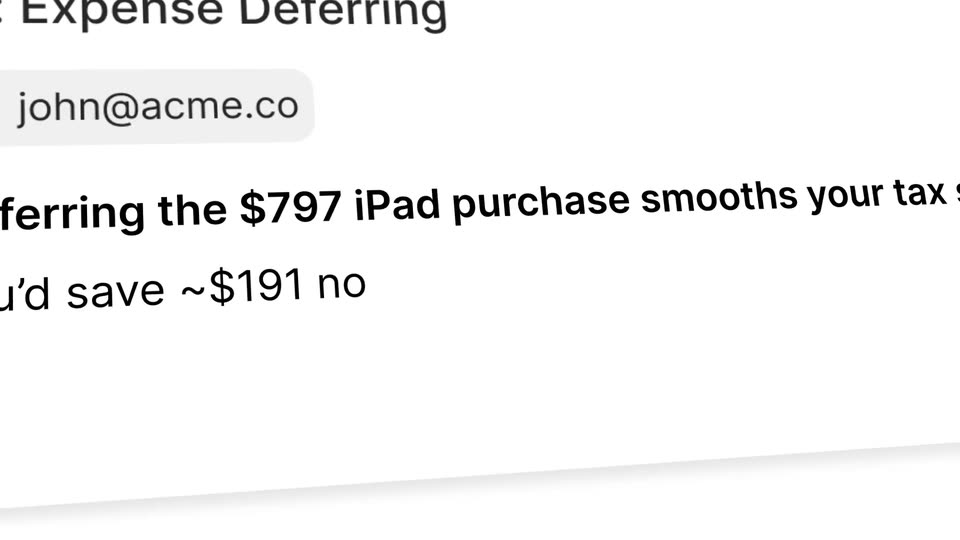 0:49–0:50Minerva · Meet MinervaA white email card with a brain icon, subject line and sender chip rests on a light gray background. The camera zooms into the card, enlarging the body copy until a green figure appears at the bottom edge.
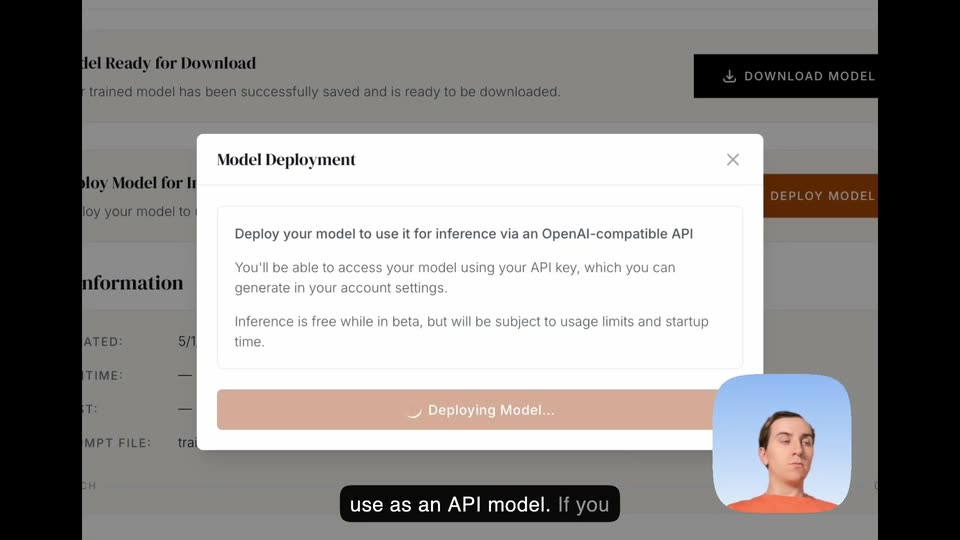 0:59–1:04RunRL · RunRLA web UI screen shows a Model Deployment modal over a dimmed page; a cursor clicks the orange button, which turns to a loading state, then the view zooms out. A man in an orange shirt sits in a small box at bottom right, white subtitles below.
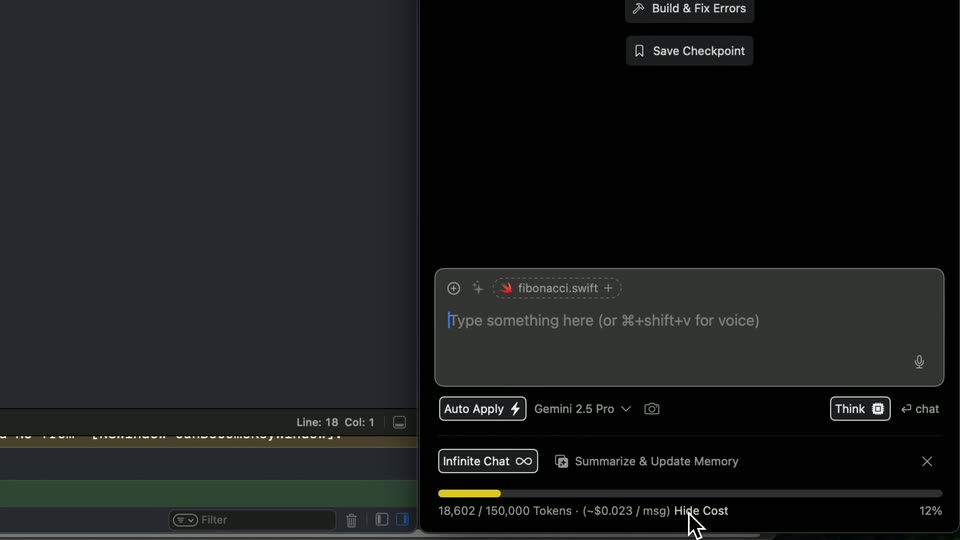 0:56–1:08Alex · Alex - Xcode AI Coding AssistantA screen recording of a code editor zooms into the right-hand ALEX chat panel. A cursor hovers the token bar, opens a breakdown tooltip, toggles the cost figure, then closes the row as the view pulls back into a tilted 3D perspective.
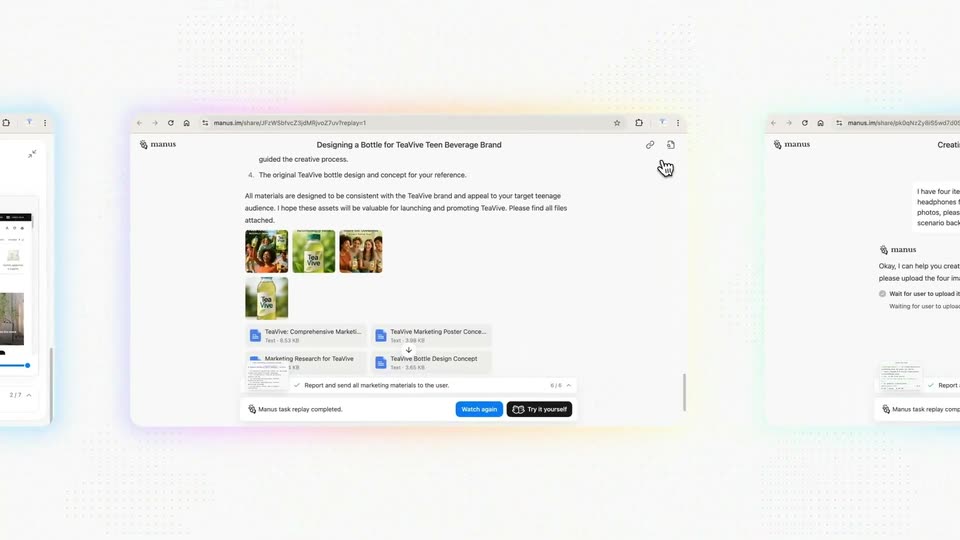 0:40–0:41Manus · Manus - Introducing Manus image generation. Manus doesn’t just generate imagA close-up of the Manus browser window, showing a task replay for a TeaVive bottle design, zooms out to sit centered between two sibling windows on a dotted grid. A soft pink and blue glow runs along the bottom while a hand cursor rests at the top right.
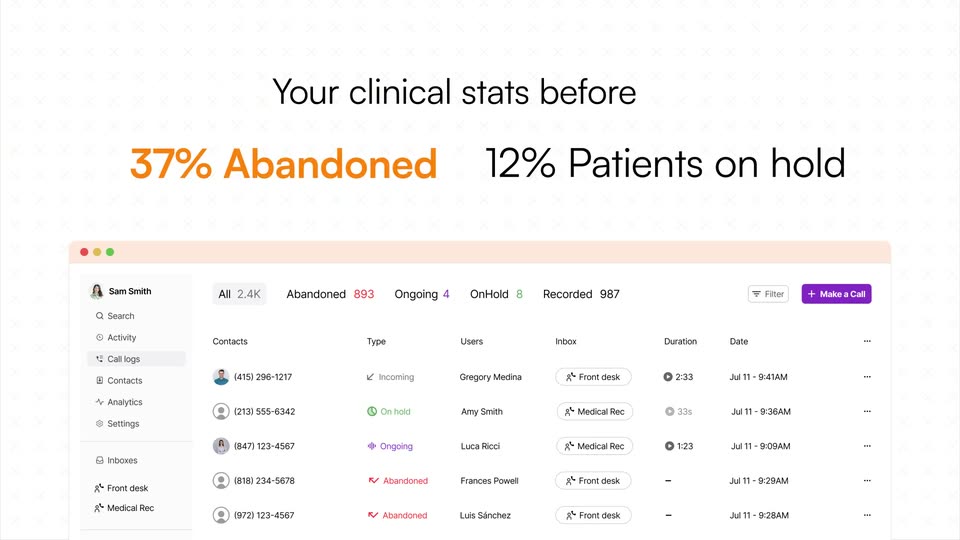 0:18–0:20Novoflow · Novoflow Launch (YC X25)A black headline and two bold stat lines fade in above a call-logs screen, then the view zooms into the table rows and tabs.
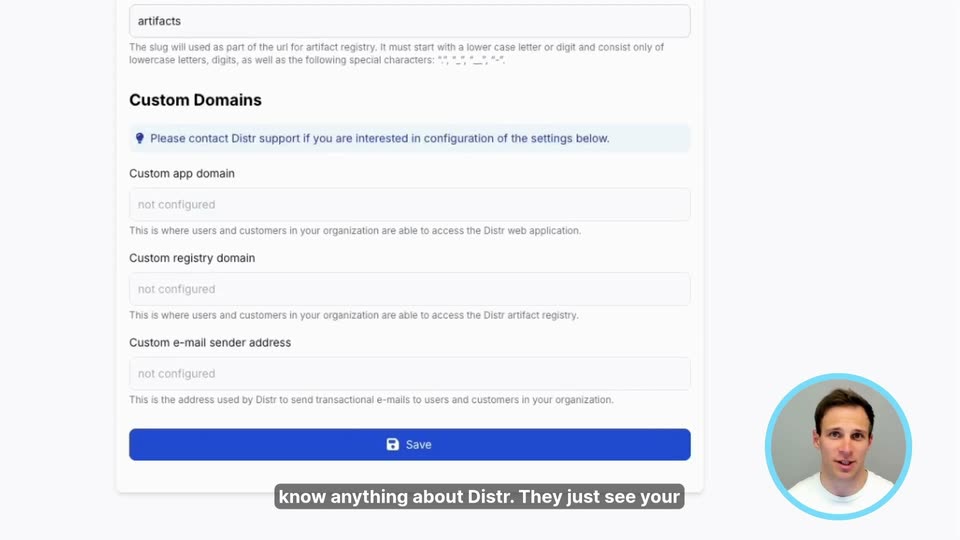 1:41–1:48Glasskube · Distr DemoA settings screen shows the Custom Domains section with three empty fields and a blue Save button. A circular video of a presenter sits in the lower right while subtitles roll below. The view pulls back at the end to reveal the full page and left sidebar.
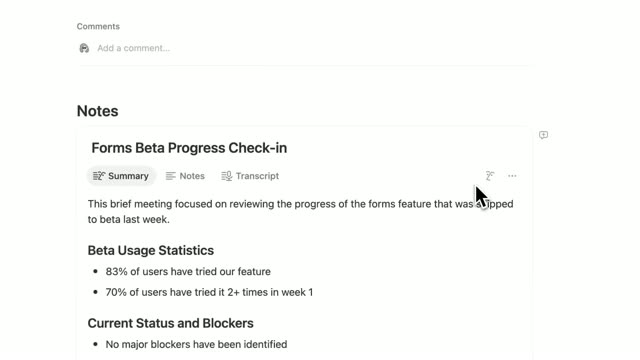 0:44–0:48Notion · Introducing AI Meeting NotesA light interface shows a Notes panel. A card runs a Thinking checklist, then its title resolves to Forms Beta Progress Check-in as summary text and bulleted stats fade in line by line. A cursor hovers right as the view scrolls up.
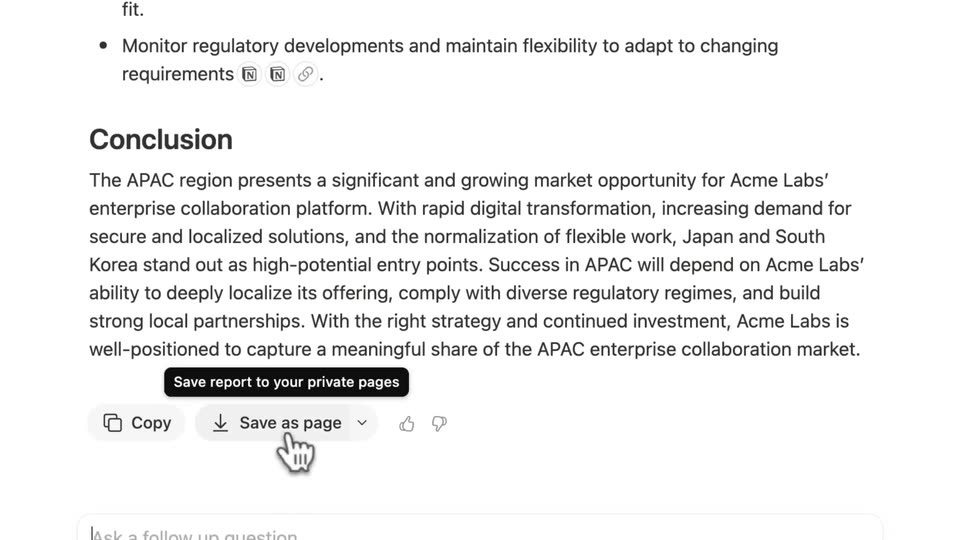 0:52–0:53Notion · Introducing Enterprise SearchA close-up of a report's conclusion shows a hand cursor hovering over the Save as page button. The view then zooms out to reveal the full document inside a browser window, with its title, headings and body text.
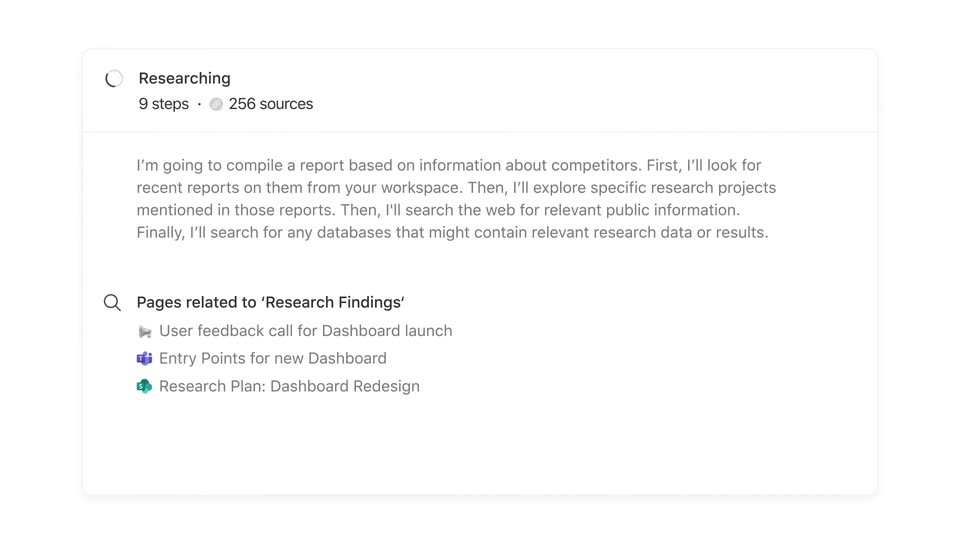 0:51–0:55Notion · Meet the all-in-one Notion AI for workA close-up of a light UI card pulls back as step and source counters tick up. Related page items list in one by one, then a blue check marks the task complete. The card zooms out to a Final report page with Copy and Save buttons.
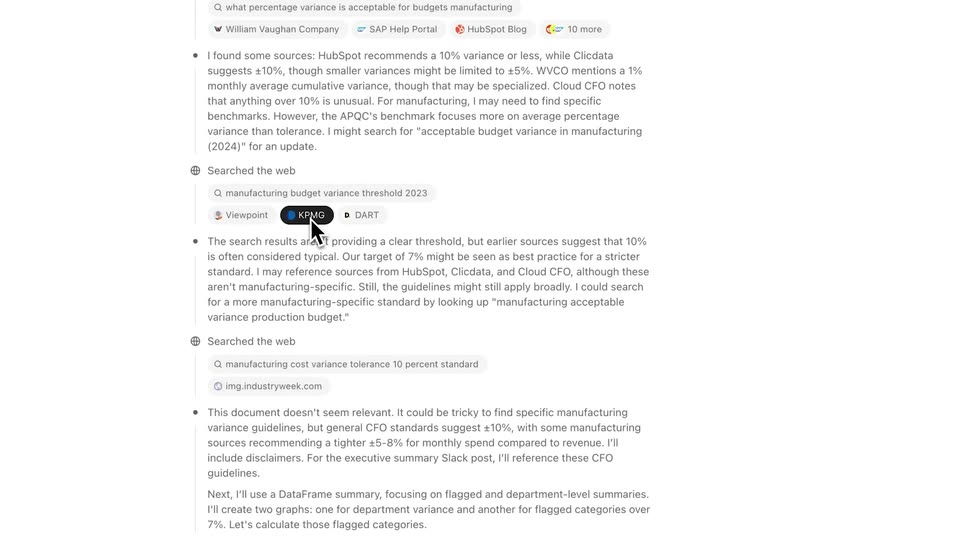 1:49–2:20OpenAI · Automate complex workflows with OpenAI o3A close-up of a ChatGPT chat scrolls past code blocks, analysis notes, and web search chips while a cursor hovers over source tags. The frame then pulls back to the full browser window on a gradient desktop, where summary tables and an orange bar chart appear.
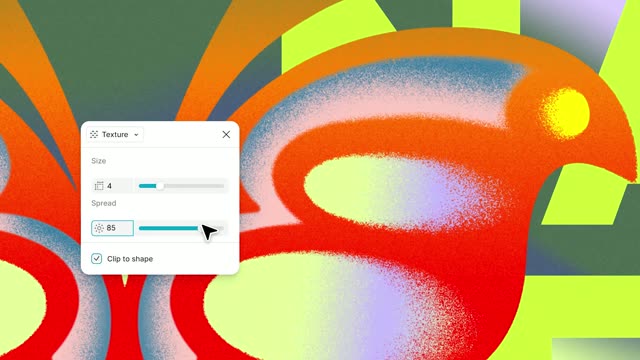 0:51–0:53Figma · All the launches at Config 2025 | FigmaA cursor drags the Spread slider in the open Texture panel from 0 to 77, adding a grainy noise to the pastel ovals of a red bird-butterfly shape. The camera pulls back to show the whole artwork set over large lime-green letters.
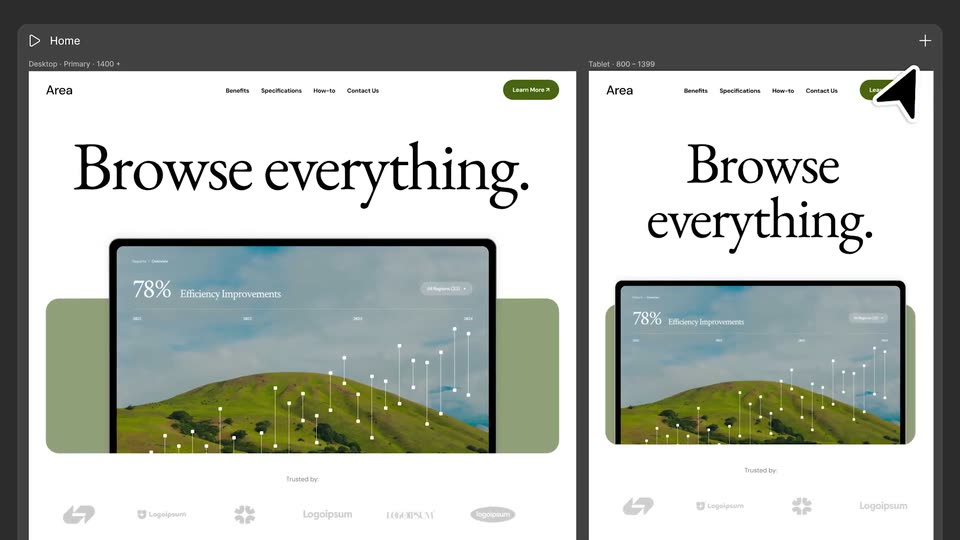 0:07–0:12Figma · Figma - Introducing Figma Sites Take your designs straight to the web. WithA breakpoint dropdown (Desktop, Tablet, Mobile, Custom) hovers over a blurred webpage; the cursor clicks Tablet, the canvas sharpens and pulls back to show three responsive mockups of the same page side by side, each with a serif “Browse everything.” headline and a device frame over a green hill.
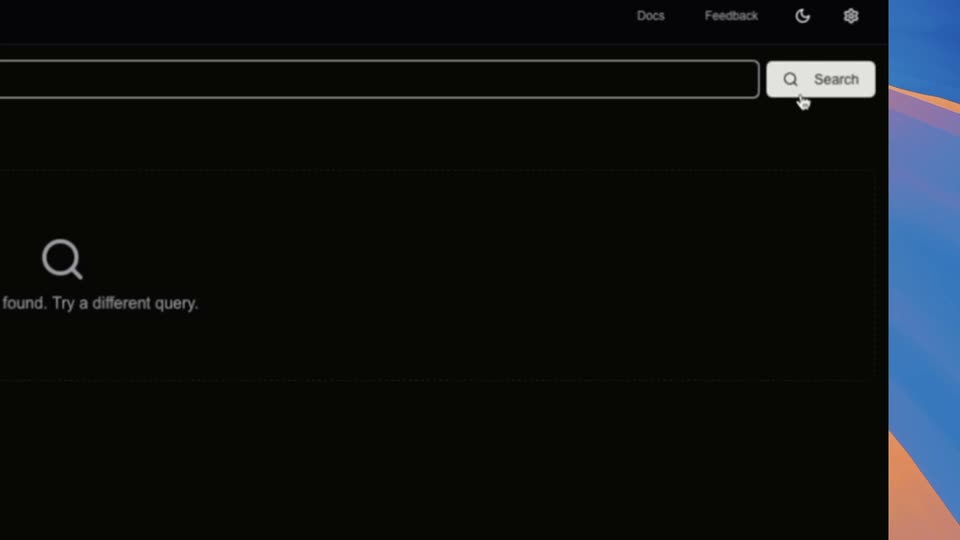 0:28–0:37Morphik · Morphik Launch DemoClose-up of a dark search bar in the Morphik app; the query 'Generative AI Score by vector' types in letter by letter, a cursor clicks the Search button, then the frame zooms out to the full window on a blue and orange desktop, showing a no-results message.
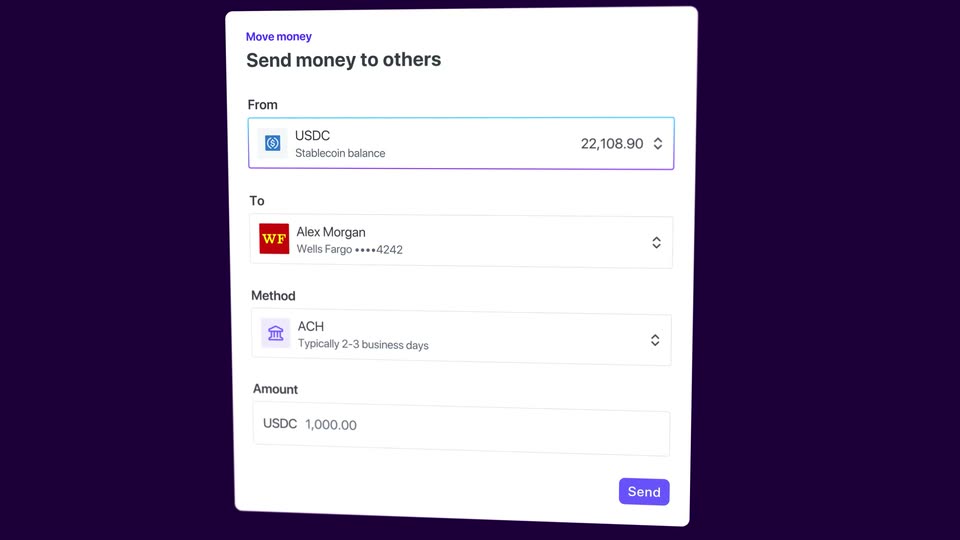 0:27–0:36Stripe · Stripe - Introducing Stablecoin Financial Accounts. Hold a stablecoin balance.A tilted white payment form floats on dark purple. A close-up on the Method field shows a dropdown expanding to ACH and SEPA, then collapsing. The view pulls back to the full card; focus outlines trace the From and Amount fields before a fast push-in blurs into the Send button.
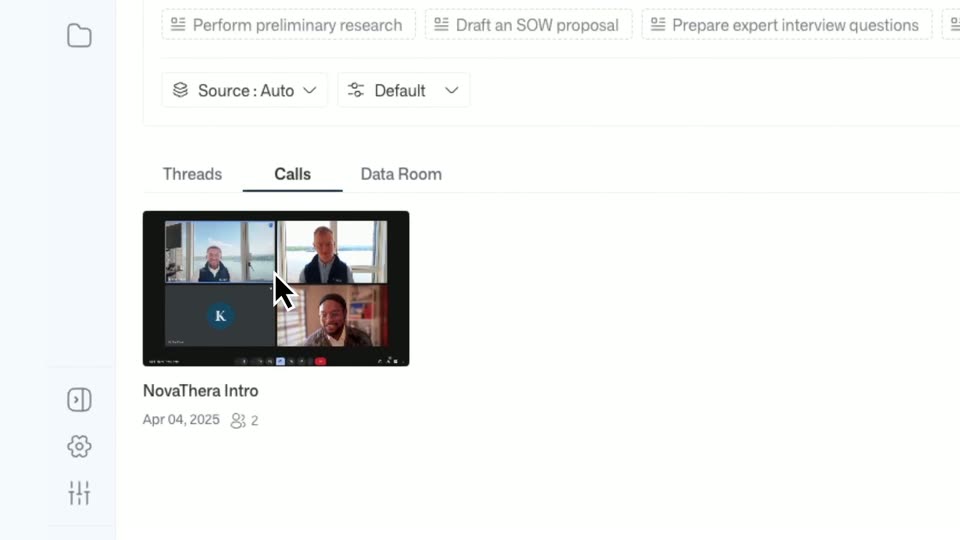 0:24–0:26Kenley · Introducing Kenley WorkStreamsA light product interface fades in on a Calls tab showing a video call card, then the frame pulls back to reveal a top row of suggestion chips and source dropdowns, before fading to white.
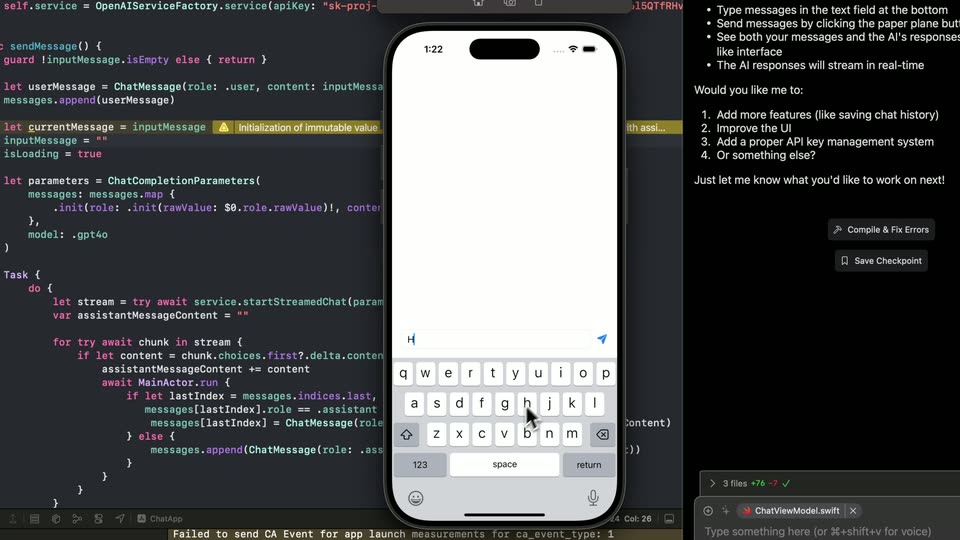 0:51–0:58Alex · Alex - Xcode AI Coding AssistantA wide Xcode workspace with Swift code and an AI chat panel frames an iPhone simulator in the center. The view zooms into the simulator, a cursor taps the message field, types 'Hi' and sends it, then a 'Hello' reply bubble appears.
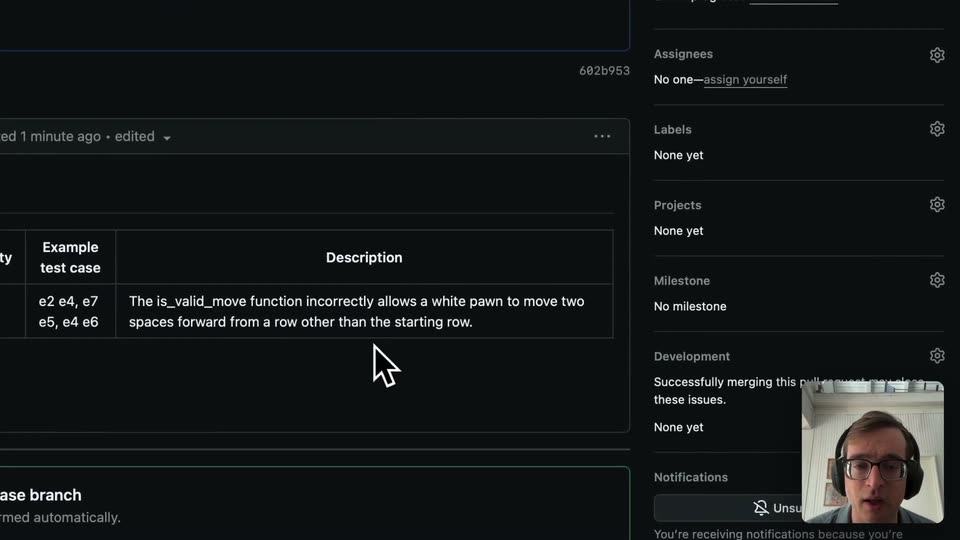 1:52–2:09Cartpole · Jazzberry DemoA dark GitHub pull request page fills the screen with a small webcam feed of a speaker in the lower right corner. The cursor hovers across a Bug Report table, then the view zooms in on the description cell as the speaker reads it.
 0:30–0:35Altrina · Workflow EditorA dark workflow status panel fills the frame, its message box and header set in white text. A white cursor glides down from the top bar into the message box, then drifts left. The view reframes slightly tighter on the panel.
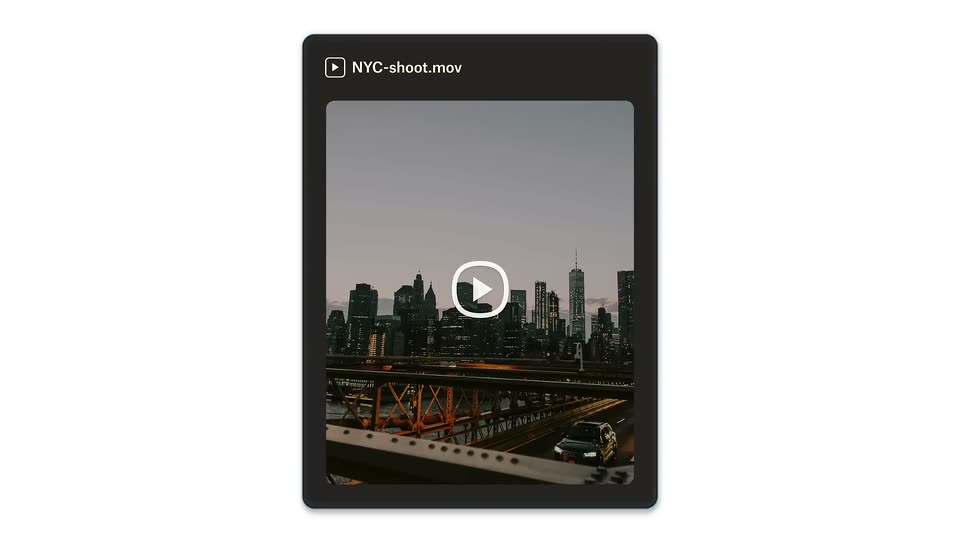 0:25–0:26Dropbox Dash · Dropbox Dash: Search videos, images, and create content fastA wide scatter of file cards on a light background zooms into the central dark video card, showing a city skyline and a play button, isolating it on white as the others slide out of frame.
 0:40–0:42Knock · Knock - Launch week → Day 2 Introducing Knock workflows 3.0. Rebuilt with aA cursor moves down an Insert block dropdown in an email editor, then the frame pulls back to reveal the full code editor on the left beside a rendered approval email on the right.
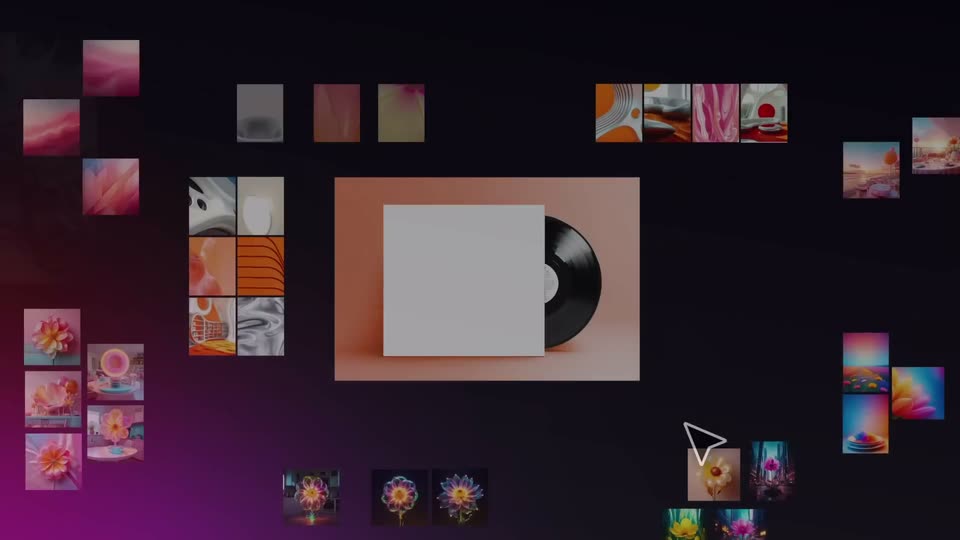 0:23–0:25Adobe · Adobe Firefly: The next evolution of creative AI is hereA 3D moodboard interface shows a colorful flower image and a room render, labeled Firefly Boards. The view zooms into one tile, an orange album cover, as a vinyl record slides out and small image tiles scatter around it on a dark gradient.
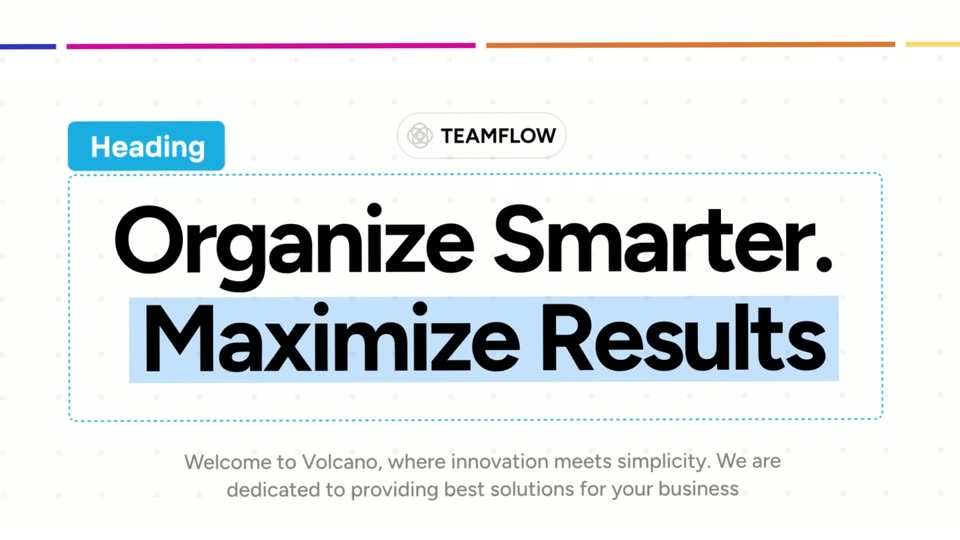 0:46–0:52Lovable · Lovable 2.0 is here. Multiplayer vibe coding. Smarter & more secure.The editor UI sharpens from a blur as a hand cursor types in a dark Edit Text panel, picks XL from the text-size dropdown, then a color picker opens and a blue swatch recolors the second heading line as the view zooms out to the full page.
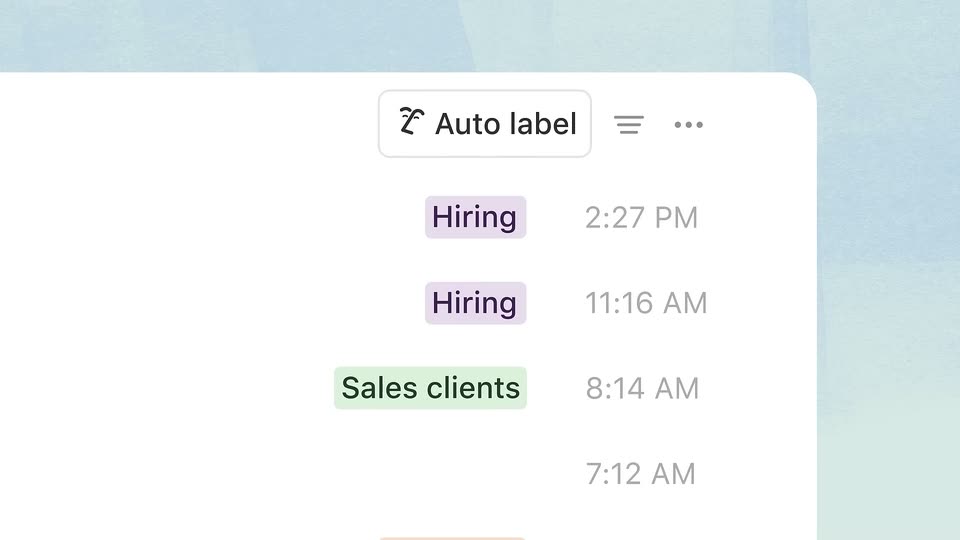 0:17–0:20Notion · Meet Notion MailA white inbox panel on a pale blue background lists emails with colored category labels and timestamps. The view zooms in on the right side, enlarging the labels and times until only the label column fills the frame.
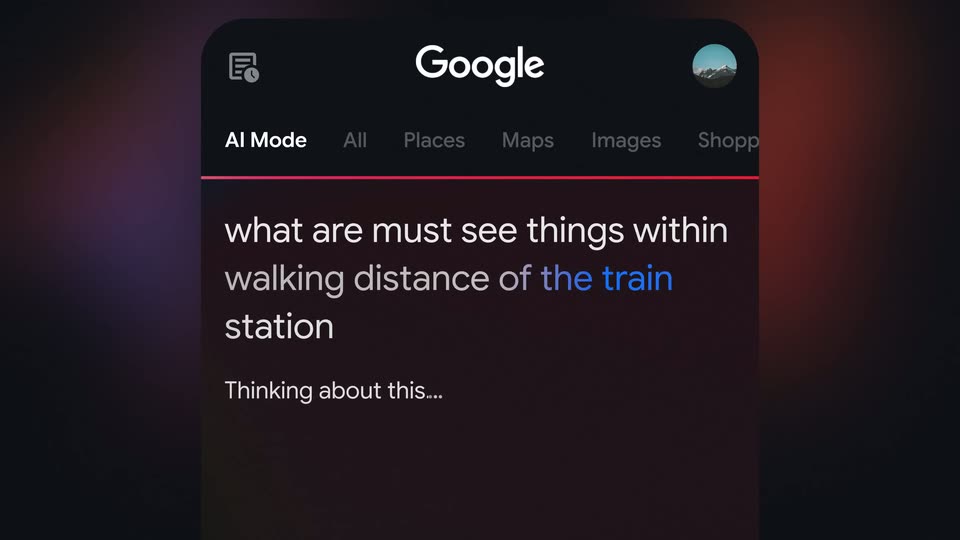 1:12–1:13Google · Introducing AI Mode: A New Experiment in Google SearchA dark Google AI Mode screen holds a query with orange, red and blue highlighted words. The frame pulls back slightly and a 'Thinking about this...' line fades in below the text.
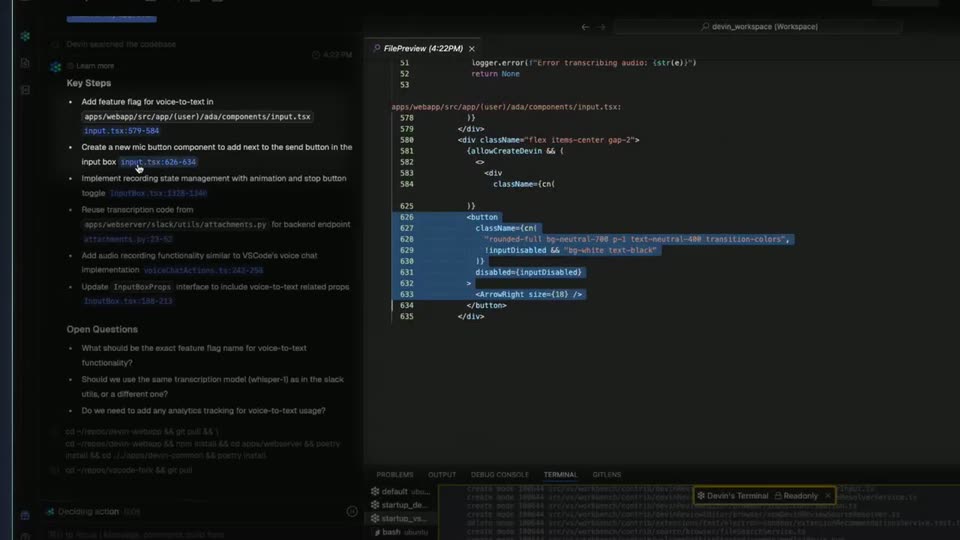 0:22–0:25Devin · Cognition - Introducing Devin 2.0: a new agent-native IDE experience. GenerallyA dark code editor interface is shown, then the view zooms in on the left panel, focusing on a list of open questions and a terminal command line.
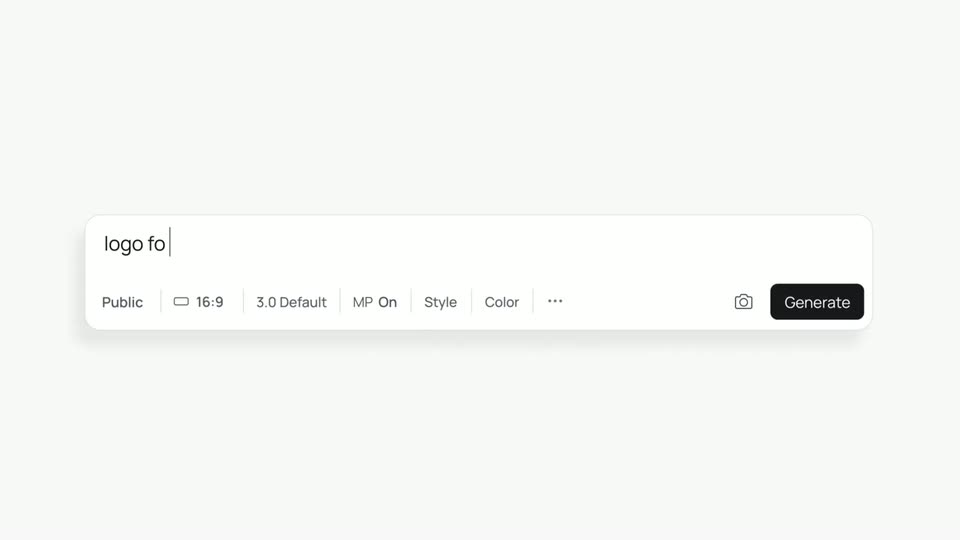 0:49–0:52Ideogram · Ideogram - Meet Ideogram 3.0 — stunning realism, creative designs, and consistenA close-up of a prompt bar's settings row pulls back to reveal the full bar as the words logo for Brewgram coffee shop type into the input field. A cursor arrow moves across the bar and rests on the black Generate button.
 0:35–0:36Google · Introducing Canvas in GeminiA dark code editor fills the frame, HTML and CSS lines in white, green and blue, line numbers down the left edge. The view eases from a slight angle to a straight-on close-up on the body block. The caption “into code” holds still.
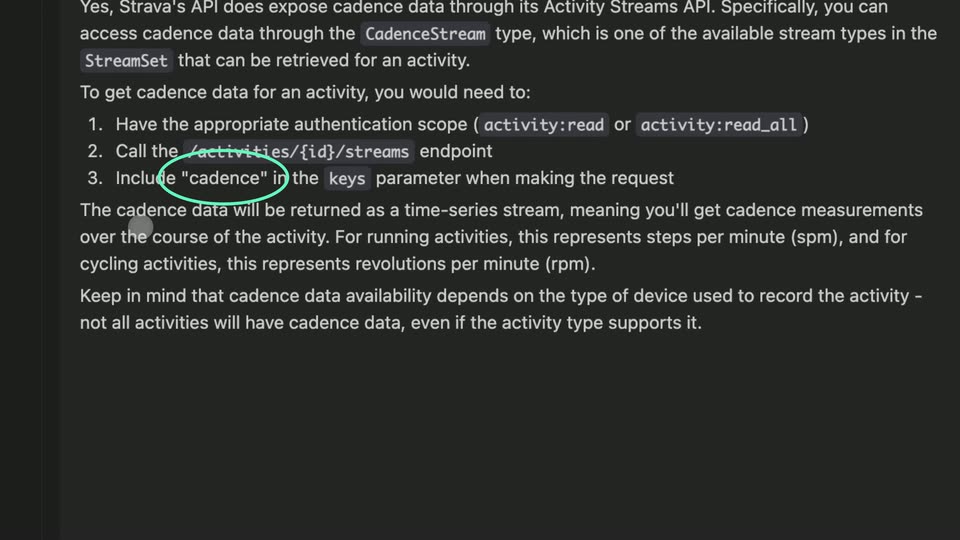 1:07–1:11Windsurf · Windsurf Wave 5: Windsurf TabA dark chat screen streams a long answer about the Strava API's cadence data, word by word. The view zooms in on the body text, and a teal hand-drawn ellipse is sketched around the word cadence.
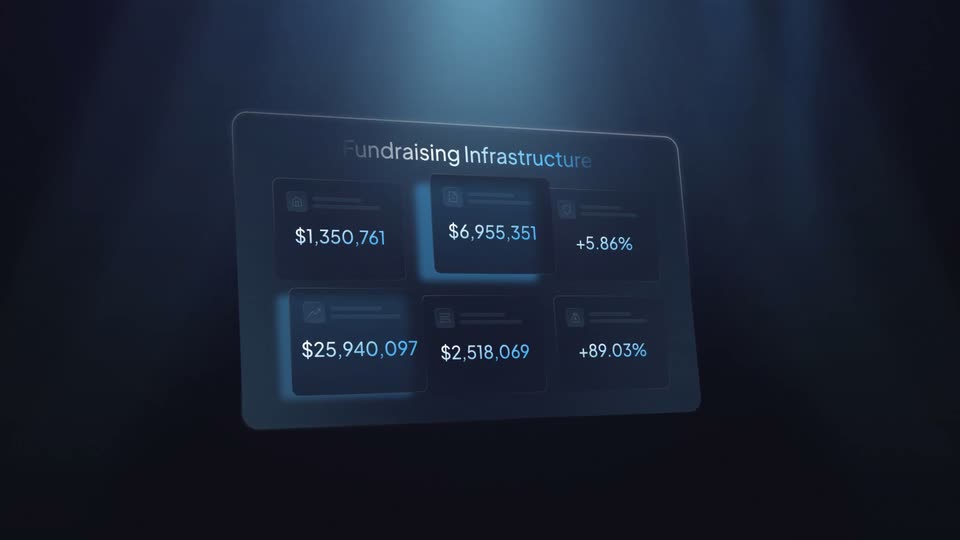 0:50–0:53Nexera · Web3 Explainer Video | Crypto Animation Video - NEXERAA frosted-glass dashboard titled “Fundraising Infrastructure” floats in a dark blue space, tilting from a 3D angle to face the camera as its six stat tiles tick up. The camera then pushes into the $6,955,357 tile, which scales to fill the frame.
 0:15–0:17Screen Studio · Screen Studio - Screen Studio 3.1 is here Introducing Masks: Blur sensitive data orA dark verification-code form reframes from a tight crop to a full windowed view as the purple logo morphs into two overlapping rings. Digits one through five fill the input boxes in sequence, a caret blinks in the last box, and a purple confirm button sits below.
 0:33–0:35Reka · Reka - We use Reka Flash 3 to power Nexus, our new platform for organizationA purple Create Worker button with a vertical three-dot icon and a white cursor sits on a dark halftone dot field. The dots fade out as the button scales up toward the camera until it fills the frame.
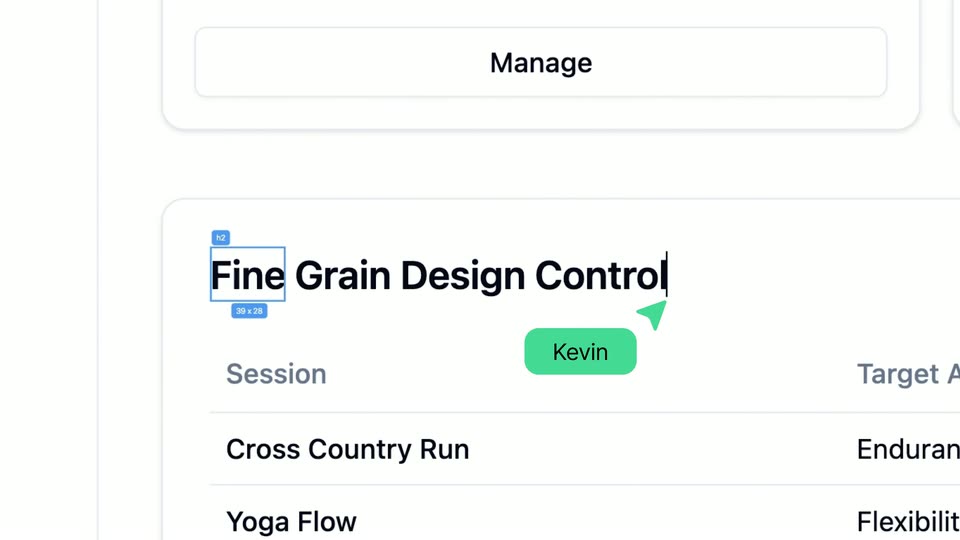 0:20–0:22Tempo · Introducing Tempo V2 - AI web design tool for designers and developersClose-up of a UI card: a text element with blue selection handles and size tags changes from Focus Activities to Fine Grain Design Control as green named cursors hover, then the view zooms out to reveal the session card and a right-side settings panel.
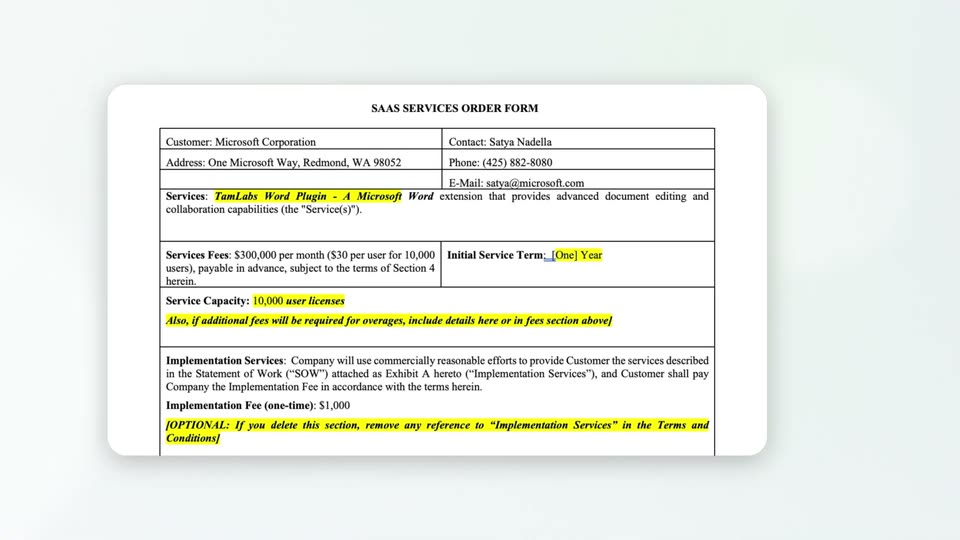 0:38–0:39TamLabs · Introducing TamLabsA white document card titled SAAS SERVICES ORDER FORM sits on a plain gray background, its monospace body text with yellow-highlighted lines scaling up to fill the frame as the card zooms in.
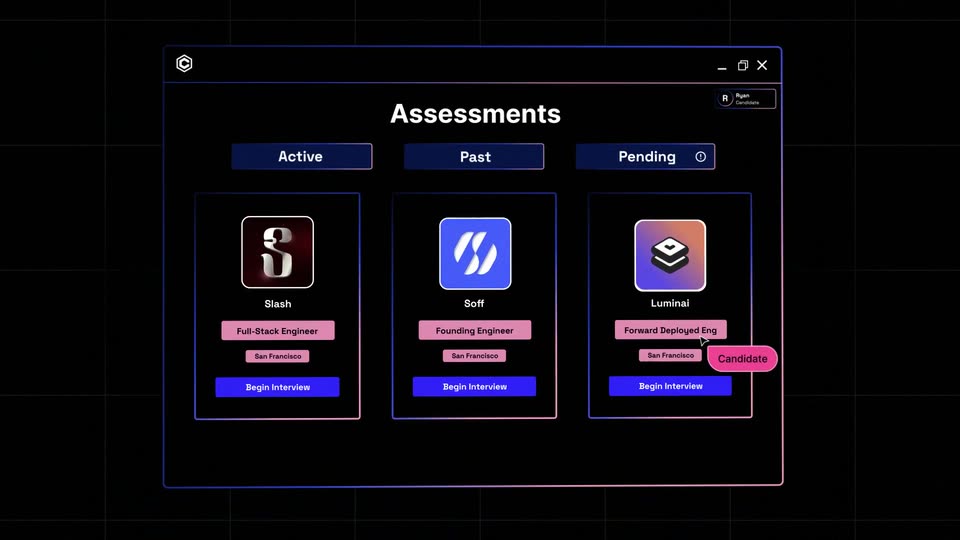 0:36–0:37Contrario · Contrario Launch VideoA dark 3D interface mockup floats on a grid floor. A Talent Pool window with two candidate cards sits in front of an Assessments window showing three company cards. The view reframes to a frontal angle on the Assessments panel as a pink Candidate tag slides in from the right.
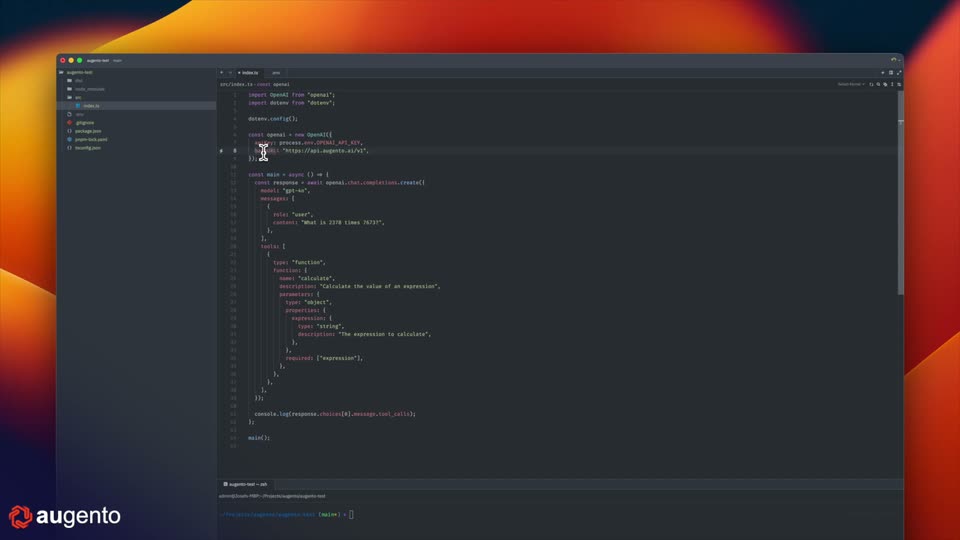 0:45–1:00Stillwind · Augento AI – DemoA dark code editor window floats in 3D perspective over an orange and purple gradient. A cursor edits the API key in the .env tab, updates the base URL in index.ts, then runs the file in the terminal, which prints a tool call result. The view zooms into the terminal.
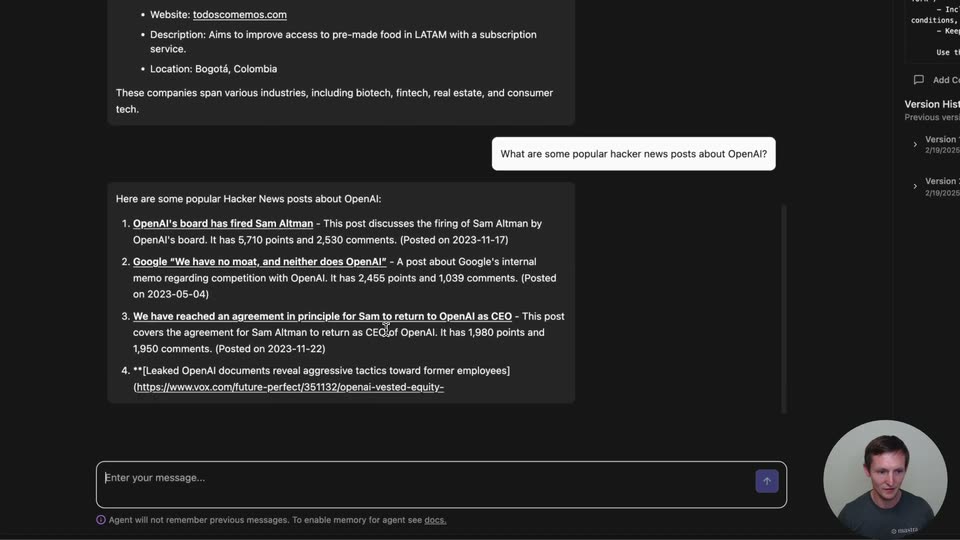 1:52–2:10Mastra · Mastra Demo - The Typescript AI Agent Framework (2024)Dark chat interface in a browser with a circular presenter webcam bottom-right. The frame pulls back from a close-up of the company list to the full app, scrolls the list, then a question about OpenAI is typed into the input bar and sent, and a numbered answer appears.
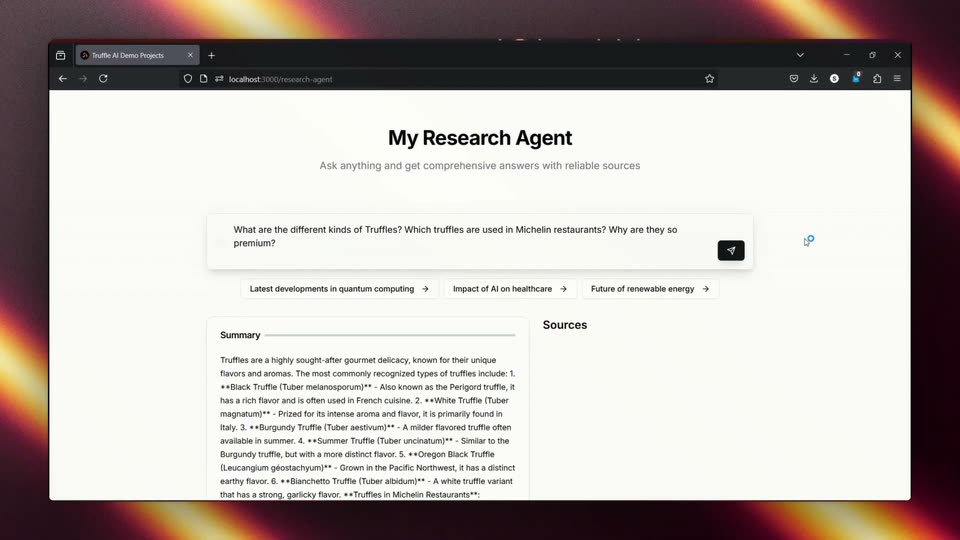 0:56–1:00Dexto · Truffle AI Launch YCA browser window shows a research agent app; a truffle question sits in a search box while a status line reads Searching the web, then a Summary and Sources panel slides in with article cards, as the camera zooms in and tilts the window into 3D perspective.
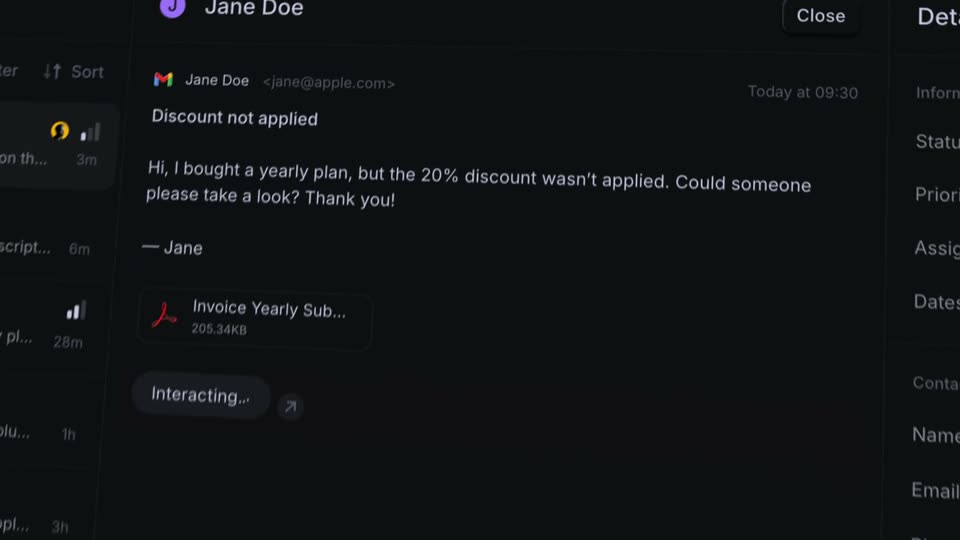 0:26–0:28Input Systems · Input - Meet Lemni. Set up Ai agents for all your customer interactions, in jA dark support-ticket interface fills the frame, centered on an email from Jane Doe about a missing discount, with an invoice attachment and an Interacting pill. The view eases out to reveal a ticket list on the left and a details panel on the right.
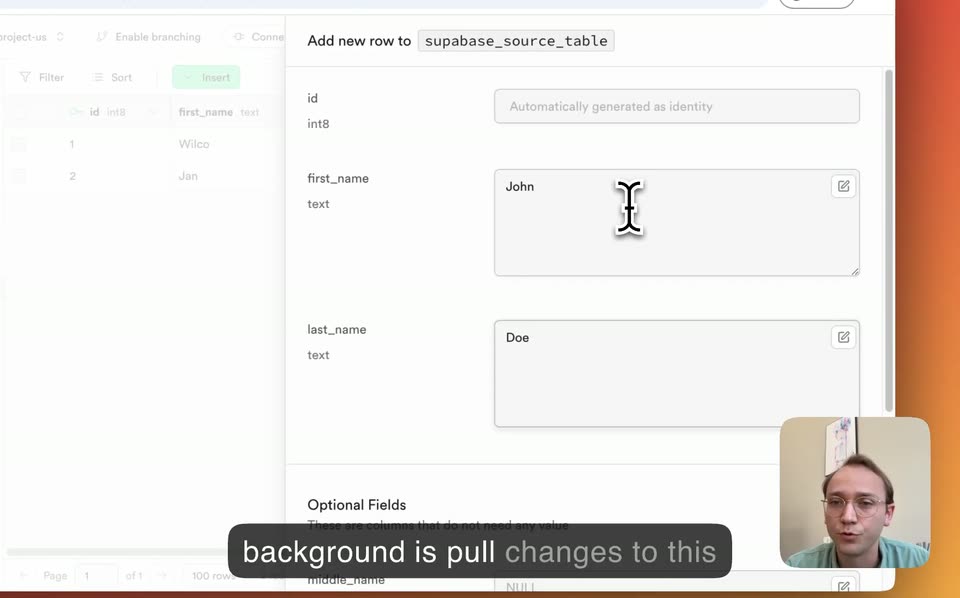 0:50–1:01ReJot · ReJot YC LaunchSupabase table editor screen recording. A white cursor clicks the green Insert button; a form panel slides in from the right and the cursor types John and Doe. The view zooms into the form, then back to the table as the new row appears. A presenter's webcam sits bottom-right.
 1:09–1:10Sublingual · Sublingual AI DemoA browser dashboard shows the LLM Runs list as a hand cursor hovers over a logged run, then the view zooms and blurs onto that row. A webcam feed of the presenter sits in the lower right and a caption bar runs along the bottom.
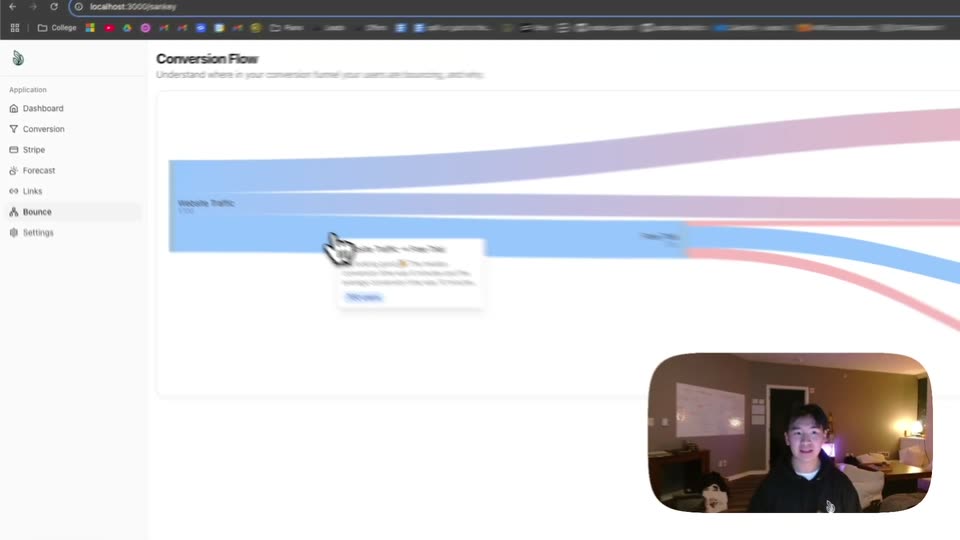 1:18–1:21Cedar · Cedar Demo 🌲A Conversion Flow dashboard shows a funnel diagram with blue and pink bands. A cursor hovers over the blue band, opening a tooltip with conversion stats. The view zooms out to the full browser window, with a webcam of a person in the corner.
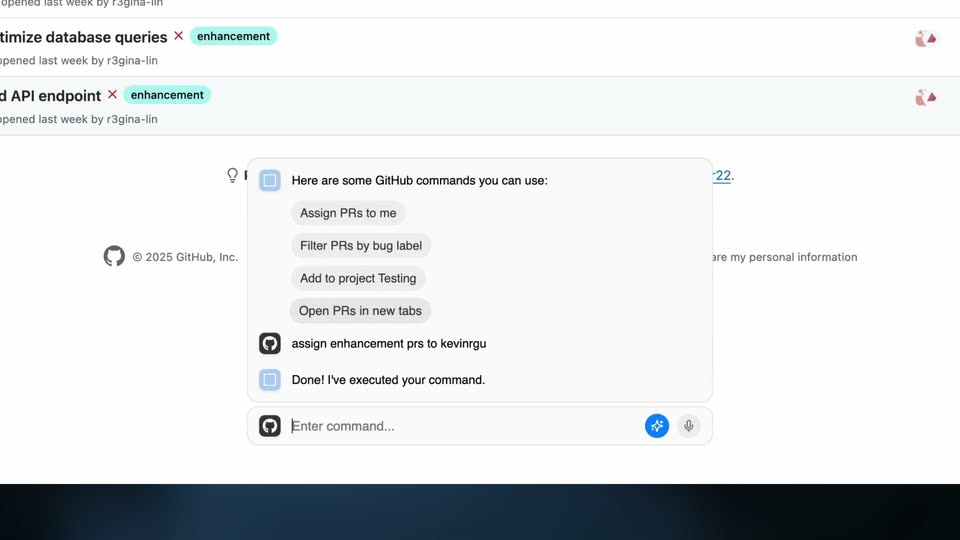 0:58–1:10Thirdlayer · Meet Dex - Your AI Coworker for the Browser.A tilted 3D browser mockup floats on a soft gradient, showing a GitHub pull request list. A command is typed in the chat bar, an assignee dropdown opens, then the view zooms into the chat panel to read the bot's reply before pulling back out.
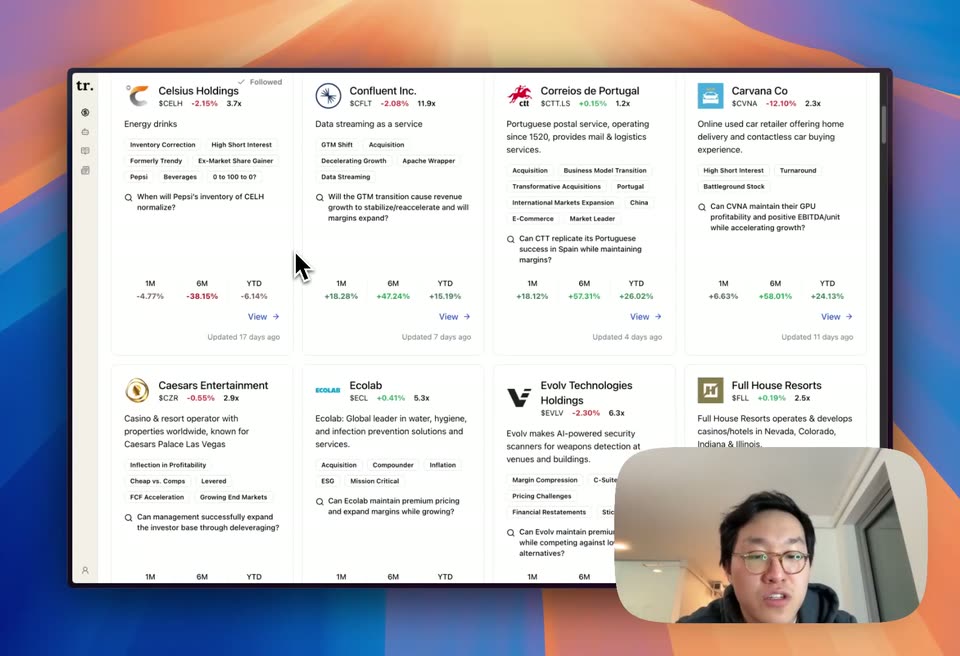 0:50–1:08Trata · Launch YC Trata (W25)A tilted 3D window of the tr. equity app on a gradient background opens zoomed in on the filter row and first cards, then pulls back while the cursor scrolls the company card grid down. A presenter's webcam inset sits in the bottom right.
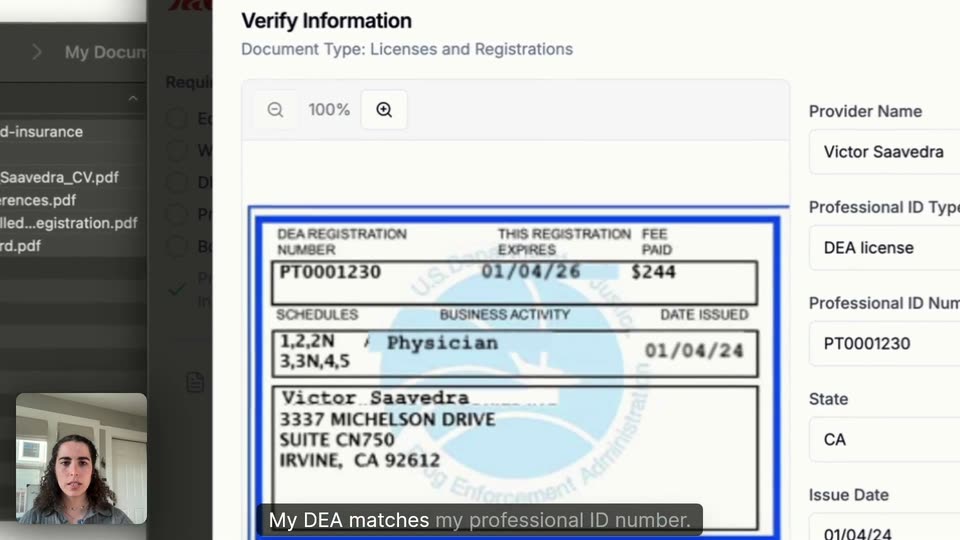 0:31–0:32Harbera · Launch YC: HarberaA verification screen shows a DEA registration document with a blue selection box, zooming in slightly as form fields on the right fill in. A webcam video of a woman sits in the lower left corner, and a caption appears at the bottom.
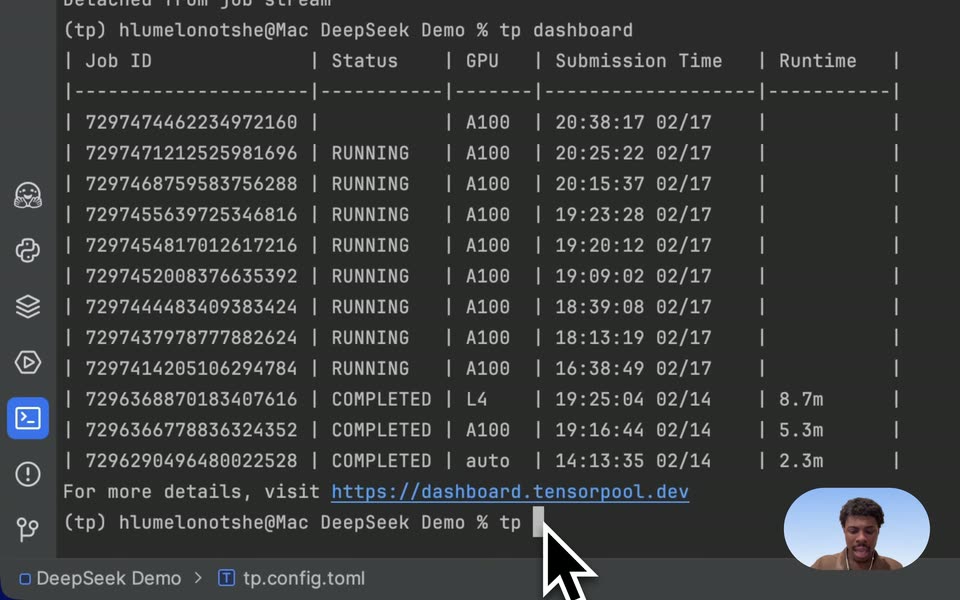 2:00–2:05TensorPool · TensorPool (W25) - The Easiest Way to Access GPUsA code editor with a terminal panel listing running jobs in a table. The view zooms into the terminal as a cursor moves down and types a command at the prompt. A small webcam feed of a presenter sits in the bottom corner.
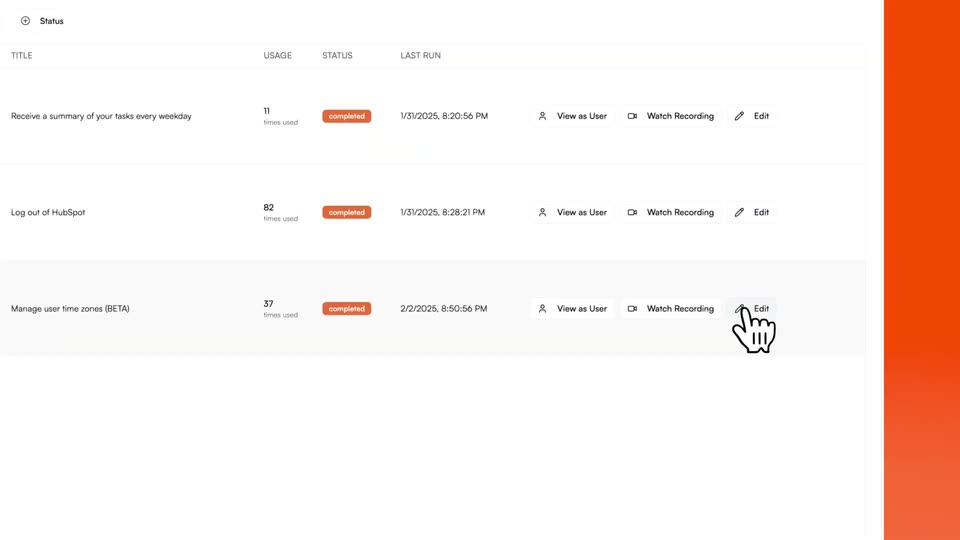 0:20–0:28SAMMY Labs · SAMMY Labs - Product TourA browser window tilts in 3D over an orange backdrop, showing a walkthroughs list, then flattens as a hand cursor hovers across rows and buttons. The view zooms into the table and pulls back to the 3D mockup.
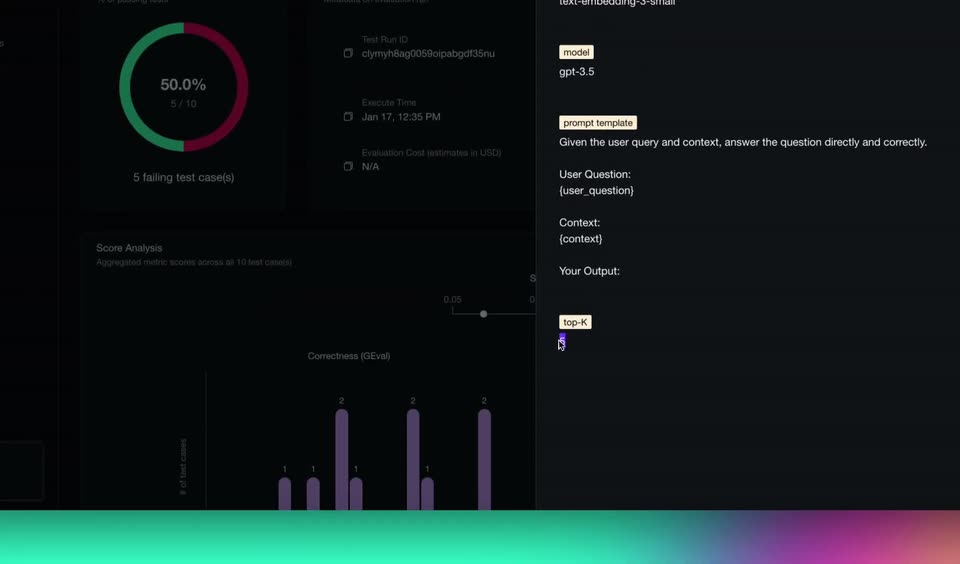 0:42–0:46Confident AI · Confident AI Launch YCA dark evaluation dashboard. A donut chart reads 50.0% beside a General Info card. On the right, a Hyperparameters list shows embedding model, model, prompt template and top-K. A cursor hovers each value as it flashes purple. The view pans left to a Score Analysis bar chart.
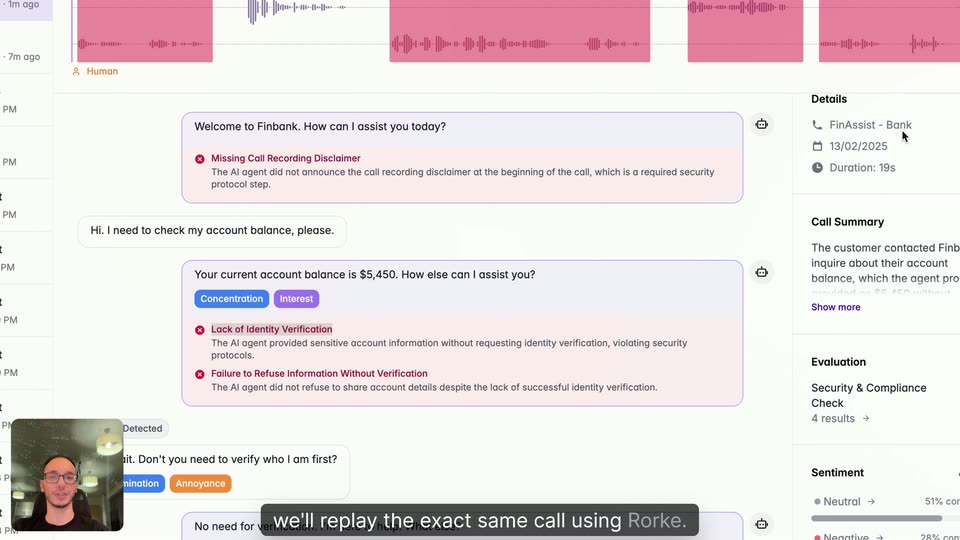 1:38–1:44Roark · Roark (YC W25) - DemoA flat product dashboard fills the frame, showing a chat transcript with red compliance error callouts and a right-hand details panel. The view zooms in on the transcript then back out, while a small presenter video sits bottom-left and white captions run along the bottom.
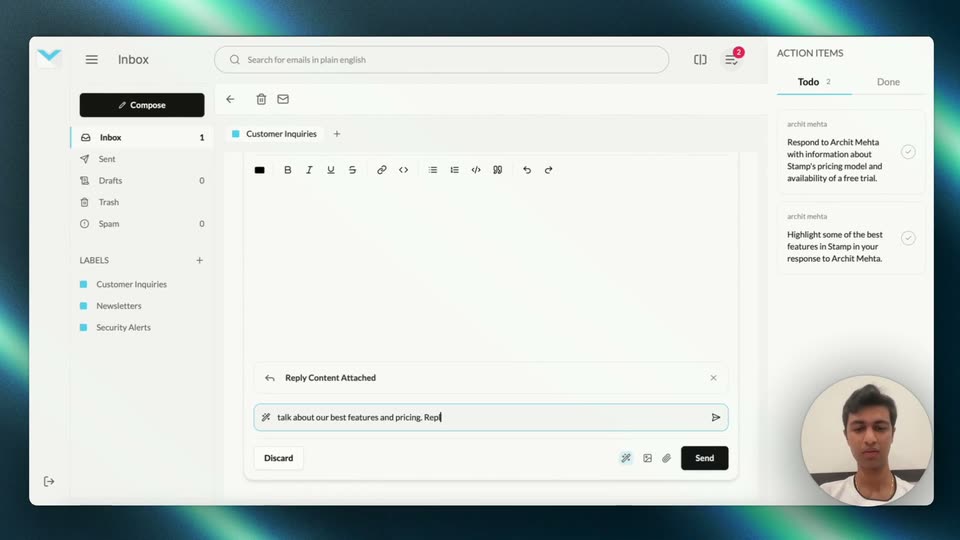 1:29–2:18Stamp · Introducing Stamp: The AI Native Email ClientA screen recording of the Stamp email app shows an inbox with a Summary and Action Items panel, while a circular webcam of the presenter sits in a corner. The view zooms into the summary, then into a reply box where a typed prompt generates a draft response.
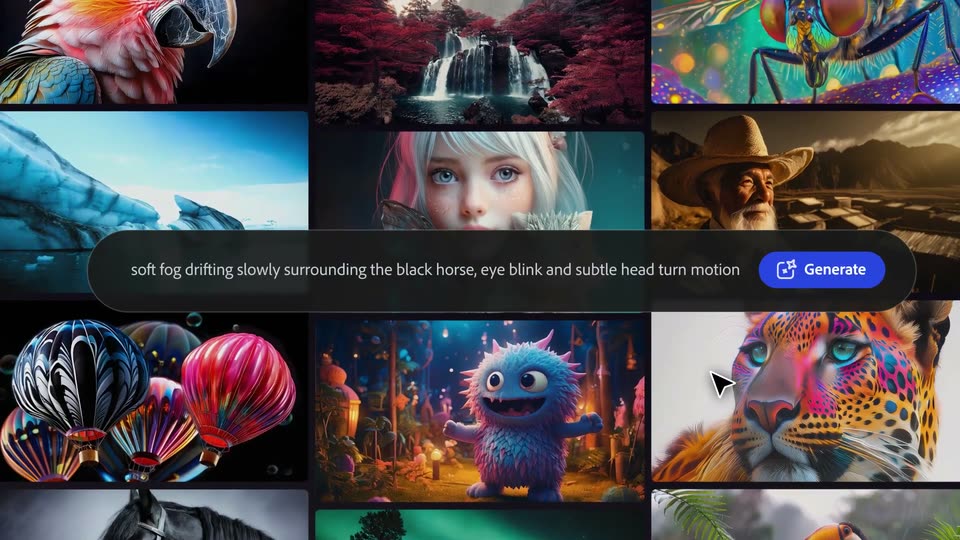 0:28–0:30Adobe · Meet Firefly Video Model | AdobeA grid of colorful AI images fills the frame behind a dark rounded prompt bar. The prompt text types in letter by letter, then a cursor glides to the blue Generate button and the shot zooms in on it as the grid blurs out.
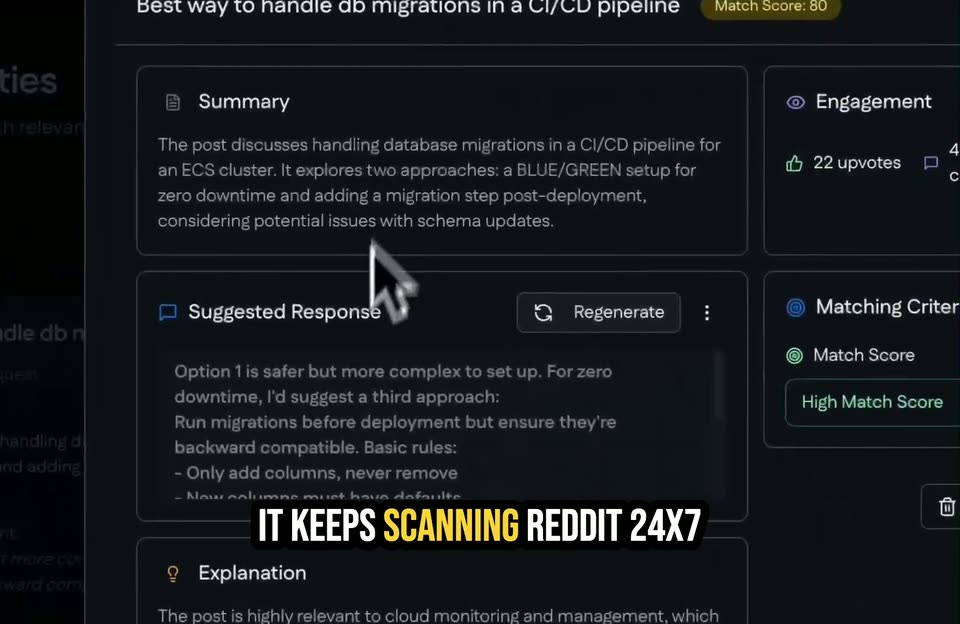 0:38–0:51Flowtel · Casixty DemoA browser window shows a dark Opportunities dashboard: a loading spinner gives way to a list of scored posts. The view zooms into one post's suggested response as a cursor opens an options menu and clicks the Post button, while bold caption lines swap in at the bottom.
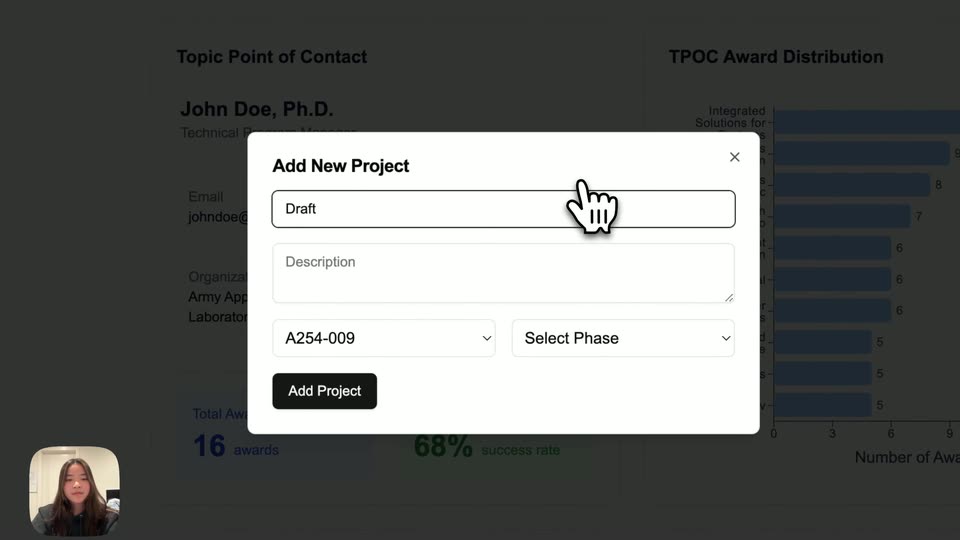 0:36–0:45Candor · Candor (YC W25) Demo || Win Government Funding With AIThe Candor dashboard scrolls up to a project summary, then the view zooms toward the Add Project button. A hand cursor clicks it, a modal opens, and the cursor types a project name and picks a phase from a dropdown.
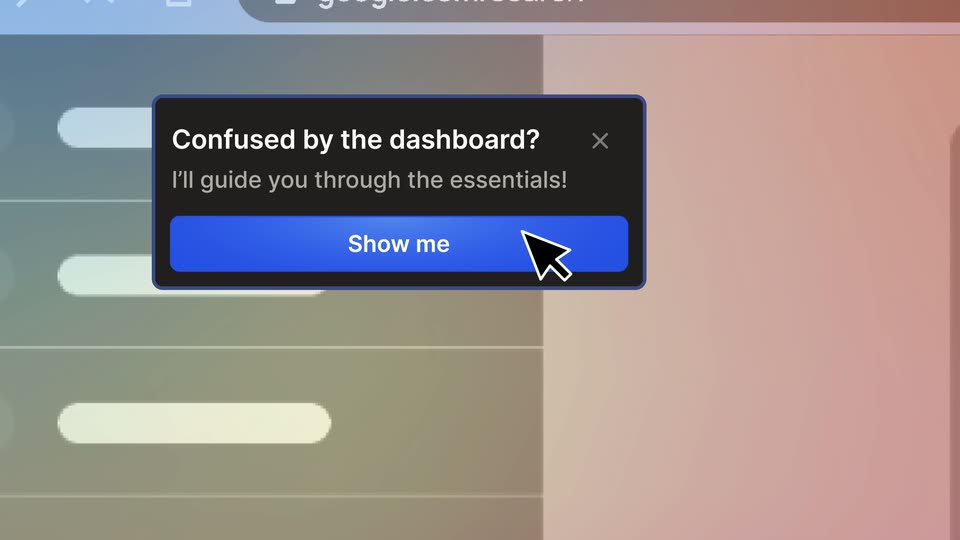 1:32–1:34Amplitude · Amplitude Guide and Survey OverviewA dark onboarding tooltip with a blue Show me button and a cursor sits over a blurred dashboard, then the tooltip closes and the view pulls back to a sharp settings form with Targeted Users selected.
 1:47 · 0.5sBerachain · Berachain Foundation 🐻⛓ - Berachain is finally real.Close-up of a white article page with the word Berachain marked by a yellow highlight box and a green underline, surrounding lines softly blurred. The frame slowly pushes in on the highlighted word.
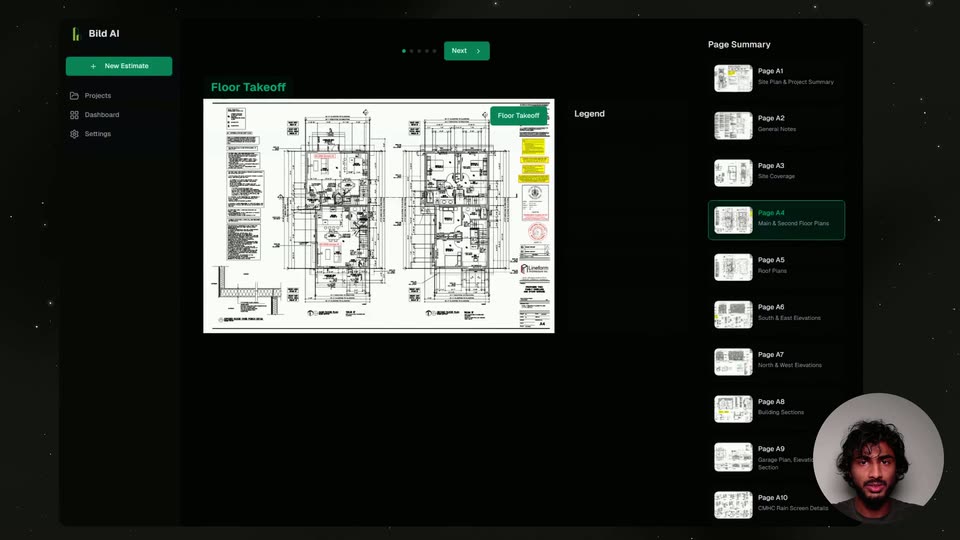 0:34–0:35Bild AI · Read Blueprints Using Bild AIA dark app screen shows a white architectural floor plan left and a Page Summary thumbnail list right, Page A4 outlined in green. The view zooms out to reveal a left sidebar; a green Floor Takeoff button scales in above the plan. A round webcam circle sits bottom right.
 0:33–0:35Mistral AI · Introducing le Chat by Mistral AIA dark grid background opens zoomed into the word Analyze., then pulls back to frame the full headline centered. The headline fades out as a small dark input panel with an icon and three option labels fades in behind it.
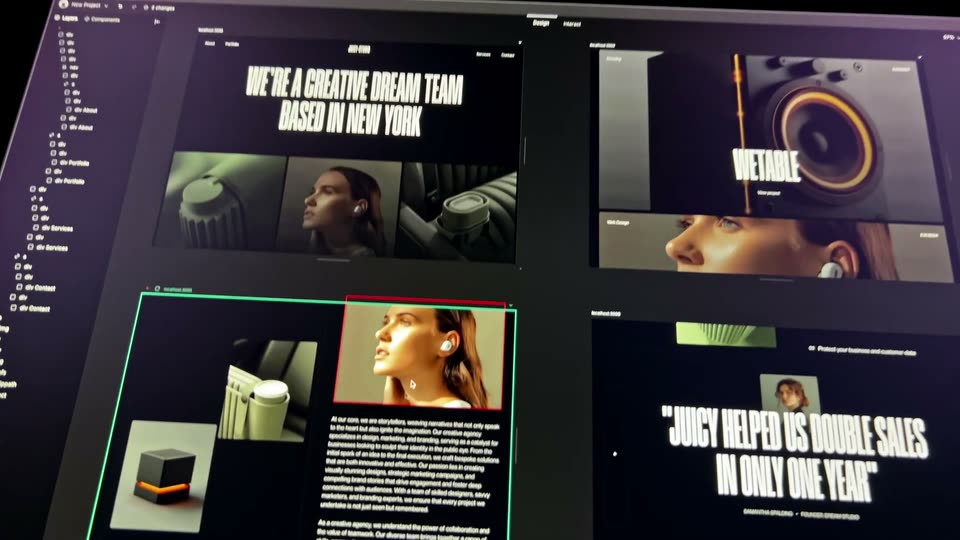 0:43–0:45Onlook · Onlook - The Open-Source Cursor for DesignersA tilted 3D view of a design app shows several website mockups; the camera drifts forward and down, framing a bold headline block, a product page, and a testimonial quote.
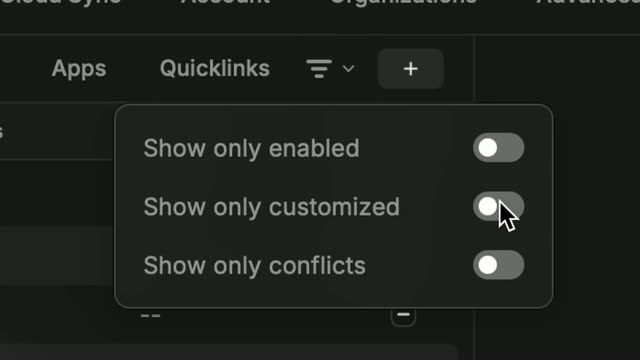 3:19–3:24Raycast · Raycast Just Got You A New KeyThe Raycast Settings window sits on a dark backdrop. The view zooms into the filter icon, the cursor clicks it to open a dropdown, then flips on the Show only customized toggle. The frame zooms back out to reveal the filtered list.
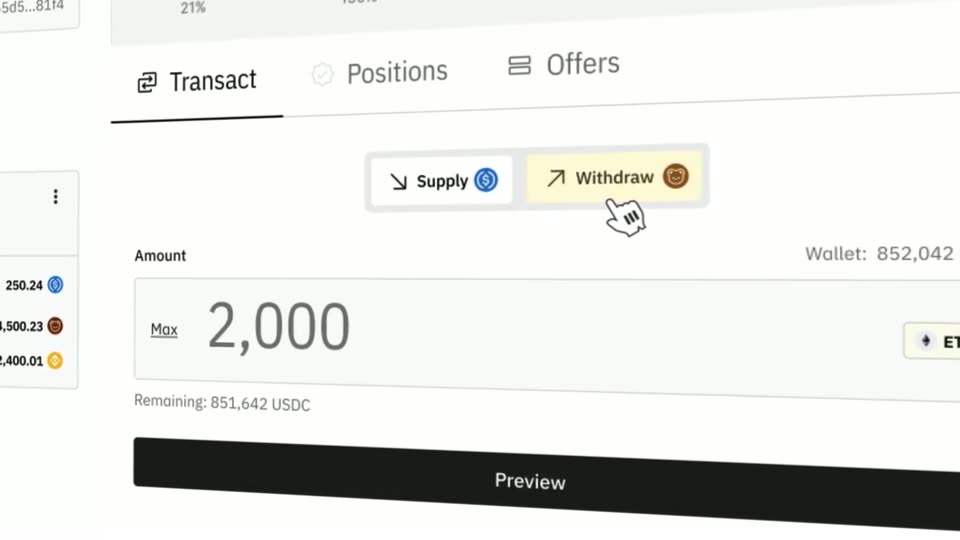 2:22–2:26Berachain · Berachain Foundation 🐻⛓ - Henlo, and furthermore, Boyco.A light trading interface shows the Transact tab with Supply and Withdraw buttons. A white hand cursor clicks the highlighted Withdraw button as the amount field updates from 0 to 2,000, and the view slowly zooms in.
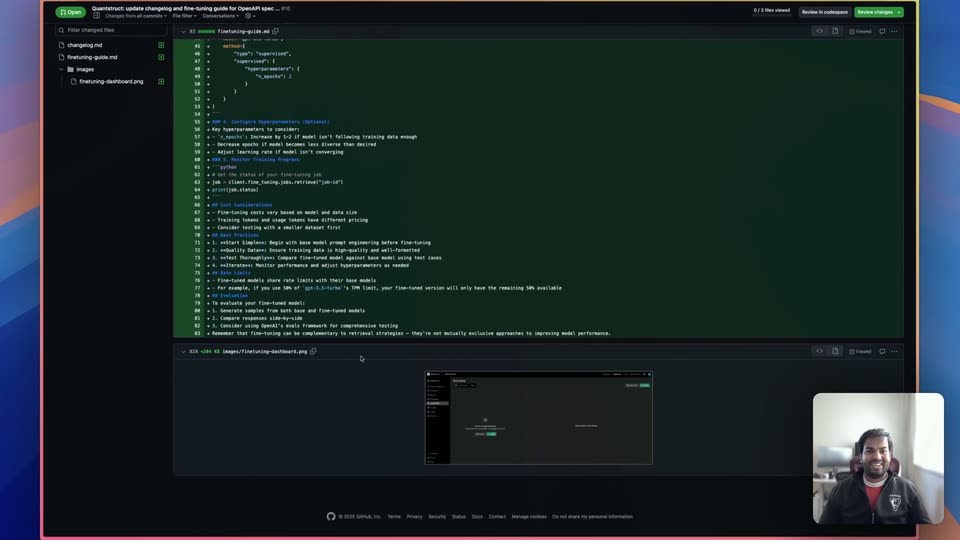 0:45–0:46Quantstruct · Quantstruct Launch VideoA GitHub code editor displays a markdown file with a dashboard preview pane below it. A small presenter video sits in the lower right corner. A white caption reads That's it. at the bottom as the editor view scales up to fill the frame.