0:29
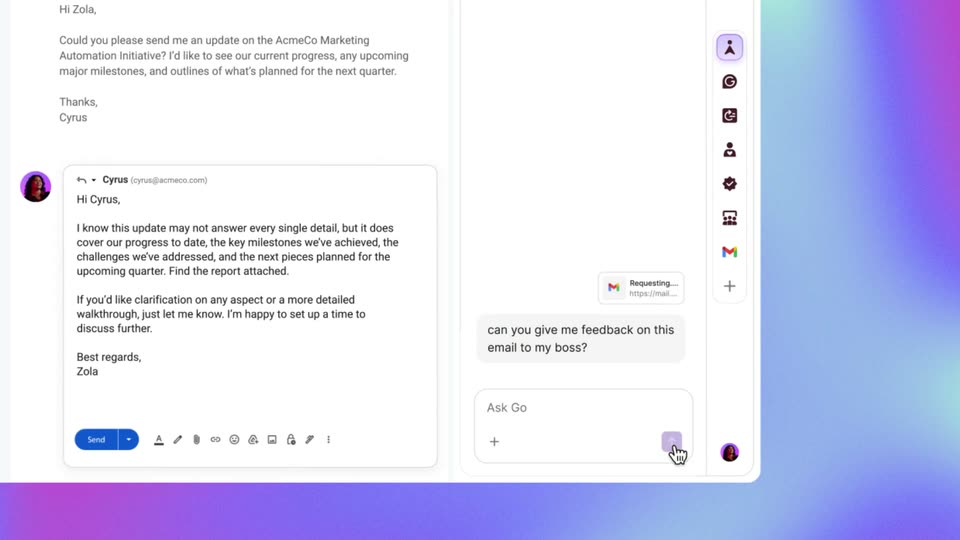

Superhuman - We built Superhuman Go for you. Go is the proactive AI assistant that
Superhuman · Productivity · Oct 2025
Trata · Feb 2025 · 1:08 · Full motion · AI-annotated
Trata’s 1:08 launch film runs 6 scenes, about 11 s each. The product is on screen from the first frame and 1 feature is revealed. There is no explicit call to action; a voiceover carries the film. A pinned presenter webcam narrates over a 3D-tilted browser window set on a warm-to-cool gradient, and the frame zooms into and out of the UI to follow the cursor from the card grid into the research document and back. Pacing is steady at about two and a half cuts per minute, and the signature move is the smooth reframe from the tilted overview to a flat full-screen document, which carries each feature beat in one continuous take.
Is this your launch? to your site or press kit.
Superhuman · Productivity · Oct 2025
Amby Health · Healthcare · Feb 2025
Raycast · Productivity · Jan 2023
A browser window shows the Trata homepage over an orange and blue gradient, a hand cursor at the top. A black line drawing of a person on the right shifts pose and redraws. A man in a rounded webcam bubble at the bottom right talks to camera.
Camera: Static
A 3D-tilted browser window shows the Equities dashboard, a grid of stock cards, on a blue-and-orange gradient. A webcam self-view sits in the corner. A cursor hovers, clicks Follow on a card, then the grid scrolls down to reveal more tickers.
Techniques: 3D mockup, Cursor demo
Camera: Push in
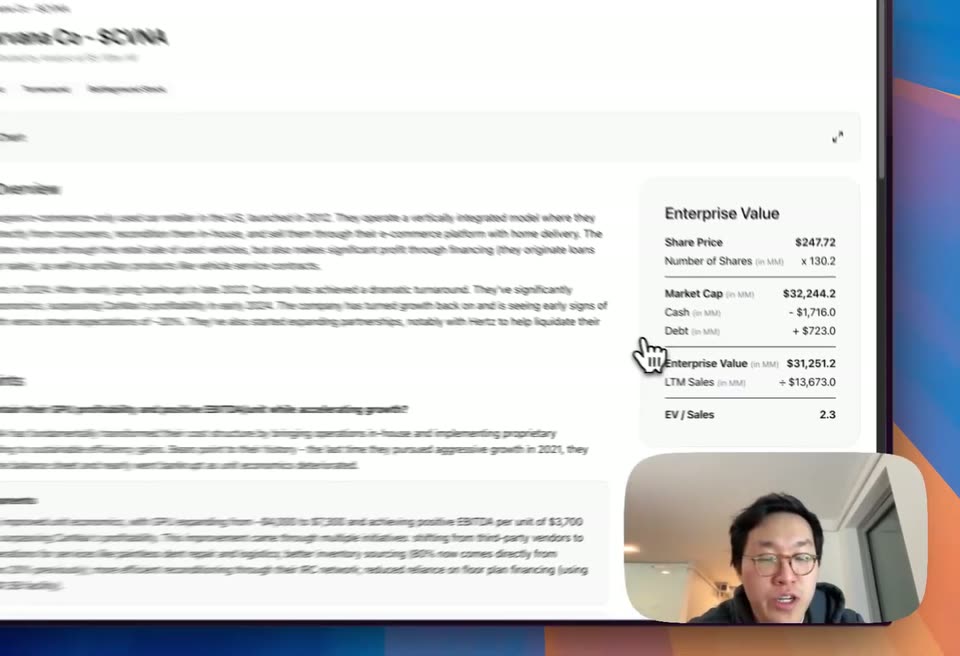
A grid of stock cards fills the screen as a cursor clicks the View link on the Carvana card. The view reframes into a full detail page with company overview and an enterprise value panel, then fades to white. A small presenter webcam stays in the bottom right corner.
Techniques: Cursor demo, UI zoom
Camera: Pull out
A framed document window zooms to fill the screen, then scrolls down through stock research sections showing Company Overview, Tension Points, and Key Developments cards. A small rounded webcam feed of a presenter stays pinned in the lower right corner.
Techniques: UI zoom
Camera: Push in
The Carvana research page scrolls up through its sections, then the frame pulls back to show it in a browser window on a gradient background. A hand cursor hovers over the valuation panel as the view zooms in on the stock header, with a small presenter webcam in the corner.
Techniques: UI zoom, Cursor demo
Camera: Pan
A tilted 3D window of the tr. equity app on a gradient background opens zoomed in on the filter row and first cards, then pulls back while the cursor scrolls the company card grid down. A presenter's webcam inset sits in the bottom right.
Techniques: UI zoom, Cursor demo, 3D mockup
Camera: Pull out