0:27
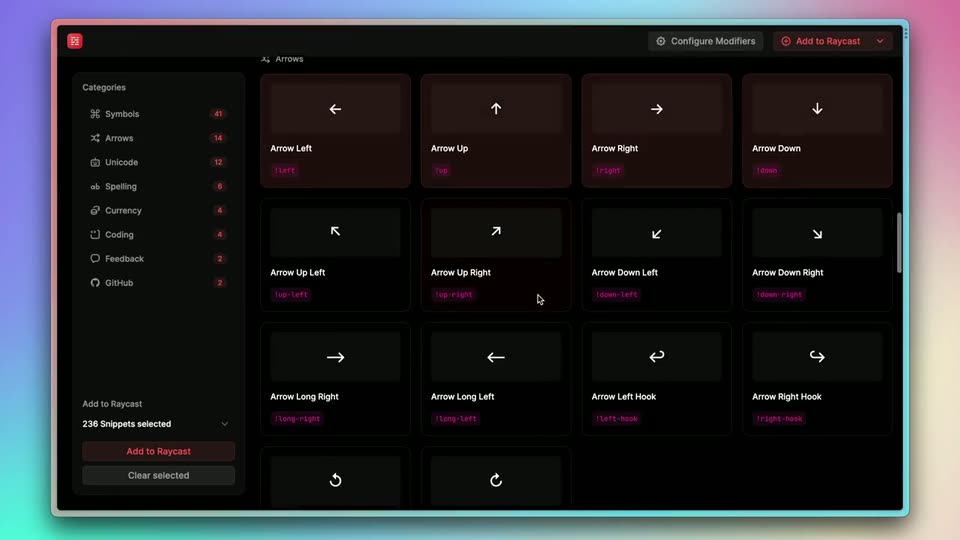
Raycast - 🕵️♂️ Announcing Snippet Explorer — our first open source project! A
Raycast · Productivity · Jan 2023
Amby Health · Feb 2025 · 3:11 · Full motion · AI-annotated
Amby Health’s 3:11 launch film runs 15 scenes, about 13 s each. The product is on screen from the first frame and 2 features are revealed. There is no explicit call to action; a voiceover carries the film. The video is a single presenter-led screen tour that opens on the homepage, walks through the EMS dashboard overview, then drills into the Quality Review and Billing features one after another. Its look is a flat light interface on a dotted pastel grid, held together by a constant circular face-cam in the corner and smooth zoom and crossfade moves between screens.
Is this your launch? to your site or press kit.
Raycast · Productivity · Jan 2023
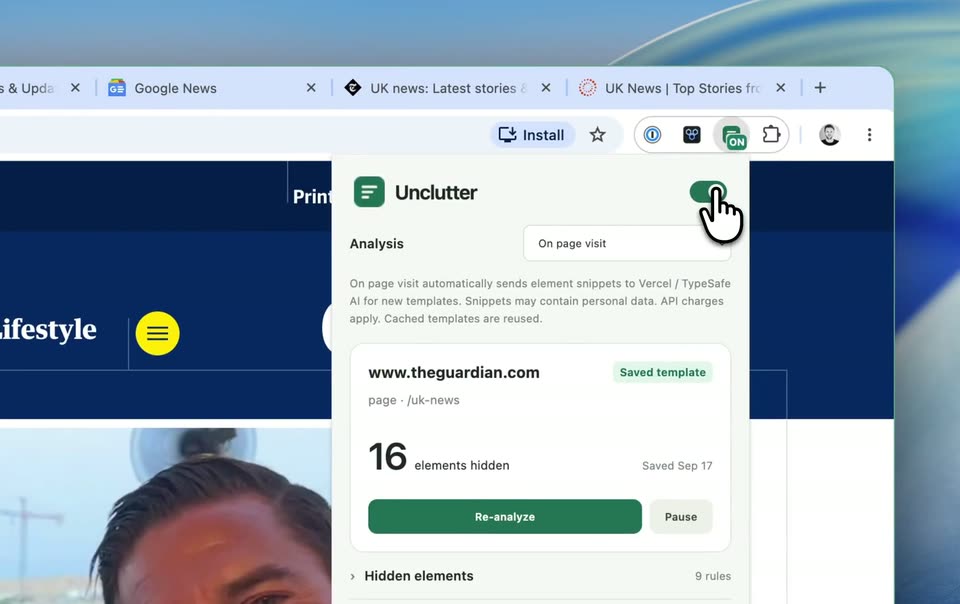
Unclutter (by Kitze) · Sep 2026
A browser window shows the Ambi Health homepage, its headline and blue Book Demo button static while a row of company logos scrolls left below. A circular video-call avatar of a bespectacled man occupies the top-right corner, speaking.
Techniques: Cursor demo
Camera: Static
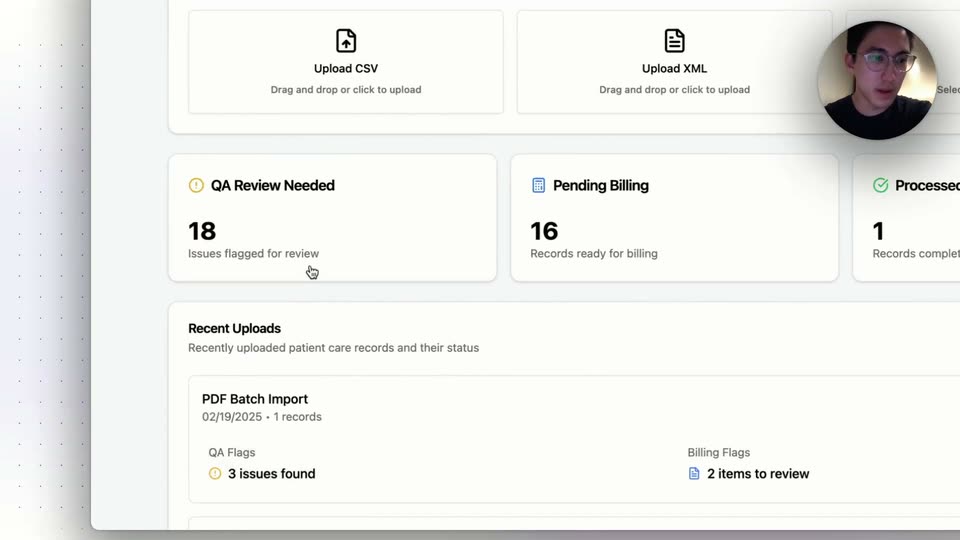
A light EMS dashboard fills the frame with upload cards and stat tiles, while a circular webcam of a bespectacled presenter sits in the top-right corner. The cursor drifts across the screen and hovers over the upload tiles as the page scrolls down a few lines.
Techniques: Cursor demo
Camera: Static
A blurred EMS Dashboard sits behind a macOS Finder window listing PDF files in the Downloads folder. A circular webcam of a bespectacled presenter floats in the top right corner. A cursor slides into the file list and rests on a PDF row.
Techniques: Cursor demo
Camera: Static
A browser window shows an EMS dashboard over a dotted backdrop, with a circular presenter webcam top right. A progress bar fills to 100% and flips to Completed as stat numbers tick up. The cursor hovers the QA and Billing cards, each gaining a colored border as a URL appears.
On-screen text: “localhost:3000/qaqi”, “localhost:3000/billing”
Techniques: Cursor demo
Camera: Static
A dotted background holds a browser window showing the EMS Dashboard; a circular webcam of a man with glasses sits top right. The view zooms into the stat cards and Recent Uploads row as a cursor drifts, then zooms back out and crossfades to the Quality Review Dashboard.
Techniques: UI zoom, Cursor demo
Camera: Static
A white dashboard window titled Quality Review Dashboard sits on a dotted pastel background, with a circular webcam of a presenter in the top right corner. A cursor hovers over the Generate Report button, then drifts across the patient table and the red risk-flag cards as the list scrolls down one row.
Techniques: Cursor demo
Camera: Static
A patient record modal scrolls upward over a blurred dashboard, revealing risk flags and a narrative with a red discrepancy highlight, while a presenter appears in a circular webcam feed at the top right. A cursor then types into the feedback field.
Techniques: Cursor demo
Camera: Pan
A man's webcam overlay sits top right while the Quality Review Dashboard fills the frame. The cursor moves to the Pending Response tab and the table content swaps to one Stroke patient row with stacked risk flags.
Techniques: Cursor demo
Camera: Static
A dark dashboard screen shows a Generate Quality Report dialog. A cursor opens the report-type dropdown, picks Provider-specific Report, checks Lisa Brown, and clicks Generate Report, while a small round presenter cam sits in the top right.
Techniques: Cursor demo
Camera: Static
A white report modal sits on a black screen beside a circular webcam inset. A loading spinner gives way to a donut chart, line graph and progress bars as the panel scrolls; the cursor hovers the graph, selects a heading, then moves to the close icon.
Techniques: Cursor demo
Camera: Pan
A dimmed quality dashboard sits behind a centered white modal listing provider checkboxes and a Generate Report button. A circular webcam feed of a presenter floats top right. A cursor drifts right toward the modal's close icon.
Techniques: Cursor demo
Camera: Static
A Quality Review Dashboard table fills a browser frame, with a circular webcam self-view in the top corner. A report panel ghosts in over the table, then dissolves as the cursor moves to the Billing tab.
Techniques: Cursor demo
Camera: Static
A billing dashboard fills the frame inside a browser window on a dotted background, with a small circular webcam of a presenter in the top right. A cursor drifts down the records table and clicks the John Smith row, opening a detail panel with assessment and AI notes.
Techniques: Cursor demo
Camera: Static
A tilted 3D laptop mockup on a dotted grid shows a patient billing screen; a circular webcam of a man with glasses sits top right. The cursor clicks through Assessment, Charges and Pre-Bill tabs and scrolls the form, with a quick zoom into the interface.
Techniques: 3D mockup, UI zoom, Cursor demo
Camera: Static
A flat billing dashboard fills the frame, showing a top navigation bar, three stat cards with dollar totals, and a billing records table with colored status badges. A circular webcam of a man sits in the top right corner over a light dotted background. The frame stays static.
Camera: Static