0:30

Alex Danilowicz - Launching our new Chrome Extension: copy paste any website, edit and
Magic Patterns · Nov 2026
Sciloop’s 3:49 launch film runs 17 scenes, about 14 s each. The product is on screen from the first frame. There is no explicit call to action; a voiceover carries the film. The video is one continuous screen-recording: a persistent circular webcam and a cursor tour the SciLoop interface from onboarding through the AI research results to a generated paper, with cross-fades and scrolls marking each step. Its look is clean and utilitarian, built on pale-blue cards, a redwood-forest desktop that frames floating windows, and dark code panels.
Is this your launch? to your site or press kit.
Magic Patterns · Nov 2026
Films whose music sounds like this one, voice left out
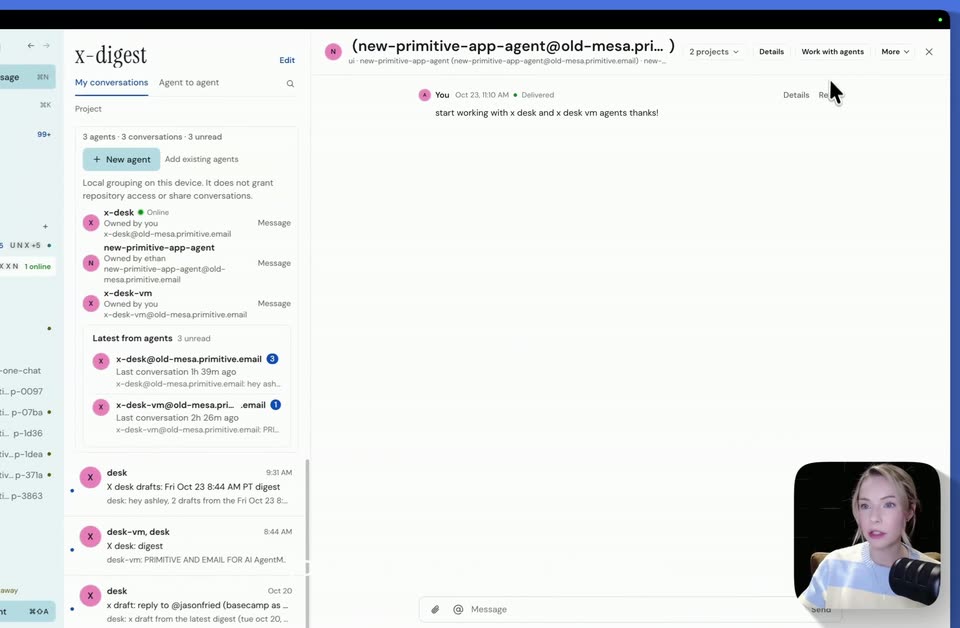
primitive · Technical demonstration / Tutorial
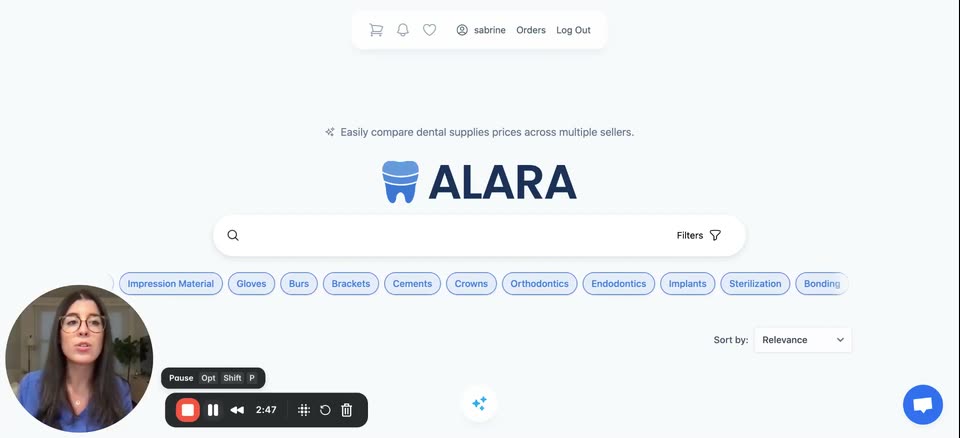
Alara · Corporate voiceover
Toothy AI · Corporate tech demo / Voiceover
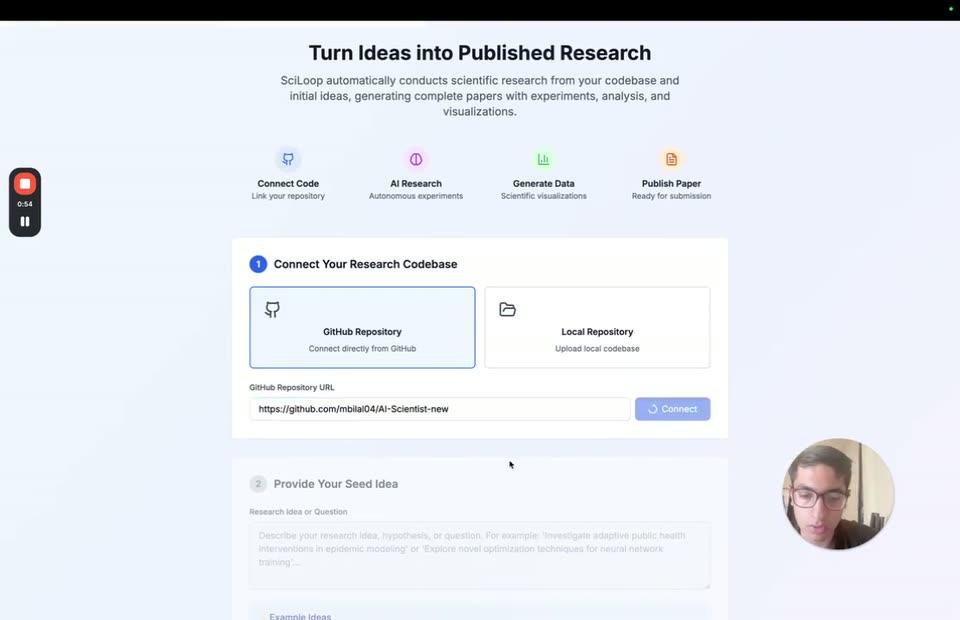
A screen recording of the SciLoop onboarding page shows the headline, four feature icons and a codebase connection panel, with a circular webcam of the presenter in the corner. A cursor drifts across the page, then the view pulls back to frame the window over a forest backdrop.
Techniques: Cursor demo
Camera: Pull out
A macOS desktop with a redwood forest wallpaper shows a row of window thumbnails at the top; a code editor window then scales open in the center as the thumbnail bar fades. A circular video-call avatar and the app dock stay at the bottom.
Camera: Static
A code editor displays Python for a SEIR model, with a circular webcam inset of a man in glasses talking at lower right and a stopwatch on the left. A text cursor selects a few lines; the editor then reframes into a floating window over a desktop wallpaper.
Techniques: Cursor demo
Camera: Pull out
A code editor window on a redwood-forest desktop shrinks and glides up into the top strip of virtual-desktop tiles, settling as the selected Cursor thumbnail. The dock, facecam and recording badge stay fixed in a locked-off frame.
Camera: Static
A screen recording of the SciLoop app with a corner webcam feed shows a cursor picking the GitHub Repository card, typing a repo URL and clicking Connect. The page scrolls to a success banner; the cursor types a seed idea and clicks Start Research, which becomes a loading state.
Techniques: Cursor demo
Camera: Pan
A screen recording of the SciLoop Research Results page shows the Seed Ideas tab with a scored idea card, a circular webcam feed of a presenter in the corner. The cursor clicks the Process Notes tab, switching the view to the AI Process Documentation timeline.
Techniques: Cursor demo
Camera: Static
A light research-results page scrolls down past a dark code log to reveal highlight bullets and stat cards. A cursor then glides to the Download Full Log button. A man's face stays in a circular video-call bubble at the bottom right.
Techniques: Cursor demo
Camera: Pan
A locked-off browser chat screen: dense monospace code and markdown scroll rapidly upward through the main panel while a small red player widget sits at the left edge and a circular webcam feed of a bespectacled man holds the bottom-right corner.
Techniques: Kinetic type
Camera: Pull out
A locked-off Chrome window fills the frame, showing a long document of prose and LaTeX code. A red circular play button with a 1:38 timer and a pause icon sit at the left edge. The view holds still for the full clip.
Camera: Static
The SciLoop results page scrolls up from stat and insight cards to the report header and tab bar. A circular webcam of a man with glasses stays in the lower right corner, and a cursor hovers over the tabs.
Techniques: Cursor demo
Camera: Pan
A light research results page scrolls while a cursor clicks the experiment tabs, swapping the dark code panel from the initial script to the baseline run. A circular webcam of a bespectacled presenter stays fixed in the lower right corner.
Techniques: Cursor demo
Camera: Static
A research dashboard fills the frame. A cursor clicks the Run Results tab, then Plots, and the page cross-fades from a list of experiment runs to a line chart comparing infectious curves. A small circular webcam of a man with glasses sits in the bottom-right corner.
Techniques: Cursor demo
Camera: Static
A screen share of a web app displays the Experiments tab with a dark code editor showing Python. A facecam of a man with glasses sits in the corner. The cursor slides down from the Experiments tab to the Run 0: Baseline tab.
Techniques: Cursor demo
Camera: Static
Screen recording of the app's Experiment Code view: the cursor clicks through the run tabs, and the code card swaps from Run 1 to Run 2 to Run 3, while a circular webcam of the presenter sits in the bottom right.
Techniques: Cursor demo
Camera: Static
A screen recording of the SciLoop report page scrolls downward past a Generated Visualizations panel with metric cards and an SEIR curve chart, then a run comparison section with key metrics and insights. A circular webcam feed of a man in glasses stays pinned in the lower right corner.
Camera: Pan
A static view of the SciLoop research results page shows a line chart, three stat cards, and a tab bar. A circular webcam feed in the bottom right corner shows a man with glasses speaking to the camera.
Camera: Static
A screen capture of the SciLoop results page: a cursor clicks tabs, the page scrolls from the process timeline to a generated PDF, then the peer review summary with a reject badge. A circular webcam of the presenter sits bottom-right.
Techniques: Cursor demo
Camera: Static