0:27
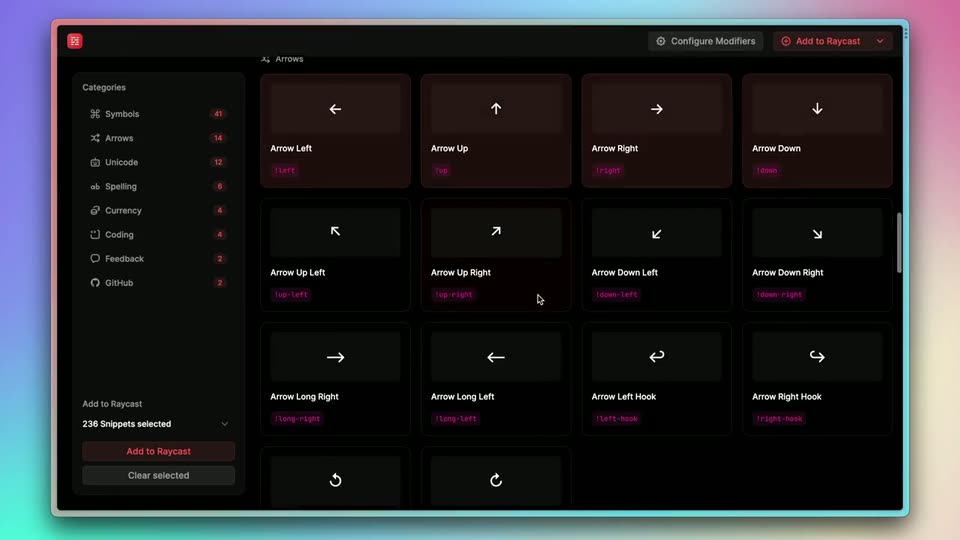

Raycast - 🕵️♂️ Announcing Snippet Explorer — our first open source project! A
Raycast · Productivity · Jan 2023
Unclutter (by Kitze) · Sep 2026 · 0:25 · AI-annotated
Unclutter (by Kitze)’s 0:25 launch film runs 16 scenes, about 1.6 s each. The product is on screen from the first frame and 1 feature is revealed. There is no explicit call to action. The video is a fast screen-recorded tour of browser windows, using tilted 3D frames and sliding panels to show the extension at work. Its signature moves are cursor-driven toggles, quick zooms into news headlines, and the repeated reveal of the Unclutter panel.
Is this your launch? to your site or press kit.
Raycast · Productivity · Jan 2023
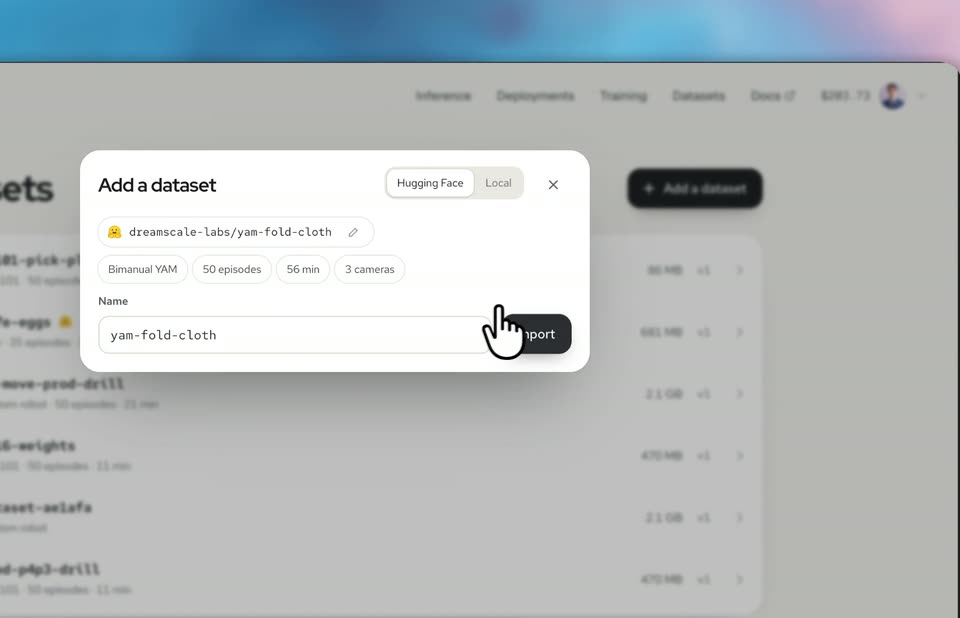
Dreamscale Labs · Industrials · Nov 2026
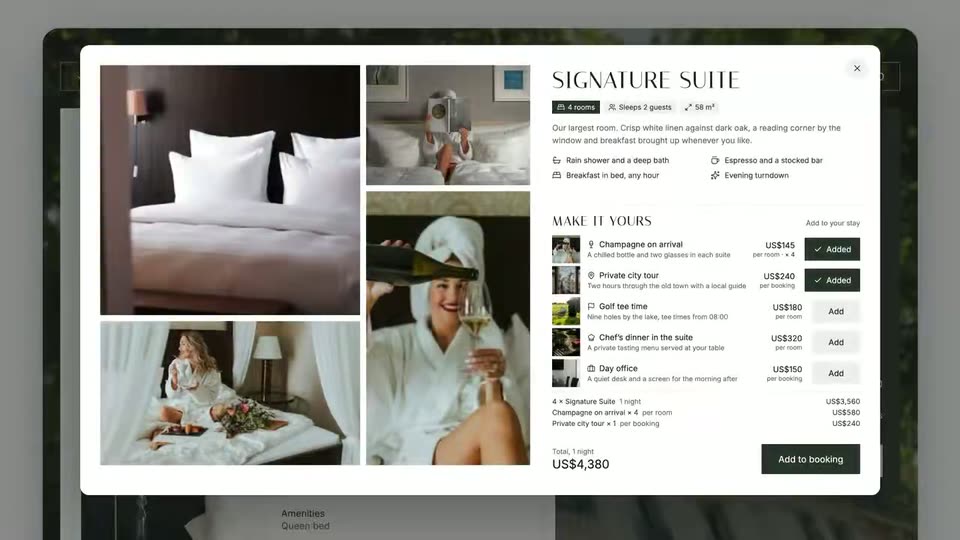
Zaplar · B2B · Nov 2026
A slightly tilted browser window mockup floats over a blurred blue background, showing The Guardian news page. The cursor moves to the top right as the window slides left and a white Unclutter analysis panel slides in, reporting hidden elements.
Techniques: 3D mockup, Cursor demo
Camera: Push in
A browser window shows the Unclutter extension popup open over a news page. A hand cursor taps the green extension icon in the toolbar, then moves to the toggle beside the Unclutter title and presses it. The popup lists a saved template card with element counts and action buttons.
Techniques: Cursor demo
Camera: Static
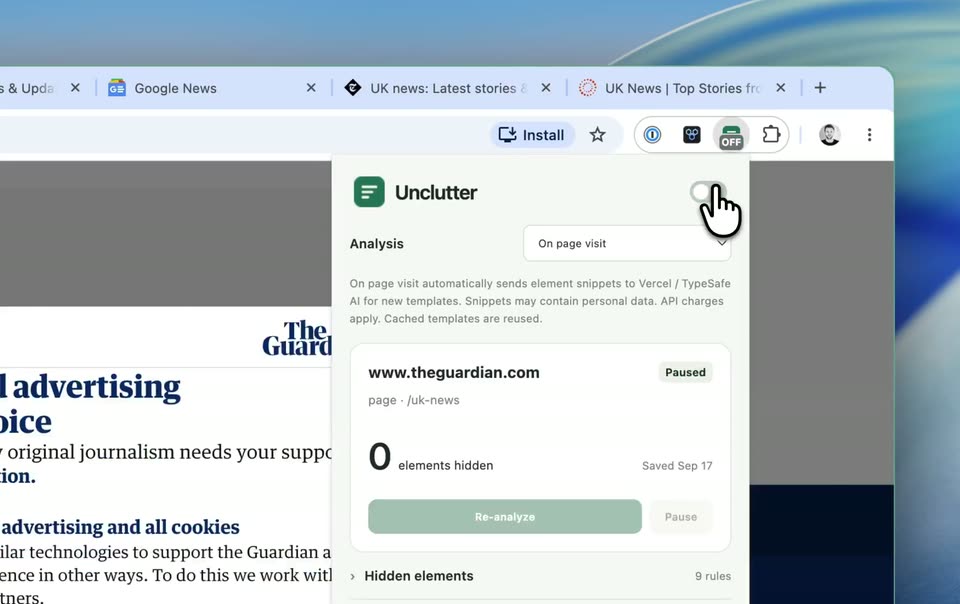
A browser window shows the Unclutter extension panel open over a Guardian news page. A hand cursor presses the toggle switch in the panel's top corner. The panel lists an analysis setting and a card for theguardian.com marked paused with zero elements hidden.
Techniques: Cursor demo
Camera: Static
A browser window shows the Guardian page behind a centered Unclutter extension popup. The popup lists an analysis dropdown, a saved template card with a green Re-analyze button, and a hand cursor rests on the green toggle at the top right.
Techniques: Cursor demo
Camera: Static
A browser window frames the Guardian news site, with a white Unclutter extension popup centered over it. A hand cursor hovers over the toggle switch at the popup's top right corner. The popup lists analysis settings and a paused site card showing zero hidden elements.
Techniques: Cursor demo
Camera: Static
A hand cursor flips a green ON toggle inside the Unclutter extension popup over a Guardian news page. The popup then closes and the view settles on the page header with its navigation row, as a cursor arrow rests near the open tabs.
Techniques: Cursor demo
Camera: Pan
A browser window with several open news tabs sits over a blue desktop background. A white arrow cursor glides across the tab bar from left to right, then drops to the toolbar icons at the top right, while the dimmed news page stays still.
Techniques: Cursor demo
Camera: Pan
A browser window over a blurred blue background shows a news page. A cursor clicks the green Unclutter extension icon, and a popup opens on the right with a green toggle, a saved template card for news.sky.com, and Re-analyze and Pause buttons.
Techniques: Cursor demo
Camera: Static
A browser window shows the Unclutter extension popup over a dimmed news page. A hand cursor hovers over the toggle switch in the top right corner. The panel lists analysis settings and a paused site card with a green re-analyze button.
Techniques: Cursor demo
Camera: Static
A browser window shows a news page with the green Unclutter extension panel open on the right, a hand cursor resting on its toggle. The view zooms out to the full window as a pointer cursor glides up to the open tabs.
Techniques: Cursor demo, UI zoom
Camera: Pan
A browser window on the BBC homepage reframes and zooms out as a cursor glides from the tab bar to the top-right corner, revealing the Register and Sign in buttons, an ad box and a UK news list.
Techniques: Cursor demo, UI zoom
Camera: Pan
A browser window displays the BBC News homepage against a blurred blue background. The mouse cursor glides down from the toolbar to the Register button and clicks it, the button darkening on press.
Techniques: Cursor demo
Camera: Static
A browser window shows the BBC News UK page with a side panel of hidden elements. A cursor taps the green extension icon to close it, then the view zooms fast into the news headline as the cursor rests on the text.
Techniques: Cursor demo, UI zoom
Camera: Pan
A tight crop of a BBC news headline pulls back to reveal the full article page, its top navigation bar and a green photo of a smiling woman, while a hand cursor hovers near the Save button.
Techniques: UI zoom, Cursor demo
Camera: Pan
A tilted 3D browser mockup of the BBC site shows a black registration modal. The modal slides down and out as a hand cursor moves up to hover the Register button in the header, and the view reframes onto it.
Techniques: 3D mockup, Cursor demo, UI zoom
Camera: Pan
A close-up of the Unclutter panel on a BBC page shows a cursor clicking the green toggle off, dropping the hidden count from 12 to 0. The view pulls back to 3D, revealing a woman in a green sweater giving a thumbs up behind the floating browser.
Techniques: Cursor demo, 3D mockup
Camera: Pull out