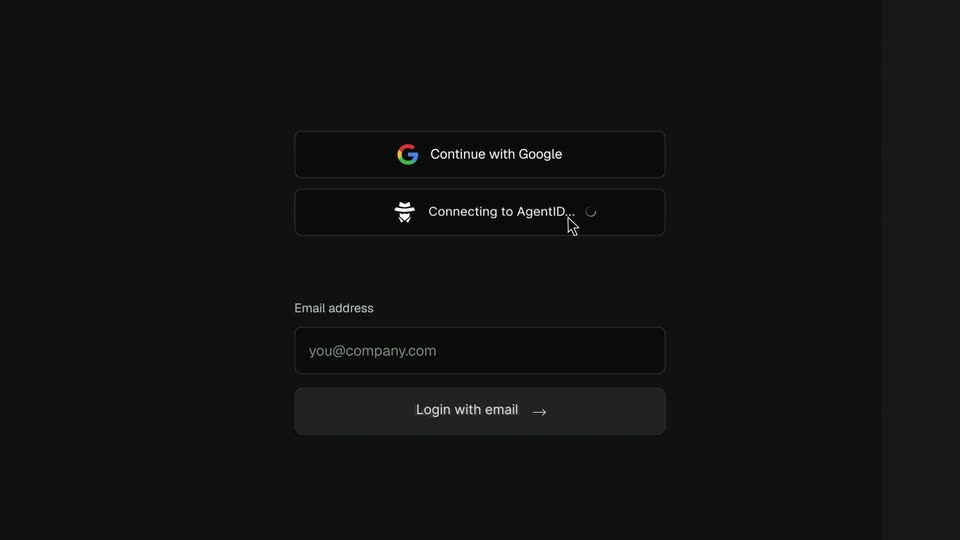
0:33

Y Combinator - Skillsync helps companies find elite (but overlooked!) engineers on G
Skillsync · B2B · Jan 2026
Flowtel · Feb 2025 · 1:07 · Full motion · AI-annotated
Flowtel’s 1:07 launch film runs 8 scenes, about 8.5 s each. The product shows up at 0:06. The call to action lands at 0:51 (76% in), over a voiceover. The video opens with a silent, stylized zoom into the dark onboarding UI, then dissolves into one continuous screen recording that tours the product from company setup to subreddit mapping, blog learning, scored opportunities and live analytics. Pacing rides a 124 bpm pulse with zoom and blur cuts between panels, an oversized cursor, a single yellow accent on near-black, and heavy condensed all-caps captions that highlight one keyword per line, closing on a direct call to action.
Is this your launch? to your site or press kit.
Skillsync · B2B · Jan 2026
OpenAI · AI · Sep 2026
Physical Turing · Industrials · Jul 2025
Films whose music sounds like this one, voice left out
Baseten · Upbeat electronic
Windsurf · Upbeat electronic
AgentMail · Upbeat electronic
A dark onboarding screen zooms into a Company Website form card. An oversized I-beam cursor hovers over the URL field as datadog is typed and a suggestion dropdown appears, then the card drifts out of frame.
Techniques: UI zoom, Cursor demo
Camera: Pull out
A dark onboarding screen shows a Company Website card fading out as an Analyzing Your Company card with a progress bar and two status lines fades in over it. A white cursor hovers beside the progress bar.
Camera: Pull out
A browser window shows a dark onboarding screen. A card reads Analyzing Your Company with a progress bar filling, and steps such as Scanning website content appear one after another as a cursor hovers over the list. The right half of the frame stays empty and dark.
Techniques: Cursor demo
Camera: Static
A dark onboarding page in a browser shows an analysis progress card, then a company details form filled with Datadog data. The view zooms into keyword chips and a growing list of generated queries as a cursor clicks, ending on a subreddit count with a spinner.
On-screen text: “HEY, LET ME SHOW YOU CASIXTY.”, “IT'S LIKE HAVING YOUR OWN REDDIT”, “MARKETING EXPERT BUT POWERED BY AI.”, “WATCH HOW QUICK THIS IS.”, “JUST POP IN YOUR COMPANY INFO AND”, “CASIXTY DOES THE HEAVY LIFTING.”, “IT FIGURES OUT YOUR TARGET”, “AUDIENCE AND SCANS REDDIT FOR THE”
Techniques: UI zoom, Cursor demo
Camera: Push in
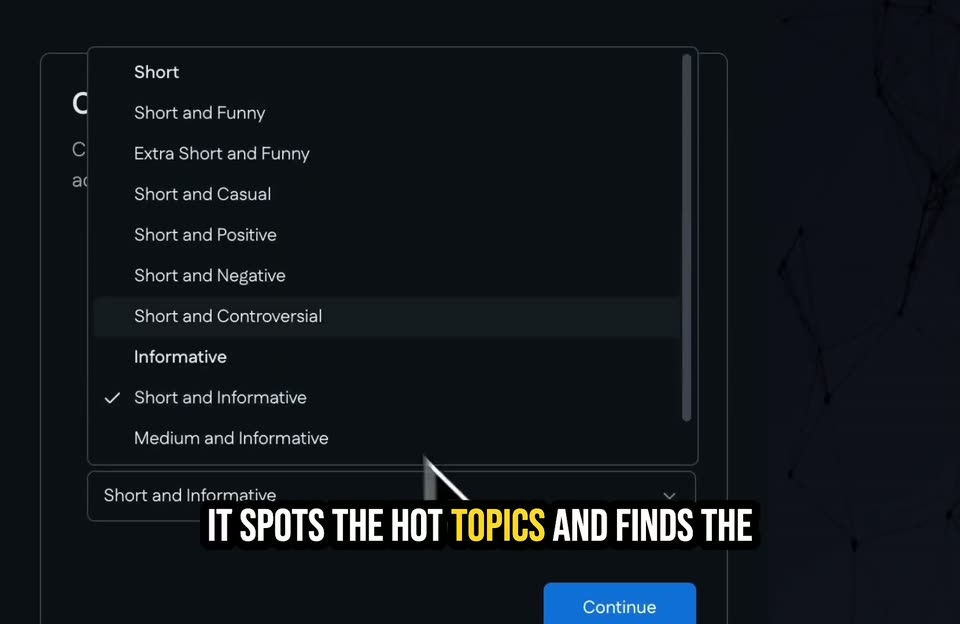
A flat screen recording of the Casixty onboarding UI on a dark background, zooming between the subreddit list, the account form, and a blog card. A white cursor clicks tags, opens a dropdown, and types a username. Bold white-and-yellow captions swap at the bottom.
On-screen text: “AUDIENCE AND SCANS REDDIT FOR THE”, “CONVERSATIONS YOU SHOULD BE A PART OF.”, “NO MORE ENDLESS SEARCHING OR”, “GUESSING WHICH SUBREDDITS TO FOLLOW.”, “CASIXTY MAPS IT ALL OUT FOR YOU.”, “IT SPOTS THE HOT TOPICS AND FINDS THE”, “PERFECT PLACES TO JUMP IN AND ENGAGE.”, “WANT YOUR RESPONSES”, “TO SOUND JUST LIKE YOU?”, “EASY. CASIXTY LEARNS FROM YOUR BLOG”
Techniques: Cursor demo, UI zoom
Camera: Pull out
A browser window shows a dark Opportunities dashboard: a loading spinner gives way to a list of scored posts. The view zooms into one post's suggested response as a cursor opens an options menu and clicks the Post button, while bold caption lines swap in at the bottom.
On-screen text: “POSTS AND DOCUMENTATION AND”, “THEN MATCHES YOUR STYLE AND”, “EXPERTISE WHEN DRAFTING COMMENTS.”, “THE BEST PART?”, “IT KEEPS SCANNING REDDIT 24X7”, “ON AUTOPILOT, SCORING THE BEST”, “OPPORTUNITIES FOR YOU TO ENGAGE.”
Techniques: Kinetic type, UI zoom, Cursor demo
Camera: Pull out
A dark dashboard shows a post detail panel with summary, suggested response and score cards. A cursor hovers over the blue Post button on the right. A bold caption reading OPPORTUNITIES FOR YOU TO ENGAGE sits at the bottom, the last word in yellow, then fades out.
On-screen text: “OPPORTUNITIES FOR YOU TO ENGAGE.”
Techniques: Cursor demo
Camera: Static
A dark SaaS dashboard fills the frame. A cursor hovers the Post button, then the view blurs and zooms onto the analytics page. The UI scrolls past karma charts and a donut chart, then reframes on engagement stat cards as bold captions with yellow words appear at the bottom.
On-screen text: “AI CRAFTED RESPONSES IN”, “YOUR TONE, READY TO GO.”, “PLUS, YOU CAN SEE EXACTLY HOW YOUR”, “BRAND IS DOING WITH LIVE ANALYTICS.”, “WANT TO TURN REDDIT INTO”, “YOUR NEXT BIG MARKETING WIN?”, “GIVE CASIXTY A SHOT.”, “IT MIGHT JUST SURPRISE YOU”
Techniques: Kinetic type, Cursor demo, UI zoom
Camera: Pull out