1:51

Alex - Xcode AI Coding Assistant
Alex · B2B · Jan 2025
cocreate · Aug 2025 · 1:52 · Full motion · AI-annotated
cocreate’s 1:52 launch film runs 14 scenes, about 8.0 s each. The product is on screen from the first frame. There is no explicit call to action; a voiceover carries the film. The video is one continuous screen-recording walkthrough that steps through the full workflow, from creating a project to a synced timeline in Premiere Pro. Each interaction is highlighted with a quick zoom into the relevant control and a zoom back out, while the dark app window floats on a bright abstract gradient wallpaper to keep the interface in focus.
Is this your launch? to your site or press kit.
Alex · B2B · Jan 2025
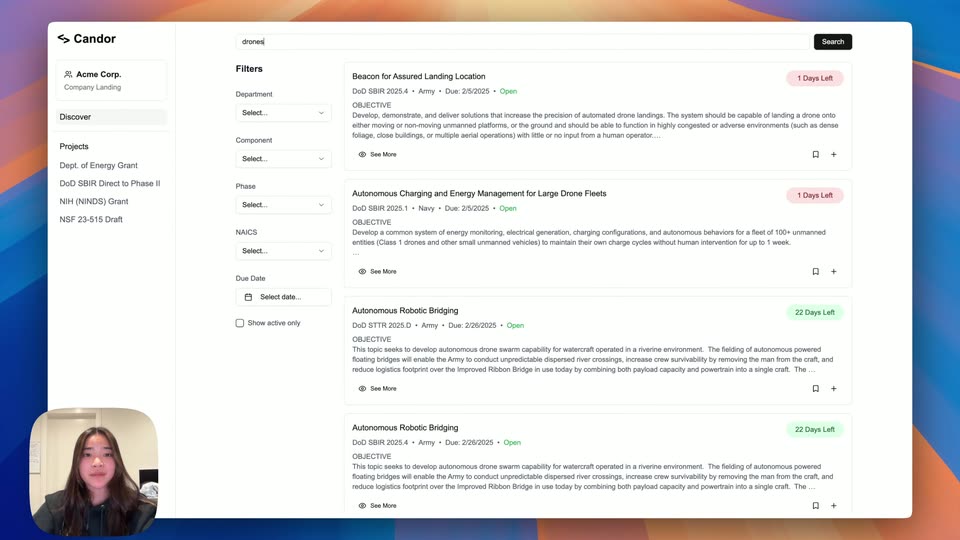
Candor · Government · Feb 2025
Cedar · B2B · Feb 2025
Films whose music sounds like this one, voice left out
Donkey · Electronic
Nessie · Upbeat electronic
Rippling · Upbeat corporate electronic
A dark ccreate app window sits on a colorful gradient desktop, showing the Projects view with one project card and a New Project button. A white cursor hovers in the empty center, and a second cursor fades in at the lower right near the end.
Techniques: Cursor demo
Camera: Static
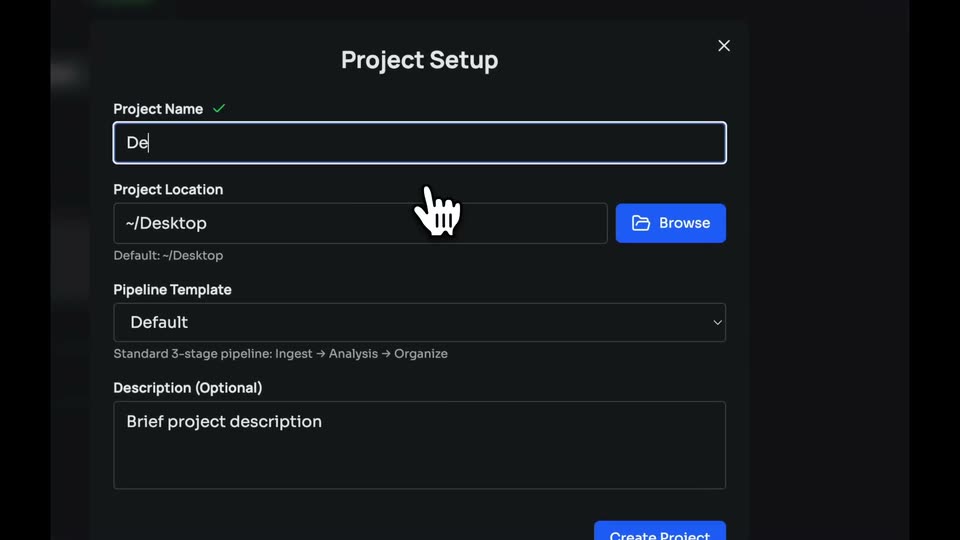
A hand cursor clicks the blue New Project button, the dark Project Setup dialog reframes to center, the cursor types Demo into the name field, then slides over to hover the Browse button.
Techniques: UI zoom, Cursor demo
Camera: Pan
A dark file-picker dialog floats over a project form showing a description field. A white arrow cursor slides from the file grid to the Desktop row in the left sidebar, highlighting it.
Techniques: Cursor demo
Camera: Pan
A dark Project Setup form fills the frame as a cursor moves down the fields and a hand taps the blue Create Project button. The view then pulls back to reveal the full cocreate window on a colorful desktop.
Techniques: Cursor demo, UI zoom
Camera: Pull out
A dark pipeline editor window with three connected stage cards sits on a colorful gradient background. The view zooms in as a cursor opens the Media Organization panel, checks Scene and Take, and types a filename template, then zooms back out.
Techniques: UI zoom, Cursor demo
Camera: Push in
A dark workspace UI shows a cursor clicking the blue Import Media tab, then the view zooms into the upload section. The cursor moves to the browse link in a dashed drop zone that lists supported file types.
Techniques: Cursor demo, UI zoom
Camera: Push in
A dark macOS file picker shows the Desktop folder in grid view, with folders and screenshots. A white cursor glides up from the center and clicks the Jubilee folder, which highlights blue.
Techniques: Cursor demo
Camera: Static
A dark upload panel fills the frame, a white cursor drifts down to the blue browse link, then the view pulls back to reveal the full project page with the cocreate logo and an Import Media button.
Techniques: Cursor demo, UI zoom
Camera: Pull out
A dark cocreate window sits on a colorful abstract desktop. A file list scrolls into place, the cursor moves down and clicks the blue Import & Process button. The view zooms onto the button, then pulls back as a progress bar fills along the bottom.
Techniques: Cursor demo, UI zoom
Camera: Pull out
A dark cocreate app window shows the Import Media file list, then zooms into the Assets tab where clips are grouped by scene and take. The cursor scrolls the grid, selects six clips, and opens a Sync Media dialog, clicking Sync as a spinner appears.
Techniques: Cursor demo, UI zoom
Camera: Pull out
A dark ccreate dashboard shows an asset grid of media files, then the frame zooms into the top toolbar. A white cursor glides to the Export XML button and clicks it, turning the button blue.
Techniques: UI zoom, Cursor demo
Camera: Push in
A close-up of a dark export dialog over a file grid. A hand cursor opens the format dropdown, picks Final Cut Pro XML, switches back to Adobe Premiere Pro XML, and clicks the blue Export XML button. The view zooms out to the full cocreate window on a colorful desktop.
Techniques: Cursor demo, UI zoom
Camera: Pull out
A dark video editor window sits on a colorful abstract desktop. A white cursor glides across the lower timeline, hovering over blue video clips and green audio tracks, popping up small tooltips with clip names and durations.
Techniques: Cursor demo
Camera: Static
A dark Projects dashboard window sits on a colorful gradient desktop, showing two project cards with pipeline stage chips and a blue New Project button. A white arrow cursor drifts slightly in the lower center; the rest of the frame stays static.
Techniques: Cursor demo
Camera: Static