0:41

Meet Jockey, TwelveLabs' video intelligence agent, now in general availability
TwelveLabs · AI · Oct 2026
Alex · Jan 2025 · 1:51 · Full motion · AI-annotated
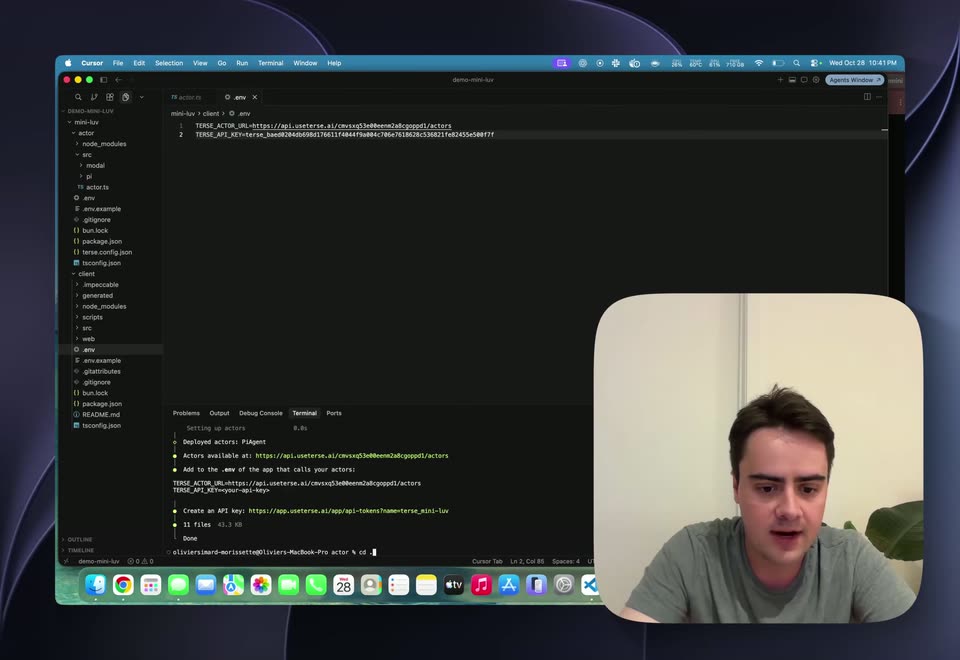
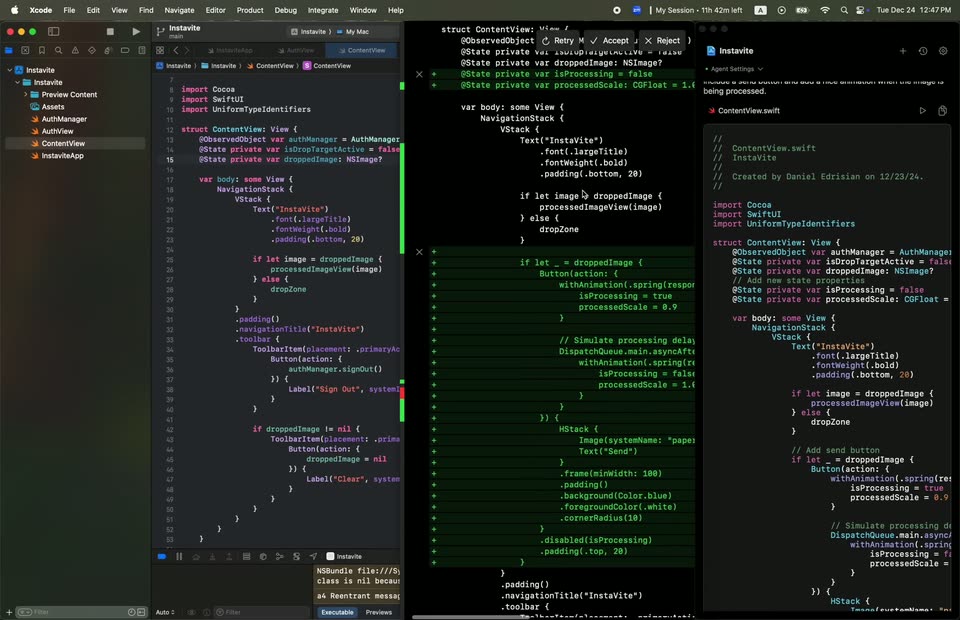
Alex’s 1:51 launch film runs 5 scenes, about 22 s each. The product is on screen from the first frame. There is no explicit call to action; a voiceover carries the film. The video is one long uninterrupted screen recording of Xcode, with bold condensed captions naming the new features and slow zooms and pans that follow the cursor, the streaming chat and the code diffs. It closes on a pure black card where the multicolored rounded square logo draws itself in beside the Alex 2.0 wordmark.
Is this your launch? to your site or press kit.
TwelveLabs · AI · Oct 2026
Miro · Productivity · Jan 2026
Voyage Labs · Nov 2026
Films whose music sounds like this one, voice left out
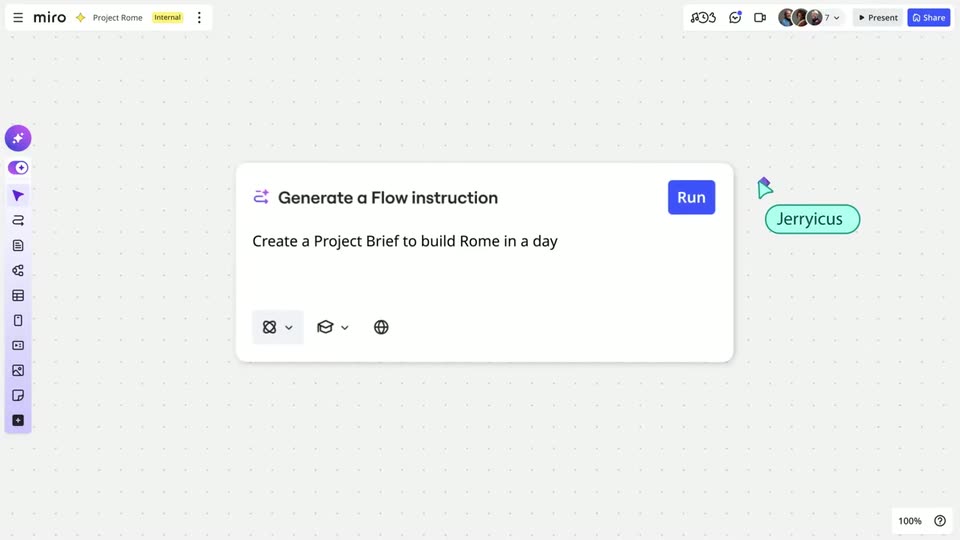
Screen recording of a Mac desktop: Xcode on the left, an AI agent chat on the right. White captions 'Agent Mode' and 'Project Memories' appear lower left. The view zooms in as the user prompts the agent to study the project; the chat streams notes, then code edits appear.
On-screen text: “Agent Mode”, “Project Memories”
Techniques: Kinetic type, UI zoom, Cursor demo
Camera: Static
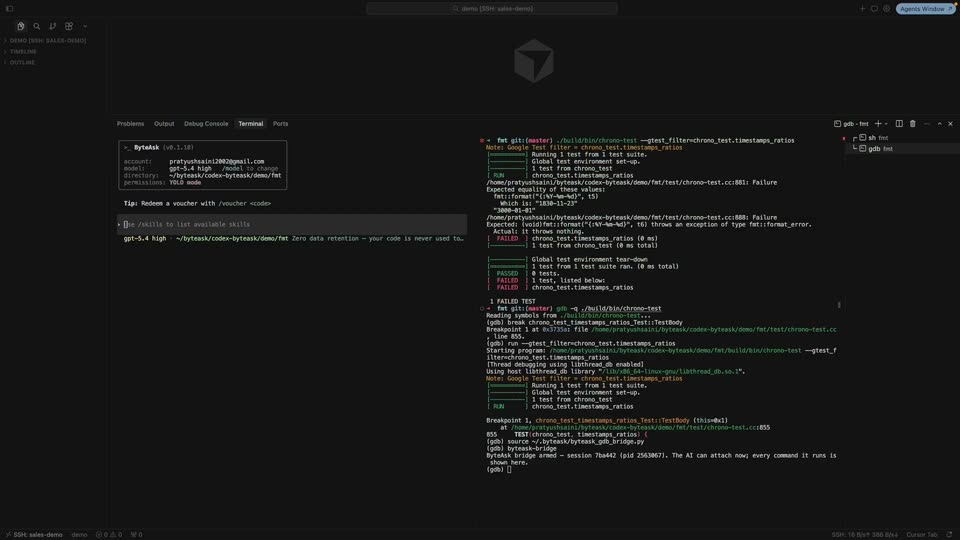
A three-pane developer screen with a file tree on the left, a code editor in the center, and an AI chat panel on the right. The center pane scrolls down through a green and red Swift diff while the side panes hold still.
Camera: Static
Xcode fills the screen in a three-pane layout. The center diff view scrolls through green added and red removed Swift lines, while the Instavite assistant panel on the right stays fixed. A cursor drifts rightward and ends near the Accept button at the top.
Techniques: Cursor demo
Camera: Static
Xcode shows Swift code beside an AI panel. A dark InstaVite window with a dashed drop zone appears. A cursor drags a code screenshot in, the zone turns blue, and a Send button appears as the frame zooms in.
Techniques: Cursor demo, UI zoom
Camera: Static
On a black background, a rounded square icon with multicolored horizontal lines draws its outline and fills with color as the word Alex appears beside it, then 2.0 fades in and the whole lockup fades out.
On-screen text: “Alex 2.0”
Camera: Static