1:13
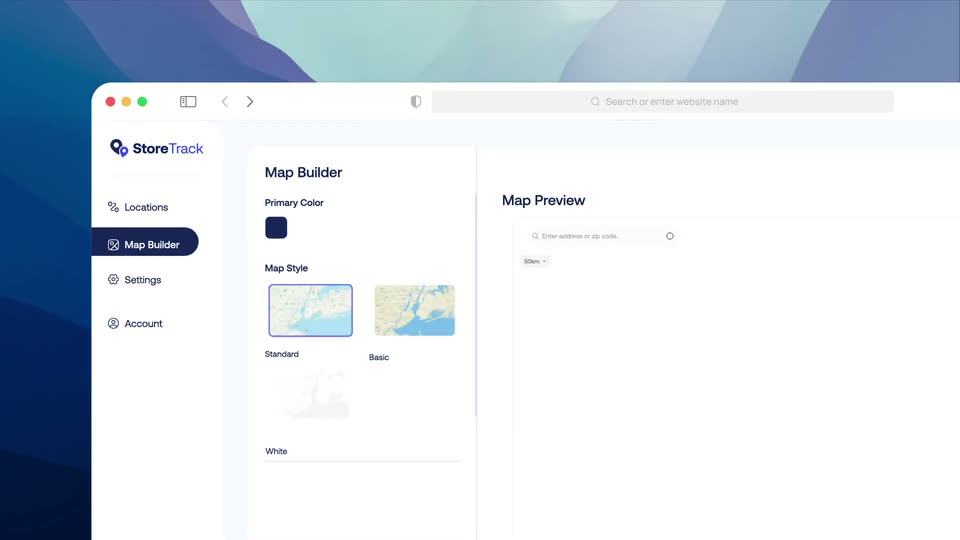

Product Explainer Video for SaaS | StoreTrack | Zelios
StoreTrack · Nov 2024
Notion’s 1:20 launch film runs 25 scenes, about 3.2 s each. The product is on screen from the first frame and 1 feature is revealed. The call to action lands at 1:06 (82% in), over a voiceover. The video alternates a live host in a bright office with white UI mockups on a cream field, moving from a problem statement to a step-by-step demo of one feature, then a URL card and logo. Signature moves are typing text with a blinking caret, pulsing waveform bars, bar-wipe transitions to white, and a recurring line-drawn headset mascot.
Is this your launch? to your site or press kit.
StoreTrack · Nov 2024
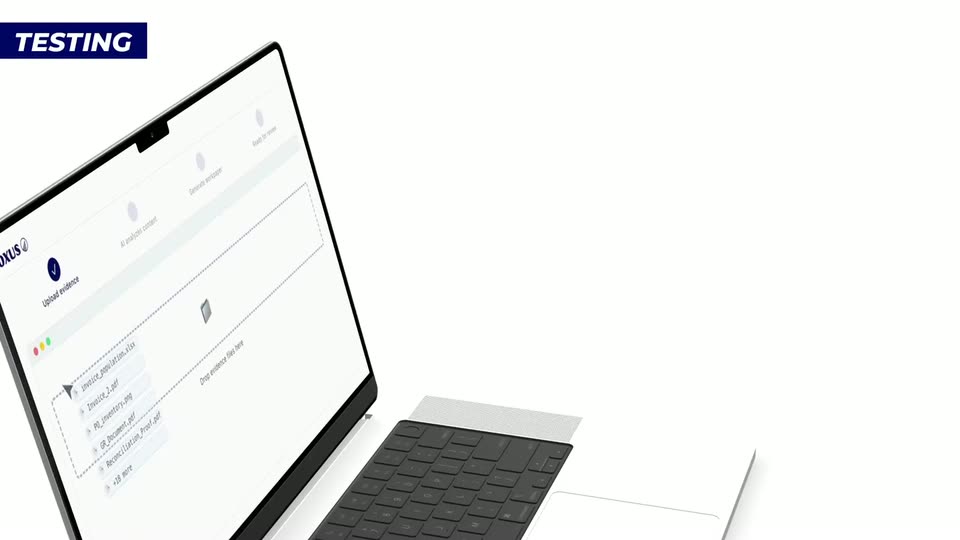
Oxus · B2B · Jan 2026
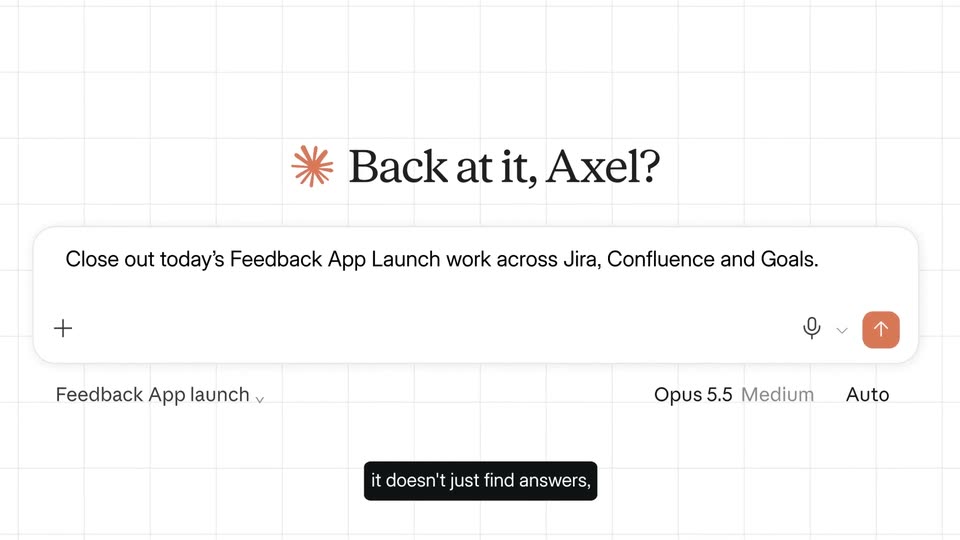
Atlassian · Nov 2026
Films whose music sounds like this one, voice left out
Conversion · Upbeat electronic and jazz
Judgment Labs · Upbeat, modern electronic
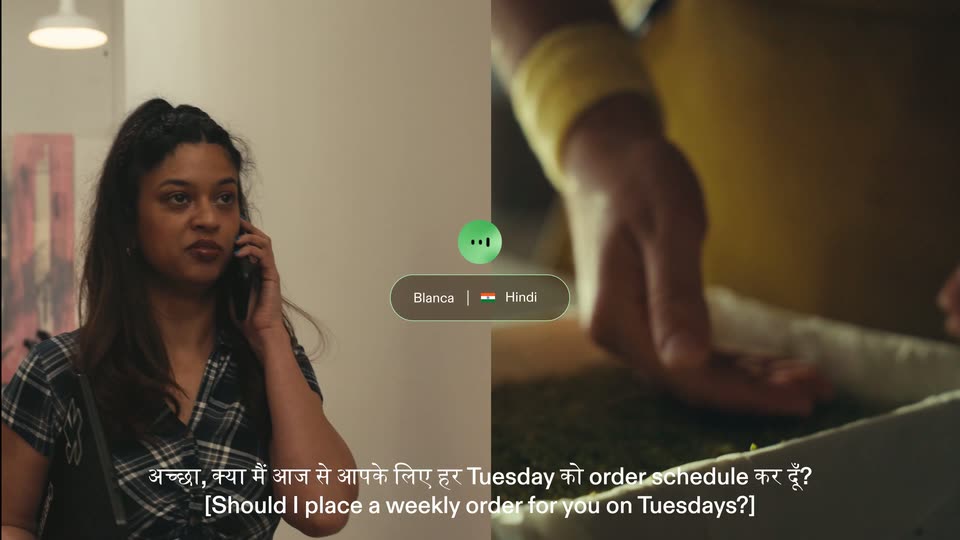
Cartesia · Multilingual commercial montage
A woman with glasses sits at a wooden table with an open laptop, speaking to camera in a bright room with a window and framed art. A two-line name caption holds in the lower left, then the shot fades to white.
On-screen text: “Julia Rudansky”, “Product”
Camera: Static
A line-drawn agent head with a blue headset sits left of a white transcript card on a cream background. The card's tabs and title stay fixed while two transcript lines type in under the highlighted Transcript tab.
On-screen text: “Julia Rudansky”, “Product”
Camera: Static
On a plain cream field, a line-art headset face sits left of a rounded transcript card. The card's paragraph fades in from pale gray to black as the waveform bars pulse beside the selected Transcript tab.
Camera: Static
A woman with long brown hair and black-framed glasses speaks in a medium close-up, framed right of center. She wears a dark navy jacket over a white top. The background is a soft-focus office window with daylight. The camera holds still as she talks.
Camera: Static
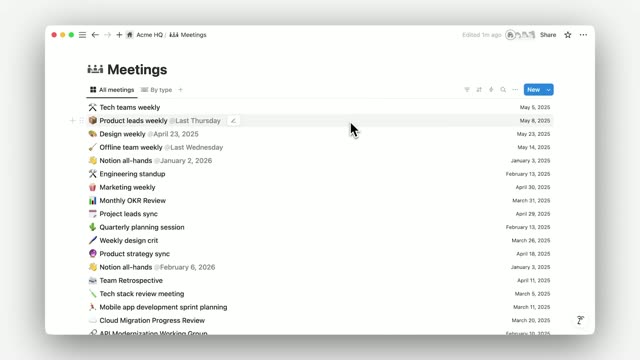
A woman in glasses sits at a wooden desk behind an open laptop, speaking to camera and gesturing with her hands. The shot cuts to a Notion meetings list, a long white card of meeting names and dates.
Camera: Static
A Notion meetings list fills the window. A right-hand panel slides in to reveal the selected meeting's detail page, showing its properties, a comments field, and a summary block with body text. A cursor hovers at the panel edge.
Camera: Static
A browser window shows a meetings page with a left list (one row highlighted) and a right detail pane. The right pane slowly scrolls down, revealing a meeting summary and a bulleted list of updates.
Camera: Static
A Notion interface window, split into a meetings list and a detail pane with a product update summary, floats on a light gray field. It then dissolves to white as a row of vertical rounded bars wipes across the frame.
Techniques: Masking
Camera: Static
A white transcript card is centered on a white field. A row of gray vertical bars sweeps across it, then clears to reveal the panel. The transcript types out with a blinking caret beneath a tab bar and a red Stop button.
Techniques: Kinetic type
Camera: Static
A white interface card sits on a light gray field. The cursor clicks the AI Summary tab, the frame tightens on the card, and the live transcript cross-fades into a generated summary with a Key Points list.
Techniques: UI zoom, Cursor demo, Morph
Camera: Push in
A woman in glasses and a dark blazer sits at a wooden table behind an open dark laptop, speaking to the camera. She then glances down at the screen and smiles. The bright room has a window and a framed collage on the wall.
Camera: Static
A Notion page titled 'Tech teams weekly' fills the frame; the view zooms into the Notes field as a slash command menu opens, filters to 'AI Meeting Notes', and inserts an AI notes block with a consent prompt. A mouse cursor hovers the Notes tab.
Techniques: UI zoom, Cursor demo
Camera: Push in
A Notion page scrolls to center the AI Meeting Notes card. The cursor selects the Transcript tab, then clicks Confirm consent, turning it into a red Stop button. A waveform and loading spinner appear, then transcript text fills in.
Techniques: UI zoom, Cursor demo
Camera: Pan
A light Notion page shows a Comments field above a Notes card. A cursor clicks the Notes tab, swapping the transcript paragraph for an Agenda list. Bullets type themselves with usage stats, then the card fades into a Generating title state.
Techniques: Cursor demo
Camera: Static
A light interface shows a Notes panel. A card runs a Thinking checklist, then its title resolves to Forms Beta Progress Check-in as summary text and bulleted stats fade in line by line. A cursor hovers right as the view scrolls up.
Techniques: Cursor demo, UI zoom
Camera: Pan
A close-up of a meeting summary document pulls back to show the full window, then a Follow up bar appears at the bottom with an open dropdown listing draft options.
Techniques: UI zoom
Camera: Static
A document view zooms into a Follow up section as a floating summary card fades. An input field cycles through Thinking and Editing while a draft message types out in blue. A hand cursor clicks Accept, and the draft turns black.
Techniques: UI zoom, Kinetic type, Cursor demo
Camera: Push in
A note summary page shows a user typing a question in a reply box, which becomes a posted comment bubble. The view then cuts to a meetings list where a cursor hovers an AI icon, revealing a tooltip.
Techniques: Cursor demo
Camera: Static
A Notion meetings list fills the frame. A cursor clicks the AI icon; the left list blurs and the view reframes onto a chat panel. A question is typed and sent, the AI searches and reads source pages, then prints an answer with cited results.
Techniques: Cursor demo, UI zoom
Camera: Push in
A woman with glasses and a navy jacket sits at a light wooden table with a dark laptop, hands clasped, in a bright room. The shot cuts to a tighter close-up as she speaks to camera, smiling.
Camera: Static
A woman with long brown hair and black glasses speaks to camera in a medium close-up, framed right of center. She wears a dark blazer over a white top against a blurred office window. The shot holds steady as she talks.
Camera: Static
A woman in glasses and a navy jacket sits at a wooden table with a closed laptop, speaking to camera and gesturing with her hands. A framed poster and a window fill the softly lit background.
Camera: Static
Centered black text “Try for free notion.com” holds on a light gray background, then the frame clears to a logo mark: a black rounded-rectangle outline around a white circle, a blue oval overlapping its right edge and a small blue dot below.
On-screen text: “Try for free”, “notion.com”
Camera: Static
A hand-drawn face with a blue headset earcup sits on a light gray field. The eyebrows and eyes twitch through a few expressions while the headset and outline stay still.
On-screen text: “T”
Camera: Static
The Notion logo mark, a black cube with a white N, settles into place at center left as the wordmark Notion appears beside it on a plain light background.
Techniques: Morph
Camera: Static