UI zoom
A zoom or reframe onto one part of the interface.
9,964 scenes · page 127 of 167
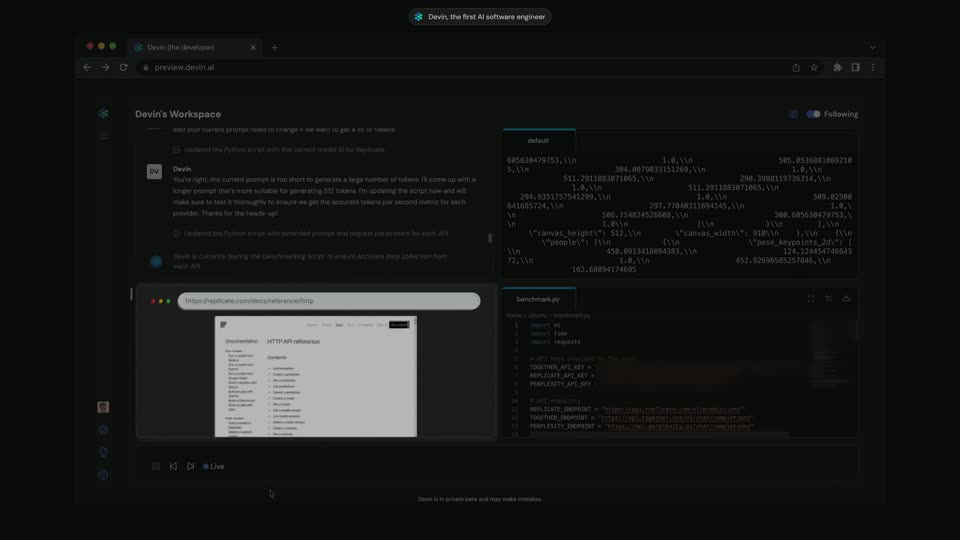 0:39–0:40Cognition · Introducing Devin, the first AI software engineerA dark Devin workspace shows a chat panel and a Python code editor; a floating browser window scales up over the left side to reveal API reference documentation, and a caption 'and even its own browser' appears at the bottom.
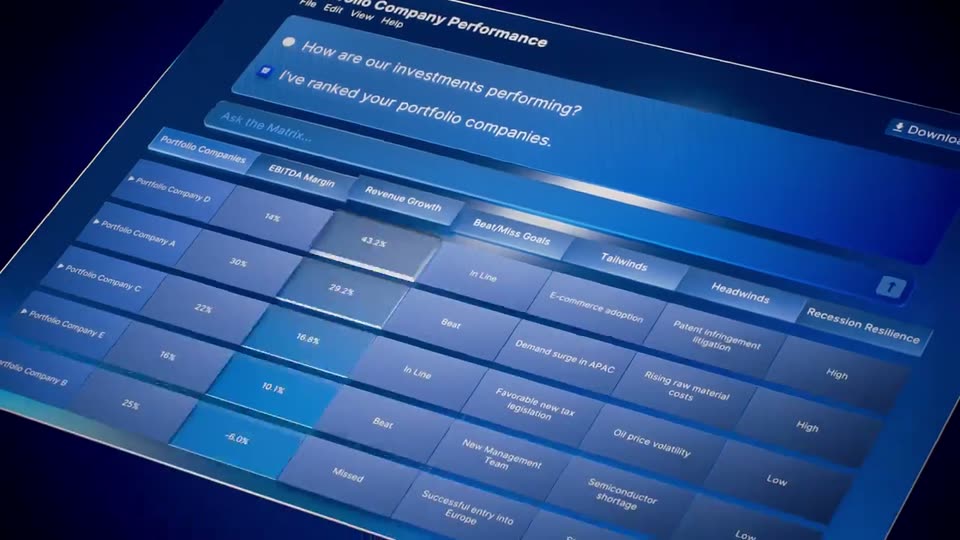 0:30–0:34Hebbia · Hebbia - Introducing the biggest change to AI products since ChatGPT. Enter tA tilted 3D view of a blue portfolio dashboard pulls back to reveal a data table with extruded 3D bars in the Revenue Growth column. A bright light streak sweeps across the screen as the camera zooms out.
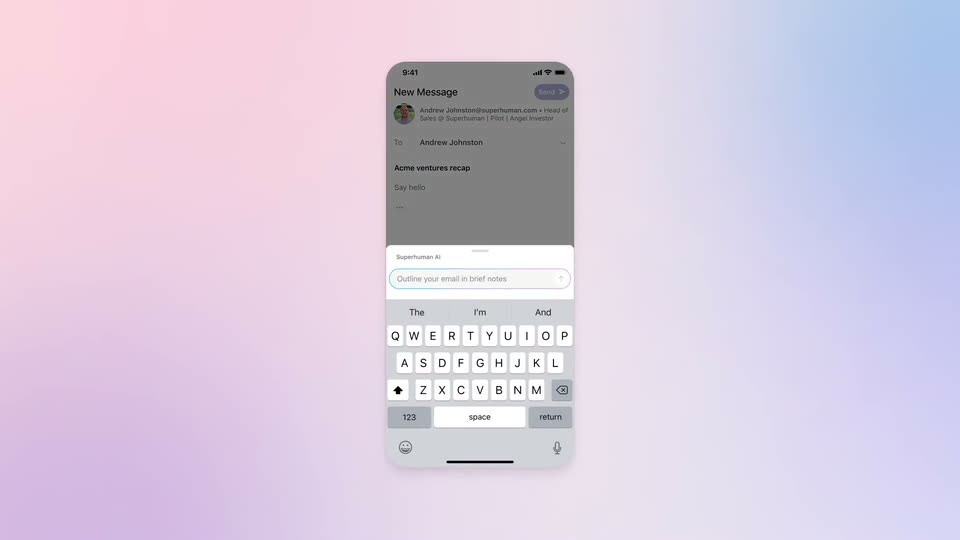 1:02–1:04Superhuman · Superhuman AI 2.0A phone mockup on a soft pink-to-blue gradient shows an email compose screen. The screen dims as a white AI sheet slides up, then the view reframes to a large centered input pill.
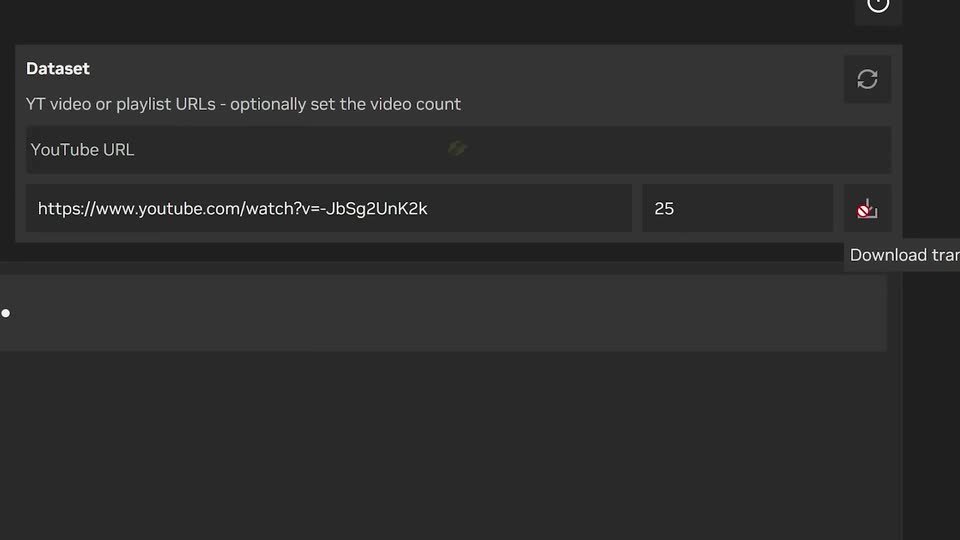 0:31–0:34NVIDIA · Create A Personalized AI Chatbot with Chat With RTXA dark Chat with RTX screen holds, then the view pushes in on the Dataset panel. A caret types a YouTube URL into the field, a download tooltip pops beside the button, and the panel dissolves into the chat bar, leaving a small green link glyph on black.
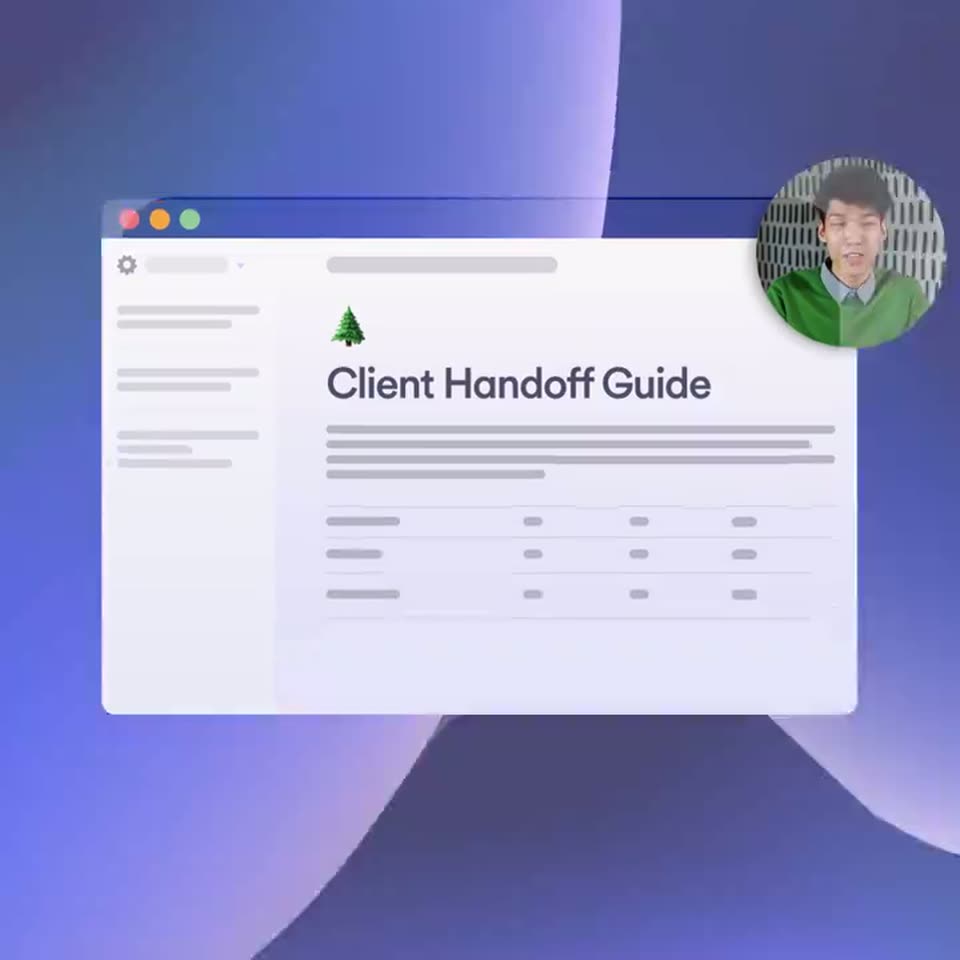 0:38–0:39Loom · Loom - 🚨 Sales & customer-facing teams — unlock more revenue with Loom!A browser window mockup fades in on a blue gradient, a circular video avatar of a man in a green sweater pinned top right. The page scrolls to reveal a table and a comment bar with emoji reactions, then the frame pulls back to show the full window.
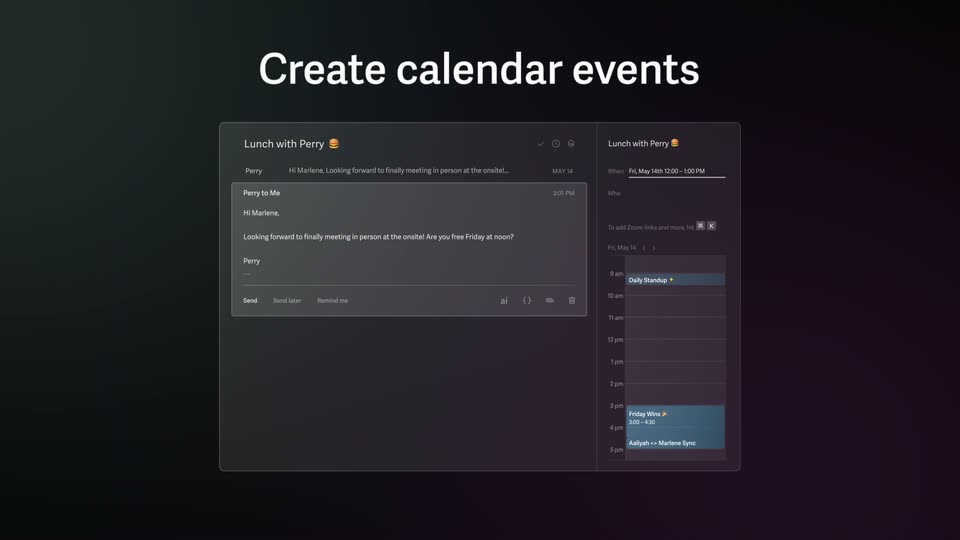 1:03–1:06Superhuman · Introducing SuperhumanUnder a fixed white headline, a dark email mockup shows a command palette typing create event over a thread and contact card. The interface then slides left, panning across the layout to land on a weekly calendar where the new event block appears.
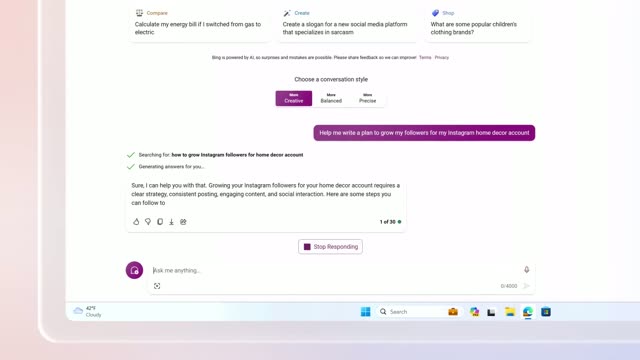 0:30–0:33Microsoft · Introducing Copilot Pro: Supercharge your Creativity and ProductivityA prompt is entered into a floating Copilot chat window. The camera moves across the interface as the response begins.
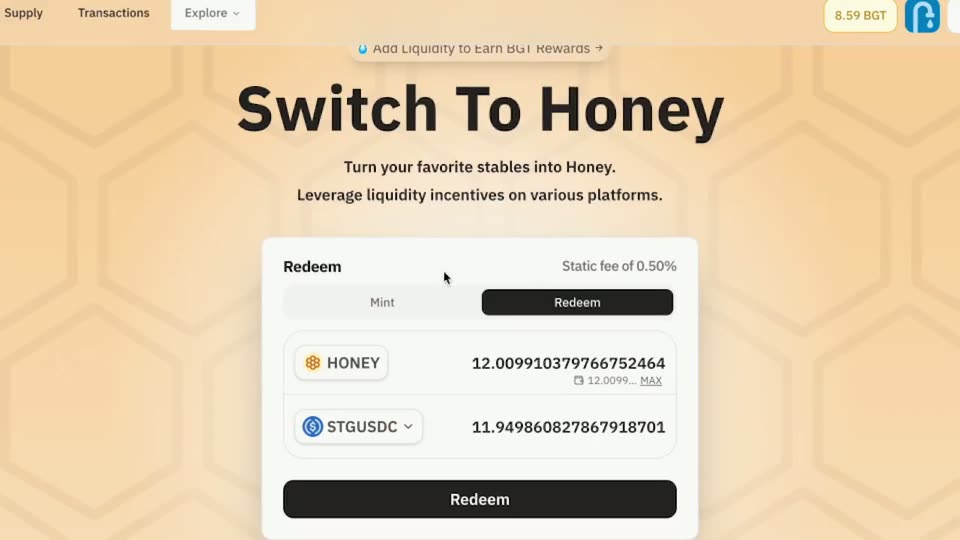 0:27–0:29Berachain · Berachain Foundation 🐻⛓ - Berachain’s Public Testnet "Artio" is now live. The March of the BerA tilted 3D close-up of the Honey redeem interface pulls back to a flat, front-on view. The cursor moves into the HONEY amount field, then rests as a hand pointer over the black Redeem button.
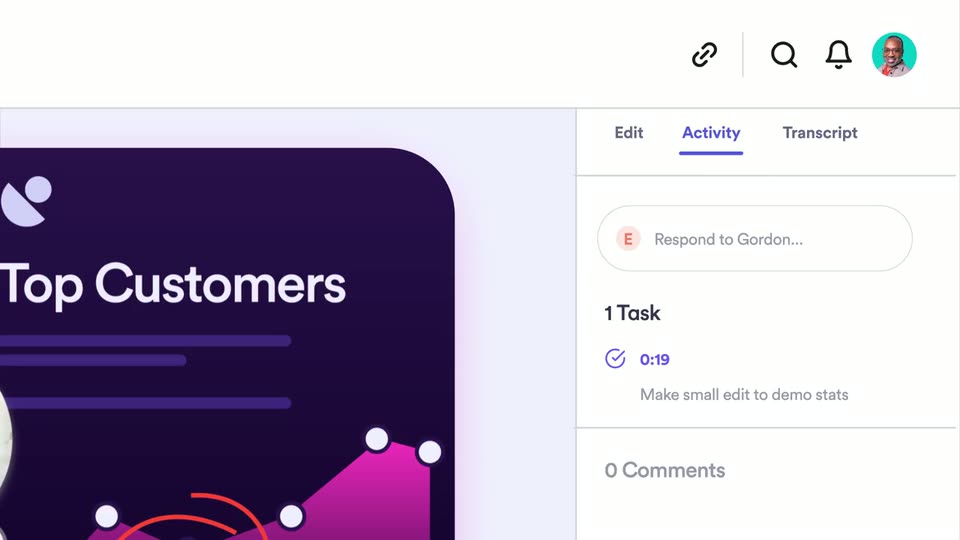 0:18–0:26Loom · Loom - It’s a new year — and it’s easier than ever to embrace new ways of woA Loom interface shows a Top Customers video slide beside an Edit panel where a cursor taps a Copied button, then switches to the Activity tab to reveal a task list. The view zooms out to a full dashboard with a presenter avatar and a reaction bar.
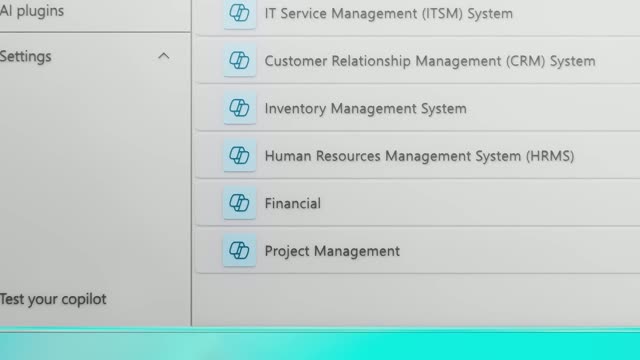 0:43–0:44Microsoft · Introducing Microsoft Copilot Studio | Your Copilot, Your WayA tight crop of a plugin list zooms out to reveal the full Copilot Studio workspace: a left navigation panel and a table of conversational plugins, with the top row highlighted in blue.
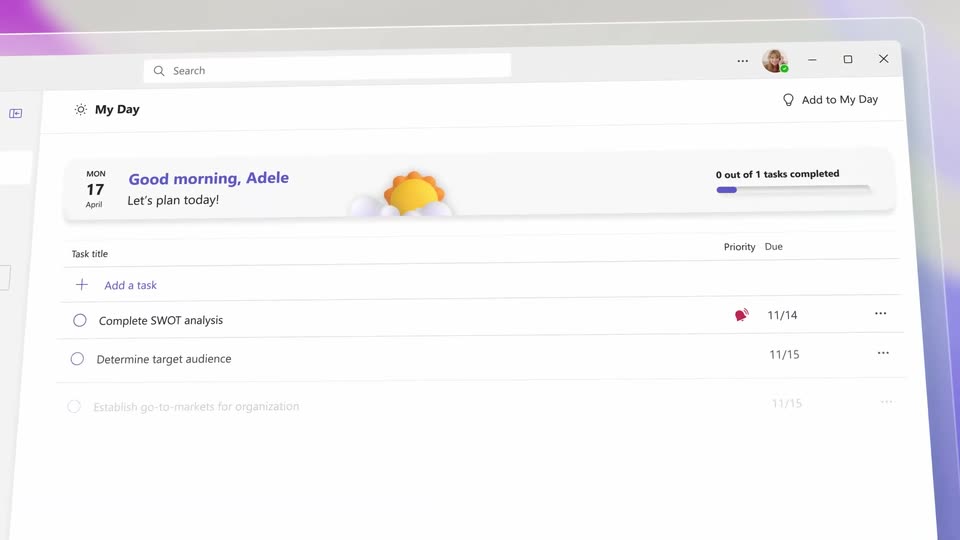 0:55–0:59Microsoft · The new Microsoft Planner: Manage all your tasks and plans in one simple, familiar experienceA tilted planner window floats over a soft gradient. The view starts zoomed on the morning greeting card, then pulls back as task rows fade in one after another, filling the list.
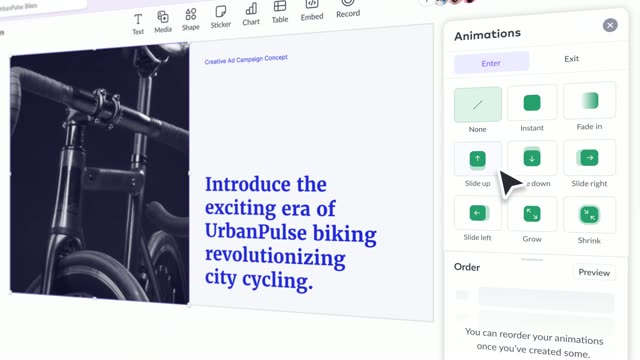 0:49–0:52Pitch · Introducing Pitch 2.0On a purple backdrop, a cursor clicks the animation icon in a slide editor, opening an Animations panel and selecting Slide up. The frame zooms in on a slide showing a black bicycle beside a blue UrbanPulse headline.
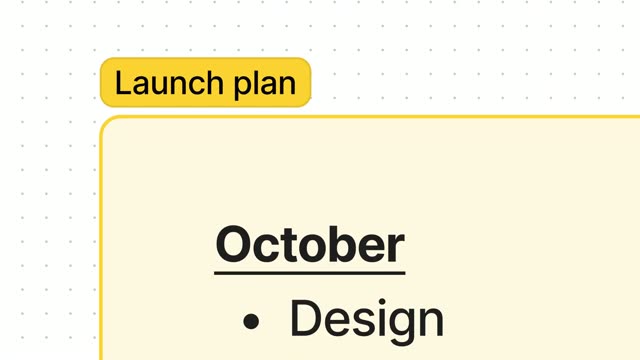 0:33–0:35Figma · Introducing FigJam AIA large yellow 'Launch plan' badge and 'October' text scale down and slide up, transforming into headers above a list of project milestones and dates on a card.
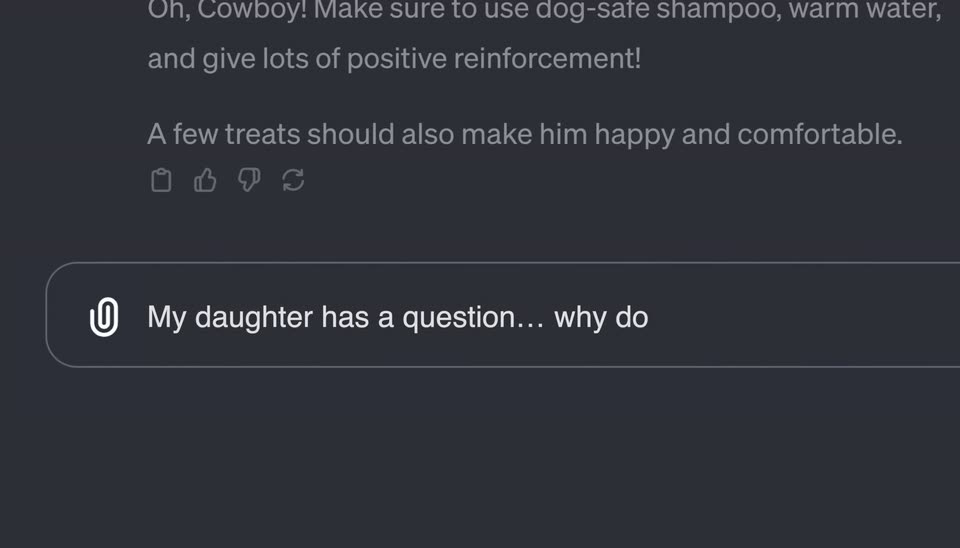 0:34–0:38OpenAI · Introducing GPTs in ChatGPTA dark chat view in close-up: a reply about dog shampoo and treats sits at the top while a user's question, “My daughter has a question... why does Cowboy do this?”, types itself into the input box letter by letter. The frame slowly zooms in on the input field.
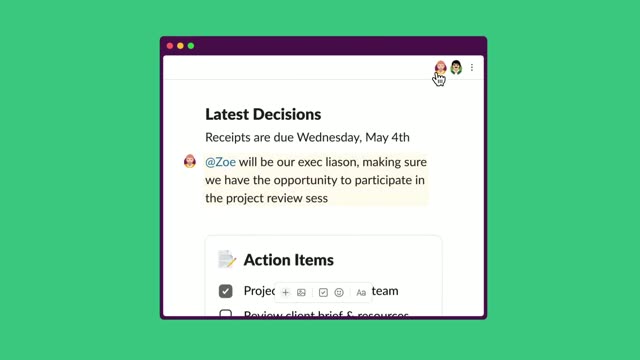 0:32–0:41Slack · Introducing canvas | A new surface to share and organize knowledge | SlackA flat browser window on a green field shows a doc editor. The cursor expands a Key Stakeholders card into member tiles, then clicks an avatar to switch to a decisions view where a sentence types itself and a comment icon appears.
 0:23–0:28Retool · Retool - Say hello to the fusion of visual programming, code, and AI. RetoolA white output card holding a sales report sits on a dotted canvas. The framing shifts left as a hand cursor moves down and a dropdown menu of node types opens, the cursor resting on the top item.
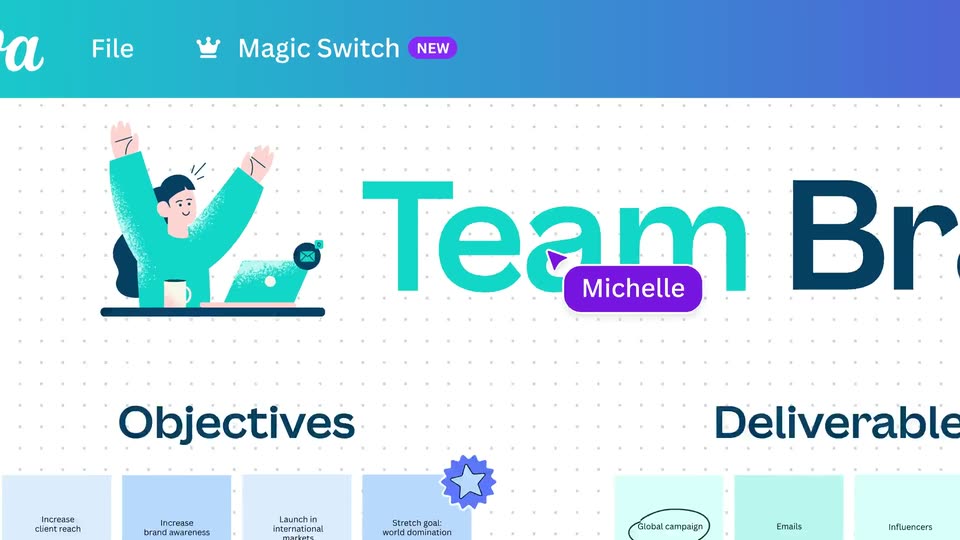 0:29–0:31Canva · Canva - Meet Magic Studio. Supercharge your workflow with all the power of AIA Canva team whiteboard with a Team Brainstorm title, columns of colored cards and named collaborator cursors. The view pushes in from the full board to a close-up of the teal Team word and the illustration of a person with raised arms.
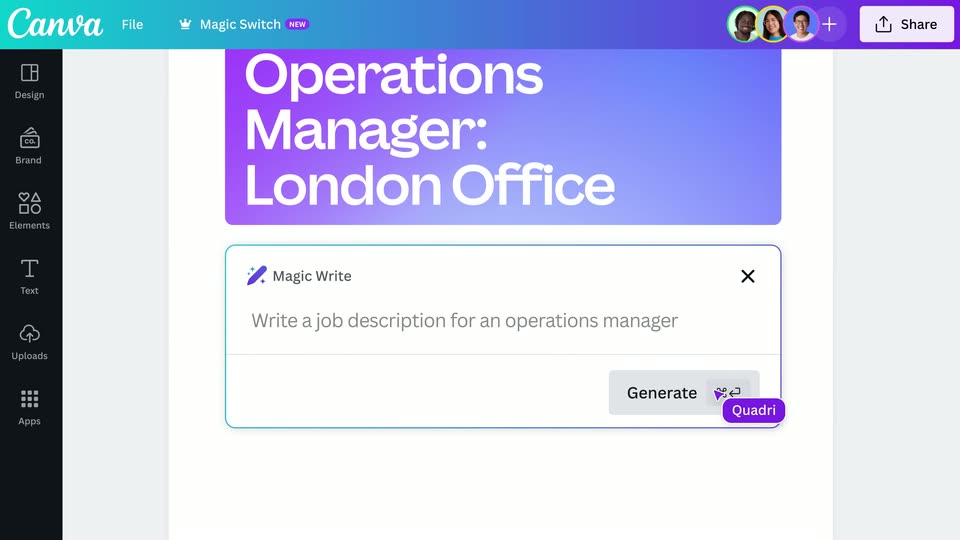 0:46–0:51Canva · Meet Magic Studio | Let the power of AI supercharge your workIn the Canva editor, a cursor tagged Quadri types a prompt into the Magic Write field, then clicks Generate. A spinner and floating purple sparkles appear, and the panel fills with the generated job description as the view zooms in.
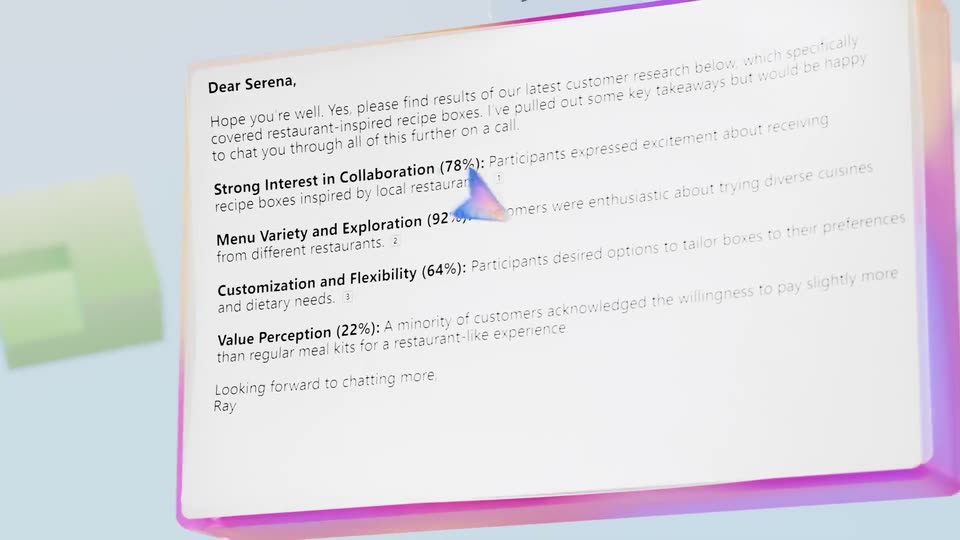 0:32–0:34Microsoft · Introducing Microsoft 365 ChatA 3D blue arrow hovers over the Edit in Outlook button on an email card, then the view pulls back to reveal the full message with bulleted research takeaways. The card rests on a light blue field with a glowing pink lower edge.
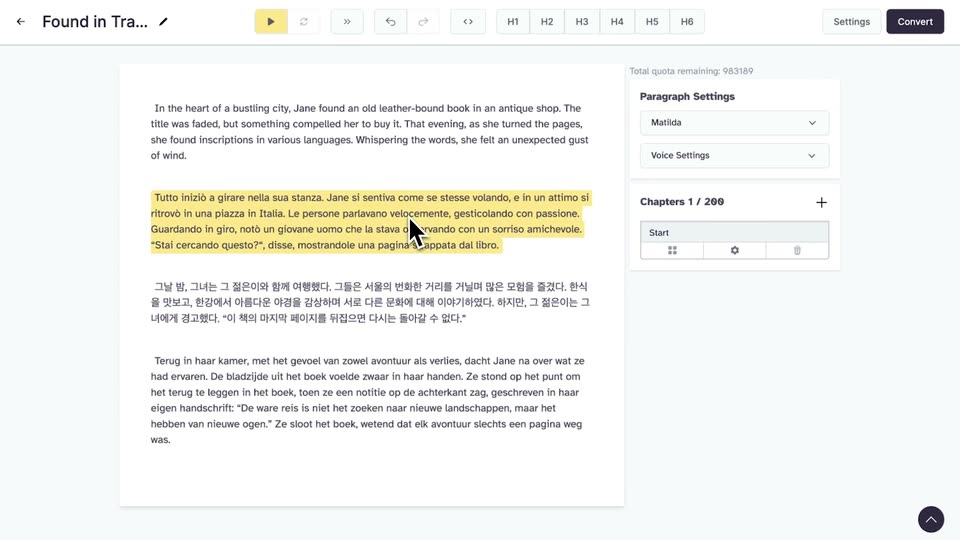 1:05–1:07ElevenLabs · Introducing: ProjectsA document editor with multilingual paragraphs fills the frame. A cursor hovers over the Italian block, which flashes a yellow highlight, while the font field in the right panel switches from Rachel to Matilda. The view blurs and shifts as the camera reframes.
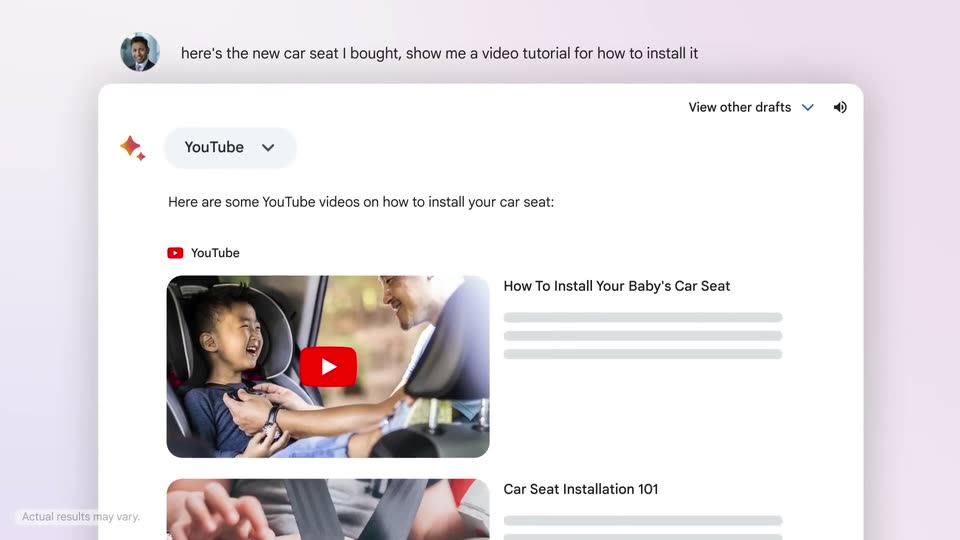 1:00–1:03Google · Introducing Extensions ✨ | BardA chat prompt about a car seat sits above a white card that expands from a Gemini and YouTube header into a full results panel with a video thumbnail and a title list. The view then zooms down the card, landing on a second thumbnail.
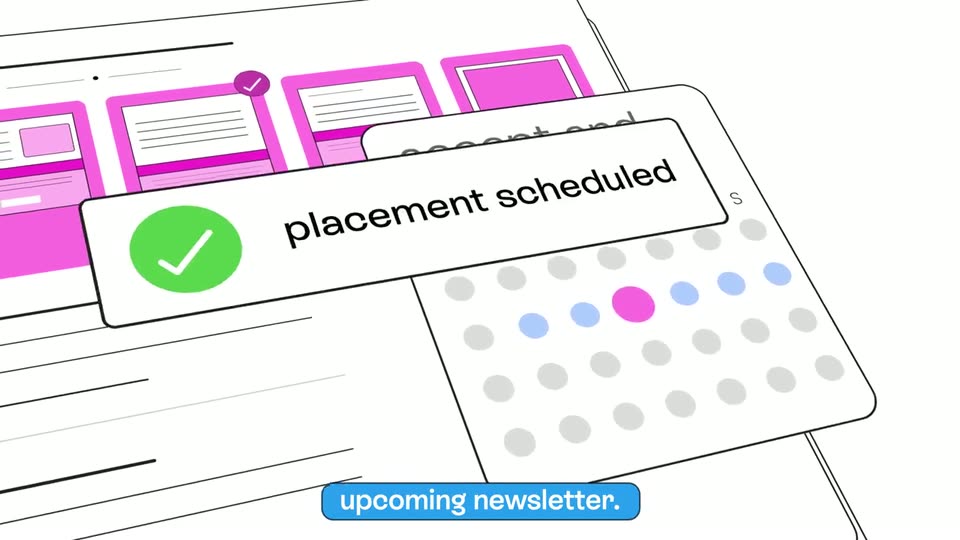 0:26–0:29beehiiv · beehiiv 🐝 - your newsletter 🤝 quality sponsors enter: the built in ad networkA pink card layout and a tilted calendar mockup sit in 3D perspective on white. The view zooms onto the calendar, then a toast with a green check, “placement scheduled,” slides in as the frame pulls back. A blue caption pill at the bottom cycles the phrase.
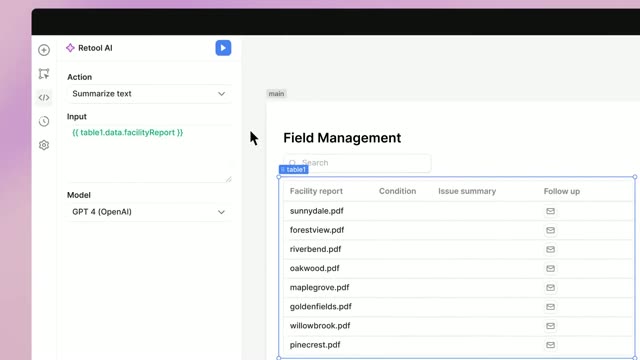 0:21–0:24Retool · Introducing Retool AI—powerful AI building blocksA cursor opens the Action dropdown in the Retool AI panel and highlights Summarize text. The frame pulls back to the full window, where the action panel now shows the selection beside a Field Management report table.
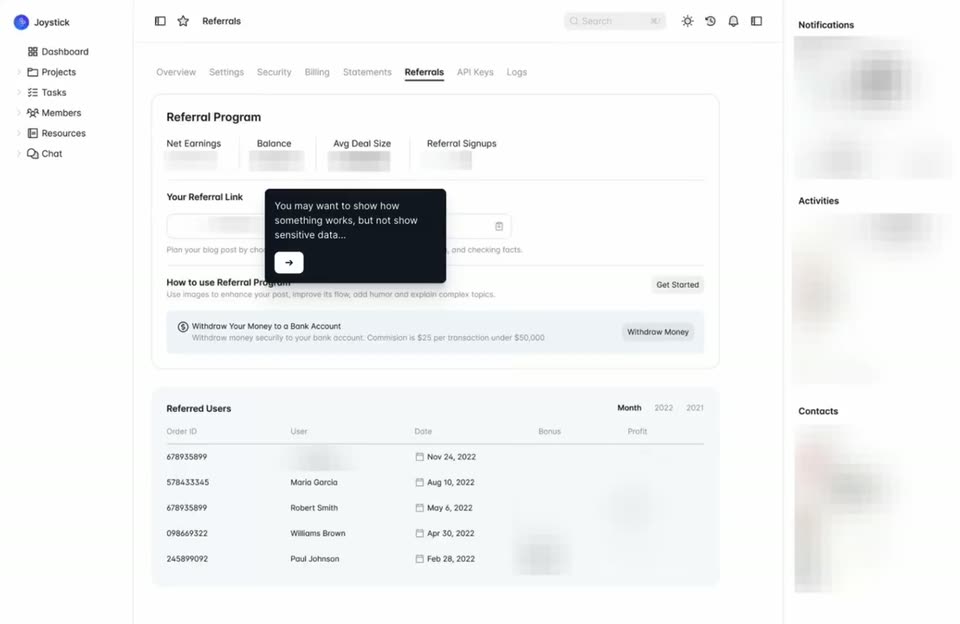 1:01–1:15Arcade · Arcade - 🕹 Introducing new creator tools to create effortlessly beautiful demos.A blurred dashboard fills the frame behind a centered headline and blue button. The blur lifts to reveal the sharp referral page; a dark tooltip points at the link field, then the view zooms onto the user table as a second tooltip flags the pixelated names.
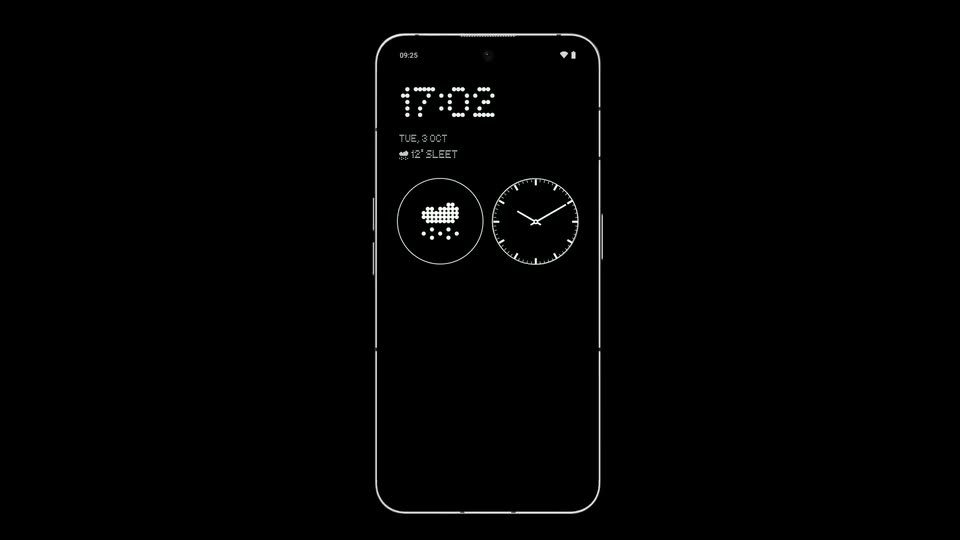 2:12–2:13Nothing · Phone (2): Lights, camera, less distractionA white line-art phone on black zooms out from a tight crop of the lock screen to the full device. The screen holds a dot-matrix title, date, weather, a circular cloud widget and an analog clock, then a caption appears below.
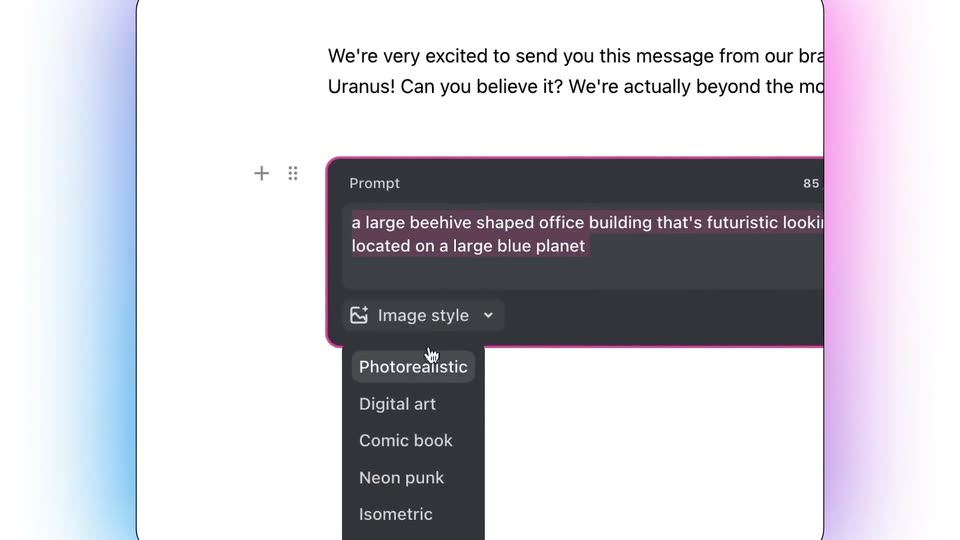 0:29–0:32beehiiv · beehiiv 🐝 - Introducing beehiiv AI ✨ Coming live from UranusA dark prompt card fills the frame while a cursor types a long prompt. The view pulls back to reveal a chat message above; the cursor picks a style from the dropdown, clicks Generate image, and a small dark pill with three dots fades in on the right.
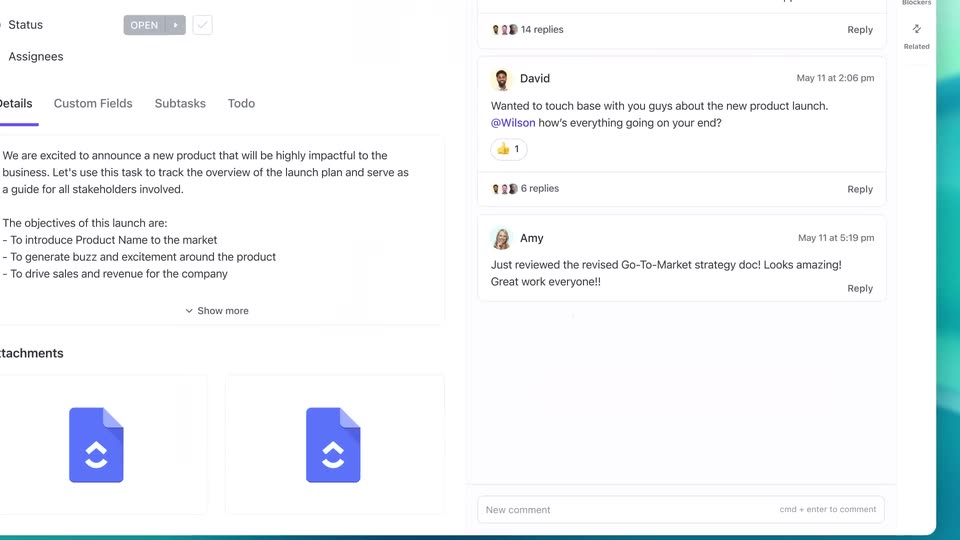 1:22–1:23ClickUp · Introducing ClickUp AIA project management task page shows the title and a cursor resting at the Share button, then the view reframes onto the right-hand comment thread where teammates post praise for the launch.
 0:37–0:38Notion · Welcome to Notion ProjectsA faded close-up of a task detail panel zooms out to reveal the full application window, showing a left sidebar, a Projects template grid in the center and a Tasks panel on the right.
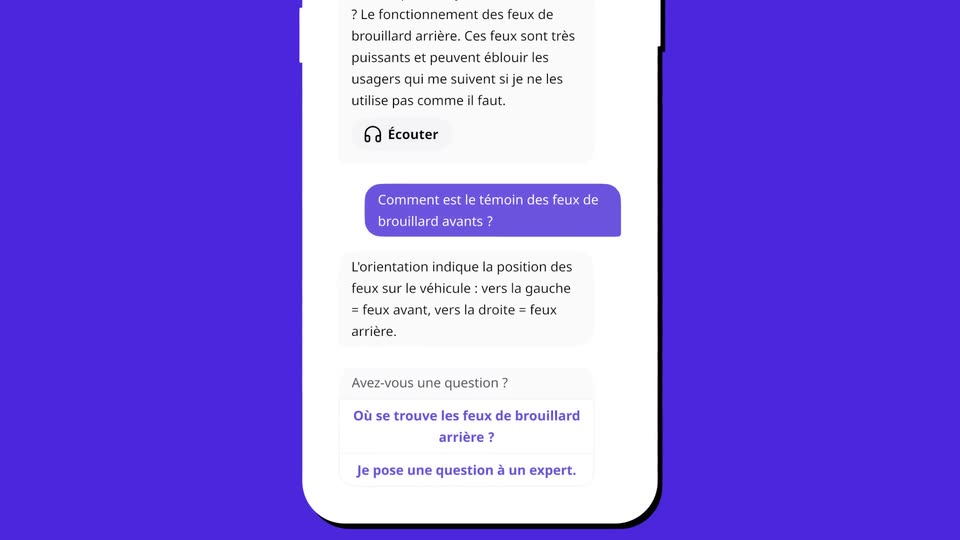 1:59–2:02Ornikar · Le PERMIS avec ORNIKAR : comment ça marche ?A white phone mockup on a solid purple background shows a French chat interface. The view scrolls down through an explanation with a sunglasses emoji, an audio button and a blue user question bubble, ending on a follow-up suggestion chip.
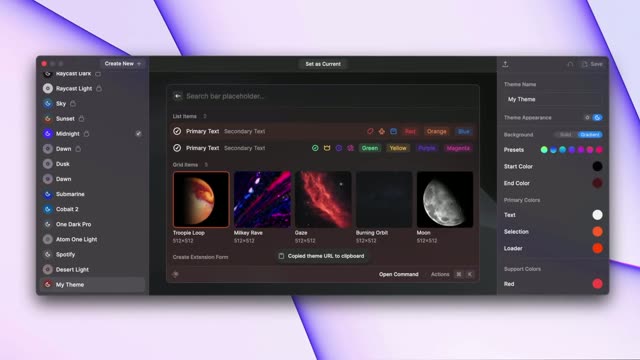 1:18 · 0.8sRaycast · Introducing Raycast ProA dark macOS theme-editor window sits on a purple background with diagonal light beams. It opens blurred and zoomed in, then pulls back into a sharp full view showing a sidebar of theme names, list and grid items, and a right-hand settings panel.
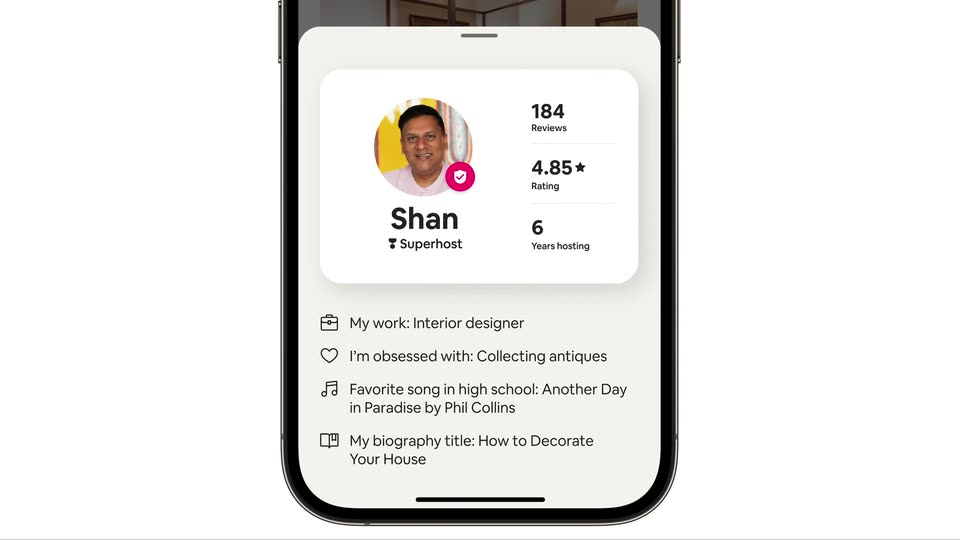 1:37–1:39Airbnb · Introducing Airbnb Rooms – featuring the new Host PassportA phone screen shows a host profile page. A white card with the host's photo and name slides up and expands to reveal review count, rating and years hosting, while the room photo, price line and map scroll out of frame.
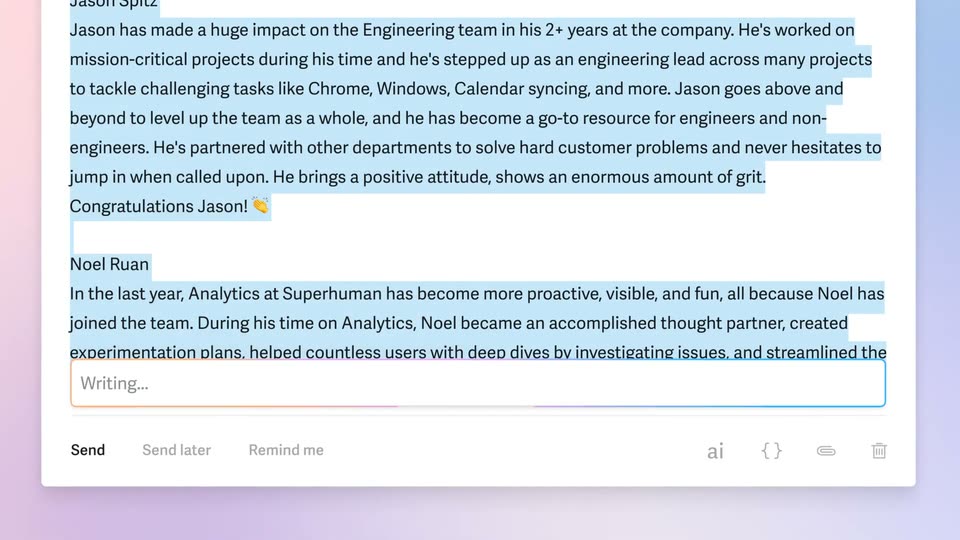 0:27–0:33Superhuman · Superhuman AIClose-up of an email composer holding a long highlighted paragraph. A cursor clicks the AI button, a menu of rewrite options opens, the cursor picks one, the paragraph condenses in place, then the frame pulls back to show the full message with its subject line.
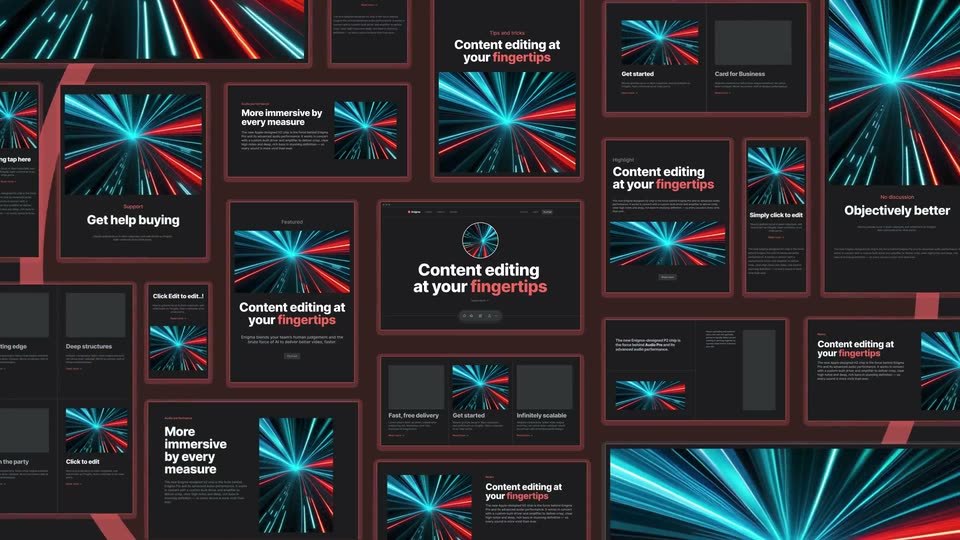 0:36–0:38Vercel · Vercel - Introducing Visual Editing for Headless ◆ Designed with our launch pA masonry grid of dark interface cards fills the frame, each pairing a radial burst of blue and red light streaks with a white headline. The grid slowly scales up while the bursts pulse outward.
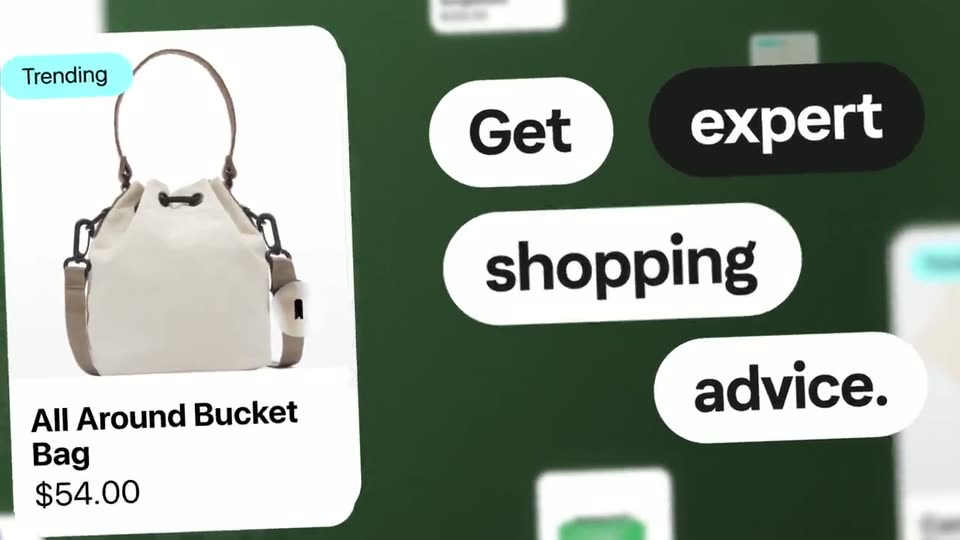 0:20–0:22Klarna · Klarna - #klarnaspotlight is here! 📱An AI-powered, personalized shopping feedA cream bucket bag card floats in 3D over a blurred green product grid while pill-shaped words spell the headline. The card tilts, then the view zooms into a second card showing a white bag with a smiley charm.
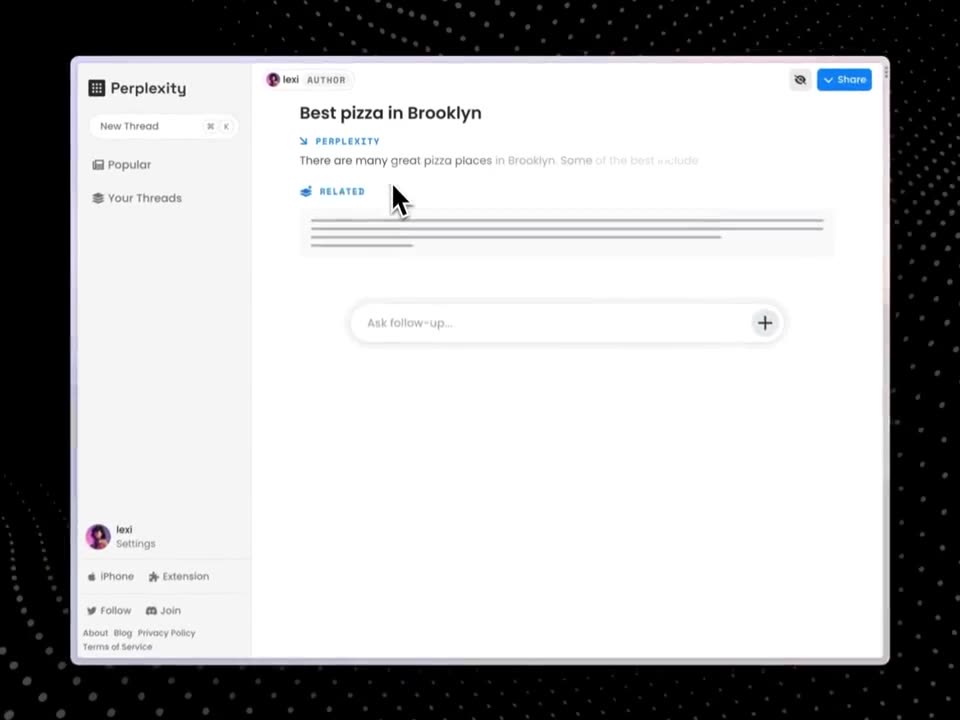 0:37–0:45Perplexity · Perplexity - We are excited to launch the next version of Introducing login, threaClose-up on the Perplexity search field reading “Best pizza in New York City”; the cursor highlights the city name, deletes it and types “Brooklyn.” The frame then pulls back to the full app window as the answer streams in with a bulleted list of pizza spots.
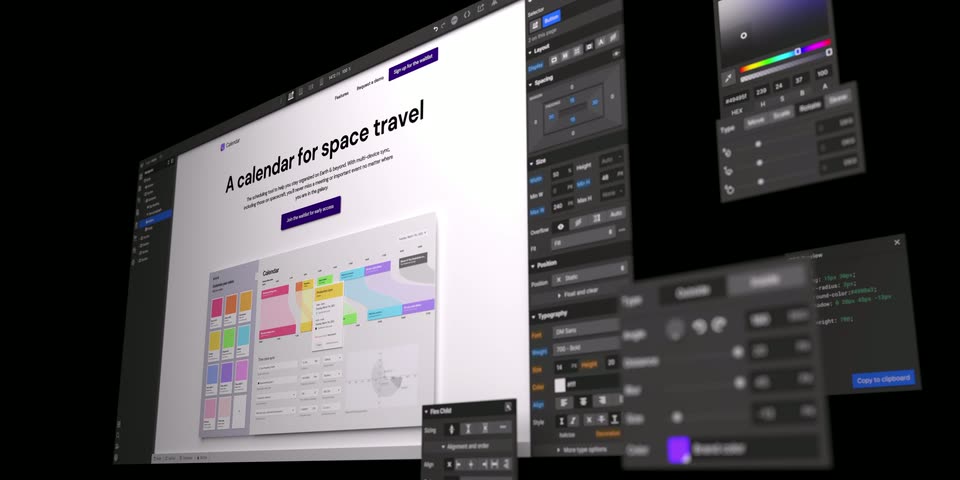 1:33–1:35Webflow · Introducing WebflowA Webflow editor sits in 3D perspective, its canvas showing a “A calendar for space travel” page, while property, color and code panels float around it. The camera pushes in, reframing onto the main canvas as the side panels drift past.
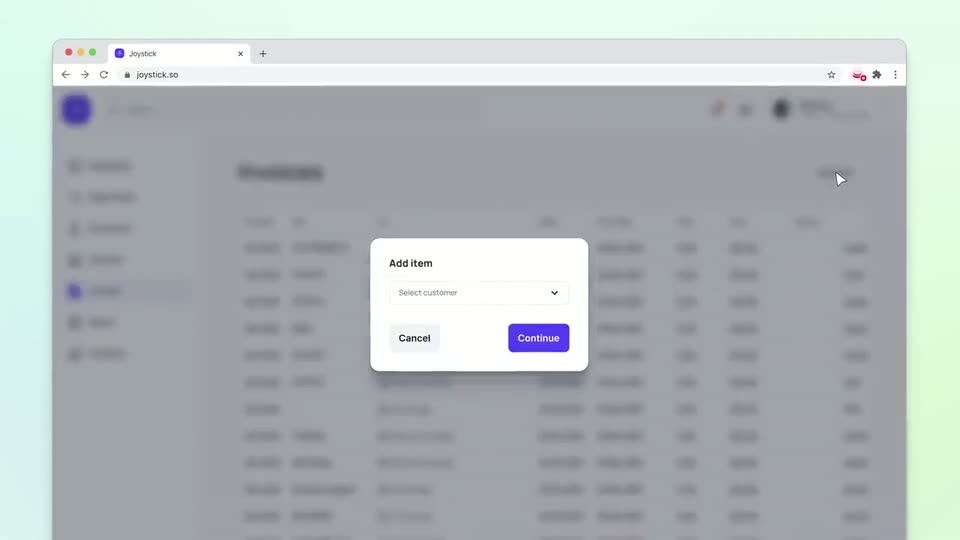 0:27–0:28Arcade · Arcade - Introducing Arcade Growth:A browser-window view of an invoicing app shows an Invoices table behind a centered Add item modal, with a cursor near the top-right button. The shot reframes closer to the modal, keeping the form sharp.
 0:41–0:42Google · Google’s new AI chatbot | Meet BardA close-up of a chat interface scrolls down past the story text and action buttons; the thumbs-down button fills blue and a rating-reason section with chips slides in, then the frame tightens onto that section.
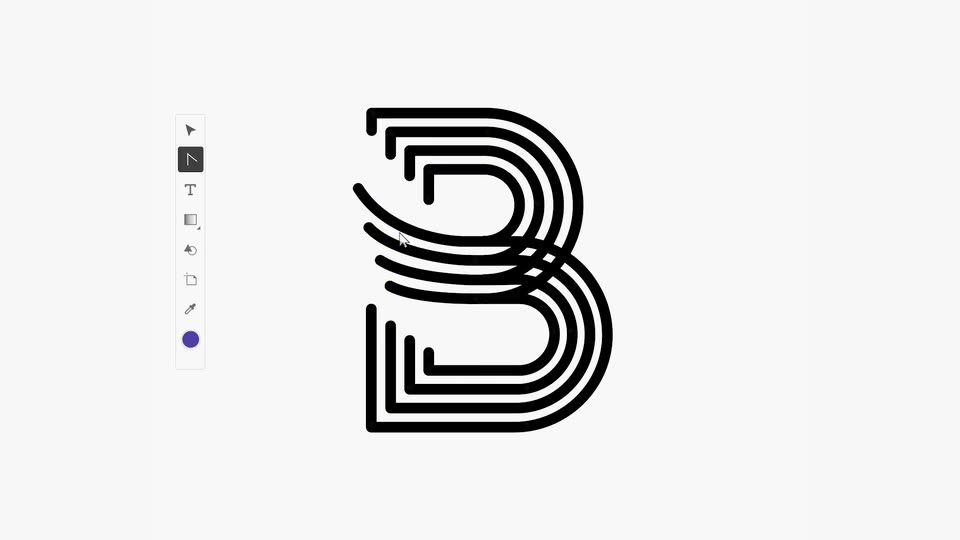 0:52–0:55Adobe · Adobe Firefly: Family of New Creative Generative AI Models | AdobeA vector editor canvas shows the letter B built from several parallel black strokes with purple anchor points. The view zooms in as the strokes complete and the cursor hovers at the letter's center, with a vertical toolbar at the left.
 1:06–1:08Microsoft · The Microsoft 365 Copilot AI Event in Less than 3 MinutesA close-up of the Outlook inbox shows a blue Copilot catch-up card. A cursor clicks Next, swapping the highlighted summary to the next email and updating the reading pane. The view then zooms out to reveal the full Outlook window with its navigation pane.
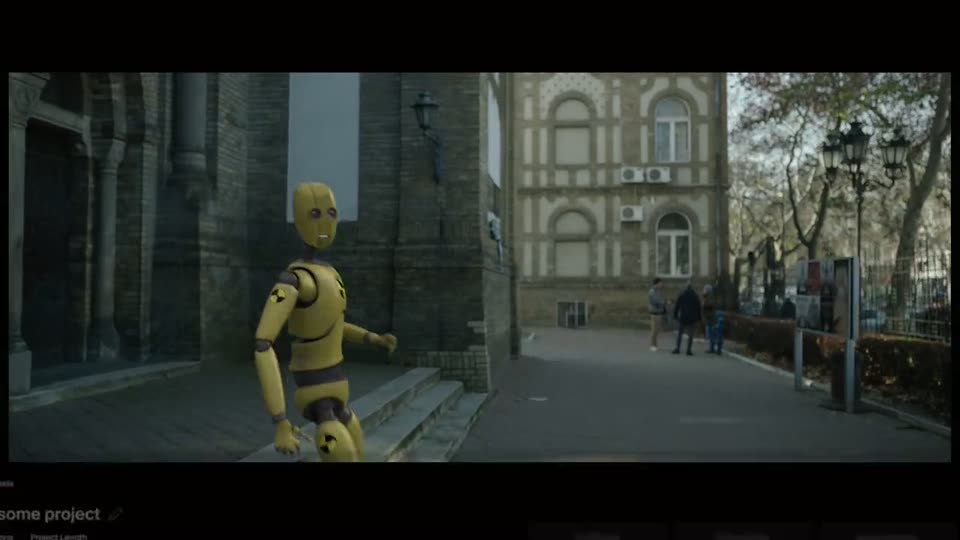 0:28–0:29Wonder Studio · Autodesk Flow Studio - We are proud to introduce Wonder Studio. An AI tool that automaticalInside the app's viewer, a yellow humanoid robot walks down a sunlit city street past brick buildings. The bottom project panel and node graph slide out of frame as the preview zooms to fill the screen.
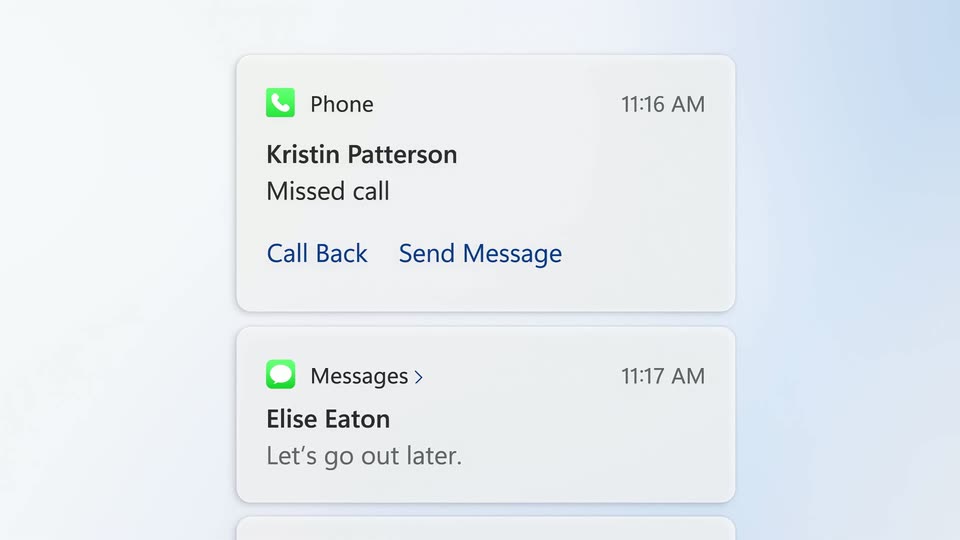 0:32–0:33Microsoft · Introducing the new Bing in Windows and MoreA stack of notification cards drifts upward on a pale blue background, the middle card in sharp focus while the top and bottom blur. The interface zooms gently as the Nola Harrell message card settles in the center.
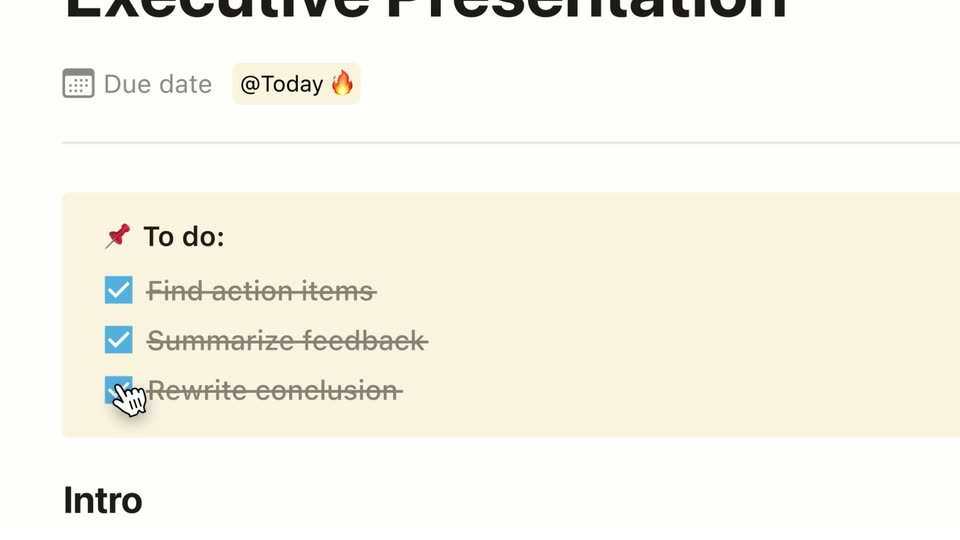 0:36–0:39Notion · Notion AI is here, for everyoneA zoomed-in AI panel shows a finished paragraph and a suggestion menu with an arrow cursor; the view then reframes to a document where a hand cursor checks the final to-do item, all items struck through, before the screen fades to black.
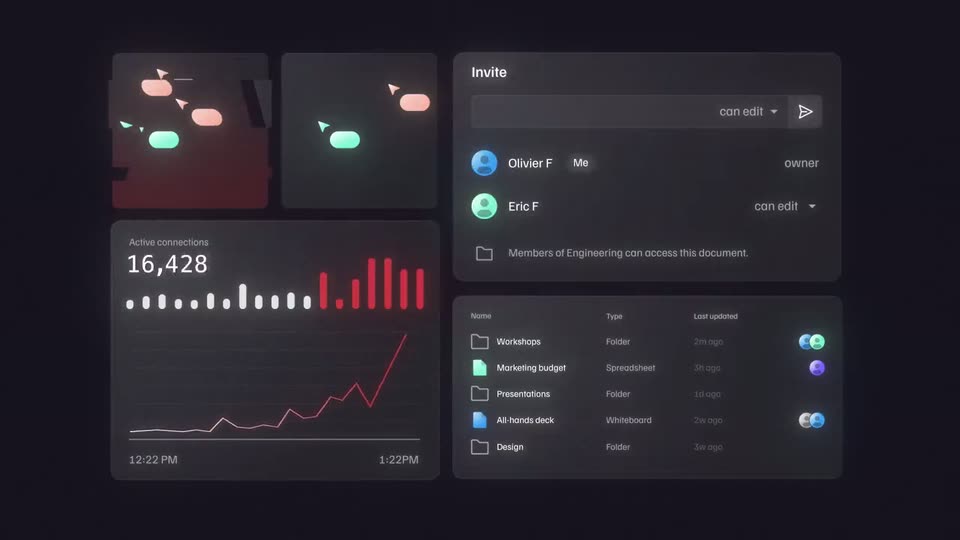 0:40–0:47Liveblocks · Liveblocks - #LiveblocksLaunchWeek – Day 1 Introducing Liveblocks 1.0: the compleA dark dashboard of floating UI cards assembles: whiteboards with moving cursors, an Invite panel, a file list, and a connections chart whose number counts up. A red warning triangle pops in at center, then the whole grid tilts into 3D perspective.
 0:25–0:26Shift Technology · SHIFT_Improper Payment Detection_360 View_Video_FINALA tilted dashboard interface floats on a purple field, the view pushing in from a wide angled shot to a close-up of the variable table, the type softening into blur as it reframes.
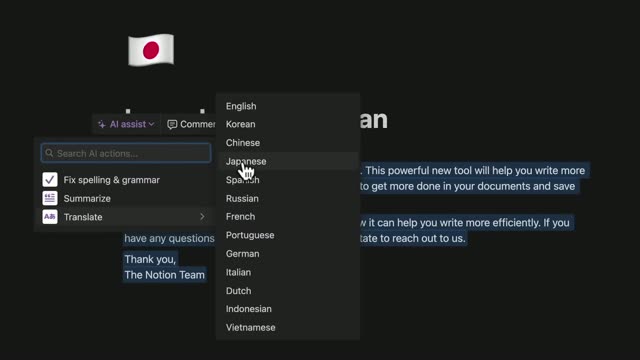 0:49–0:54Notion · Introducing Notion AIIn a dark Notion document, a cursor opens the AI assist menu, picks Translate, then Japanese from the language list. The view blurs and pulls back to a black screen with a small spinning 3D block on the left.
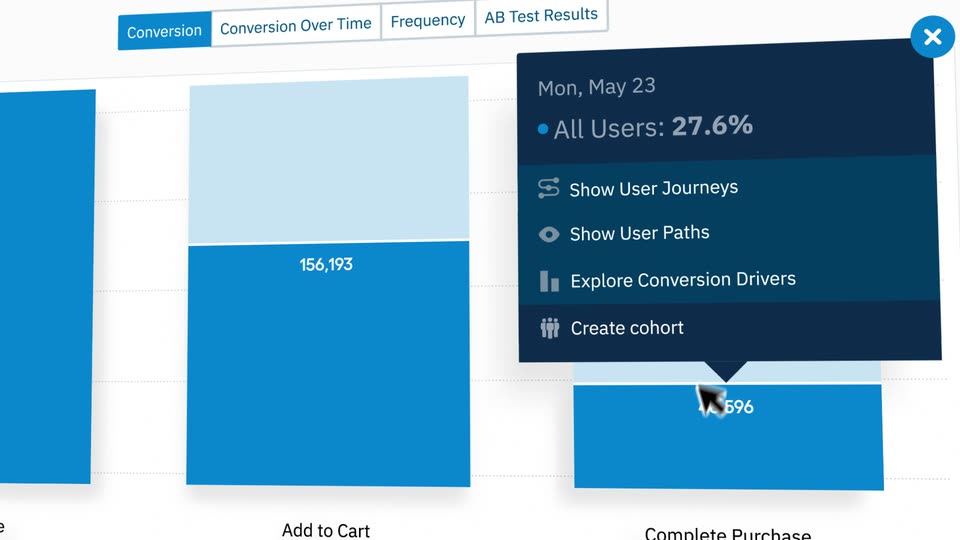 0:44–0:49Amplitude · Introducing Amplitude CDPA locked-off headline accompanies a blue conversion funnel chart. A cursor clicks the Complete Purchase bar, a dark menu drops in with user options, and the cursor rests on Create cohort before the view blurs and fades to white.
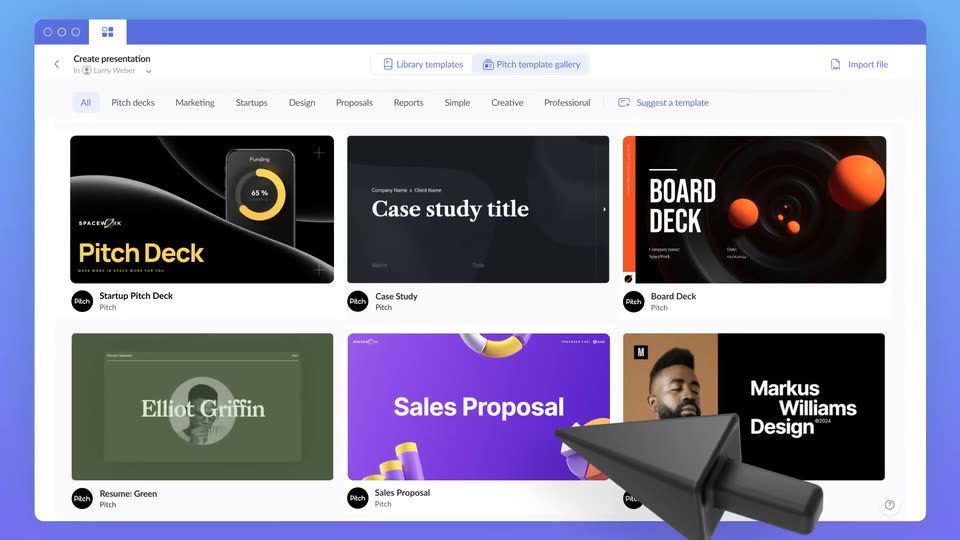 0:15–0:18Pitch · Introduction to Pitch | Create beautiful presentations with your teamA white presentation app window opens on a blue background, revealing a grid of template cards. The view zooms toward the top-left dark Startup Pitch Deck card, and a large black cursor arrow moves into the lower area.
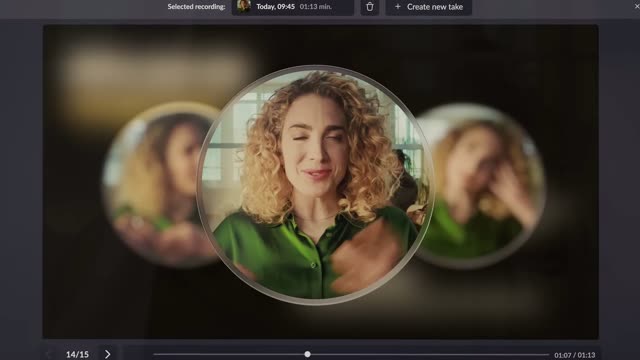 0:50–0:56Pitch · Introducing recordings | Turn presentations into expressive video narrativesA close-up of a woman in a green shirt inside a circular frame, flanked by two blurred copies, zooms out to reveal a dark recording interface with a top toolbar and a bottom timeline.
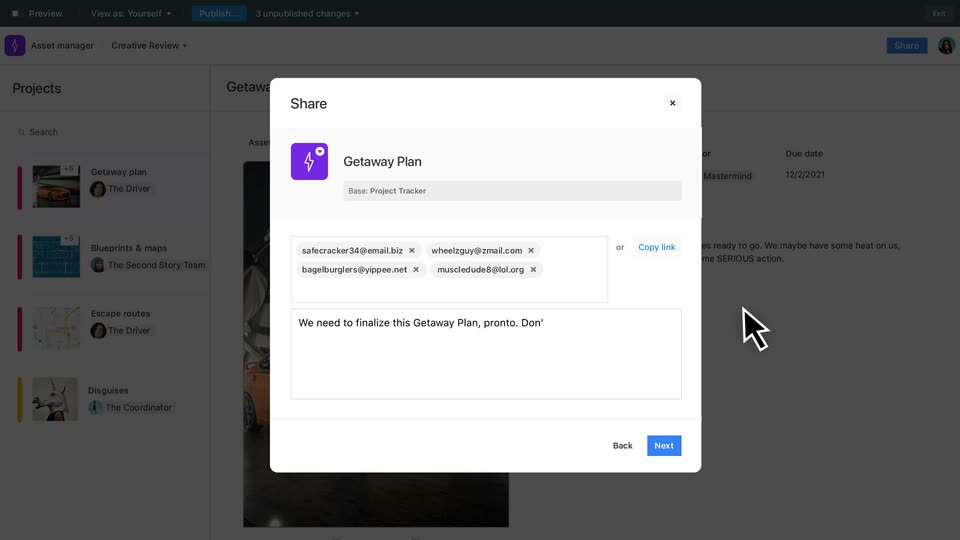 0:24–0:29Airtable · Airtable: introducing interface designerA Share dialog sits over a dimmed project screen, a white cursor resting beside it. Four email chips fill the recipient field, then a message types itself out below. The view reframes closer on the dialog at the end.
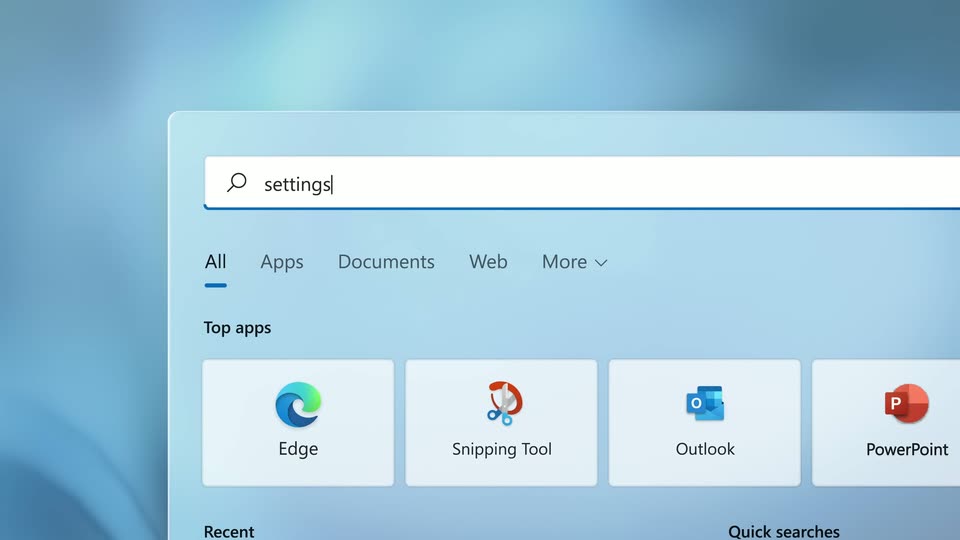 0:56–0:58Microsoft · Introducing Windows 11A Windows search panel floats over a soft blue backdrop. The view zooms in on the search field as the word settings is typed, and a Settings result appears under Best match while the app tiles slide out of frame.
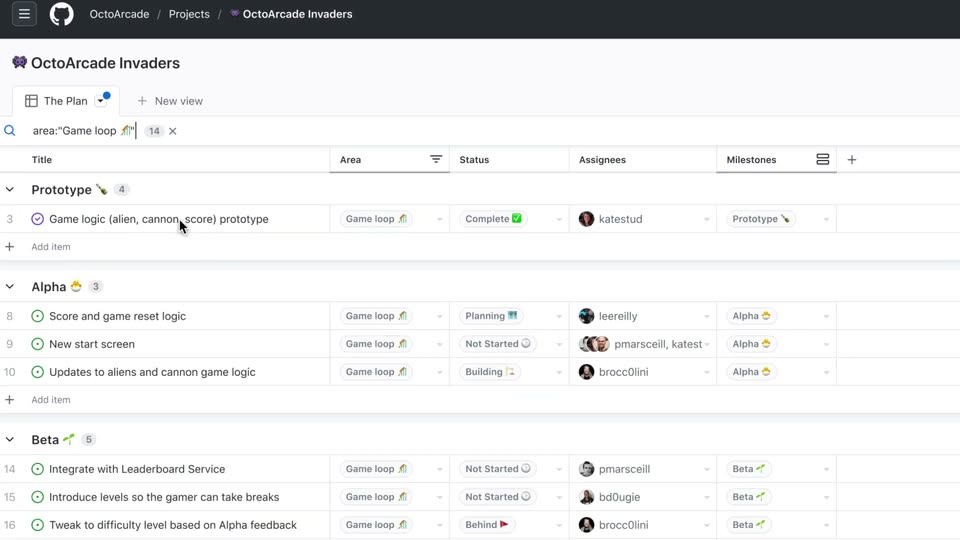 0:40–0:47GitHub · The new GitHub IssuesA GitHub Projects table is shown. A cursor types a filter in the search bar and picks the Game loop area from a dropdown, the list narrows, then the view pulls back to reveal the full table with assignees and milestones, and the view menu opens.
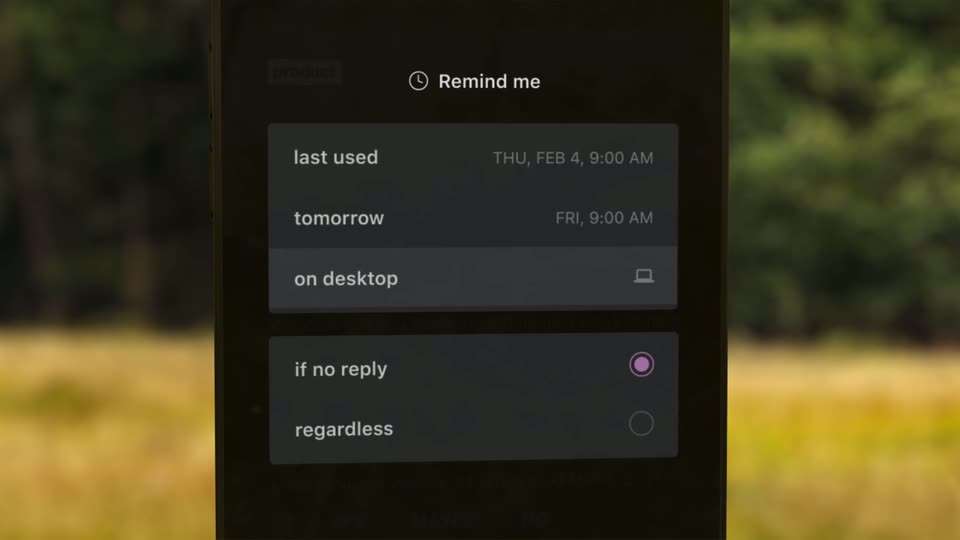 0:51–0:53Superhuman · Introducing SuperhumanA phone held against a blurred field shows a dark inbox; a 'Remind me' dialog with toggles pops up, then the view reframes to a two-pane layout listing Mail, Twitter and LinkedIn sources.
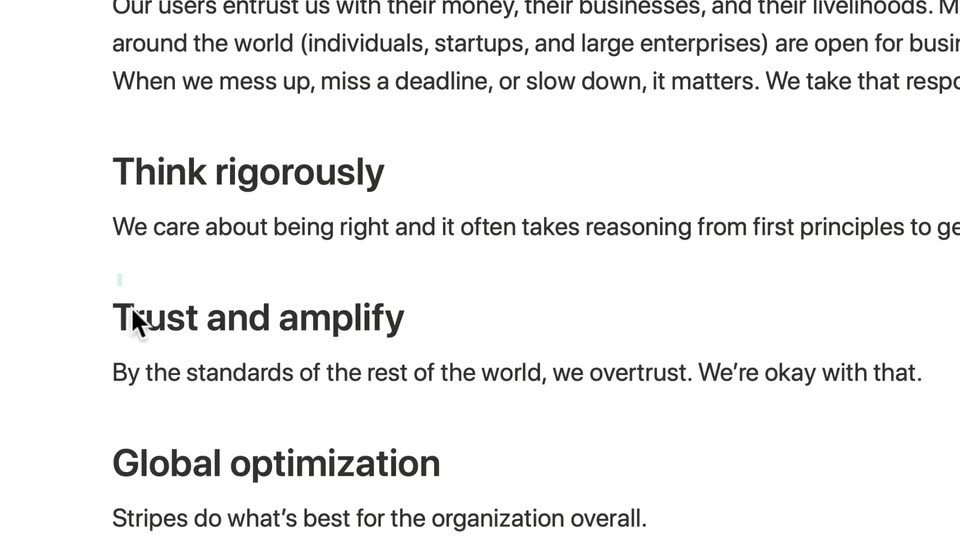 1:04–1:09Notion · What is Notion?A document page with an astronaut photo and a “Mission, Vision, Values” heading scrolls down as the view zooms in. The “Trust and amplify” block is highlighted, a grab handle appears, and the cursor drags it above “Think rigorously”.
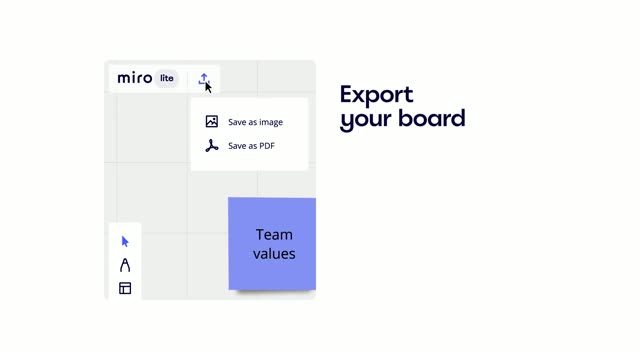 0:42–0:45Miro · Meet Miro Lite, the free online visual workspace for teamsA flat Miro board mockup sits left; the cursor clicks the export icon, opening a Save as image and Save as PDF dropdown. The frame zooms into the board, cropping the header, while the Export your board headline on the right fades to light gray.
 0:59–1:04Atlassian · Introducing Jira Service ManagementDark dashboard widgets frame a blue panel of user avatars with green check badges. The view zooms from a stacked card list to the single panel, then two illustrated hands of different skin tones tap avatars as the grid grows from four to nine icons.
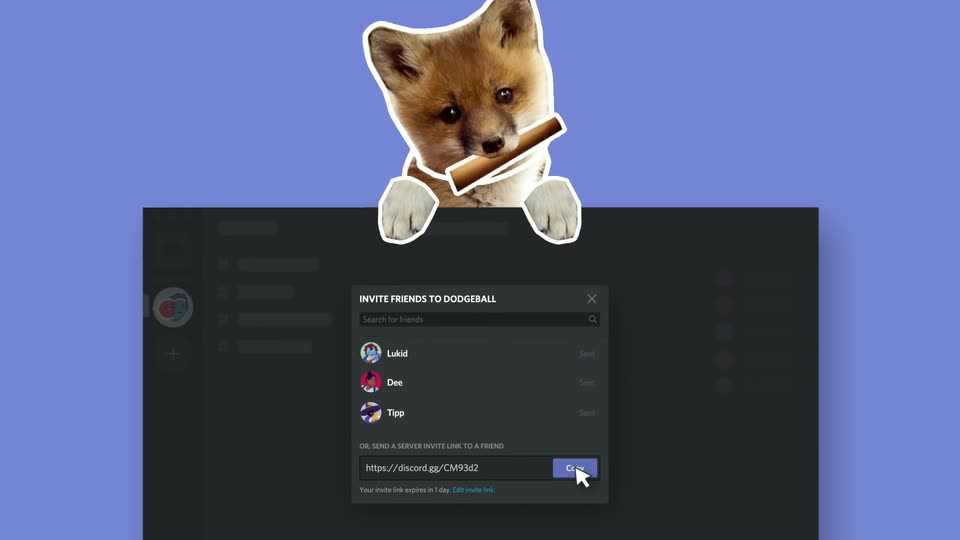 0:36–0:42Discord · How Discord Works in 148,000 Miliseconds or LessA dark Discord invite modal sits on a periwinkle field, the window scaling up while a cursor hovers the Copy button. A green typing bubble pops above, then a fox sticker holding a rolled scroll peeks over the top edge with two paws.
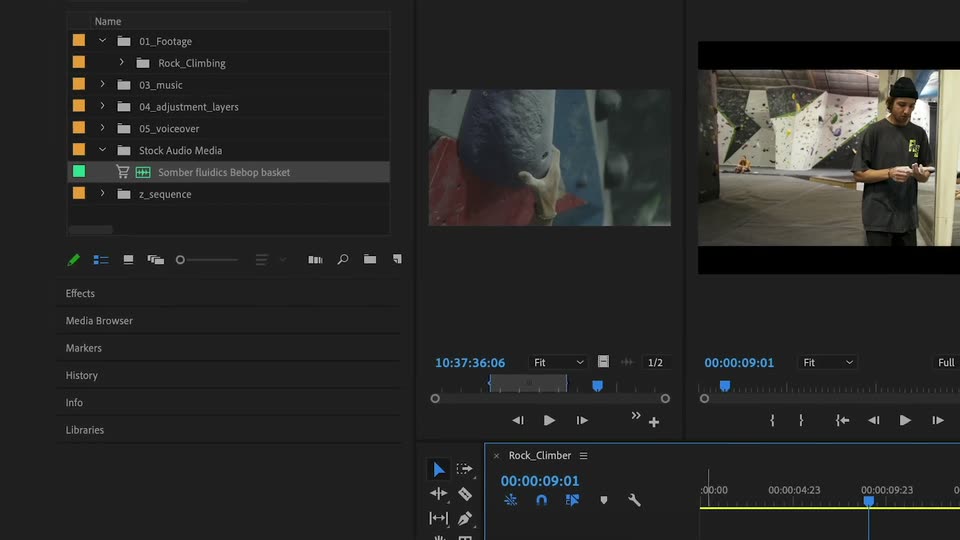 1:22–1:24Adobe · New in Premiere Pro - Introducing Adobe Stock Audio | Adobe Creative CloudA dark video-editing interface fills the frame. The camera pans slowly across the layout, passing a project bin, two preview monitors showing a macaw and a man holding a drone, and a multi-track timeline along the bottom.
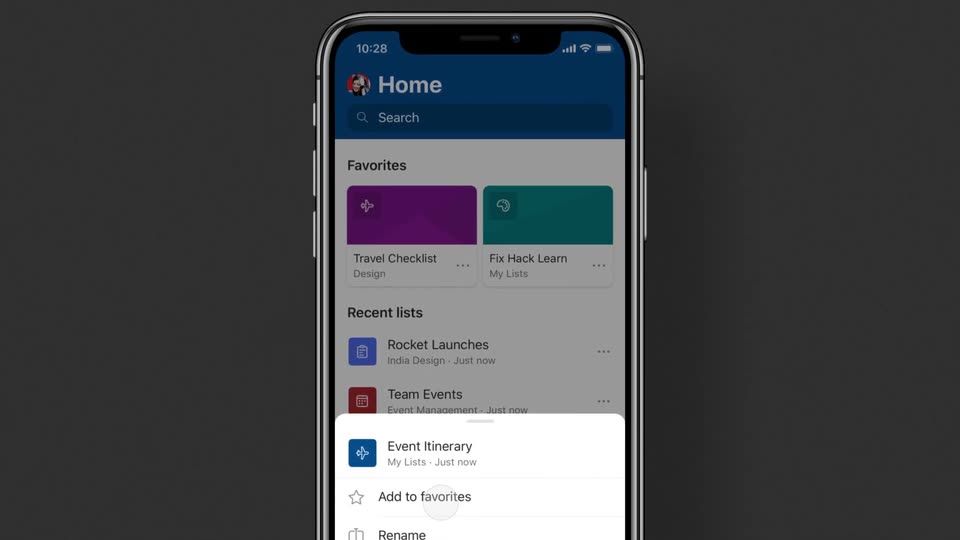 0:27–0:31Microsoft · Announcing Microsoft Lists - a new Microsoft 365 app to track information and organize workA phone rises in front of a laptop and tablet, all displaying the same list app beneath a static headline. The camera zooms into the phone screen as a context menu slides up and closes, then pulls back to show the full device.
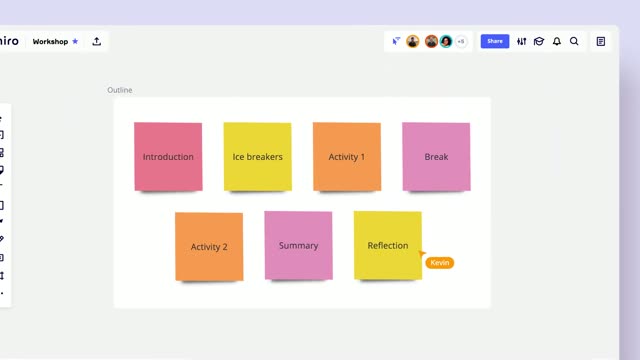 0:28–0:29Miro · Introducing Miro for meetings and workshopsA close-up of the participant avatars and the Kevin cursor zooms out to the full whiteboard, where two rows of colored cards lay out the workshop agenda.