0:15
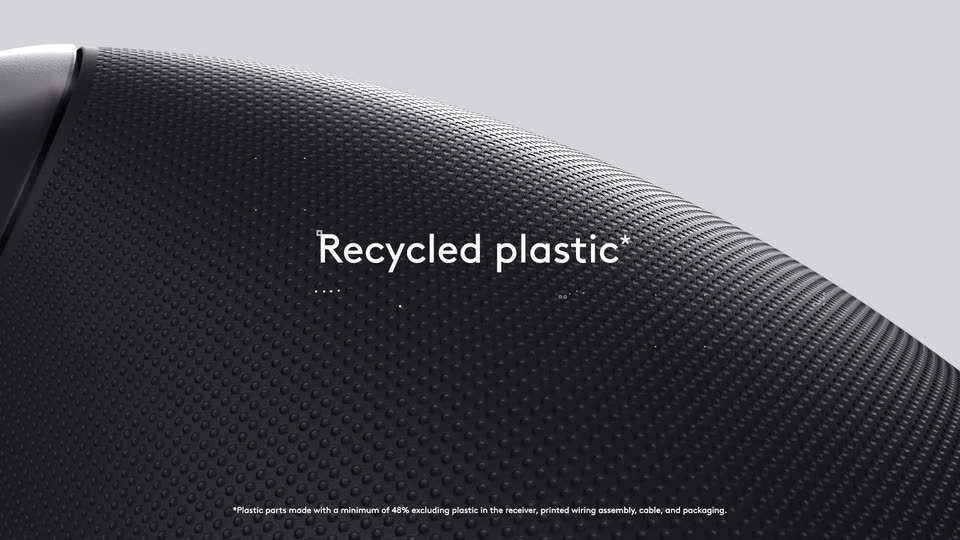
Designed for sustainability | Logitech MX Master 4 with haptic feedback
Logitech · Sep 2025
Microsoft · Feb 2023 · 1:20 · Full motion · AI-annotated
Microsoft’s 1:20 launch film runs 41 scenes, about 2.0 s each. The product is on screen from the first frame and 7 features are revealed. There is no explicit call to action. The video opens with a logo particle burst and an abstract glass-ribbon flight, then walks through feature sections each introduced by a centered headline card and closed by a short flat UI demo. Pacing is brisk with short cuts, flat pastel gradients, and signature moves like word-by-word headline builds, scattered-word assembly, and a warp-through-icon transition into the closing logo.
Is this your launch? to your site or press kit.
Films whose music sounds like this one, voice left out
Scalar Field · Cinematic trailer and electronic dance music
Magic Eden · Electronic dance music, trap, future bass
SideShift · Electronic dance music
A black frame cuts to a white particle burst that explodes outward from the center, revealing the four-square Microsoft logo in the middle. The particles scatter in all directions against a blue glow.
Techniques: Particles
Camera: Pull out
A blue and purple nebula cloud fills the frame with a bright white wisp at its center. Thin light streaks radiate outward from the middle, simulating a fast flight through space.
Techniques: Particles
Camera: Pull out
A soft 3D render of pale blue cloud terrain under a peach sky. Translucent glass ribbons twist on the right as the camera drifts right, the foreground clouds blurring past the ribbons.
Techniques: Parallax
Camera: Push in
Soft blue smoke billows across the frame under a warm peach glow, while thin white wavy lines and a translucent looping ribbon drift over it, a bright line tracing the lower right.
Camera: Push in
A translucent smoke-like form rises from a bed of soft gray-blue clouds, twisting into swirling glass ribbons against a muted gradient sky. The camera holds steady as the shape expands and curls upward.
Camera: Pan
A blue 3D bloom shape on a pale blue gradient pulls back from a tight close-up, brightening to white before saturating to vivid blue, as the headline fades in at center.
On-screen text: “Get more with Windows 11”
Camera: Pull out
A soft, defocused blue gradient racks into sharp focus, resolving into the four-square Windows logo centered on a pale gray field. The tagline “Get more with Windows 11” holds static in frame.
On-screen text: “Get more with Windows 11”
Camera: Static
A blue four-pane gradient logo floats centered on a soft gray field with a faint glow. A white edge wipes down from the top as the logo scales down to a small mark on plain white.
Techniques: Masking
Camera: Static
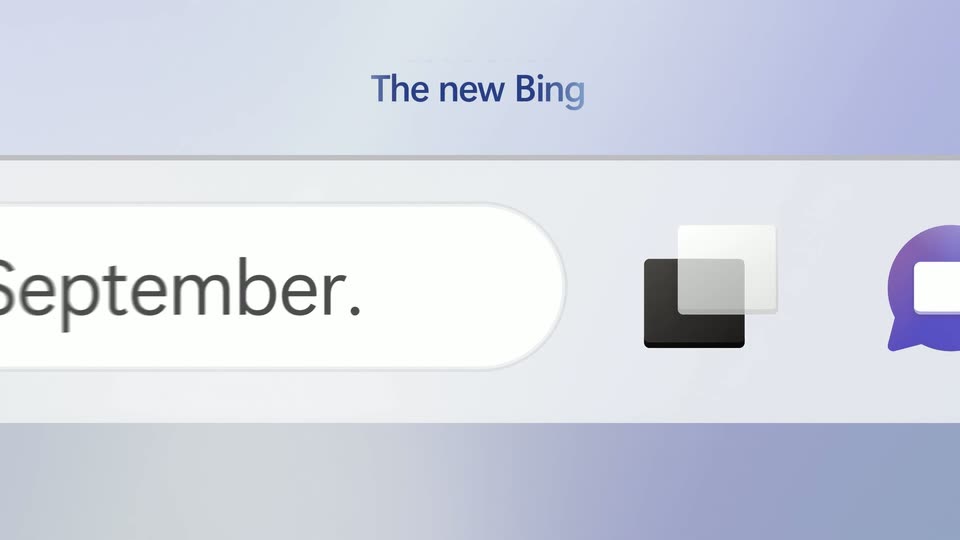
Close-up of a Windows taskbar search bar: the cursor clicks the field and a query is typed while the view pans right. The frame zooms onto the Bing chat icon that pops into the field, and the caption 'The new Bing' swaps to 'Let's chat'.
On-screen text: “The new Bing”, “Let's chat”
Techniques: Cursor demo, UI zoom
Camera: Static
On a soft blue gradient, a blue chat bubble with a trip request slides in, then a white Bing reply bubble expands with a congratulations message and a follow-up question. The camera zooms into the reply bubble while the tagline “Chat and create” appears below.
On-screen text: “Chat and create”
Techniques: UI zoom
Camera: Static
The clip opens zoomed in on a blue question bubble fading in beneath a white reply bubble, then pulls back to reveal the full Bing chat thread of anniversary-trip messages on a light blue gradient. The caption “Ask real questions” sits centered below the bubbles.
On-screen text: “Ask real questions”
Techniques: UI zoom
Camera: Pan
A Bing chat window assembles as its message bubbles slide and scale into a flat browser view, revealing a travel itinerary answer. The headline “Get complete answers” fades in word by word below the window.
On-screen text: “Get complete answers”
Techniques: Kinetic type
Camera: Pull out
A soft white-to-blue gradient fills the frame as the blue headline forms at center, the word Connect appearing first before the full phrase locks into place and holds still.
On-screen text: “Connect your iPhone”
Techniques: Kinetic type
Camera: Static
A soft blue gradient holds a static blue headline on the left as a white iOS Messages notification card slides in from the right, sharpening into focus at center while a second card blurs past on the right edge.
On-screen text: “Connect your iPhone”
Camera: Static
A stack of notification cards drifts upward on a pale blue background, the middle card in sharp focus while the top and bottom blur. The interface zooms gently as the Nola Harrell message card settles in the center.
Techniques: UI zoom
Camera: Static
A macOS Phone Link window sits on the right, its notification cards cycling through messages and missed calls beside a Messages contact list. On the left, a blue headline reads for messaging, calling and more as the composition settles into frame.
On-screen text: “for messaging, calling and more”, “iPhone is a trademark of Apple Inc.”
Camera: Static
A soft blue-to-peach gradient holds the centered headline, its o a red dot. Two white cursor arrows float above and below; a dashed selection box with a corner handle draws in around the words and record.
On-screen text: “Snip and record”
Camera: Static
A video editor window sits in 3D perspective on a gray backdrop. A recording dialog with a blue Start button and a timecode field fades out, replaced by a small pill at the top showing a red dot and a running timer.
On-screen text: “Snip and record”
Techniques: 3D mockup
Camera: Static
Scattered words fly in from the edges and assemble into a centered line reading “Multitask in a snap” on a pale gradient background. The phrase fades in from a faint state to full color as it locks into place.
On-screen text: “Multitask in a snap”
Techniques: Kinetic type
Camera: Static
A flat dashboard layout of white rounded panels on a pastel blue-green gradient. The right column morphs from two stacked cards into one tall card with a green gradient base, while the headline scales in over the locked-off frame.
On-screen text: “Multitask in a snap”
Techniques: Morph, Kinetic type
Camera: Static
A 2x2 grid of blank rounded cards sits on a soft blue-green gradient. The top-left card fills with a green gradient from top to bottom while the other three stay white.
Techniques: Masking
Camera: Static
A Windows desktop on a green-to-white gradient shows four app windows in a 2x2 grid: Outlook calendar, a photo of a teal building, an image editor with a dark text design, and Teams. The windows fade in and scale up from small centered cards to fill each quadrant.
Camera: Push in
A dark blue headline reads “All your favorite apps and widgets” and scales up on a soft lavender gradient. It then dissolves as three widget cards, Messenger, Spotify and Photos, fade in behind it and hold.
On-screen text: “All your favorite apps and widgets”
Techniques: Kinetic type
Camera: Static
A grid of Windows widgets, weather, messenger, calendar, Spotify, photos and phone link, sits on a blue abstract wallpaper. The row pans left to reveal the phone link column as the caption Now full screen holds on the right.
On-screen text: “Now full screen”
Camera: Pan
A flat grid of Windows widgets (weather, chat, music, photos, stocks, calendar, traffic, games) fills a soft blue gradient. The cards float and reflow gently as their contents refresh, the Microsoft 365 card expanding a mention to show a comment with an avatar.
Camera: Push in
On a pale blue field, four soft blue blobs drift and settle into two figure-like shapes at the left and right edges as the dark blue headline builds word by word in the center.
On-screen text: “Connect and show me how”
Techniques: Kinetic type, Morph
Camera: Static
Two flat person icons, dark blue left and light blue right, sit on a pale blue gradient. The centered headline crossfades and scales from “Connect and show me how” to “with Quick Assist” while the icons stay fixed.
On-screen text: “Connect and show me how”, “with Quick Assist”
Techniques: Kinetic type
Camera: Static
A flat illustration of two overlapping monitors sits centered on a pale blue gradient. The front screen is dark navy with a cyan panel and a small gray stand; the rear screen is medium blue with a lighter cyan panel. The composition holds nearly still with a faint horizontal drift.
Camera: Static
A flat blue monitor illustration sits centered on a light gradient. A small light-blue window slides from the screen's center to the left while a white glint sweeps across its edges, and a cursor arrow flashes at the start.
Techniques: Light sweep
Camera: Static
A centered dark blue headline grows word by word on a pale blue gradient, then a white rounded card fades in with a blue three-bar voice icon, a gray “Voice access” label and “Listening...” text.
On-screen text: “Accessibility – for everyone”, “Voice access”, “Listening...”
Techniques: Kinetic type
Camera: Static
A white banner with a blue icon sits on a light blue background next to the label Voice access. The icon morphs from a white waveform to a microphone, and the banner text switches from Listening... to Click bold.
On-screen text: “Voice access”
Techniques: Morph
Camera: Static
A word processor window fills the frame, locked off. The large headline reads Rover Specifications with a gray selection box; the box clears and the text snaps to bold black while the ribbon and title bar stay static.
Camera: Static
On a pale blue gradient, the headline 'Narrator support for' types in left to right, each letter shifting from faint gray to solid blue. A small grid of dots fades in at the left edge as the line completes.
On-screen text: “Narrator support for”
Techniques: Kinetic type
Camera: Static
A plain light gray background holds a single horizontal line of small white spheres arranged in a dot-matrix pattern that spells out a word. The dots sit centered in the frame and remain static, with soft shadows beneath each sphere.
Camera: Static
A row of small white braille pins rests across a pale blue gradient field, then clears as the dark blue title scales up to fill the center.
On-screen text: “braille displays”
Techniques: Kinetic type
Camera: Static
A gray gear icon with a blue center dot scales down toward the middle of a pale gradient field as blurred blue tiles slide in from the corners.
Camera: Pull out
Colorful app icons float on a pale blue field, then the camera dives forward, smearing them into radial light streaks. The dark blue caption And so much more holds steady in the center as the warp accelerates.
On-screen text: “And so much more”
Techniques: Parallax, Speed ramp
Camera: Pull out
A glowing blue Windows logo sits centered on a dark, faintly gridded surface. Its light blooms brighter around the middle of the clip, then dims as the frame holds on the caption “And so much more.”
On-screen text: “And so much more”
Camera: Static
The blue Windows 11 mark, four-pane icon beside the wordmark, sits centered on a light gray field. It holds still, then fades out until only the empty background remains.
On-screen text: “Windows 11”
Camera: Static
The Windows four-pane logo and the Windows 11 wordmark sit centered on a light gray field. The frame darkens to a deeper gray as the mark fades out.
On-screen text: “Windows 11”
Camera: Static
A plain dark gray background fades to solid black over the two seconds. No text, logo, or interface element appears; the frame stays empty throughout the clip.
Camera: Static