0:38

Introducing Copilot Pro: Supercharge your Creativity and Productivity
Microsoft · AI · Jan 2024
Shift Technology · Jan 2023 · 0:45 · Full motion · AI-annotated
Shift Technology’s 0:45 launch film runs 17 scenes, about 2.6 s each. The product is on screen from the first frame and 2 features are revealed. There is no explicit call to action; a voiceover carries the film. The video opens on the SHIFT wordmark, then runs a long single-screen UI walkthrough (login, provider card, related-provider dropdown, activity metrics, map, full dashboard), pivots to a 3D fan-out of source documents for the detection feature, and closes on a brand end card with the URL. Its style is a flat violet gradient with white flat-UI cards that slide, scale and snap into place, circular blur transitions between beats, 3D perspective reveals, and a persistent corner QR badge anchoring a
Is this your launch? to your site or press kit.
Microsoft · AI · Jan 2024
Fitbit Versa 2 · Aug 2019
Google · AI · Oct 2026
A flat purple gradient holds a small white QR code in the lower right corner. The word SHIFT slides in large at center, with the smaller line Improper Payment Detection above it and a thin underline rule below.
On-screen text: “SHIFT”, “Improper Payment Detection”
Techniques: Kinetic type
Camera: Static
A white 'Improper Payment Detection' headline sits above a large bold 'SHIFT' wordmark on a purple field. The wordmark scales down as a white login card slides up, revealing 'Welcome.' and form fields. A SHIFT QR code holds the bottom-right corner.
On-screen text: “Improper Payment Detection”, “SHIFT”
Techniques: Kinetic type
Camera: Static
On a purple field, a white login card slides in at right under a sliding SHIFT wordmark, while the headline 360° View in a Single UI fades in at left. The email and password fields fill with typed text, then the frame zooms into a blurred circular transition.
On-screen text: “Improper Payment Detection”, “SHIFT”, “360° View”, “in a Single UI”
Techniques: Kinetic type, UI zoom
Camera: Push in
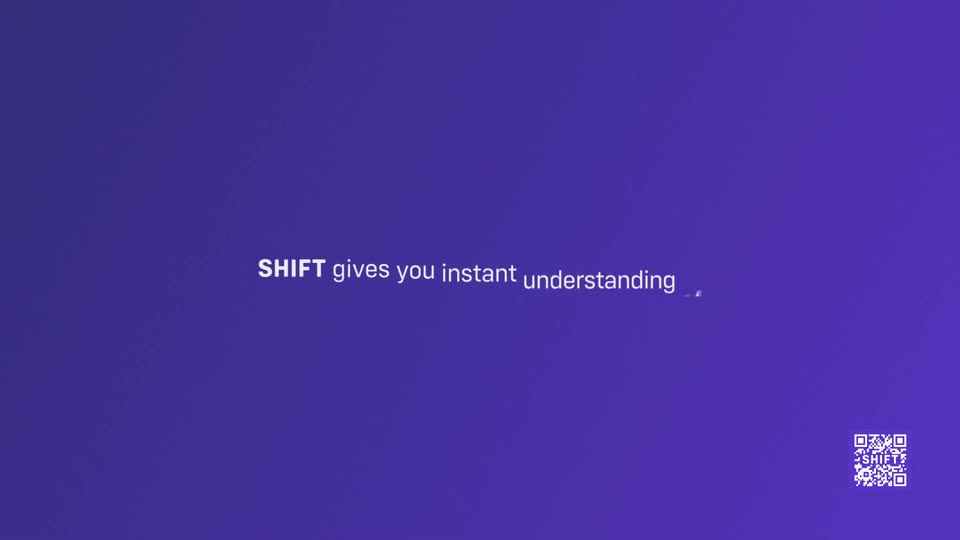
A plain purple frame holds a single centered white line reading 'SHIFT gives you instant understanding of,' static and locked off. A small QR code badge with the word SHIFT sits in the lower right corner.
On-screen text: “SHIFT gives you instant understanding of”
Camera: Static
A flat violet field holds a centered white line reading “SHIFT gives you instant understanding of”, which stays locked while a period types in at the end. A small white QR code sits in the lower right corner.
On-screen text: “SHIFT gives you instant understanding of.”
Camera: Static
On a flat purple field, the line 'SHIFT gives you instant understanding of...' sits above a white pill button. The button swaps to 'Show less...' with an orange minus dot, and a 'SUMMARY' row fades in beneath it.
Camera: Static
On a purple background, a white provider card sits below a SUMMARY heading and a Show less button. The card grows in height, revealing additional field rows from top to bottom while the heading stays fixed.
Techniques: Masking
Camera: Static
A purple screen holds a white provider detail card that snaps from a wide, blurred multi-column list into a sharp single panel listing name, address, license and specialty, under a SUMMARY header with a Show less button.
Techniques: UI zoom
Camera: Pan
A white Related Provider card sits on a purple background under a SUMMARY header. The card fields scroll into place, then a dropdown list of provider names expands from the Name field and one entry highlights purple.
Camera: Static
A fixed SUMMARY header and Show less button sit at the top of a purple field. White data cards slide left across the center, one after another, the first listing provider details and the next listing activity metrics. A QR code stays in the bottom right corner.
Camera: Static
A white metrics card sits centered on a purple field, listing activity figures row by row. The lower rows slide and settle into alignment, resolving a brief overlap. A summary label and a show-less button float above the card, and a Shift QR code anchors the bottom right corner.
Camera: Static
A purple screen shows a summary view with a header and a Show less button. A white list of activity rows slides off to the left as a map panel with location pins glides into the center. A QR code sits in the bottom right corner.
Camera: Static
A map card with a SUMMARY heading on a purple field shrinks and slides right as the full SHIFT dashboard fills the screen. The interface then scrolls down through provider and activity cards into a detection table with a Send Email button.
Techniques: UI zoom
Camera: Push in
A tilted dashboard interface floats on a purple field, the view pushing in from a wide angled shot to a close-up of the variable table, the type softening into blur as it reframes.
Techniques: 3D mockup, UI zoom
Camera: Static
On a purple background, a light-blue DETECTION heading with a warning triangle fades in above a white results table. Three source documents, a state filing, an inspector-general email, and a reviews page, rise from behind the table, fan out in 3D perspective, and the table fades away.
On-screen text: “DETECTION”
Techniques: 3D mockup
Camera: Push in
Document and web interface mockups fan out in 3D perspective against a solid purple background. The panels rotate and blur as they shift position, while a small QR code marked SHIFT stays fixed in the bottom right corner.
Techniques: 3D mockup
Camera: Static
A purple gradient fills the frame as the white SHIFT wordmark, tagline and URL fade in from gray to full brightness, center-locked. A small QR code sits in the lower right corner. The camera stays still for the sign-off.
On-screen text: “Decisions Made Better”, “shift-technology.com”
Camera: Static