
0:46
Explore
Google’s new AI chatbot | Meet Bard
Google · Mar 2023 · 0:54 · Full motion · AI-annotated
- Length
- 0:54
- Scenes
- 22 · 2.5 s avg
- Product on screen
- 0:00
- Features shown
- 3
- Call to action
- 0:52 · 95%
- Voiceover
- No
- Views
- 745K on YouTube
as of November 20, 2026
00:00:00 / 00:54:29
- Length
- 0:54
- Scenes
- 22 · 2.5 s avg
- Product on screen
- 0:00
- Features shown
- 3
- Call to action
- 0:52 · 95%
- Voiceover
- No
- Views
- 745K on YouTube
as of November 20, 2026
Google’s 0:54 launch film runs 22 scenes, about 2.5 s each. The product is on screen from the first frame and 3 features are revealed. The call to action lands at 0:52 (95% in). The video is built as a rhythm of typographic benefit cards alternating with tight close-ups of the chat interface, each feature announced by a word-by-word headline and then shown in a zoomed UI shot. Its signature moves are the gray-and-black type-on text, the prompt field that scrolls to follow the typing, and slow pans across the rounded feedback buttons.
No filming indicatedEstimated needs: 5 capture groups — your screens or recordings
Is this your launch? to your site or press kit.
More like this


Similar soundtrack
Films whose music sounds like this one, voice left out
1:23
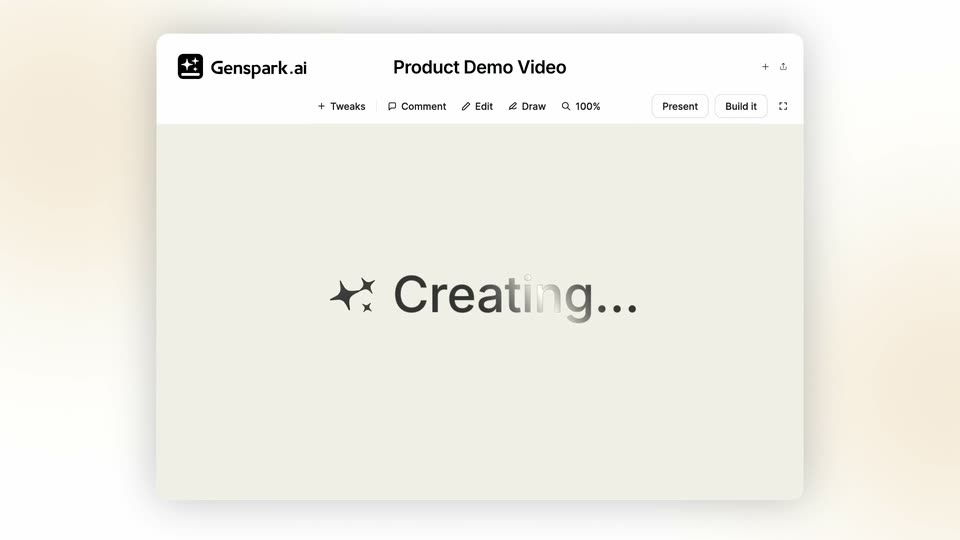
Genspark - 🎨 Introducing Genspark Design The next-gen AI for design and creatio
Genspark · Electronic, Chiptune, Latin Dance
1:31
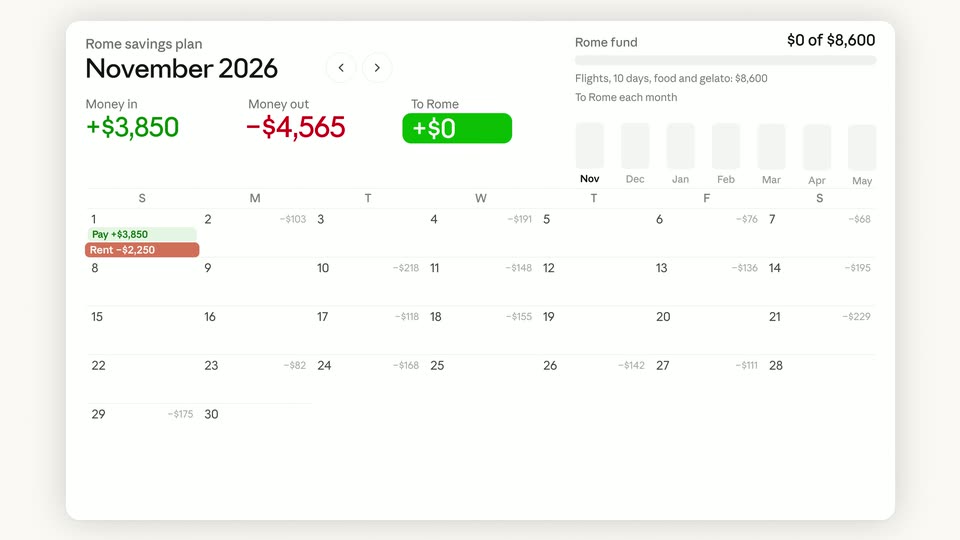

Introducing Personal Finance in Claude
Anthropic · Electronic, Lo-fi Hip-hop, Vaporwave, Funk, Disco
1:31

Claude - Introducing Personal Finance in Claude, in beta in the US. Connect t
Claude · Electronic, chiptune, synthwave
Google’s new AI chatbot | Meet Bard, scene by scene
· 22 scenes as text
01 · Product intro · 0:00–0:02
On a plain white background, the word Meet in gray fades in at the left, then Bard in black joins it to form the headline Meet Bard. The line holds briefly before clearing back to white.
On-screen text: “Meet Bard”
Techniques: Kinetic type
Camera: Static
02 · Product intro · 0:02–0:03
A flat browser window showing the Bard chat interface slides left across a white background, revealing the large gray word Your on the left edge. The interface stays static, with its sidebar and prompt box unchanged.
On-screen text: “Your”
Camera: Static
03 · Product intro · 0:03–0:06
On a plain off-white background, the phrase 'Your creative and' appears with 'creative' in black and the rest in gray, then 'helpful collaborator.' drops in beneath in bold black.
On-screen text: “Your creative and”, “helpful collaborator.”
Techniques: Kinetic type
Camera: Static
04 · Product intro · 0:06–0:08
On a plain off-white background, bold black sans-serif text builds line by line: “Bard” in gray, then “is an”, “early experiment”, and “by Google.” each type in on their own line, left aligned, holding still at the end.
On-screen text: “Your creative and helpful collaborator.”, “Bard is an early experiment by Google.”
Techniques: Kinetic type
Camera: Static
05 · Demo · 0:08–0:10
A flat Bard chat window on a white background shows a query being typed into the input box. The camera zooms into the field, where the text becomes 'how can i get started?' and a small gray caption below reads 'Bard is an early experiment by Google.'
On-screen text: “Bard is an early experiment by Google.”
Techniques: UI zoom
Camera: Push in
06 · Demo · 0:10–0:13
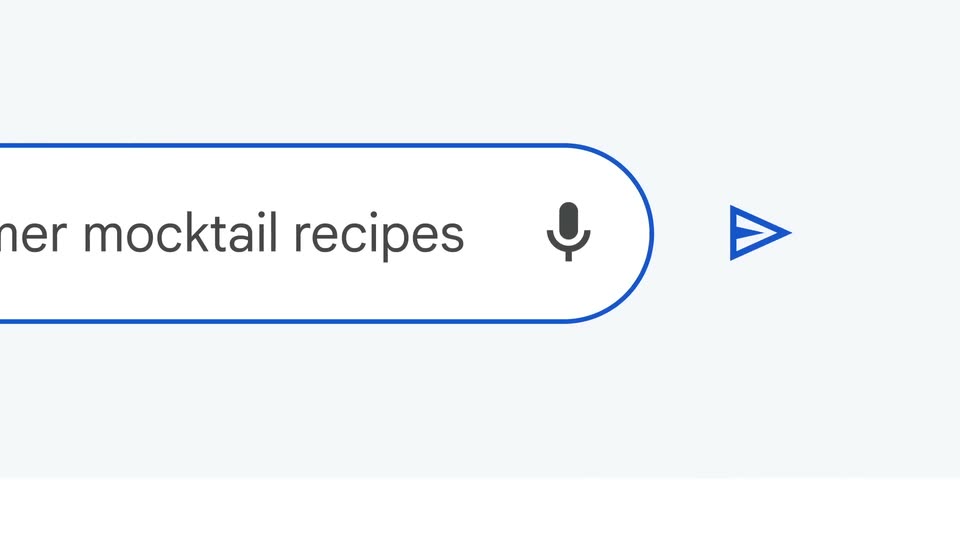
A close-up of a rounded search field with a blue outline. The query 'i want to write a novel. how can i get started?' types in as the line scrolls left. A mic icon sits at the right edge and a blue send arrow appears beside it.
Techniques: Kinetic type
Camera: Static
07 · Demo · 0:13–0:17
A chat interface shows a user question about writing a novel and a sparkle-icon reply. The view zooms in on the reply and scrolls down through the numbered tips, from Brainstorm to Decide on your ending.
Techniques: UI zoom
Camera: Pan
08 · Other · 0:17–0:18
A plain off-white frame holds a light gray sentence that builds word by word, opening with “It can” and then adding “supercharge” to complete the line.
On-screen text: “It can supercharge”
Techniques: Kinetic type
Camera: Static
09 · Other · 0:18–0:23
A white card holds a left-aligned two-line headline. The gray prefix “It can” stays fixed while black words type in letter by letter, cycling through three phrases: supercharge your imagination, boost your productivity, bring your ideas to life.
On-screen text: “It can supercharge”, “your imagination.”, “It can boost your”, “productivity.”, “It can bring your”, “ideas to life.”
Techniques: Kinetic type
Camera: Static
10 · Feature reveal · 0:23–0:27
A white prompt bar with a blue rounded outline sits on a light gradient background. Dark-gray sans text types out letter by letter with a blinking cursor, the bar scrolls left to follow, a gray microphone icon anchors the right end, and a blue send button pops in beside it.
Techniques: Kinetic type
Camera: Static
11 · Feature reveal · 0:27–0:30
A sentence builds word by word on a white background, with the first word in gray and the rest in black.
On-screen text: “Bard gives you multiple drafts to explore more options.”
Techniques: Kinetic type
Camera: Static
12 · Feature reveal · 0:30–0:32
A close-up of the View other drafts control zooms out as its icon flips from a cross to a chevron, revealing three draft cards side by side, each holding the same outline prompt. The view settles on the full list.
On-screen text: “Bard gives you multiple drafts”, “to explore more options.”
Techniques: UI zoom, Morph
Camera: Pull out
13 · Feature reveal · 0:32–0:34
A light chat panel shows a prompt bar at the top and three draft cards labeled Draft 1 to 3. The blue selection ring moves from Draft 1 to Draft 2 while the outline body below cross-fades to the matching version.
Camera: Pull out
14 · Feature reveal · 0:34–0:40
On a white background, the line “Bard won’t always get it right” types in word by word, with “Bard” in gray, then a telescope and grimace emoji pop in. It cuts to “But your feedback will help Bard become even more helpful.” appearing word by word.
On-screen text: “Bard won't always get it right”, “But your feedback will help Bard become even more helpful.”
Techniques: Kinetic type
Camera: Static
15 · Feature reveal · 0:40–0:41
A locked-off close-up of the Bard chat interface, cropped to the tail of a response and the rounded prompt field with placeholder text. A three-line headline about user feedback holds over the frame.
On-screen text: “But your feedback”, “will help Bard become”, “even more helpful.”
Camera: Static
16 · Feature reveal · 0:41–0:42
A close-up of a chat interface scrolls down past the story text and action buttons; the thumbs-down button fills blue and a rating-reason section with chips slides in, then the frame tightens onto that section.
Techniques: UI zoom
Camera: Static
17 · Feature reveal · 0:42–0:46
A close-up of a feedback form on a white screen. The text field gains a blue outline and fills with the typed line, while the view pans right to reveal the Submit button. It then cuts to a blank white frame where the gray word And slides in at the left.
On-screen text: “And”
Camera: Push in
18 · Feature reveal · 0:46–0:49
On a white background, the sentence builds phrase by phrase: “And Bard” in gray, then “makes it easy to” in bold black, followed by “check responses” in black and “on Google.” in gray on a second line. The frame is static.
On-screen text: “And Bard makes it easy to”, “check responses on Google.”
Techniques: Kinetic type
Camera: Static
19 · Feature reveal · 0:49–0:49
A close-up of a chat interface pans slowly left across a row of feedback buttons, thumbs up, thumbs down, reload, and a Google it pill, while the prompt field placeholder stays at the bottom.
On-screen text: “And Bard makes it easy to”, “check responses on Google.”
Techniques: UI zoom
Camera: Push in
20 · Feature reveal · 0:49–0:50
A white interface shows a row of rounded icon cards, a refresh glyph and a Google G with the words Google it, sliding right past a static dock bar at the bottom. The cards carry soft extruded lettering and gentle drop shadows as they pan across the frame.
Camera: Static
21 · Feature reveal · 0:50–0:52
A close-up of a light search interface reframes onto a rounded button labeled with the Google logo and the word it, beside a blue refresh icon. The view scales up, pushing a partial Sign label off the left edge.
Techniques: UI zoom
Camera: Static
22 · CTA · 0:52–0:54
On a plain white background, the black headline 'Sign up at' sits left of center. Below it, the blue URL bard.google.com types in letter by letter, and a small gray availability note appears at the bottom left.
On-screen text: “Sign up at”, “bard.google.com”, “Bard is only available in the US and UK, and will be rolling out to more countries and languages.”
Techniques: Kinetic type
Camera: Static