0:30
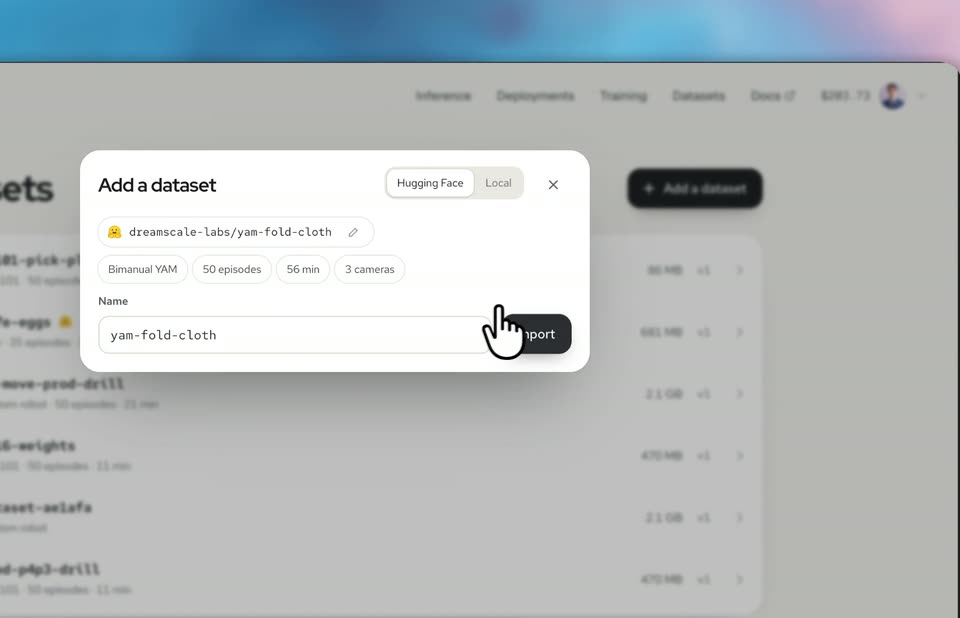

Dreamscale Labs (YC F26) - Dreamscale Datasets is now live!
Dreamscale Labs · Industrials · Nov 2026
Retool · Sep 2023 · 0:25 · Full motion
Retool’s 0:25 launch film runs 11 scenes, about 2.3 s each. The product is on screen from the first frame and 3 features are revealed. There is no explicit call to action. The video is a single continuous UI tour of the Retool AI builder, opening on a flat browser mockup that zooms into the interface and then cycling through AI actions via the dropdown. Pacing is slow and steady at about 62 bpm, with smooth zooms, pans and cursor driven interactions on a soft pink gradient, no hard cuts or text overlays.
Is this your launch? to your site or press kit.
Dreamscale Labs · Industrials · Nov 2026
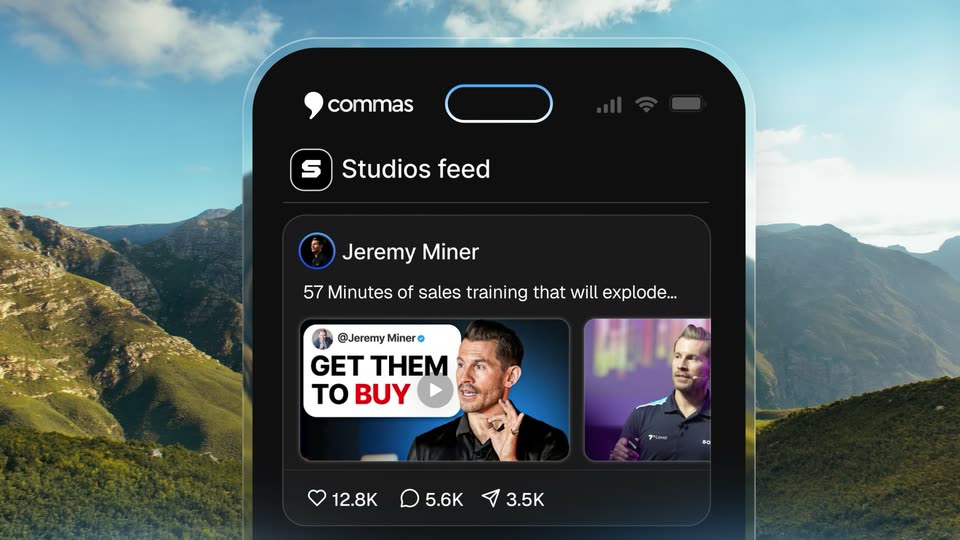
Commas · Jul 2026
Craft · Productivity · Nov 2025
Films whose music sounds like this one, voice left out
Linear · Electronic / Ambient
Conveo · Modern electronic
Relvy AI · Upbeat corporate electronic
A flat browser mockup of the Retool AI app sits on a pink gradient, then the frame zooms into the interface. A hand cursor clicks the blue play button, which spins into a checkmark as green and yellow condition pills fill the table rows.
Techniques: UI zoom, Cursor demo
Camera: Push in
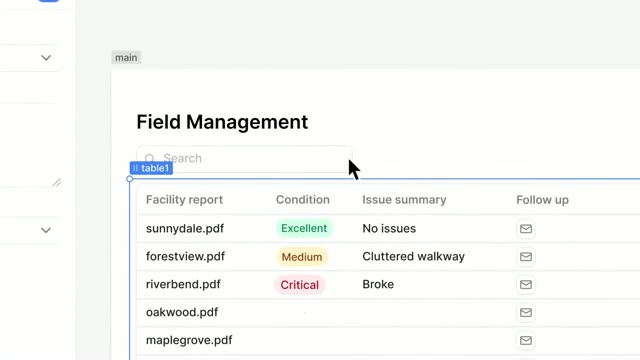
A split view shows a code editor beside a rendered app screen. A blue bounding box labeled table1 wraps a data table and is dragged down, while the view pans right to reveal the full table with colored condition badges and issue text filling in.
Techniques: Cursor demo, UI zoom
Camera: Pan
A selected data table titled Field Management sits on a light canvas with a blue outline. A cursor glides down to the Follow up column and clicks the email icon on the riverbend row, which highlights as a dark tooltip reads Email sent to field manager.
Techniques: Cursor demo
Camera: Static
A Retool builder shows a Field Management table of PDF rows and condition badges. A hand cursor clicks an envelope, raising a dark 'Email sent to field manager' tooltip. The view pulls back to reveal the AI panel on the left, then returns to the table.
Techniques: Cursor demo, UI zoom
Camera: Pan
The Retool AI interface opens at a slight 3D angle on a pink gradient, then eases to a flat front view. A hand cursor opens the Action dropdown and switches the pick from Summarize text to Answer document question, while the right panel updates its table.
Techniques: 3D mockup, Cursor demo
Camera: Static
A light Retool AI form panel occupies the left, listing Action, File source, Input and Message history fields. A cursor glides down the panel while the right canvas shows an Ask PDF node holding a PDF file.
Techniques: Cursor demo
Camera: Pan
A cursor clicks the send button in an Ask PDF chat, and an AI reply streams in summarizing the document. The view then cuts to a builder dropdown and to an Inventory Management screen where clicking Generate tags populates tag chips for a black high-heel shoe.
Techniques: Cursor demo
Camera: Pull out
A cursor opens the Action dropdown in the Retool AI panel and highlights Summarize text. The frame pulls back to the full window, where the action panel now shows the selection beside a Field Management report table.
Techniques: Cursor demo, UI zoom
Camera: Pull out
A flat Retool interface shows an AI action panel on the left and a Field Management table outlined in blue on the right, with a cursor hovering between them. The whole screen dims and fades to black.
Techniques: Cursor demo
Camera: Static