0:40
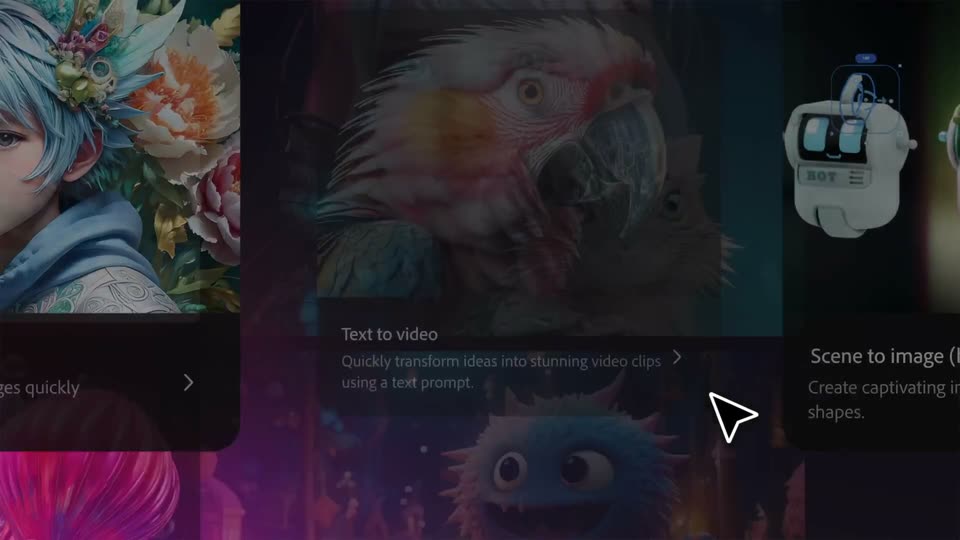

Adobe Firefly: The next evolution of creative AI is here
Adobe · Apr 2025
Loom · Jan 2024 · 0:53 · AI-annotated
Loom’s 0:53 launch film runs 27 scenes, about 2.0 s each. The product is on screen from the first frame and 4 features are revealed. There is no explicit call to action; a voiceover carries the film. The video is built as a fast montage of flat UI mockups and 3D-tilted interface cards on purple and indigo gradients, punctuated by full-bleed headline cards that announce each beat. Pacing runs near 123 BPM with a cut roughly every four seconds, driven by a recurring hand cursor that taps buttons, a circular presenter video that floats over every demo, and a blue starburst that morphs between logo, spinner, and loader. Signature moves include 3D swings from tilted to flat, morphing cards that a
Is this your launch? to your site or press kit.
Adobe · Apr 2025
Figma · Design · Nov 2023
Anthropic · AI · Oct 2026
On a dark indigo field, a small blue spoke-and-ring mark scales up and slides left while the white lowercase word loom appears to its right, settling into a centered logo lockup.
On-screen text: “loom”
Camera: Static
A flat video-player card floats on a purple gradient, left half white with a man's avatar and the title Feature Roadmap, right half a yellow-and-blue abstract shape. Confetti dots scatter over the card at the open, then reaction emojis and a filling progress bar line the bottom.
On-screen text: “New Features”, “Roadmap”
Techniques: Particles, UI zoom
Camera: Push in
A white video-call window on a purple gradient shows a “New Features” page with three icon columns, a row of reaction emojis and a progress bar. An orange “Schedule a call” button pops in at the top right as a hand cursor slides in and clicks it.
Techniques: Cursor demo
Camera: Static
An email client mockup floats in 3D perspective on a purple field, tilted to the left with a second layer behind it, then swings to a flat frontal angle as the inbox list and a red count badge fill the frame.
On-screen text: “New Features”, “Schedule a call”
Techniques: 3D mockup
Camera: Pan
An email client mockup tilts in 3D over a dark purple backdrop. A hand cursor moves up the inbox list, hovering over rows while the active list stays bright above the dimmed lower half.
Techniques: 3D mockup, Cursor demo
Camera: Static
A white email card scrolls up over a dimmed purple inbox list, revealing the message body and the Reply and Delete buttons at the bottom. A hand cursor slides in from the right and hovers over the Delete button.
Techniques: Cursor demo
Camera: Pan
A purple starburst at the center of a lavender field shrinks into a small spinner above the text. A dark toolbar with a red stop button sits at the left edge; a hand cursor taps it, the two-line headline appears, then the cursor glides onto the words.
On-screen text: “Don't get sent”, “straight to trash”
Techniques: Morph, Cursor demo
Camera: Static
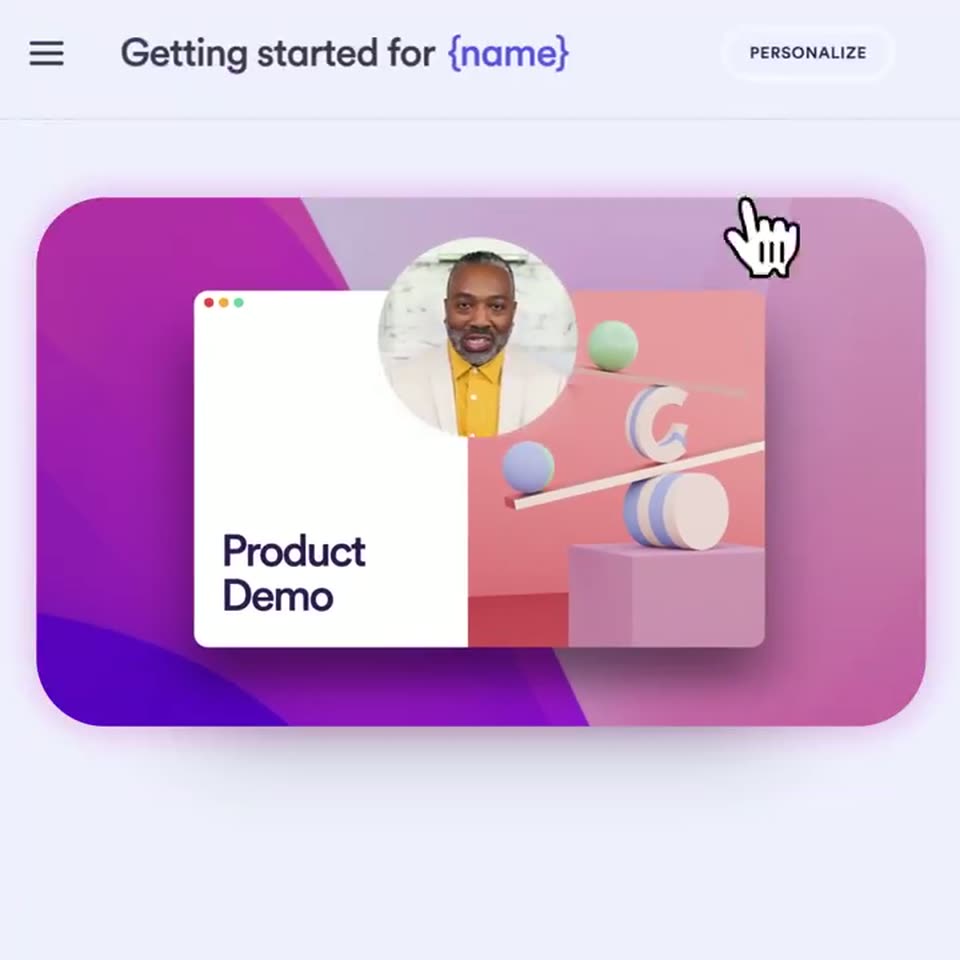
A browser window mockup with a white panel reading Product Demo and a pink 3D scene of spheres and a letter G sits on a purple gradient. The view zooms out to the full editor page, a top bar titled Getting started for {name}, a PERSONALIZE label with a hand cursor, and a man's photo filling the circular cutout.
On-screen text: “Don't get sent”, “straight to trash”, “Getting started for {name}”, “PERSONALIZE”
Techniques: UI zoom, Cursor demo
Camera: Pull out
A flat product UI shows a header reading Getting started for {name} above a video preview labeled Product Demo. A white panel with a name list and a Create 16 Looms button fades in, while a cartoon hand cursor glides down from the top right and taps the button.
Techniques: Cursor demo
Camera: Static
A grid of purple demo cards, each labeled “Product Demo” with a circular avatar, scrolls down past a “Gordon's Library” header. A hand cursor glides to one card and clicks it, lifting and scaling it up with a play button.
Techniques: Cursor demo
Camera: Pan
A white message card with a sender avatar, a greeting line and a video thumbnail marked Product Demo fades in, then a hand cursor moves onto the play button and clicks.
Techniques: Cursor demo
Camera: Push in
A Loom page view. A purple card holds a browser mockup whose screen crossfades from a Product Demo frame to a Features Roadmap chevron timeline. A circular video of a man floats above; a hand cursor rests on the Schedule a call button; an emoji reaction bar lines the bottom.
Techniques: Cursor demo
Camera: Static
On a dark indigo field, the blue asterisk logo shrinks and rises to the top center. Below it the white headline “Loom videos won't” appears. A slim dark vertical toolbar with a red record button and small white icons slides in along the left edge.
On-screen text: “Loom videos won't”
Techniques: Kinetic type
Camera: Pull out
A vertical Loom toolbar with a red record button sits on a dark purple field beside a spinning blue loader. The white headline fades in line by line. A circular mask then wipes the purple away to reveal a woman talking in a round video.
On-screen text: “Loom videos won't slow you down”
Techniques: Kinetic type, Masking
Camera: Static
A circular video player shows a woman with curly hair talking, her clip masked into a circle. A pill-shaped control bar below holds a red stop button, a timer ticking from 0:01 to 0:02, and pause and trash icons. Soft glowing orbs drift on a dark purple background.
Camera: Static
A laptop mockup floats on a purple field with soft gradient blobs. A translucent circle slides out of frame, revealing a dashboard with a pink donut chart and two stats, while a circular video of a smiling woman shrinks into the right corner.
Techniques: Masking, 3D mockup
Camera: Static
On a dark purple background, a rounded dashboard card shows a donut chart, two numbers and an emoji reaction bar. The frame zooms in as a title field fills with text, then the card morphs into an email view listing sender and recipient.
Techniques: UI zoom, Morph
Camera: Pull out
A white rounded email card sits on a dark purple field with a blue-to-pink gradient border. The message types itself out line by line, a pink highlight block marking the typing position as it goes, finishing with a Send email button.
On-screen text: “Dashboard Demo”
Techniques: Kinetic type
Camera: Static
A purple starburst spinner scales down from the center to a small dot above the text. The line 'Use Loom to capture' appears, then 'every opportunity' fades in below it on a dark purple field.
On-screen text: “Use Loom to capture”, “every opportunity”
Techniques: Kinetic type
Camera: Static
A Loom presentation page with a video player and emoji reaction bar sits on a pale background. A white Video settings panel slides in from the right, dimming the page, and lands on the Integrations tab showing a Salesforce tracking row as a cursor hovers it.
On-screen text: “Use Loom to capture”, “every opportunity”
Techniques: Cursor demo
Camera: Push in
A white settings panel slides right over a dimmed app background, revealing a video player with a play button on the left. A hand cursor rests on the Salesforce tracking toggle beside a purple Save button.
Techniques: Cursor demo
Camera: Pan
A Loom video page: a rounded card holds a spreadsheet mockup with a dark play button and a circular video of a smiling woman; a reaction bar with emojis and Comment and Record a reply sits below. A Salesforce tracking pill slides into the header.
On-screen text: “Views, metrics, and lead generation”, “directly in Salesforce”
Camera: Static
A light CRM dashboard shows a donut chart and a views table behind a white notification card with a party popper icon. A second line with an email address fades in, then the interface lifts into a browser window over a purple abstract background.
Camera: Static
A browser window mockup fades in on a blue gradient, a circular video avatar of a man in a green sweater pinned top right. The page scrolls to reveal a table and a comment bar with emoji reactions, then the frame pulls back to show the full window.
Techniques: UI zoom
Camera: Static
A 3D monitor mockup displays a handoff guide document, with a circular presenter avatar talking at the top right. A reaction bar with emoji and Comment and Record a reply buttons sits below, and a Views counter ticks up as small avatars pop in.
Techniques: 3D mockup
Camera: Pull out
A light purple calendar grid with a dark purple “Today’s Schedule” headline on the left. Small purple, green and pink squares and dots scatter across the grid as several event blocks fade out, leaving three highlighted meetings.
On-screen text: “Today’s Schedule”
Techniques: Particles
Camera: Static
A blue radial sunburst icon assembles at the center of a pale lavender field, then the dark purple lowercase wordmark loom fades in to its right. The lockup settles into a static, centered composition and holds.
Camera: Static