
2:08
Explore
00:00:00 / 01:21:15
- Length
- 1:21
- Scenes
- 20 · 4.1 s avg
- Product on screen
- 0:05
- Features shown
- 4
- Call to action
- 1:12 · 89%
- Voiceover
- Yes
- Views
- 1.5M on YouTube
as of November 11, 2026
Anthropic’s 1:21 launch film runs 20 scenes, about 4.1 s each. The product shows up at 0:05 and 4 features are revealed. The call to action lands at 1:12 (89% in), over a voiceover. An official Claude launch film moves from a bike-share dashboard to an animated city story. A video-player rewind establishes the workflow, pink title graphics introduce Dashboards and Motion, and browser demonstrations show data connectors, dashboard generation, animation prompts, and collaborative comments. Low-poly city renders visualize the morning commute before an orbit of export-tool logos, editable typography, and a restrained Claude signoff.
No filming indicatedEstimated needs: 6 capture groups — your screens or recordings · 1 official logo — reused across the film · 5 graphic passages — draw or supply · 2 3D passages — build or supply
Is this your launch? to your site or press kit.
More like this

1:21
Claude - Claude Dashboards and Claude Motion are in beta today. Ask Claude to
Anthropic · AI · Oct 2026
4:34
Traversal Workers Are Now Generally Available
Traversal AI · Sep 2026
Similar soundtrack
Films whose music sounds like this one, voice left out
1:15

Y Combinator - Every company is racing to adopt AI, but many don't know where to sta
Hessian · Modern electronic
1:00
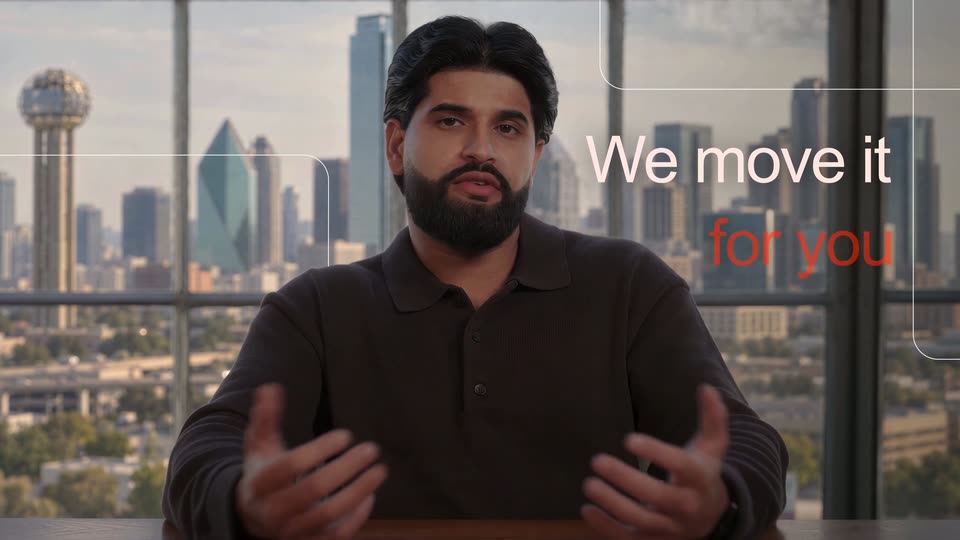

TrueMile Launch Video (YC F26) | Unveil Studio
TrueMile · Modern electronic
1:31
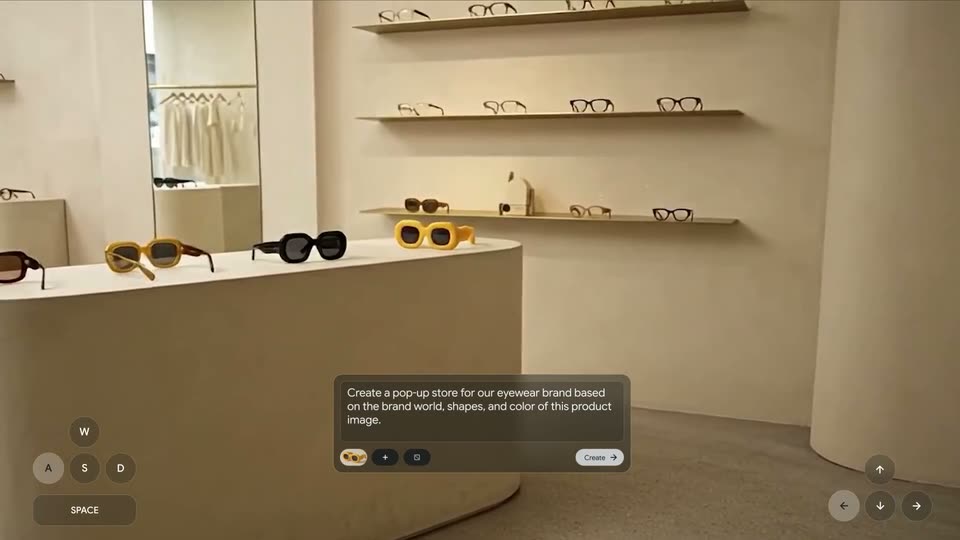

Introducing the new Project Genie, powered by Genie 4
Google · Electronic
Introducing Claude Dashboards and Claude Motion, scene by scene
· 20 scenes as text
01 · Hook · 0:00–0:03
A low-poly isometric city shows teal station rings, Fernhill and Canal Street bike counts, and an advancing morning clock. The camera then pulls back to reveal the video-player frame.
On-screen text: “Fernhill”, “Canal Street”, “Typical weekday”
Techniques: 3D mockup, UI zoom
Camera: Pull out
02 · Hook · 0:03–0:04
Inside the framed video player, a hand cursor grabs the progress scrubber to rewind the animation.
Techniques: Cursor demo
Camera: Static
03 · Hook · 0:04–0:05
Scrubbing rewinds the city animation into a flat dot map and a dashboard inside the same player.
On-screen text: “System overview”
Techniques: Cursor demo
Camera: Static
04 · Product intro · 0:05–0:10
The player shows a presenter in glasses and a dark shirt. Pastel overlay cards identify Nate, Design, and 17 demos recorded, before the product title replaces the image.
On-screen text: “NAME”, “Nate”, “TEAM”, “Design”, “# DEMOS RECORDED”, “17”
Techniques: Cursor demo
Camera: Static
05 · Product intro · 0:10–0:14
A pink title panel introduces Claude Dashboards and Claude Motion; blue emphasis moves across the product names beside a bicycle trail. A horizontal mask opens to reveal the presenter.
On-screen text: “Introducing”, “Claude Dashboards”, “and Claude Motion”
Techniques: Kinetic type, Masking
Camera: Static
06 · Problem · 0:14–0:23
A presenter wearing a red shirt explains the empty bike-dock problem inside a fixed player. Comment cards appear beside him to demonstrate collaborative feedback.
On-screen text: “@Claude”
Camera: Static
07 · Feature reveal · 0:23–0:27
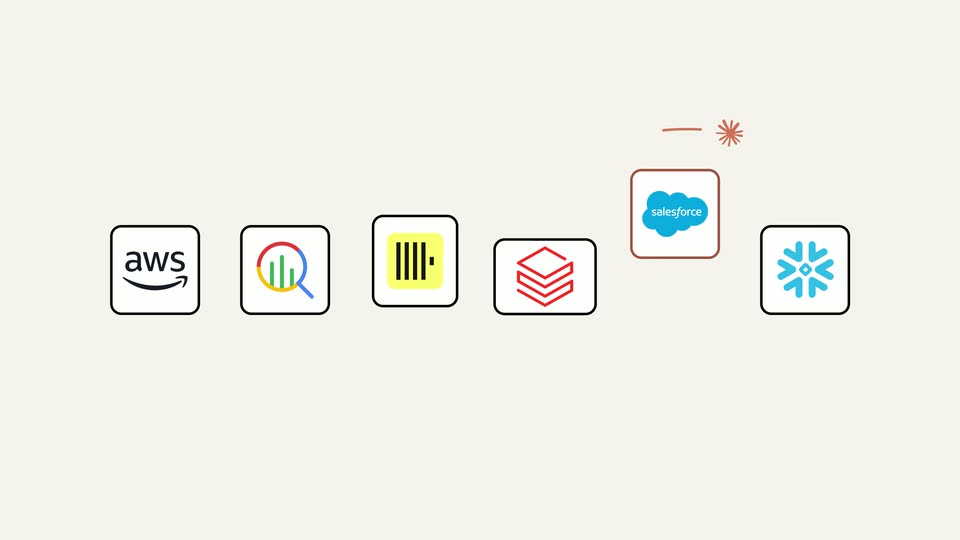
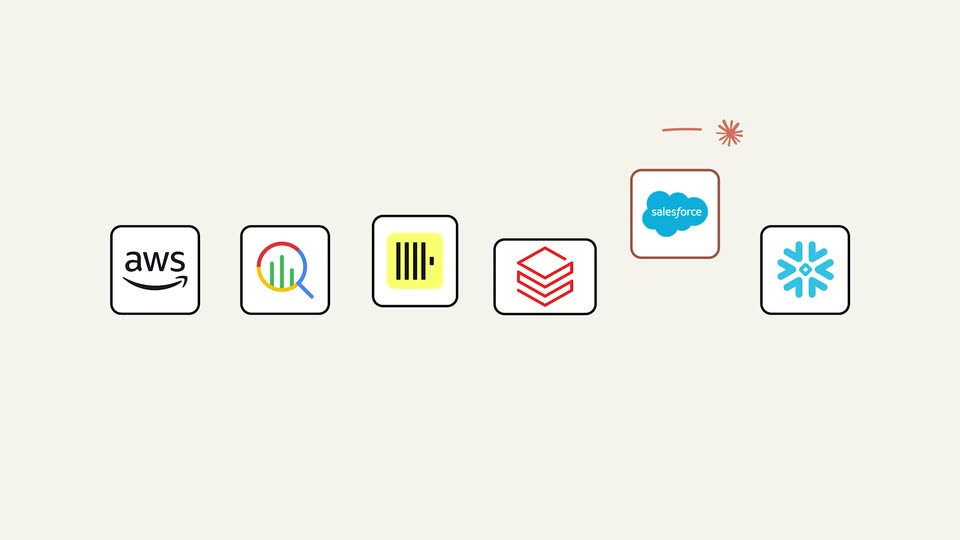
A horizontal row of six data-warehouse connector logo tiles is highlighted in succession against a light background.
On-screen text: “aws”, “salesforce”
Camera: Static
08 · Feature reveal · 0:27–0:30
Claude chat and the generated System overview bike-share dashboard appear side by side in a browser window.
On-screen text: “Bike share”, “System overview”, “445K”, “2,999”, “21%”, “4,200”, “71%”, “92”
Techniques: Split screen, Cursor demo
Camera: Static
09 · Feature reveal · 0:30–0:38
A rapid zoom fills the frame with the dashboard. The view scrolls downward through line charts, station dots, and a topography map to expose the morning commute pattern.
On-screen text: “System overview”, “Morning departures by station”, “Ridership by hour”
Techniques: UI zoom
Camera: Pan
10 · Feature reveal · 0:38–0:42
A comment prompt asks @Claude to turn the dashboard into an animation for the all-hands meeting, with the empty uphill docks as the story. Text is entered in a comment box over the map.
On-screen text: “@Claude turn this into an animation for the all-hands.”
Techniques: Cursor demo
Camera: Push in
11 · Feature reveal · 0:42–0:45
The floating station-dot map transforms into a bicycle traveling along an arc. Repeated bicycle silhouettes form a motion trail while the caption follows the curved path.
On-screen text: “Tracing every morning ride from the hilltop to downtown.”
Techniques: Morph, Particles
Camera: Static
12 · Feature reveal · 0:45–0:47
A chat panel and a canvas sit side by side. A cursor clicks the play control on a map chart; the map fills with orange, teal and grey dots plus station labels, then the frame zooms into the dotted map.
Techniques: Cursor demo, UI zoom
Camera: Push in
13 · Feature reveal · 0:47–0:56
The dot map grows into a low-poly city. The same continuous shot changes from blue dawn to warm morning light; the clock advances, station callouts count down, teal ride paths draw between docks, and the camera moves closer around the terrain.
On-screen text: “Typical weekday”, “Fernhill”, “Canal Street”
Techniques: 3D mockup
Camera: Orbit
14 · Feature reveal · 0:56–0:59
The camera dives toward an empty low-poly bike dock. A comment box overlays the animation and types @Claude Hold on the empty dock a beat longer so it lands.
On-screen text: “@Claude Hold on the empty dock a beat longer so it lands.”
Techniques: 3D mockup, Cursor demo
Camera: Push in
15 · Feature reveal · 0:59–1:01
Claude chat displays the requested edit beside the empty-dock animation, with Thinking then Updating artifact indicating the revision is being generated.
On-screen text: “Thinking”, “Updating artifact”
Camera: Static
16 · Feature reveal · 1:01–1:05
The empty low-poly dock animation expands in the browser. A cursor opens All comments, revealing colleagues’ feedback beside the canvas.
On-screen text: “Show all comments”, “All comments”, “Hold on the empty dock a beat longer so it lands.”
Techniques: Cursor demo
Camera: Static
17 · Feature reveal · 1:05–1:07
The view pulls back to a video-player mockup. The dock animation zooms out to the city and a 4,200 statistic; the cursor closes the comment panel, and orange mask edges wipe into the export graphic.
On-screen text: “4,200”, “All comments”
Techniques: Cursor demo, 3D mockup, UI zoom, Masking
Camera: Pull out
18 · Feature reveal · 1:07–1:12
A hand clicks the orange Export button. Design-tool logo tiles fly outward and orbit around the button, then settle in a ring. Their letters belong to the logos rather than animated headline text.
On-screen text: “Export”
Techniques: Cursor demo
Camera: Static
19 · CTA · 1:12–1:17
Claude makes it. You steer it. appears as editable type with a cursor and selection handles. The lettering changes weight and style, then slides away to make room for the signoff.
On-screen text: “Claude makes it. You steer it.”
Techniques: Kinetic type, Cursor demo
Camera: Static
20 · Outro · 1:17–1:21
An orange Claude asterisk grows at the center and the Claude wordmark appears beside it on a warm off-white field. The logo holds through the end.
On-screen text: “Claude”
Camera: Static