1:19

ReJot YC Launch
ReJot · B2B · Feb 2025
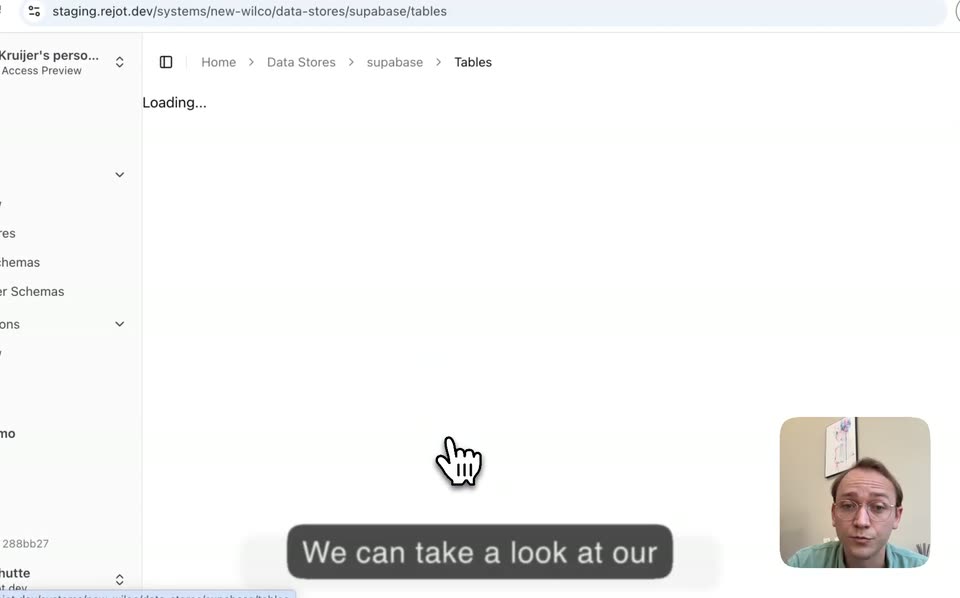
Cartpole’s 2:41 launch film runs 15 scenes, about 11 s each. The product is on screen from the first frame. The call to action lands at 2:32 (94% in), over a voiceover. One long, methodical screen-recording walkthrough: after a short facecam intro, the frame stays locked on the desktop while the presenter builds a chess game, opens a pull request, and follows the agent's logs and bug report, with 3x-speed captions compressing the waits. Signature moves are the persistent bottom-right webcam inset, slow zoom-ins on key UI moments, and soft crossfades between windows.
Is this your launch? to your site or press kit.
ReJot · B2B · Feb 2025
Replicas · B2B · Mar 2026
Cursor · Developer tools · Feb 2026
A man with glasses and over-ear headphones speaks to camera inside a rounded video-call window on a dark green abstract background. The window shrinks into a bottom-right picture-in-picture while a macOS desktop with the Cursor editor appears behind it.
Camera: Pull out
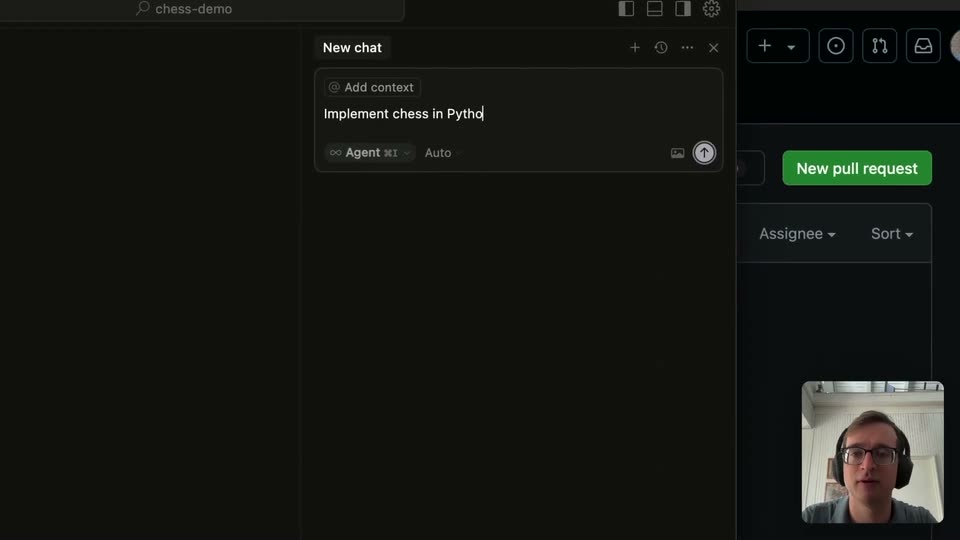
A dark GitHub browser window with an open chat panel fills the screen; a video-call window of a man with glasses and headphones shrinks into the bottom-right corner while a cursor rests in the middle.
Camera: Static
A screen recording of the dark Cursor IDE, with a small facecam of a man in headphones in the corner. The view zooms into the chat input as a prompt is typed, then the agent's reply streams in below it.
Techniques: UI zoom
Camera: Pull out
A code editor screen shows AI-generated Python code scrolling in a side panel under a 3x speed caption. The cursor clicks Accept, opens a terminal, and types git add, commit and push as the view zooms in. A webcam of the speaker sits in the corner.
On-screen text: “3x speed”
Techniques: Speed ramp, Cursor demo, UI zoom
Camera: Pull out
A GitHub pull requests page in Safari shows an empty list, then a banner slides in offering to compare a branch. The cursor clicks the green button and the page cuts to the open pull request form, with a presenter webcam in the corner.
Techniques: Cursor demo
Camera: Static
A screen recording of GitHub's Open a pull request page. The merge status flips from checking to Able to merge as the cursor moves from the title field to the green Create pull request button, then to the right sidebar. A webcam self-view sits in the bottom right corner.
Techniques: Cursor demo
Camera: Static
A dark GitHub pull request page fills a Safari window on a desktop, with a small webcam feed of a man in the lower right. The page scrolls down as a bot comment and a green merge box appear, while the cursor hovers over the right sidebar.
Techniques: Cursor demo
Camera: Pan
The Safari window shows the Jazzberry Logs page filling with scrolling log entries from a chess-demo review. A '3x speed' caption appears over the fast logs, the cursor clicks Show Details to expand terminal output, and the frame zooms into the Python code. A webcam inset sits bottom right.
On-screen text: “3x speed”
Techniques: Cursor demo, UI zoom
Camera: Pan
A Safari window shows a terminal panel with an ASCII chess board scrolling up, revealing a bug report box and a blue Post bug report button, while a mouse cursor drifts across the page. A small webcam feed of a man with headphones sits in the lower right.
Techniques: Cursor demo
Camera: Pull out
A dark GitHub pull request page fills the screen with a small webcam feed of a speaker in the lower right corner. The cursor hovers across a Bug Report table, then the view zooms in on the description cell as the speaker reads it.
Techniques: Cursor demo, UI zoom
Camera: Push in
A terminal window centered over a dimmed code editor shows finished git push output while new commands type themselves at the prompt. A small webcam feed of a bespectacled man with headphones runs in the lower right corner.
Techniques: Cursor demo
Camera: Static
A terminal window sits over a GitHub page, a man in a corner webcam. The cursor drags the window, then types chess moves e2 e4, e7 e5, e4 e6 as the text board scrolls and updates. The screen zooms out to reveal the page.
Techniques: Cursor demo, UI zoom
Camera: Pull out
A Safari window displays a bug report page with an ASCII chess log, a Post bug report button and a Stopping VM line. A small webcam inset of a man with headphones and glasses sits in the lower right corner.
Camera: Pan
A Safari window shows a monospaced board-game log and bug-report rows, with a cursor over the log. It reframes into two side-by-side browser windows, and a GitHub issue modal opens left; a webcam feed stays bottom right.
On-screen text: “m2”
Techniques: Split screen, Cursor demo
Camera: Pan
A macOS screen shows a GitHub pull request page with a terminal window running a chess game, while a small webcam feed of a presenter with glasses and headphones sits in the bottom-right corner. The shot opens on a brief crossfade before settling into a static frame.
Camera: Pan