UI zoom
A zoom or reframe onto one part of the interface.
9,973 scenes · page 122 of 167
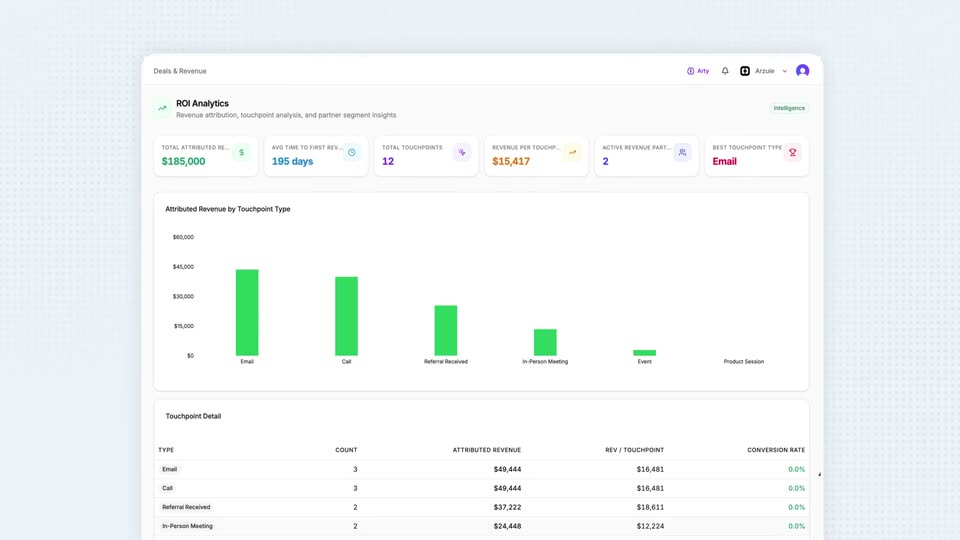 1:19–1:21ArzuleAI · Y Combinator - .@ArzuleAI builds AI agents that help B2B SaaS companies identify whiA tight frame on an orange 'Automate Outreach' button and a 'Watching' tag pulls back to reveal a full ROI Analytics dashboard, its green bar chart rising as six KPI cards settle into place.
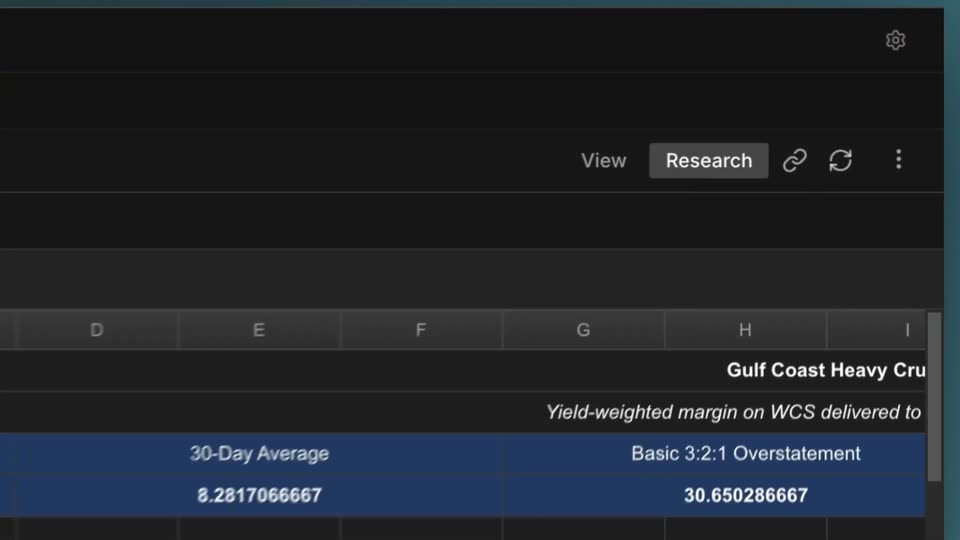 0:28–0:29Axis · Axis Launch VideoA dark spreadsheet table fills the frame, then the view zooms and pans right with motion blur to a tight crop of the header row, exposing the View and Research buttons and the Basic 3:2:1 Overstatement cell.
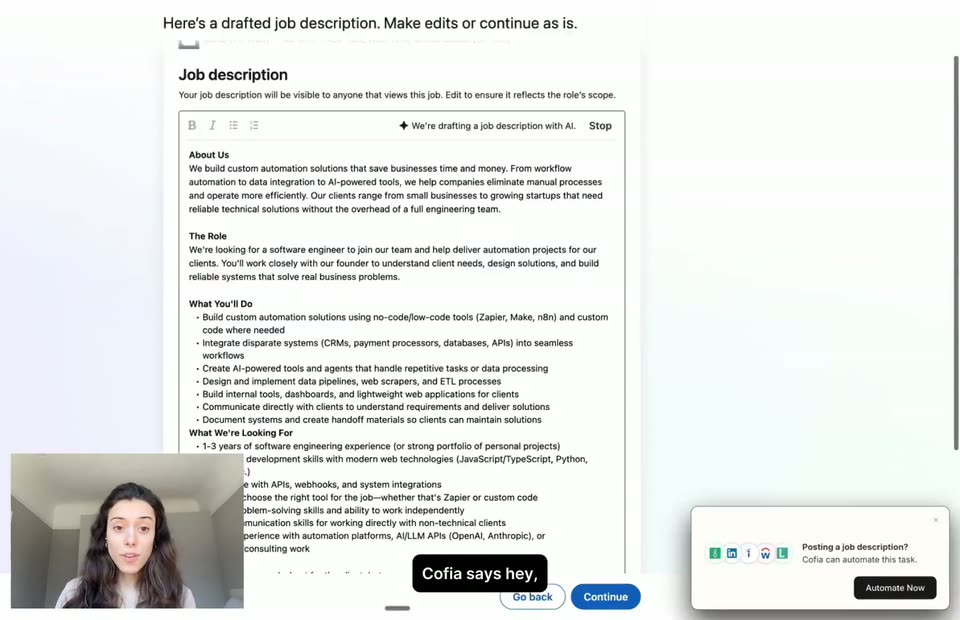 0:50–0:51Cofia · Introducing CofiaA screen capture of a browser shows a job description document beside a small webcam feed of a woman. A black caption sits at the bottom. The view zooms into the document as a cursor hovers and an automation popup appears at the lower right.
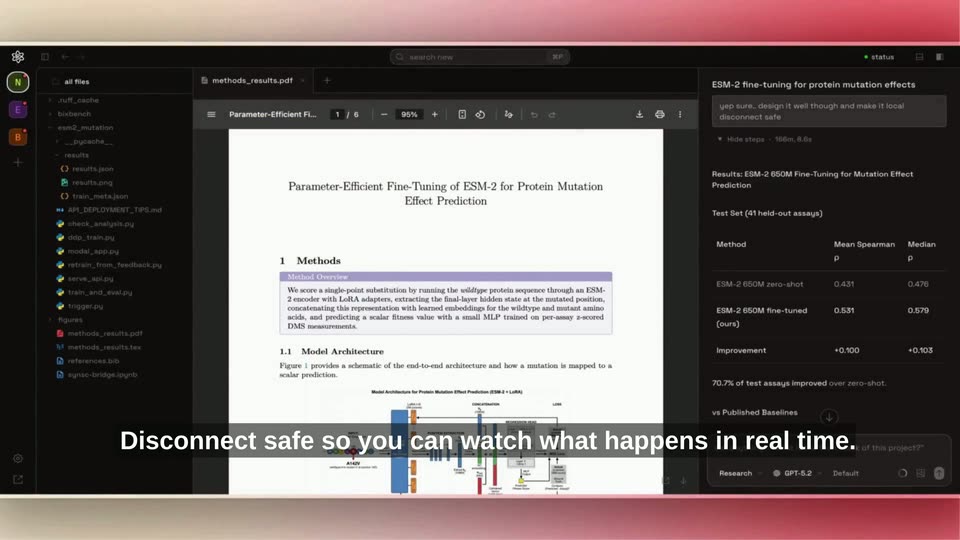 0:46–0:48SynScience · Y Combinator - .@SynScience is building AI co-scientists for end-to-end scientific rA full app interface fills the frame: a file tree on the left, a research paper PDF in the center, and a results table panel on the right. The view slowly zooms in on the center while a white caption stays pinned to the bottom.
 1:31–1:33Samsung · Introducing Galaxy S26 Ultra | Galaxy AI | SamsungA phone camera interface shows a park viewfinder with a red record button, a 0.6x zoom pill and mode labels, then the view pulls back to a hand holding the phone filming the same park. The zoom label scales while the hand tilts the device.
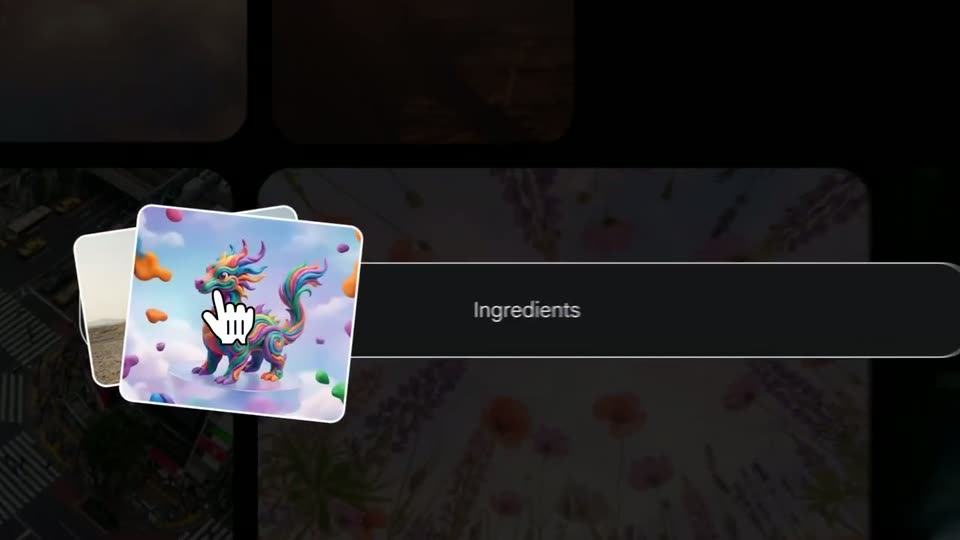 0:36–0:37Google · Google Flow - Today we're expanding Flow into a full AI creative studio. We’ve redeA dark card grid sits blurred in the background while a fanned stack of cards on the left, topped by a 3D dragon and a white hand cursor, zooms in to fill the frame. A dark pill labeled Ingredients rests to the right.
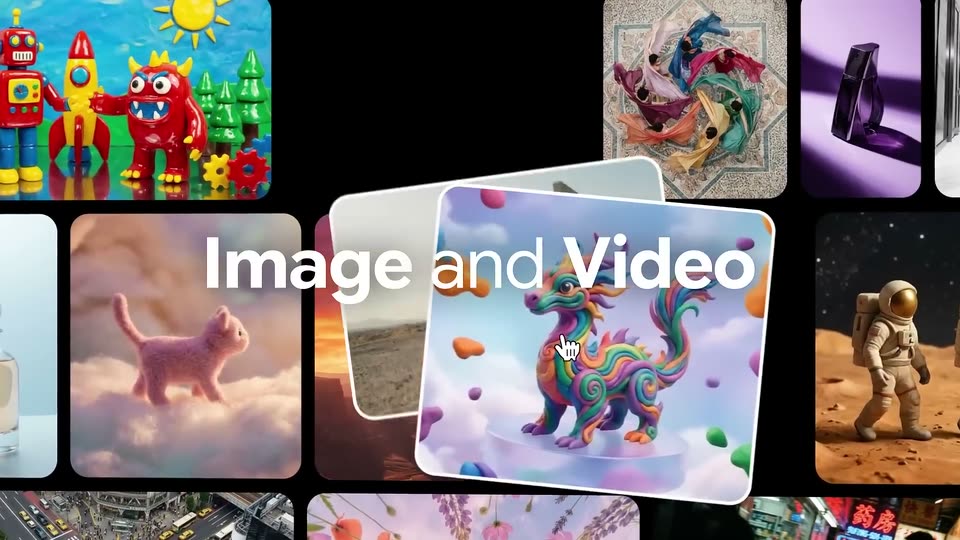 0:33–0:36Google · Introducing the New Flow, Your AI Creative StudioA grid of colorful image thumbnails fills the screen. A white hand cursor hovers, then the rainbow dragon card lifts out and tilts in 3D, two cards fanned behind it, as the rest darkens and large white text scales in over the center.
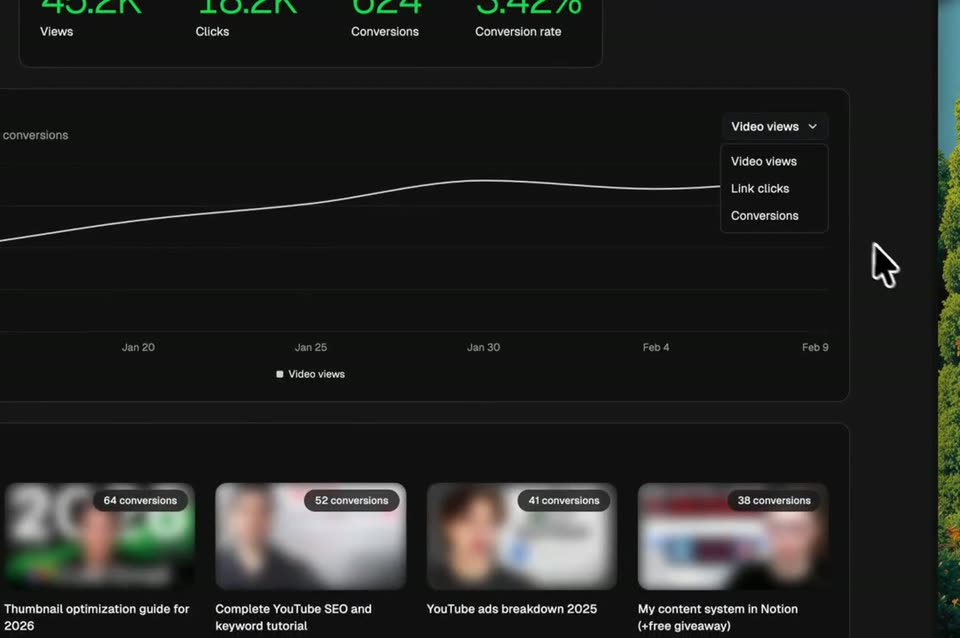 0:25–0:29Pulse · Pulse App - Psst, dark mode is here. If you're running youtube lead gen offers,A dark YouTube dashboard appears blurred, then the frame tightens on the right side as a cursor taps a metric dropdown that opens a list and closes again, the panel coming into sharp focus over a green photo edge.
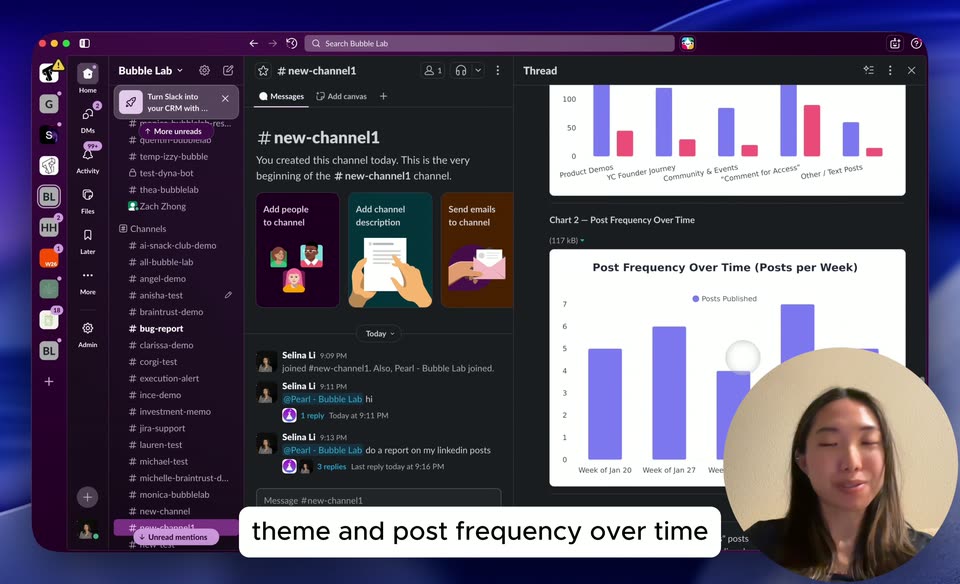 0:46–0:52Bubble Lab · Pearl in Slack (Bubble Lab) demo!A Slack-style workspace fills the frame; the view zooms into the thread panel's blue-and-red bar chart, a cursor hovers over it, then pulls back to the full window showing stacked charts. A circular presenter webcam and a caption pill sit at the bottom.
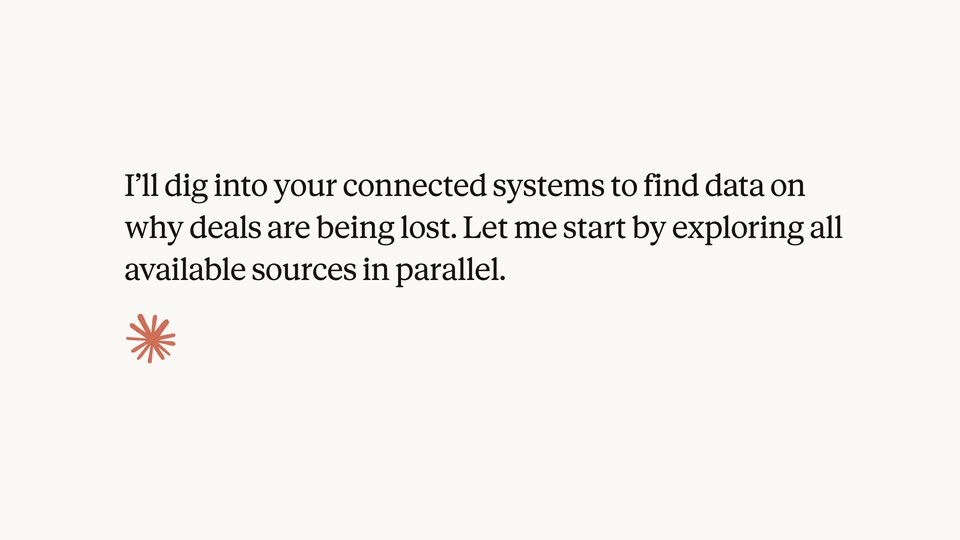 0:19–0:22Anthropic · Claude - Introducing Cowork and plugin updates that help enterprises customizeOn a cream background, a dark serif sentence types out word by word above a spinning red asterisk icon. Near the end the frame pulls back to reveal the assistant interface, with faded prompt text and a TodoWrite status line.
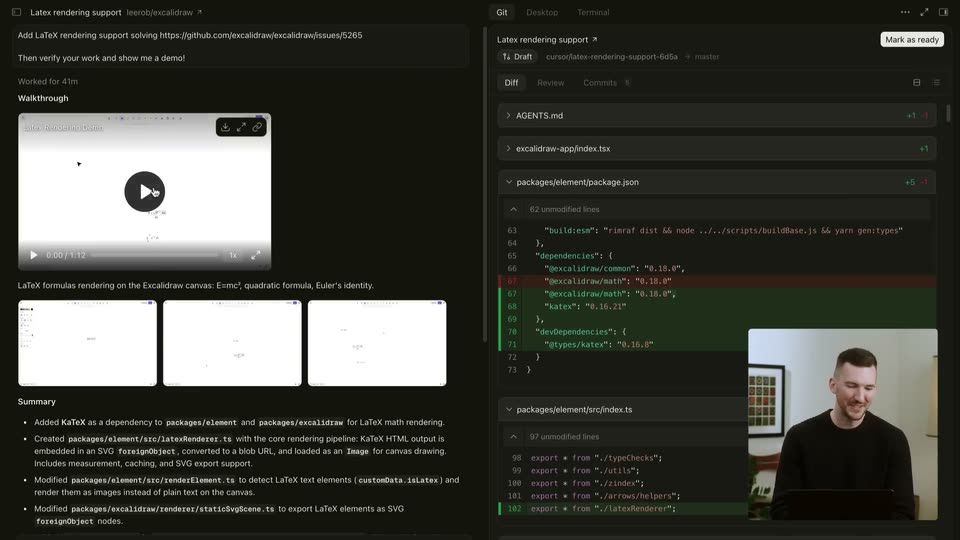 2:21–2:28Cursor · A computer for every agentA dark split screen shows a pull-request description with a video and images on the left, and a code diff on the right. A presenter in a corner window talks and gestures. Near the end, the left video expands into a larger white canvas view.
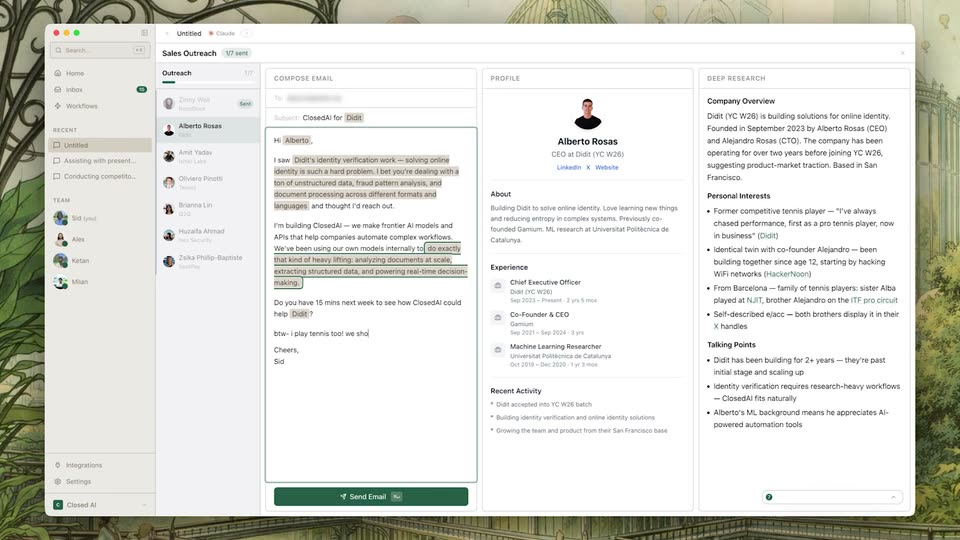 1:33–1:36/dev/fast · Introducing Carson, an adaptive assistant with serious securityA tight crop on an email draft and a deep-research panel pulls back to reveal the full three-column outreach window on a patterned desktop. As it settles, a new line about playing tennis types into the email body.
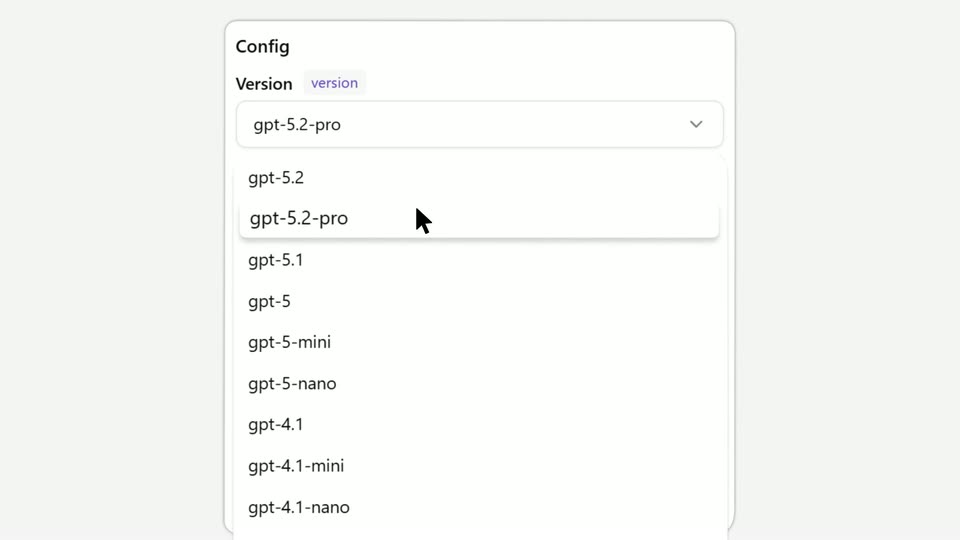 0:25–0:27Jinba · Jinba (YC W26) - Workflow Builder for Enterprise AI AutomationA white config card on a pale gray field. A cursor opens the Version dropdown, a model list blurs in, the cursor selects gpt-5.2-pro, then the card pulls back to show Temperature, API Key rows and a black New Secret button.
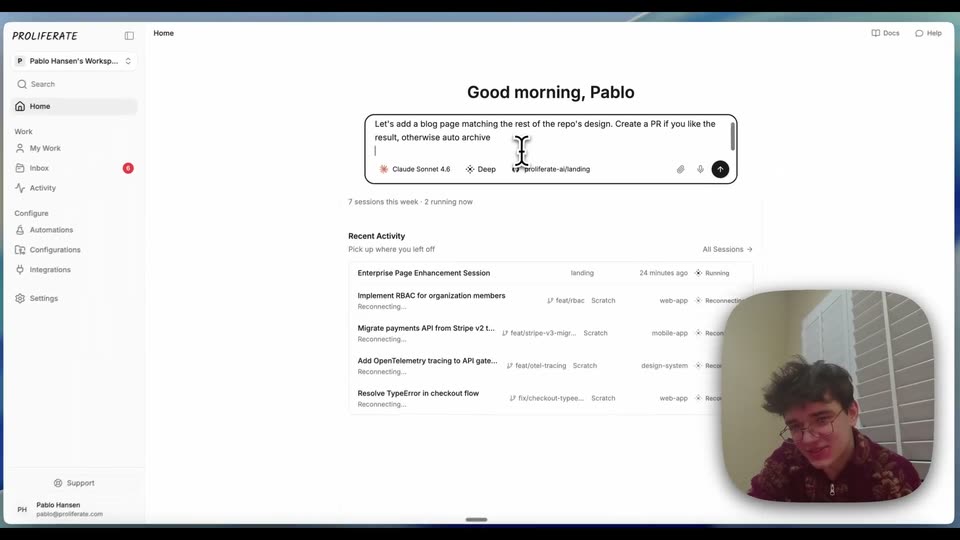 0:54–1:06Proliferate · Y Combinator - Local coding agents can't do end-to-end work at your company. @prolifA webcam inset of a young man sits in the corner of the Proliferate home screen. The view zooms into the prompt box, pulls back, and a cursor clicks the send button, adding a new running session to the Recent Activity list.
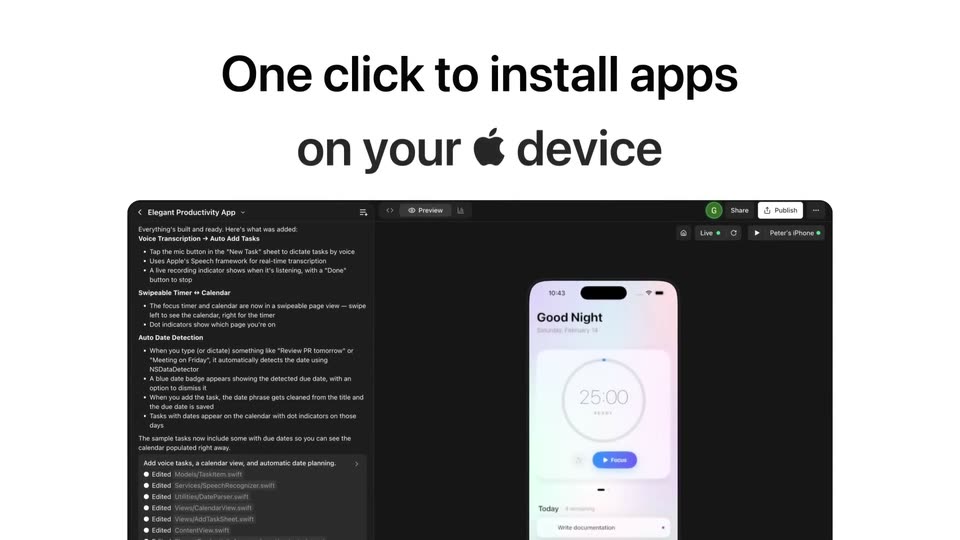 0:36–0:37Rork · Introducing Rork Max. Best AI for iOS apps. Website that replaces XcodeA gray headline 'One click to install apps' floats above a dark app-builder window showing code and a phone preview. The headline shifts to black, a gray line 'on your device' with an Apple logo fades in beneath it, and the window scales up.
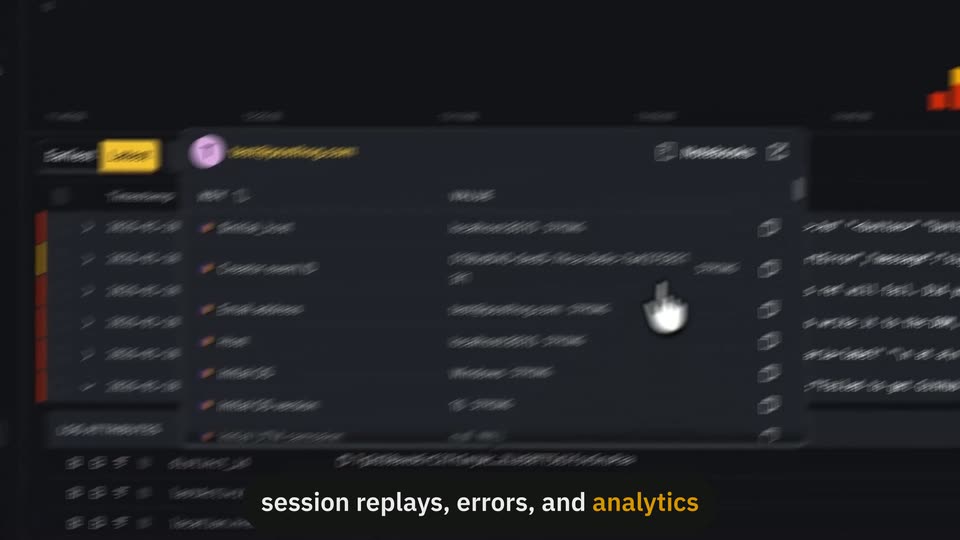 1:35–1:42Posthog · PostHog - Introducing Logs by PostHog - Free, up to 50 GB for free every monthA light log viewer with an AI panel cuts to a dark dashboard; a hand cursor scrolls the logs and opens a user attribute card that scales up over a blurred background, then fades to black with an orange spinner. A bottom caption updates phrase by phrase.
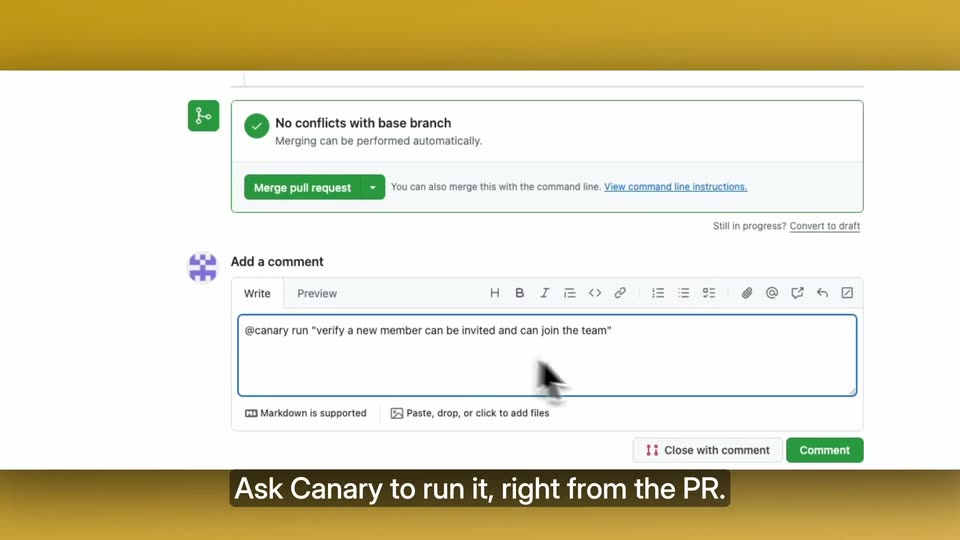 0:43–0:47Canary · Canary - Friday. 5:47 PM. Quick Claude session, small auth refactor. LGTM, meA GitHub pull request comment box is in focus as a canary command is typed into it. The view zooms out to show the whole panel, and a hand cursor clicks the green Comment button. Dark caption bars at the bottom carry the narration.
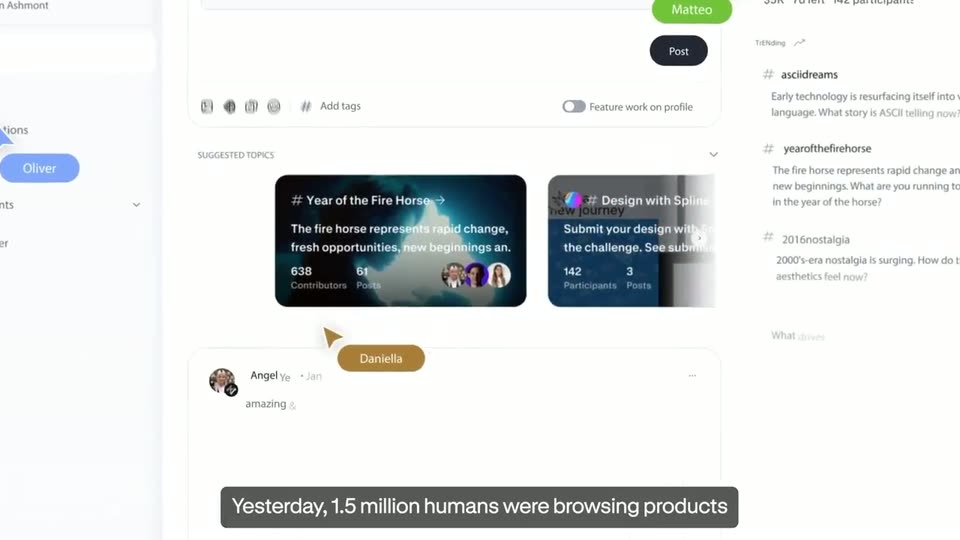 0:33–0:35Contra Payments · ben - Introducing Contra Payments. The first payments platform that lets yA light-themed social feed interface for contra fills the frame. Colored name tags (Oliver, Matteo, Ben, Daniella) pop in beside avatars as the view zooms into the suggested topics and posts. A black subtitle bar captions the voiceover at the bottom.
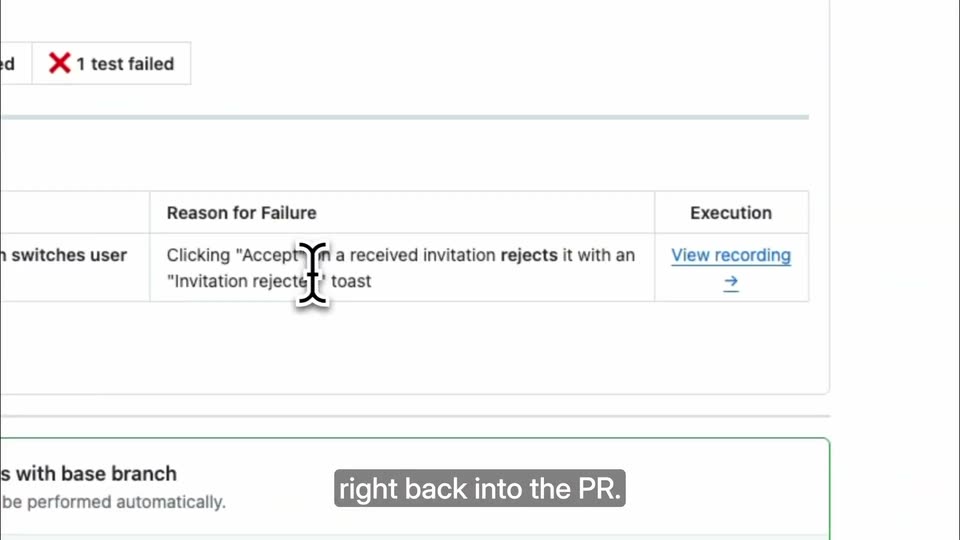 0:35–0:38Canary · Canary Launch VideoA close-up of a PR comment card showing Canary Results pans right across the failed-tests table as a large hand cursor moves to the Execution column and clicks the View recording link. A caption pill reads Video recordings drop at the bottom.
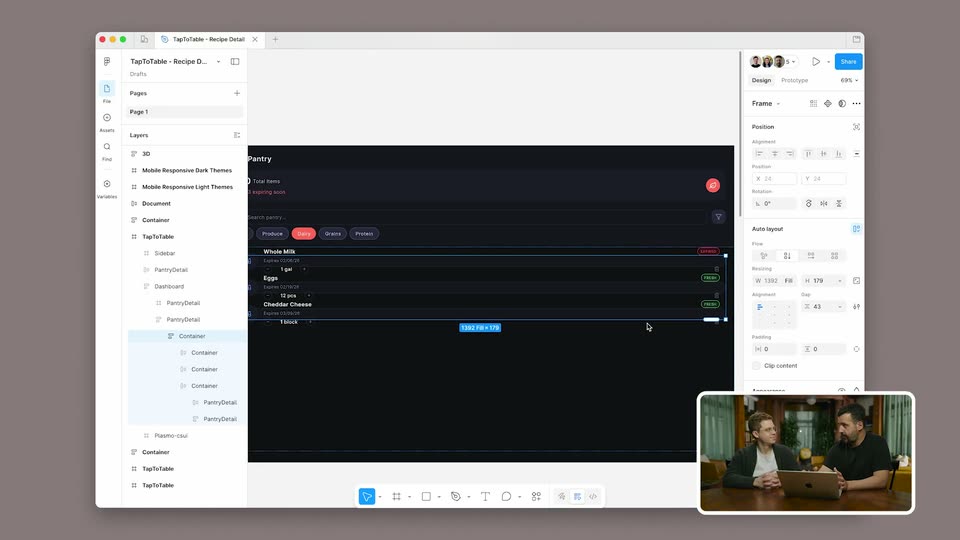 2:19–2:23Figma · Figma - Tired: code or canvas Wired: code AND canvas Introducing Claude CodeA Figma window fills the frame, its dark canvas showing a pantry app with three food cards. A cursor selects elements as the zoom shifts. A small rounded clip of two men at a laptop sits in the corner, then cuts to them full screen.
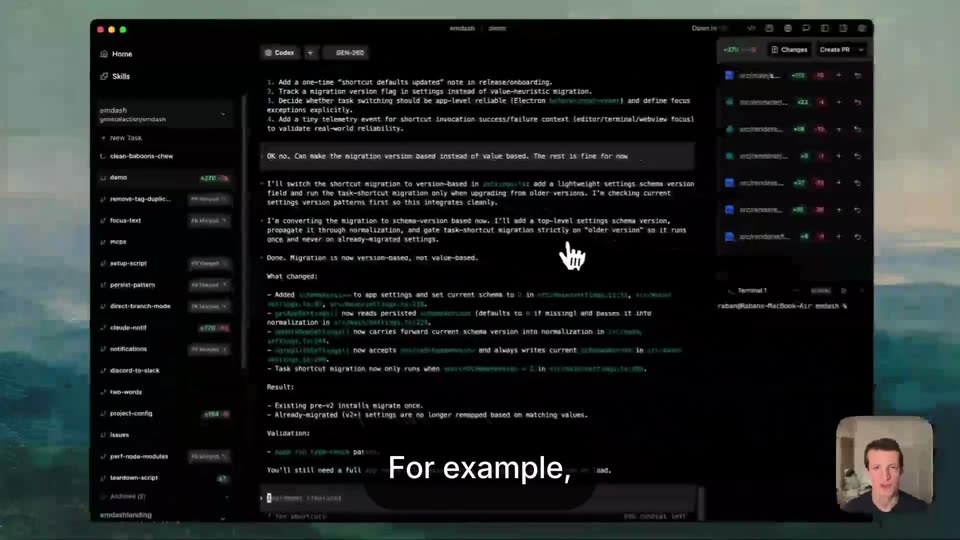 0:32–0:33Emdash · Y Combinator - .@emdashsh is building an open-source Agentic Development EnvironmentA hand cursor hovers over a task in a dark sidebar, then the frame zooms out to reveal the full app window: task list, code panel, file diffs, terminal, and a small webcam feed. A caption appears at the bottom.
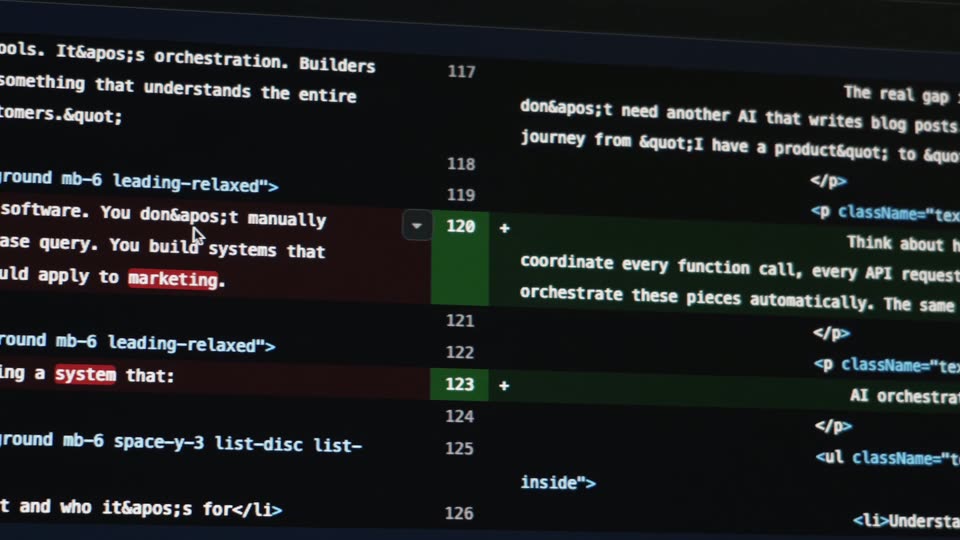 1:18–1:23Jam · jia - i proposed... introducing jam. you build, jam spreads.A dark code editor shows a side-by-side diff, red deletions on the left and green additions on the right. A mouse cursor hovers near line 120 while the frame slowly pushes in on the right column.
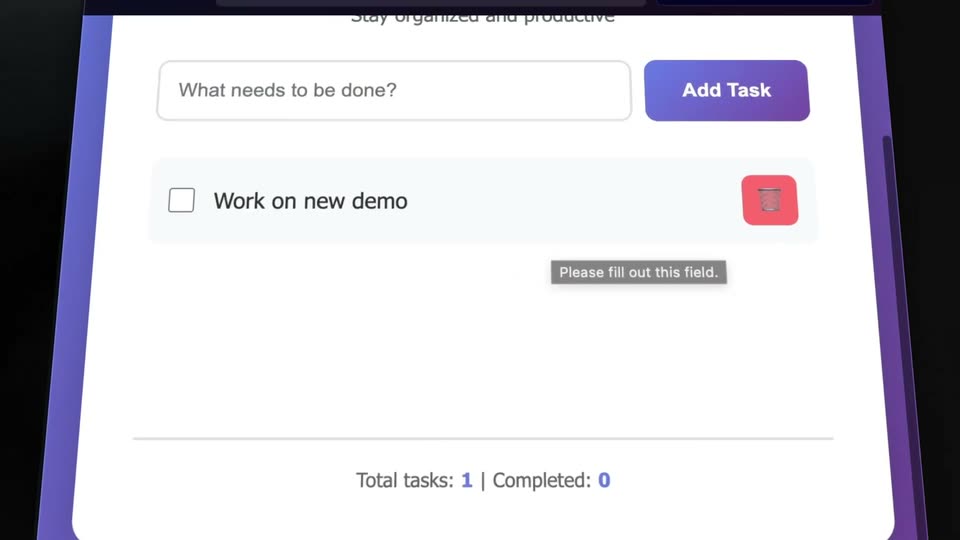 0:24–0:25Cline · Cline - Introducing Cline CLI 2.0: An open-source AI coding agent that runs eA tilted browser window mockup of a to-do app floats on a black background. The camera pushes in toward the form as a small dark tooltip reading 'Please fill out this field.' pops in beside the empty input box.
 0:37–0:38Emdash · Launch Emdash (YC W26)A tilted code editor window over a blurred mountain backdrop shows a diff loading, then zooms into a file with green and red highlighted lines as a cursor moves. A small webcam inset of a man stays in the bottom corner.
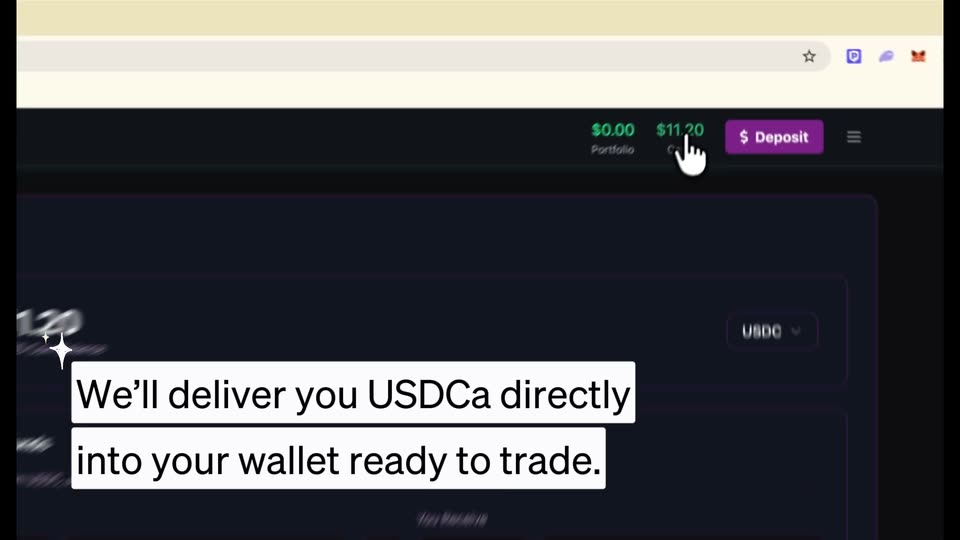 0:20–0:21Unifold · Unifold - Universal Deposit InfrastructureA dark browser window shows the Alpha Arcade wallet and a Seahawks vs. Patriots market panel. A hand cursor glides to the magenta Deposit button while the view zooms into the top-right header. A two-line white caption rests at lower left.
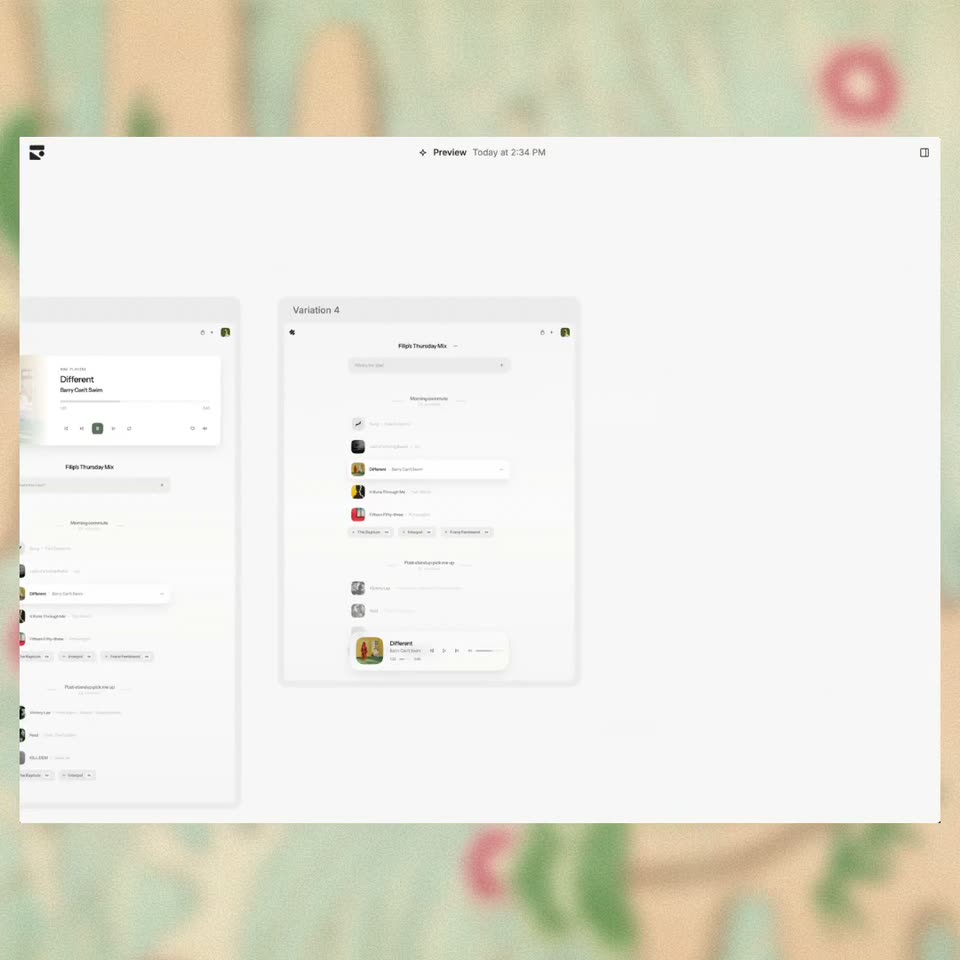 0:15–0:20Design Canvas · Irvin Zhan - Today we’re launching Design Canvas for AI agents. AI can build a feA white preview panel floats over a blurred pastel background. Four phone mockups labeled Variation 1 to 4 slide left in a row, each showing a music app with a now-playing card for “Different.” The panel then zooms out, revealing the full set and two small action buttons.
 0:06–0:08Lightricks · LTX.io - Introducing Brand Kit. A new enterprise feature in LTX Studio that lA white Brand Kit form card floats over a close-up of a watered plant. The view zooms into the card, then a cursor glides across the leaves to the blue Save button and clicks it, dismissing the form.
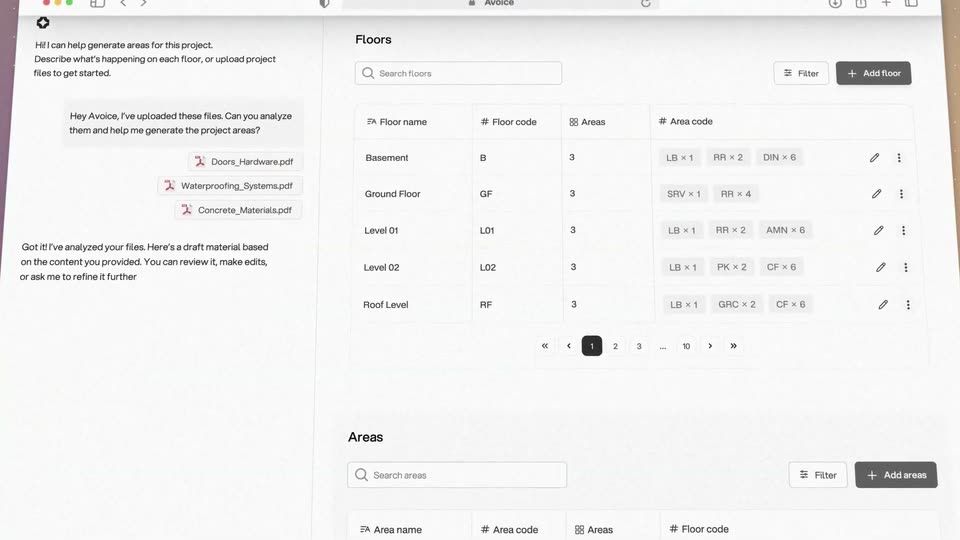 0:36–0:41Avoice · Avoice | The AI Workspace For ArchitectsA browser window of the Avoice app sharpens from a ghosted double image, then the view slowly zooms down the Generate Areas page, past the AI chat panel and Floors table, to reveal the Areas section at the bottom.
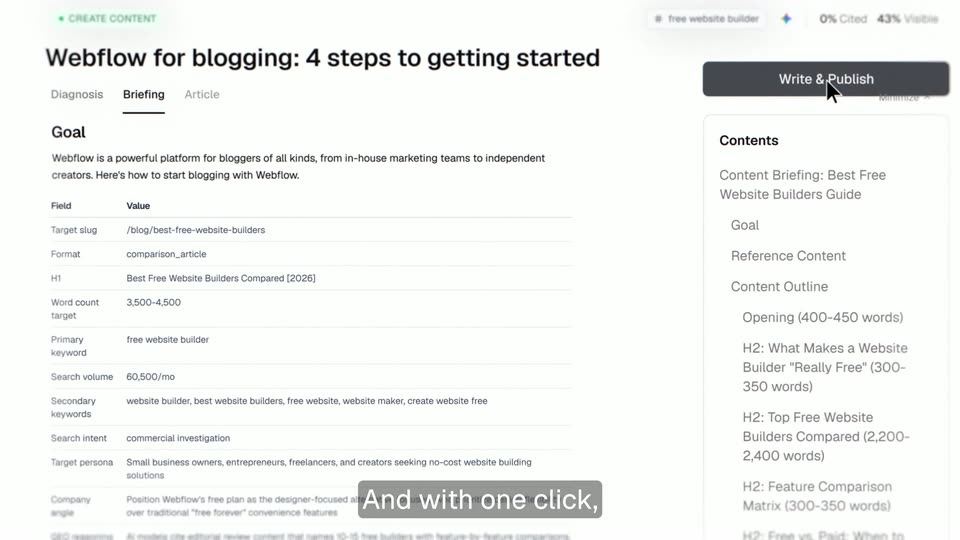 0:39–0:41Sitefire · Launch YC: sitefire.aiA blurred Webflow content screen sharpens into focus, then the view zooms right onto the Contents panel while a cursor hovers near the Write & Publish button. Bottom captions read “tell you which blog posts to write.” then “And with one click,”.
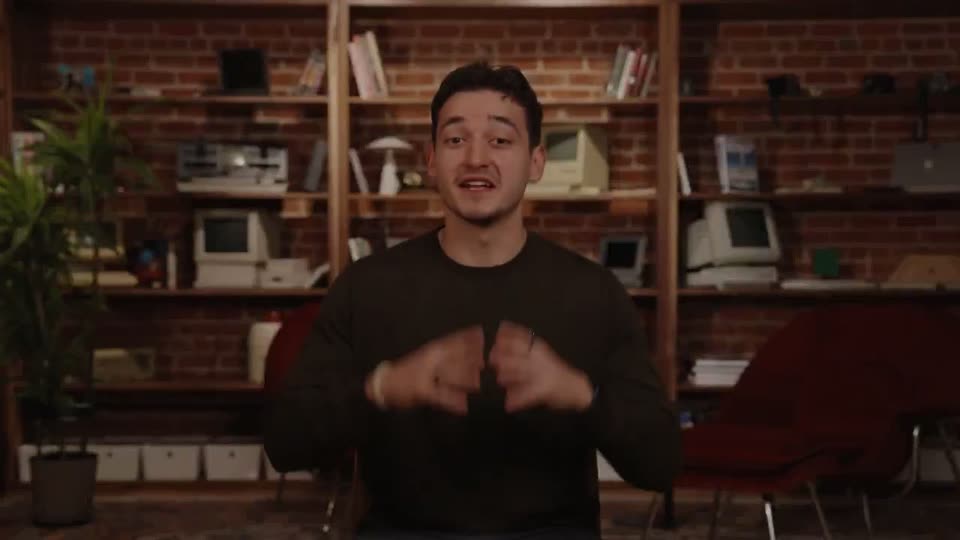 3:27–3:28Tavus · Tavus - Most conversational AI understands words, not people. Introducing RaA dim video-call screen shows a dotted raven, a small 'MERTEKES' window, and two participant panels labeled Raven Therapist and User. It cuts to the young man from the User tile, gesturing with both hands in a brick-walled room.
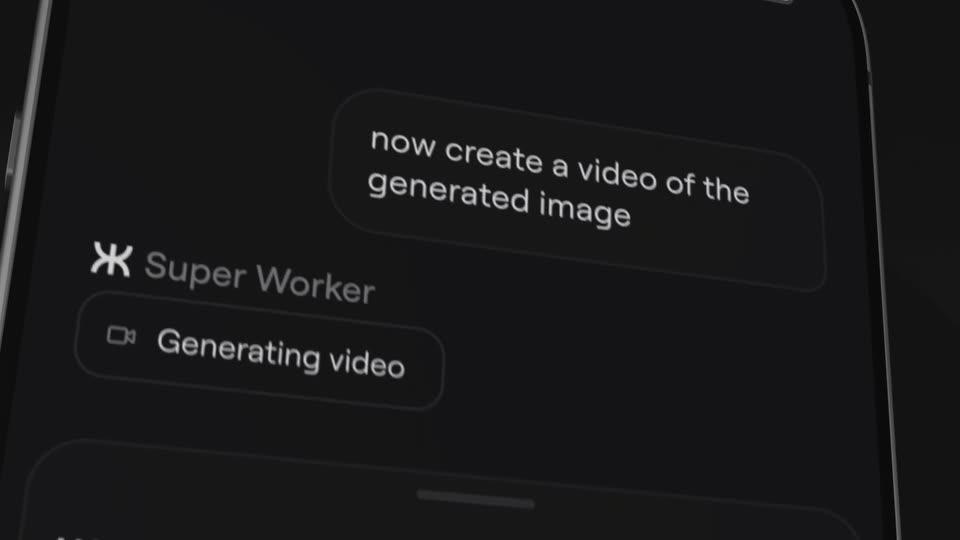 0:25–0:28Kortix · Kortix - Our Super AI Worker just landed in your pockets Out on all app stoA tilted phone in 3D perspective fills the frame, showing a dark chat feed. A message bubble fades in, a Generating video pill appears beneath the Super Worker label, and the feed scrolls up to reveal a pink cherry blossom image with a Preview button.
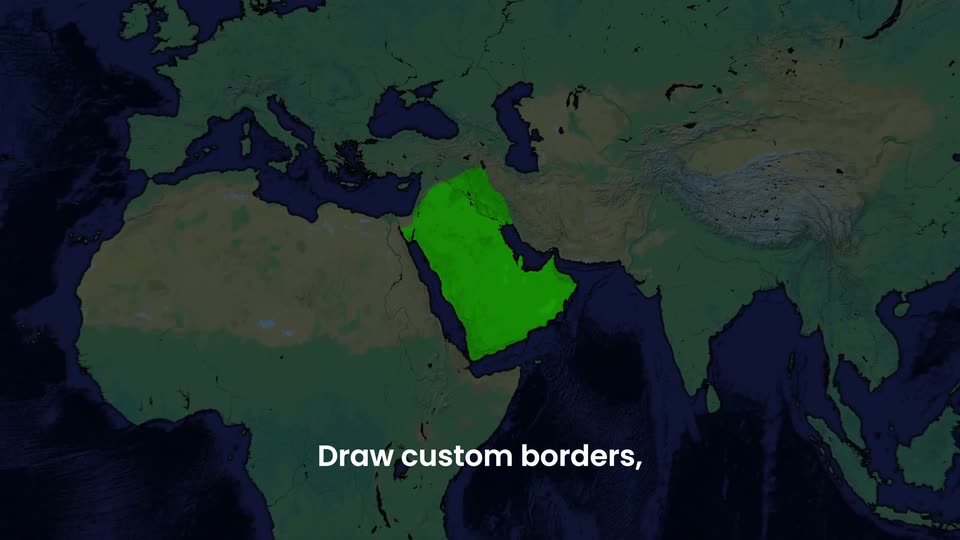 0:51–0:53Pax Historia · Y Combinator - Pax Historia is the first-AI powered sandbox game. Players create woA dark world map shows two white cursors drawing a green border around a region. The view then zooms in on the filled green shape over the Middle East as the bottom caption switches.
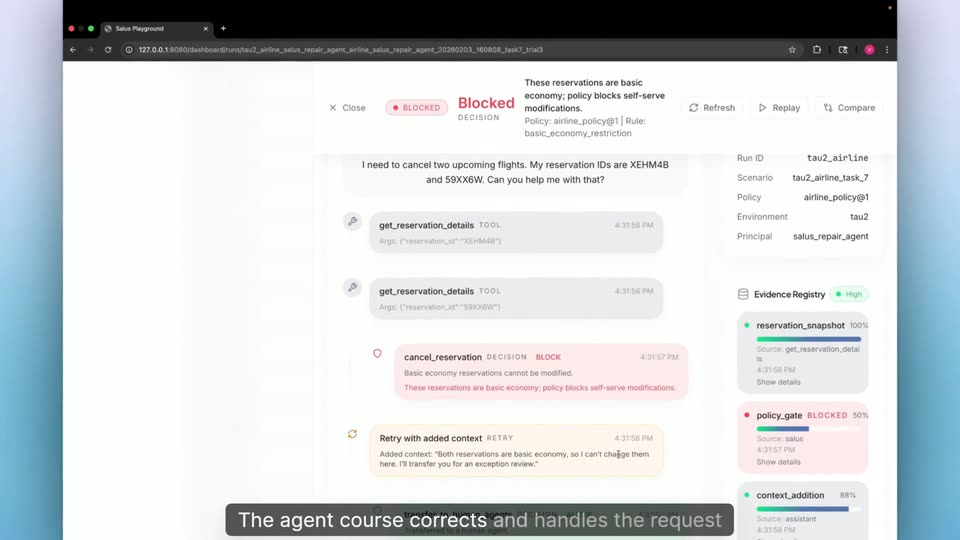 1:09–1:12Salus · Salus (YC W26) Launch DemoA browser window of an agent dashboard eases from a soft, zoomed-in frame to a full view, then scrolls down to reveal a final transfer-to-human entry. A dark caption bar holds at the bottom center.
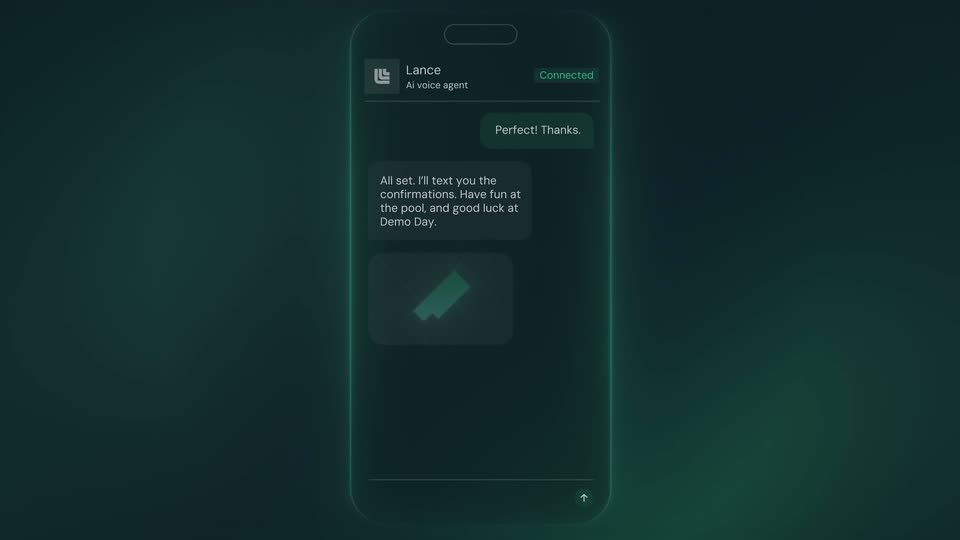 1:01–1:05Lance · guests got places to beTwo glowing phone mockups in 3D perspective show a chat with an AI voice agent; they merge as the camera pushes in on one phone, the thread scrolls to the final message, and a dark card with a green ticket and map pin icon drops in.
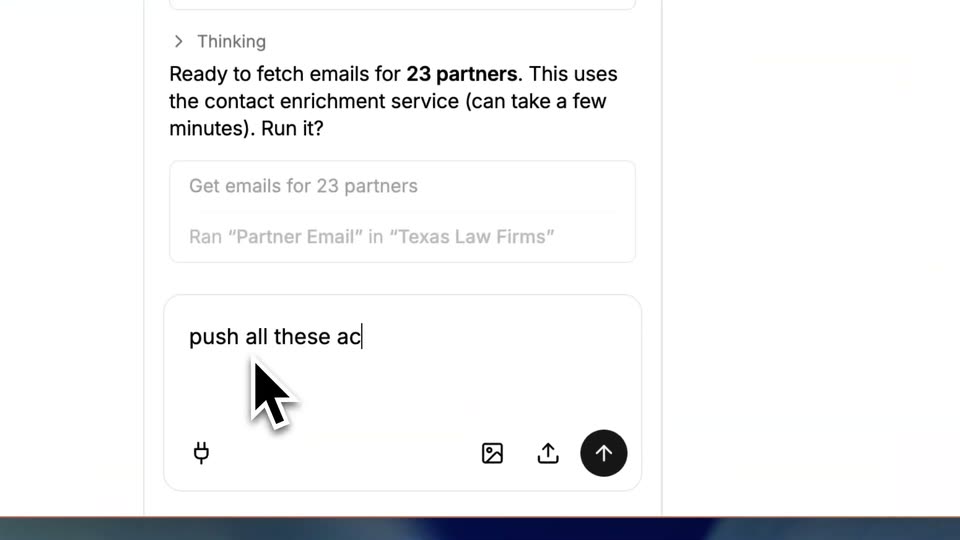 0:50–0:52Orange Slice · Orange Slice LaunchA product screen shows a chat assistant beside a spreadsheet of law firm contacts. The view zooms into the chat column as a cursor types a command and hovers over an Approve button, while the spreadsheet stays in the background.
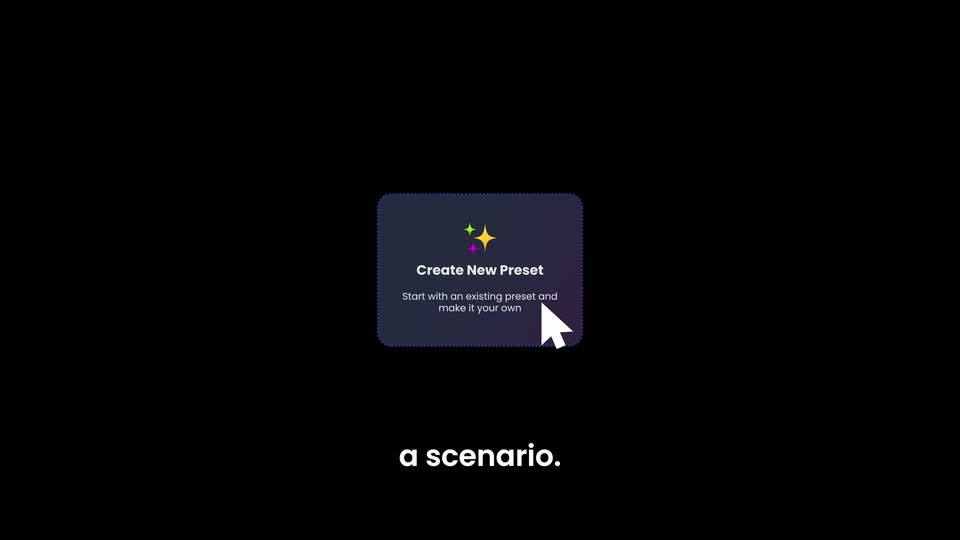 0:49–0:51Pax Historia · Pax Historia IntroductionA dark purple UI card with a dashed border and a sparkle icon sits centered on black. A white cursor drifts to its edge as the card scales up. Below, white bold captions swap from Anyone can build to a scenario. then Draw custom borders
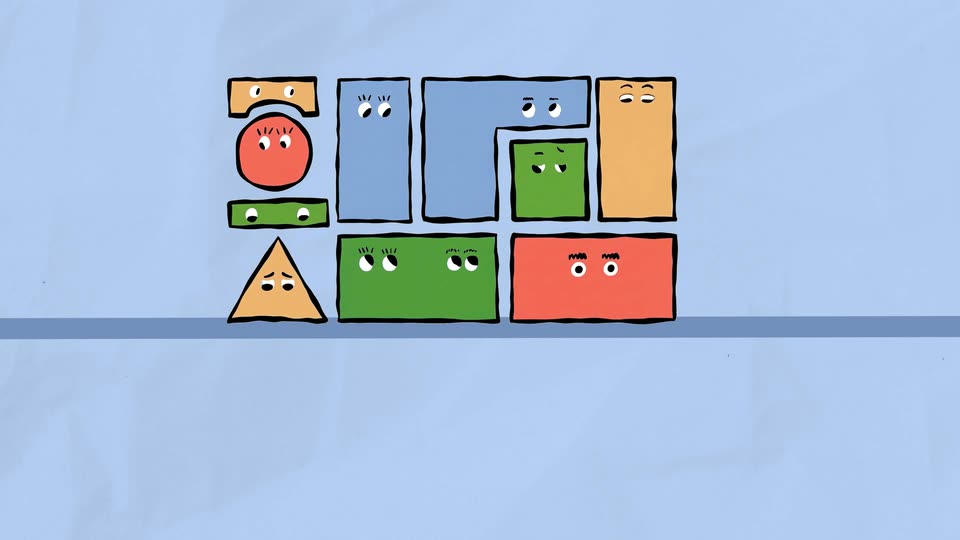 0:39–0:40Sparkles · Sparkles (YC W26) Launch video ✨A close-up of a blue Create PR button on a white card pulls back and slides off to the left, revealing a cluster of hand-drawn shapes with cartoon faces that settle along a blue line on a crumpled paper background.
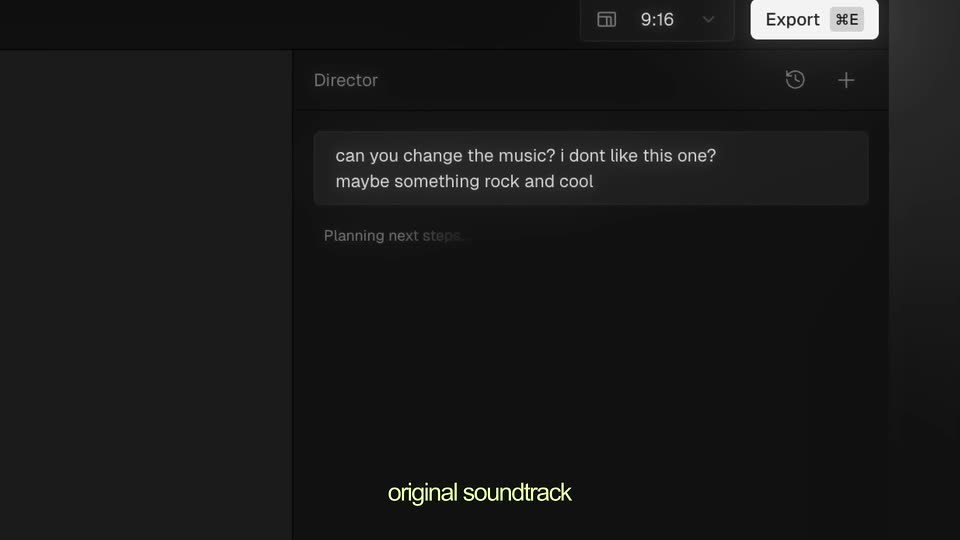 0:38–0:40Cardboard · Cardboard | Launch YCA close-up of the AI chat panel zooms out to reveal the full video editor, with a captioned clip on the timeline and two green audio waveforms. A yellow caption builds word by word along the bottom edge.
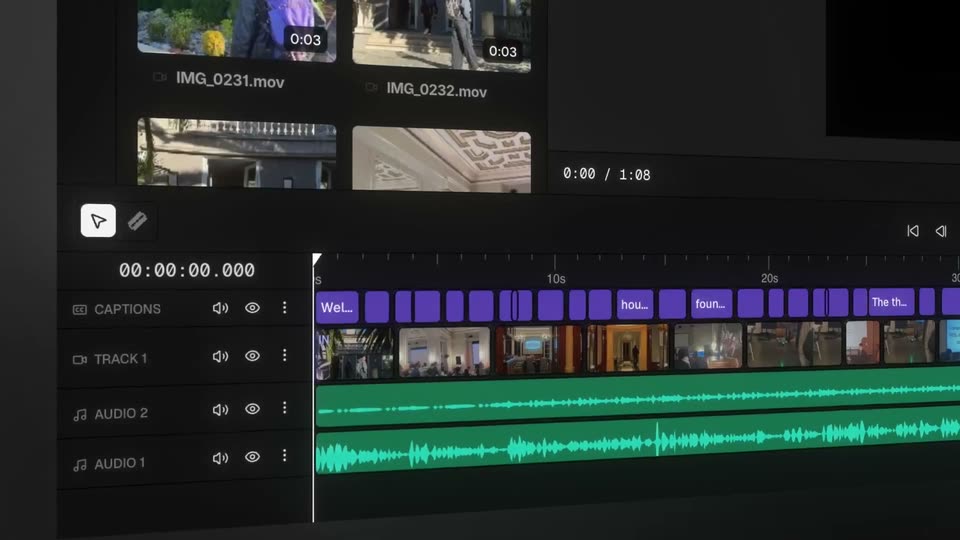 0:35–0:37Cardboard · Y Combinator - .@usecardboard is an agentic video editor where you upload raw footagA tilted 3D view of a video editor's timeline: media thumbnails sit above while a video strip and green audio waveform fill the tracks, then a purple captions track drops in as the frame reframes upward.
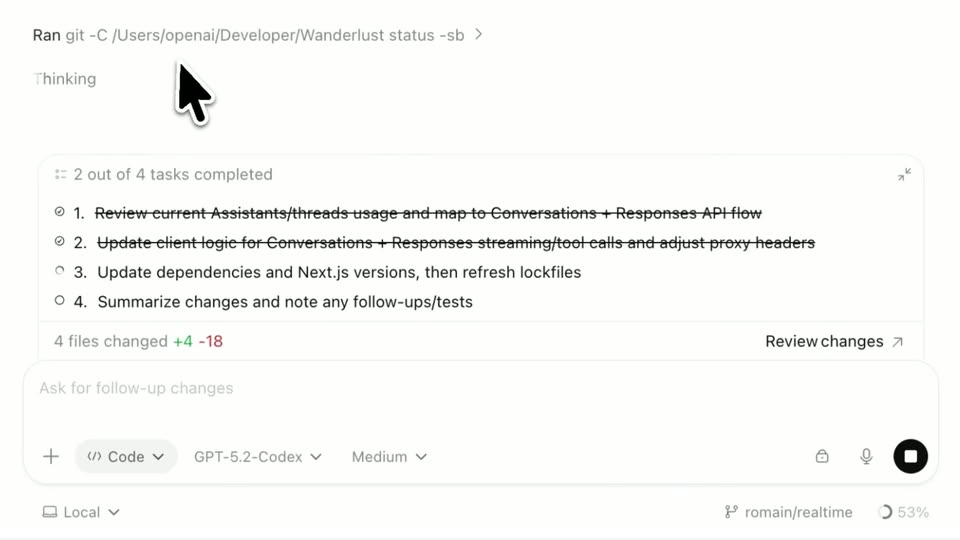 0:55–0:59OpenAI · Introducing the Codex appA two-pane Codex window shows a thread list on the left and an activity feed with a small video on the right. It reframes to a single column with a Thinking line and a four-item task checklist, two items checked, while a cursor hovers near the top.
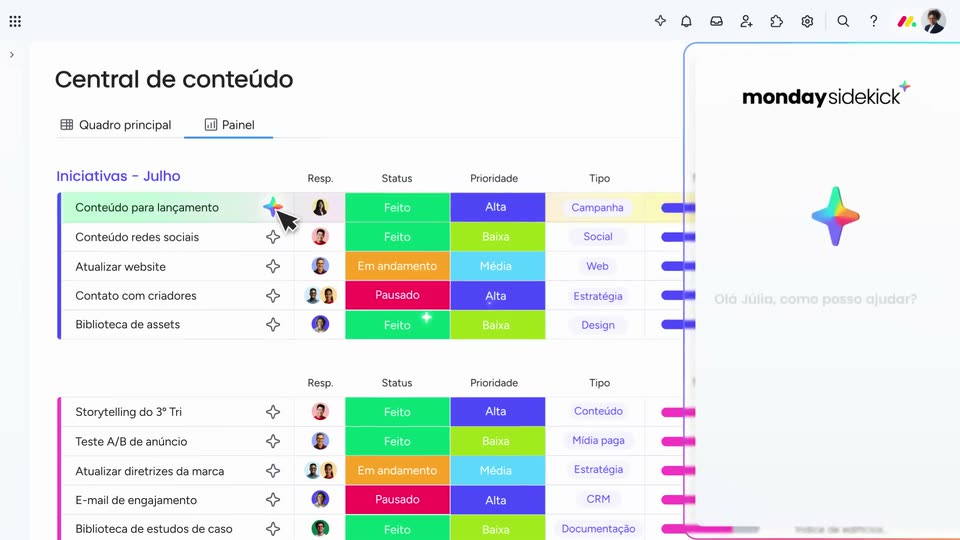 0:28–0:31monday sidekick · monday sidekick: a IA que realmente trabalhaA project dashboard table fills the screen as a cursor hovers a star icon. A white monday sidekick panel slides in from the right, showing a greeting, three suggestion rows and a message field, while the view zooms toward the panel.
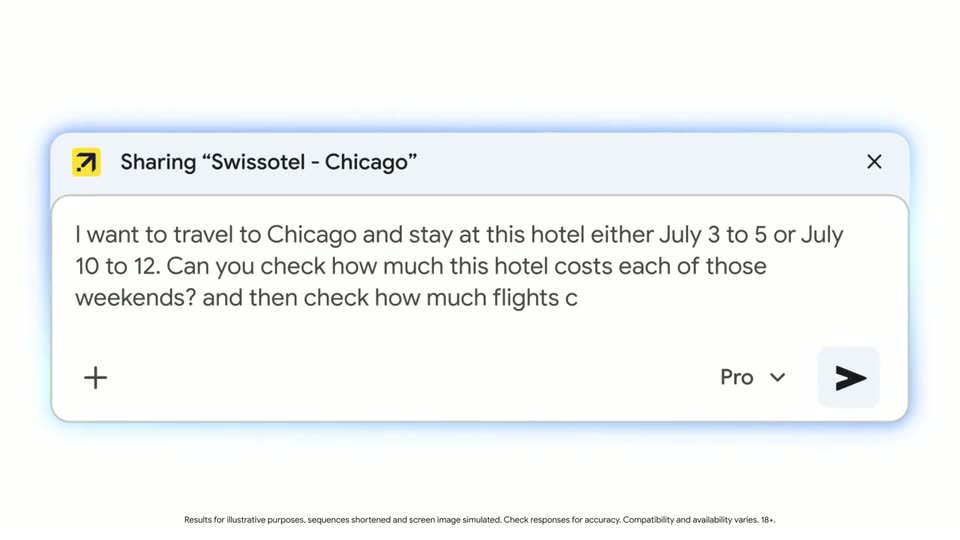 0:34–0:44Chrome · Chrome - Auto browse in Gemini in Chrome (now available for Google AI Pro andA floating chat composer with a blue glow sits over a large two-line headline. The headline fades as the box scales up and centers, while a long hotel-and-flight query types out in its field. A cursor then clicks the send arrow.
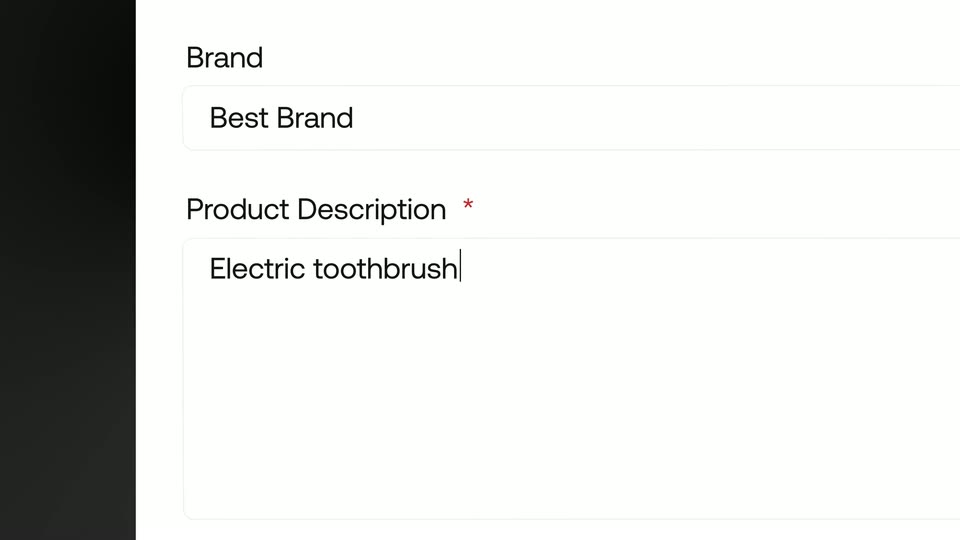 0:19–0:21Stord · Smart Commerce - Meet Stord AIA product form shows a Brand field set to Best Brand and a Product Description field. A cursor types Electric toothbrush into the description box, then the view zooms down to an auto-fill prompt with a gradient hexagon icon and Cancel and Save buttons.
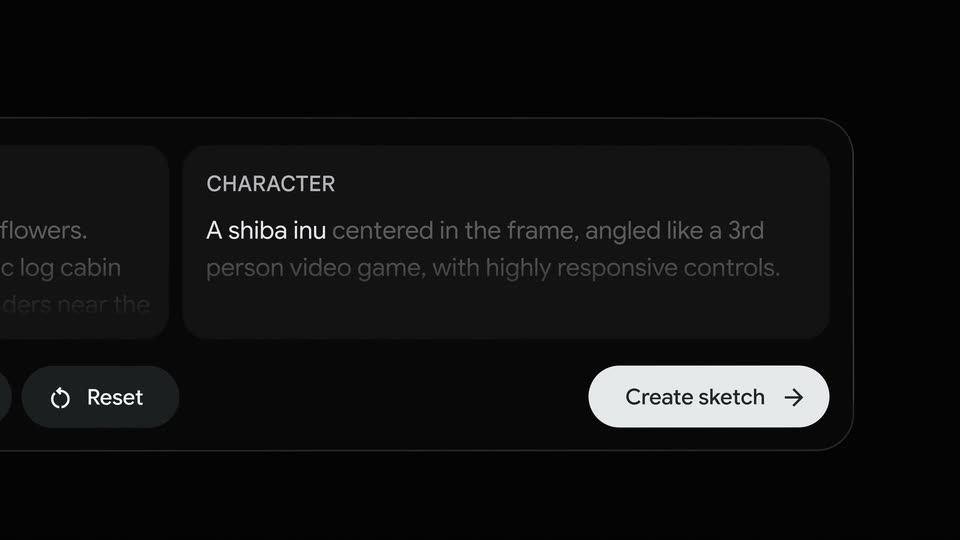 0:30–0:34Google · Google AI - Last August, we previewed Genie 3: a general-purpose world model thatThe clip opens tight on a dark CHARACTER card as its prompt text types out word by word. A cursor appears, then the frame pulls back to reveal the full panel: environment and character cards above a toolbar, set against a 3D wireframe grid.
 0:35–0:39Project Genie · Google DeepMind - Step inside Project Genie: our experimental research prototype that lA dark prompt panel hovers over a dim 3D grid floor while a prompt is typed into the field. The view then pans right to the Modify and Create world buttons as a mouse cursor glides onto Create world.
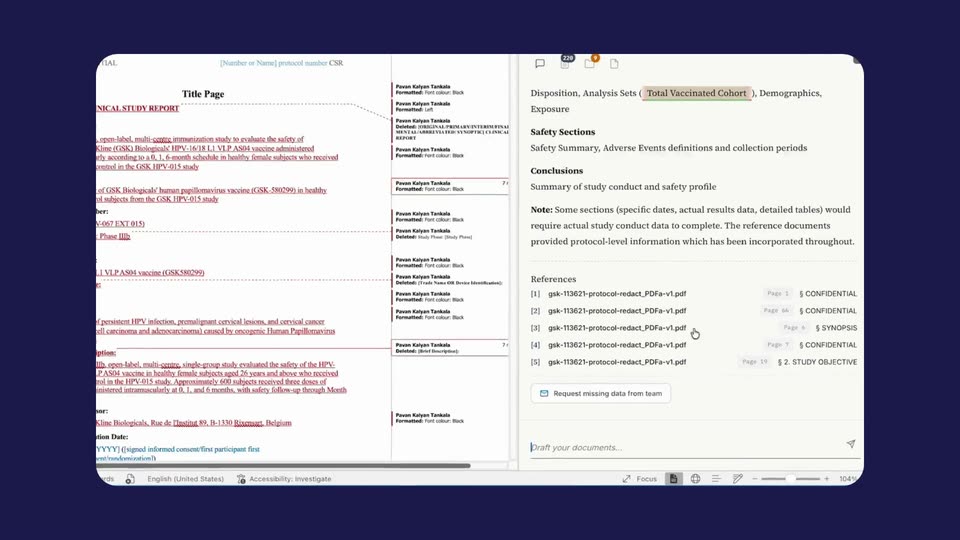 0:49–0:52TensorTest · ritivel drafts regulatory documents in minutes!A split screen shows a clinical study report with red annotations beside an AI outline panel. The view zooms into the panel as a 'Request missing data from team' button pops in and a cursor clicks it.
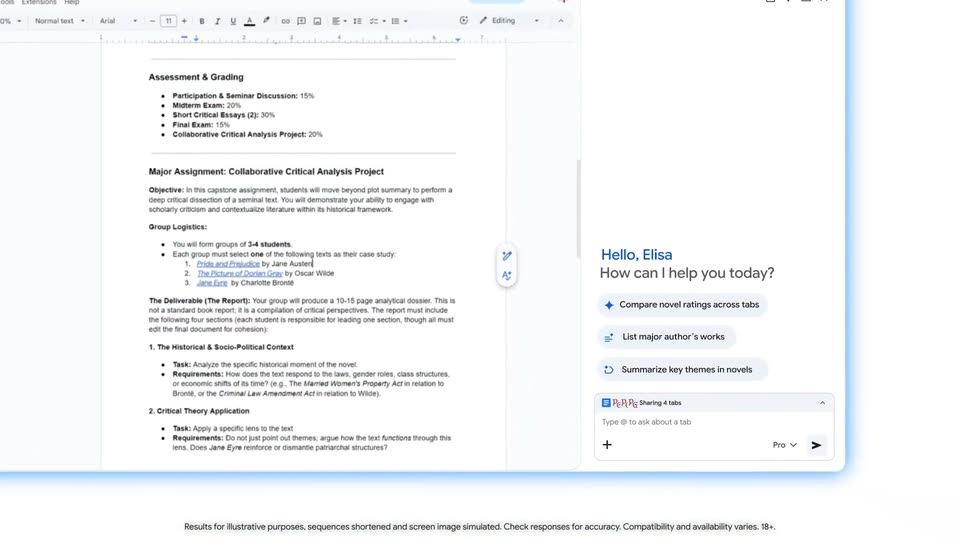 0:28–0:29Google · Google - We’re introducing major updates to Gemini in @GoogleChrome for MacOS,A Chrome window tilted in 3D over a colorful abstract backdrop rotates flat and zooms in on the open document. The Gemini side panel appears at right with a greeting and a list of prompt suggestions.
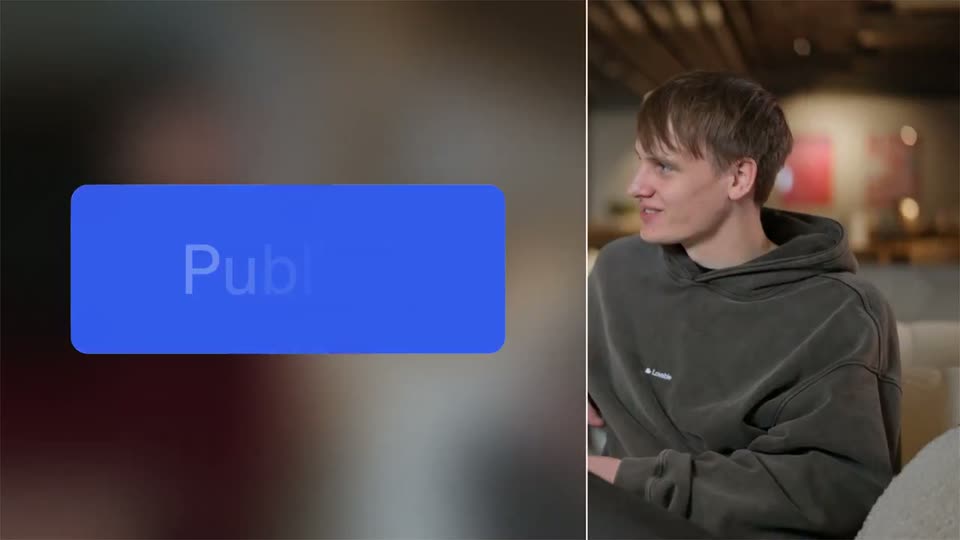 1:19–1:21Lovable · Lovable - Introducing a smarter Lovable that is 71% better at solving complex tA white card shows a Swedish-learning page mockup with a smiley avatar, heading and buttons, then cuts to a split screen: a large blue Publish button over a blurred background on the left, a man in a gray hoodie talking on a sofa on the right.
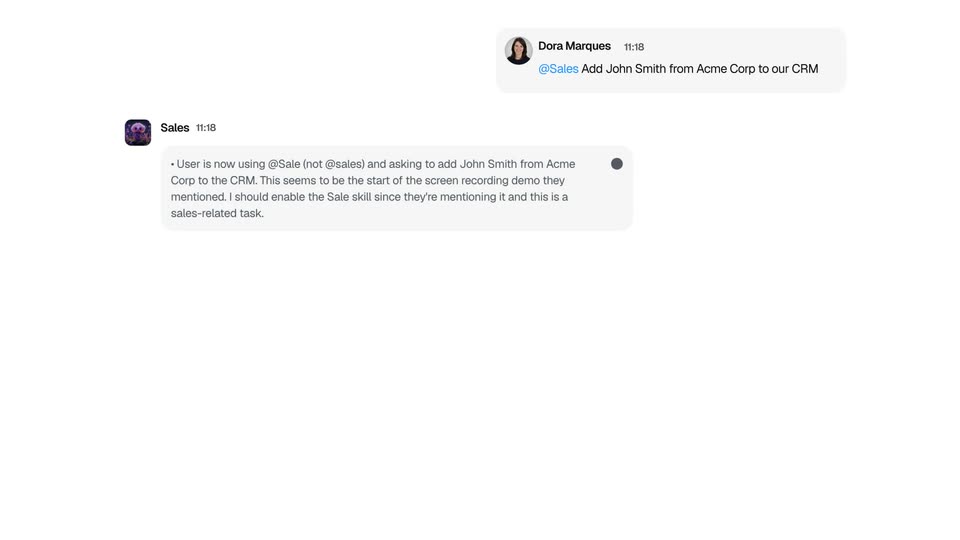 0:28–0:32Dust · Dust - 🔧 Your agent fleet just got an upgrade. Today we’re launching SkillsA chat app window opens with a left navigation sidebar, then the view zooms in to crop it and center the conversation. Dora's message sits top right; the Sales bot shows a typing indicator, its analysis text types out, then three skill cards stack in one by one.
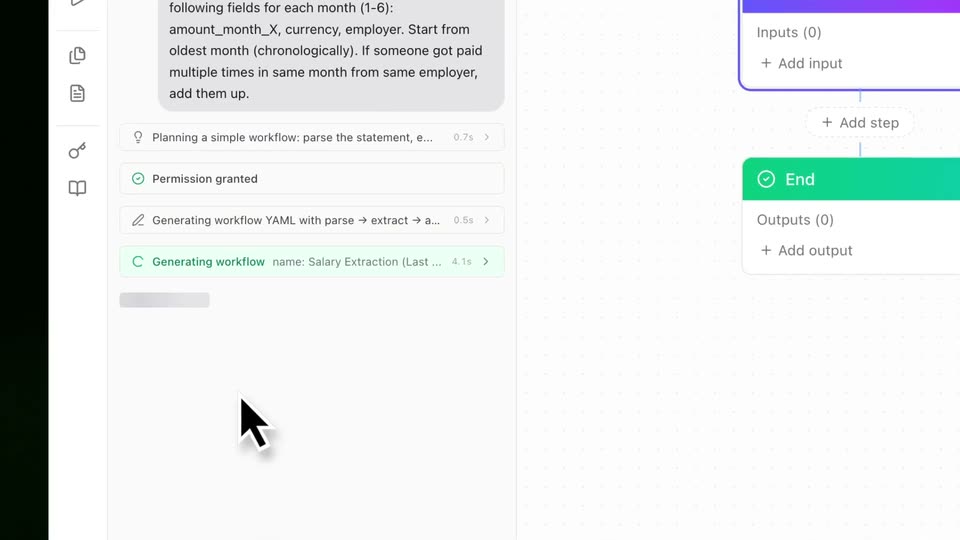 0:28–0:35EigenPal · Introducing EigenPalA workflow builder screen zooms in on a chat panel where a cursor clicks Allow Changes on a permission prompt. Status bars update to Permission granted and Generating workflow, then a YAML diff with red and green lines slides up, cursor resting on Accept.
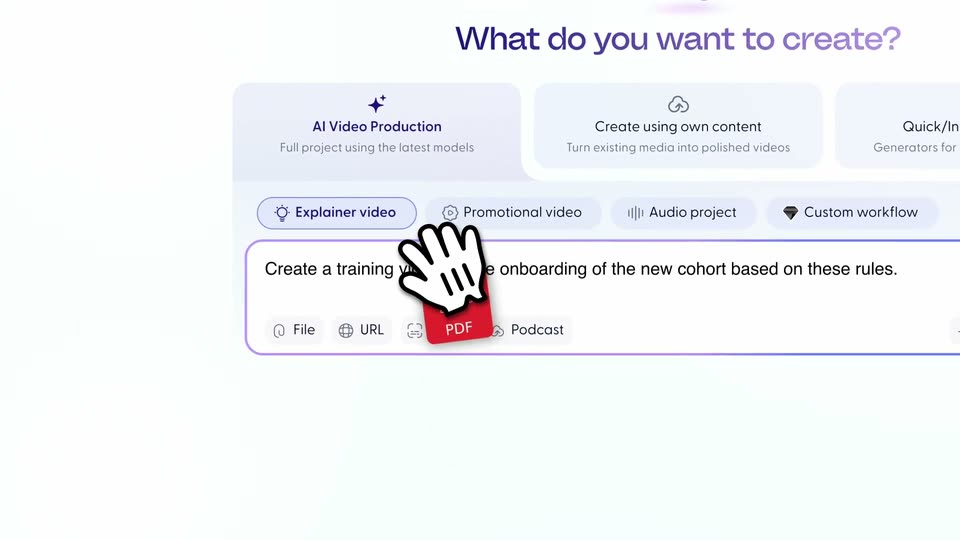 0:32–0:38Wondercraft · Dimi Nikolaou - Today AI Video stops being slop. Introducing Wondercraft Video, an AA light interface zooms out from the prompt field to the full screen under the heading What do you want to create?. A cursor drags a red PDF icon into the box, dropping it as a file chip, then clicks the green arrow button.
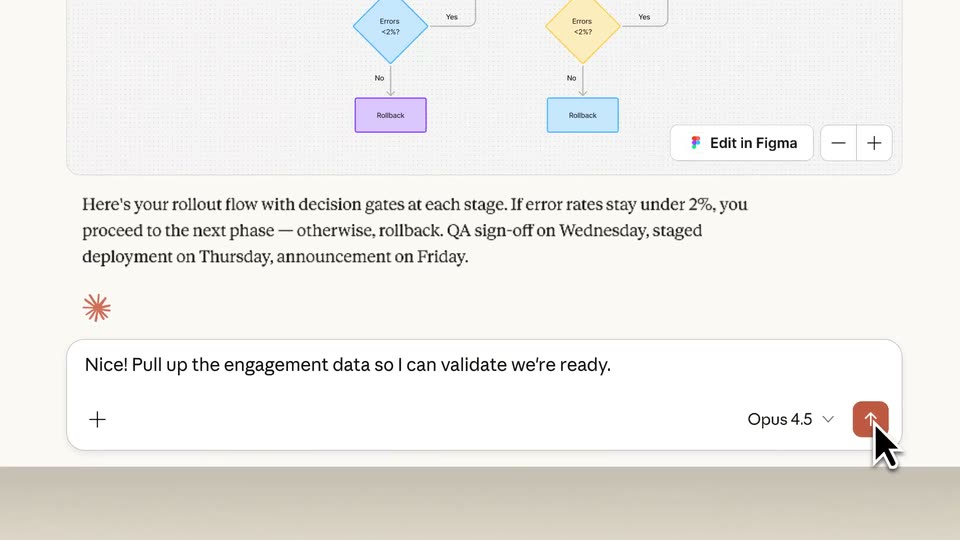 0:17–0:19Anthropic · Claude - Your work tools are now interactive in Claude. Draft Slack messages,A screen showing a Figma rollout flowchart and body text zooms down to the reply input, where a typed message fills the box and the cursor rests on the orange send button.
 0:36–0:38Text.ai · Alfi - Your group chat designed to bring friends togetherA light chat interface shows Alfi's message with a photo of four friends around a beach campfire; the view zooms in as Lena's reply bubble pops in below.
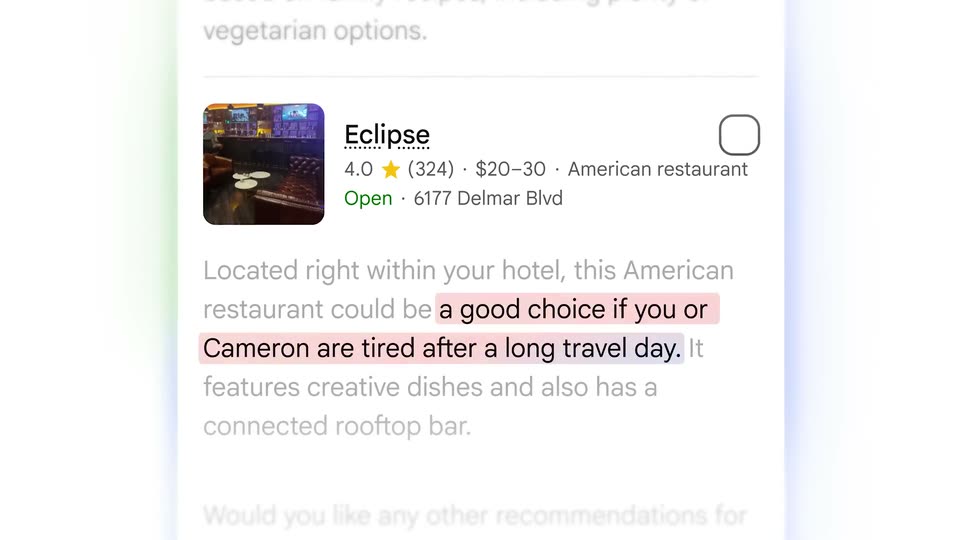 0:46–0:51Google · New in Search | Personal Intelligence in AI ModeA restaurant recommendation list scrolls up, settling on the Eclipse card as a gray highlight bar sweeps across its description. The view then zooms in on the closing question, “Would you like any other meals nearby.”
 2:56–2:58Conductor Quantum · Coda | Natural language quantum computingA chat app screen with a recent-prompts sidebar, a Python code panel, and a circular webcam of a man in the corner. The view zooms into the center thread, reframing on a simulation result line and a small comparison table.
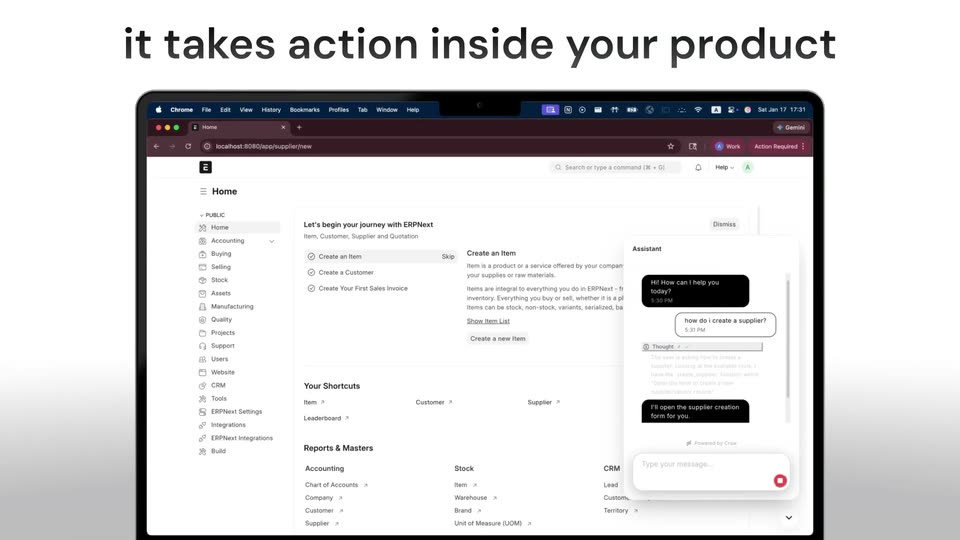 0:21–0:25Turnstone · Crow Launch VideoA laptop on white shows the ERPNext app with an AI assistant chat. The shot opens zoomed into the screen, pulls back to reveal the device under a black headline, the assistant's reply bubble appears, then the frame tightens again.
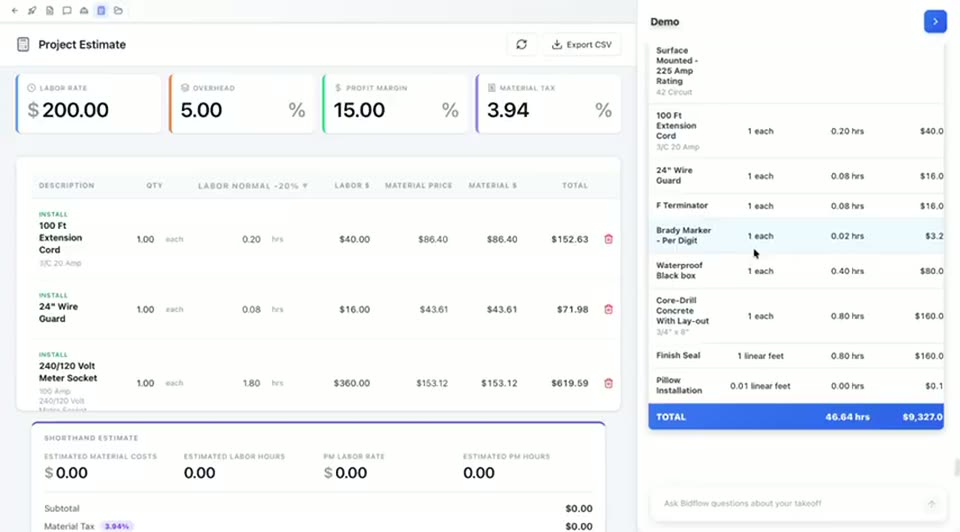 1:11–1:15Bidflow · Bidflow DemoA project estimate screen sharpens into focus: summary cards above a line-item table, a material takeoff panel on the right with a blue total row. A cursor hovers over a highlighted row, then the camera zooms in on the top cards.
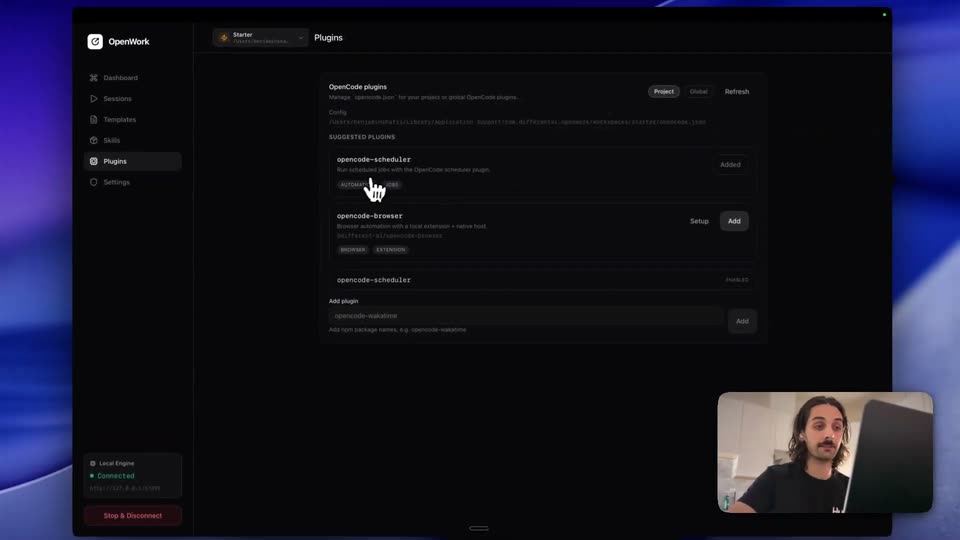 1:06–1:10OpenWork · OpenWork: The open-source alternative to Claude CoworkA dark OpenWork plugins page fills the frame as a hand cursor taps the Plugins menu and hovers a plugin row. The view then pulls back into a rounded window over a blue gradient, with the presenter in a small corner video inset.
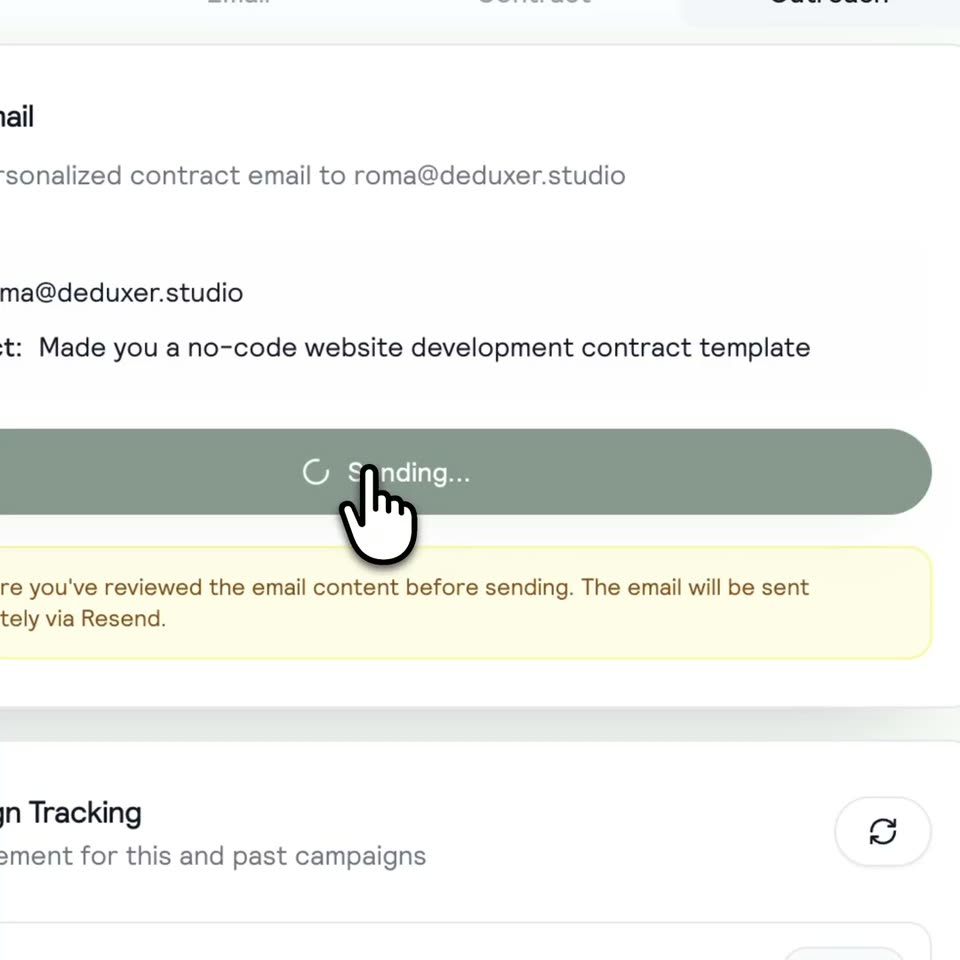 0:45–1:00Accordio · Accordio AI - Vibe coded a gift contract tool yesterday. Took 2 hours. Add someoneA close-up of an email composer shows a green Send Email Now button. A black arrow cursor glides in, a hand pointer clicks the button, which turns gray with a Sending spinner. The view zooms out to the full dashboard as a green success toast appears top right.
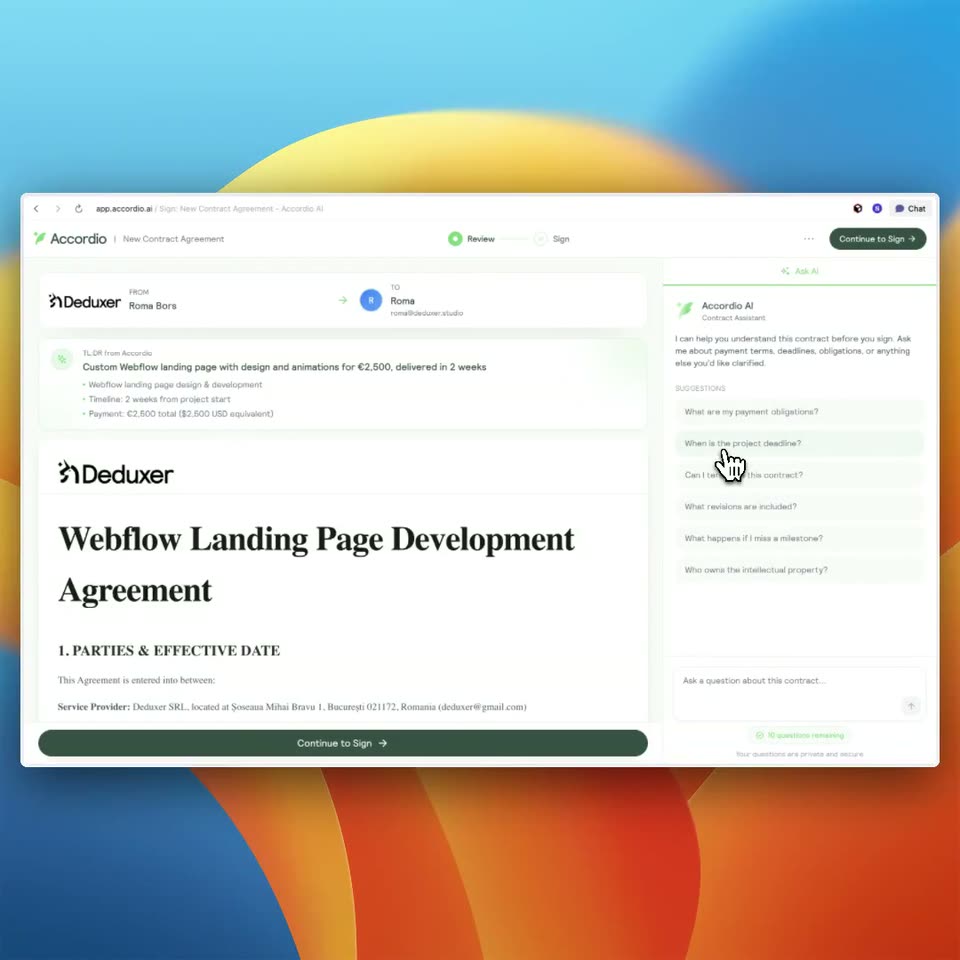 1:03–1:13Accordio · Accordio AI - Founders spend way too much time on contracts. In 2026, you describA flat browser mockup of the Accordio contract app rests on a curved multicolor background. The shot opens zoomed in, eases out to the full window, a hand cursor clicks a suggestion, then the view pushes into the AI panel showing a Thinking state.